







What is this?
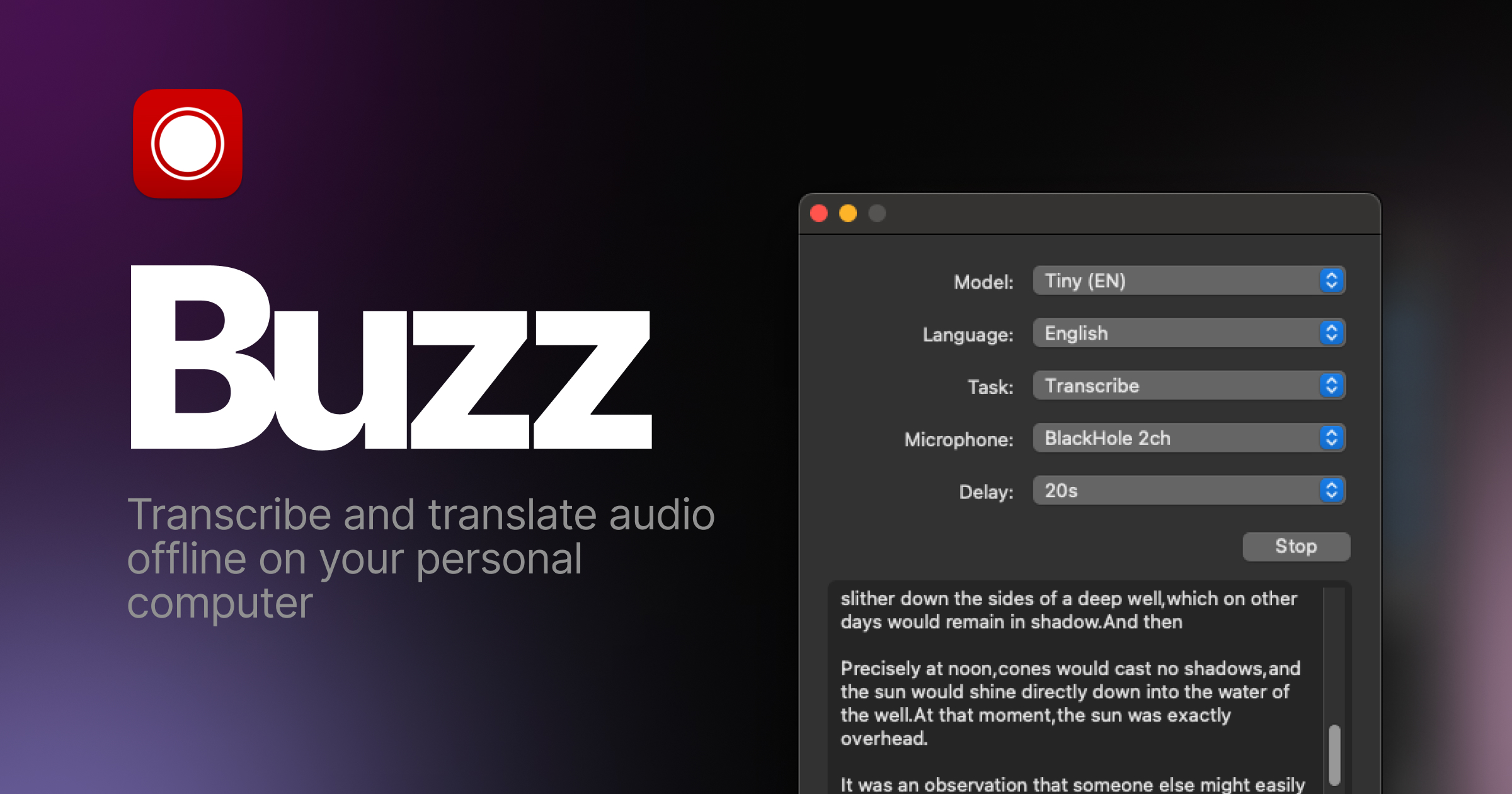
 Buzz is a free, open-source desktop app that transcribes and translates audio offline on your personal computer, powered by OpenAI's Whisper.
Buzz is a free, open-source desktop app that transcribes and translates audio offline on your personal computer, powered by OpenAI's Whisper.Is this a desktop app or a command-line tool?It's a desktop application you install on your computer, not a web service. If you prefer, you can also install it as a Python package from PyPI.
It's a desktop application you install on your computer, not a web service. If you prefer, you can also install it as a Python package from PyPI.How do I install it on my computer?On Windows, get the installation files from SourceForge; on Linux, Buzz is available as a Flatpak, Snap or AppImage. The PyPI route needs ffmpeg and a Python 3.12 environment.
On Windows, get the installation files from SourceForge; on Linux, Buzz is available as a Flatpak, Snap or AppImage. The PyPI route needs ffmpeg and a Python 3.12 environment.Why does Windows show a warning when I install Buzz?The Windows app isn't code-signed, so you'll see a warning during installation. Choose 'More info' and then 'Run anyway' to continue.
The Windows app isn't code-signed, so you'll see a warning during installation. Choose 'More info' and then 'Run anyway' to continue.Will Buzz run on my older Intel Mac?Buzz runs on Windows, Linux and Apple-silicon Macs. Intel Macs are no longer supported: version 1.4.5 was the last to work there.
Buzz runs on Windows, Linux and Apple-silicon Macs. Intel Macs are no longer supported: version 1.4.5 was the last to work there.Can it use my Nvidia GPU to speed up transcription?Yes. On Buzz 1.4.6 or later with an Nvidia GPU, install CUDA Acceleration from Help -> About Buzz. For the PyPI version on Windows, ensure CUDA support for torch.
Yes. On Buzz 1.4.6 or later with an Nvidia GPU, install CUDA Acceleration from Help -> About Buzz. For the PyPI version on Windows, ensure CUDA support for torch.Is Buzz free to use?Yes. It's open source under the MIT license, so the app costs nothing to use.
Yes. It's open source under the MIT license, so the app costs nothing to use.What is Whisper?It's OpenAI's speech recognition model. Buzz runs Whisper locally on your machine, which is how transcription and translation can work fully offline.
It's OpenAI's speech recognition model. Buzz runs Whisper locally on your machine, which is how transcription and translation can work fully offline.Can I try new features before a stable release?Yes. The project's FAQ explains how to get the latest development version with the newest features and bug fixes.
Yes. The project's FAQ explains how to get the latest development version with the newest features and bug fixes.What are similar projects?pyvideotrans, whisper, omarchy-meeting-recorder, parrot, faster-whisper, VideoHighlighter, openwhispr, voicebox
pyvideotrans, whisper, omarchy-meeting-recorder, parrot, faster-whisper, VideoHighlighter, openwhispr, voiceboxWhich topics is it in?snap, appimage, flatpak, transcription, whisper, speech-to-text, speech-recognition, translation, audio, offline, local-first, openai
snap, appimage, flatpak, transcription, whisper, speech-to-text, speech-recognition, translation, audio, offline, local-first, openai