 GPT 学术优化 (GPT Academic)










71.5K ·GitHub
What is this?
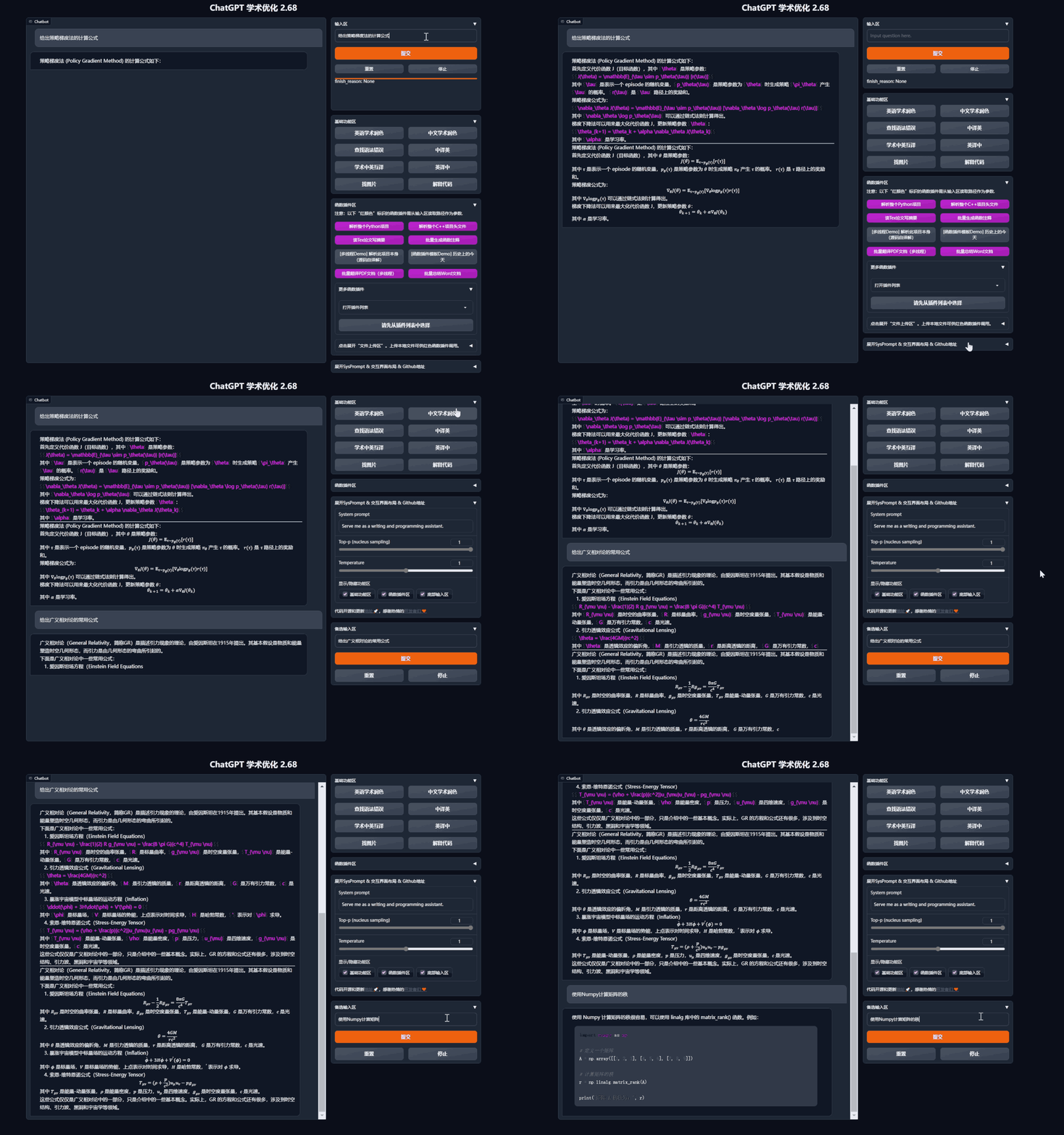
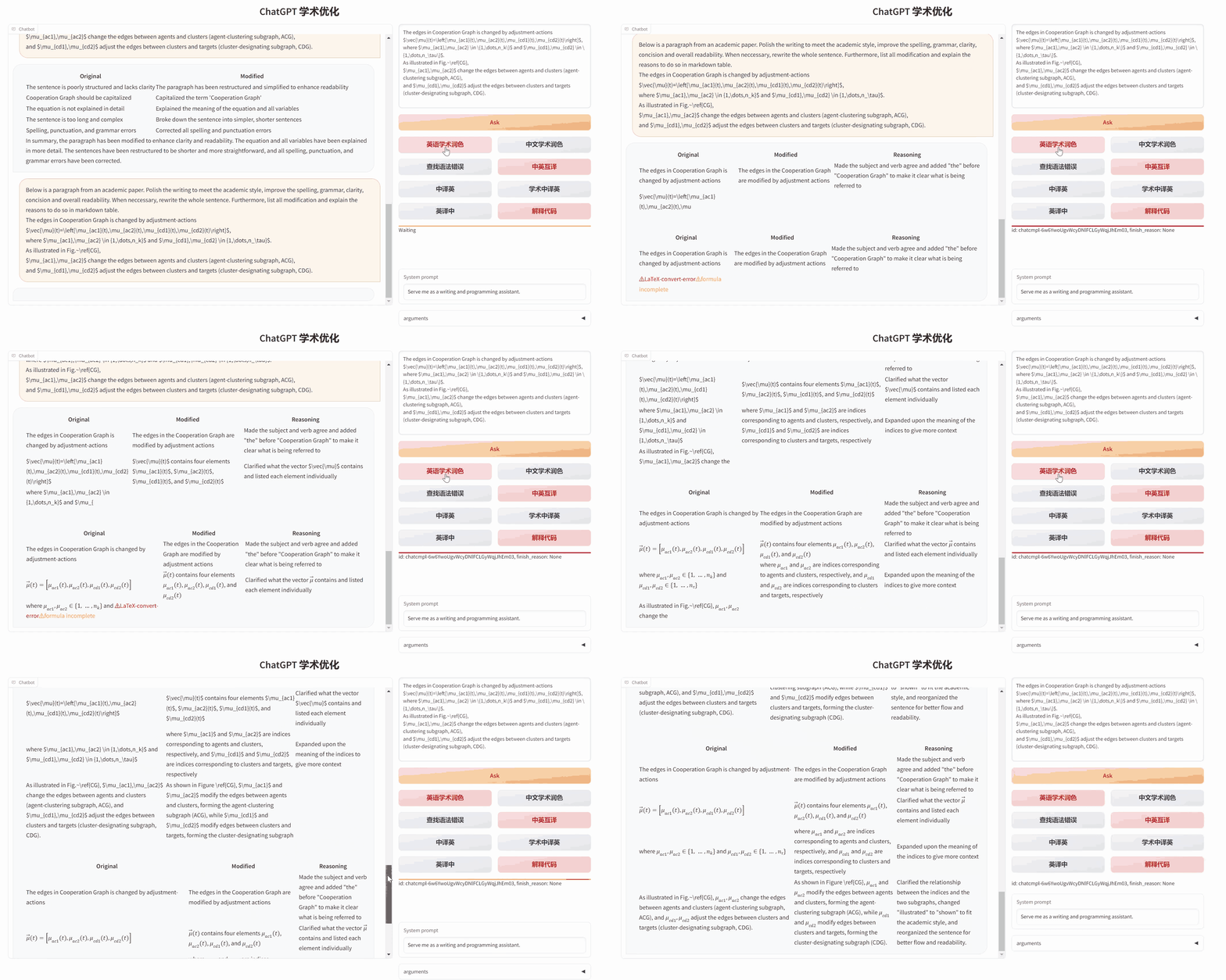
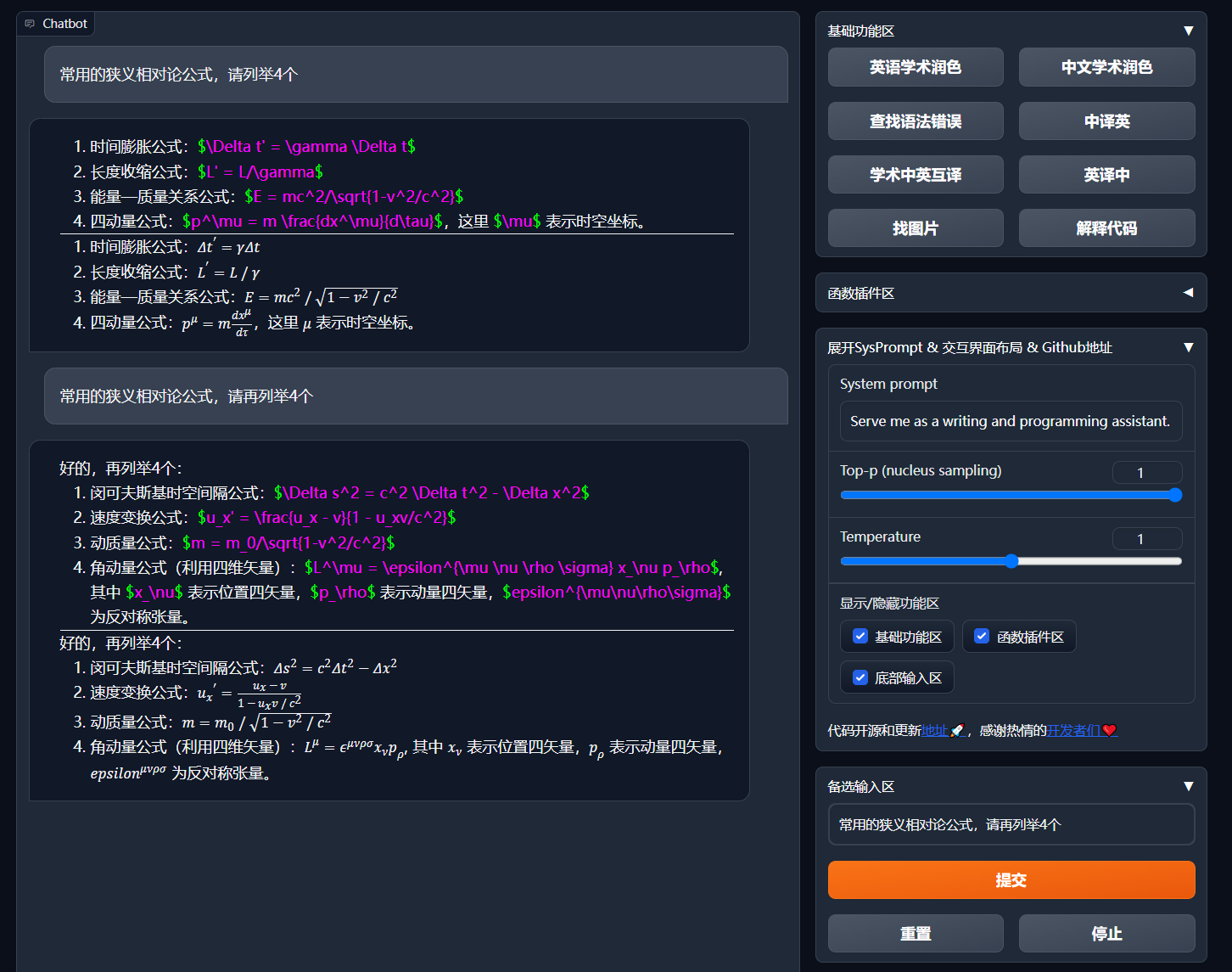
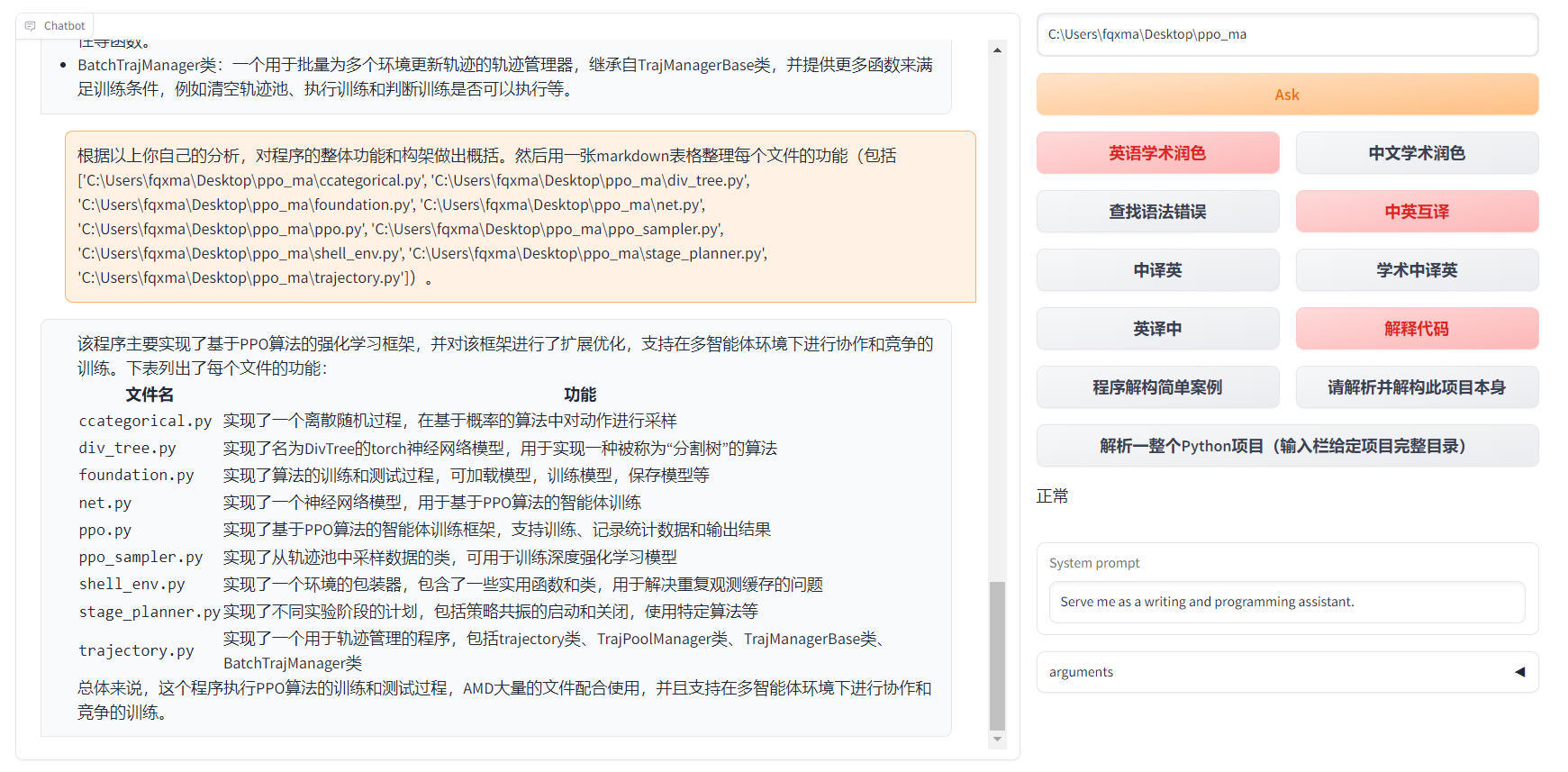
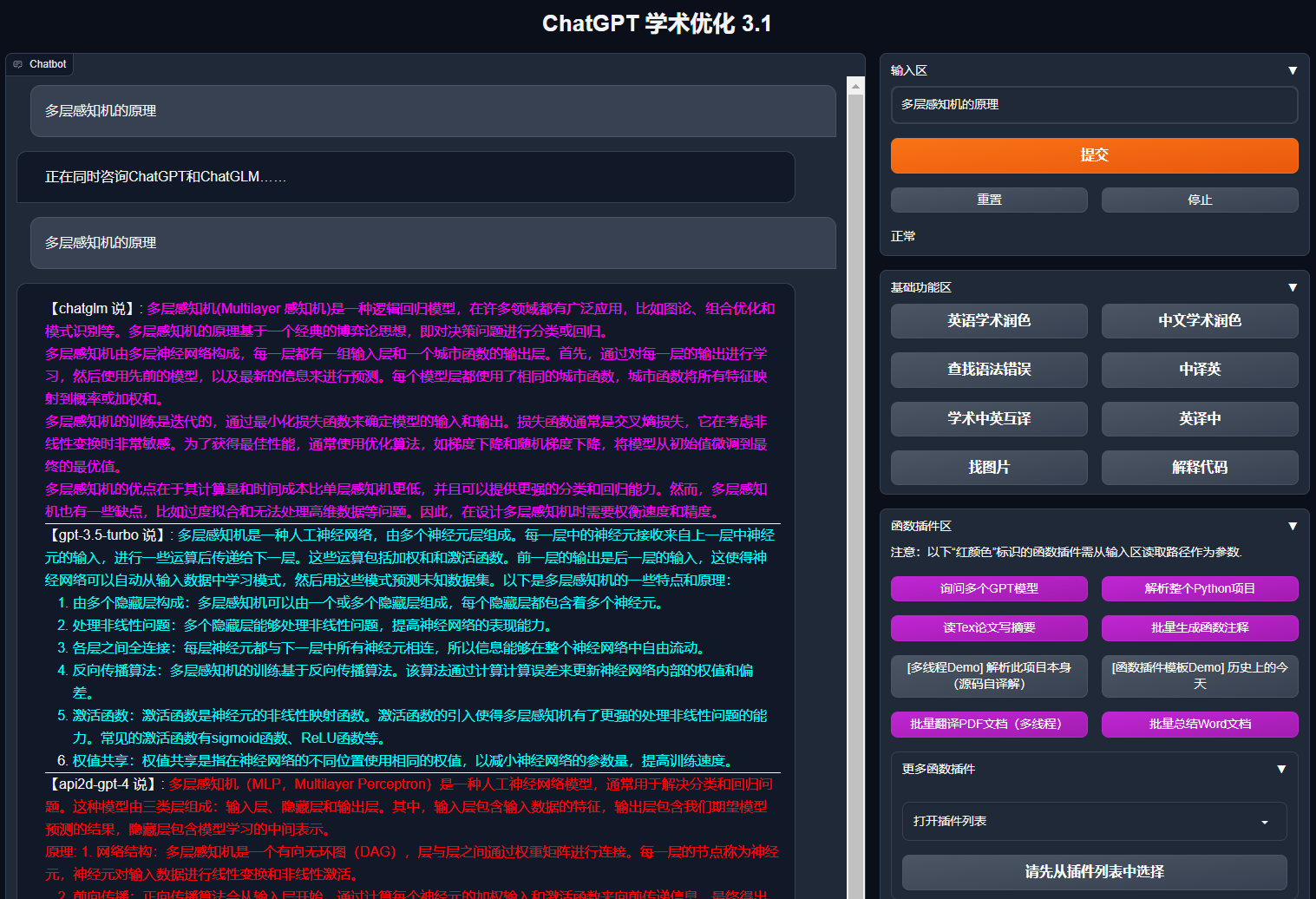
 GPT Academic is a Python web UI that gives practical interaction tools for GPT/GLM and other LLMs, specialized for reading, polishing and writing academic papers, with modular plugin functions for code analysis and PDF/LaTeX translation.
GPT Academic is a Python web UI that gives practical interaction tools for GPT/GLM and other LLMs, specialized for reading, polishing and writing academic papers, with modular plugin functions for code analysis and PDF/LaTeX translation.Is this a standalone app or a library I import into my code?It's a self-hosted web application you run locally (via Python or Docker) and interact with through a browser UI, not a library you import.
It's a self-hosted web application you run locally (via Python or Docker) and interact with through a browser UI, not a library you import.How do I get it running?Download the project, set your API keys in config.py (or a private config.py), install dependencies with pip, then run the app; alternatively deploy with Docker using one of the provided compose options.
Download the project, set your API keys in config.py (or a private config.py), install dependencies with pip, then run the app; alternatively deploy with Docker using one of the provided compose options.Do I need an OpenAI API key, or can I use other models?You can configure one or multiple API keys for OpenAI, Azure, api2d etc. in config.py, and it also supports local/Chinese models like ChatGLM3, Qwen, Spark, LLaMA2, MOSS, RWKV without necessarily needing an OpenAI key.
You can configure one or multiple API keys for OpenAI, Azure, api2d etc. in config.py, and it also supports local/Chinese models like ChatGLM3, Qwen, Spark, LLaMA2, MOSS, RWKV without necessarily needing an OpenAI key.Any pitfalls when installing local models like ChatGLM or MOSS?Supporting local backends like ChatGLM/MOSS/RWKV requires extra dependencies and reasonable hardware (familiarity with Python and PyTorch, and decent PC specs), and the full-capability Docker image including CUDA and LaTeX is large.
Supporting local backends like ChatGLM/MOSS/RWKV requires extra dependencies and reasonable hardware (familiarity with Python and PyTorch, and decent PC specs), and the full-capability Docker image including CUDA and LaTeX is large.Does it run on Windows as well as Linux/Mac?Yes, it runs directly on Windows, Linux or macOS, and there's also a one-click Windows script for users unfamiliar with Python.
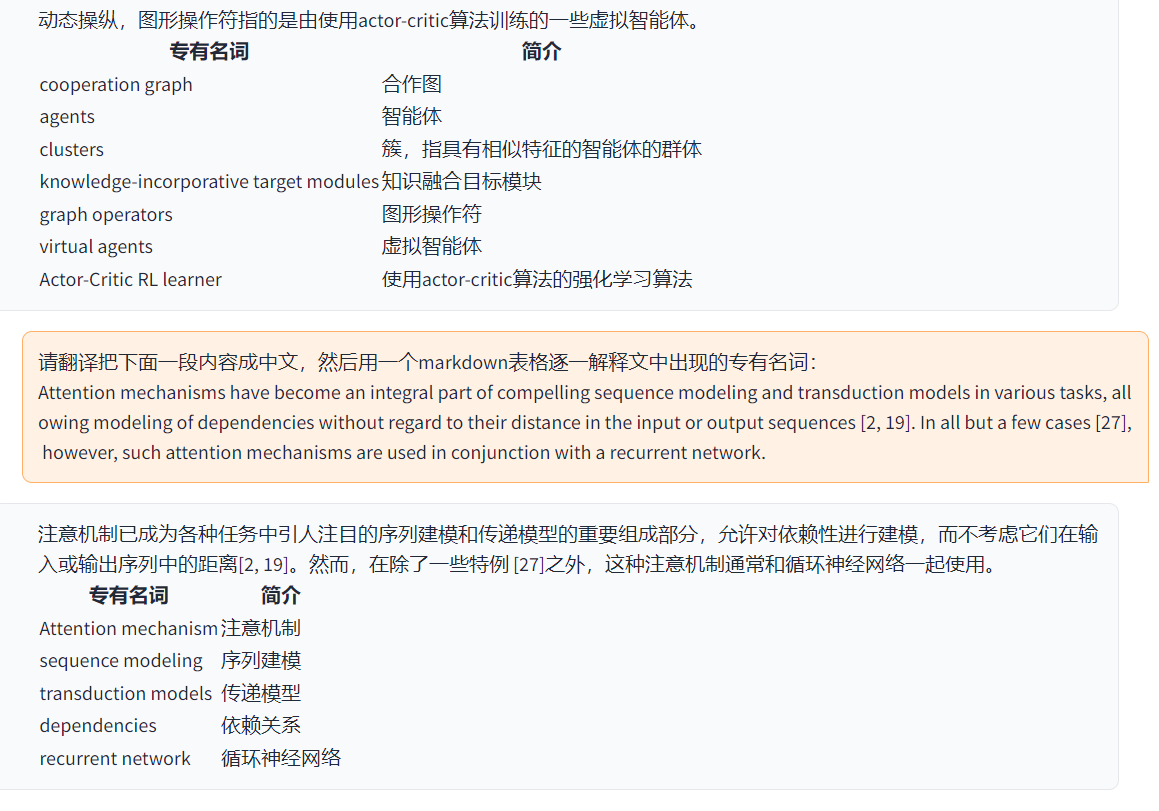
Yes, it runs directly on Windows, Linux or macOS, and there's also a one-click Windows script for users unfamiliar with Python.Can I translate entire LaTeX or PDF papers, not just abstracts?Yes, there are dedicated plugins for full-text LaTeX translation/polishing and full-text PDF paper translation with summaries, using multi-threading.
Yes, there are dedicated plugins for full-text LaTeX translation/polishing and full-text PDF paper translation with summaries, using multi-threading.Can multiple LLMs be queried at the same time?Yes, it supports parallel querying of multiple LLM models, including mixing ChatGLM with OpenAI GPT-3.5/GPT-4.
Yes, it supports parallel querying of multiple LLM models, including mixing ChatGLM with OpenAI GPT-3.5/GPT-4.Can I add my own custom functions or shortcut buttons?Yes, the UI lets you add custom shortcut buttons through its appearance menu, and you can write new function plugins in functional.py or corefunctional.py that hot-reload.
Yes, the UI lets you add custom shortcut buttons through its appearance menu, and you can write new function plugins in functional.py or corefunctional.py that hot-reload.What is the void-terminal feature?It's a pip package in development that lets you call all of the project's function plugins directly from Python code without using the GUI.
It's a pip package in development that lets you call all of the project's function plugins directly from Python code without using the GUI.What are similar projects?gpt4free, PDFMathTranslate, kirara-ai, easyread, AstrBot, ChuanhuChatGPT, dsh-Mimir-Academic-research, awesome-free-chatgpt
gpt4free, PDFMathTranslate, kirara-ai, easyread, AstrBot, ChuanhuChatGPT, dsh-Mimir-Academic-research, awesome-free-chatgptWhich topics is it in?gpt-4, latex, academic, translation, chatgpt, large-language-models, chatbot, pdf, deepseek, multi-agent, plugin, markdown
gpt-4, latex, academic, translation, chatgpt, large-language-models, chatbot, pdf, deepseek, multi-agent, plugin, markdown