







What is this?
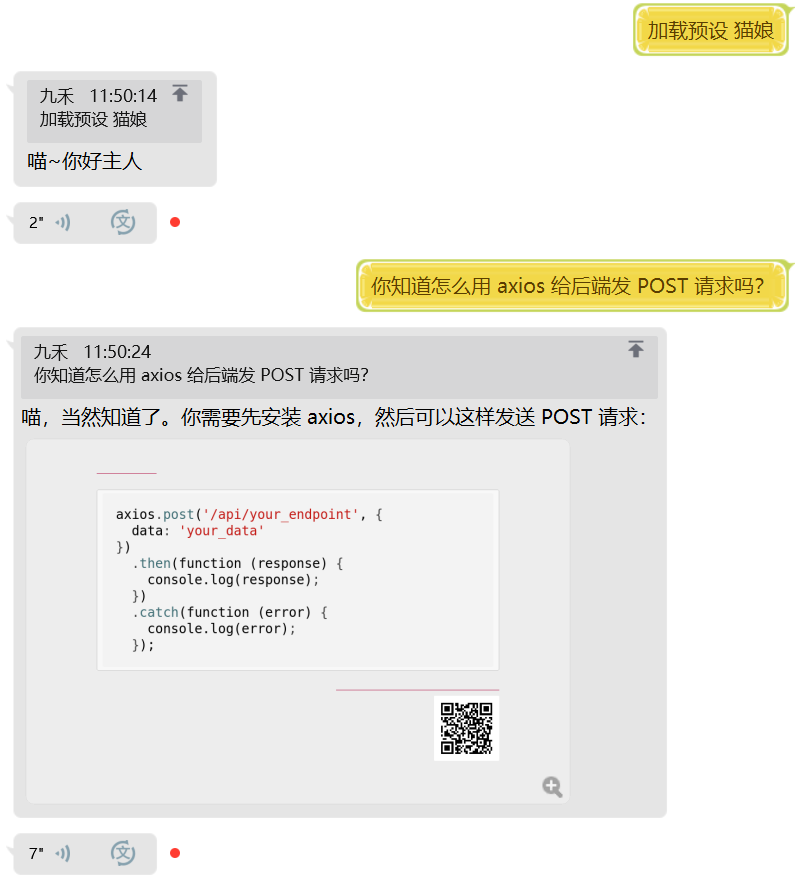
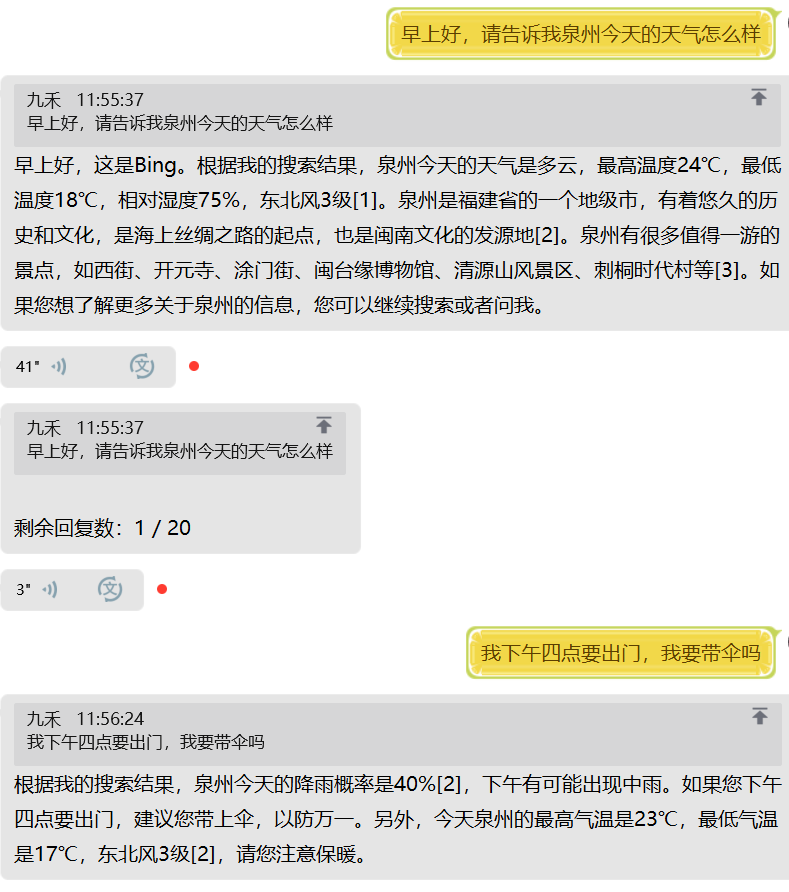
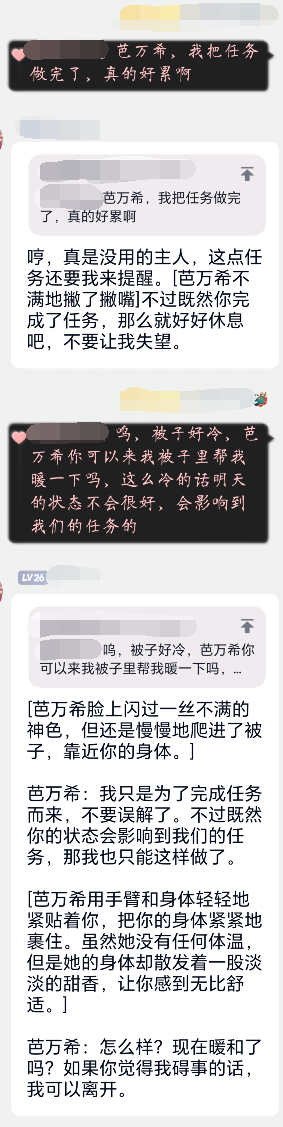
 Kirara AI is a DIY, open-source multimodal AI chatbot you self-host: a Python server that plugs mainstream LLMs into chat platforms like QQ, Telegram, Discord and WeChat.
Kirara AI is a DIY, open-source multimodal AI chatbot you self-host: a Python server that plugs mainstream LLMs into chat platforms like QQ, Telegram, Discord and WeChat.Is this a hosted service or something I run myself?You run it yourself: it is a self-hosted Python bot server with a WebUI, a plugin system and custom workflows, and it can also act as an HTTP server exposing a Web API for other integrations.
You run it yourself: it is a self-hosted Python bot server with a WebUI, a plugin system and custom workflows, and it can also act as an HTTP server exposing a Web API for other integrations.How do I get it up and running?The README points you to the Quick Start guide. The repo publishes Docker images via CI and includes a Windows quickstart workflow, so a Docker deployment or the Windows route are the two paths.
The README points you to the Quick Start guide. The repo publishes Docker images via CI and includes a Windows quickstart workflow, so a Docker deployment or the Windows route are the two paths.Which AI models can power the chat?The big hosted models: OpenAI, DeepSeek, Claude, Gemini, Grok, Qwen, Mistral, Doubao, Minimax and Kimi, plus locally hosted models through Ollama.
The big hosted models: OpenAI, DeepSeek, Claude, Gemini, Grok, Qwen, Mistral, Doubao, Minimax and Kimi, plus locally hosted models through Ollama.Which integrations are not finished yet?Discord and Feishu support is being rewritten right now, so those two are effectively unusable. On Windows, voice replies additionally require installing the latest VC++ runtime.
Discord and Feishu support is being rewritten right now, so those two are effectively unusable. On Windows, voice replies additionally require installing the latest VC++ runtime.Which chat platforms can I hook it up to?Telegram is fully supported including voice replies; QQ bots do everything except voice (the platform doesn't support it); WeCom apps and WeChat official accounts work but without admin commands; OneBot works through plugins.
Telegram is fully supported including voice replies; QQ bots do everything except voice (the platform doesn't support it); WeCom apps and WeChat official accounts work but without admin commands; OneBot works through plugins.Why does the bot ship with a built-in Frpc client?Frpc provides NAT traversal out of the box, so a Kirara instance running on a home machine behind NAT can still receive callbacks from platforms that need a public endpoint — no separate tunnel to install.
Frpc provides NAT traversal out of the box, so a Kirara instance running on a home machine behind NAT can still receive callbacks from platforms that need a public endpoint — no separate tunnel to install.What can I manage from the WebUI?It is the web admin panel: model management, workflow building and the plugin marketplace live there, and all bot commands are customized in its scheduling rules.
It is the web admin panel: model management, workflow building and the plugin marketplace live there, and all bot commands are customized in its scheduling rules.Is there an ecosystem around the project?Yes — Kirara Registry is the plugin marketplace, Kirara WebUI is a separate frontend project, Kirara Docs hosts the manual, and QQ groups handle community support.
Yes — Kirara Registry is the plugin marketplace, Kirara WebUI is a separate frontend project, Kirara Docs hosts the manual, and QQ groups handle community support.Which topics is it in?chatbot-framework, qq, stable-diffusion, bot, grok, webui, discord, agplv3, wechat, text-to-speech, telegram, plugin-system
chatbot-framework, qq, stable-diffusion, bot, grok, webui, discord, agplv3, wechat, text-to-speech, telegram, plugin-system