


renderdoc README

The project's README from github.com/baldurk/renderdoc. As one markdown file: README.md.

MIT licensed CI Contributor Covenant

RenderDoc is a frame-capture based graphics debugger, currently available for Vulkan, D3D11, D3D12, OpenGL, and OpenGL ES development on Windows, Linux, Android, and Nintendo Switch™. It is completely open-source under the MIT license.

RenderDoc is intended for debugging your own programs only. Any discussion of capturing programs that you did not create will not be allowed in any official public RenderDoc setting, including the issue tracker, discord, or via email. For example this includes capturing commercial games that you did not create, or capturing Google Maps or Google Earth. Note: Capturing projects you created that use a third party engine like Unreal or Unity, or open source and free projects is completely fine and supported.

If you have any questions, suggestions or problems or you can create an issue here on github, email me directly or come into IRC or Discord to discuss it.

To install on windows run the appropriate installer for your OS (64-bit | 32-bit) or download the portable zip from the builds page. The 64-bit windows build fully supports capturing from 32-bit programs. On linux only 64-bit x86 is supported - there is a precompiled binary tarball available, or your distribution may package it. If not you can build from source.

Screenshots

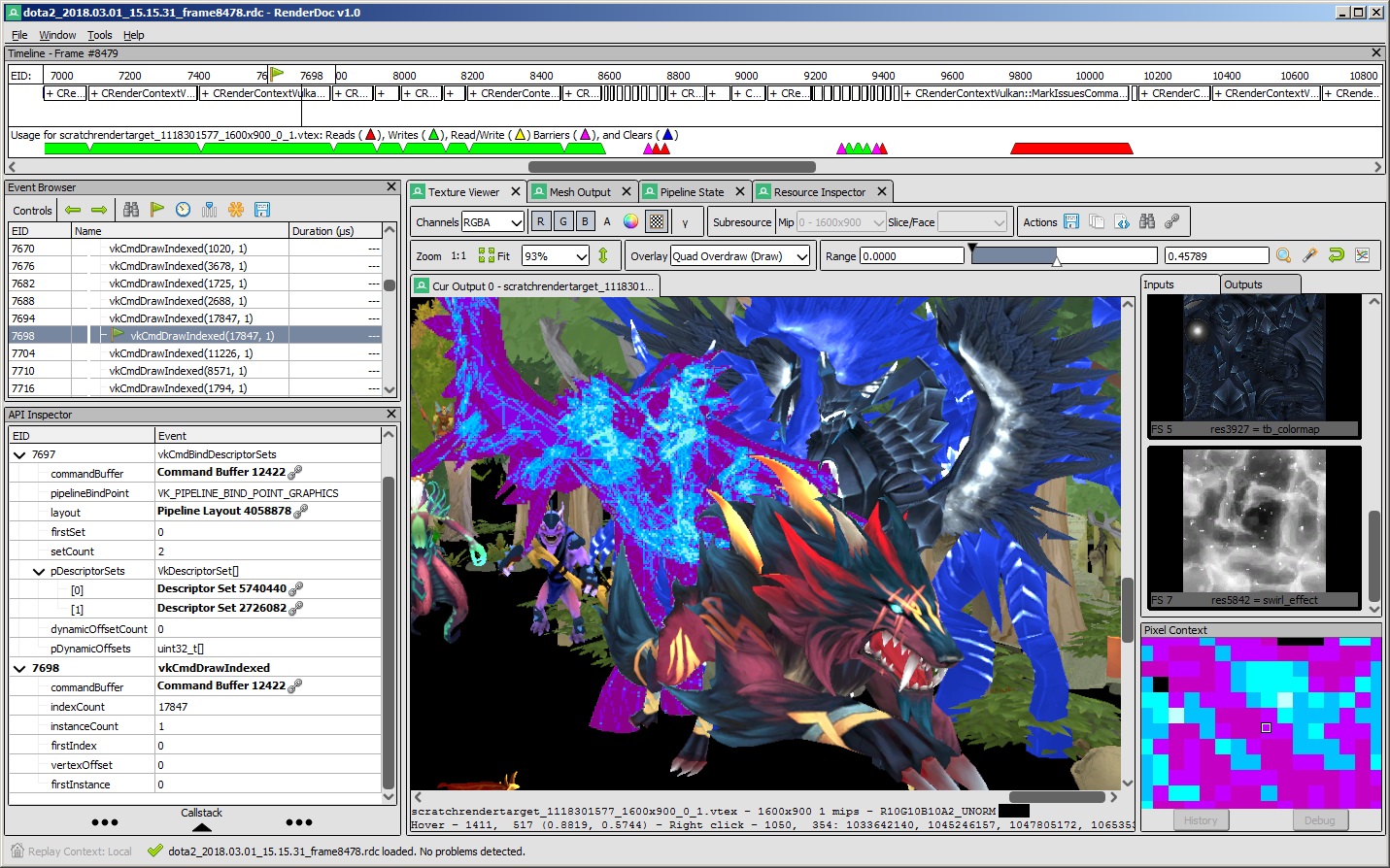
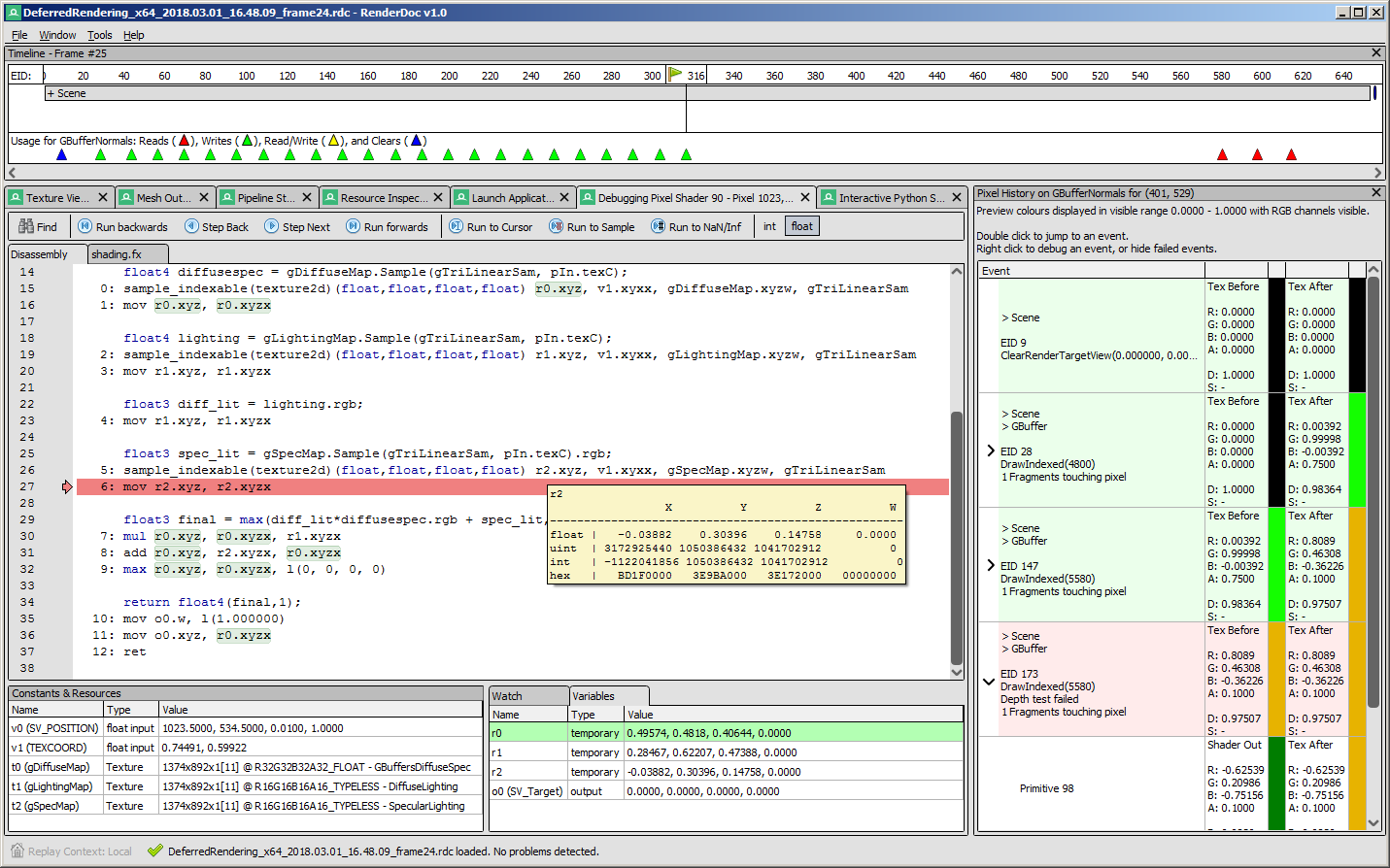
Texture view Pixel history & shader debug
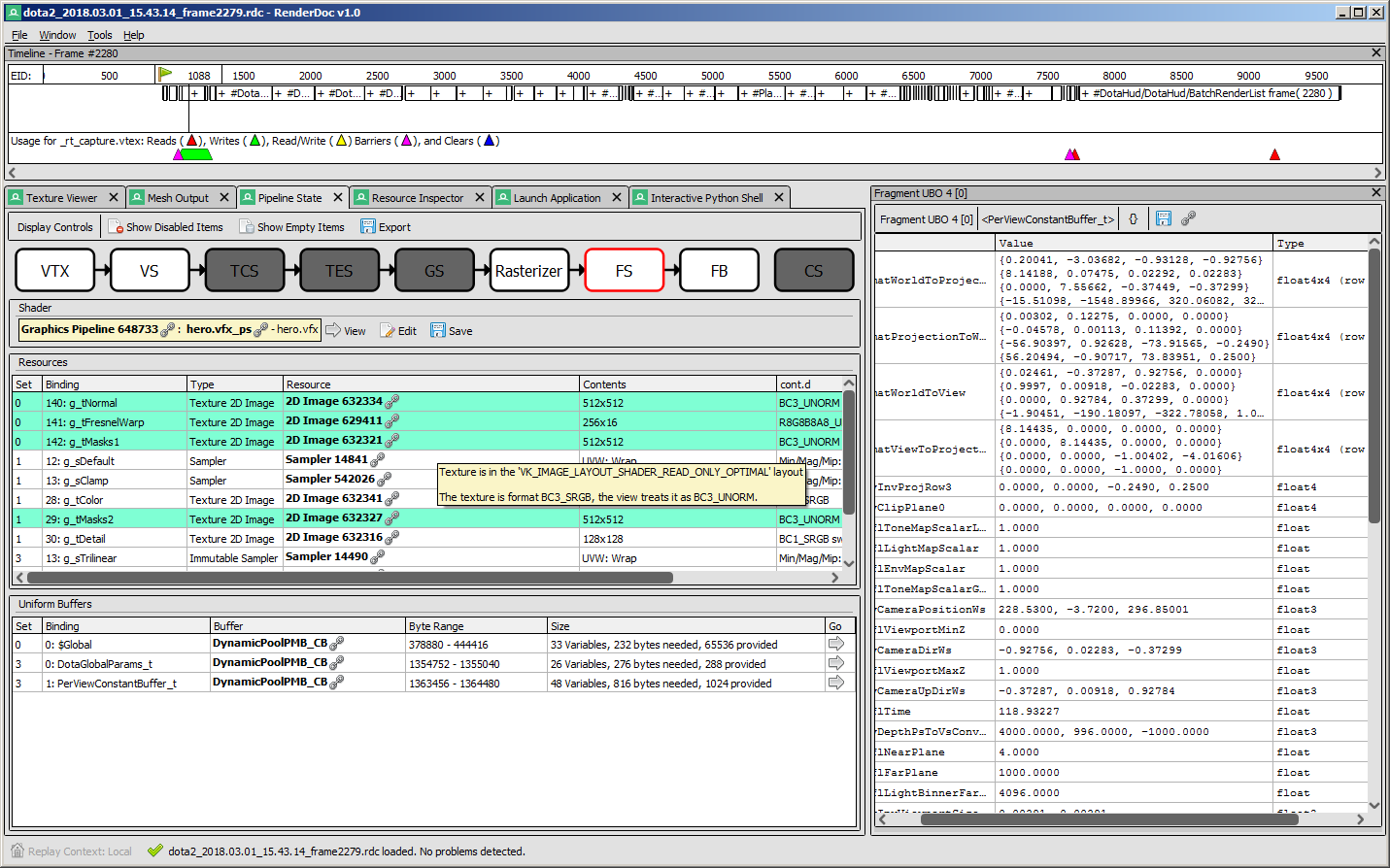
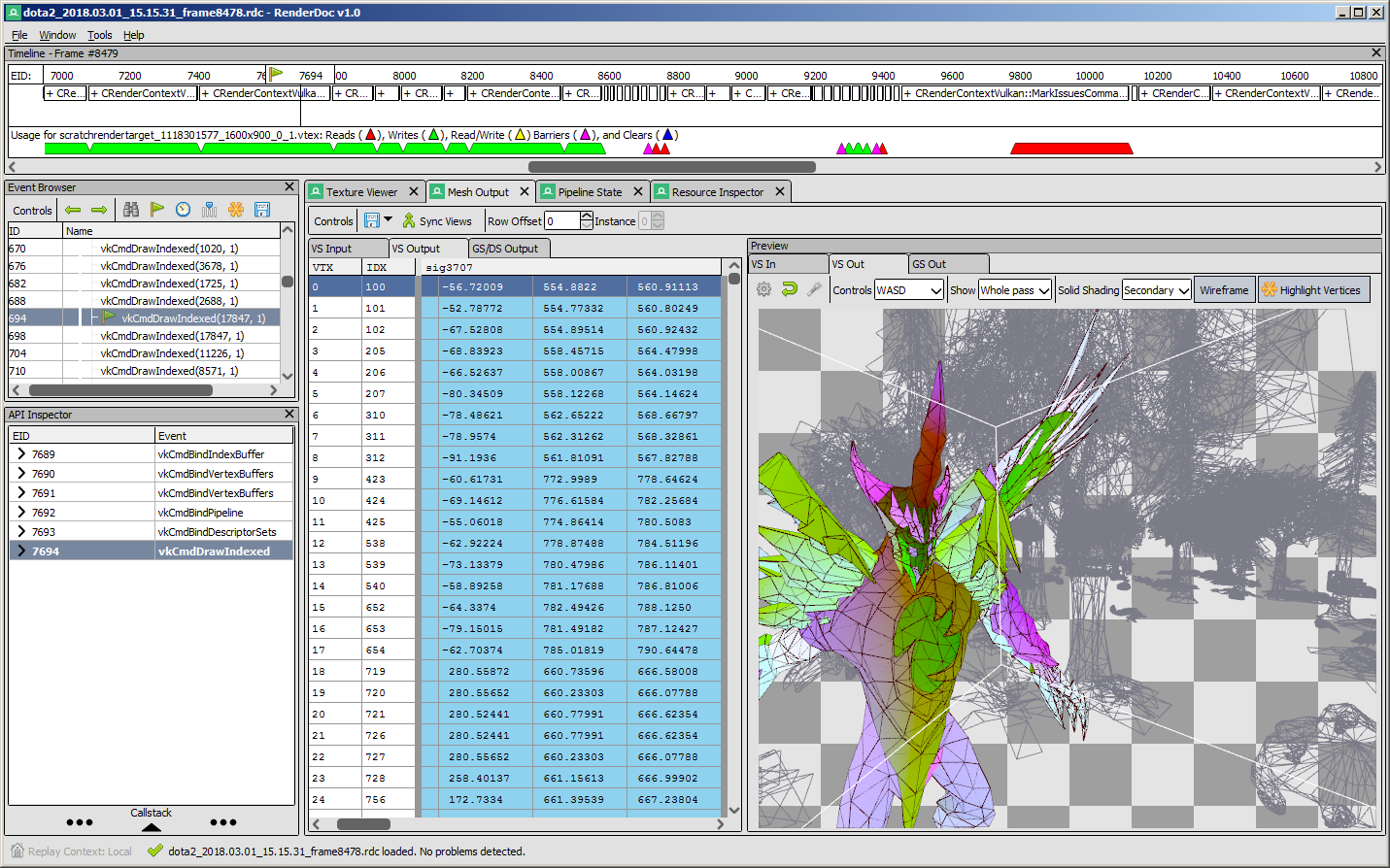
Mesh viewer Pipeline viewer & constants

API Support

Windows Linux Android
Vulkan :heavy_check_mark: :heavy_check_mark: :heavy_check_mark:
OpenGL ES 2.0 - 3.2 :heavy_check_mark: :heavy_check_mark: :heavy_check_mark:
OpenGL 3.2 - 4.6 Core :heavy_check_mark: :heavy_check_mark: N/A
D3D11 & D3D12 :heavy_check_mark: N/A N/A
OpenGL 1.0 - 2.0 Compat :heavy_multiplication_x: :heavy_multiplication_x: N/A
D3D9 & 10 :heavy_multiplication_x: N/A N/A
Metal N/A N/A N/A

Downloads

There are binary releases available, built from the release targets. If you just want to use the program and you ended up here, this is what you want :).

It's recommended that if you're new you start with the stable builds. Nightly builds are available every day from the v1.x branch here if you need it, but correspondingly may be less stable.

Documentation

The text documentation is available online for the latest stable version, as well as in renderdoc.chm in any build. It's built from restructured text with sphinx.

As mentioned above there are some youtube videos showing the use of some basic features and an introduction/overview.

There is also a great presentation by @Icetigris which goes into some details of how RenderDoc can be used in real world situations: slides are up here.

License

RenderDoc is released under the MIT license, see LICENSE.md for full text as well as 3rd party library acknowledgements.

Compiling

Building RenderDoc is fairly straight forward on most platforms. See Compiling.md for more details.

Contributing & Development

I've added some notes on how to contribute, as well as where to get started looking through the code in Developing-Change.md. All contribution information is available under CONTRIBUTING.md.

renderdoc (baldurk/renderdoc)

Searching Database…

11.2K ·GitHub
这是什么?RenderDoc 是一款独立的、基于帧捕获的图形调试器,支持 Vulkan、D3D11、D3D12、OpenGL 和 OpenGL ES,用于调试你自己程序中的 GPU 渲染。
这是一个独立的图形界面应用,还是需要链接进我代码里的库?它是一款带图形界面的独立桌面应用。你运行目标程序,然后把帧捕获到 RenderDoc 中,而不是嵌入一个库;不过它会挂钩你的图形 API 调用来完成捕获。
API 或平台支持方面有哪些不足,我需要了解吗?D3D9/D3D10、3.2 之前的 OpenGL 兼容性上下文以及 Metal 完全不受支持,Linux 版本只提供 64 位 x86 构建。Nintendo Switch 的支持是单独的,仅向获得授权的 Nintendo 开发者开放。
谁可以使用它,可以用在哪类程序上?它面向调试你自己编写的程序;在 RenderDoc 官方渠道中,捕获商业游戏或你未编写的软件(例如他人的引擎二进制文件)明确不在讨论范围内。不过,用它调试你自己基于 Unreal 或 Unity 构建的项目是没问题的。
捕获的一帧到底能做什么?你可以逐个查看该帧中的每一次绘制调用,检查完整的管线状态、纹理、缓冲区和着色器,从而弄清楚这一帧为什么会那样渲染。
RenderDoc 能调试 Android 应用吗?可以。它支持在 Android 上捕获 Vulkan 和 OpenGL ES 内容;在 Windows 上支持 Vulkan、D3D11/D3D12 和 OpenGL,在 Linux 上支持 Vulkan 和 OpenGL。
Creator
baldurk
Size
137.5 MB
Stars
11.2K
Age
12y
Commits · 90 Days