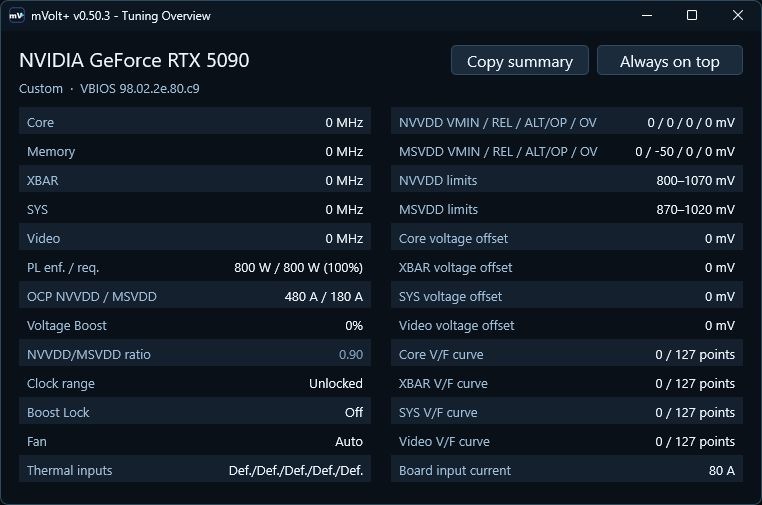
What is this?
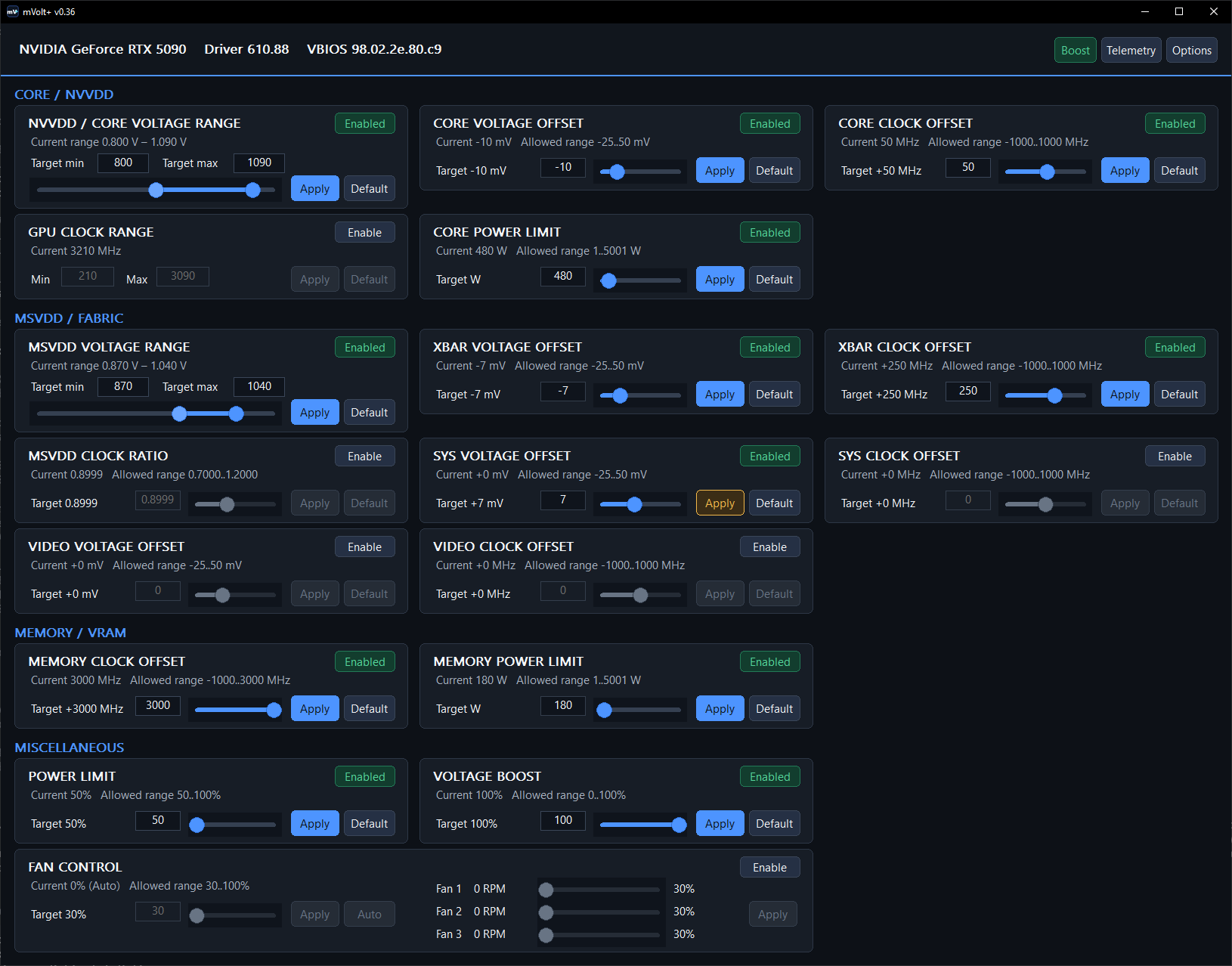
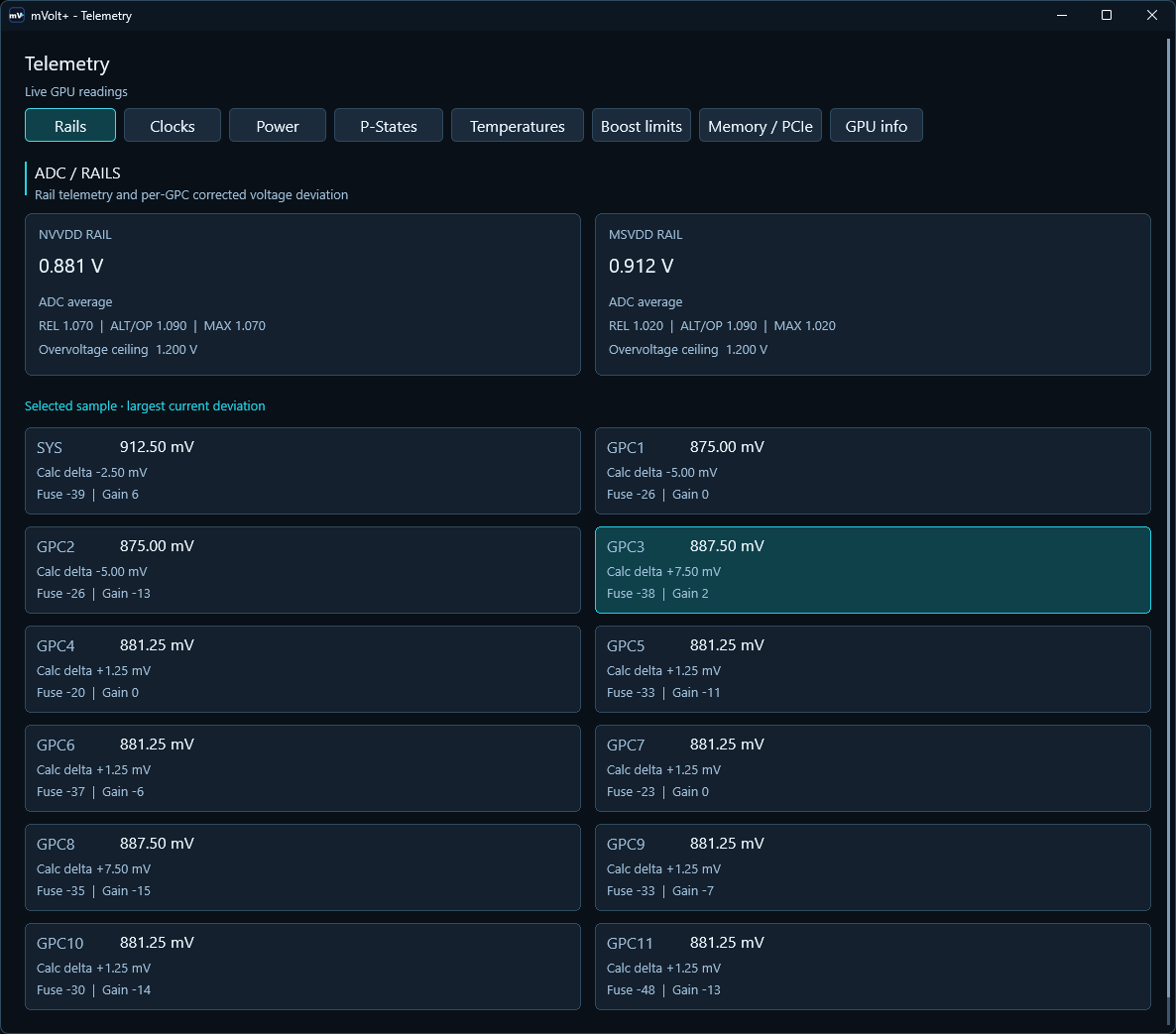
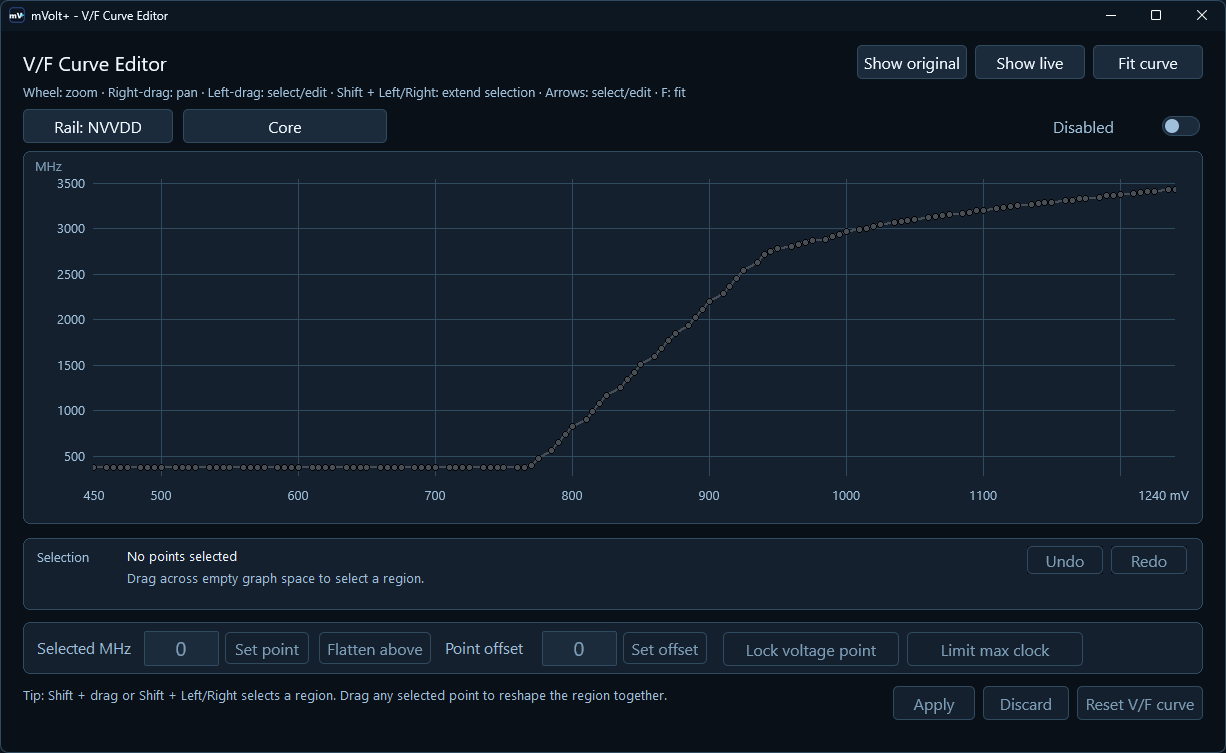
 mVolt+ is a Windows tool for NVIDIA GPU tuning and monitoring, supporting voltage-limit and clock offsets, power limits, voltage/frequency (V/F) and fan curves, and saved tuning profiles.
mVolt+ is a Windows tool for NVIDIA GPU tuning and monitoring, supporting voltage-limit and clock offsets, power limits, voltage/frequency (V/F) and fan curves, and saved tuning profiles.How do I start tuning my GPU with it?Download the executable or ZIP from the Releases page, check the detected GPU in the header (or launch with --read-only to inspect without writing), then enable a control, adjust its target, and use Review... followed by Apply changes.
Download the executable or ZIP from the Releases page, check the detected GPU in the header (or launch with --read-only to inspect without writing), then enable a control, adjust its target, and use Review... followed by Apply changes.What do I need installed to run it?You need 64-bit Windows with an NVIDIA display driver and working NVML support for GPU clock-range control and telemetry; administrator privileges are required for tuning (read-only commands don't need elevation), and RivaTuner Statistics Server is only needed for its on-screen overlay.
You need 64-bit Windows with an NVIDIA display driver and working NVML support for GPU clock-range control and telemetry; administrator privileges are required for tuning (read-only commands don't need elevation), and RivaTuner Statistics Server is only needed for its on-screen overlay.Does it work the same on every NVIDIA GPU?mVolt+ primarily targets RTX 50 series GPUs; support for RTX 40/Ada, RTX 30/Ampere, RTX 20/Turing and GTX 10/Pascal is experimental, and which controls are available depends on your specific GPU, VBIOS and driver.
mVolt+ primarily targets RTX 50 series GPUs; support for RTX 40/Ada, RTX 30/Ampere, RTX 20/Turing and GTX 10/Pascal is experimental, and which controls are available depends on your specific GPU, VBIOS and driver.What happens to my settings after I close the app?Applied clocks, rail offsets, power/current limits, V/F edits, locks and fixed fan duty stay applied after mVolt+ exits; only a software fan curve needs the app (or its tray icon) running to keep following temperature.
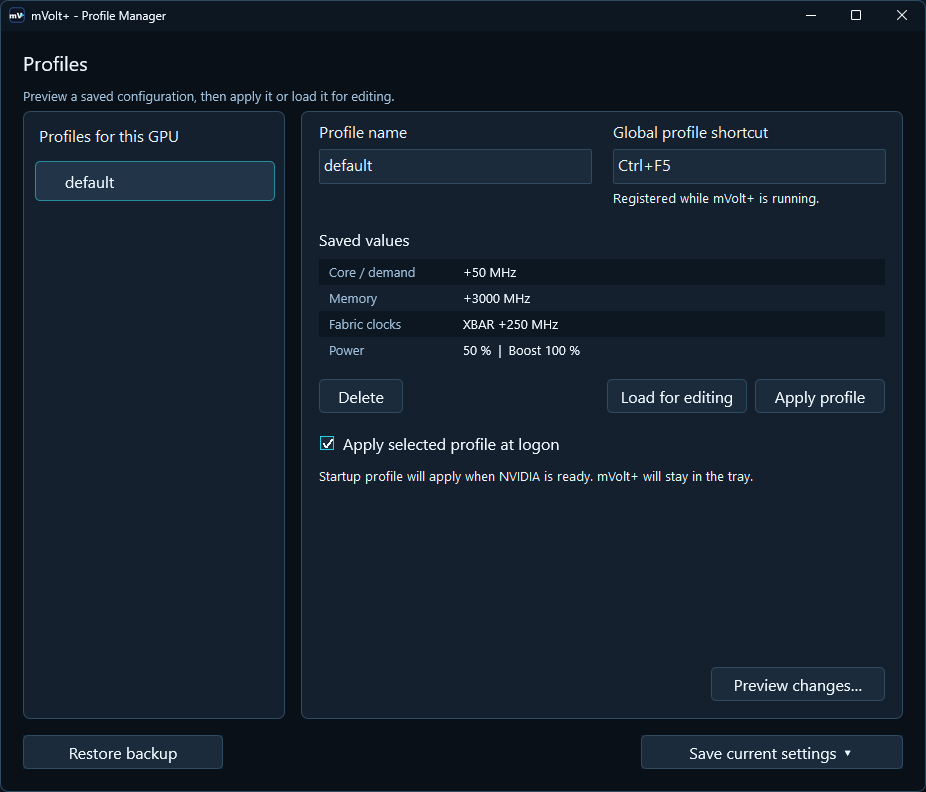
Applied clocks, rail offsets, power/current limits, V/F edits, locks and fixed fan duty stay applied after mVolt+ exits; only a software fan curve needs the app (or its tray icon) running to keep following temperature.How do profiles work?Profiles are saved per GPU and VBIOS and store Enabled/Disabled switches; a normal apply writes only the saved-enabled settings, while an opt-in full snapshot also restores disabled controls.
Profiles are saved per GPU and VBIOS and store Enabled/Disabled switches; a normal apply writes only the saved-enabled settings, while an opt-in full snapshot also restores disabled controls.Can I tune the GPU from the command line?Yes, direct CLI tuning applies immediately using options like --nvvdd-offsets VMIN,REL,ALT[,OV] and --msvdd-offsets for the core and fabric rails.
Yes, direct CLI tuning applies immediately using options like --nvvdd-offsets VMIN,REL,ALT[,OV] and --msvdd-offsets for the core and fabric rails.Is GPU tuning with mVolt+ risky?Yes, the README warns that GPU tuning can cause instability or hardware damage, and that an accepted setting is not proof of stability or a safe voltage rating.
Yes, the README warns that GPU tuning can cause instability or hardware damage, and that an accepted setting is not proof of stability or a safe voltage rating.What are similar projects?g-helper, BibaYanji, Game-Optimizer-CPUs-Threads-Optimizer, TrafficMonitor, HaloBattery, FanControl.Releases, LiteMonitor, tubatools
g-helper, BibaYanji, Game-Optimizer-CPUs-Threads-Optimizer, TrafficMonitor, HaloBattery, FanControl.Releases, LiteMonitor, tubatoolsWhich topics is it in?system-monitor, hardware, windows-app, gaming, nvidia, dashboard, monitoring, utility, performance, command-line-tool, gpu, free
system-monitor, hardware, windows-app, gaming, nvidia, dashboard, monitoring, utility, performance, command-line-tool, gpu, free