


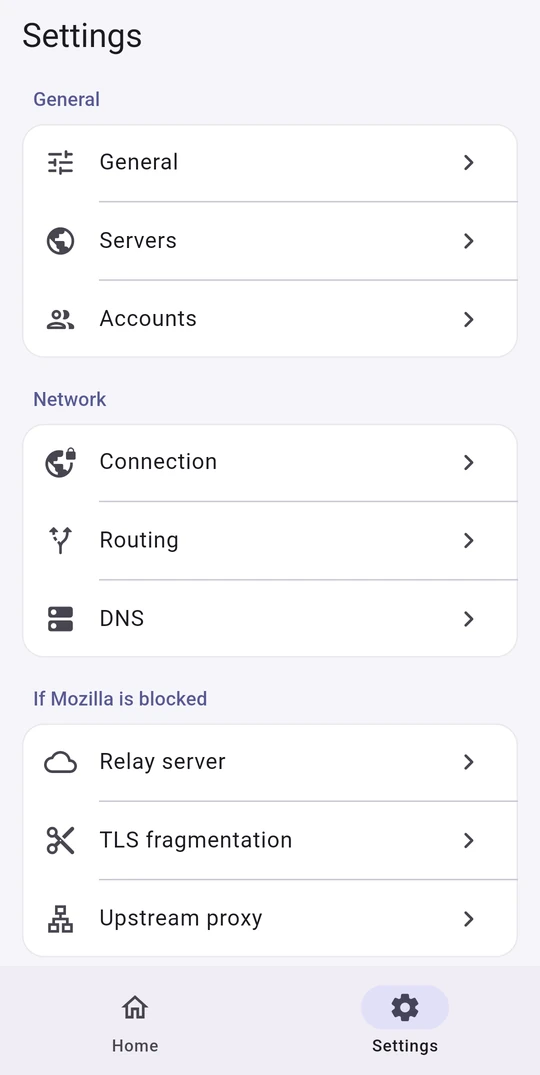








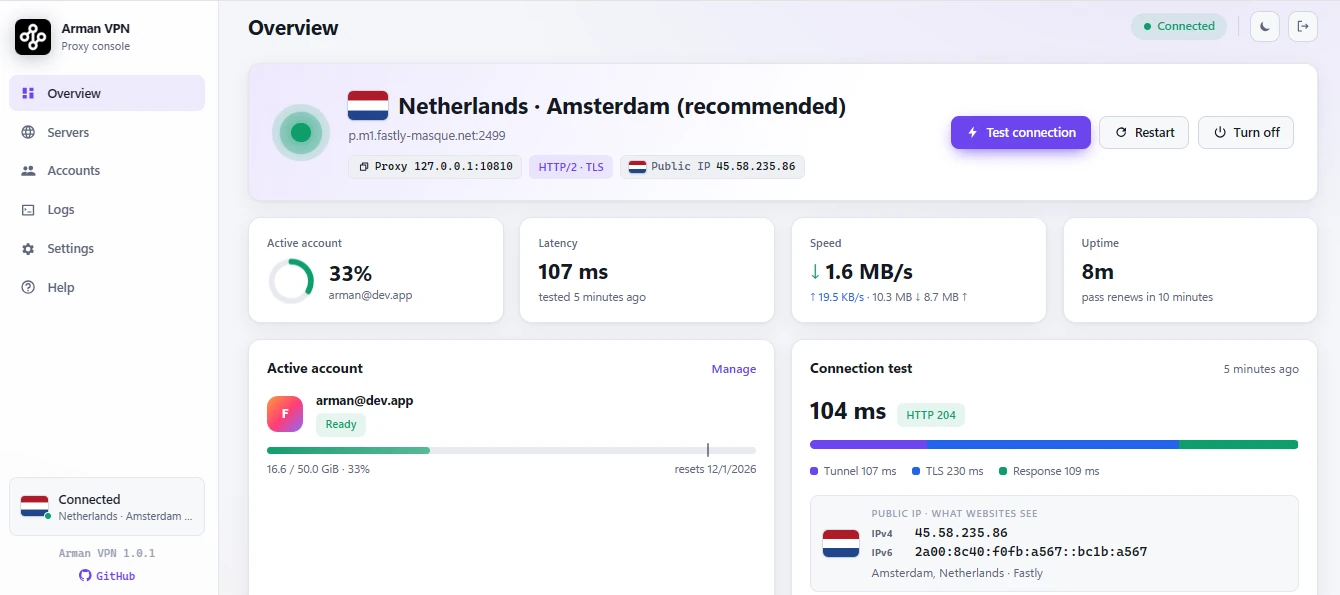
Что это такое?
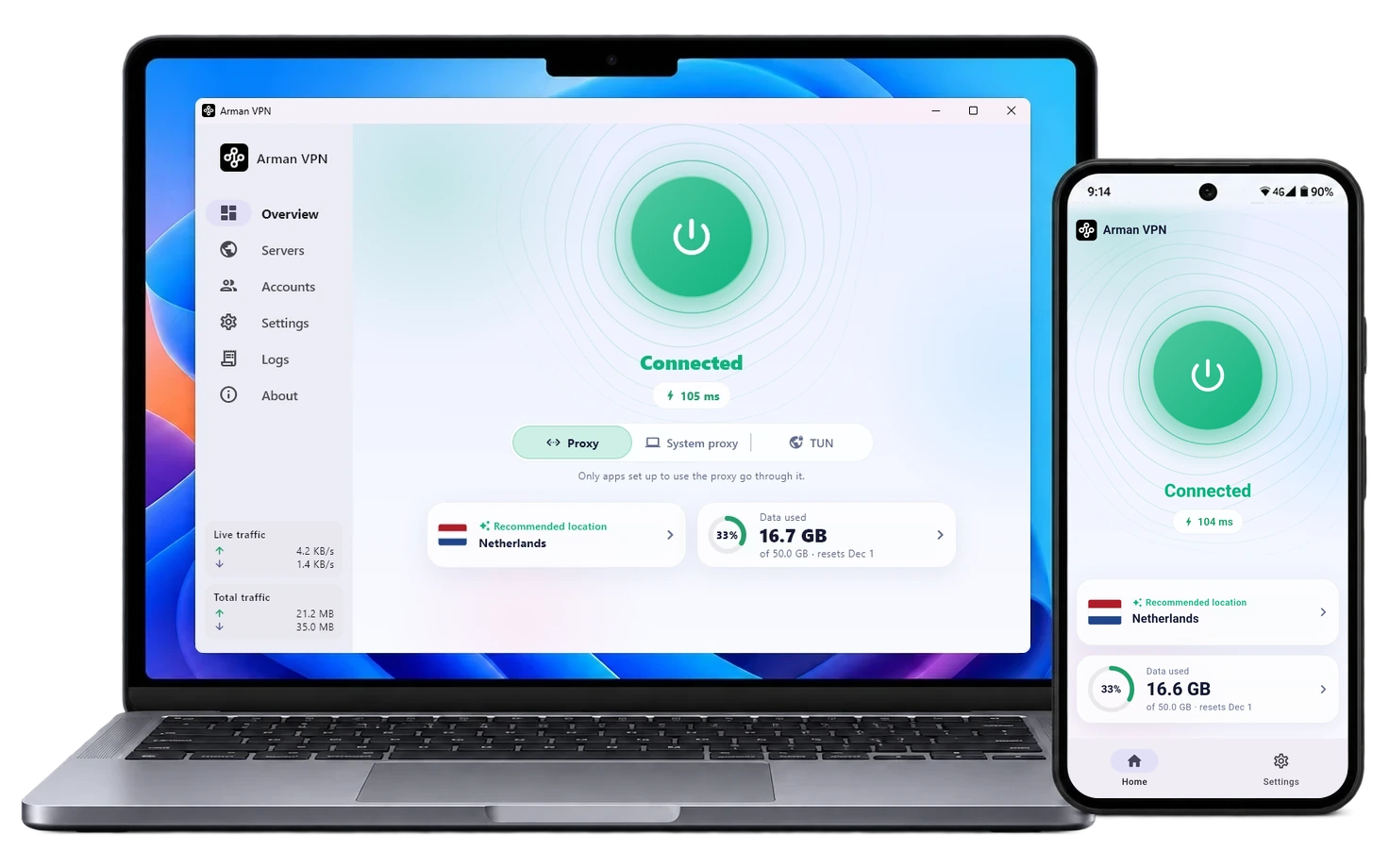
 Firefox VPN — это бесплатный VPN-клиент с открытым исходным кодом, который направляет ваш трафик через серверы Mozilla на инфраструктуре Fastly по протоколам HTTP/2 и HTTP/3. Вход выполняется через учётную запись Firefox.
Как установить его на мою платформу?Скачайте подходящую сборку из таблицы Download проекта для Android, Windows, macOS или Linux. На сервере Linux без графической среды установите сборку 'Core', в которой настраиваются веб-панель и терминальное меню, открывающееся командой sudo firefox-vpn.
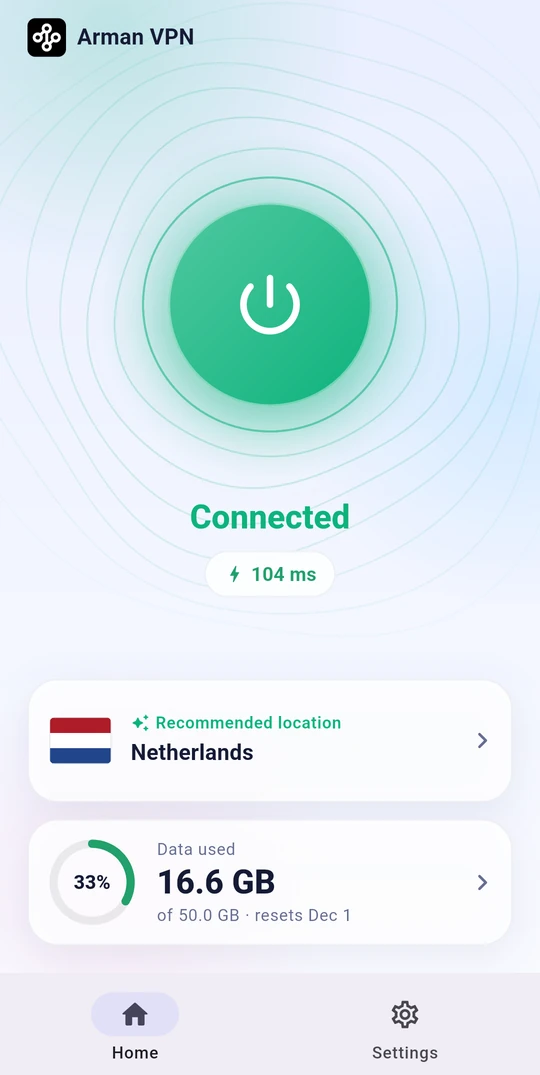
Скачайте подходящую сборку из таблицы Download проекта для Android, Windows, macOS или Linux. На сервере Linux без графической среды установите сборку 'Core', в которой настраиваются веб-панель и терминальное меню, открывающееся командой sudo firefox-vpn.Нужна ли мне учётная запись Firefox, чтобы пользоваться им?Да — каждое подключение привязано к учётной записи Firefox, и на каждую такую запись выделяется 50 ГБ бесплатного трафика в месяц.
Да — каждое подключение привязано к учётной записи Firefox, и на каждую такую запись выделяется 50 ГБ бесплатного трафика в месяц.Поддерживает ли он UDP-трафик, например голосовые звонки и игры?Нет. Серверы Mozilla пропускают только TCP-трафик через веб-порты (80, 443, 8080, 8443), поэтому звонки на основе UDP, онлайн-игры и не веб-порты, например SSH или почта, заблокированы. Исключение — Git через SSH для GitHub, который работает через сам порт 443.
Нет. Серверы Mozilla пропускают только TCP-трафик через веб-порты (80, 443, 8080, 8443), поэтому звонки на основе UDP, онлайн-игры и не веб-порты, например SSH или почта, заблокированы. Исключение — Git через SSH для GitHub, который работает через сам порт 443.Куда на самом деле попадает мой интернет-трафик?Весь трафик направляется через официальные VPN-серверы Mozilla, работающие на инфраструктуре Fastly, по зашифрованным протоколам HTTP/2 и HTTP/3. DNS-запросы идут через зашифрованный DNS поверх HTTPS.
Весь трафик направляется через официальные VPN-серверы Mozilla, работающие на инфраструктуре Fastly, по зашифрованным протоколам HTTP/2 и HTTP/3. DNS-запросы идут через зашифрованный DNS поверх HTTPS.Что происходит, когда месячный трафик одной учётной записи Firefox заканчивается?Приложение автоматически переключается на следующую привязанную учётную запись Firefox, поэтому функция нескольких аккаунтов увеличивает ваш месячный бесплатный трафик сверх базовых 50 ГБ.
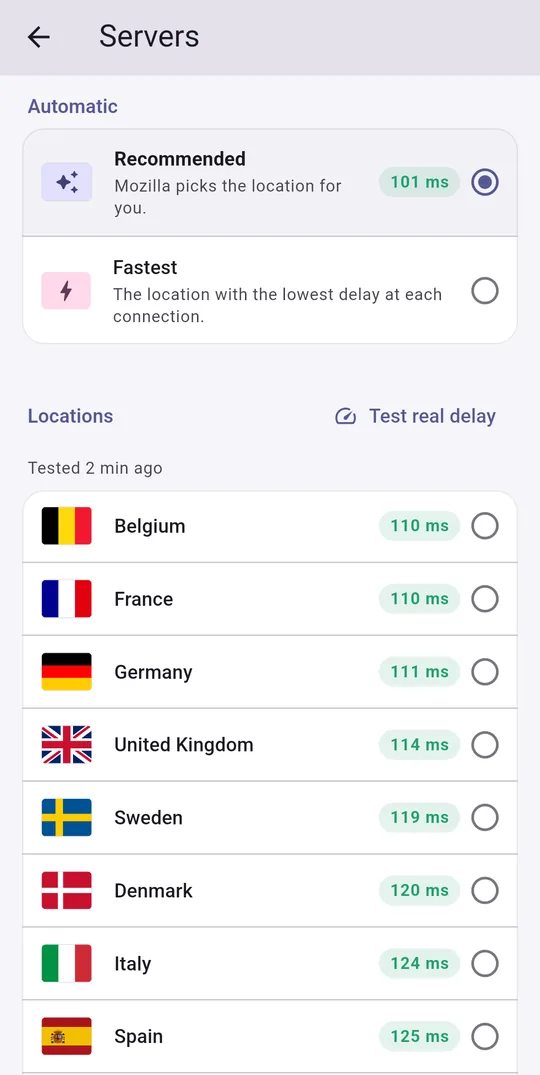
Приложение автоматически переключается на следующую привязанную учётную запись Firefox, поэтому функция нескольких аккаунтов увеличивает ваш месячный бесплатный трафик сверх базовых 50 ГБ.Могу ли я управлять VPN без самого приложения, например из браузера или терминала?На серверных установках Linux веб-панель позволяет управлять учётными записями, выбирать серверы, запускать проверки подключения, смотреть журналы в реальном времени и менять настройки из любого браузера. Также есть терминальное меню 'sudo firefox-vpn'.
На серверных установках Linux веб-панель позволяет управлять учётными записями, выбирать серверы, запускать проверки подключения, смотреть журналы в реальном времени и менять настройки из любого браузера. Также есть терминальное меню 'sudo firefox-vpn'.Замедляет ли VPN доступ к локальным сайтам?Нет. Умная маршрутизация определяет локальные и региональные сайты и открывает их напрямую, в обход туннеля, поэтому они загружаются быстрее и не расходуют вашу квоту VPN-трафика.
Нет. Умная маршрутизация определяет локальные и региональные сайты и открывает их напрямую, в обход туннеля, поэтому они загружаются быстрее и не расходуют вашу квоту VPN-трафика.Какие есть похожие проекты?brook, dnscrypt-proxy, smartdns, MasterHttpRelayVPN, Arachnidium, BPB-Worker-Panel, blockads-android, rethink-app
brook, dnscrypt-proxy, smartdns, MasterHttpRelayVPN, Arachnidium, BPB-Worker-Panel, blockads-android, rethink-appВ каких он темах?unofficial, dns-over-https, vpn-client, socks5, vpn, http, i18n, multilingual, encryption, proxy, networking, gplv3
unofficial, dns-over-https, vpn-client, socks5, vpn, http, i18n, multilingual, encryption, proxy, networking, gplv3- Автор
- armanlife
- Размер
- 5.8 MB
- Звёзды
- 962
- Обновлён
- КоммитNov 17Релизv1.0.19Nov 17
- Возраст
- 1 мес
- Коммиты · 90 дней