# arman-vpn-client (armanlife/arman-vpn-client)
> Firefox VPN is a free, open-source VPN client that tunnels your traffic through Mozilla's servers on Fastly's infrastructure using HTTP/2 and HTTP/3, authenticated with a Firefox Account.
- GitHub: https://github.com/armanlife/arman-vpn-client
- GitHub.Locker page: https://github.locker/armanlife/arman-vpn-client
- Stars: 645
- Language: Go
- License: GPL-3.0
- Last push: 2026-11-04
## Questions and answers
Written by GitHub.Locker from the README and the repository; check the README below for details.
**How do I install it on my platform?**
Download the matching build from the project's Download table for Android, Windows, macOS, or Linux. On a Linux server without a graphical environment, install the 'Core' build, which sets up a web panel and a terminal menu you open with sudo firefox-vpn.
**Do I need a Firefox Account to use it?**
Yes — every connection is tied to a Firefox Account, and each account comes with 50 GB of free data per month.
**Does it support UDP traffic like voice calls and games?**
No. Mozilla's servers only carry TCP traffic over web ports (80, 443, 8080, 8443), so UDP-based calls, online games, and non-web ports like SSH or mail are blocked, except Git-over-SSH to GitHub which rides port 443 itself.
**Where does my internet traffic actually go?**
All traffic is routed through Mozilla's official VPN servers running on Fastly's infrastructure over encrypted HTTP/2/HTTP/3, and DNS queries go through encrypted DNS over HTTPS.
**What happens when one Firefox Account's monthly data runs out?**
The app automatically switches to the next linked Firefox Account, so the multi-account feature multiplies your monthly free data beyond the base 50 GB.
**Can I manage the VPN without the app itself, like from a browser or terminal?**
On Linux server installs, a web panel lets you manage accounts, pick servers, run connection tests, view live logs, and change settings from any browser; there's also a 'sudo firefox-vpn' terminal menu.
**Does using the VPN slow down access to local websites?**
No — smart routing detects local or regional sites and opens them directly outside the tunnel, so they load faster and don't count against your VPN data quota.
---
## README (checked against GitHub 2026-11-05)
Source: https://github.com/armanlife/arman-vpn-client/blob/main/README.md
**🇺🇸 English** / [🇨🇳 简体中文](docs/readme/README_zh.md) / [🇷🇺 Русский](docs/readme/README_ru.md) / [🇮🇷 فارسی](docs/readme/README_fa.md)

Arman VPN
⚠️ Unofficial project
Arman VPN is an independent project. It is not made, owned, sponsored, or endorsed by Mozilla, and is not affiliated with Mozilla in any way. See the disclaimer.
[](https://github.com/armanlife/arman-vpn-client/releases)
[](https://github.com/armanlife/arman-vpn-client/releases/latest)
[](LICENSE)
## What is Arman VPN?
**Arman VPN** is a free, open-source VPN that works with a Firefox Account. It carries your internet traffic through Mozilla's servers, on **Fastly**'s infrastructure, over secure **HTTP/2 and HTTP/3** tunnels.
For **Android, Windows, macOS, and Linux**; completely free, with no ads.

## 🚀 Main features
✈️ Cross-platform: Android, Windows, macOS, and Linux
📺 Android TV: works with the remote control
⭐ Very easy to use, with a simple interface
🆓 Free: 50 GB a month for every Firefox Account
🌐 Mozilla's servers: choose a country with a ping test, or let the app pick the best server
⚡ Fast, stable connections over HTTP/2 and HTTP/3
🔀 Smart routing (split tunneling): choose the sites and apps that skip the VPN
🧱 If your network blocks the connection: TLS fragmentation, upstream SOCKS5 proxy, and a relay server
🔒 Encrypted DNS (DNS over HTTPS)
🌍 15 languages, including English, Persian, Chinese, and Russian
🌙 Light and dark themes
🛡 Open source, secure, and community-driven
🔄 Automatic updates
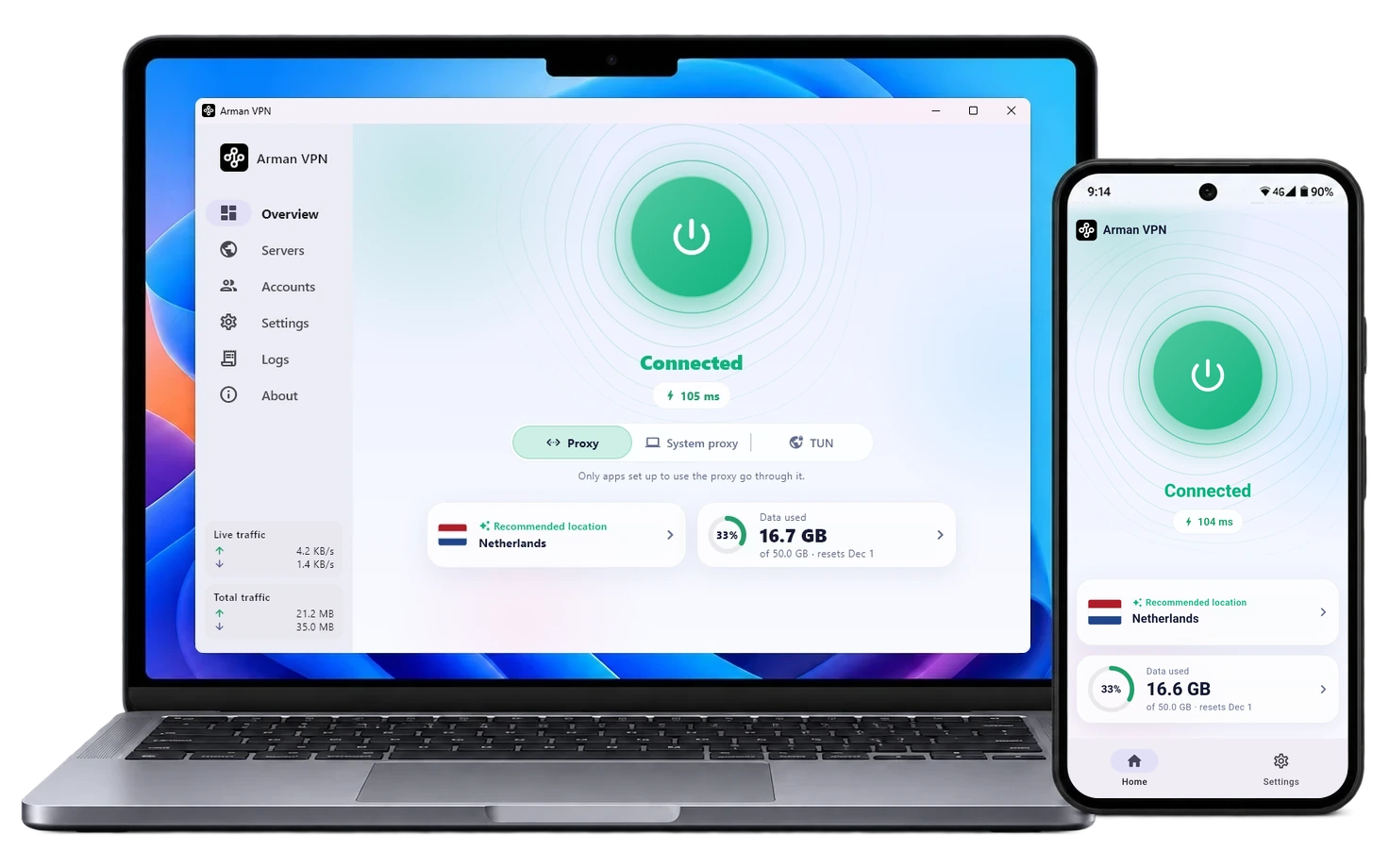
## 📸 Screenshots


## 📥 Download
| System | Download |
|---|
| Android | 


 |
| Android TV | |
| Windows | 
 |
| macOS |  |
| Linux | 
 |

 |
**Which file should I download?**
- **Android:** if you are not sure, take **Universal**; it installs on every phone. **ARMv8** is for most of today's phones and is smaller.
- **Windows:** **Setup** is a normal installer; **Portable** needs no install and runs from any folder.
- **Linux:** **App** for a Linux desktop (with a graphical environment); **Core** for a server (without a graphical environment, with a web panel).
## 💻 Install and update on Linux and macOS
> Windows and Android users don't need this section: take the installer from the "Download" table above.
```bash
curl -fsSL https://raw.githubusercontent.com/armanlife/arman-vpn-client/main/install.sh | bash
```
### 🌐 Web panel
For Linux servers, Arman VPN has a **web panel** that opens in any browser and has everything the app has: managing accounts and data, choosing a server and testing delay, the connection test, the live log, and every setting.

- **Panel address:** `http://SERVER-IP:10820/app/`, with a username and password. The exact address is shown at the end of the install.
- **Proxy:** SOCKS5 and HTTP on port `10810`, with a username and password of its own.
### ⌨️ Managing from the terminal
On the server, run `sudo arman-vpn` to open the management menu:
```text
$ sudo arman-vpn
Arman VPN
────────────────────────────────────────────────────────────────────────────
Service ● running
Autostart on
────────────────────────────────────────────────────────────────────────────
0) Exit
────────────────────────────────────────────────────────────────────────────
1) Update arman-vpn update
2) Uninstall arman-vpn uninstall
────────────────────────────────────────────────────────────────────────────
3) Set panel login arman-vpn panel
4) View panel info arman-vpn panel-info
────────────────────────────────────────────────────────────────────────────
5) Status arman-vpn status
6) Start arman-vpn start
7) Stop arman-vpn stop
8) Restart arman-vpn restart
9) Show the log arman-vpn logs
────────────────────────────────────────────────────────────────────────────
10) Enable autostart arman-vpn enable
11) Disable autostart arman-vpn disable
────────────────────────────────────────────────────────────────────────────
12) Add a Firefox Account arman-vpn add-account
13) List the accounts arman-vpn list-accounts
────────────────────────────────────────────────────────────────────────────
Enter a number [0-13]:
```
## OpenWrt routers
To install on an OpenWrt router, see the [OpenWrt guide](docs/OPENWRT.md).
## Known limitations
What Mozilla's servers do not carry
- **TCP:** ports 80, 443, 8080, and 8443 only. Other ports, such as mail (25, 465, 587, 993) and SSH (22), are refused. Git over SSH to GitHub is the exception: it goes through port 443 by itself.
- **UDP:** ports 80, 443, 3478, 8080, 8443, and 49152-65534 only. Calls and games on other ports do not go through. Browsers and most apps work normally.
## Disclaimer
This app is an independent, unofficial client, made and maintained by its own developer. It is not a Mozilla product: Mozilla did not make it, does not own, sponsor, or endorse it, and has no part in its development or support. Questions and problems about the app belong in this repository, not with Mozilla.
You sign in with your own Mozilla account. The account's terms, data limit, and availability are set by Mozilla. Your password and sign-in tokens stay on your device.