










What is this?
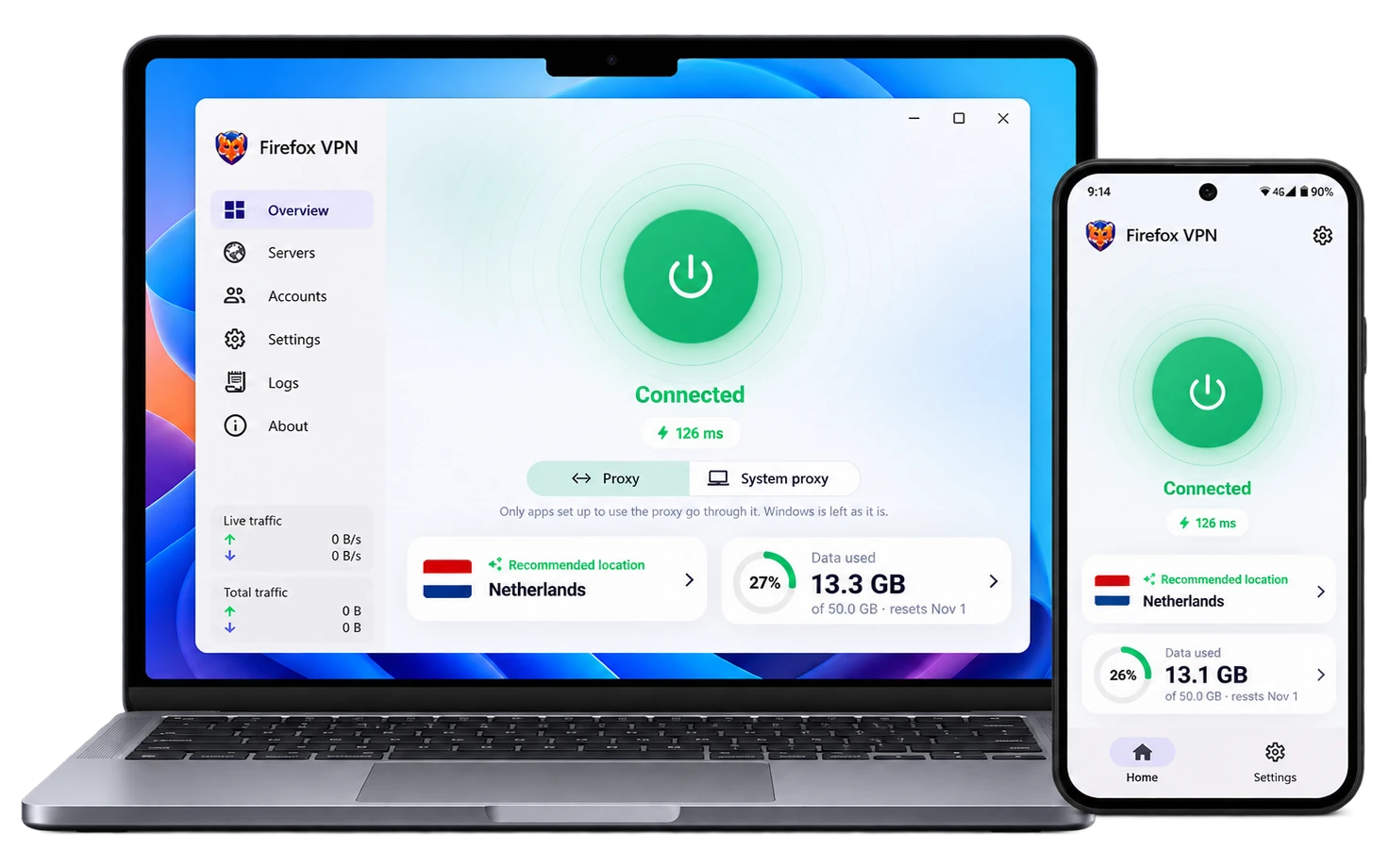
 Firefox VPN is a free, open-source VPN client that tunnels your traffic through Mozilla's servers on Fastly's infrastructure using HTTP/2 and HTTP/3, authenticated with a Firefox Account.
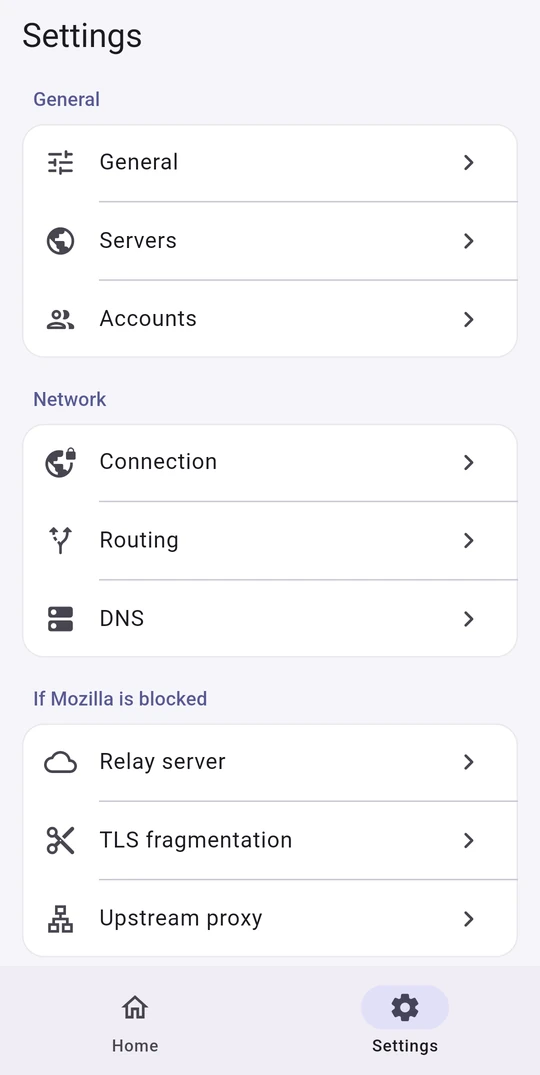
How do I install it on my platform?Download the matching build from the project's Download table for Android, Windows, macOS, or Linux. On a Linux server without a graphical environment, install the 'Core' build, which sets up a web panel and a terminal menu you open with sudo firefox-vpn.
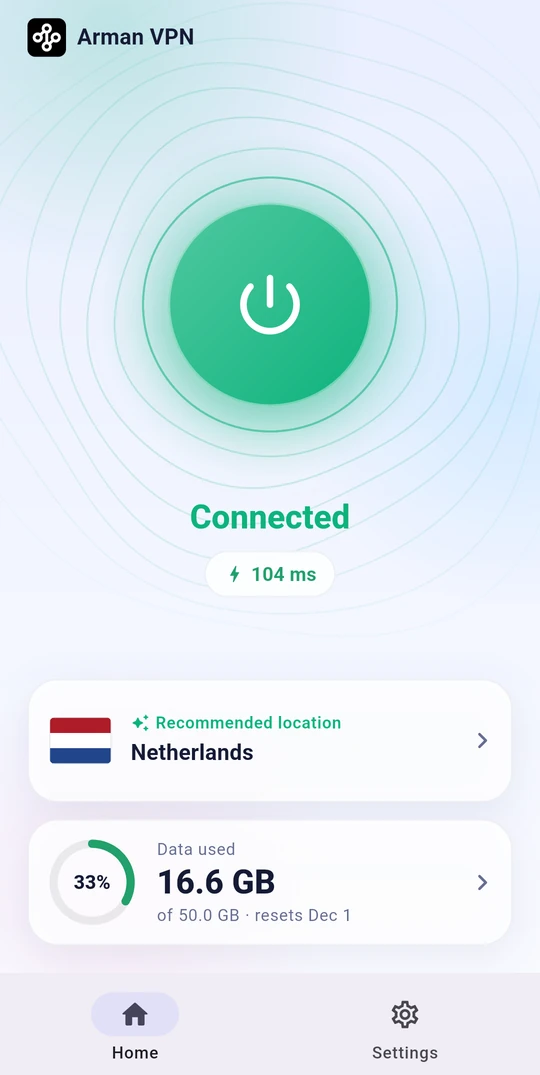
Download the matching build from the project's Download table for Android, Windows, macOS, or Linux. On a Linux server without a graphical environment, install the 'Core' build, which sets up a web panel and a terminal menu you open with sudo firefox-vpn.Do I need a Firefox Account to use it?Yes — every connection is tied to a Firefox Account, and each account comes with 50 GB of free data per month.
Yes — every connection is tied to a Firefox Account, and each account comes with 50 GB of free data per month.Does it support UDP traffic like voice calls and games?No. Mozilla's servers only carry TCP traffic over web ports (80, 443, 8080, 8443), so UDP-based calls, online games, and non-web ports like SSH or mail are blocked, except Git-over-SSH to GitHub which rides port 443 itself.
No. Mozilla's servers only carry TCP traffic over web ports (80, 443, 8080, 8443), so UDP-based calls, online games, and non-web ports like SSH or mail are blocked, except Git-over-SSH to GitHub which rides port 443 itself.Where does my internet traffic actually go?All traffic is routed through Mozilla's official VPN servers running on Fastly's infrastructure over encrypted HTTP/2/HTTP/3, and DNS queries go through encrypted DNS over HTTPS.
All traffic is routed through Mozilla's official VPN servers running on Fastly's infrastructure over encrypted HTTP/2/HTTP/3, and DNS queries go through encrypted DNS over HTTPS.What happens when one Firefox Account's monthly data runs out?The app automatically switches to the next linked Firefox Account, so the multi-account feature multiplies your monthly free data beyond the base 50 GB.
The app automatically switches to the next linked Firefox Account, so the multi-account feature multiplies your monthly free data beyond the base 50 GB.Can I manage the VPN without the app itself, like from a browser or terminal?On Linux server installs, a web panel lets you manage accounts, pick servers, run connection tests, view live logs, and change settings from any browser; there's also a 'sudo firefox-vpn' terminal menu.
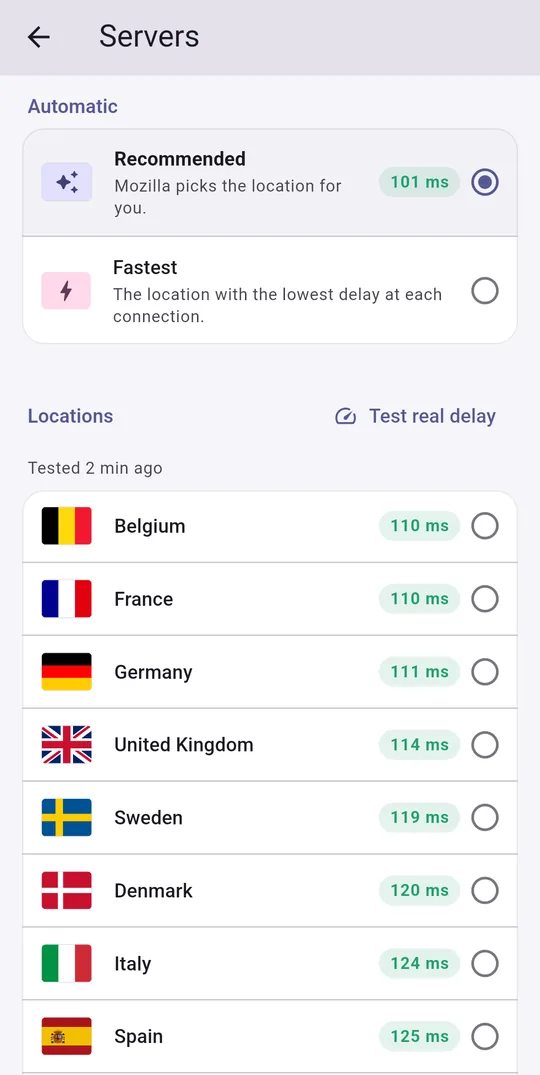
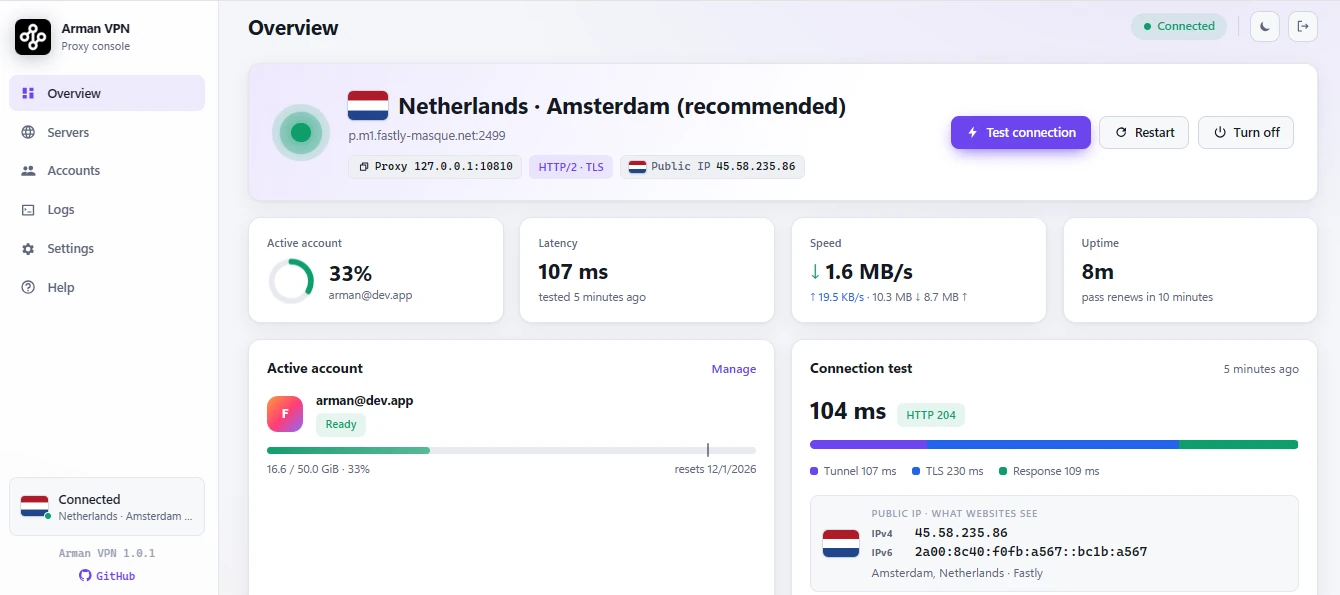
On Linux server installs, a web panel lets you manage accounts, pick servers, run connection tests, view live logs, and change settings from any browser; there's also a 'sudo firefox-vpn' terminal menu.Does using the VPN slow down access to local websites?No — smart routing detects local or regional sites and opens them directly outside the tunnel, so they load faster and don't count against your VPN data quota.
No — smart routing detects local or regional sites and opens them directly outside the tunnel, so they load faster and don't count against your VPN data quota.What are similar projects?brook, dnscrypt-proxy, smartdns, MasterHttpRelayVPN, Arachnidium, BPB-Worker-Panel, blockads-android, rethink-app
brook, dnscrypt-proxy, smartdns, MasterHttpRelayVPN, Arachnidium, BPB-Worker-Panel, blockads-android, rethink-appWhich topics is it in?dns-over-https, vpn-client, socks5, vpn, http, i18n, multilingual, encryption, proxy, gplv3, networking, go
dns-over-https, vpn-client, socks5, vpn, http, i18n, multilingual, encryption, proxy, gplv3, networking, go