这是什么?
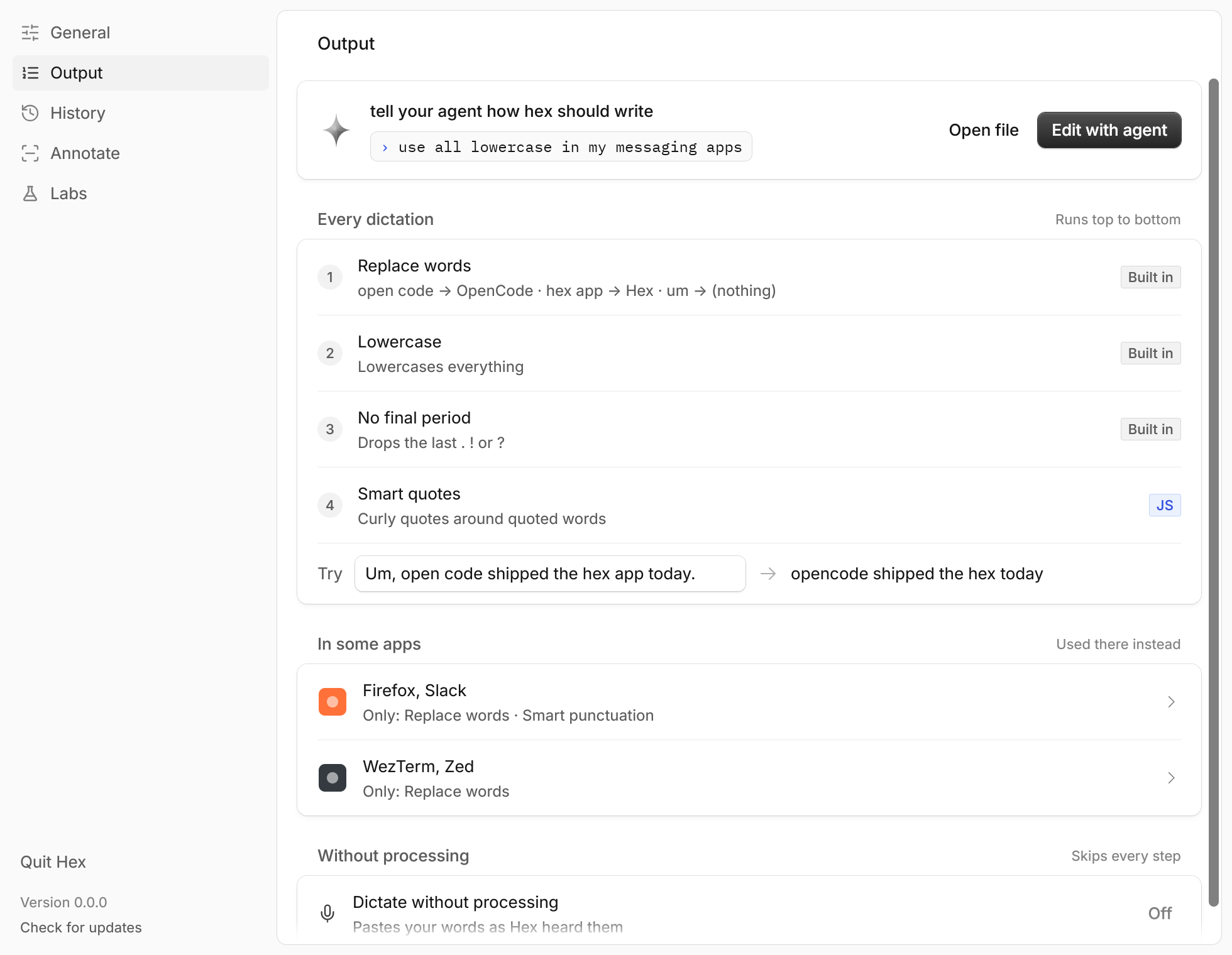
 HEX 是一款本地优先的语音听写工具:按住快捷键、说话、松开,它就会在设备上转写你的语音,并把文字粘贴到你正在使用的应用里。原生支持 macOS,Windows 和 Linux 版目前为测试版。
这只是一个 Mac 应用,还是我也能基于它做开发?它主要是一款已签名的原生桌面应用(使用 Rust 开发,带菜单栏界面),同时也提供 '@kitlangton/hex' TypeScript SDK,开发者可以用 Promise 或 Effect 接口,把本地语音转写功能加入自己的应用。
它主要是一款已签名的原生桌面应用(使用 Rust 开发,带菜单栏界面),同时也提供 '@kitlangton/hex' TypeScript SDK,开发者可以用 Promise 或 Effect 接口,把本地语音转写功能加入自己的应用。怎么安装 HEX?在 macOS 上,可以安装 Homebrew cask 后从“应用程序”启动,或下载已签名的 DMG,把 Hex.app 拖进“应用程序”;Windows 有独立安装包,支持 x64 和 ARM64;Linux 提供适用于 x86_64 Arch Linux 的已签名发布版,也可以通过源码或 Nix 构建。
在 macOS 上,可以安装 Homebrew cask 后从“应用程序”启动,或下载已签名的 DMG,把 Hex.app 拖进“应用程序”;Windows 有独立安装包,支持 x64 和 ARM64;Linux 提供适用于 x86_64 Arch Linux 的已签名发布版,也可以通过源码或 Nix 构建。运行这个需要 Apple 芯片的 Mac 或特定的 macOS 版本吗?macOS 应用需要搭载 Apple 芯片的 Mac,且系统版本为 macOS 15 或更新版本;Windows 测试版支持 x64 和 ARM64;Linux 测试版需要通过源码或 Nix 构建,并且要有 Vulkan 驱动,才能保证流式转写的性能。
macOS 应用需要搭载 Apple 芯片的 Mac,且系统版本为 macOS 15 或更新版本;Windows 测试版支持 x64 和 ARM64;Linux 测试版需要通过源码或 Nix 构建,并且要有 Vulkan 驱动,才能保证流式转写的性能。Windows 测试版装上就能直接用吗?可以使用,但尚未进行代码签名,所以运行安装程序时 Windows SmartScreen 会发出警告,需要点击“更多信息”,再点击“仍要运行”;它也暂不支持语音命令、会议功能,以及其他版本中提供的本地转写 API。
可以使用,但尚未进行代码签名,所以运行安装程序时 Windows SmartScreen 会发出警告,需要点击“更多信息”,再点击“仍要运行”;它也暂不支持语音命令、会议功能,以及其他版本中提供的本地转写 API。我的语音听写内容会离开我的设备吗?默认不会:语音转写和命令识别完全在本地运行,HEX 也不会保存音频。只有可选的 OpenCode 驱动功能(语音操作和改写)才会把转写文本以及部分应用或网站上下文发送到你配置的云端模型服务商。
默认不会:语音转写和命令识别完全在本地运行,HEX 也不会保存音频。只有可选的 OpenCode 驱动功能(语音操作和改写)才会把转写文本以及部分应用或网站上下文发送到你配置的云端模型服务商。什么是语音操作?语音操作是一项可选的 OpenCode 功能,默认关闭:按住 Option-Command,描述你想要的操作,HEX 会把该指令、选中的文本以及应用或网站上下文发送给模型服务商,然后粘贴返回的结果。
语音操作是一项可选的 OpenCode 功能,默认关闭:按住 Option-Command,描述你想要的操作,HEX 会把该指令、选中的文本以及应用或网站上下文发送给模型服务商,然后粘贴返回的结果。为什么感知网站的模式只能在一种浏览器中使用?根据故障排除说明,感知网站的模式和命令目前仅支持 Brave Browser,因此在其他浏览器中暂时无法进行上下文匹配。
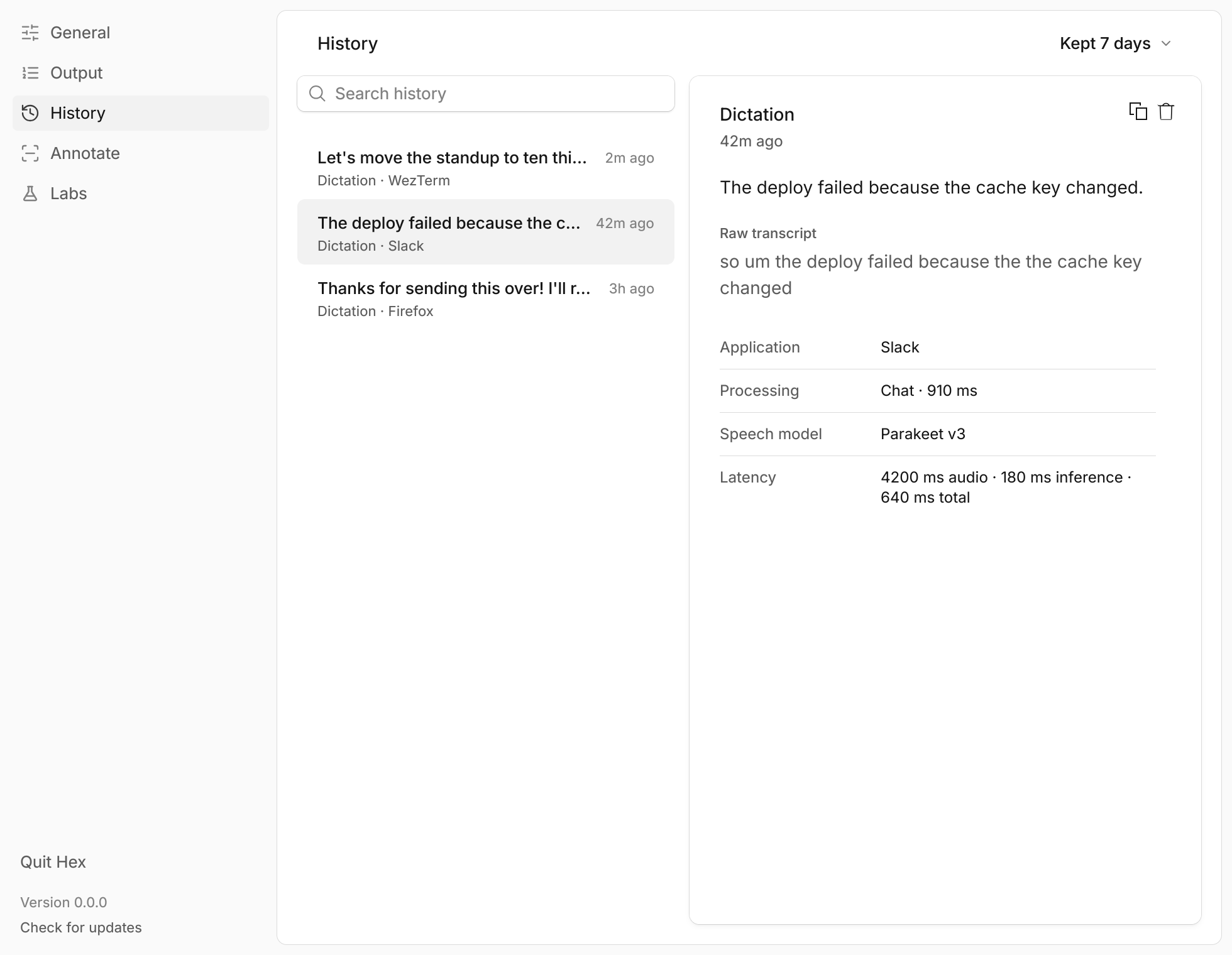
根据故障排除说明,感知网站的模式和命令目前仅支持 Brave Browser,因此在其他浏览器中暂时无法进行上下文匹配。HEX 会保留我的听写历史多久?默认情况下,历史记录会保留成功粘贴的听写和语音操作文本 7 天(有条目数和字节数限制),且从不存储音频、完整网址或窗口标题;你可以随时关闭保留功能或清空记录。
默认情况下,历史记录会保留成功粘贴的听写和语音操作文本 7 天(有条目数和字节数限制),且从不存储音频、完整网址或窗口标题;你可以随时关闭保留功能或清空记录。我能自定义实验性的语音命令吗?可以,高级用户可以在 ~/.config/hex/hex.config.ts 中编写自定义 TypeScript 命令,这需要 Bun;HEX 甚至提供了一段提示词,可以交给编程智能体来帮助配置。
可以,高级用户可以在 ~/.config/hex/hex.config.ts 中编写自定义 TypeScript 命令,这需要 Bun;HEX 甚至提供了一段提示词,可以交给编程智能体来帮助配置。有哪些类似的项目?gyotaku, SCM, parrot, lipflow, no-tipe-releases, phorminx, FluidVoice, omarchy-meeting-recorder
gyotaku, SCM, parrot, lipflow, no-tipe-releases, phorminx, FluidVoice, omarchy-meeting-recorder