

10.5K ·GitHub
这是做什么的?
 word_cloud 是一个用 Python 写的小型词云生成工具:它把一段文本变成一张图片,图里每个词的大小取决于它出现的频率。它既是一个 Python 库,也附带一个叫 wordcloudcli 的小命令行工具。
word_cloud 是一个用 Python 写的小型词云生成工具:它把一段文本变成一张图片,图里每个词的大小取决于它出现的频率。它既是一个 Python 库,也附带一个叫 wordcloudcli 的小命令行工具。它是库还是命令行工具?两者都是。在 Python 代码里你可以创建一个 WordCloud 对象并用 matplotlib 来渲染;同一个包还会安装 wordcloudcli,让你可以直接在终端里生成词云。
两者都是。在 Python 代码里你可以创建一个 WordCloud 对象并用 matplotlib 来渲染;同一个包还会安装 wordcloudcli,让你可以直接在终端里生成词云。怎么把它装到我的环境里?用 pip 的话,运行 pip install wordcloud;如果你用的是 conda,可以从 conda-forge 频道安装:conda install -c conda-forge wordcloud。
用 pip 的话,运行 pip install wordcloud;如果你用的是 conda,可以从 conda-forge 频道安装:conda install -c conda-forge wordcloud。它会顺带装哪些依赖?它依赖 numpy、pillow 和 matplotlib —— 用 pip 或 conda 安装时会自动一并下载。
它依赖 numpy、pillow 和 matplotlib —— 用 pip 或 conda 安装时会自动一并下载。在任何环境都能顺利安装吗?基本上可以:代码在 Python 3.7 到 3.13 上都测试过。但要注意,如果你的 Python 版本和操作系统没有对应的预编译 wheel,安装这个包就需要先配置好 C 编译器。
基本上可以:代码在 Python 3.7 到 3.13 上都测试过。但要注意,如果你的 Python 版本和操作系统没有对应的预编译 wheel,安装这个包就需要先配置好 C 编译器。这个许可证对我的项目来说安全吗?这个库本身采用 MIT 许可证,但它内置了 DroidSansMono.ttf,这是 Google 的一款字体,采用 Apache 许可证。这个字体并不是必需的 —— 在创建 WordCloud 对象时设置 fontpath 变量,就可以换成其他任何字体。
这个库本身采用 MIT 许可证,但它内置了 DroidSansMono.ttf,这是 Google 的一款字体,采用 Apache 许可证。这个字体并不是必需的 —— 在创建 WordCloud 对象时设置 fontpath 变量,就可以换成其他任何字体。能不能不用写代码,直接从一个文本文件生成词云?可以 —— 这个包自带 wordcloudcli。运行 wordcloudcli --text mytext.txt --imagefile wordcloud.png,再用 wordcloudcli --help 查看所有选项。如果是 PDF,可以先把 pdftotext 的输出通过管道传给它:pdftotext mydocument.pdf - | wordcloudcli --imagefile wordcloud.png。
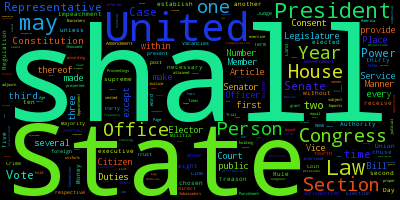
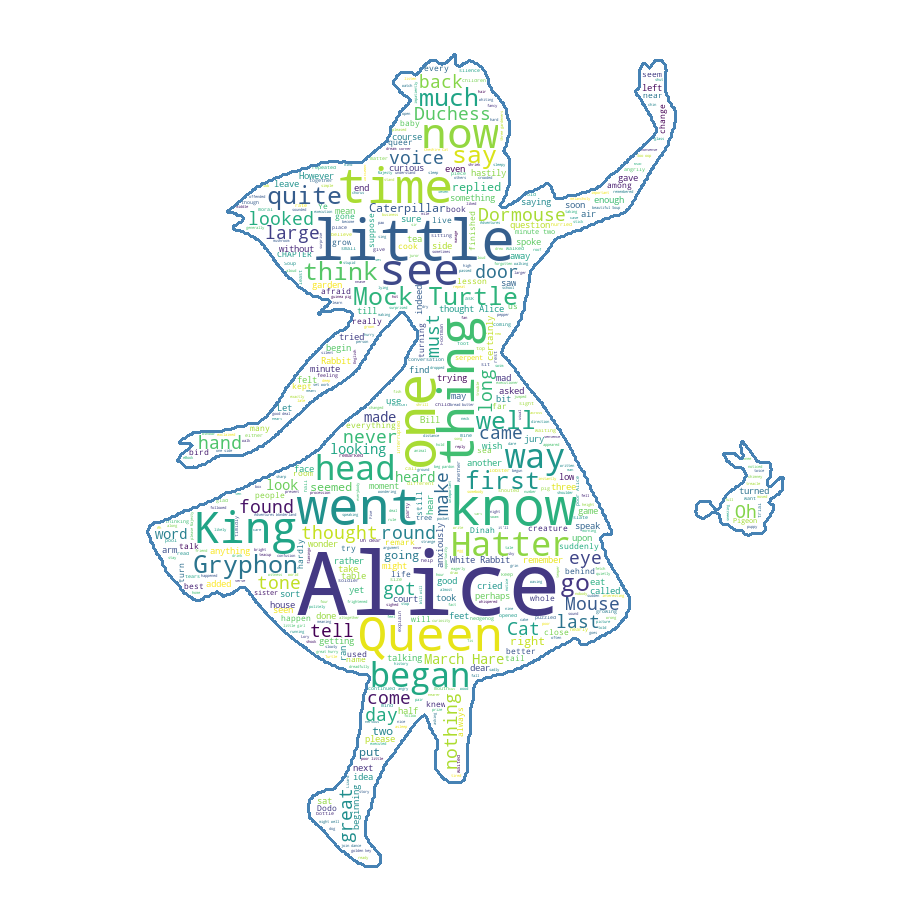
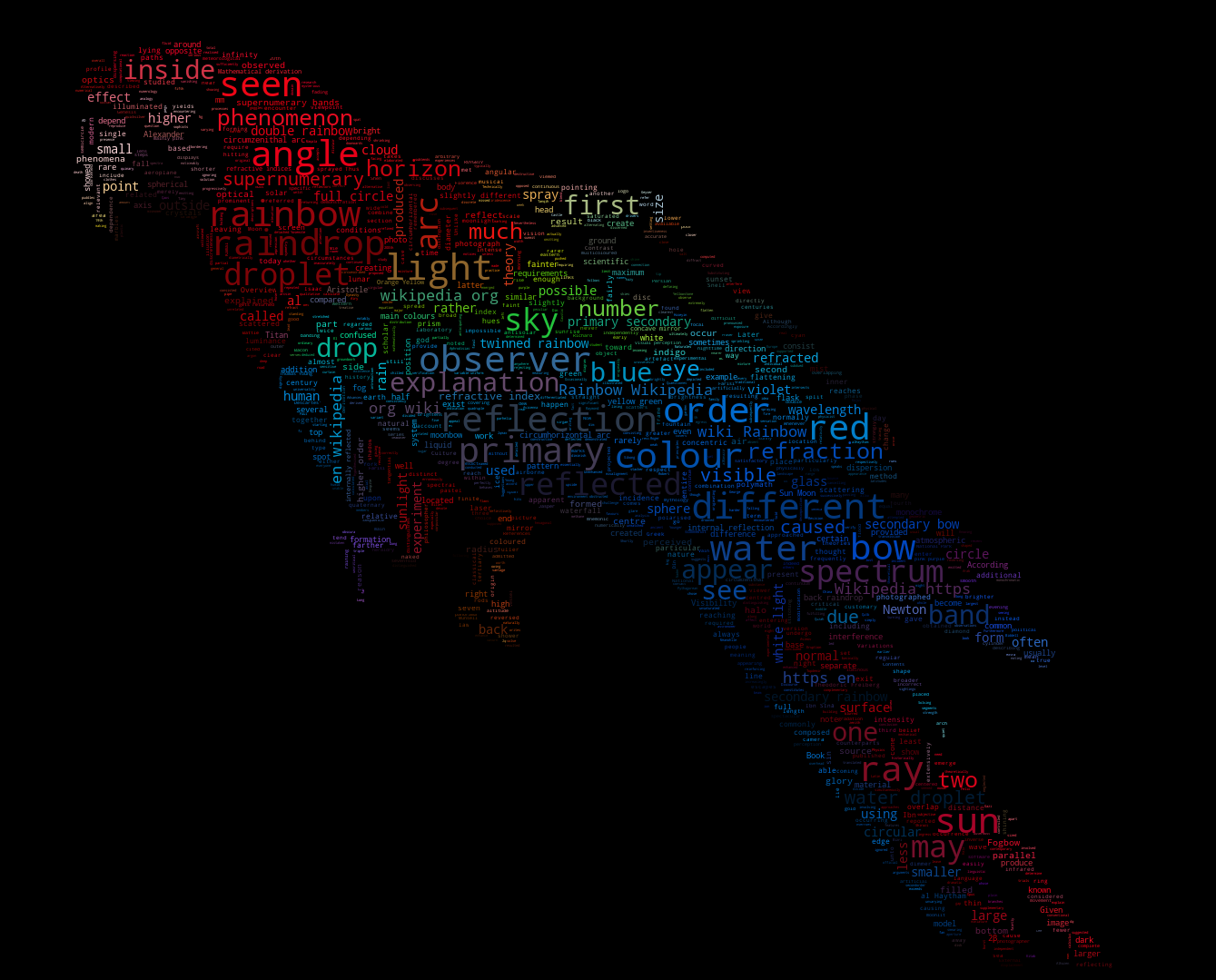
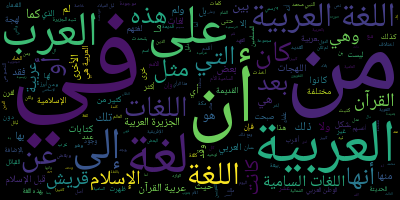
可以 —— 这个包自带 wordcloudcli。运行 wordcloudcli --text mytext.txt --imagefile wordcloud.png,再用 wordcloudcli --help 查看所有选项。如果是 PDF,可以先把 pdftotext 的输出通过管道传给它:pdftotext mydocument.pdf - | wordcloudcli --imagefile wordcloud.png。除了普通矩形词云,输出还能是什么样子?示例里有好几种风格:simple.py 是一个简短的入门示例,masked.py 让词云贴合一个遮罩形状,还有一个变体在配色上玩出了花样,以及一个专门生成阿拉伯语词云的示例。
示例里有好几种风格:simple.py 是一个简短的入门示例,masked.py 让词云贴合一个遮罩形状,还有一个变体在配色上玩出了花样,以及一个专门生成阿拉伯语词云的示例。我能用自己的字体吗?可以。默认内置的字体是 Google 的 DroidSansMono.ttf,但它完全不是必需的 —— 在创建 WordCloud 对象时设置 fontpath 变量,就可以使用任何其他 TrueType 字体。
可以。默认内置的字体是 Google 的 DroidSansMono.ttf,但它完全不是必需的 —— 在创建 WordCloud 对象时设置 fontpath 变量,就可以使用任何其他 TrueType 字体。What are similar projects?scientific-visualization-book, seaborn, hypoarena, dask, gradio, codex-claude-academic-skills, spaCy, networkx
scientific-visualization-book, seaborn, hypoarena, dask, gradio, codex-claude-academic-skills, spaCy, networkxWhich topics is it in?dataviz, matplotlib, pip, mit-license, text-processing, typography, numpy, visualization, data-visualization, nlp, image-generation, data-science
dataviz, matplotlib, pip, mit-license, text-processing, typography, numpy, visualization, data-visualization, nlp, image-generation, data-science