

10.5K ·GitHub
Что это такое?
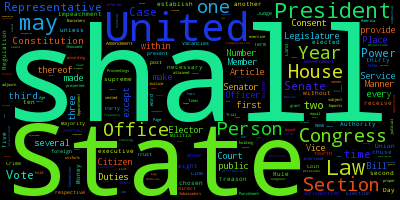
 word_cloud — это небольшой генератор облаков слов на Python: он превращает текст в картинку, где размер каждого слова зависит от того, как часто оно встречается. Это библиотека для Python, а в комплекте идёт ещё небольшая утилита командной строки под названием wordcloudcli.
word_cloud — это небольшой генератор облаков слов на Python: он превращает текст в картинку, где размер каждого слова зависит от того, как часто оно встречается. Это библиотека для Python, а в комплекте идёт ещё небольшая утилита командной строки под названием wordcloudcli.Это библиотека или утилита командной строки?И то, и другое. В коде на Python вы создаёте объект WordCloud и отрисовываете его через matplotlib; тот же пакет ставит и wordcloudcli, чтобы можно было получить облако прямо из терминала.
И то, и другое. В коде на Python вы создаёте объект WordCloud и отрисовываете его через matplotlib; тот же пакет ставит и wordcloudcli, чтобы можно было получить облако прямо из терминала.Как установить его в своё окружение?Через pip: pip install wordcloud, а если вы пользуетесь conda, поставьте из канала conda-forge: conda install -c conda-forge wordcloud.
Через pip: pip install wordcloud, а если вы пользуетесь conda, поставьте из канала conda-forge: conda install -c conda-forge wordcloud.Что он тянет за собой в качестве зависимостей?Он зависит от numpy, pillow и matplotlib — pip и conda подхватят их автоматически при установке.
Он зависит от numpy, pillow и matplotlib — pip и conda подхватят их автоматически при установке.Он встанет без проблем на любой системе?В основном да: код проверен на Python 3.7–3.13. Нюанс в том, что если для вашей версии Python и операционной системы нет готовой сборки (wheel), для установки понадобится заранее настроенный C-компилятор.
В основном да: код проверен на Python 3.7–3.13. Нюанс в том, что если для вашей версии Python и операционной системы нет готовой сборки (wheel), для установки понадобится заранее настроенный C-компилятор.Лицензия безопасна для моего проекта?Сама библиотека распространяется по лицензии MIT, но в комплект входит шрифт DroidSansMono.ttf от Google, который лицензирован под Apache. Шрифт не является обязательным — задайте переменную fontpath при создании объекта WordCloud, чтобы подставить любой другой.
Сама библиотека распространяется по лицензии MIT, но в комплект входит шрифт DroidSansMono.ttf от Google, который лицензирован под Apache. Шрифт не является обязательным — задайте переменную fontpath при создании объекта WordCloud, чтобы подставить любой другой.Можно построить облако из текстового файла без написания кода?Да — в пакет входит wordcloudcli. Запустите wordcloudcli --text mytext.txt --imagefile wordcloud.png, а wordcloudcli --help покажет все доступные опции. Для PDF прогоните текст через pdftotext: pdftotext mydocument.pdf - | wordcloudcli --imagefile wordcloud.png.
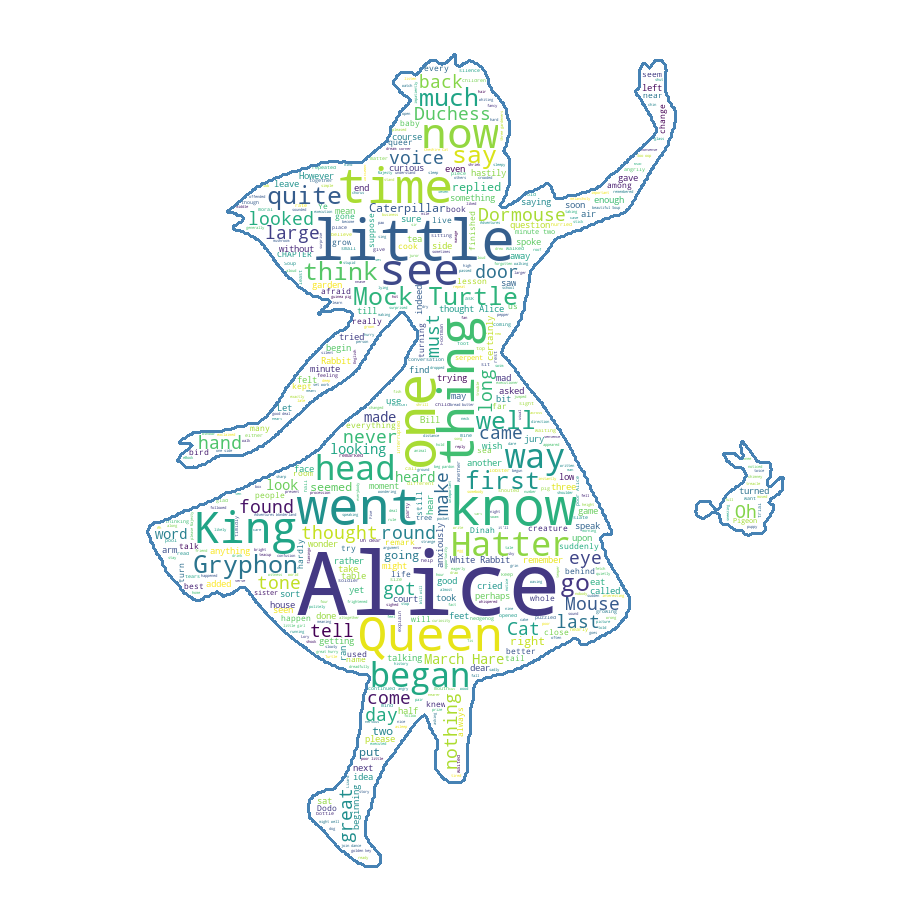
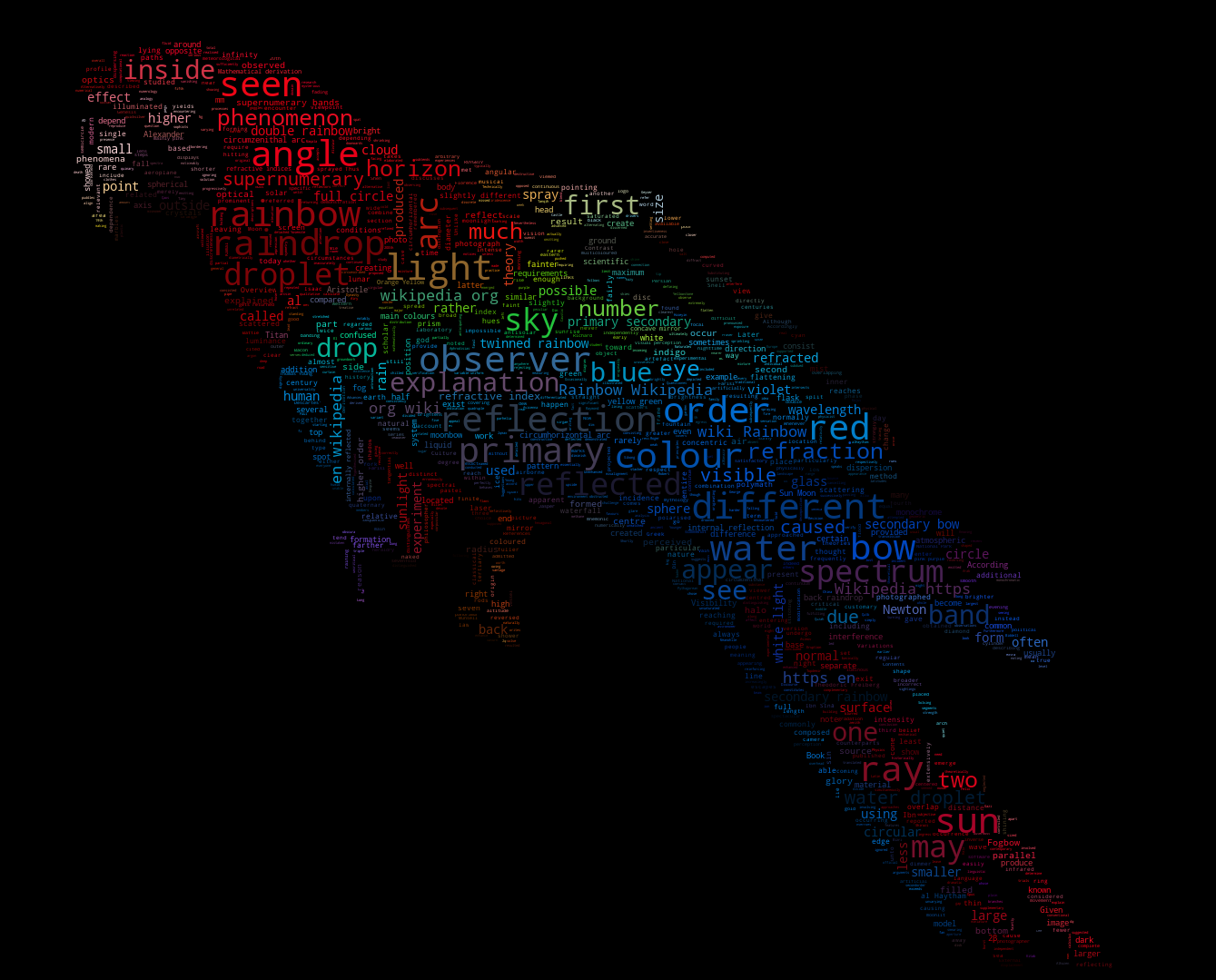
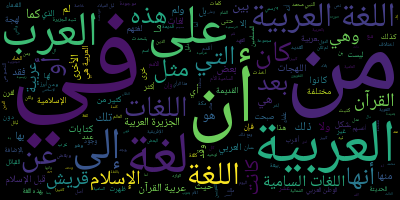
Да — в пакет входит wordcloudcli. Запустите wordcloudcli --text mytext.txt --imagefile wordcloud.png, а wordcloudcli --help покажет все доступные опции. Для PDF прогоните текст через pdftotext: pdftotext mydocument.pdf - | wordcloudcli --imagefile wordcloud.png.Как ещё может выглядеть результат, кроме простого прямоугольника со словами?В примерах показано несколько стилей: simple.py — короткое введение, masked.py подгоняет облако под форму маски, есть вариант с затейливой раскраской и пример генерации облаков для арабского языка.
В примерах показано несколько стилей: simple.py — короткое введение, masked.py подгоняет облако под форму маски, есть вариант с затейливой раскраской и пример генерации облаков для арабского языка.Можно использовать свой шрифт?Да. По умолчанию идёт встроенный шрифт DroidSansMono.ttf от Google, но он вовсе не обязателен — задайте переменную fontpath при создании объекта WordCloud, чтобы использовать любой другой TrueType-шрифт.
Да. По умолчанию идёт встроенный шрифт DroidSansMono.ttf от Google, но он вовсе не обязателен — задайте переменную fontpath при создании объекта WordCloud, чтобы использовать любой другой TrueType-шрифт.What are similar projects?scientific-visualization-book, seaborn, hypoarena, dask, gradio, codex-claude-academic-skills, spaCy, networkx
scientific-visualization-book, seaborn, hypoarena, dask, gradio, codex-claude-academic-skills, spaCy, networkxWhich topics is it in?dataviz, matplotlib, pip, mit-license, text-processing, typography, numpy, visualization, data-visualization, nlp, image-generation, data-science
dataviz, matplotlib, pip, mit-license, text-processing, typography, numpy, visualization, data-visualization, nlp, image-generation, data-science