

10.5K ·GitHub
What is this?
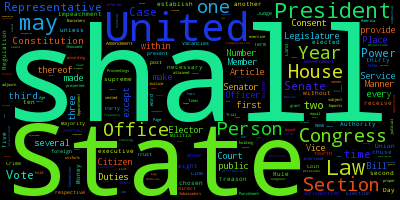
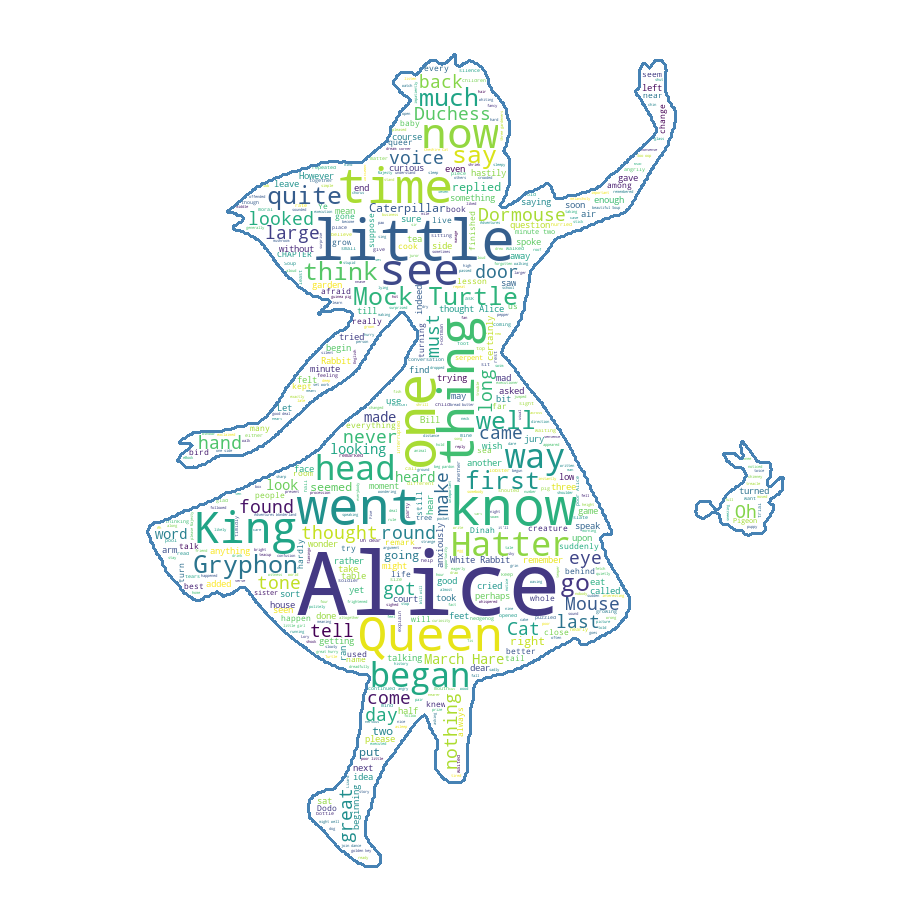
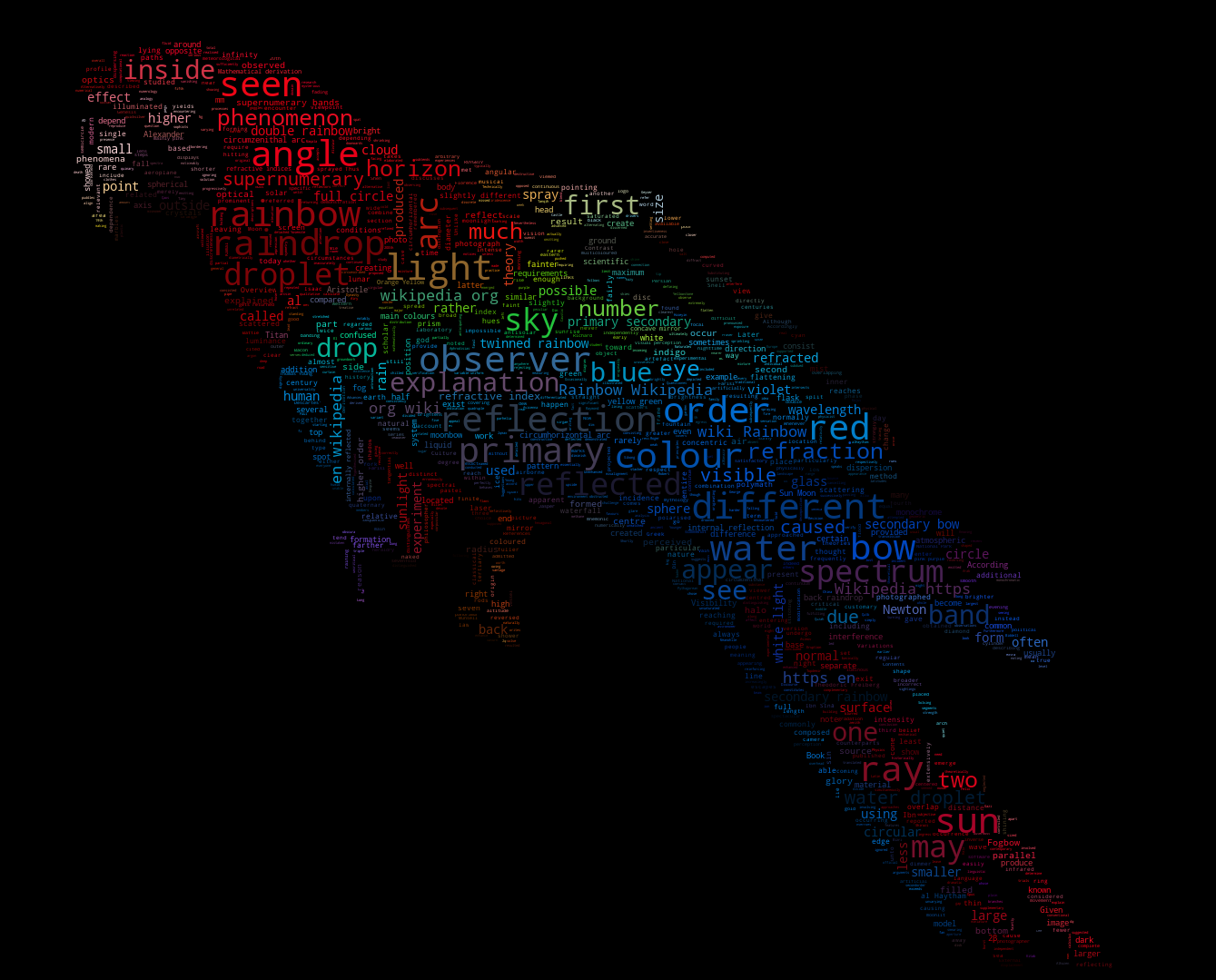
 word_cloud is a little word cloud generator in Python: it turns a body of text into an image where each word is sized by how often it appears. It works as a Python library and also ships a small command-line tool called wordcloudcli.
word_cloud is a little word cloud generator in Python: it turns a body of text into an image where each word is sized by how often it appears. It works as a Python library and also ships a small command-line tool called wordcloudcli.Is it a library or a command-line tool?Both. In Python code you create a WordCloud object and render it with matplotlib; the same package also installs wordcloudcli so you can generate a cloud straight from the shell.
Both. In Python code you create a WordCloud object and render it with matplotlib; the same package also installs wordcloudcli so you can generate a cloud straight from the shell.How do I get it into my environment?With pip run pip install wordcloud, or if you use conda install it from the conda-forge channel: conda install -c conda-forge wordcloud.
With pip run pip install wordcloud, or if you use conda install it from the conda-forge channel: conda install -c conda-forge wordcloud.What does it pull in alongside it?It depends on numpy, pillow, and matplotlib — pip and conda fetch these automatically during installation.
It depends on numpy, pillow, and matplotlib — pip and conda fetch these automatically during installation.Will it install cleanly on any setup?Mostly yes: the code is tested against Python 3.7 through 3.13. The catch is that if no prebuilt wheel exists for your Python version and OS, installing the package requires having a C compiler set up first.
Mostly yes: the code is tested against Python 3.7 through 3.13. The catch is that if no prebuilt wheel exists for your Python version and OS, installing the package requires having a C compiler set up first.Is the license safe for my own project?The library itself is MIT licensed, but it bundles DroidSansMono.ttf, a Google font that is Apache licensed. The font is not integral — set the fontpath variable when creating a WordCloud object to swap in any other font.
The library itself is MIT licensed, but it bundles DroidSansMono.ttf, a Google font that is Apache licensed. The font is not integral — set the fontpath variable when creating a WordCloud object to swap in any other font.Can I generate a cloud from a text file without writing code?Yes — the package includes wordcloudcli. Run wordcloudcli --text mytext.txt --imagefile wordcloud.png, and use wordcloudcli --help to see all options. For PDFs, pipe pdftotext into it: pdftotext mydocument.pdf - | wordcloudcli --imagefile wordcloud.png.
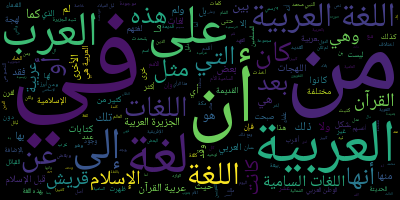
Yes — the package includes wordcloudcli. Run wordcloudcli --text mytext.txt --imagefile wordcloud.png, and use wordcloudcli --help to see all options. For PDFs, pipe pdftotext into it: pdftotext mydocument.pdf - | wordcloudcli --imagefile wordcloud.png.What can the output look like beyond a plain rectangle of words?The examples show several styles: simple.py is a short intro, masked.py fits the cloud to a mask shape, there is a variant getting fancy with colors, and one for generating wordclouds for Arabic.
The examples show several styles: simple.py is a short intro, masked.py fits the cloud to a mask shape, there is a variant getting fancy with colors, and one for generating wordclouds for Arabic.Can I use my own font?Yes. The default bundled font is DroidSansMono.ttf by Google, but it is by no means integral — set the fontpath variable when creating a WordCloud object to use any other TrueType font.
Yes. The default bundled font is DroidSansMono.ttf by Google, but it is by no means integral — set the fontpath variable when creating a WordCloud object to use any other TrueType font.What are similar projects?scientific-visualization-book, seaborn, hypoarena, dask, gradio, codex-claude-academic-skills, spaCy, networkx
scientific-visualization-book, seaborn, hypoarena, dask, gradio, codex-claude-academic-skills, spaCy, networkxWhich topics is it in?dataviz, matplotlib, pip, mit-license, text-processing, typography, numpy, visualization, data-visualization, nlp, image-generation, data-science
dataviz, matplotlib, pip, mit-license, text-processing, typography, numpy, visualization, data-visualization, nlp, image-generation, data-science