











18.6K ·GitHub
Что это такое?
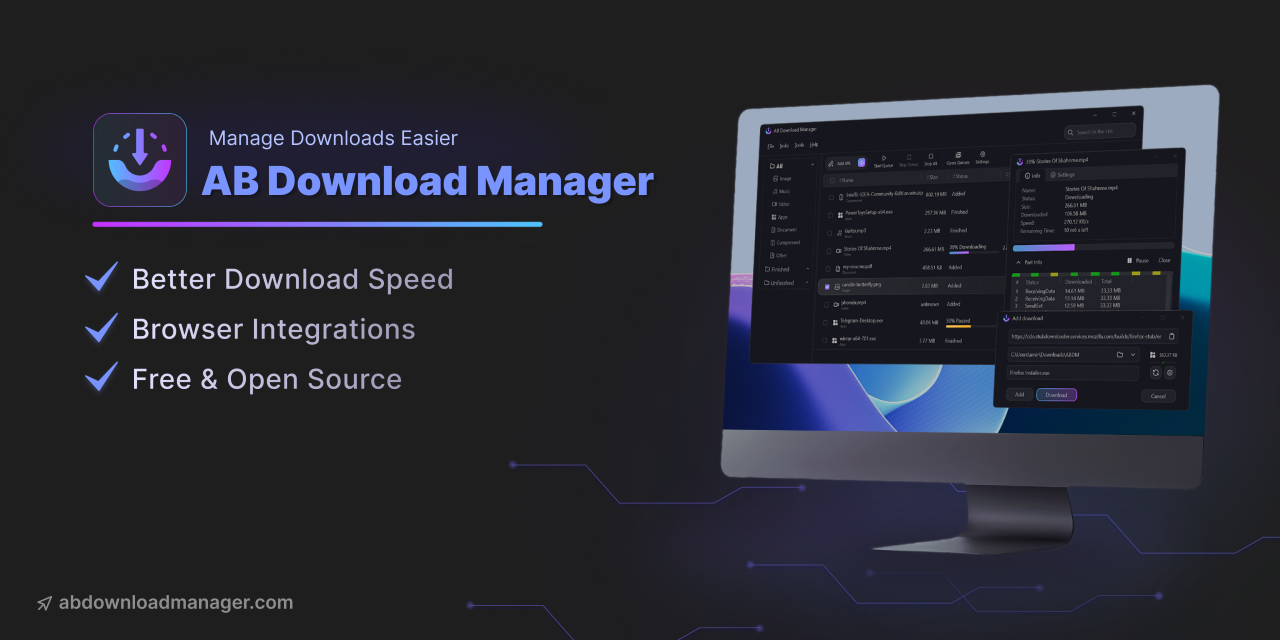
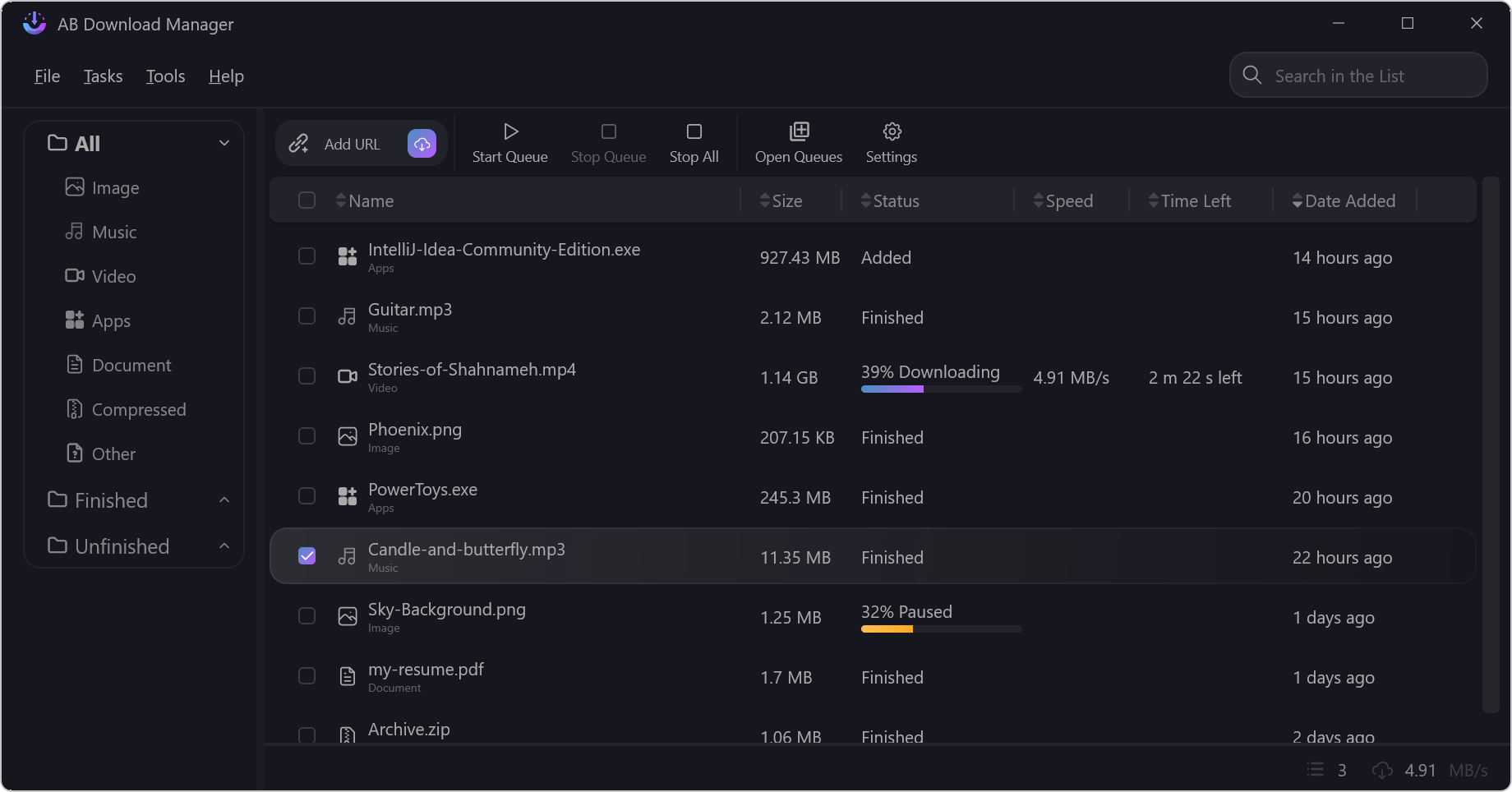
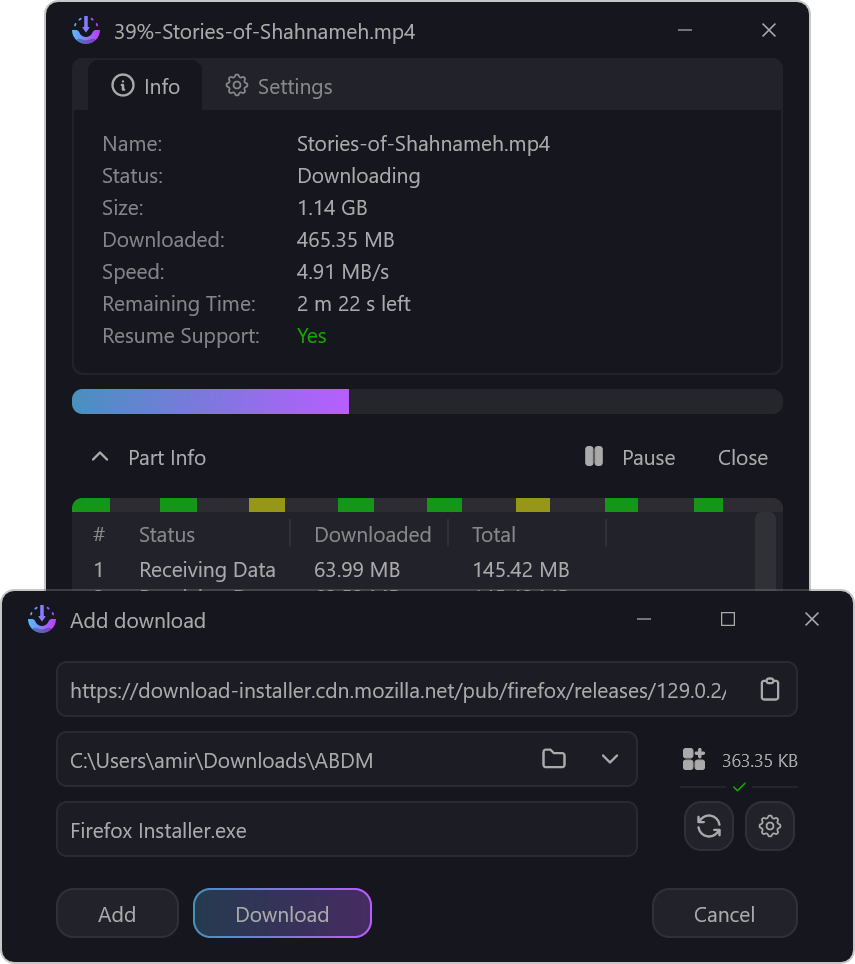
 AB Download Manager — бесплатное приложение с открытым исходным кодом для компьютера, которое управляет вашими загрузками и помогает их упорядочить. Его главная особенность — увеличенная скорость скачивания.
AB Download Manager — бесплатное приложение с открытым исходным кодом для компьютера, которое управляет вашими загрузками и помогает их упорядочить. Его главная особенность — увеличенная скорость скачивания.Это программа для компьютера или расширение для браузера?Это программа, которая работает на вашем устройстве. Отдельное расширение для браузера связывает её с браузером и передаёт загрузки в приложение.
Это программа, которая работает на вашем устройстве. Отдельное расширение для браузера связывает её с браузером и передаёт загрузки в приложение.Есть ли версия для Android в Google Play?Нет. В README предупреждают, что приложения нет в Google Play и других магазинах — если только его там не публикует сам проект. Любая версия в магазине, выдающая себя за этот проект, — мошенничество, и она небезопасна.
Нет. В README предупреждают, что приложения нет в Google Play и других магазинах — если только его там не публикует сам проект. Любая версия в магазине, выдающая себя за этот проект, — мошенничество, и она небезопасна.На каких платформах он работает?Windows, Linux, macOS и Android. Приложение написано на Kotlin с Compose Multiplatform, поэтому один код покрывает и компьютеры, и мобильные устройства.
Windows, Linux, macOS и Android. Приложение написано на Kotlin с Compose Multiplatform, поэтому один код покрывает и компьютеры, и мобильные устройства.Где взять расширение для браузера?Оно лежит в отдельном репозитории — Browser Integration. Ссылка на него есть в основном README. Расширение устанавливается в браузер, поддерживаются Chrome и Firefox.
Оно лежит в отдельном репозитории — Browser Integration. Ссылка на него есть в основном README. Расширение устанавливается в браузер, поддерживаются Chrome и Firefox.Можно настроить внешний вид приложения?Да — в нём есть несколько тем (Dark, Light, Black и другие) на основе современного интерфейса.
Да — в нём есть несколько тем (Dark, Light, Black и другие) на основе современного интерфейса.Он полностью бесплатный?Да — он бесплатный и открытый, под лицензией Apache-2.0. Если вам нравится приложение, автор принимает пожертвования — они описаны в файле DONATE.md.
Да — он бесплатный и открытый, под лицензией Apache-2.0. Если вам нравится приложение, автор принимает пожертвования — они описаны в файле DONATE.md.Могу ли я помочь перевести приложение на мой язык?Да — переводами управляют на Crowdin. В README просят участников не присылать переводы через pull request'ы.
Да — переводами управляют на Crowdin. В README просят участников не присылать переводы через pull request'ы.What are similar projects?gkd, Ketch, animeko, SpotiFlyer, AppMarket, proxyee-down, hydra, cat-catch
gkd, Ketch, animeko, SpotiFlyer, AppMarket, proxyee-down, hydra, cat-catchWhich topics is it in?compose-multiplatform, compose, kotlin-multiplatform, download-manager, download, firefox, chrome, themes, downloader, browser-extension, kotlin, mobile-app
compose-multiplatform, compose, kotlin-multiplatform, download-manager, download, firefox, chrome, themes, downloader, browser-extension, kotlin, mobile-app