






lottie-ios README

The project's README from github.com/airbnb/lottie-ios. As one markdown file: README.md.

Lottie for iOS

Version Carthage Compatible SwiftPM License Platform Swift Versions

View documentation, FAQ, help, examples, and more at airbnb.io/lottie

Lottie is a cross-platform library for iOS, macOS, tvOS, visionOS, Android, and Web that natively renders vector-based animations and art in realtime with minimal code.

Lottie loads and renders animations and vectors exported in the bodymovin JSON format. Bodymovin JSON can be created and exported from After Effects with bodymovin, Sketch with Lottie Sketch Export, and from Haiku.

Designers can create and ship beautiful animations without an engineer painstakingly recreating them by hand. Since the animations are backed by JSON, they are extremely small in size but can be large in complexity! Animations can be played, resized, looped, sped up, slowed down, reversed, and even interactively scrubbed. Lottie can play or loop just a portion of the animation as well, the possibilities are endless! Animations can even be changed at runtime in various ways! Change the color, position, or any keyframable value!

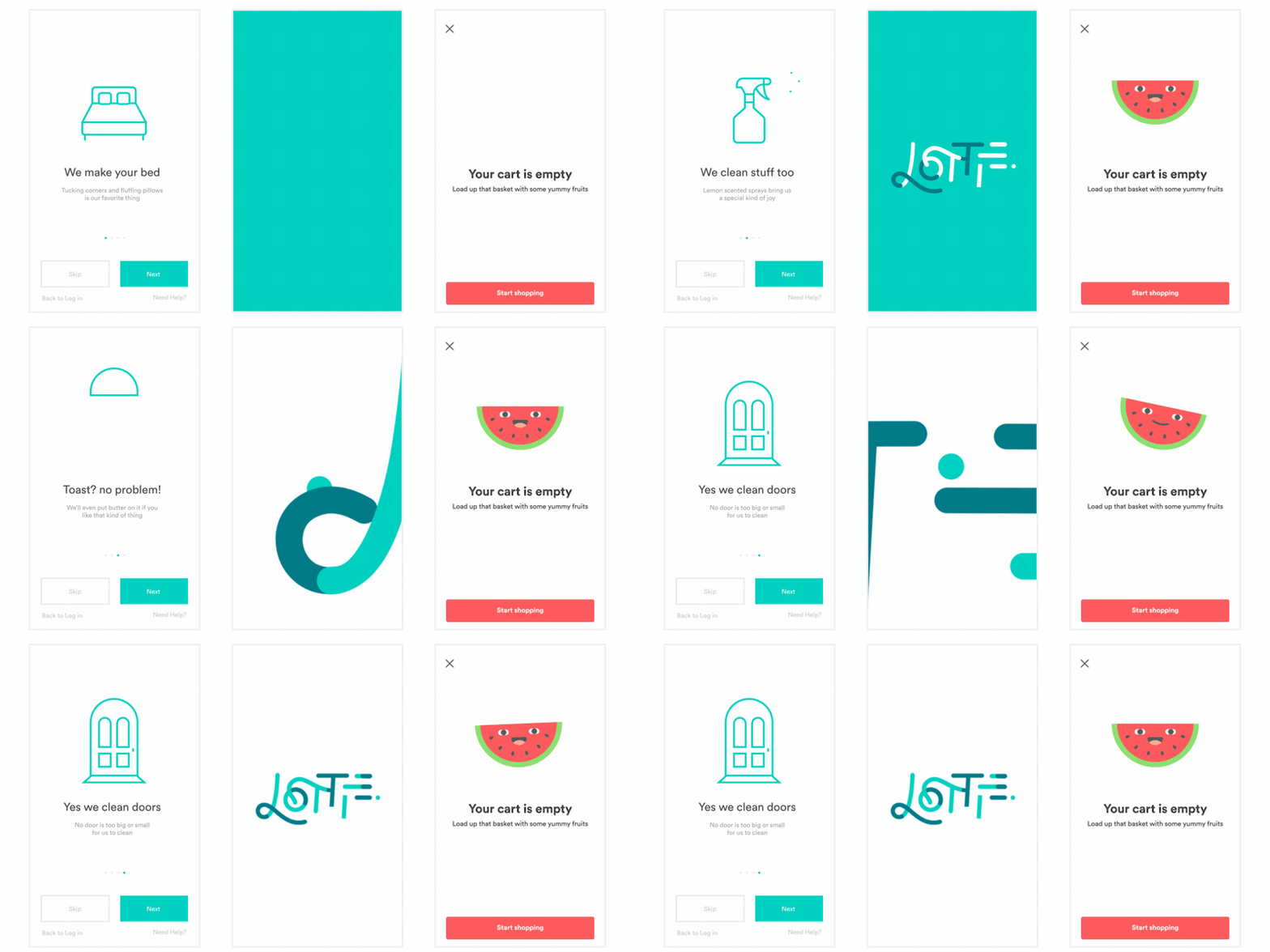
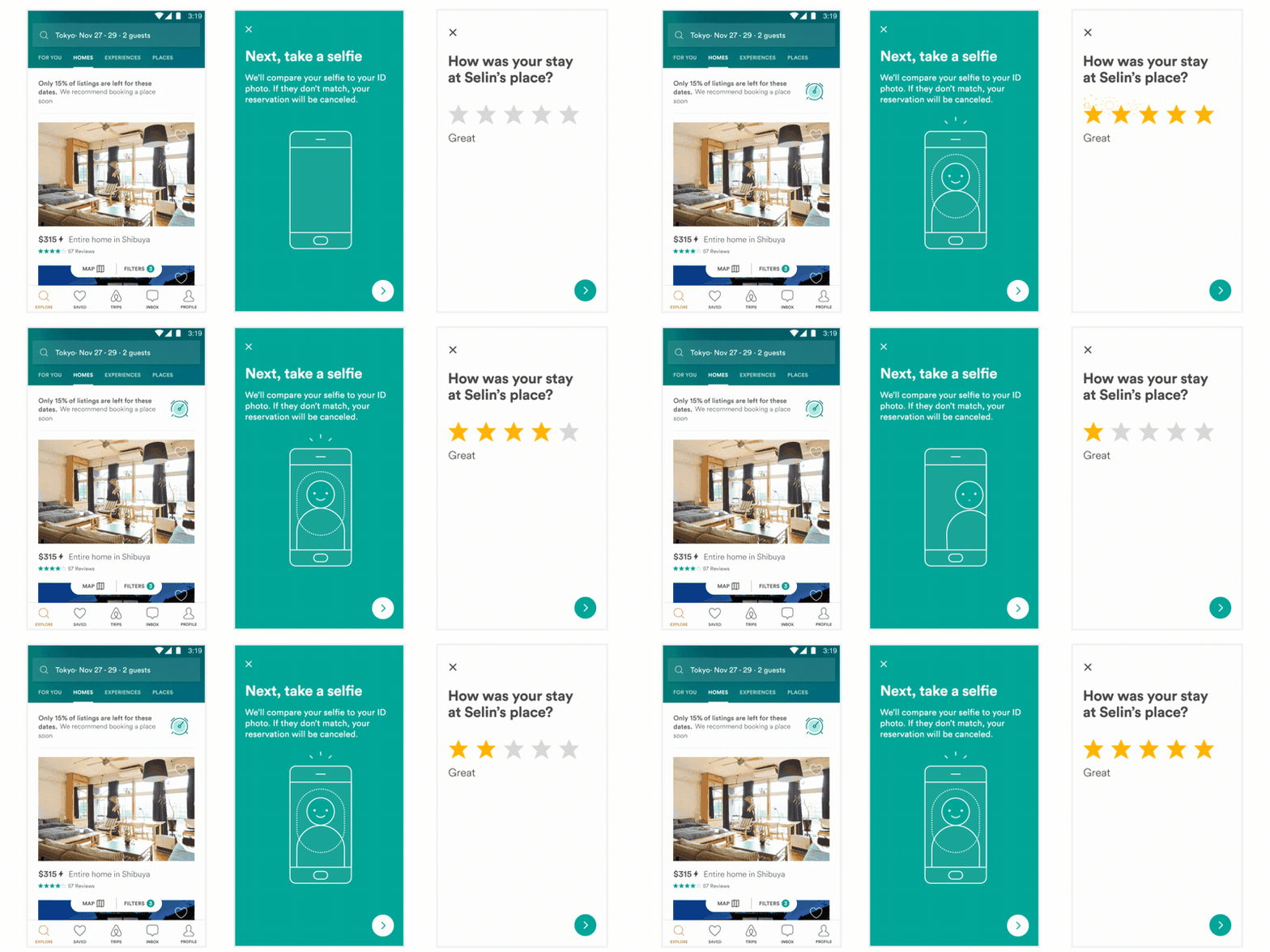
Here is just a small sampling of the power of Lottie

Example1 Example2

Example3

Abcs

Installing Lottie

Lottie supports Swift Package Manager, CocoaPods, and Carthage (Both dynamic and static).

Github Repo

You can pull the Lottie Github Repo and include the Lottie.xcodeproj to build a dynamic or static library.

Swift Package Manager

To install Lottie using Swift Package Manager you can follow the tutorial published by Apple using the URL for the Lottie repo with the current version:

  1. In Xcode, select “File” → “Add Packages...”
  2. Enter https://github.com/airbnb/lottie-spm.git

or you can add the following dependency to your Package.swift:

.package(url: "https://github.com/airbnb/lottie-spm.git", from: "4.6.1")

When using Swift Package Manager we recommend using the lottie-spm repo instead of the main lottie-ios repo. The main git repository for lottie-ios is somewhat large (300+ MB), and Swift Package Manager always downloads the full repository with all git history. The lottie-spm repo is much smaller (less than 500kb), so can be downloaded much more quickly.

Instead of downloading the full git history of Lottie and building it from source, the lottie-spm repo just contains a pointer to the precompiled XCFramework included in the latest lottie-ios release (typically ~8MB). If you prefer to include Lottie source directly your project, you can directly depend on the main lottie-ios repo by referencing https://github.com/airbnb/lottie-ios.git instead.

CocoaPods

Add the pod to your Podfile:

pod 'lottie-ios'

And then run:

pod install

After installing the cocoapod into your project import Lottie with

import Lottie

Carthage

Add Lottie to your Cartfile:

github "airbnb/lottie-ios" "master"

And then run:

carthage update

In your application targets “General” tab under the “Linked Frameworks and Libraries” section, drag and drop lottie-ios.framework from the Carthage/Build/iOS directory that carthage update produced.

Swift Version Support

Lottie supports Swift / Xcode versions back to the minimum version that is permitted by Apple for submissions to the App Store. You can see the most up-to-date information for which Swift versions Lottie supports on Swift Package Index:

Swift Versions

Privacy

Lottie does not collect any data. We provide this notice to help you fill out App Privacy Details. We additionally provide a privacy manifest which can be included in your app.

Security

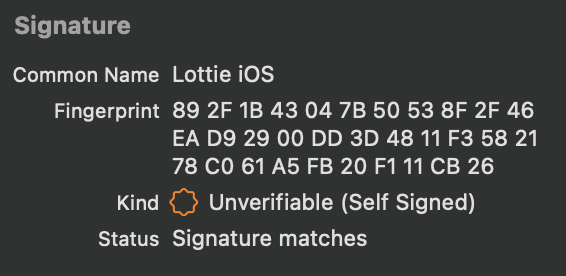
We distribute XCFramework bundles for each release on GitHub. In Lottie 4.4.0 and later, these XCFramework bundles include a code signature. These bundles are self-signed under the name "Lottie iOS" and have the following fingerprint:

89 2F 1B 43 04 7B 50 53 8F 2F 46 EA D9 29 00 DD 3D 48 11 F358 21 78 C0 61 A5 FB 20 F1 11 CB 26

In Xcode you can verify this by selecting Lottie.xcframework and confirming that it shows the following information:

Code Signature in Xcode

Contributing

We always appreciate contributions from the community. To make changes to the project, you can clone the repo and open Lottie.xcworkspace. This workspace includes:

All pull requests with new features or bug fixes that affect how animations render should include snapshot test cases that validate the included changes.

The project also includes several helpful commands defined in our Rakefile. To use these, you need to install Bundler:

$ sudo gem install bundle
$ bundle install

For example, all Swift code should be formatted according to the Airbnb Swift Style Guide. After making changes, you can reformat the code automatically using SwiftFormat and SwiftLint by running bundle exec rake format:swift. Other helpful commands include:

$ bundle exec rake build:all # builds all targets for all platforms
$ bundle exec rake build:package:iOS # builds the Lottie package for iOS
$ bundle exec rake test:package # tests the Lottie package
$ bundle exec rake format:swift # reformat Swift code based on the Airbnb Swift Style Guide

lottie-ios (airbnb/lottie-ios)

Searching Database…

这是什么?Lottie for iOS 是一个 Swift 库,只需极少的代码就能实时渲染基于矢量的动画和美术素材。动画以 bodymovin JSON 文件的形式提供,通常是从 After Effects 导出的。
这是我安装的一个应用,还是添加到 Xcode 项目里的库?它是一个库,你把它作为依赖添加到 Xcode 项目中;然后你的应用代码会加载并显示 bodymovin JSON 动画文件。这里没有独立的应用。
我怎么把它加到我的项目里?有三种受支持的方式:Swift Package Manager(在 Xcode 中选择 File → Add Packages...)、CocoaPods(把该 pod 添加到你的 Podfile,然后运行 pod install),或者 Carthage。对于 SPM,推荐使用 lottie-spm 仓库,然后在代码里 import Lottie。
动画本身从哪里来——我需要 After Effects 吗?动画不需要你手动写代码:设计师用 After Effects(通过 bodymovin 插件)、用 Lottie Sketch Export 的 Sketch,或者用 Haiku 导出 bodymovin JSON,而 Lottie 只负责渲染这些 JSON。
用 Swift Package Manager 安装时有什么坑?有:主仓库 lottie-ios 很大(300 多 MB),而 SPM 总会下载完整的 git 历史。请改用 lottie-spm 仓库——它不到 500 KB,并指向一个预编译的约 8 MB 的 XCFramework。
这个包除了 iPhone 还能在别的地方用吗——比如 macOS 或 tvOS?这个仓库构建的是苹果平台侧的框架:iOS、macOS、tvOS 和 visionOS。更庞大的 Lottie 家族还通过另外的库覆盖 Android 和 Web。
这个库会收集我的应用必须声明的数据吗?不会——Lottie 不收集任何数据,而且该项目提供了隐私清单(privacy manifest),你可以把它包含在应用里,帮助填写苹果的 App Privacy 信息。
动画加载到我的应用里之后,我能对它做什么?能做的很多:播放、调整大小、循环、加速、减速、倒放,或者交互式拖动进度,而且可以只播放或循环其中一段。在运行时你还可以修改颜色、位置或任何支持关键帧的属性。
比起手写动画,团队为什么更愿意选 Lottie?设计师可以直接用 After Effects 制作并交付动画,不需要工程师费力地手工重做一遍。而且动画由 JSON 支撑,文件非常小,动画本身却可以相当复杂。
我怎么验证下载的预编译框架是正版?从 Lottie 4.4.0 开始,发布版 XCFramework 都带有代码签名,以 'Lottie iOS' 名义自签,并公布了指纹。选中 Lottie.xcframework 时,Xcode 会显示这些信息。
Creator
airbnb
Size
198.1 MB
Stars
26.9K
Age
10y
Commits · 90 Days