


What is this?
 A local video-production workspace for product demos, driven by the /devrel-video Claude Code skill. It records real browser interactions with Playwright, composes title cards and CTAs with HyperFrames, and masters the output with FFmpeg.
Is it a standalone app or a skill for Claude Code?It is a Claude Code skill inside a cloned workspace, so you ask Claude for a video from a brief instead of launching a separate program. It coordinates existing tools rather than replacing them.
It is a Claude Code skill inside a cloned workspace, so you ask Claude for a video from a brief instead of launching a separate program. It coordinates existing tools rather than replacing them.Can I try it without installing the whole toolchain?Yes, for planning you only need Git and an authenticated Claude Code. Clone the workspace and ask Claude for a brief, and you get a project brief and a concrete beat plan, not a finished video.
Yes, for planning you only need Git and an authenticated Claude Code. Clone the workspace and ask Claude for a brief, and you get a project brief and a concrete beat plan, not a finished video.What do I need for a complete video?Node.js 22+, FFmpeg with ffprobe, Chromium, and the Python dependencies of its helper scripts. Narration and avatars are optional and need extra services or a GPU setup.
Node.js 22+, FFmpeg with ffprobe, Chromium, and the Python dependencies of its helper scripts. Narration and avatars are optional and need extra services or a GPU setup.Is there anything it can't do yet?Portrait and social-media output profiles are still on the roadmap. Full capture and rendering depend on your local toolchain, and offline CI only checks sources and selected utilities.
Portrait and social-media output profiles are still on the roadmap. Full capture and rendering depend on your local toolchain, and offline CI only checks sources and selected utilities.Where do my footage and credentials stay?Private footage and credentials are meant to stay outside the public repository. Optional private settings live outside Git and are selected through an environment variable.
Private footage and credentials are meant to stay outside the public repository. Optional private settings live outside Git and are selected through an environment variable.Does it record the real product or fake the UI?It drives the product in a browser through Playwright CLI, using scripts with explicit beats and stable selectors, so the captures are real. Only the terminal scenes in one example are authored HTML reenactments.
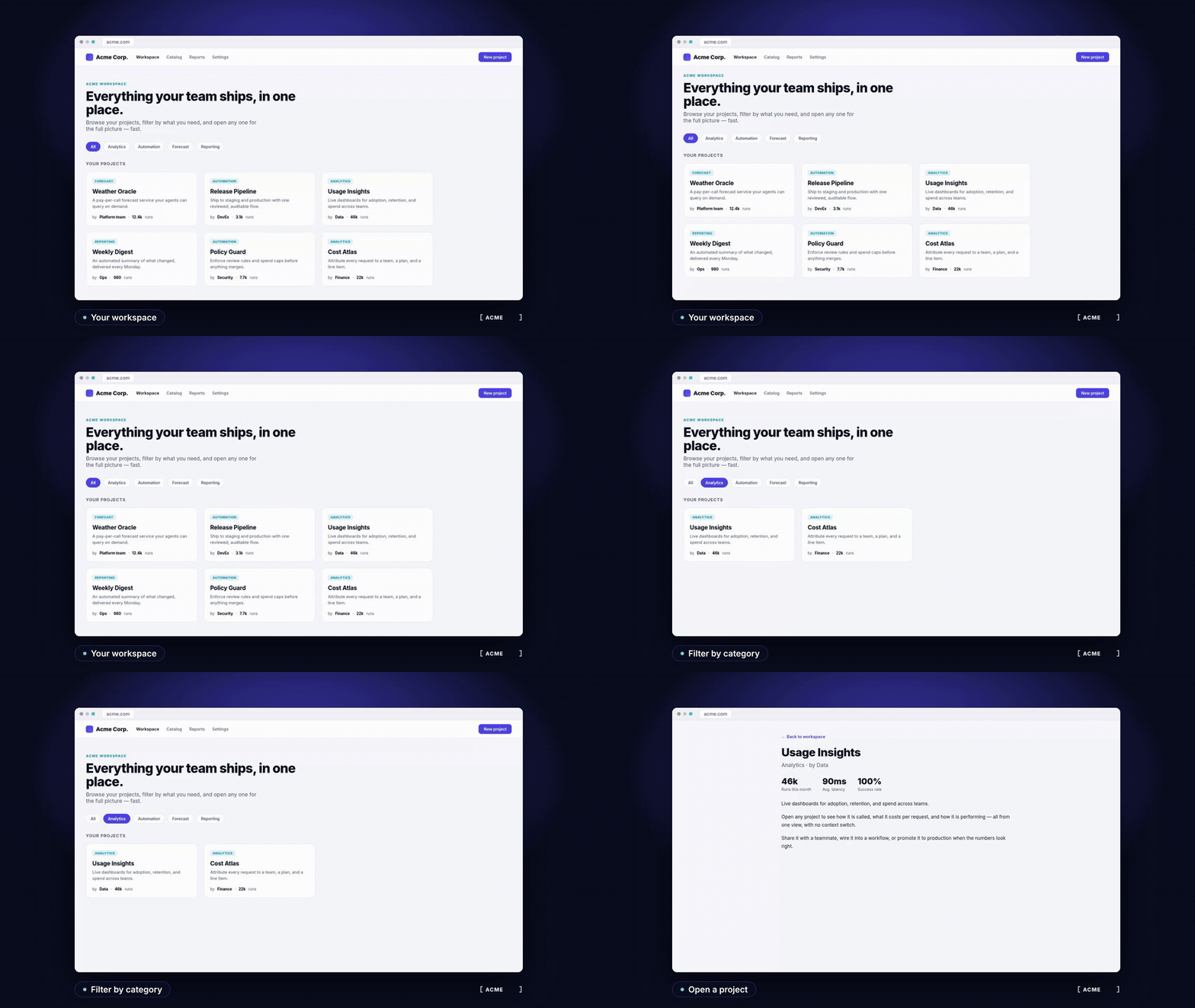
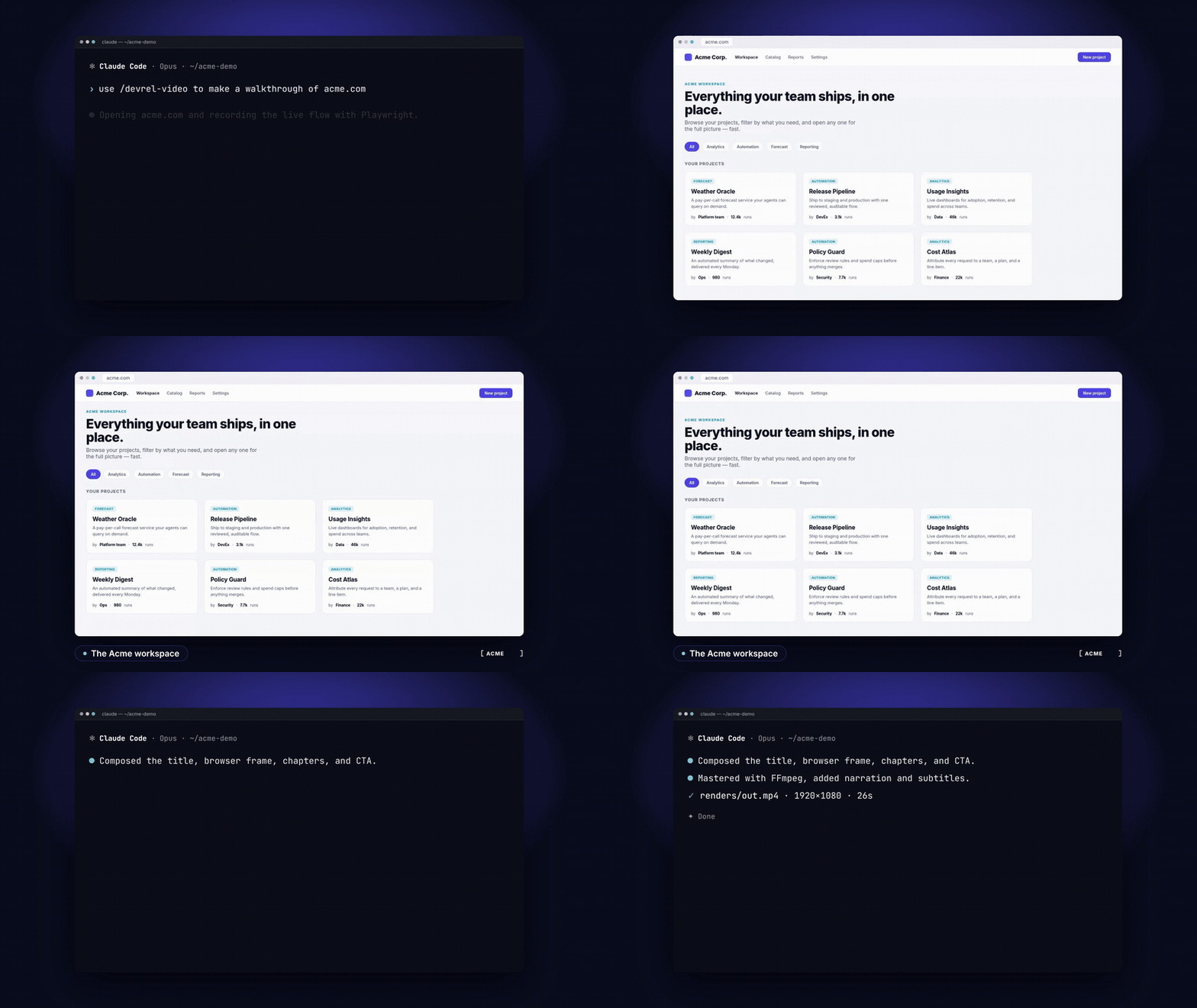
It drives the product in a browser through Playwright CLI, using scripts with explicit beats and stable selectors, so the captures are real. Only the terminal scenes in one example are authored HTML reenactments.What do the two worked examples show?One is a narrated EN/ES product walkthrough built on a local Acme fixture. The other is a multi-environment CLI and browser film. Generated MP4 and audio files are not in the repo, so you rebuild them from the included sources.
One is a narrated EN/ES product walkthrough built on a local Acme fixture. The other is a multi-environment CLI and browser film. Generated MP4 and audio files are not in the repo, so you rebuild them from the included sources.Can I reuse my own brand and presenter footage?Yes. Brands are reusable tokens under the brands folder, and presenter footage can be private bring-your-own media kept outside the repository.
Yes. Brands are reusable tokens under the brands folder, and presenter footage can be private bring-your-own media kept outside the repository.How much of it can be checked automatically?Offline CI checks the sources and selected local utilities. Live recordings, service calls, GPU jobs and full renders are manual validation steps.
Offline CI checks the sources and selected local utilities. Live recordings, service calls, GPU jobs and full renders are manual validation steps.What are similar projects?herk-edit-kit, saas-motion-kit, procedural-film, motion-video-kit, mortiflix-oss, guizang-product-video-skill, onetake, creator-flow
herk-edit-kit, saas-motion-kit, procedural-film, motion-video-kit, mortiflix-oss, guizang-product-video-skill, onetake, creator-flowWhich topics is it in?video-production, video-editing, claude-code-skill, playwright, content-creation, harness, workflow, ffmpeg, browser-automation, video, developers, html
video-production, video-editing, claude-code-skill, playwright, content-creation, harness, workflow, ffmpeg, browser-automation, video, developers, html