


What is this?
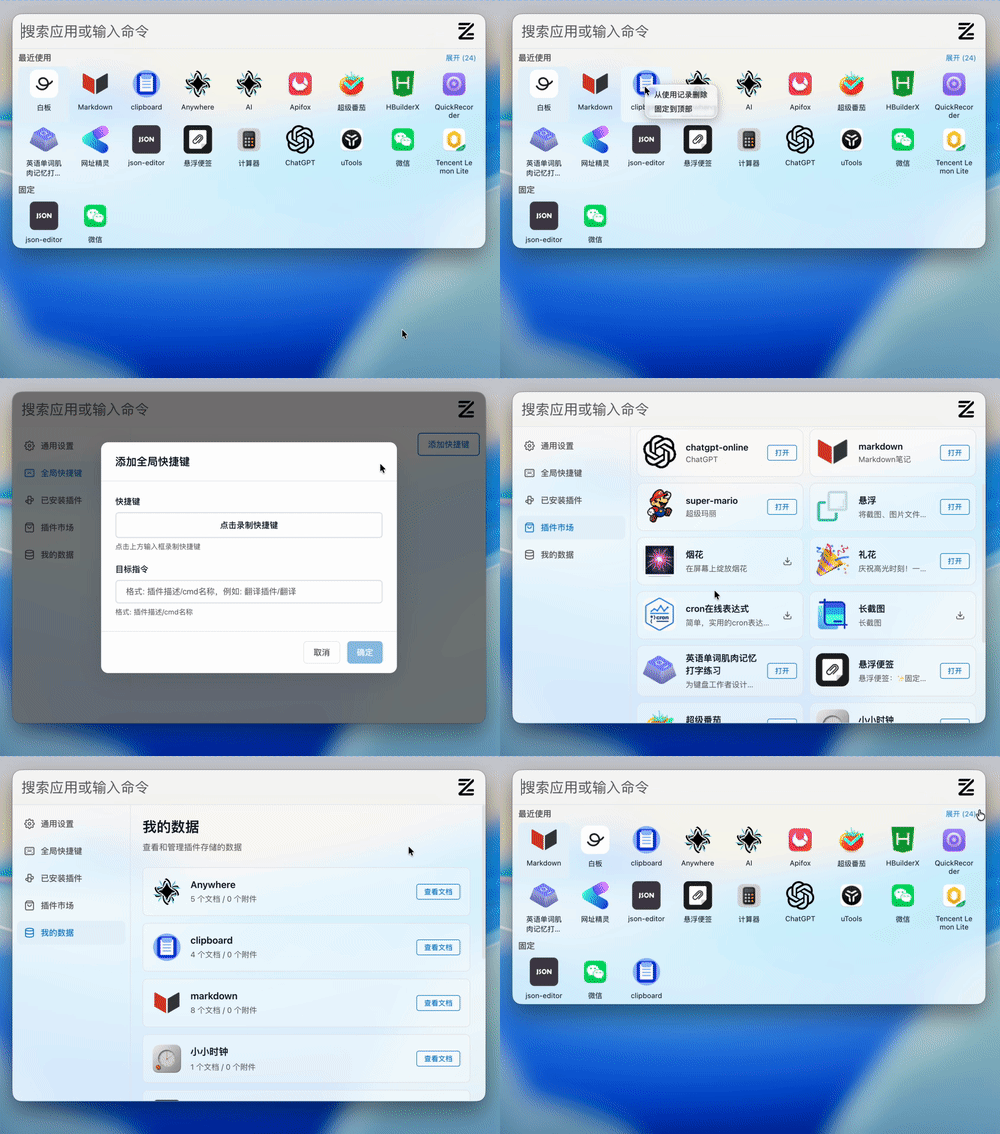
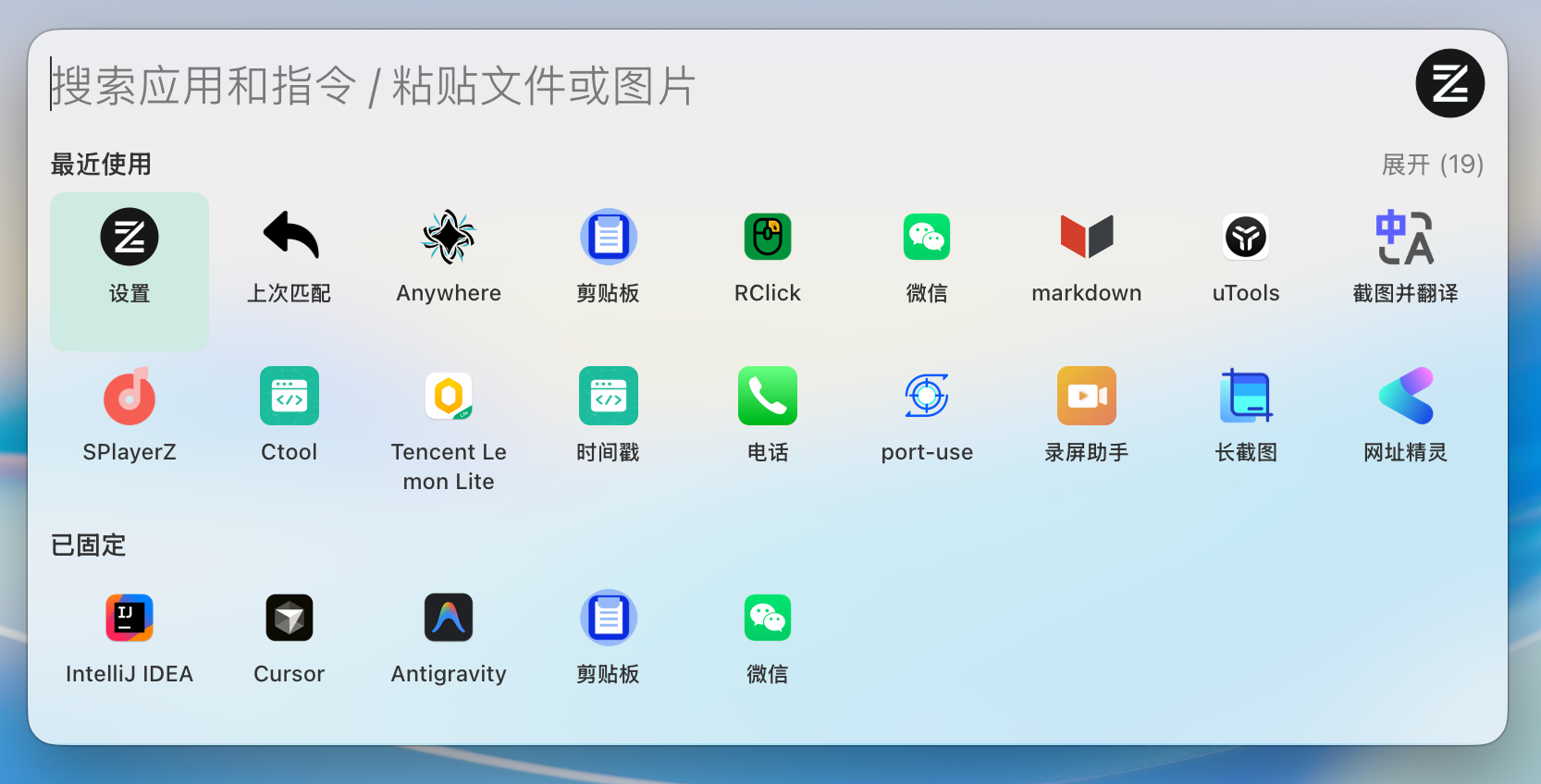
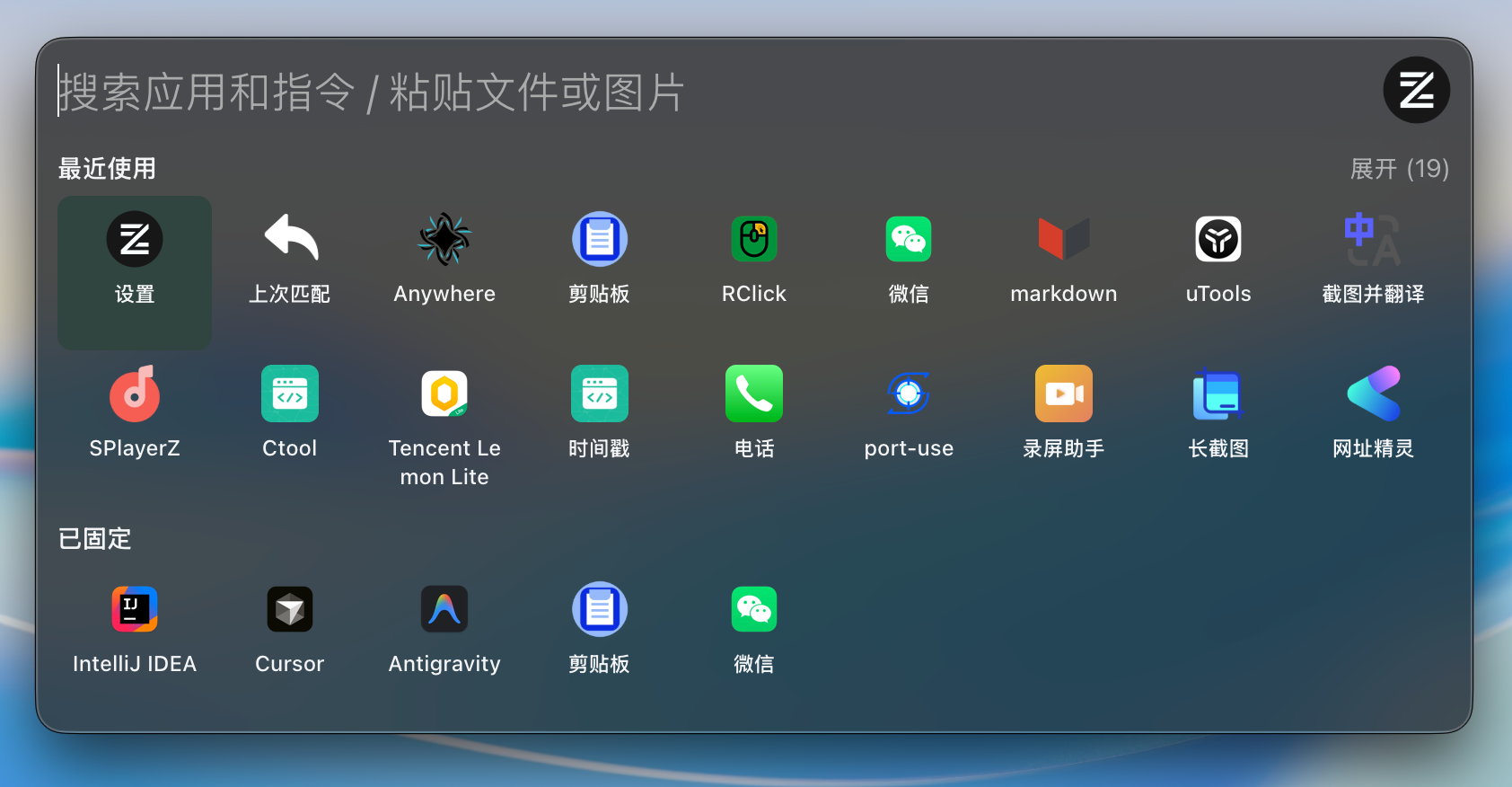
 ZTools is an open-source implementation of uTools - a high-performance, extensible application launcher and plugin platform for macOS and Windows.
ZTools is an open-source implementation of uTools - a high-performance, extensible application launcher and plugin platform for macOS and Windows.Is it a ready-made app, or something I build on top of?Both: it is a desktop launcher you install and use out of the box, and a plugin platform - plugins can be UI-based or headless, and there is a built-in plugin market.
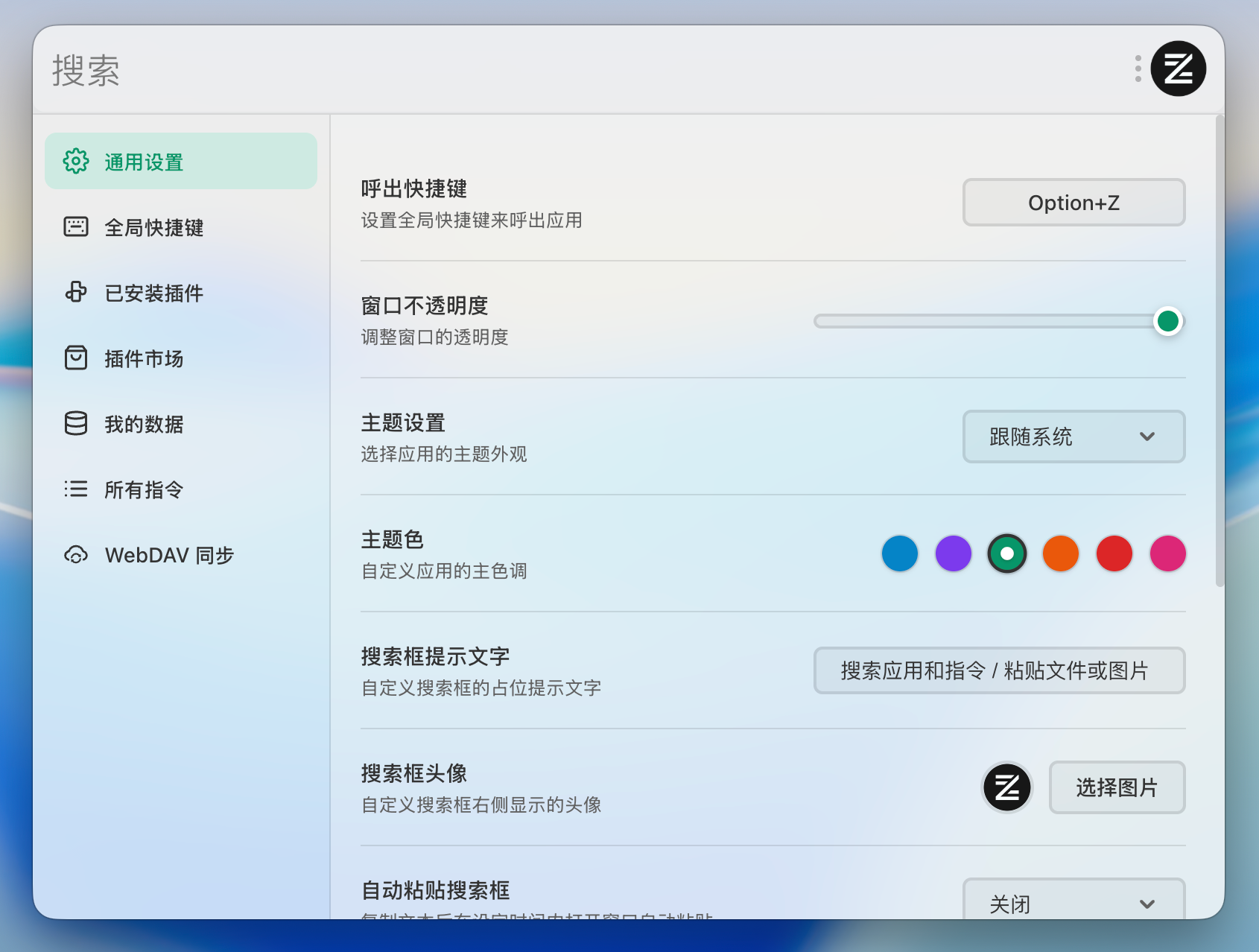
Both: it is a desktop launcher you install and use out of the box, and a plugin platform - plugins can be UI-based or headless, and there is a built-in plugin market.How do I install it and get it on screen?Download a pre-built installer from Releases (a .dmg or .zip for macOS, setup.exe or .zip for Windows), or build from source. Once running, Option+Z (macOS) or Alt+Z (Windows) opens the main interface.
Download a pre-built installer from Releases (a .dmg or .zip for macOS, setup.exe or .zip for Windows), or build from source. Once running, Option+Z (macOS) or Alt+Z (Windows) opens the main interface.Is there a Linux version?Not yet - it ships for macOS and Windows only. Linux support is on the roadmap, together with plugin auto-update and optional cloud sync.
Not yet - it ships for macOS and Windows only. Linux support is on the roadmap, together with plugin auto-update and optional cloud sync.What can it do besides launching apps?It doubles as a clipboard manager with history tracking, search, and image support. Search handles Pinyin and regex matching, apps can be pinned, and there are six theme colors with light, dark, and system modes.
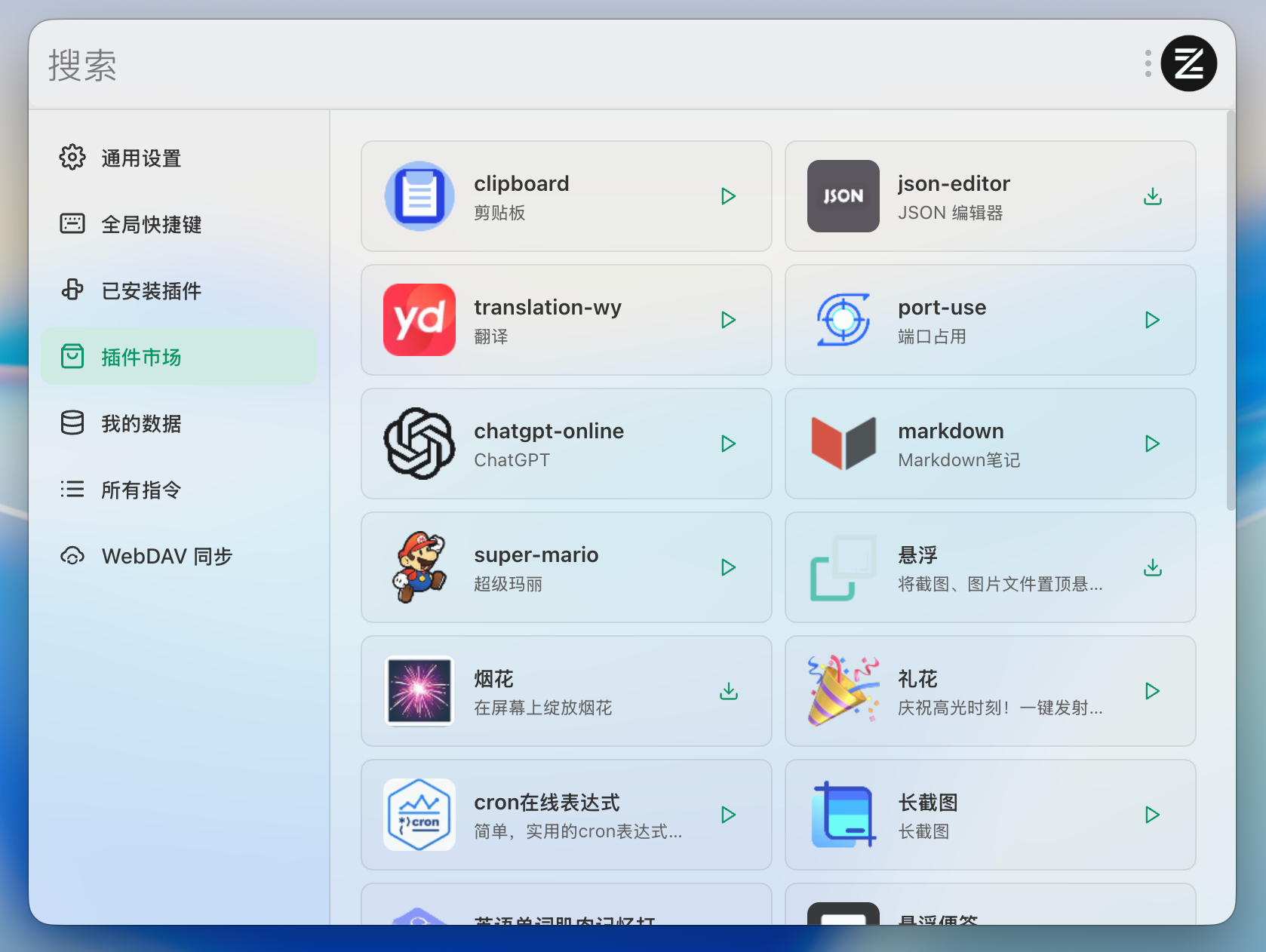
It doubles as a clipboard manager with history tracking, search, and image support. Search handles Pinyin and regex matching, apps can be pinned, and there are six theme colors with light, dark, and system modes.How do I get more plugins?There is a built-in plugin market for installing and managing plugins online, and every plugin keeps its data in isolated storage.
There is a built-in plugin market for installing and managing plugins online, and every plugin keeps its data in isolated storage.How much work is it to write my own plugin?Little: a plugin is defined by a standard plugin.json file, and a global ztools object exposes APIs for notifications, simulated input, and persistent storage. Plugins can trigger on text, regex, or global hooks, and development supports hot reload.
Little: a plugin is defined by a standard plugin.json file, and a global ztools object exposes APIs for notifications, simulated input, and persistent storage. Plugins can trigger on text, regex, or global hooks, and development supports hot reload.What is it built with?Electron 41, Vue 3, and TypeScript, running on an LMDB database with a WebContentsView architecture and a Fuse.js search engine. Native C++ Node-API modules handle clipboard monitoring, window management, and region screenshots on Windows.
Electron 41, Vue 3, and TypeScript, running on an LMDB database with a WebContentsView architecture and a Fuse.js search engine. Native C++ Node-API modules handle clipboard monitoring, window management, and region screenshots on Windows.Which topics is it in?clipboard-manager, app-launcher, plugin-marketplace, clipboard, fuzzy-search, launcher, electron-app, screenshot, themes, search, electron, vue
clipboard-manager, app-launcher, plugin-marketplace, clipboard, fuzzy-search, launcher, electron-app, screenshot, themes, search, electron, vue