What is this?
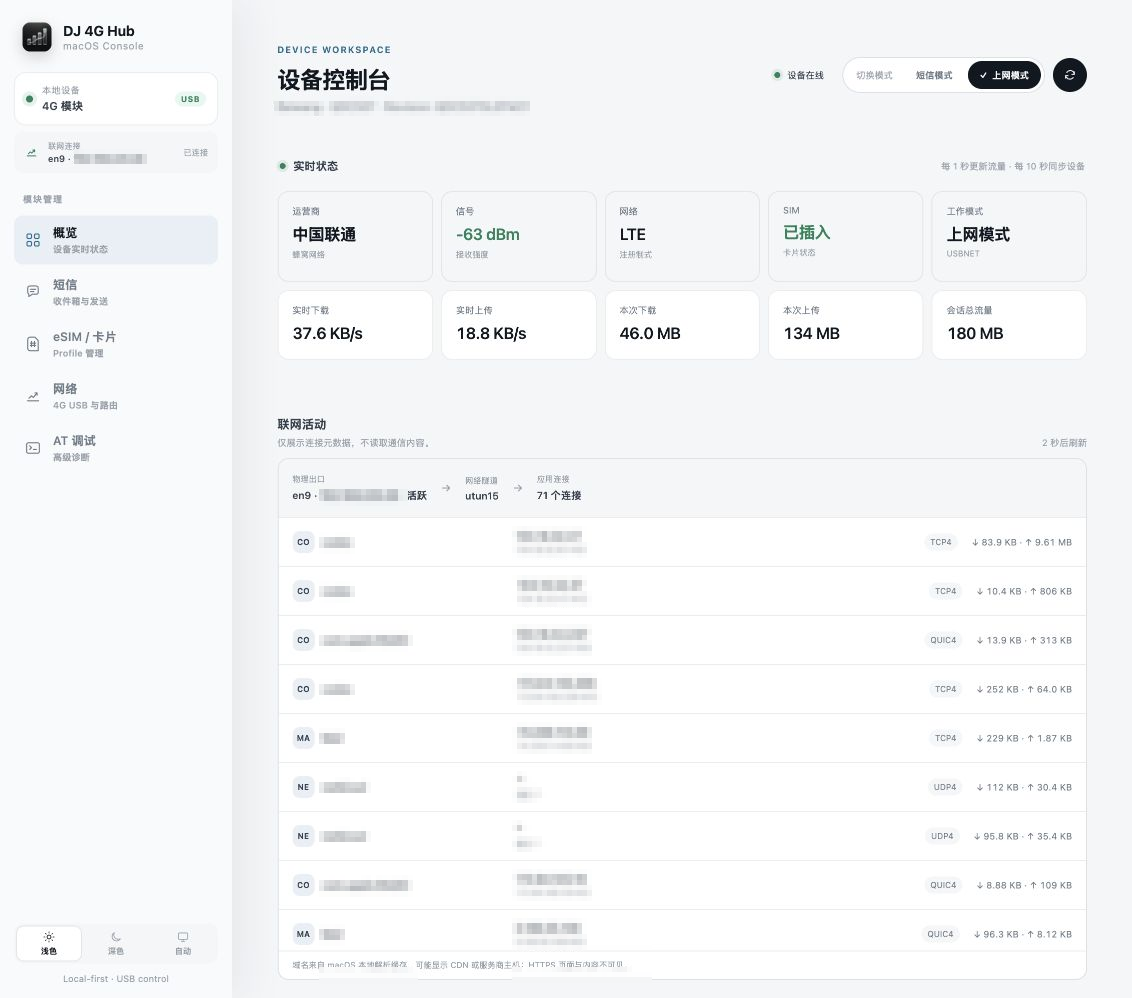
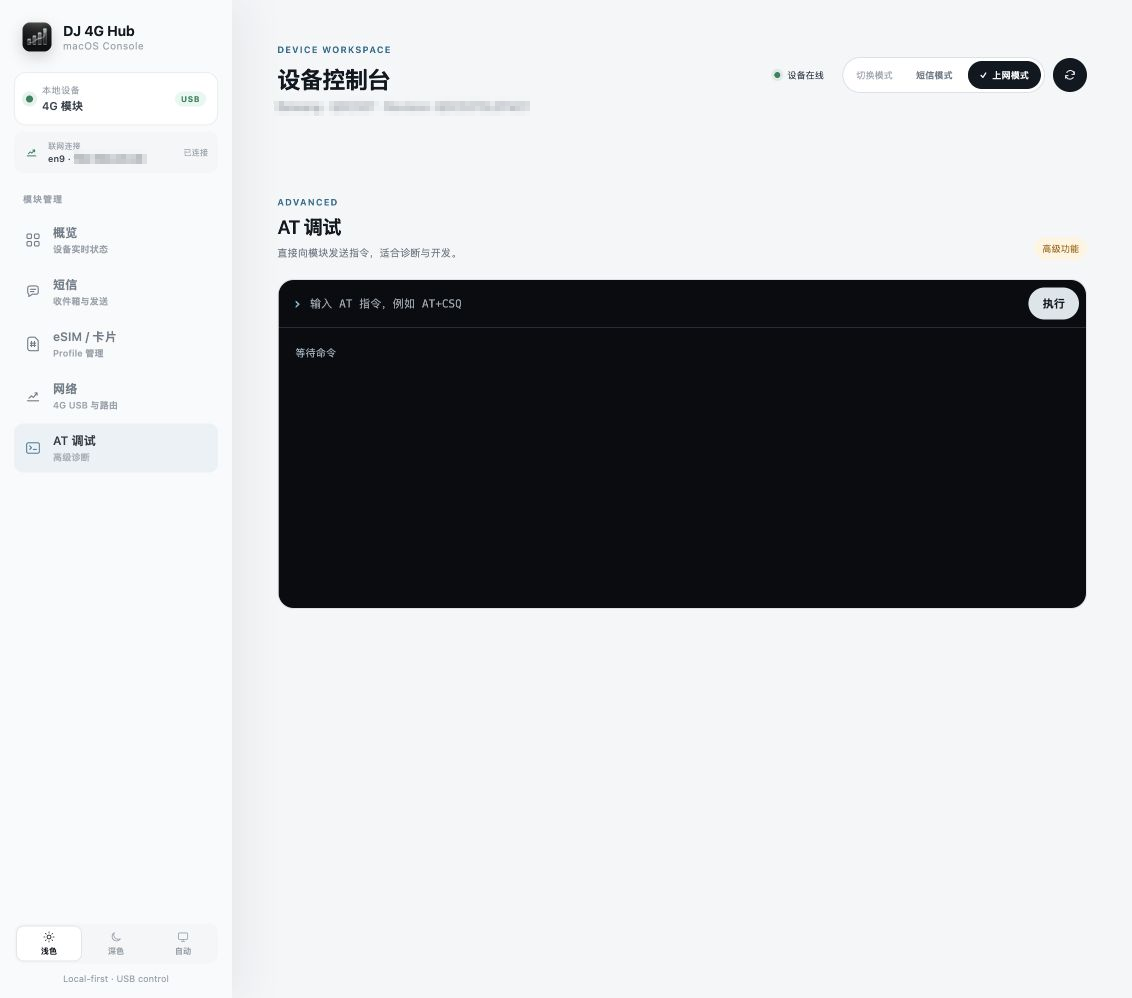
 DJ 4G Hub is a local-first macOS console app for controlling compatible first-generation DJI 4G modules over USB. It lets you check device status, send/receive SMS, manage eSIM profiles, monitor network traffic, and run AT debugging commands, without modifying the module's firmware.
DJ 4G Hub is a local-first macOS console app for controlling compatible first-generation DJI 4G modules over USB. It lets you check device status, send/receive SMS, manage eSIM profiles, monitor network traffic, and run AT debugging commands, without modifying the module's firmware.Is this an official DJI app?No. It is an independent, unofficial open-source project with no authorization, sponsorship, or endorsement from DJI; it simply talks to the module's existing USB interface.
No. It is an independent, unofficial open-source project with no authorization, sponsorship, or endorsement from DJI; it simply talks to the module's existing USB interface.How do I get it running?Download the ZIP named 'DJ-4G-Hub-macOS-arm64' from the project's Releases page, optionally verify it with the matching .sha256 file, unzip it, connect the module, and launch the app so the management web console opens automatically.
Download the ZIP named 'DJ-4G-Hub-macOS-arm64' from the project's Releases page, optionally verify it with the matching .sha256 file, unzip it, connect the module, and launch the app so the management web console opens automatically.What hardware do I need to use it?You need an Apple Silicon Mac on macOS 13 Ventura or later, a supported DJI 4G module (common USB ID 2ca3:4006), a physical SIM or compatible eUICC/eSIM card, and a USB-C cable that supports data transfer. The release bundle already ships libusb, so no Go, Node.js, or Homebrew install is required.
You need an Apple Silicon Mac on macOS 13 Ventura or later, a supported DJI 4G module (common USB ID 2ca3:4006), a physical SIM or compatible eUICC/eSIM card, and a USB-C cable that supports data transfer. The release bundle already ships libusb, so no Go, Node.js, or Homebrew install is required.Does it work on Intel Macs or iPhones?Not yet. Current releases only target Apple Silicon; an Intel Mac build is still unverified, and iPhone/iPad support is just a planned roadmap item. The extra USB modes (usbnet=2/3) are also still experimental.
Not yet. Current releases only target Apple Silicon; an Intel Mac build is still unverified, and iPhone/iPad support is just a planned roadmap item. The extra USB modes (usbnet=2/3) are also still experimental.Does it send my SIM or SMS data anywhere?No. The management service and web UI run entirely on your Mac, listening only on 127.0.0.1:7575 by default, and SIM, SMS, EID, ICCID, and network connection data are never uploaded to a remote server.
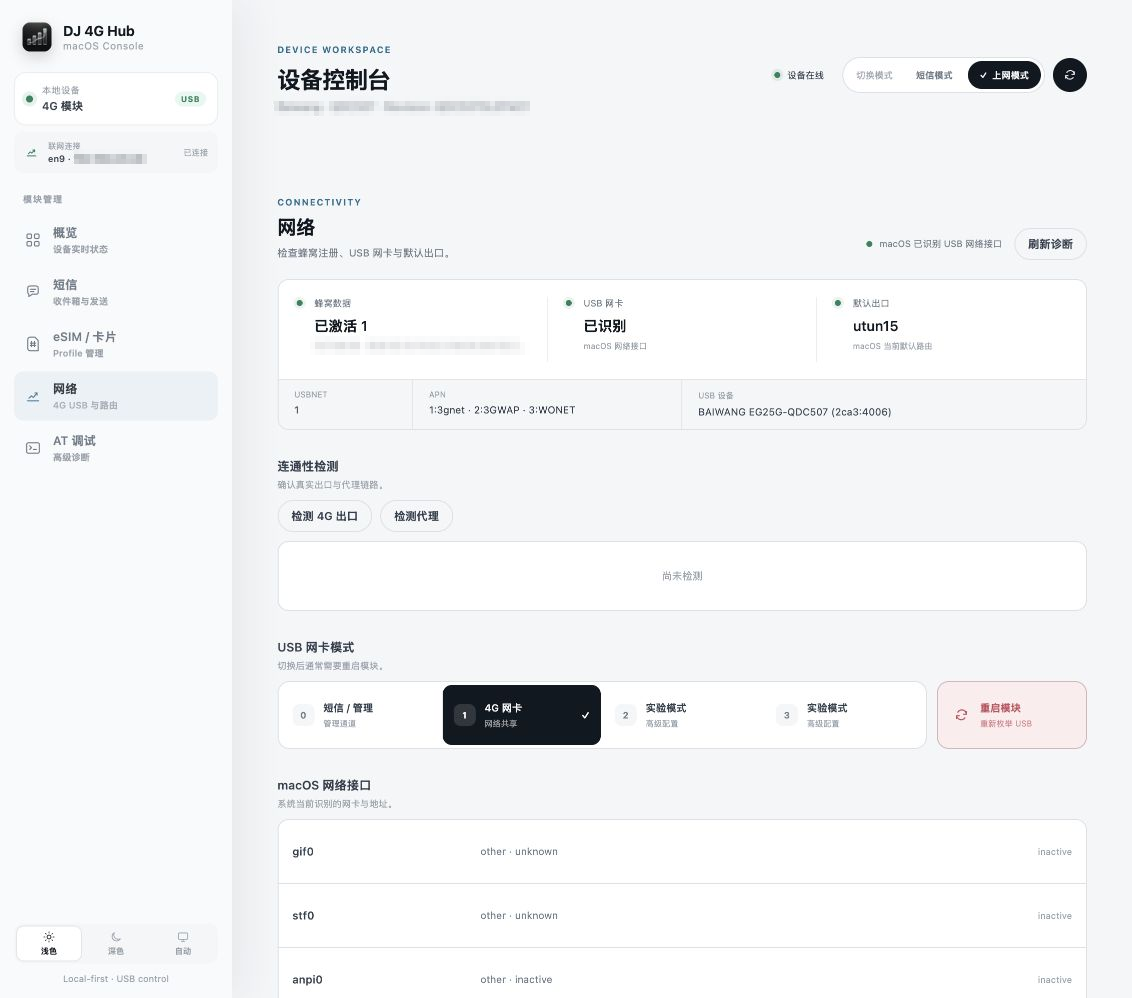
No. The management service and web UI run entirely on your Mac, listening only on 127.0.0.1:7575 by default, and SIM, SMS, EID, ICCID, and network connection data are never uploaded to a remote server.What is the difference between SMS mode and USB internet mode?usbnet=0 keeps the module in SMS mode for status, texts, eSIM management and AT debugging, while usbnet=1 switches it to internet mode so macOS sees a USB network card using the SIM's cellular data; switching modes triggers a brief USB re-enumeration.
usbnet=0 keeps the module in SMS mode for status, texts, eSIM management and AT debugging, while usbnet=1 switches it to internet mode so macOS sees a USB network card using the SIM's cellular data; switching modes triggers a brief USB re-enumeration.What is 4G Connect?4G Connect is a separate, independently released MIT-licensed app included here as a git submodule. It's a one-click tool that only activates the module's USB network-card mode, without needing the full DJ 4G Hub console.
4G Connect is a separate, independently released MIT-licensed app included here as a git submodule. It's a one-click tool that only activates the module's USB network-card mode, without needing the full DJ 4G Hub console.Can it see what websites I visit through the cellular connection?It can show connection metadata such as app name, destination domain or IP, port, protocol, and traffic volume, but it cannot read HTTPS page content, so it is not a full traffic inspector or a carrier bill replacement.
It can show connection metadata such as app name, destination domain or IP, port, protocol, and traffic volume, but it cannot read HTTPS page content, so it is not a full traffic inspector or a carrier bill replacement.Can I manage the physical SIM card inside the module?Yes, you can read, download, enable, rename, and delete profiles on a compatible physical eUICC card inserted in the module's SIM slot, which is separate from your Mac's own built-in eSIM.
Yes, you can read, download, enable, rename, and delete profiles on a compatible physical eUICC card inserted in the module's SIM slot, which is separate from your Mac's own built-in eSIM.What are similar projects?leftopen, mac-performance-monitor, esp32sim, agentsview, ATBClone, greenbubbles, FinderSearch, SCM
leftopen, mac-performance-monitor, esp32sim, agentsview, ATBClone, greenbubbles, FinderSearch, SCMWhich topics is it in?sms, iot, debugging, macos-app, hardware, apple-silicon, monitoring, local-first, desktop, networking, go, privacy
sms, iot, debugging, macos-app, hardware, apple-silicon, monitoring, local-first, desktop, networking, go, privacy