这是什么?
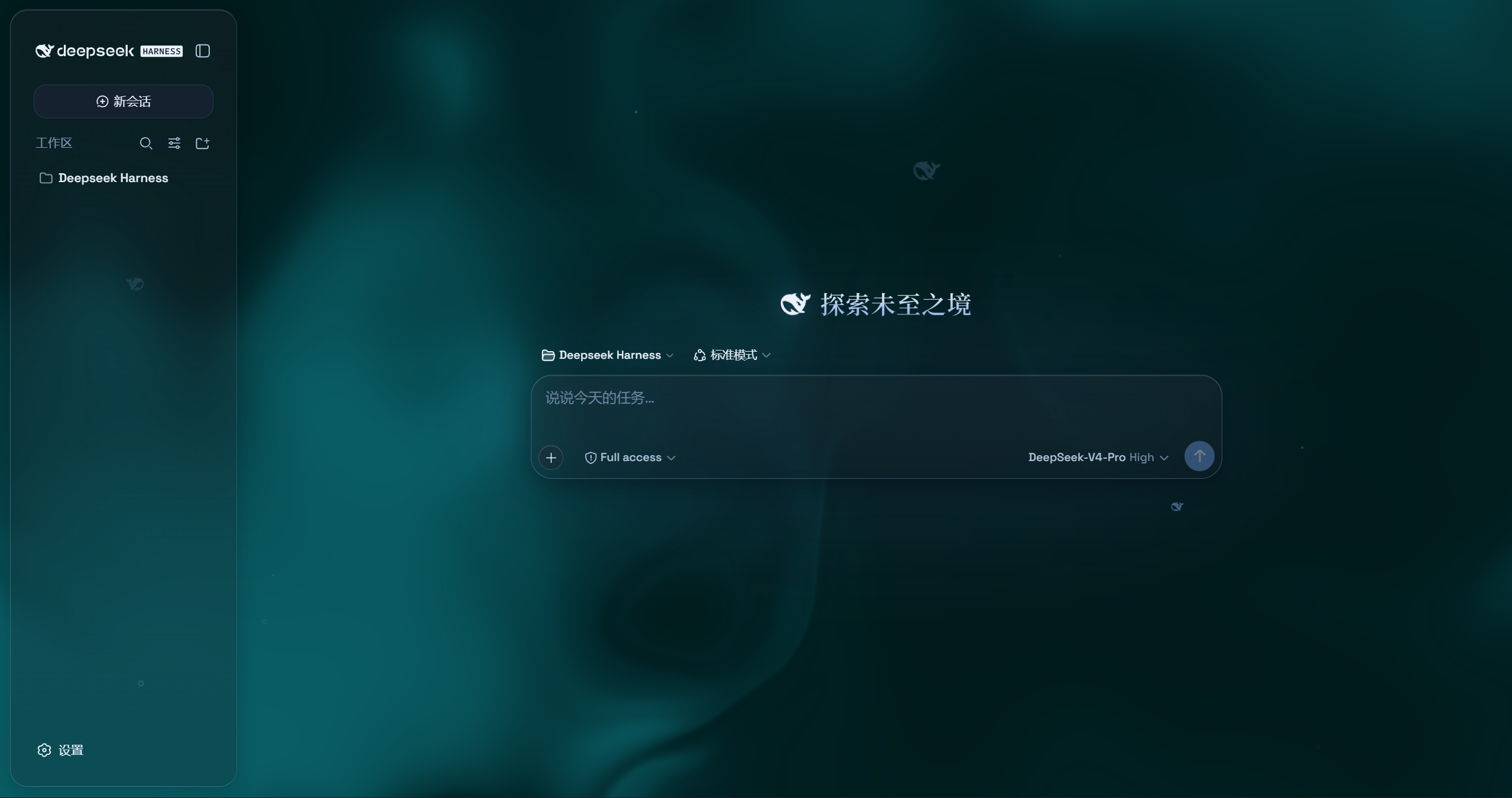
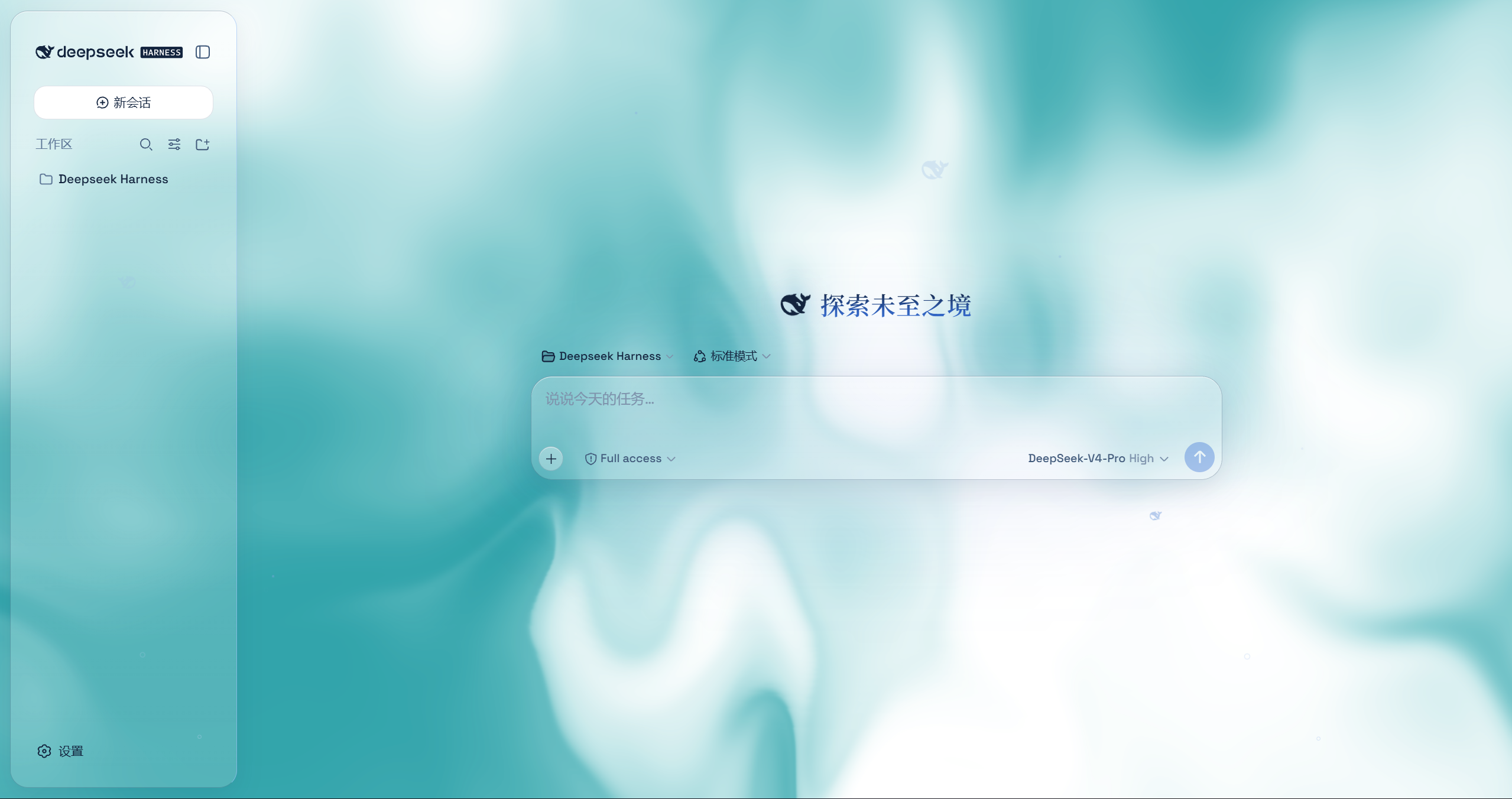
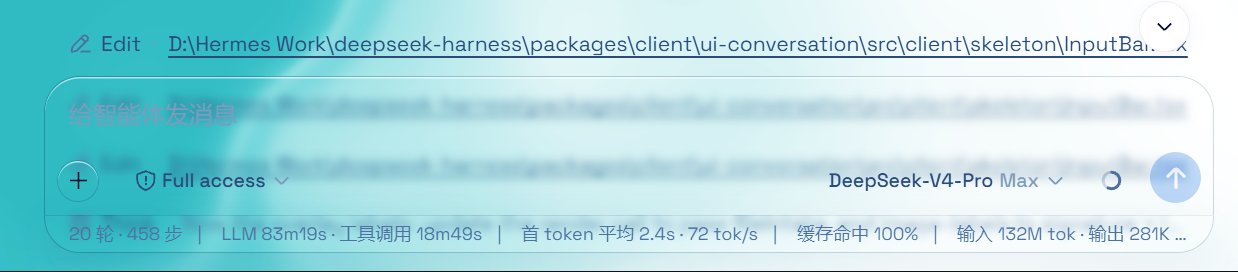
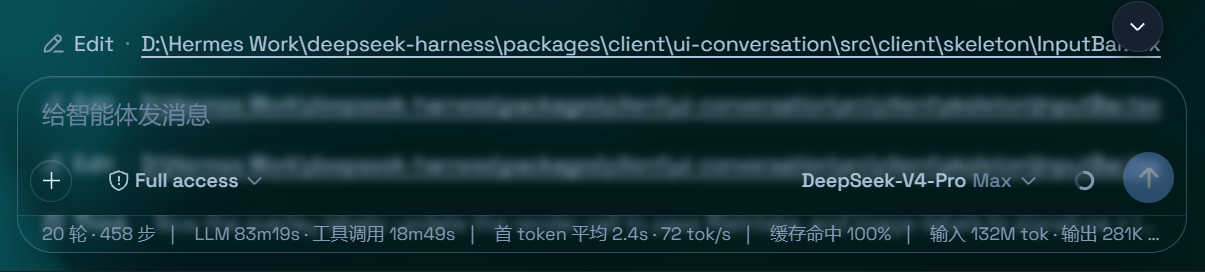
 Aqua 是 DeepSeek Harness(DSH)Web UI 的玻璃拟态主题插件。它把顶栏、侧边栏、输入区、统计行和轨迹视图变成磨砂玻璃面板,模糊、霜化和背景都可调节。
Aqua 是 DeepSeek Harness(DSH)Web UI 的玻璃拟态主题插件。它把顶栏、侧边栏、输入区、统计行和轨迹视图变成磨砂玻璃面板,模糊、霜化和背景都可调节。这是独立应用,还是需要先安装 DeepSeek Harness?它是插件,不是独立应用——只能在已安装的 DeepSeek Harness(DSH)Web UI 之上叠加使用,并且不会改动 DSH 的源代码。
它是插件,不是独立应用——只能在已安装的 DeepSeek Harness(DSH)Web UI 之上叠加使用,并且不会改动 DSH 的源代码。使用它需要先配置好 DSH 吗?需要——安装会把插件注册进你现有的 DSH 配置(会编辑 $DSHHOME/profiles/web/cordis.patch.yml 之类的文件),所以你得先有一套能正常运行的 DeepSeek Harness。
需要——安装会把插件注册进你现有的 DSH 配置(会编辑 $DSHHOME/profiles/web/cordis.patch.yml 之类的文件),所以你得先有一套能正常运行的 DeepSeek Harness。它在最新版本的 DSH 上还能正常工作吗?不一定稳定——作者提醒,在最近的 DSH API 更新之后,他们没能及时更新该插件,在有人修复之前,安装时可能会崩溃。
不一定稳定——作者提醒,在最近的 DSH API 更新之后,他们没能及时更新该插件,在有人修复之前,安装时可能会崩溃。安装器在每个操作系统上的工作方式都一样吗?npm 安装方式适用于所有平台;备用的 GitHub 安装方式在 Windows 上是一条命令的脚本,在 macOS/Linux 上则是单独的三步手动流程。
npm 安装方式适用于所有平台;备用的 GitHub 安装方式在 Windows 上是一条命令的脚本,在 macOS/Linux 上则是单独的三步手动流程。它提供的两种主题模式是什么?Mica 模式把布局变成悬浮的玻璃卡片,模糊和霜化可调;兼容模式则逐字节保持原有布局不变,只把材质换成玻璃,这也会影响其他插件的 UI。
Mica 模式把布局变成悬浮的玻璃卡片,模糊和霜化可调;兼容模式则逐字节保持原有布局不变,只把材质换成玻璃,这也会影响其他插件的 UI。我可以用自己的壁纸当背景吗?可以。你可以设置一张自定义壁纸铺满页面(保持宽高比),它有自己独立的模糊和霜化控制;也可以使用默认的动态流体画板并调节色相。
可以。你可以设置一张自定义壁纸铺满页面(保持宽高比),它有自己独立的模糊和霜化控制;也可以使用默认的动态流体画板并调节色相。粒子鲸鱼特效是什么?它是 deepseek.com/harness 网站上粒子鱼/鲸鱼主视觉的 2D 移植版,居中渲染在聊天区域;可以在设置里开关,并会在浅色和深色模式之间切换颜色。
它是 deepseek.com/harness 网站上粒子鱼/鲸鱼主视觉的 2D 移植版,居中渲染在聊天区域;可以在设置里开关,并会在浅色和深色模式之间切换颜色。我能把它关掉而不弄坏任何东西吗?可以。设置里的一个总开关就能完全恢复 DSH 原生 UI 并移除所有视觉效果,因为这个插件从不修改 DSH 自身的源代码。
可以。设置里的一个总开关就能完全恢复 DSH 原生 UI 并移除所有视觉效果,因为这个插件从不修改 DSH 自身的源代码。What are similar projects?dsh-dream-skin, gal-view, dsh-wallpaper-engine, dsh-liang-skin, open-sea-skin, dsh-deep-whale, dsh-pocket, dsh-visualize
dsh-dream-skin, gal-view, dsh-wallpaper-engine, dsh-liang-skin, open-sea-skin, dsh-deep-whale, dsh-pocket, dsh-visualizeWhich topics is it in?deepseek-harness-plugin, wallpaper, dark-mode, theme, dsh, dsh-plugin, deepseek-harness, agpl, animation, customization, css, browser
deepseek-harness-plugin, wallpaper, dark-mode, theme, dsh, dsh-plugin, deepseek-harness, agpl, animation, customization, css, browser