Что это?
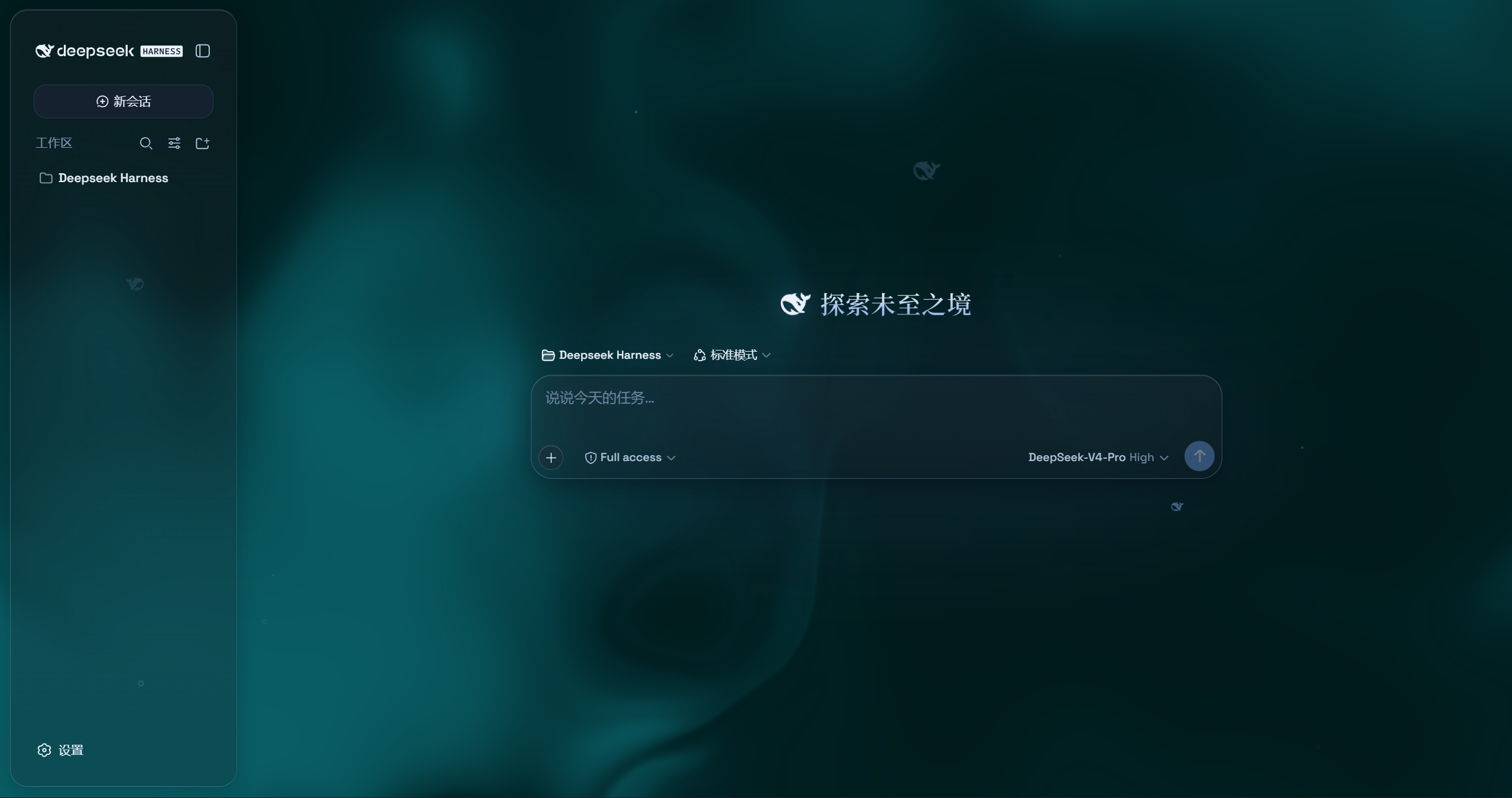
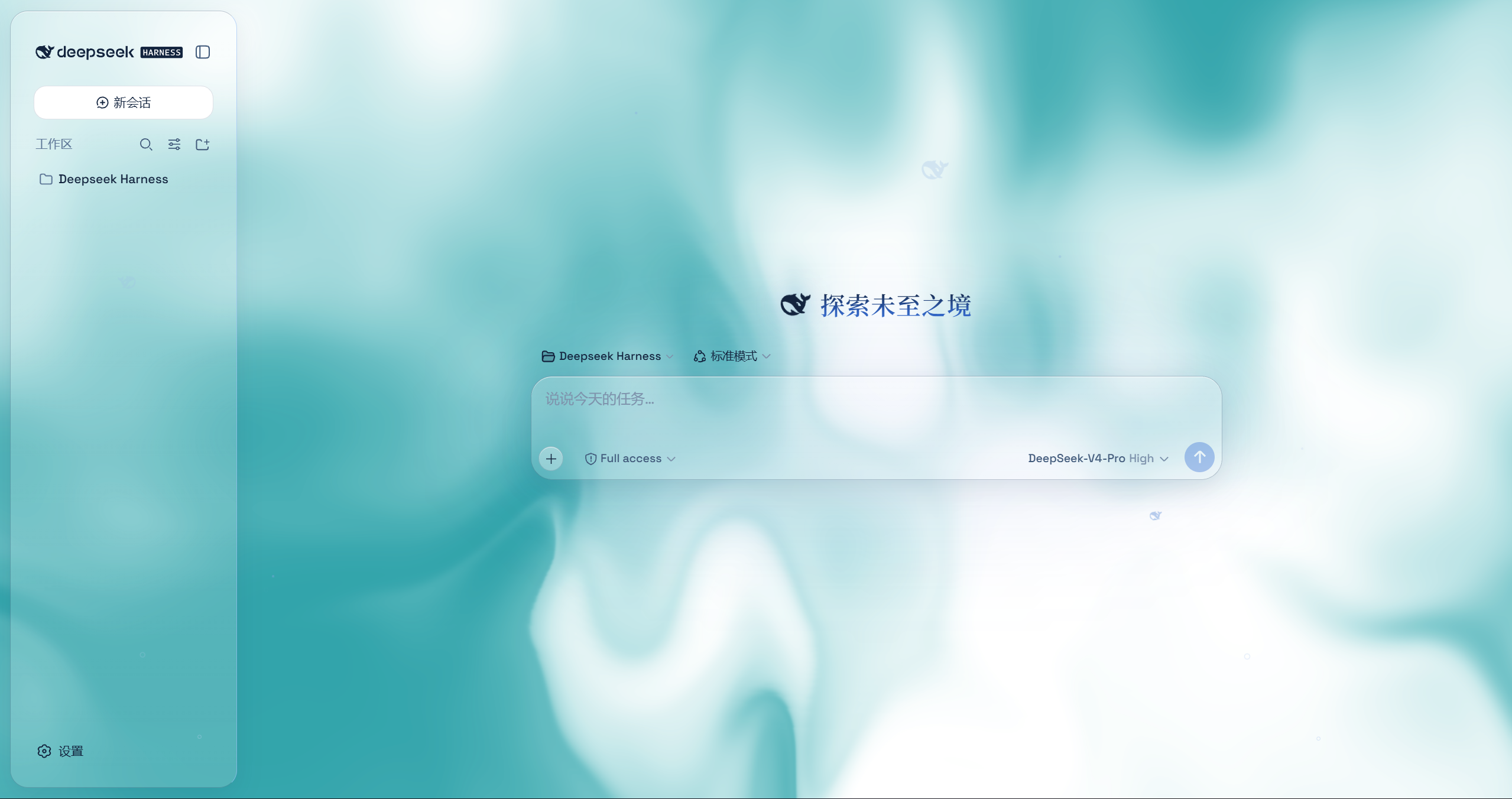
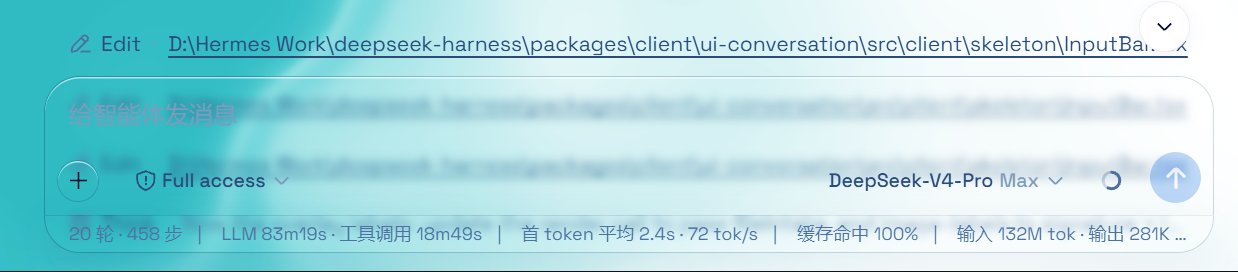
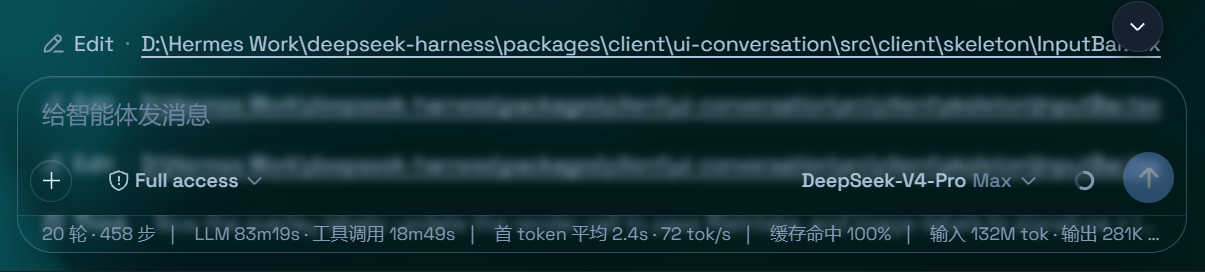
 Aqua — плагин темы в стиле глассморфизма для web UI DeepSeek Harness (DSH). Он превращает шапку, боковую панель, композер, строку статистики и просмотр траектории в панели из матового стекла с настраиваемыми размытием, инеем и фоном.
Aqua — плагин темы в стиле глассморфизма для web UI DeepSeek Harness (DSH). Он превращает шапку, боковую панель, композер, строку статистики и просмотр траектории в панели из матового стекла с настраиваемыми размытием, инеем и фоном.Это отдельное приложение или ему нужен установленный DeepSeek Harness?Это плагин, а не отдельное приложение — он работает только поверх уже установленного web UI DeepSeek Harness (DSH) и не трогает исходный код DSH.
Это плагин, а не отдельное приложение — он работает только поверх уже установленного web UI DeepSeek Harness (DSH) и не трогает исходный код DSH.Нужен ли уже настроенный DSH?Да — установка регистрирует плагин внутри вашего существующего профиля DSH (редактируя файлы вроде $DSHHOME/profiles/web/cordis.patch.yml), поэтому сначала нужен работающий DeepSeek Harness.
Да — установка регистрирует плагин внутри вашего существующего профиля DSH (редактируя файлы вроде $DSHHOME/profiles/web/cordis.patch.yml), поэтому сначала нужен работающий DeepSeek Harness.Работает ли он с последней версией DSH?Не надёжно — автор предупреждает, что после недавних обновлений API DSH не смог оперативно обновить плагин, и тот может падать при установке, пока кто-нибудь его не пропатчит.
Не надёжно — автор предупреждает, что после недавних обновлений API DSH не смог оперативно обновить плагин, и тот может падать при установке, пока кто-нибудь его не пропатчит.Установщик работает одинаково на всех ОС?Путь установки через npm работает на всех платформах; резервный установщик с GitHub — это скрипт одной команды для Windows и отдельный ручной процесс из 3 шагов для macOS/Linux.
Путь установки через npm работает на всех платформах; резервный установщик с GitHub — это скрипт одной команды для Windows и отдельный ручной процесс из 3 шагов для macOS/Linux.Какие два режима темы он предлагает?Режим Mica превращает макет в парящие стеклянные карточки с настраиваемым размытием и инеем, а Compatibility Mode сохраняет стандартный макет побайтово и просто меняет материал на стекло, что затрагивает и UI других плагинов.
Режим Mica превращает макет в парящие стеклянные карточки с настраиваемым размытием и инеем, а Compatibility Mode сохраняет стандартный макет побайтово и просто меняет материал на стекло, что затрагивает и UI других плагинов.Можно ли поставить свои обои как фон?Да, можно установить собственные обои, которые заполнят страницу (с сохранением пропорций) и получат свои независимые настройки размытия и инея, либо использовать анимированную жидкую доску по умолчанию с настраиваемым оттенком.
Да, можно установить собственные обои, которые заполнят страницу (с сохранением пропорций) и получат свои независимые настройки размытия и инея, либо использовать анимированную жидкую доску по умолчанию с настраиваемым оттенком.Что за эффект частиц-кита?Это 2D-порт центрального элемента с частицами-рыбами/китом с сайта deepseek.com/harness, отрисовываемого по центру области чата; он включается в настройках и меняет цвет между светлой и тёмной темами.
Это 2D-порт центрального элемента с частицами-рыбами/китом с сайта deepseek.com/harness, отрисовываемого по центру области чата; он включается в настройках и меняет цвет между светлой и тёмной темами.Можно ли его выключить, ничего не сломав?Да, один главный переключатель в Settings в точности возвращает стандартный UI DSH и убирает все визуальные эффекты, ведь плагин никогда не изменяет исходный код самого DSH.
Да, один главный переключатель в Settings в точности возвращает стандартный UI DSH и убирает все визуальные эффекты, ведь плагин никогда не изменяет исходный код самого DSH.What are similar projects?dsh-dream-skin, gal-view, dsh-wallpaper-engine, dsh-liang-skin, open-sea-skin, dsh-deep-whale, dsh-pocket, dsh-visualize
dsh-dream-skin, gal-view, dsh-wallpaper-engine, dsh-liang-skin, open-sea-skin, dsh-deep-whale, dsh-pocket, dsh-visualizeWhich topics is it in?deepseek-harness-plugin, wallpaper, dark-mode, theme, dsh, dsh-plugin, deepseek-harness, agpl, animation, customization, css, browser
deepseek-harness-plugin, wallpaper, dark-mode, theme, dsh, dsh-plugin, deepseek-harness, agpl, animation, customization, css, browser