










10.2K ·GitHub
What is this?
 FoldingCell is an open-source iOS UI component by Ramotion: a table view cell that expands open with a folding-paper animation inspired by material design.
FoldingCell is an open-source iOS UI component by Ramotion: a table view cell that expands open with a folding-paper animation inspired by material design.Is this a full app or a piece I drop into my own project?It is a UI library, not an app: you subclass its FoldingCell class and add the result to a table view in your own iOS project.
It is a UI library, not an app: you subclass its FoldingCell class and add the result to a table view in your own iOS project.How do I add it to my project?Add the FoldingCell.swift file to your project, or install it via CocoaPods, Carthage, or Swift Package Manager; the README then walks through the cell setup step by step.
Add the FoldingCell.swift file to your project, or install it via CocoaPods, Carthage, or Swift Package Manager; the README then walks through the cell setup step by step.Which iOS and Xcode versions do I need?iOS 8.0 or newer and Xcode 10.2 or newer. No third-party dependencies are mentioned in the README.
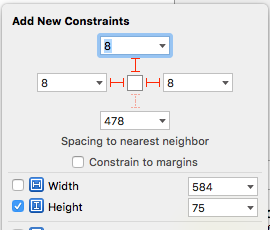
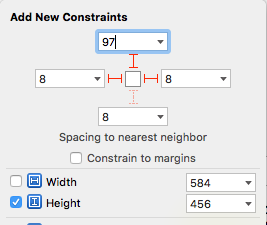
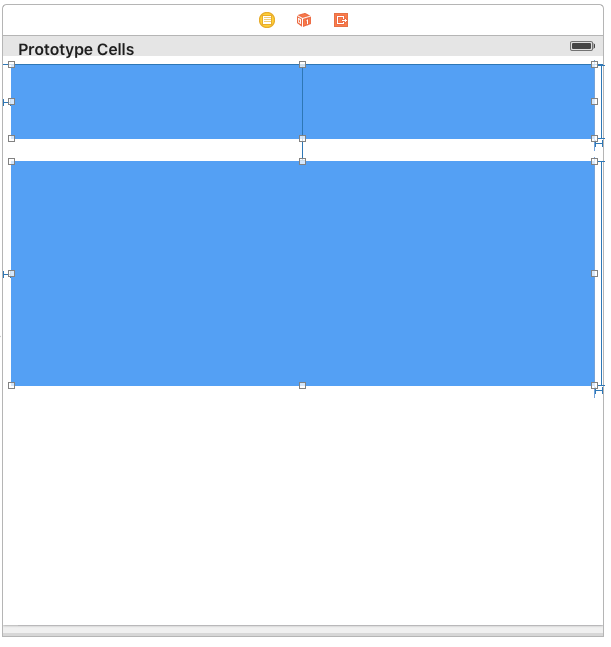
iOS 8.0 or newer and Xcode 10.2 or newer. No third-party dependencies are mentioned in the README.Am I locked into storyboards to set up a cell?Cells are normally laid out in a storyboard or nib: you wire the foregroundView and containerView outlets plus their top constraints and add height-tracking code to your table view controller. A code-only example is included if you skip storyboards.
Cells are normally laid out in a storyboard or nib: you wire the foregroundView and containerView outlets plus their top constraints and add height-tracking code to your table view controller. A code-only example is included if you skip storyboards.Is the MIT license the whole story, or is there a catch?MIT. Ramotion only asks that projects using the open-source library credit and backlink them.
MIT. Ramotion only asks that projects using the open-source library credit and backlink them.How many folds does the opening animation use?It is configurable: the folding count is an IBInspectable property you can set in the storyboard, it must be 2 or greater, and it defaults to 2.
It is configurable: the folding count is an IBInspectable property you can set in the storyboard, it must be 2 or greater, and it defaults to 2.What does the cell show when closed versus expanded?The closed state shows your foregroundView, a compact top card; opening the cell animates the paper fold and reveals the containerView with the full content.
The closed state shows your foregroundView, a compact top card; opening the cell animates the paper fold and reveals the containerView with the full content.Can I try it before wiring anything up?Yes. Ramotion publishes a Showroom App for iOS where you can try this component and similar ones live.
Yes. Ramotion publishes a Showroom App for iOS where you can try this component and similar ones live.What are similar projects?Spring, Hero, swiftui-logo-draw, MaterialDesignInXamlToolkit, chameleon, FSCalendar, mdb-ui-kit, react-native-ui-kitten
Spring, Hero, swiftui-logo-draw, MaterialDesignInXamlToolkit, chameleon, FSCalendar, mdb-ui-kit, react-native-ui-kittenWhich topics is it in?uikit, layout, ui-library, material-design, xcode, component-library, design, swift, ui-components, animation, mobile, ui
uikit, layout, ui-library, material-design, xcode, component-library, design, swift, ui-components, animation, mobile, ui