





这是什么?
 Plasmo 是一个浏览器扩展框架,负责打包、生成 manifest 和开发工具,让你可以专注于编写扩展的实际功能逻辑,而不必处理配置文件。
Plasmo 是一个浏览器扩展框架,负责打包、生成 manifest 和开发工具,让你可以专注于编写扩展的实际功能逻辑,而不必处理配置文件。这是打包工具还是完整的框架?它是一个完整的 SDK/框架,而不仅仅是打包工具。它的定位类似于浏览器扩展版的 Next.js,提供页面、脚本和配置方面的约定。
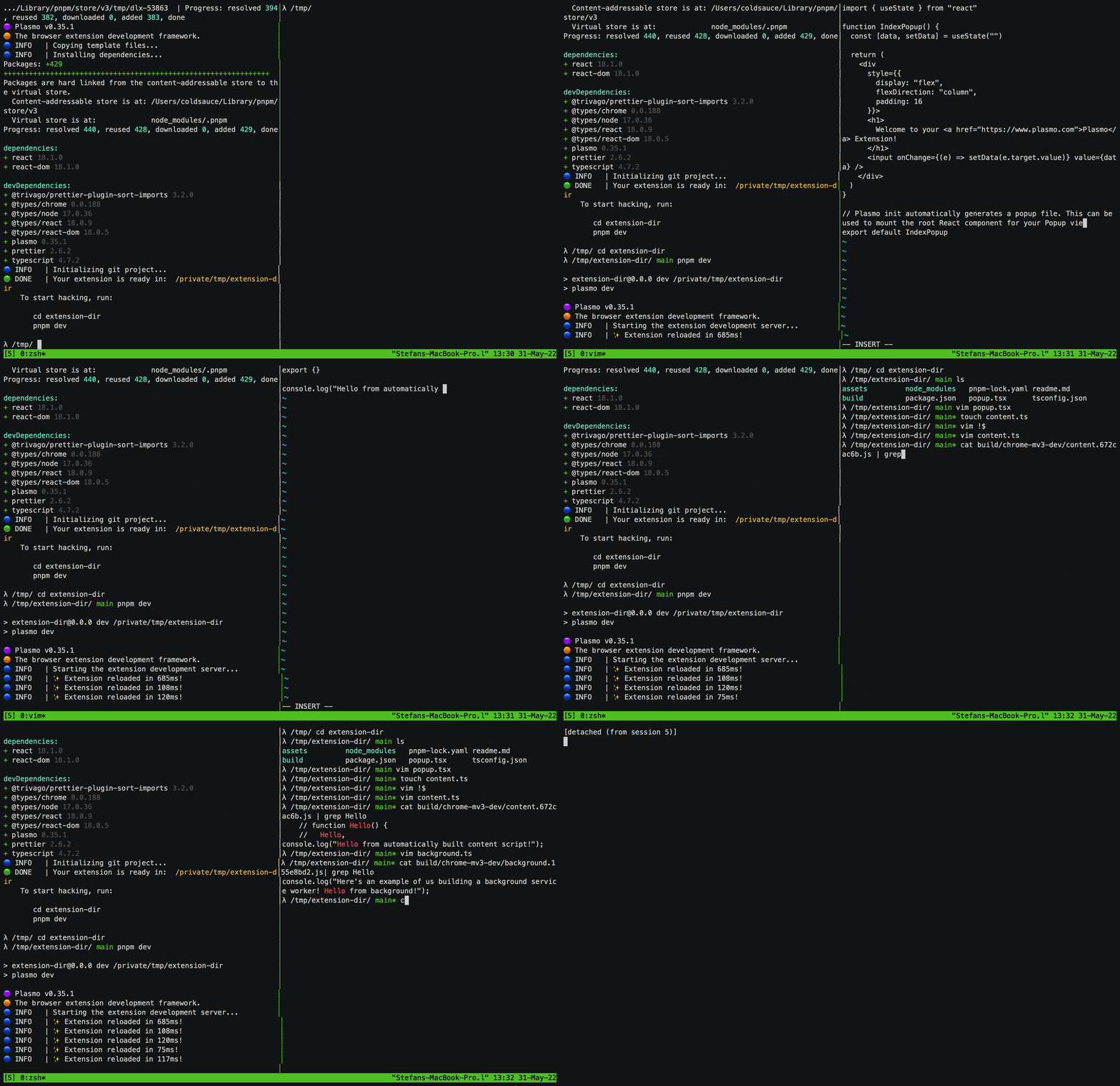
它是一个完整的 SDK/框架,而不仅仅是打包工具。它的定位类似于浏览器扩展版的 Next.js,提供页面、脚本和配置方面的约定。用 Plasmo 该如何组织扩展代码?Plasmo 采用基于文件的约定:弹窗代码放在 popup.tsx 中,选项页放在 options.tsx 中,内容脚本放在 content.ts 中,后台 Service Worker 放在 background.ts 中。这些文件也可以放进各自的文件夹,或者统一放在 src 子目录中。
Plasmo 采用基于文件的约定:弹窗代码放在 popup.tsx 中,选项页放在 options.tsx 中,内容脚本放在 content.ts 中,后台 Service Worker 放在 background.ts 中。这些文件也可以放进各自的文件夹,或者统一放在 src 子目录中。使用 Plasmo 之前需要安装什么?你需要在 macOS、Windows 或 Linux 上安装 Node.js 16.x 或更高版本,并强烈推荐使用 pnpm 作为包管理器。
你需要在 macOS、Windows 或 Linux 上安装 Node.js 16.x 或更高版本,并强烈推荐使用 pnpm 作为包管理器。Plasmo 足够稳定,能用于生产环境的扩展吗?该项目自我描述为 alpha 阶段的软件,意味着不同版本之间的行为可能会有变化,因此在生产环境中使用时应当谨慎。
该项目自我描述为 alpha 阶段的软件,意味着不同版本之间的行为可能会有变化,因此在生产环境中使用时应当谨慎。使用它需要了解 React 和 TypeScript 吗?Plasmo 默认围绕一流的 React 和 TypeScript 支持进行构建,因此需要熟悉这两者。此外,它也可选支持 Svelte 和 Vue。
Plasmo 默认围绕一流的 React 和 TypeScript 支持进行构建,因此需要熟悉这两者。此外,它也可选支持 Svelte 和 Vue。使用一个 Plasmo 项目可以面向哪些浏览器?Plasmo 支持用同一套代码面向多种浏览器和 manifest 版本;完整的支持目标列表请参见文档。
Plasmo 支持用同一套代码面向多种浏览器和 manifest 版本;完整的支持目标列表请参见文档。可以用 Svelte 或 Vue 代替 React 吗?可以。除了默认的 React 和 TypeScript 设置外,Plasmo 还可选支持 Svelte 和 Vue。
可以。除了默认的 React 和 TypeScript 设置外,Plasmo 还可选支持 Svelte 和 Vue。开发时支持实时重载吗?支持。Plasmo 内置了基于 React HMR 的实时重载功能,开发时修改内容可以立即生效。
支持。Plasmo 内置了基于 React HMR 的实时重载功能,开发时修改内容可以立即生效。如何自动发布我的扩展?Plasmo 集成了 BPP(Browser Platform Publisher),可以自动将你的扩展部署到各个浏览器应用商店。
Plasmo 集成了 BPP(Browser Platform Publisher),可以自动将你的扩展部署到各个浏览器应用商店。什么是 Itero?Itero 是 Plasmo 官方推出的浏览器扩展云服务,除了开源框架之外,还提供即时 Beta 测试等额外功能。
Itero 是 Plasmo 官方推出的浏览器扩展云服务,除了开源框架之外,还提供即时 Beta 测试等额外功能。What are similar projects?wxt, novu, CopilotKit, git-history, taro, ext-saladict, streamfirefly, Tailtab
wxt, novu, CopilotKit, git-history, taro, ext-saladict, streamfirefly, TailtabWhich topics is it in?firefox-addon, bundler, reactjs, storage, messaging, chrome-extension, browser-extension, vue, sdk, framework, react, frontend
firefox-addon, bundler, reactjs, storage, messaging, chrome-extension, browser-extension, vue, sdk, framework, react, frontend