






What is this?
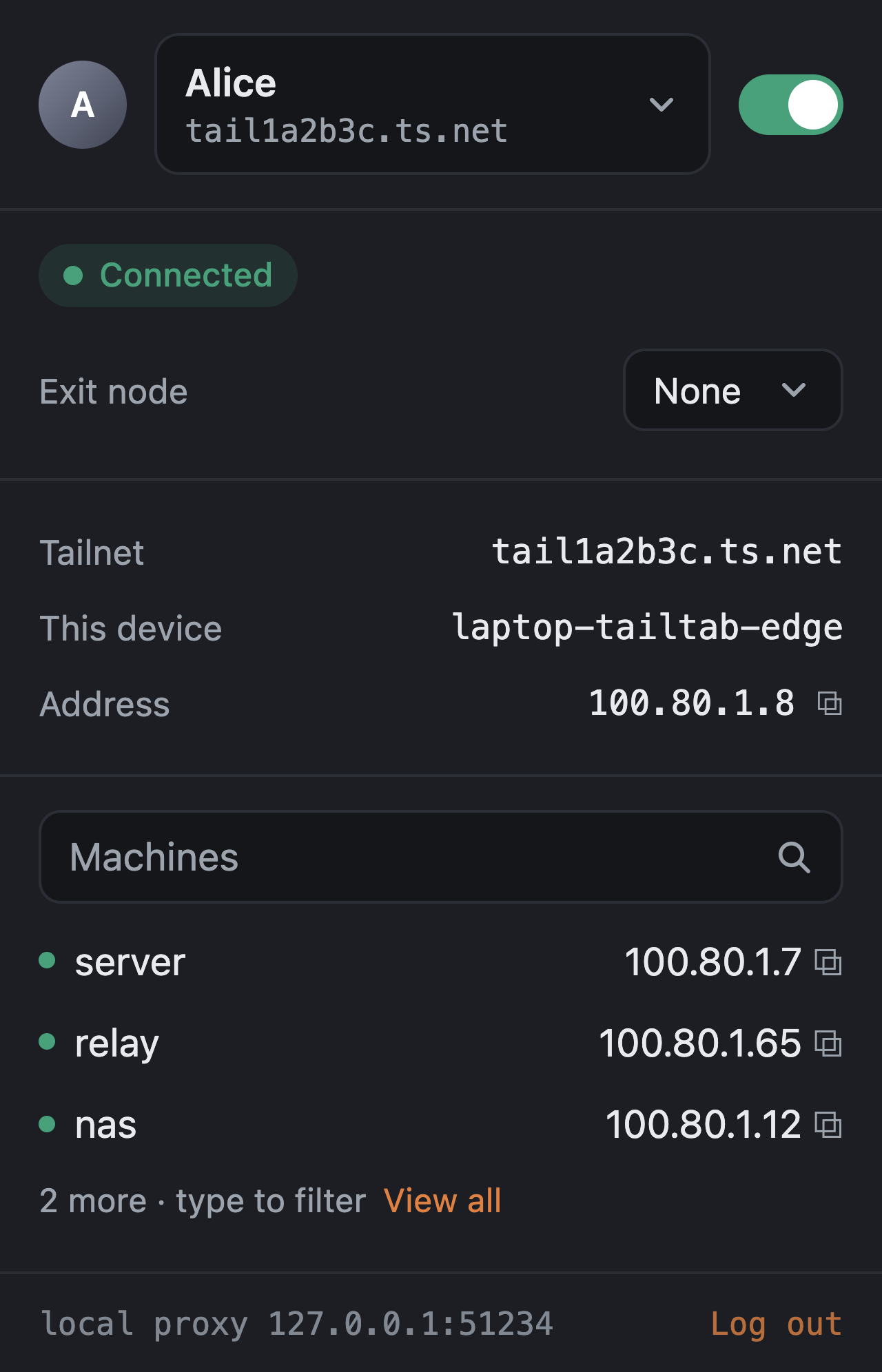
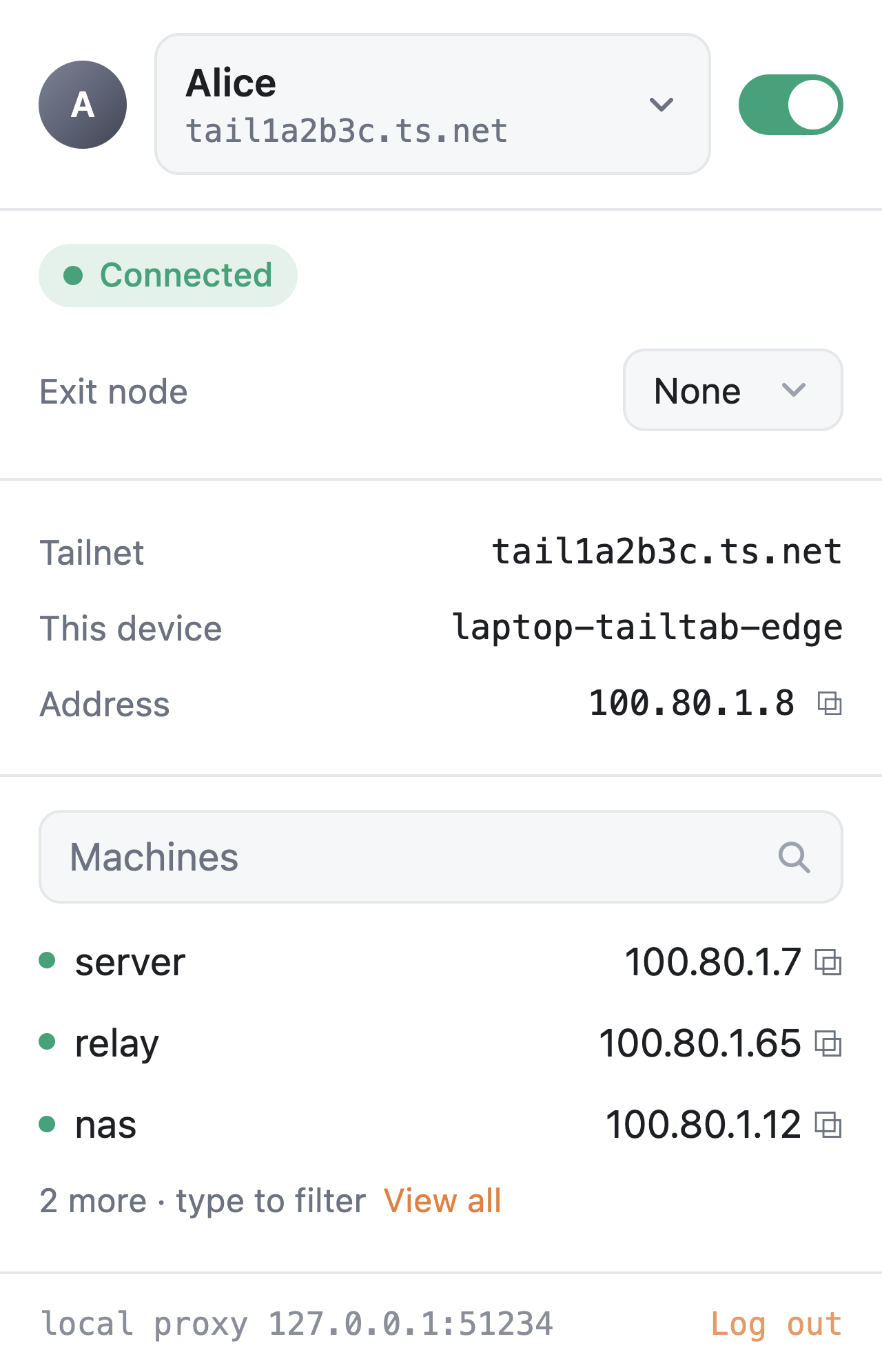
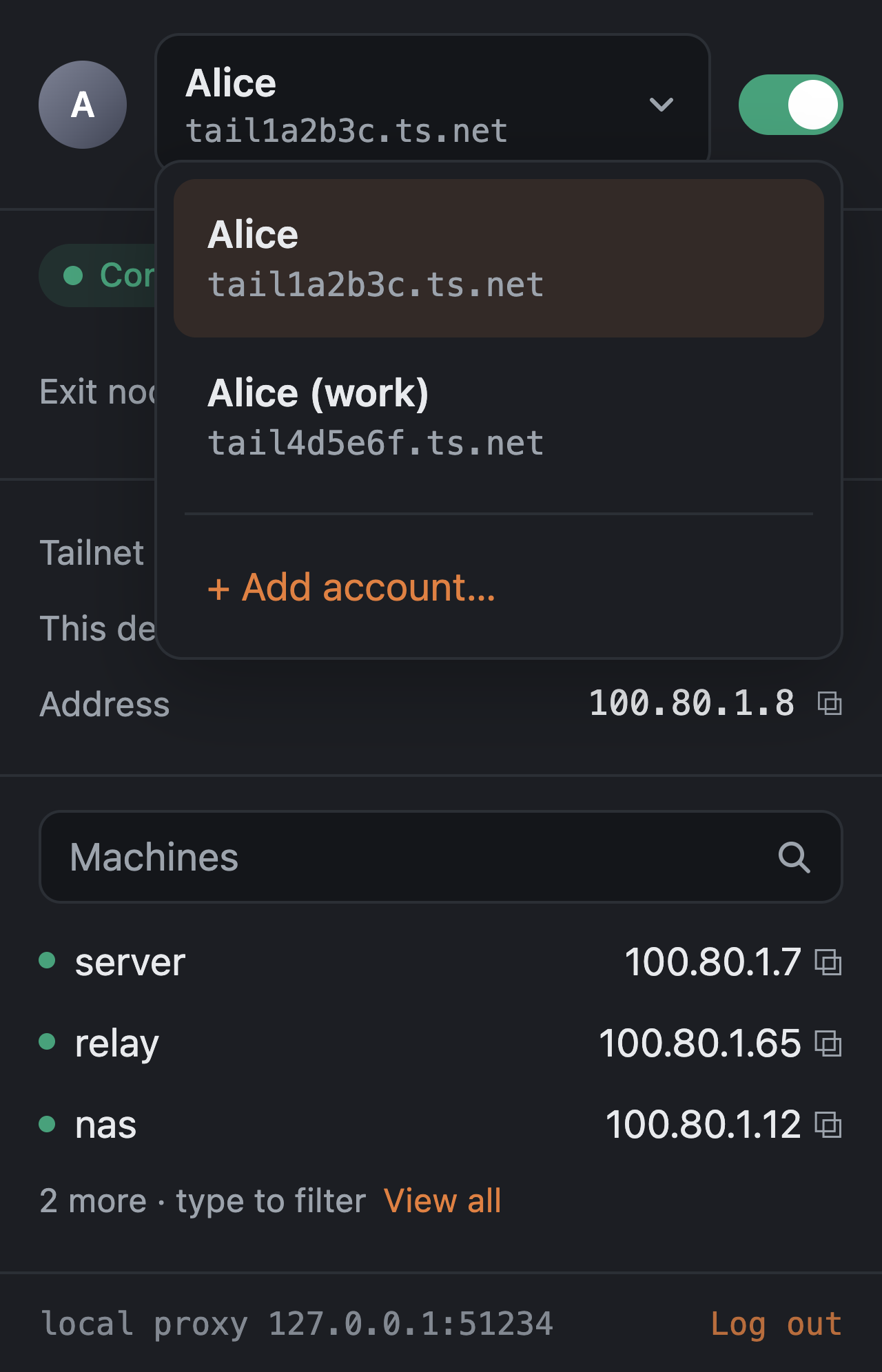
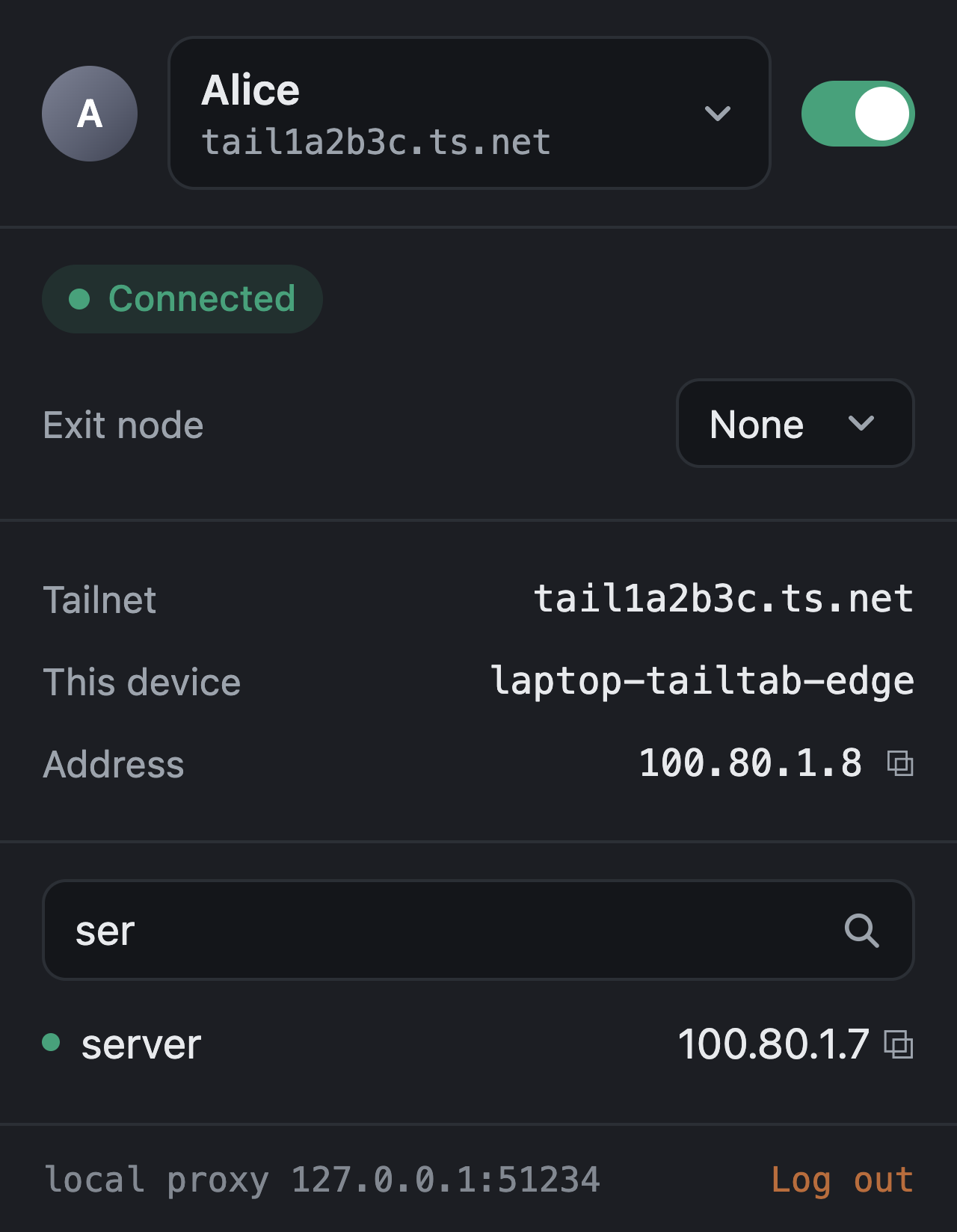
 Tailtab gives every browser profile its own Tailscale node, so different profiles (or even different Tailscale/Headscale accounts) can sit on completely separate tailnets at the same time, while the rest of the machine is untouched.
Tailtab gives every browser profile its own Tailscale node, so different profiles (or even different Tailscale/Headscale accounts) can sit on completely separate tailnets at the same time, while the rest of the machine is untouched.Is this a browser extension or a standalone app?It is a pair: a small browser extension for Chrome, Edge, Firefox or Zen, plus a tiny Go background host installed on your machine. The host embeds Tailscale's tsnet library and becomes the actual tailnet node; the extension just talks to it over native messaging.
It is a pair: a small browser extension for Chrome, Edge, Firefox or Zen, plus a tiny Go background host installed on your machine. The host embeds Tailscale's tsnet library and becomes the actual tailnet node; the extension just talks to it over native messaging.How do I get it running?Run the one-line installer (shell script on macOS/Linux, PowerShell on Windows) which downloads the host, verifies it against SHA256SUMS and registers native-messaging manifests with no root or admin needed, then load the matching extension: the signed .xpi for Firefox/Zen, or the unpacked zip for Chrome/Edge via developer mode.
Run the one-line installer (shell script on macOS/Linux, PowerShell on Windows) which downloads the host, verifies it against SHA256SUMS and registers native-messaging manifests with no root or admin needed, then load the matching extension: the signed .xpi for Firefox/Zen, or the unpacked zip for Chrome/Edge via developer mode.Do I need anything besides the installer, like a Tailscale account?You need a Tailscale account (or a Headscale/other coordination server you point it at) to log in from the popup; building from source instead of using release binaries additionally requires Go 1.27 and Node 22.
You need a Tailscale account (or a Headscale/other coordination server you point it at) to log in from the popup; building from source instead of using release binaries additionally requires Go 1.27 and Node 22.Any install pitfalls or rough edges?The host binary isn't notarised or code-signed yet, so macOS needs a right-click Open the first time and Windows shows a SmartScreen warning; Chrome and Firefox haven't been as thoroughly tested as macOS/Edge, and Chrome Flatpak on Linux needs a separate sandbox-aware install path.
The host binary isn't notarised or code-signed yet, so macOS needs a right-click Open the first time and Windows shows a SmartScreen warning; Chrome and Firefox haven't been as thoroughly tested as macOS/Edge, and Chrome Flatpak on Linux needs a separate sandbox-aware install path.Does any of this data leave my machine in ways I can't control?Yes, one piece: the embedded tsnet library uploads its own logs to Tailscale and there's currently no supported way to turn that off.
Yes, one piece: the embedded tsnet library uploads its own logs to Tailscale and there's currently no supported way to turn that off.What does split tunneling by default actually mean here?Only traffic bound for your tailnet (MagicDNS names, .ts.net, the tailnet's CGNAT ranges, and routes peers announce) goes through Tailtab; every other request from that browser profile leaves the machine normally, so regular browsing never depends on Tailtab being connected.
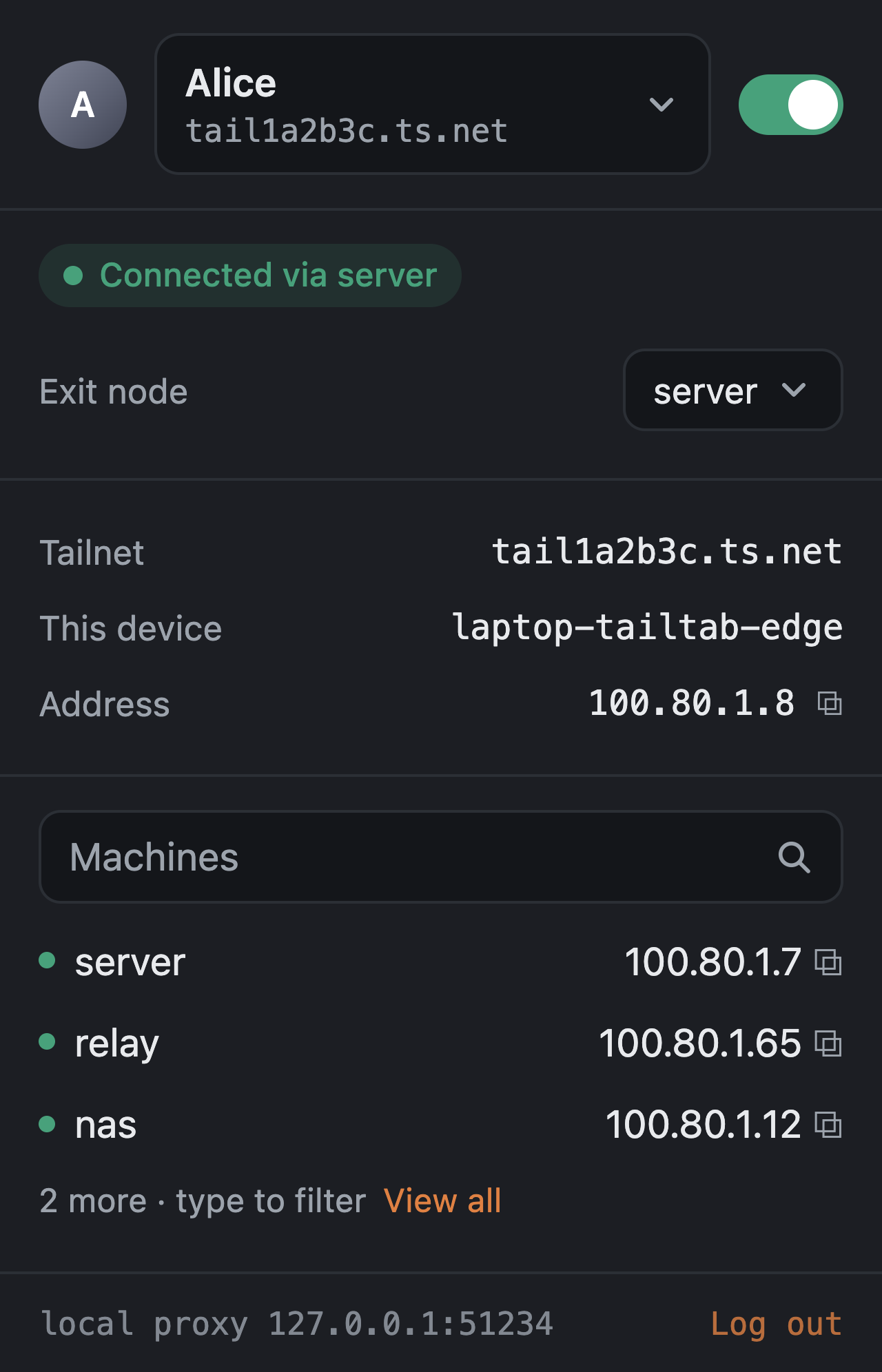
Only traffic bound for your tailnet (MagicDNS names, .ts.net, the tailnet's CGNAT ranges, and routes peers announce) goes through Tailtab; every other request from that browser profile leaves the machine normally, so regular browsing never depends on Tailtab being connected.How do per-profile exit nodes work?You pick an exit node for one browser profile from the popup, and that profile's public web traffic routes through it while private ranges stay local. If the exit node disappears, Tailtab blocks the traffic instead of letting it leak out directly.
You pick an exit node for one browser profile from the popup, and that profile's public web traffic routes through it while private ranges stay local. If the exit node disappears, Tailtab blocks the traffic instead of letting it leak out directly.Why not just use the regular Tailscale app?The standard Tailscale client gives the whole machine one identity. Tailtab lets each browser profile carry its own node key, state and tailnet, so you can run several accounts or tailnets side by side without touching anything else on the computer.
The standard Tailscale client gives the whole machine one identity. Tailtab lets each browser profile carry its own node key, state and tailnet, so you can run several accounts or tailnets side by side without touching anything else on the computer.Can I use my own control server instead of Tailscale's?Yes, the settings page lets you point Tailtab at a Headscale (or any compatible) coordination server, and the next login will use it.
Yes, the settings page lets you point Tailtab at a Headscale (or any compatible) coordination server, and the next login will use it.What are similar projects?streamfirefly, tailscale, EasyTier, algo, wireguard-go, wireguard-install, brook, headscale
streamfirefly, tailscale, EasyTier, algo, wireguard-go, wireguard-install, brook, headscaleWhich topics is it in?edge-extension, firefox-addon, tailscale, vpn-client, wireguard, firefox-extension, chrome-extension, browser-extension, vpn, encryption, bsd, proxy
edge-extension, firefox-addon, tailscale, vpn-client, wireguard, firefox-extension, chrome-extension, browser-extension, vpn, encryption, bsd, proxy