
Что это?
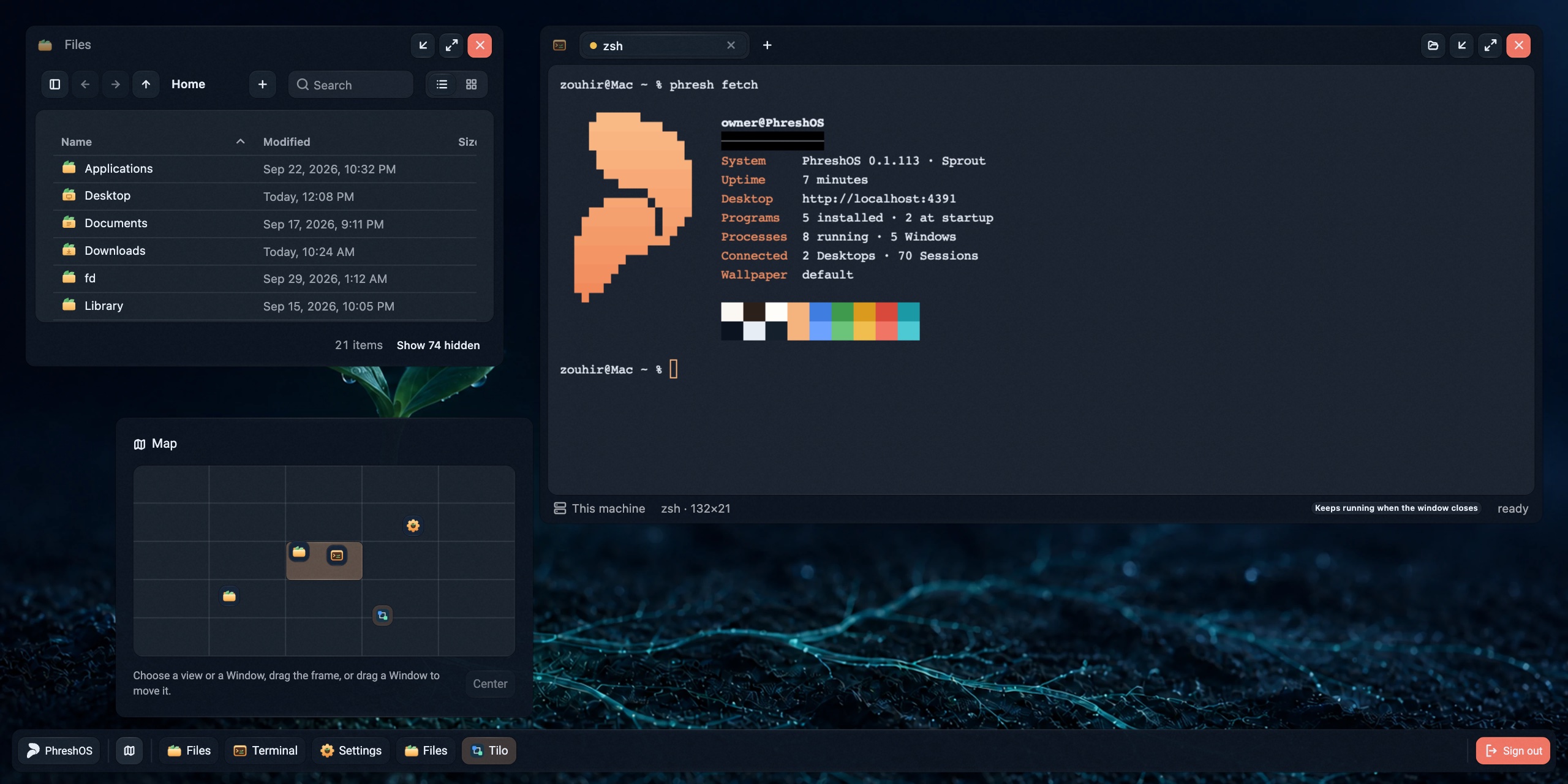
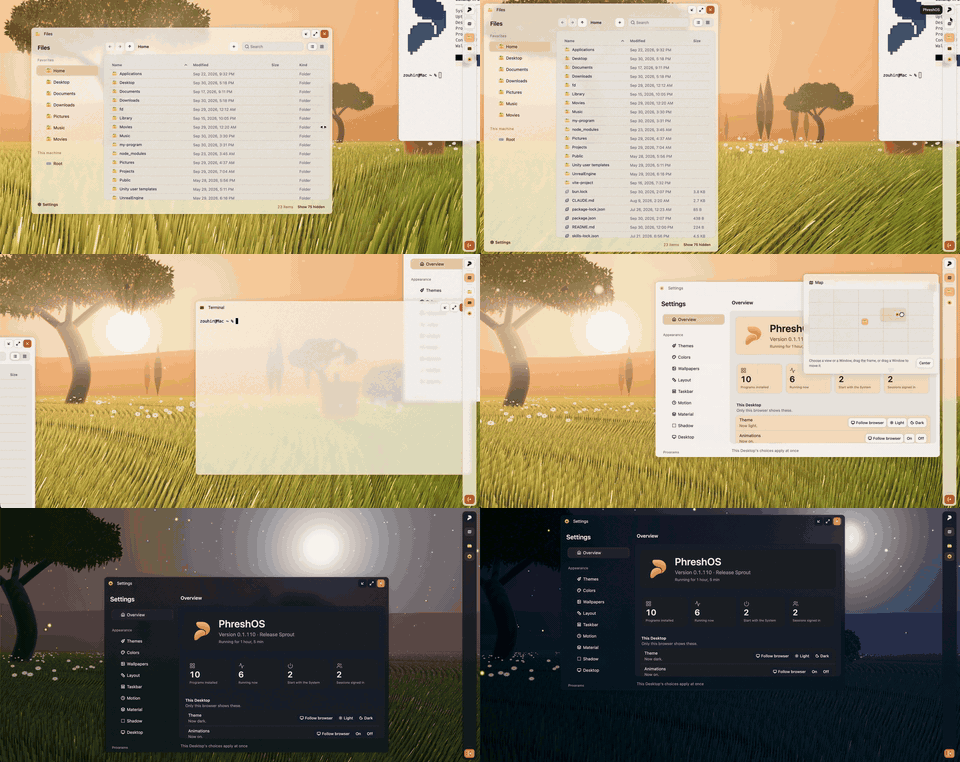
 PhreshOS — открытая self-hosted система, работающая на подконтрольной вам машине и подающая браузерный Desktop для использования приложений («Programs»), построенных на веб-технологиях.
PhreshOS — открытая self-hosted система, работающая на подконтрольной вам машине и подающая браузерный Desktop для использования приложений («Programs»), построенных на веб-технологиях.Это приложение или скорее платформа наподобие операционной системы?Это полноценная система, а не просто библиотека: фоновый сервис (System), который управляет Programs, разрешениями, хранилищем и входом, плюс UI Desktop, подаваемый через браузер. Сами Programs строятся отдельно с использованием предоставляемых SDK.
Это полноценная система, а не просто библиотека: фоновый сервис (System), который управляет Programs, разрешениями, хранилищем и входом, плюс UI Desktop, подаваемый через браузер. Сами Programs строятся отдельно с использованием предоставляемых SDK.Как запустить PhreshOS?С Node.js 24.15+ на macOS или Linux одна команда установки настраивает System как пользовательский сервис, запускает его и выводит адрес Desktop; при первом визите создаётся аккаунт владельца. Можно также попробовать живое демо — оно даёт одноразовый Desktop на час без какой-либо установки.
С Node.js 24.15+ на macOS или Linux одна команда установки настраивает System как пользовательский сервис, запускает его и выводит адрес Desktop; при первом визите создаётся аккаунт владельца. Можно также попробовать живое демо — оно даёт одноразовый Desktop на час без какой-либо установки.Что нужно установить для запуска?Для установки и запуска System требуется Node.js 24.15 или новее. Для сборки из исходников или разработки Programs также нужен Bun 1.3.
Для установки и запуска System требуется Node.js 24.15 или новее. Для сборки из исходников или разработки Programs также нужен Bun 1.3.Полностью ли он работает на Windows?Пока нет — сам System устанавливается и работает на Windows, но некоторые Programs там работают некорректно.
Пока нет — сам System устанавливается и работает на Windows, но некоторые Programs там работают некорректно.Мои данные остаются на моей собственной машине?Да — PhreshOS self-hosted, поэтому System и данные ваших Programs работают на машине, куда вы его установили, а не на стороннем сервере.
Да — PhreshOS self-hosted, поэтому System и данные ваших Programs работают на машине, куда вы его установили, а не на стороннем сервере.Что именно такое «Program» в PhreshOS?Program — это приложение, построенное на System со своими Server и Client Endpoints; System предоставляет ему место для выполнения, вход, хранилище, коммуникацию и разрешения, так что Program остаётся только нести собственную логику.
Program — это приложение, построенное на System со своими Server и Client Endpoints; System предоставляет ему место для выполнения, вход, хранилище, коммуникацию и разрешения, так что Program остаётся только нести собственную логику.Может ли AI-агент пользоваться теми же приложениями, что и я?Да — AI-агент может пользоваться теми же Programs через командную строку phresh и SDK, пока человек пользуется ими с Desktop.
Да — AI-агент может пользоваться теми же Programs через командную строку phresh и SDK, пока человек пользуется ими с Desktop.Содержит ли этот репозиторий всё, включая SDK и CLI?Нет — в этом репозитории только System и Desktop. SDK (core, client, server, node), React-биндинги, библиотека компонентов, phresh CLI и сайт живут в отдельных связанных репозиториях.
Нет — в этом репозитории только System и Desktop. SDK (core, client, server, node), React-биндинги, библиотека компонентов, phresh CLI и сайт живут в отдельных связанных репозиториях.Как мне построить собственную Program для PhreshOS?Вы используете уже знакомые веб-инструменты (JS/веб-фронтенд плюс сервер) вместе с SDK Server/Client/Node и phresh CLI, который собирает Programs и общается с работающим System.
Вы используете уже знакомые веб-инструменты (JS/веб-фронтенд плюс сервер) вместе с SDK Server/Client/Node и phresh CLI, который собирает Programs и общается с работающим System.Which topics is it in?desktop-environment, bun, sdk, ai-agent, command-line-tool, framework, agent, tool, server, nodejs, typescript, self-hosted
desktop-environment, bun, sdk, ai-agent, command-line-tool, framework, agent, tool, server, nodejs, typescript, self-hosted