What is this?
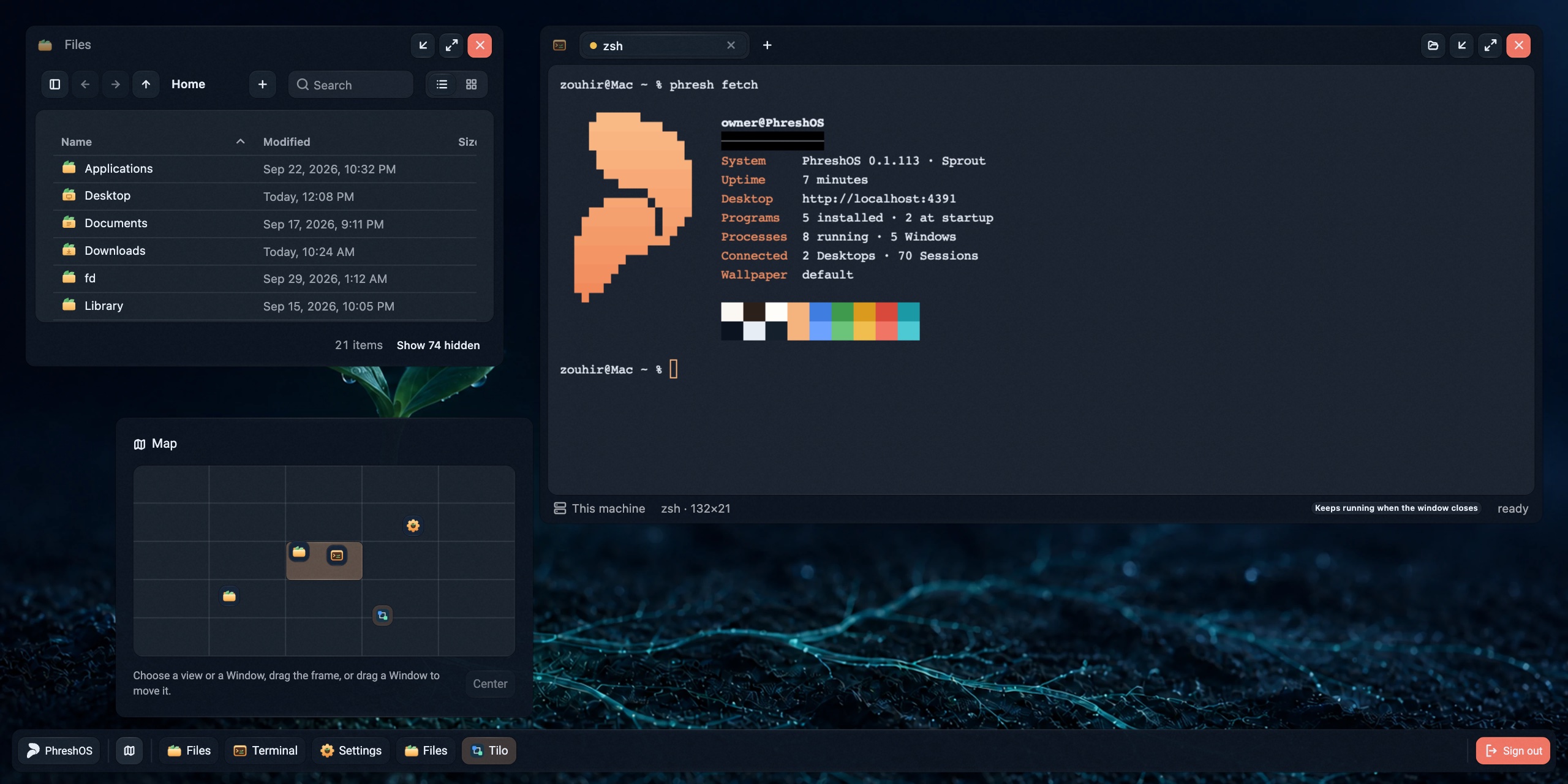
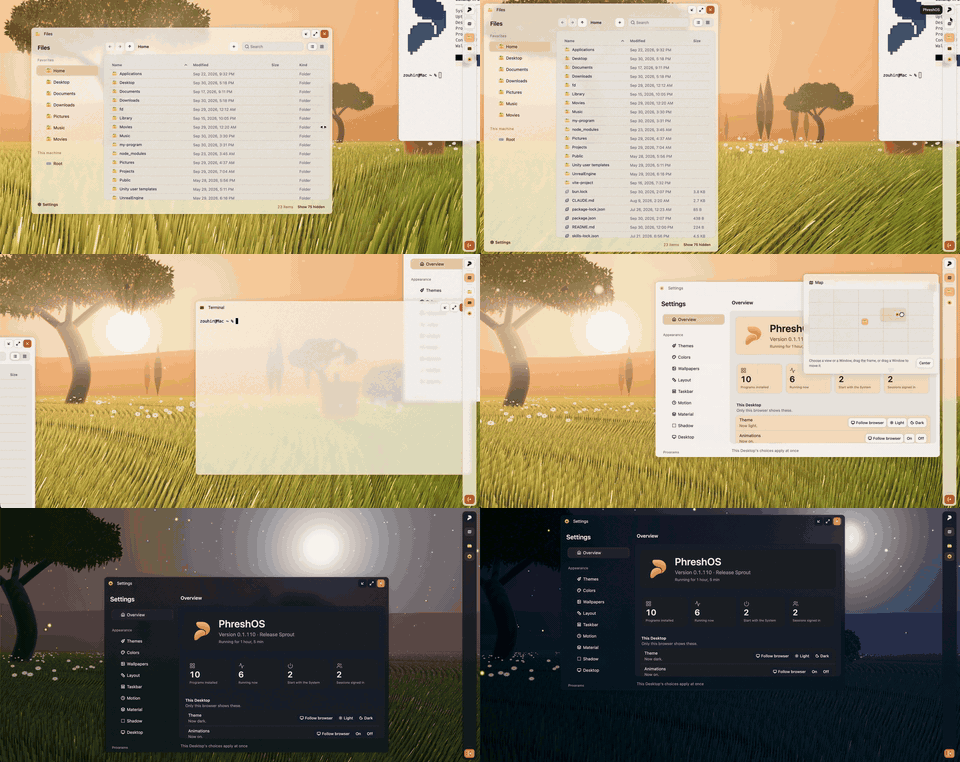
 PhreshOS is an open-source, self-hosted system that runs on a machine you control and serves a browser-based Desktop for using apps ('Programs') built with web technologies.
PhreshOS is an open-source, self-hosted system that runs on a machine you control and serves a browser-based Desktop for using apps ('Programs') built with web technologies.Is this an app, or more like an operating system platform?It's a full system, not just a library: a background service (the System) that manages Programs, permissions, storage and sign-in, plus the Desktop UI served over the browser. Programs themselves are built separately using the provided SDKs.
It's a full system, not just a library: a background service (the System) that manages Programs, permissions, storage and sign-in, plus the Desktop UI served over the browser. Programs themselves are built separately using the provided SDKs.How do I get PhreshOS running?With Node.js 24.15+ on macOS or Linux, a single install command sets up the System as a user service, starts it, and prints the Desktop's address; the first visit creates the owner account. You can also try the live demo, which gives a disposable Desktop for an hour with nothing to install.
With Node.js 24.15+ on macOS or Linux, a single install command sets up the System as a user service, starts it, and prints the Desktop's address; the first visit creates the owner account. You can also try the live demo, which gives a disposable Desktop for an hour with nothing to install.What do I need installed to run it?Node.js 24.15 or newer is required to install and run the System. For building from source or developing Programs, you also need Bun 1.3.
Node.js 24.15 or newer is required to install and run the System. For building from source or developing Programs, you also need Bun 1.3.Does it fully work on Windows?Not yet — the System itself installs and runs on Windows, but some Programs don't work correctly there.
Not yet — the System itself installs and runs on Windows, but some Programs don't work correctly there.Does my data stay on my own machine?Yes — PhreshOS is self-hosted, so the System and the data of your Programs run on the machine you install it on rather than a third-party server.
Yes — PhreshOS is self-hosted, so the System and the data of your Programs run on the machine you install it on rather than a third-party server.What exactly is a 'Program' in PhreshOS?A Program is an app built on the System with its own Server and Client Endpoints; the System gives it a place to run, sign-in, storage, communication, and permissions, so the Program only needs to hold its own logic.
A Program is an app built on the System with its own Server and Client Endpoints; the System gives it a place to run, sign-in, storage, communication, and permissions, so the Program only needs to hold its own logic.Can an AI agent use the same apps as me?Yes — an AI agent can use the same Programs through the phresh command line and SDKs at the same time a human uses them from the Desktop.
Yes — an AI agent can use the same Programs through the phresh command line and SDKs at the same time a human uses them from the Desktop.Does this repo contain everything, including the SDKs and CLI?No — this repo is only the System and Desktop. The SDKs (core, client, server, node), React bindings, the component library, the phresh CLI, and the website each live in separate related repositories.
No — this repo is only the System and Desktop. The SDKs (core, client, server, node), React bindings, the component library, the phresh CLI, and the website each live in separate related repositories.How would I build my own Program for PhreshOS?You use the web tools you already know (JS/web frontend plus a server) together with the Server/Client/Node SDKs and the phresh CLI, which builds Programs and talks to the running System.
You use the web tools you already know (JS/web frontend plus a server) together with the Server/Client/Node SDKs and the phresh CLI, which builds Programs and talks to the running System.Which topics is it in?desktop-environment, bun, sdk, ai-agent, command-line-tool, framework, agent, tool, server, nodejs, typescript, self-hosted
desktop-environment, bun, sdk, ai-agent, command-line-tool, framework, agent, tool, server, nodejs, typescript, self-hosted