




Что это такое?
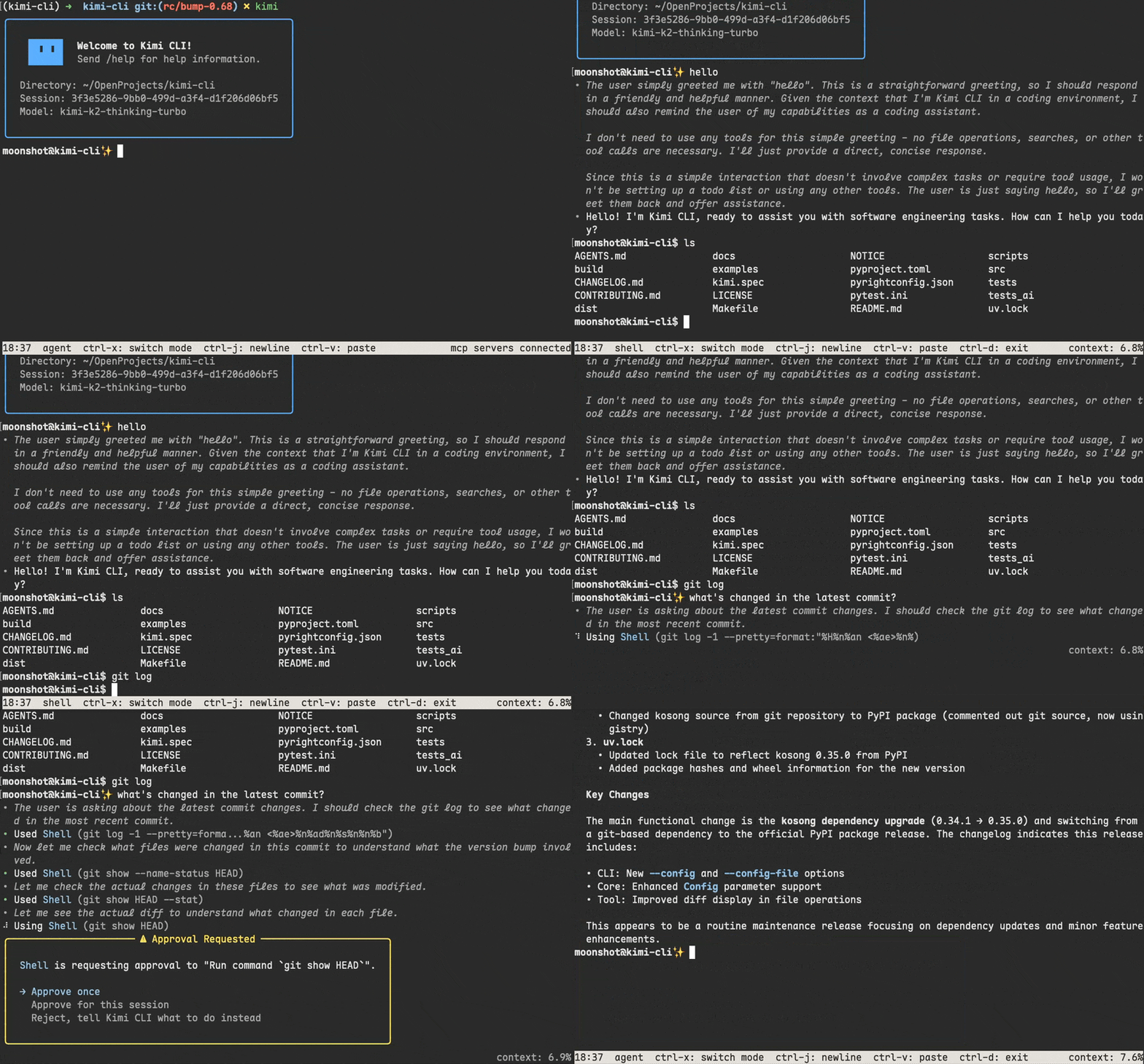
 Kimi CLI — это ИИ-агент, который работает в терминале и помогает читать и редактировать код, выполнять команды оболочки, искать и загружать веб-страницы, а также самостоятельно планировать действия и корректировать их при решении задач разработки.
Kimi CLI — это ИИ-агент, который работает в терминале и помогает читать и редактировать код, выполнять команды оболочки, искать и загружать веб-страницы, а также самостоятельно планировать действия и корректировать их при решении задач разработки.Это ассистент для программирования или полная замена оболочки?И то, и другое: это агент для написания кода в терминале, который также работает как оболочка. Нажав Ctrl-X, можно перейти в режим команд оболочки и выполнять их напрямую, не выходя из CLI.
И то, и другое: это агент для написания кода в терминале, который также работает как оболочка. Нажав Ctrl-X, можно перейти в режим команд оболочки и выполнять их напрямую, не выходя из CLI.Как мне его запустить?Следуйте руководству «Getting Started» из документации проекта по установке и первому запуску; в самом README команды установки напрямую не перечислены.
Следуйте руководству «Getting Started» из документации проекта по установке и первому запуску; в самом README команды установки напрямую не перечислены.Нужно ли мне что-то ещё установить, чтобы им пользоваться?Это CLI на Python. Для интеграции с Zsh устанавливается плагин zsh-kimi-cli (через Oh My Zsh или другой менеджер плагинов), а подключения к серверам MCP настраиваются через конфигурационный файл или параметр командной строки.
Это CLI на Python. Для интеграции с Zsh устанавливается плагин zsh-kimi-cli (через Oh My Zsh или другой менеджер плагинов), а подключения к серверам MCP настраиваются через конфигурационный файл или параметр командной строки.Проект всё ещё поддерживается?Нет: репозиторий архивирован, а Kimi CLI постепенно сворачивают в пользу Kimi Code CLI. Документация и уже установленные версии остаются доступными, а при установке преемника конфигурации мигрируют автоматически.
Нет: репозиторий архивирован, а Kimi CLI постепенно сворачивают в пользу Kimi Code CLI. Документация и уже установленные версии остаются доступными, а при установке преемника конфигурации мигрируют автоматически.Работает ли это на Windows, macOS и Linux?Прямо об этом для самого CLI не сказано. Однако проект поставляется в кроссплатформенных пакетах, а его плагин для Zsh рассчитан на Unix-подобные оболочки, так что основными целями являются macOS и Linux, а Windows поддерживается через общее распространение CLI.
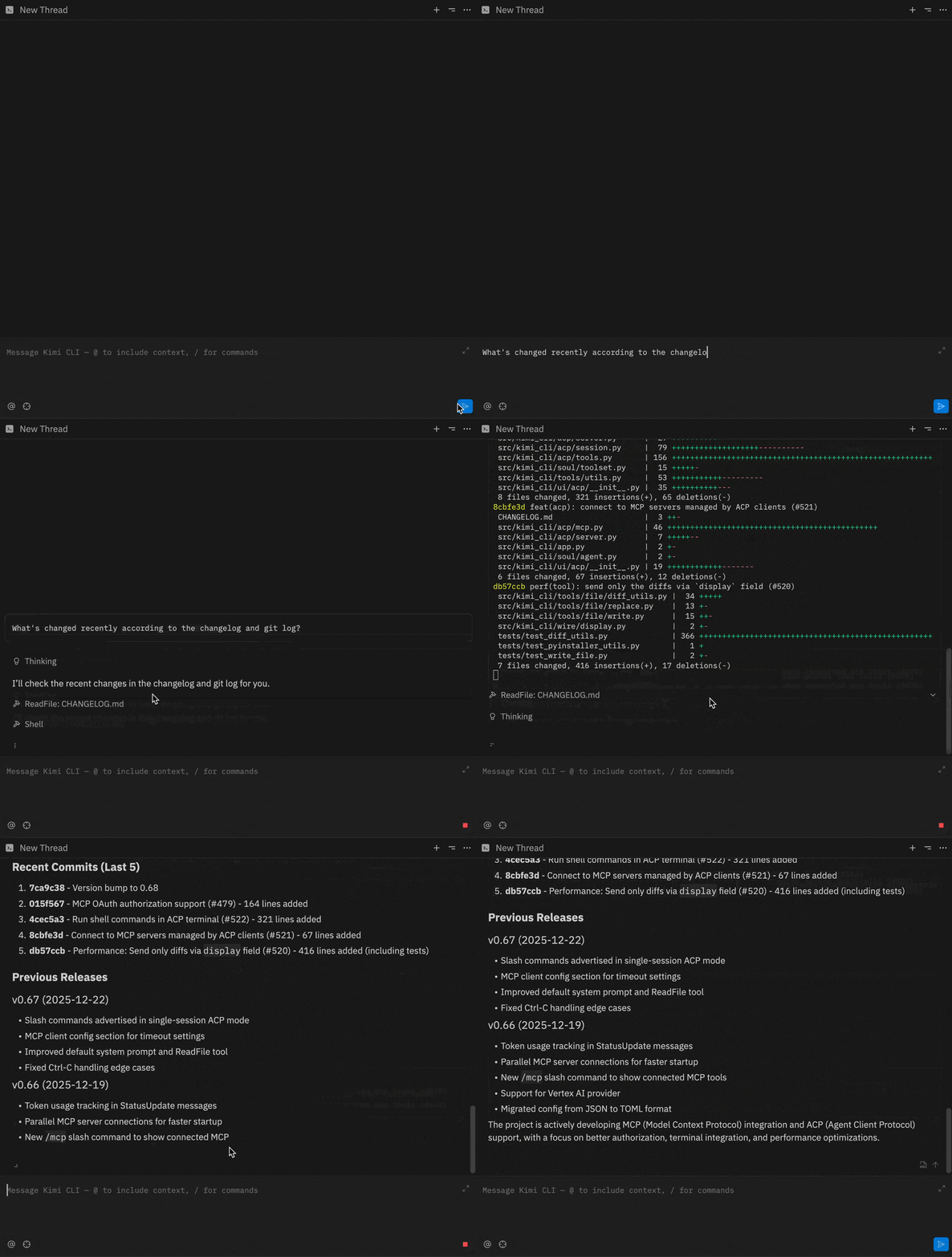
Прямо об этом для самого CLI не сказано. Однако проект поставляется в кроссплатформенных пакетах, а его плагин для Zsh рассчитан на Unix-подобные оболочки, так что основными целями являются macOS и Linux, а Windows поддерживается через общее распространение CLI.Могу ли я использовать Kimi CLI в своей IDE вместо отдельного терминала?Да, он поддерживает Agent Client Protocol (ACP) из коробки: после входа через терминал можно настроить Zed или JetBrains на запуск Kimi CLI как сервера ACP-агента (kimi acp).
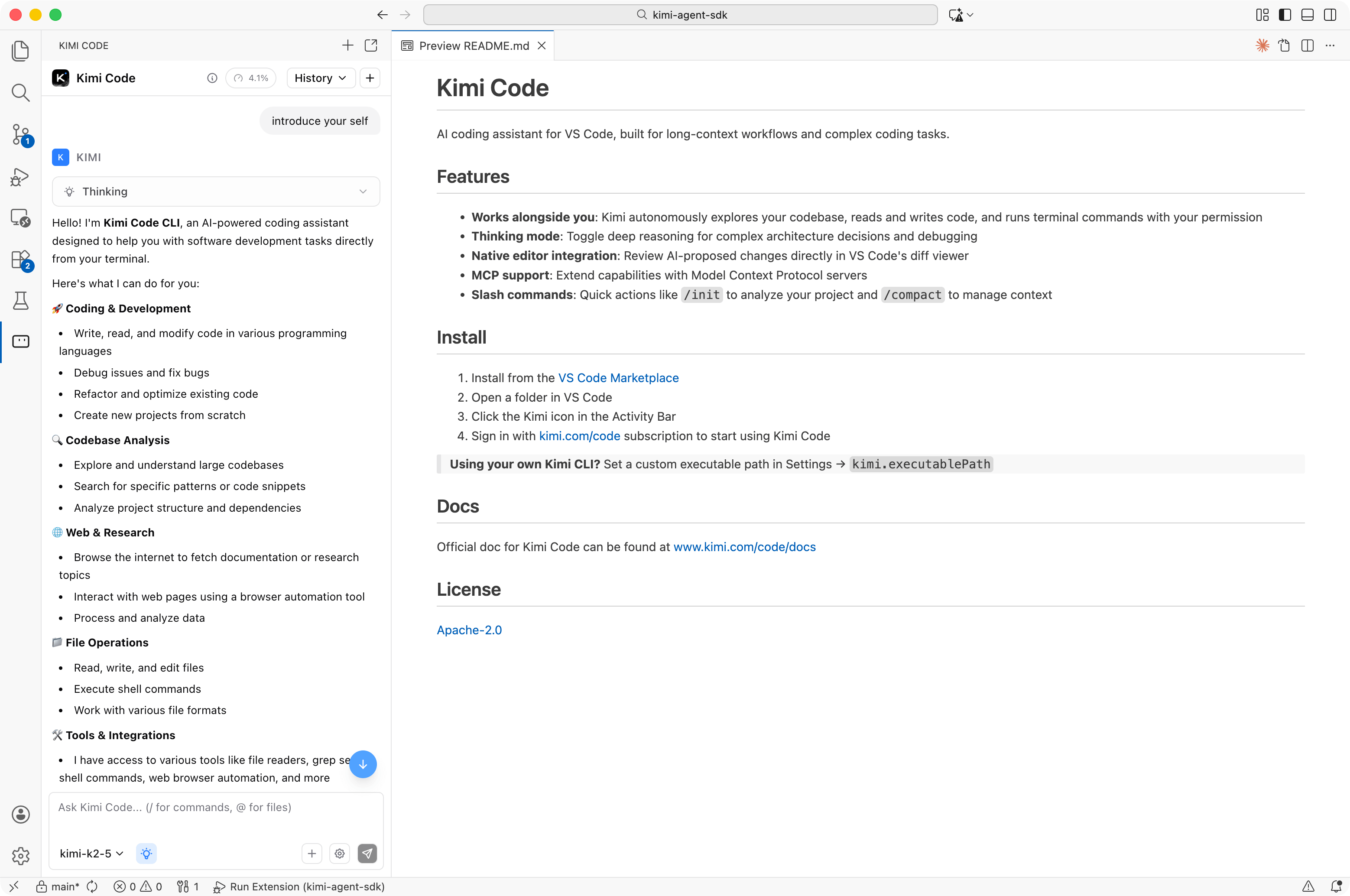
Да, он поддерживает Agent Client Protocol (ACP) из коробки: после входа через терминал можно настроить Zed или JetBrains на запуск Kimi CLI как сервера ACP-агента (kimi acp).Есть ли интеграция с VS Code?Да, Kimi CLI интегрируется с VS Code через отдельное расширение Kimi Code VS Code Extension.
Да, Kimi CLI интегрируется с VS Code через отдельное расширение Kimi Code VS Code Extension.Поддерживает ли он инструменты MCP?Да, поддерживаются серверы Model Context Protocol. Управлять ими можно через группу подкоманд kimi mcp или разово через файл конфигурации MCP с опцией --mcp-config-file.
Да, поддерживаются серверы Model Context Protocol. Управлять ими можно через группу подкоманд kimi mcp или разово через файл конфигурации MCP с опцией --mcp-config-file.Стоит ли мне начинать новый проект с этим?Нет: поскольку проект архивирован и заменяется, новым пользователям стоит сразу переходить на Kimi Code CLI, активно поддерживаемого преемника от той же команды.
Нет: поскольку проект архивирован и заменяется, новым пользователям стоит сразу переходить на Kimi Code CLI, активно поддерживаемого преемника от той же команды.What are similar projects?headroom, graphicle, gemini-cli, Benzi, trae-agent, DeepSeek-Reasonix, coral, void
headroom, graphicle, gemini-cli, Benzi, trae-agent, DeepSeek-Reasonix, coral, voidWhich topics is it in?agent-client-protocol, web-search, zsh, vscode-extension, vscode, model-context-protocol, deprecated, mcp-server, coding-agent, command-line-tool, agent, mcp
agent-client-protocol, web-search, zsh, vscode-extension, vscode, model-context-protocol, deprecated, mcp-server, coding-agent, command-line-tool, agent, mcp