









Что это такое?
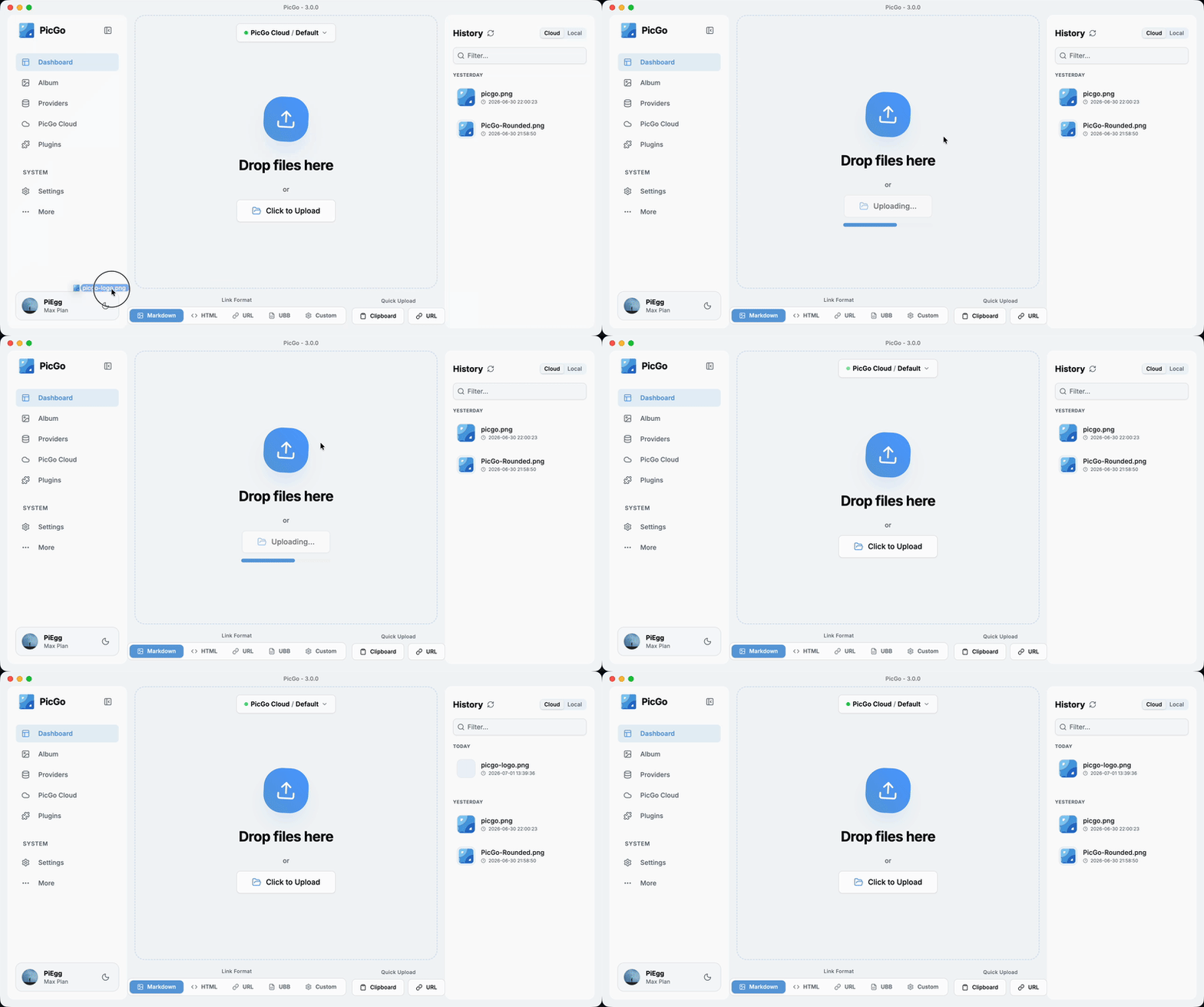
 Бесплатный десктопный загрузчик картинок с открытым исходным кодом: перетащите изображение, вставьте из буфера или нажмите горячую клавишу — PicGo зальёт его на ваш хостинг картинок (GitHub, Imgur, Aliyun OSS и ещё 60+ сервисов) и автоматически скопирует ссылку. Создан для тех, кто пишет блоги, заметки и документацию.
Бесплатный десктопный загрузчик картинок с открытым исходным кодом: перетащите изображение, вставьте из буфера или нажмите горячую клавишу — PicGo зальёт его на ваш хостинг картинок (GitHub, Imgur, Aliyun OSS и ещё 60+ сервисов) и автоматически скопирует ссылку. Создан для тех, кто пишет блоги, заметки и документацию.Это отдельная программа или она ставится внутрь моего редактора?Это самостоятельное кроссплатформенное приложение на Electron, которое живёт в системном трее на macOS, Windows и Linux; редакторы вроде Obsidian, Typora, VS Code и Neovim подключаются к нему через встроенную поддержку или плагины сообщества.
Это самостоятельное кроссплатформенное приложение на Electron, которое живёт в системном трее на macOS, Windows и Linux; редакторы вроде Obsidian, Typora, VS Code и Neovim подключаются к нему через встроенную поддержку или плагины сообщества.Мне нужен собственный аккаунт на хостинге картинок?Да — нужно указать аккаунт или токен того сервиса, которым вы пользуетесь (GitHub, SM.MS, Qiniu и другие работают из коробки, ещё больше — через плагины). Node.js нужен, только если вы собираете PicGo из исходников.
Да — нужно указать аккаунт или токен того сервиса, которым вы пользуетесь (GitHub, SM.MS, Qiniu и другие работают из коробки, ещё больше — через плагины). Node.js нужен, только если вы собираете PicGo из исходников.На что стоит обратить внимание?Linux — наименее протестированная платформа: проект полноценно тестируется только на macOS и Windows. Кроме того, PicGo больше не добавляет новые сторонние хостинги картинок по умолчанию — новые сервисы появляются как плагины сообщества на базе PicGo-Core.
Linux — наименее протестированная платформа: проект полноценно тестируется только на macOS и Windows. Кроме того, PicGo больше не добавляет новые сторонние хостинги картинок по умолчанию — новые сервисы появляются как плагины сообщества на базе PicGo-Core.Какие хостинги картинок поддерживаются из коробки?Встроены: Qiniu, Tencent Cloud COS, UPYUN и Alibaba Cloud OSS (китайские сервисы), а также GitHub, SM.MS и Imgur. Плагины добавляют AWS S3, Cloudflare R2, MinIO и многие другие — проект заявляет о поддержке более 60 сервисов. Сам PicGo больше не добавляет новые хостинги по умолчанию; плагины для хостингов можно писать через PicGo-Core.
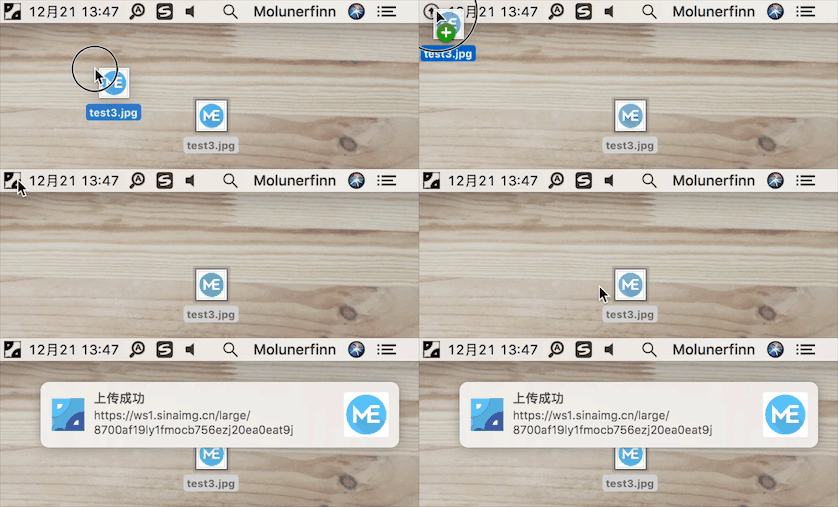
Встроены: Qiniu, Tencent Cloud COS, UPYUN и Alibaba Cloud OSS (китайские сервисы), а также GitHub, SM.MS и Imgur. Плагины добавляют AWS S3, Cloudflare R2, MinIO и многие другие — проект заявляет о поддержке более 60 сервисов. Сам PicGo больше не добавляет новые хостинги по умолчанию; плагины для хостингов можно писать через PicGo-Core.Как выглядит обычный процесс загрузки?Вы даже не выходите из редактора: загрузка перетаскиванием, вставкой из буфера, горячей клавишей или через контекстное меню по правой кнопке мыши (macOS/Windows). Настраиваемая глобальная горячая клавиша (Command+Shift+U на macOS, Ctrl+Shift+U на Windows/Linux) открывает окно загрузки откуда угодно, а ссылка автоматически копируется как Markdown, HTML, обычный URL или по своему шаблону.
Вы даже не выходите из редактора: загрузка перетаскиванием, вставкой из буфера, горячей клавишей или через контекстное меню по правой кнопке мыши (macOS/Windows). Настраиваемая глобальная горячая клавиша (Command+Shift+U на macOS, Ctrl+Shift+U на Windows/Linux) открывает окно загрузки откуда угодно, а ссылка автоматически копируется как Markdown, HTML, обычный URL или по своему шаблону.Что умеют плагины, кроме добавления хостингов картинок?Экосистема плагинов также охватывает сжатие картинок, водяные знаки, переименование и перенос Markdown-изображений; подборка полезных плагинов собрана в Awesome-PicGo.
Экосистема плагинов также охватывает сжатие картинок, водяные знаки, переименование и перенос Markdown-изображений; подборка полезных плагинов собрана в Awesome-PicGo.Могут ли AI-агенты для кодинга загружать картинки через PicGo?Да. В PicGo есть официальные Agent Skills, которые обучают любой совместимый со скиллами AI-инструмент тому, когда и как загружать картинки, а также плагин DeepSeek Harness — оба используют уже настроенные вами хостинги и плагины. Есть и HTTP API (начиная с v2.2.0+), так что любой инструмент может запускать загрузку обычными HTTP-запросами.
Да. В PicGo есть официальные Agent Skills, которые обучают любой совместимый со скиллами AI-инструмент тому, когда и как загружать картинки, а также плагин DeepSeek Harness — оба используют уже настроенные вами хостинги и плагины. Есть и HTTP API (начиная с v2.2.0+), так что любой инструмент может запускать загрузку обычными HTTP-запросами.What are similar projects?ZTools, magnetW, rubick, edgeever, dsh_desktop, deepseek-harness-desktop, Bigfish, WhaleIsle
ZTools, magnetW, rubick, edgeever, dsh_desktop, deepseek-harness-desktop, Bigfish, WhaleIsleWhich topics is it in?weibo, cloudflare-r2, file-upload, clipboard, obsidian, neovim, electron-app, screenshot, s3, image, vscode, cloudflare
weibo, cloudflare-r2, file-upload, clipboard, obsidian, neovim, electron-app, screenshot, s3, image, vscode, cloudflare