















67.2K ·GitHub
Что это такое?
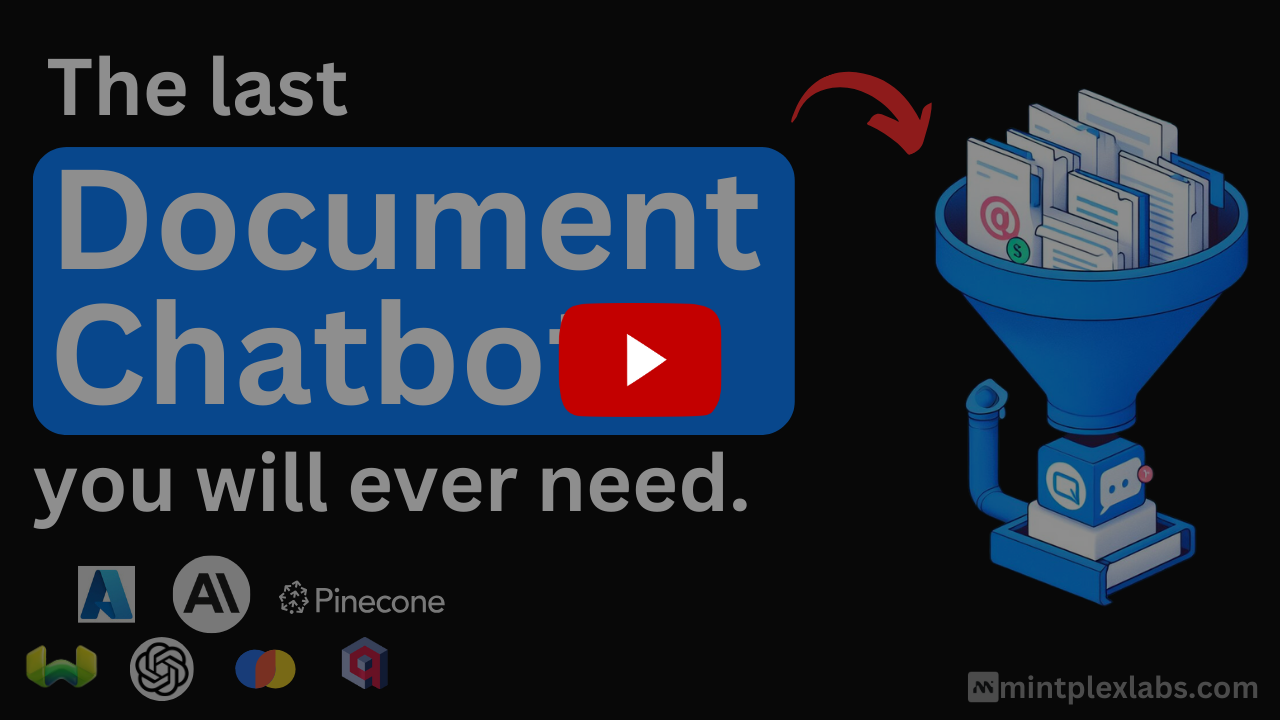
 AnythingLLM — это универсальное AI-приложение, которое разворачивается на собственном сервере. Оно позволяет общаться с вашими документами, запускать AI-агентов и создать приватный опыт, похожий на ChatGPT, с использованием локальных или облачных LLM.
AnythingLLM — это универсальное AI-приложение, которое разворачивается на собственном сервере. Оно позволяет общаться с вашими документами, запускать AI-агентов и создать приватный опыт, похожий на ChatGPT, с использованием локальных или облачных LLM.Это библиотека, которую я встраиваю в код, или самостоятельное приложение?Это самостоятельное приложение: монорепозиторий с фронтендом (ViteJS + React), сервером на Node.js и сервисом сбора документов. Его можно развернуть через Docker или установить как нативное десктопное приложение для Mac, Windows и Linux.
Это самостоятельное приложение: монорепозиторий с фронтендом (ViteJS + React), сервером на Node.js и сервисом сбора документов. Его можно развернуть через Docker или установить как нативное десктопное приложение для Mac, Windows и Linux.Как это запустить?Проще всего скачать десктопное приложение для Mac/Windows/Linux или развернуть Docker-версию в одно нажатие у таких провайдеров, как AWS, GCP, DigitalOcean или Render. Для разработки выполните 'yarn setup', чтобы установить зависимости и заполнить файлы окружения, затем запустите сервер, сборщик и фронтенд по отдельности.
Проще всего скачать десктопное приложение для Mac/Windows/Linux или развернуть Docker-версию в одно нажатие у таких провайдеров, как AWS, GCP, DigitalOcean или Render. Для разработки выполните 'yarn setup', чтобы установить зависимости и заполнить файлы окружения, затем запустите сервер, сборщик и фронтенд по отдельности.Нужен ли мне API-ключ или всё можно запустить локально?API-ключ для запуска не нужен: приложение сразу работает с локальными LLM (например, совместимыми с llama.cpp моделями, Ollama, LM Studio, LocalAI), без дополнительной настройки. При желании можно подключить и облачных провайдеров, например OpenAI, Anthropic или Azure.
API-ключ для запуска не нужен: приложение сразу работает с локальными LLM (например, совместимыми с llama.cpp моделями, Ollama, LM Studio, LocalAI), без дополнительной настройки. При желании можно подключить и облачных провайдеров, например OpenAI, Anthropic или Azure.Работает ли поддержка нескольких пользователей и в десктопном приложении?Нет. Управление правами нескольких пользователей, встраиваемый виджет чата и агенты внутри рабочих пространств, которые ходят по сайтам, — это функции только для Docker-версии. Десктопное приложение рассчитано в первую очередь на один экземпляр.
Нет. Управление правами нескольких пользователей, встраиваемый виджет чата и агенты внутри рабочих пространств, которые ходят по сайтам, — это функции только для Docker-версии. Десктопное приложение рассчитано в первую очередь на один экземпляр.Это только для разработчиков или для обычных пользователей тоже?Для обоих. Обычные пользователи могут просто скачать десктопное приложение или воспользоваться готовым размещённым экземпляром, а разработчики могут развернуть его на своём сервере через Docker, использовать полный API для разработчиков и создавать собственные интеграции.
Для обоих. Обычные пользователи могут просто скачать десктопное приложение или воспользоваться готовым размещённым экземпляром, а разработчики могут развернуть его на своём сервере через Docker, использовать полный API для разработчиков и создавать собственные интеграции.Какие платформы поддерживает десктопное приложение?Mac, Windows и Linux.
Mac, Windows и Linux.Может ли оно работать полностью офлайн, без зависимости от облака?Да, по умолчанию оно рассчитано на локальную работу без лишней настройки: используются локальные LLM, модели для эмбеддингов и векторные базы данных, например LanceDB.
Да, по умолчанию оно рассчитано на локальную работу без лишней настройки: используются локальные LLM, модели для эмбеддингов и векторные базы данных, например LanceDB.Какие векторные базы данных поддерживаются?По умолчанию используется LanceDB, также поддерживаются PGVector, Astra DB, Pinecone, Chroma, Weaviate, Qdrant, Milvus и Zilliz.
По умолчанию используется LanceDB, также поддерживаются PGVector, Astra DB, Pinecone, Chroma, Weaviate, Qdrant, Milvus и Zilliz.Могут ли AI-агенты в AnythingLLM ходить по сайтам или работать по расписанию?Да: в приложение встроены агенты, которые умеют просматривать веб-страницы, а также запланированные задачи для повторяющихся запросов по расписанию cron с полными возможностями агентов.
Да: в приложение встроены агенты, которые умеют просматривать веб-страницы, а также запланированные задачи для повторяющихся запросов по расписанию cron с полными возможностями агентов.Поддерживает ли он Model Context Protocol (MCP)?Да, AnythingLLM совместим с MCP, так что к его агентам можно подключать внешние инструменты.
Да, AnythingLLM совместим с MCP, так что к его агентам можно подключать внешние инструменты.Какие типы документов он может загружать?Поддерживаются несколько типов документов, включая PDF, TXT и DOCX. Есть удобный интерфейс чата с перетаскиванием файлов и ссылками на источники.
Поддерживаются несколько типов документов, включая PDF, TXT и DOCX. Есть удобный интерфейс чата с перетаскиванием файлов и ссылками на источники.Which topics is it in?localai, self-hosted-ai, agentic-workflow, hermes-agent, local-ai, computer-use, agent-harness, vector-database, multimodal, local-llm, agent-orchestration, chatbot
localai, self-hosted-ai, agentic-workflow, hermes-agent, local-ai, computer-use, agent-harness, vector-database, multimodal, local-llm, agent-orchestration, chatbot