




这是做什么用的?
 它能把安卓手机变成电脑上的高品质麦克风:手机把音频传输到桌面服务端,后者在通话、游戏和录音软件里显示为一个虚拟麦克风。
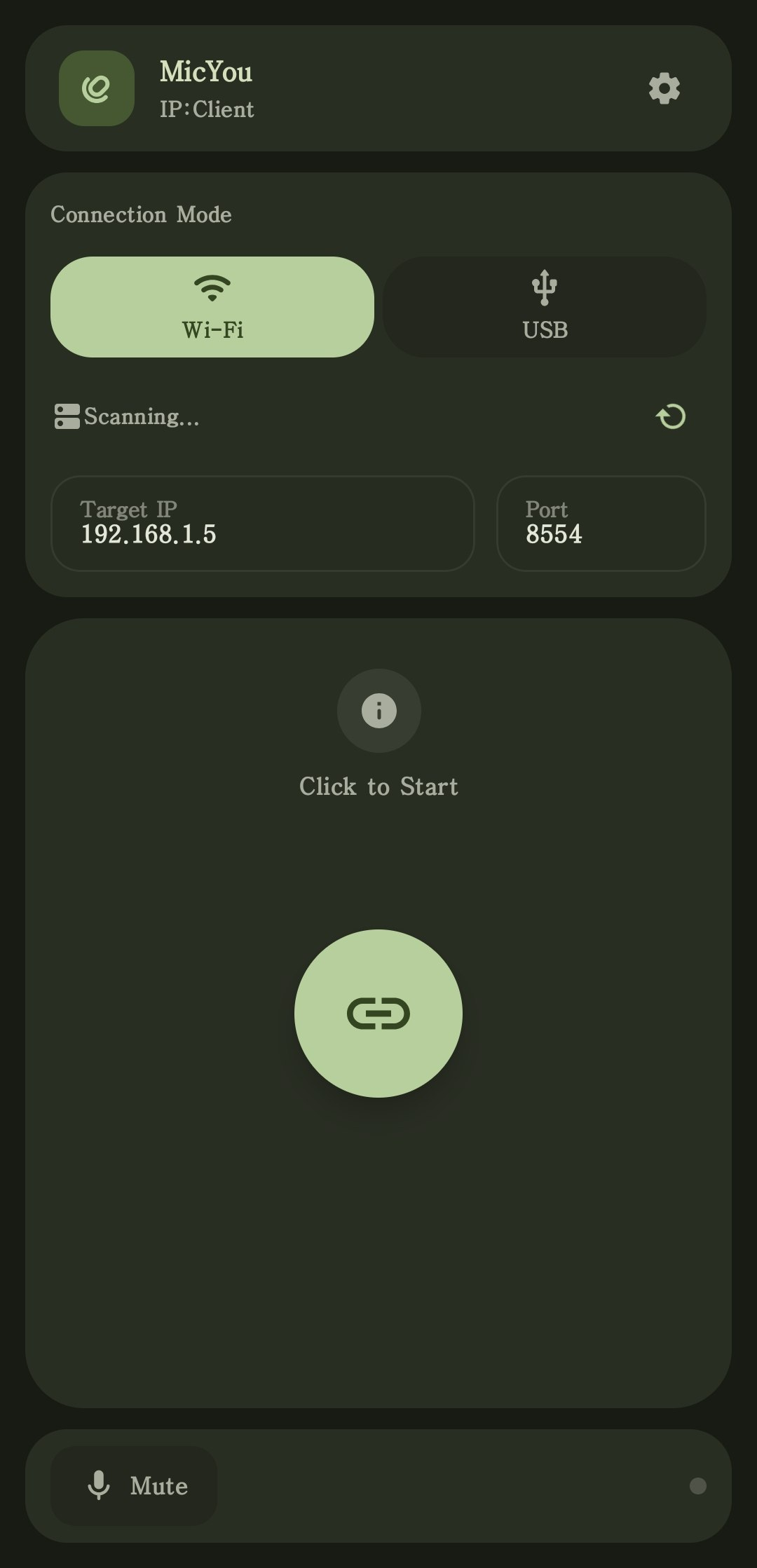
它能把安卓手机变成电脑上的高品质麦克风:手机把音频传输到桌面服务端,后者在通话、游戏和录音软件里显示为一个虚拟麦克风。这是手机应用还是电脑应用?两者都有:手机上运行原生安卓客户端,把音频传输到 Windows、Linux 或 macOS 上的桌面服务端,由它模拟成虚拟麦克风。另外还有 Web 模式,直接用手机浏览器就能用。
两者都有:手机上运行原生安卓客户端,把音频传输到 Windows、Linux 或 macOS 上的桌面服务端,由它模拟成虚拟麦克风。另外还有 Web 模式,直接用手机浏览器就能用。怎么把它跑起来?从 GitHub Releases 下载 Android APK 和适合你操作系统的桌面端安装包,按照 Quick Start 指南设置虚拟麦克风,通过 Wi-Fi、USB 或 Web 连接,然后在你的应用里选中这个麦克风即可。
从 GitHub Releases 下载 Android APK 和适合你操作系统的桌面端安装包,按照 Quick Start 指南设置虚拟麦克风,通过 Wi-Fi、USB 或 Web 连接,然后在你的应用里选中这个麦克风即可。我需要在电脑上安装虚拟音频驱动吗?需要——要装一个虚拟音频设备:Windows 上用 VB-CABLE,Linux 上用 PipeWire,macOS 上用 BlackHole。MicYou 会把手机的音频经由它传输,你的应用就能把它当成普通麦克风使用。
需要——要装一个虚拟音频设备:Windows 上用 VB-CABLE,Linux 上用 PipeWire,macOS 上用 BlackHole。MicYou 会把手机的音频经由它传输,你的应用就能把它当成普通麦克风使用。手机和电脑必须在同一个 Wi-Fi 网络里吗?用 Wi-Fi 模式的话,是的——两台设备必须在同一网络。其他选择:用 USB 数据线加 USB 调试连接,或者扫二维码在任意手机浏览器里使用 Web 模式。
用 Wi-Fi 模式的话,是的——两台设备必须在同一网络。其他选择:用 USB 数据线加 USB 调试连接,或者扫二维码在任意手机浏览器里使用 Web 模式。使用要花钱吗?免费开源,采用 GNU GPLv3 许可证,并附带 MicYou Plugin Exception。
免费开源,采用 GNU GPLv3 许可证,并附带 MicYou Plugin Exception。除了当麦克风,它还能对音频做些什么?有一整套处理管线:AI 降噪和传统降噪、回声消除、去混响、均衡器、音量放大、自动增益控制和人声活动检测。其中回声消除和 AI 降噪来自开源的 AEC7 和 PureVox。
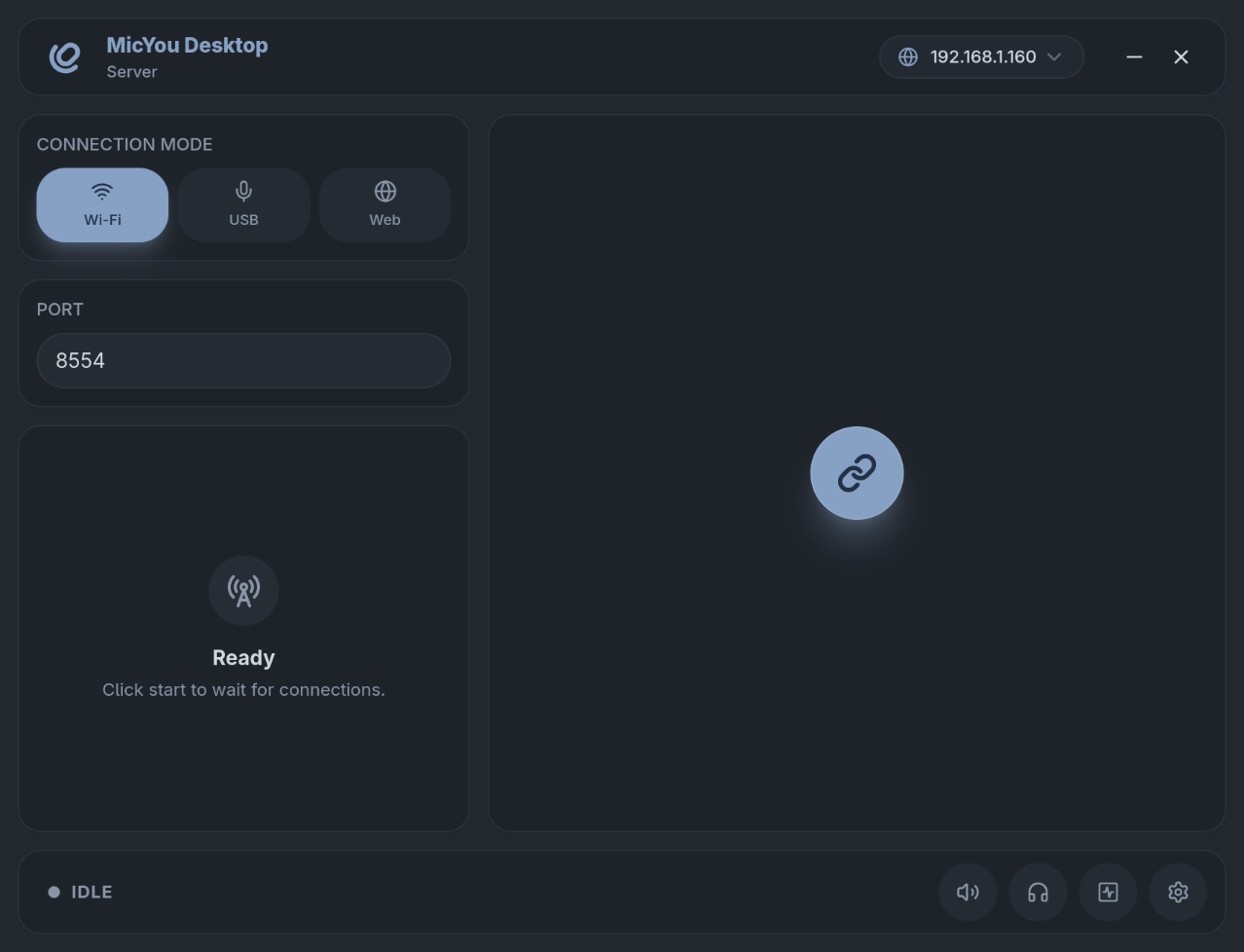
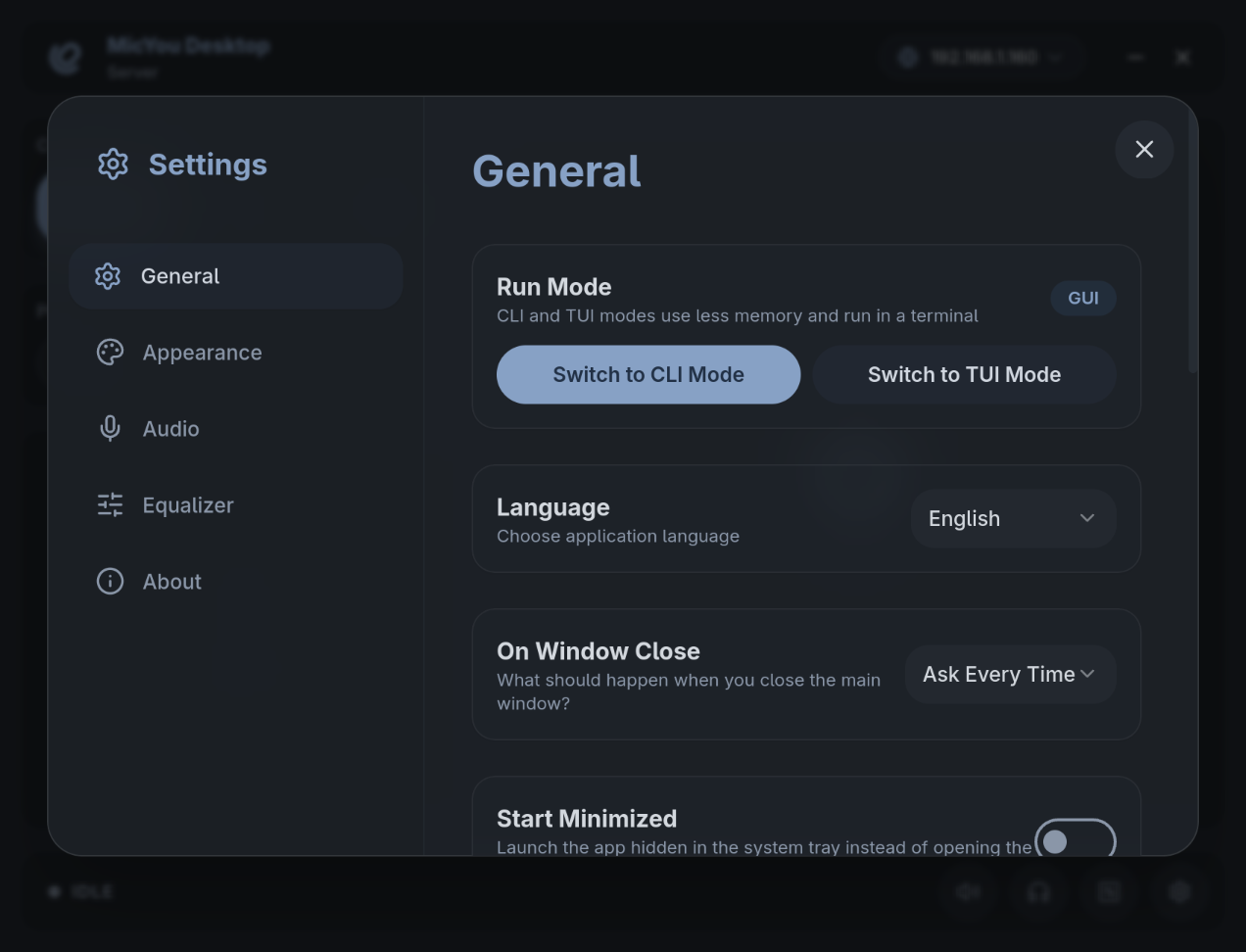
有一整套处理管线:AI 降噪和传统降噪、回声消除、去混响、均衡器、音量放大、自动增益控制和人声活动检测。其中回声消除和 AI 降噪来自开源的 AEC7 和 PureVox。在电脑上必须用图形界面吗?不用——桌面服务端提供完整的图形界面、轻量的 CLI 和交互式 TUI 面板三种形式,三者的连接、DSP、语言和主题偏好设置都是共享的。
不用——桌面服务端提供完整的图形界面、轻量的 CLI 和交互式 TUI 面板三种形式,三者的连接、DSP、语言和主题偏好设置都是共享的。传输过程中能查看音质情况吗?可以——你能看到音量、码率、延迟、抖动、丢包和缓冲区状态,还能随时静音或监听传入的音频。
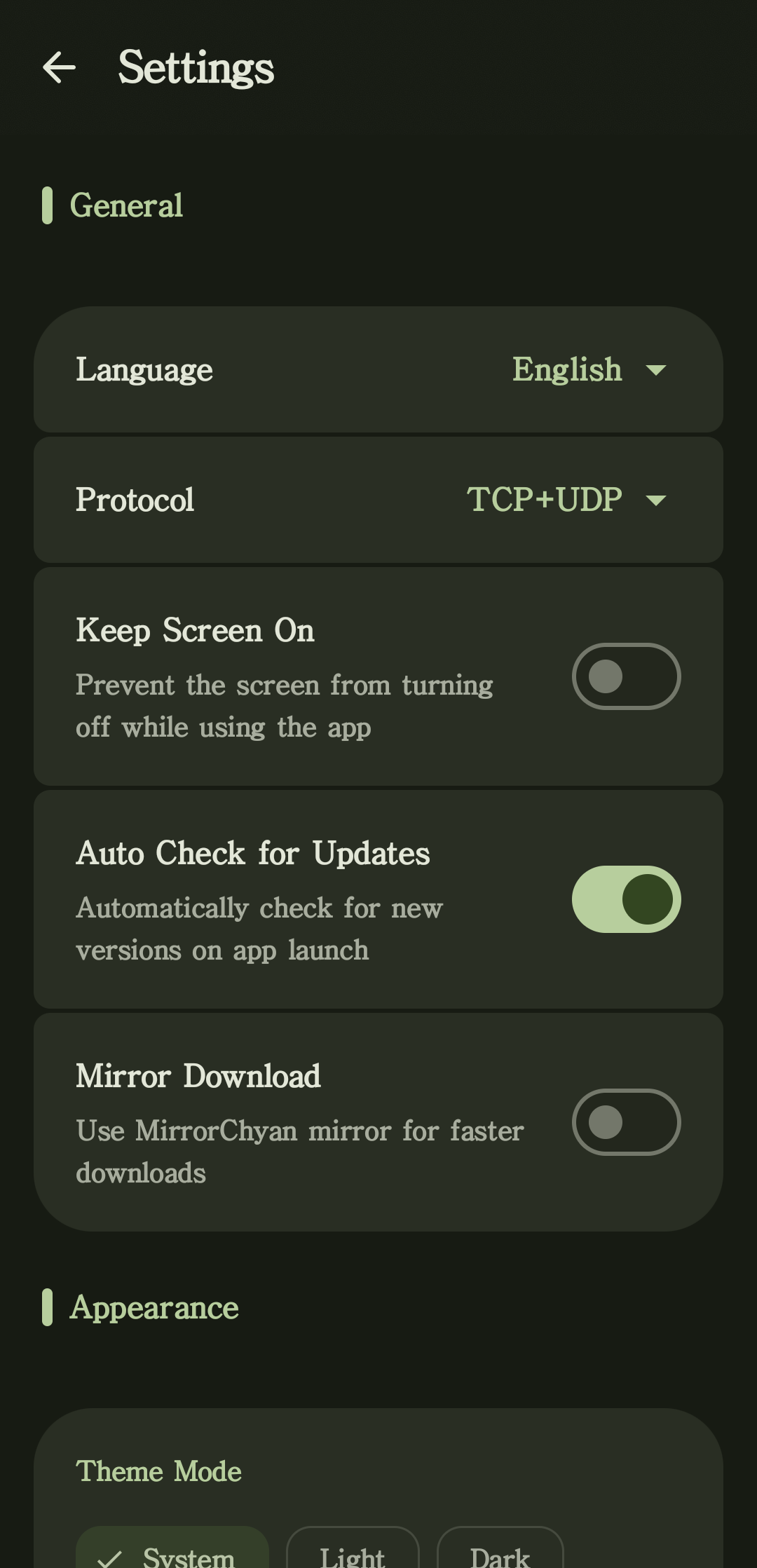
可以——你能看到音量、码率、延迟、抖动、丢包和缓冲区状态,还能随时静音或监听传入的音频。应用的界面可以自定义吗?Material 3 界面提供浅色和深色主题、动态取色、自定义背景、电脑端口袋模式、系统托盘控制,还支持多种语言。
Material 3 界面提供浅色和深色主题、动态取色、自定义背景、电脑端口袋模式、系统托盘控制,还支持多种语言。What are similar projects?dashbeam, dbx, koel, deepseek-harness-desktop, kumone, spotatui, go-music-dl, LastWave-Native
dashbeam, dbx, koel, deepseek-harness-desktop, kumone, spotatui, go-music-dl, LastWave-Native