



What is this?
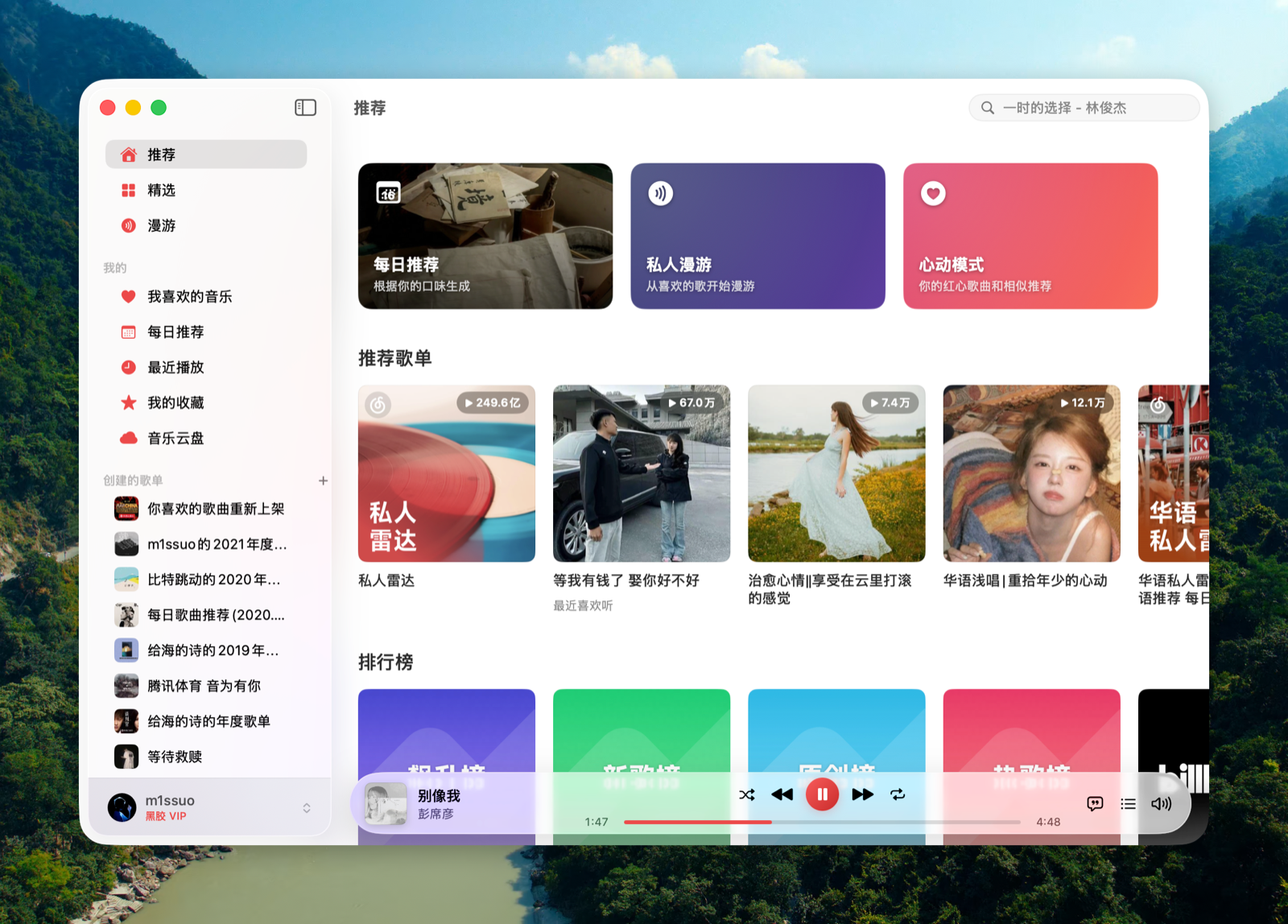
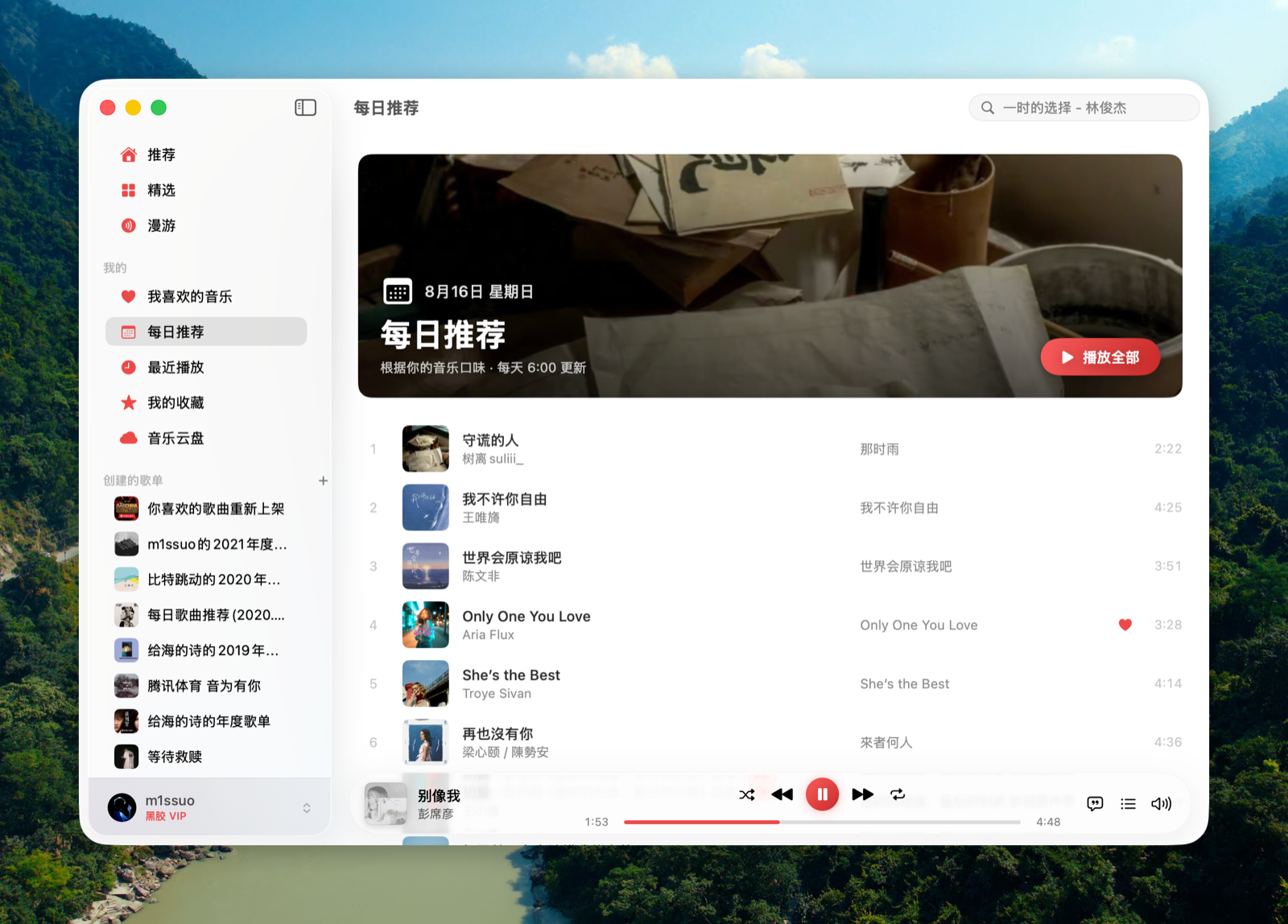
 Kumone is an unofficial native macOS app (with an iOS sideload build too) that acts as a client for NetEase Cloud Music, built in SwiftUI and talking directly to NetEase's real API without any third-party server in between.
Kumone is an unofficial native macOS app (with an iOS sideload build too) that acts as a client for NetEase Cloud Music, built in SwiftUI and talking directly to NetEase's real API without any third-party server in between.Do I need a NetEase Cloud Music account to use it?Yes, you log in by scanning a QR code with the official NetEase Cloud Music app; the resulting cookies are stored locally and refreshed automatically afterward. It also requires macOS 15+ (Universal binary for Apple Silicon and Intel) or iOS 16+.
Yes, you log in by scanning a QR code with the official NetEase Cloud Music app; the resulting cookies are stored locally and refreshed automatically afterward. It also requires macOS 15+ (Universal binary for Apple Silicon and Intel) or iOS 16+.Any catches I should know about before using it?CarPlay support is built into the binary but shipped disabled by default because Apple's CarPlay audio entitlement is rarely granted, and the license explicitly restricts the app to personal/learning use with no downloading and no social features.
CarPlay support is built into the binary but shipped disabled by default because Apple's CarPlay audio entitlement is rarely granted, and the license explicitly restricts the app to personal/learning use with no downloading and no social features.Does it work on both Apple Silicon and Intel Macs?Yes, the macOS build is a Universal binary that runs natively on both Apple Silicon and Intel Macs, requiring macOS 15 or later.
Yes, the macOS build is a Universal binary that runs natively on both Apple Silicon and Intel Macs, requiring macOS 15 or later.What does gray track unblocking actually do?It's a native Swift reimplementation of UnblockNeteaseMusic's core sources (pyncmd, Kuwo, Kugou) that automatically resolves tracks NetEase marks as unavailable or trial-only by pulling them from third-party sources.
It's a native Swift reimplementation of UnblockNeteaseMusic's core sources (pyncmd, Kuwo, Kugou) that automatically resolves tracks NetEase marks as unavailable or trial-only by pulling them from third-party sources.Can I turn on CarPlay support myself?Only if your own Apple Developer account gets the CarPlay Audio entitlement approved; then running 'make configure-carplay' generates the needed config files and you rebuild in Xcode — the default build ships with it off.
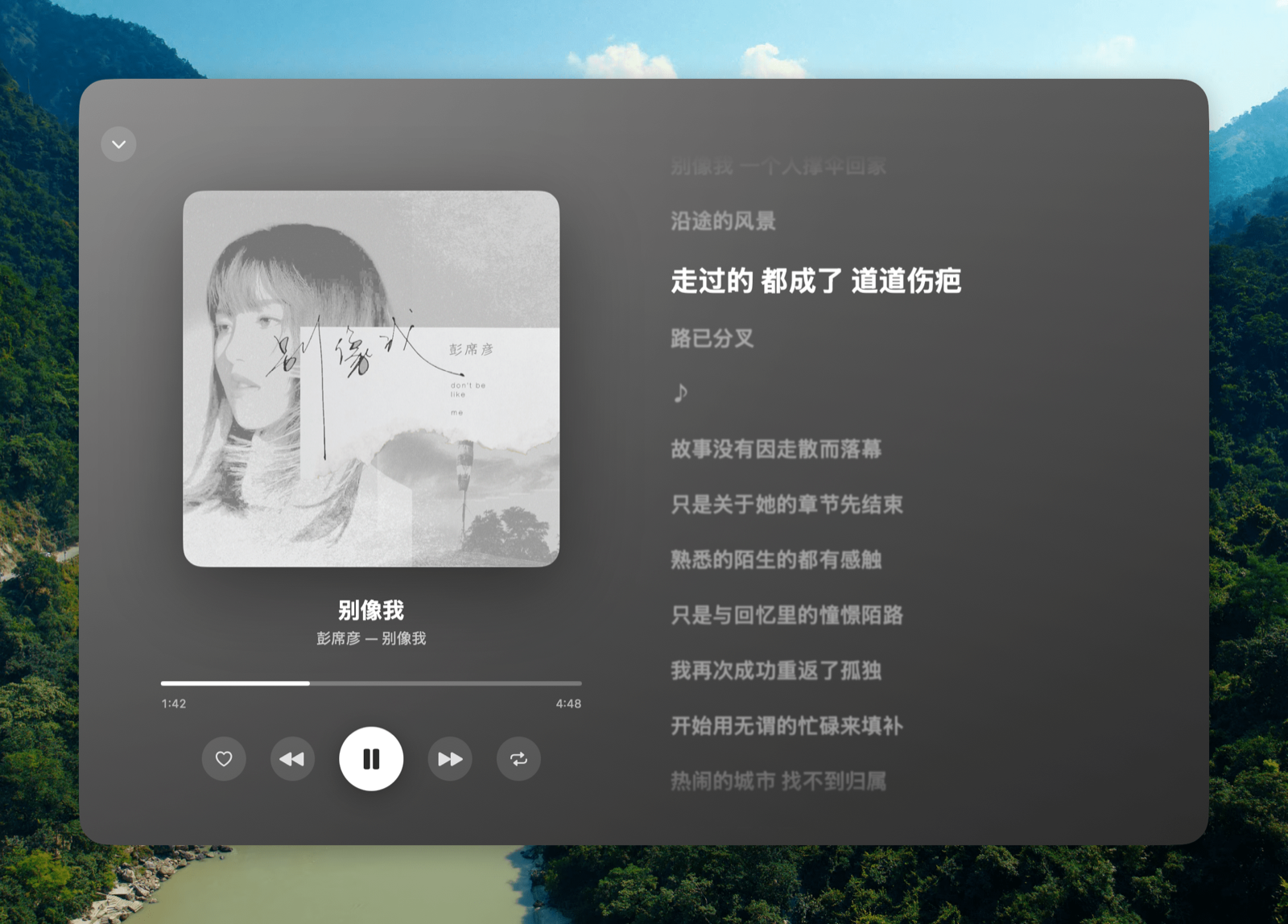
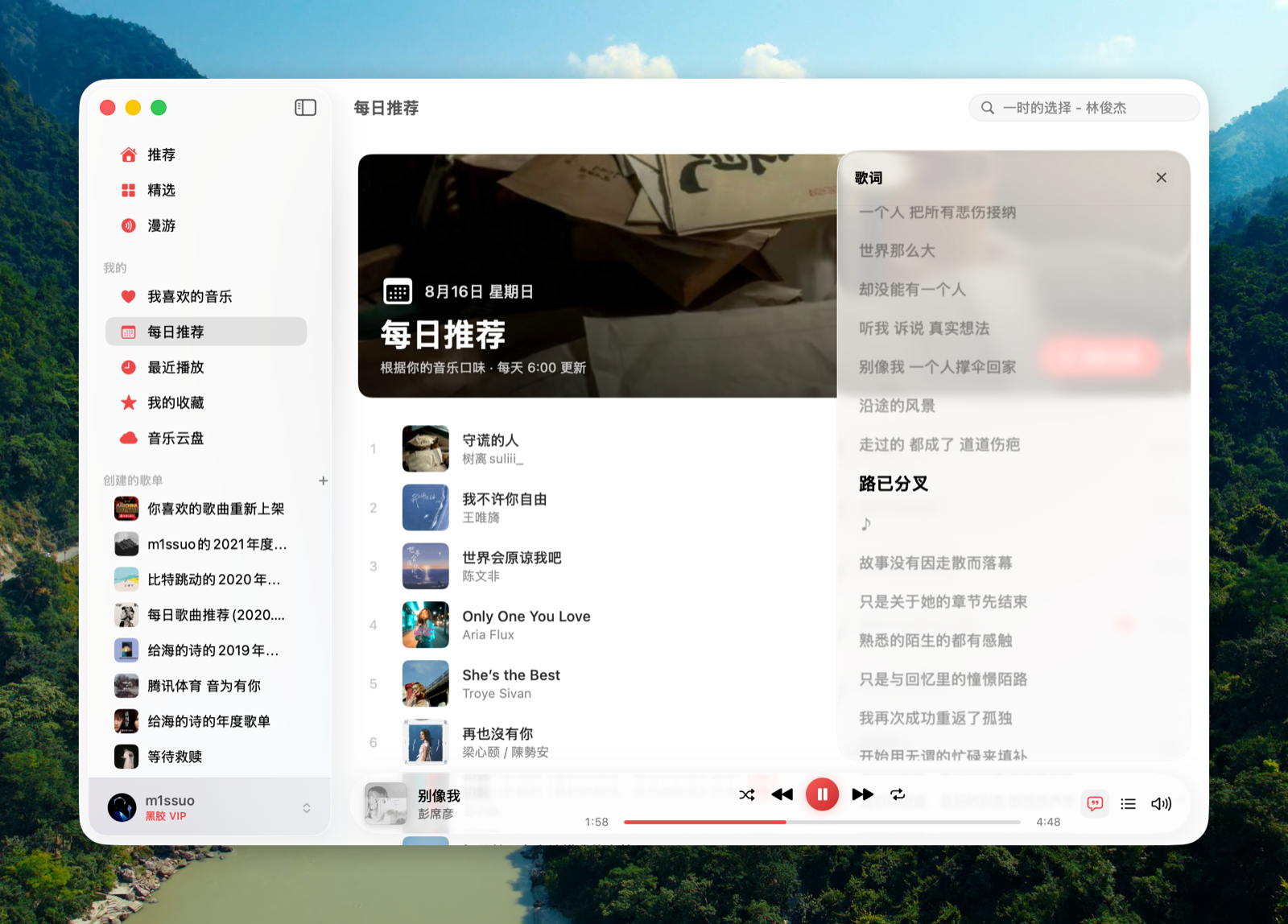
Only if your own Apple Developer account gets the CarPlay Audio entitlement approved; then running 'make configure-carplay' generates the needed config files and you rebuild in Xcode — the default build ships with it off.Does it have desktop lyrics like a floating overlay?Yes, a LyricsX-style always-on-top lyric line with translation that you can drag, with its position persisted across Spaces and full-screen apps.
Yes, a LyricsX-style always-on-top lyric line with translation that you can drag, with its position persisted across Spaces and full-screen apps.Where does the name Kumone come from?It's a contraction of the Japanese phrase 雲の音 (kumo no ne, 'the sound of clouds'), nodding to the 'cloud' in NetEase Cloud Music.
It's a contraction of the Japanese phrase 雲の音 (kumo no ne, 'the sound of clouds'), nodding to the 'cloud' in NetEase Cloud Music.What are similar projects?Beans-Music, textream, tvbox-silicon, zulu, CodeEdit, KiwiDesk, awesome-mac, opendisplay
Beans-Music, textream, tvbox-silicon, zulu, CodeEdit, KiwiDesk, awesome-mac, opendisplayWhich topics is it in?audio-streaming, media-player, lgpl, music-player, qr-code, ios-app, swiftui, apple, macos-app, app, i18n, reverse-engineering
audio-streaming, media-player, lgpl, music-player, qr-code, ios-app, swiftui, apple, macos-app, app, i18n, reverse-engineering