




What is this?
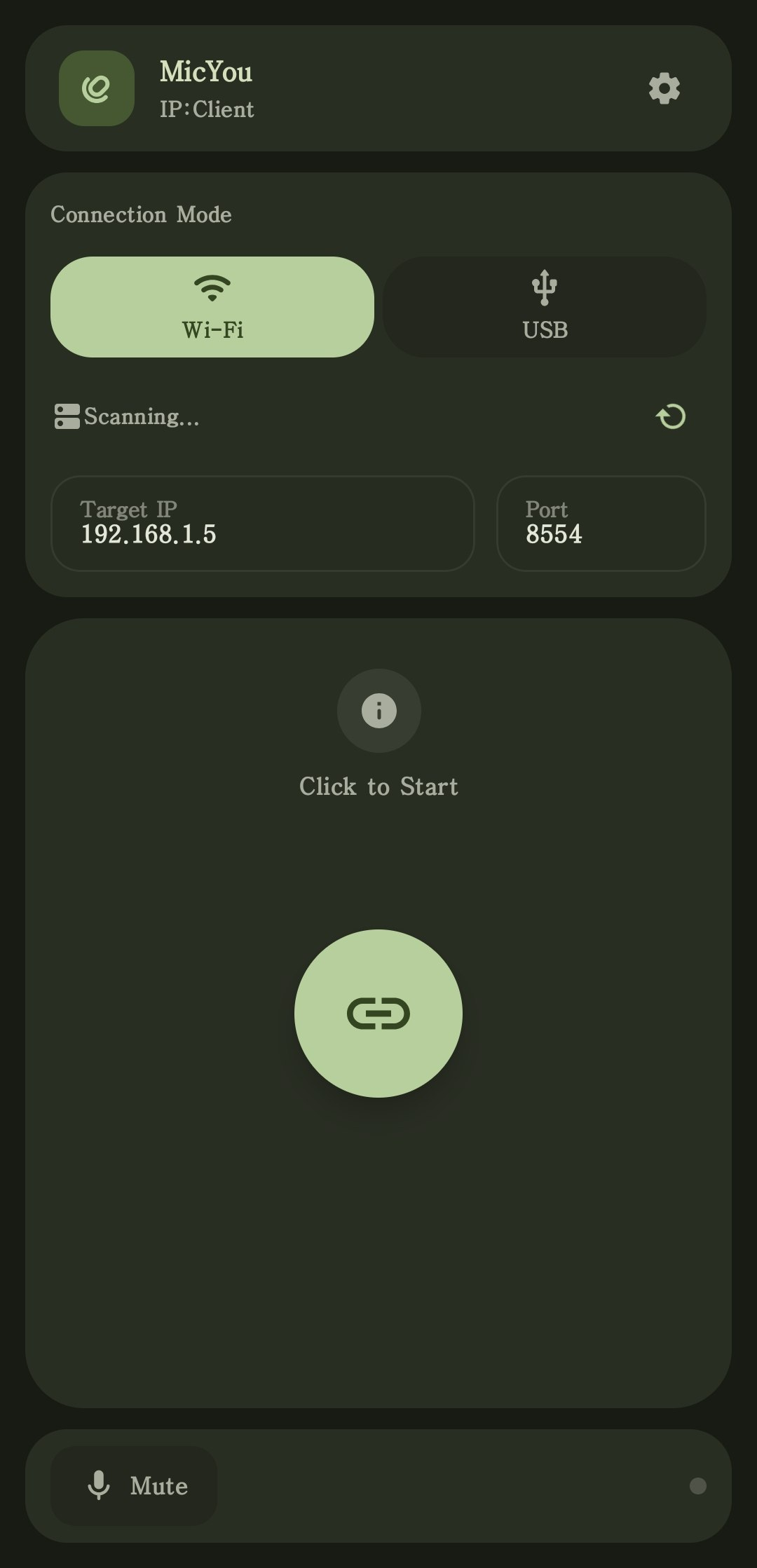
 It turns an Android phone into a high-quality microphone for your PC: the phone streams audio to a desktop server that shows up as a virtual mic in your calls, games, and recording apps.
It turns an Android phone into a high-quality microphone for your PC: the phone streams audio to a desktop server that shows up as a virtual mic in your calls, games, and recording apps.Is this an app for my phone or for my PC?Both: a native Android client on the phone streams to a desktop server on Windows, Linux, or macOS, which exposes itself as a virtual microphone. A Web mode also works straight from the phone's browser.
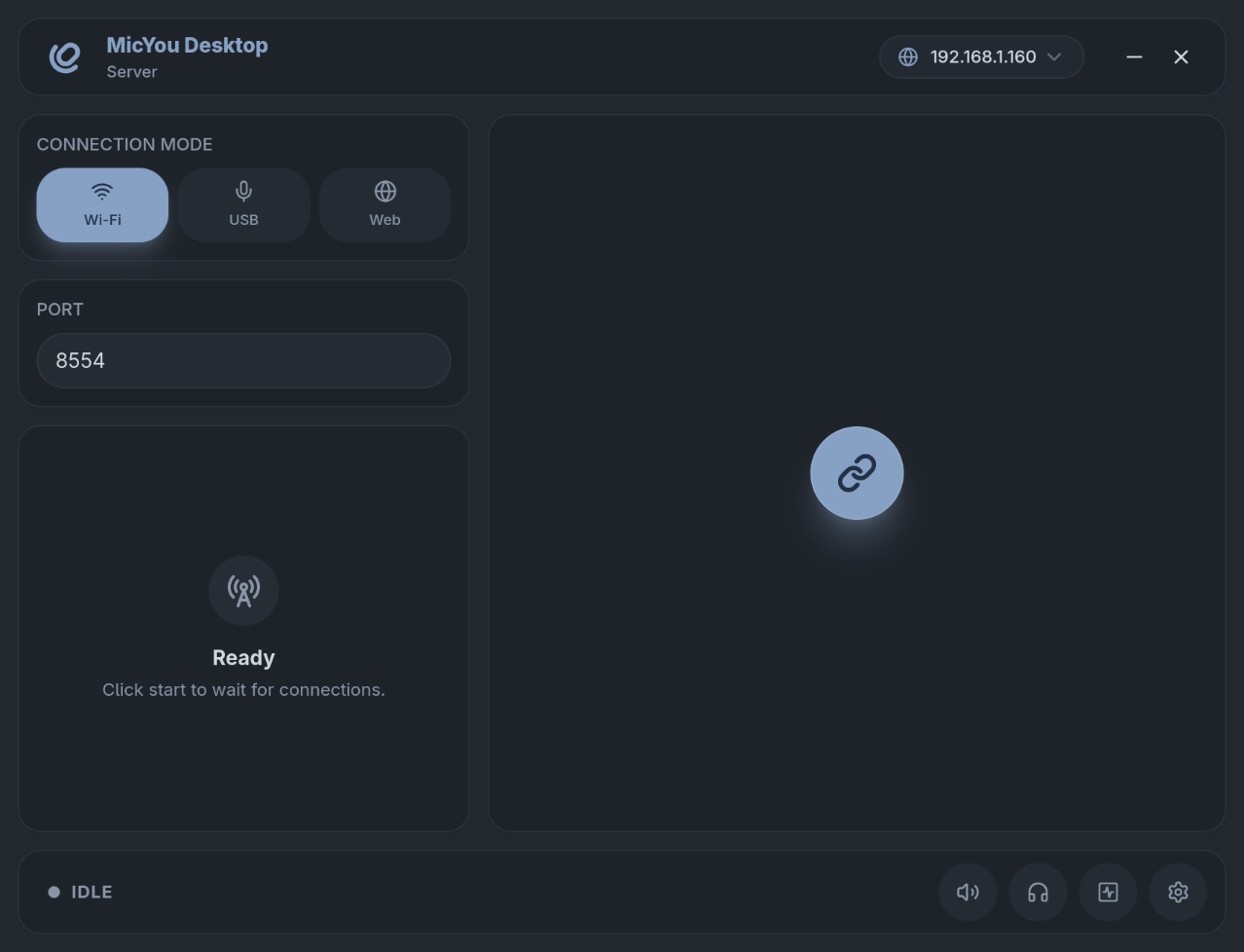
Both: a native Android client on the phone streams to a desktop server on Windows, Linux, or macOS, which exposes itself as a virtual microphone. A Web mode also works straight from the phone's browser.How do I get it running?Download the Android APK and the desktop package for your OS from GitHub Releases, set up the virtual microphone via the Quick Start guide, connect over Wi-Fi, USB, or Web, then select that mic in your app.
Download the Android APK and the desktop package for your OS from GitHub Releases, set up the virtual microphone via the Quick Start guide, connect over Wi-Fi, USB, or Web, then select that mic in your app.Do I need to install a virtual audio driver on my PC?Yes — a virtual audio device: VB-CABLE on Windows, PipeWire on Linux, or BlackHole on macOS. MicYou routes the phone's audio through it so your apps can use it as a normal microphone.
Yes — a virtual audio device: VB-CABLE on Windows, PipeWire on Linux, or BlackHole on macOS. MicYou routes the phone's audio through it so your apps can use it as a normal microphone.Do the phone and PC have to be on the same Wi-Fi network?For Wi-Fi mode, yes — both devices must be on the same network. Alternatives: USB with USB debugging and a data cable, or Web mode via a QR code in any mobile browser.
For Wi-Fi mode, yes — both devices must be on the same network. Alternatives: USB with USB debugging and a data cable, or Web mode via a QR code in any mobile browser.Is it free to use?It is free and open source under GNU GPLv3 with a MicYou Plugin Exception.
It is free and open source under GNU GPLv3 with a MicYou Plugin Exception.What can it do to the audio besides just being a mic?A full processing pipeline: AI and traditional noise suppression, acoustic echo cancellation, dereverberation, equalizer, amplification, automatic gain control, and voice activity detection. The echo cancellation and AI suppression come from open-sourced AEC7 and PureVox.
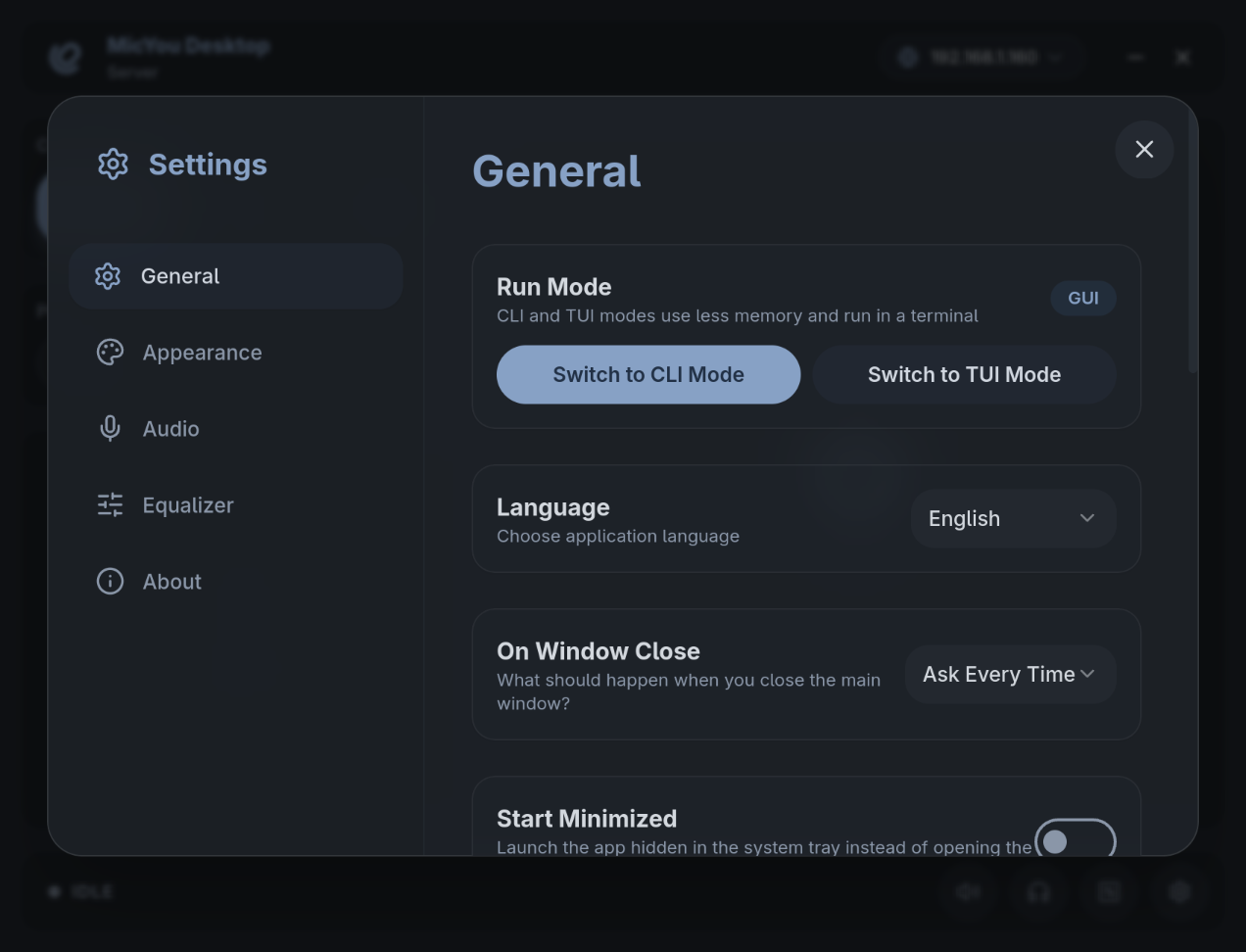
A full processing pipeline: AI and traditional noise suppression, acoustic echo cancellation, dereverberation, equalizer, amplification, automatic gain control, and voice activity detection. The echo cancellation and AI suppression come from open-sourced AEC7 and PureVox.Do I have to use the GUI on the desktop?No — the desktop server ships as a full GUI, a low-overhead CLI, and an interactive TUI dashboard, and all three share your connection, DSP, language, and theme preferences.
No — the desktop server ships as a full GUI, a low-overhead CLI, and an interactive TUI dashboard, and all three share your connection, DSP, language, and theme preferences.Can I check the stream quality while it runs?Yes — you can watch audio level, bitrate, latency, jitter, packet loss, and buffer status, and mute or monitor the incoming audio at any time.
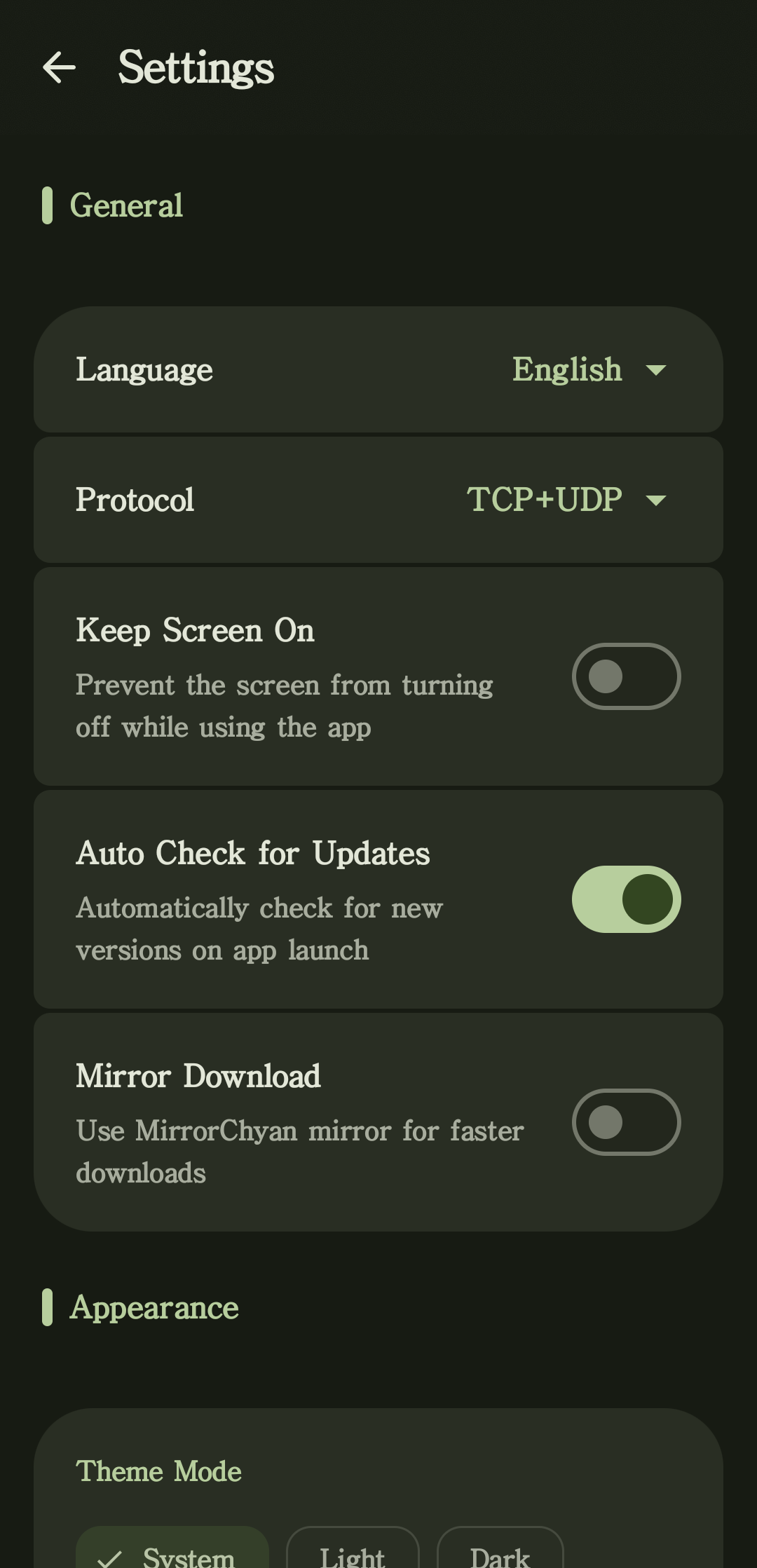
Yes — you can watch audio level, bitrate, latency, jitter, packet loss, and buffer status, and mute or monitor the incoming audio at any time.Can I customize how the apps look?The Material 3 interfaces offer light and dark themes, dynamic colors, custom backgrounds, a desktop pocket mode, system tray controls, and multiple languages.
The Material 3 interfaces offer light and dark themes, dynamic colors, custom backgrounds, a desktop pocket mode, system tray controls, and multiple languages.What are similar projects?dashbeam, dbx, koel, deepseek-harness-desktop, kumone, spotatui, go-music-dl, LastWave-Native
dashbeam, dbx, koel, deepseek-harness-desktop, kumone, spotatui, go-music-dl, LastWave-Native