


)
)



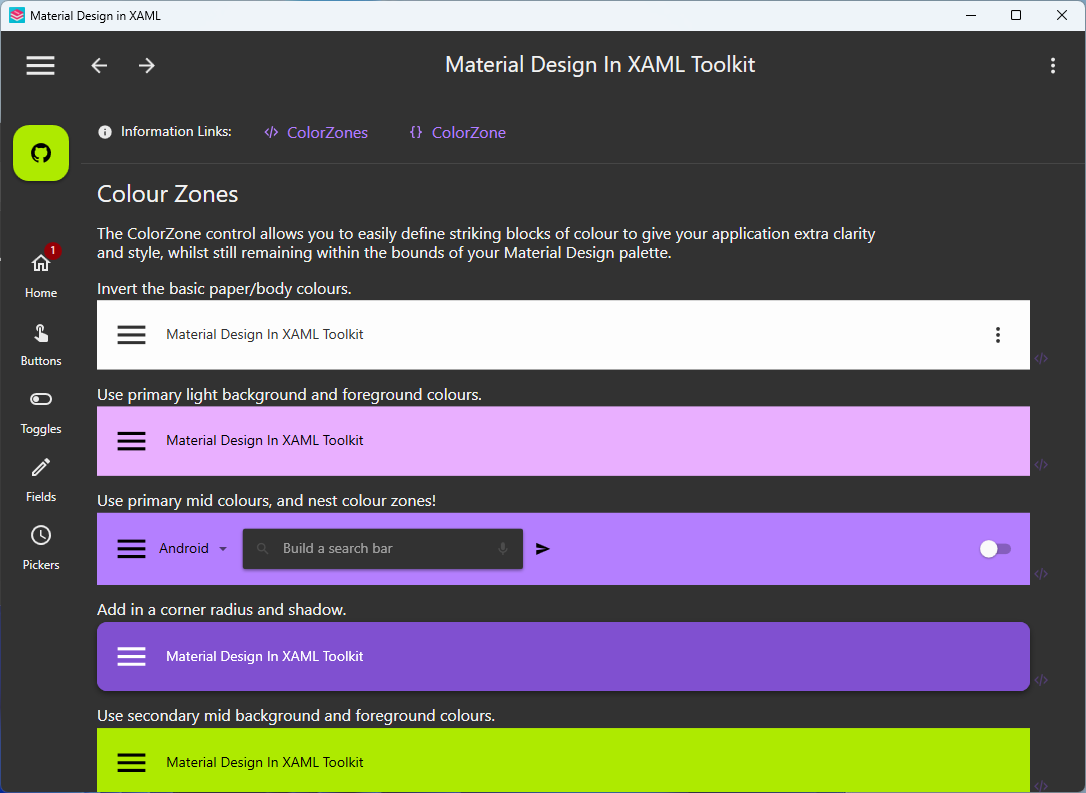
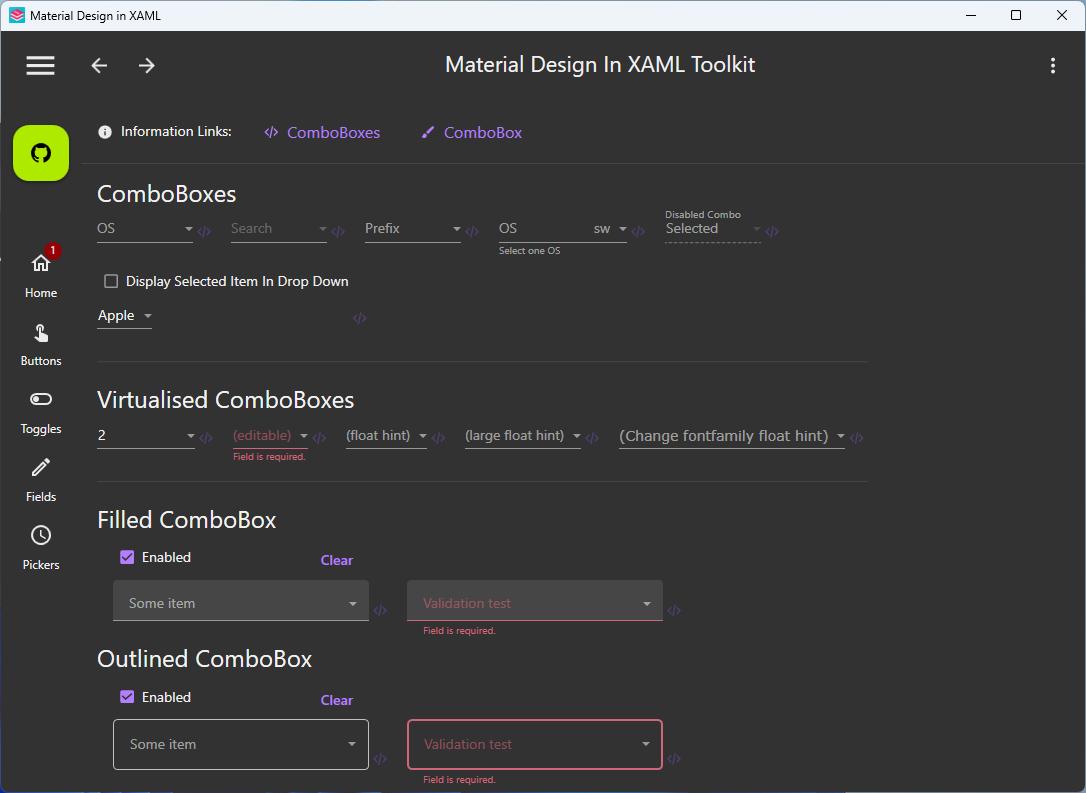
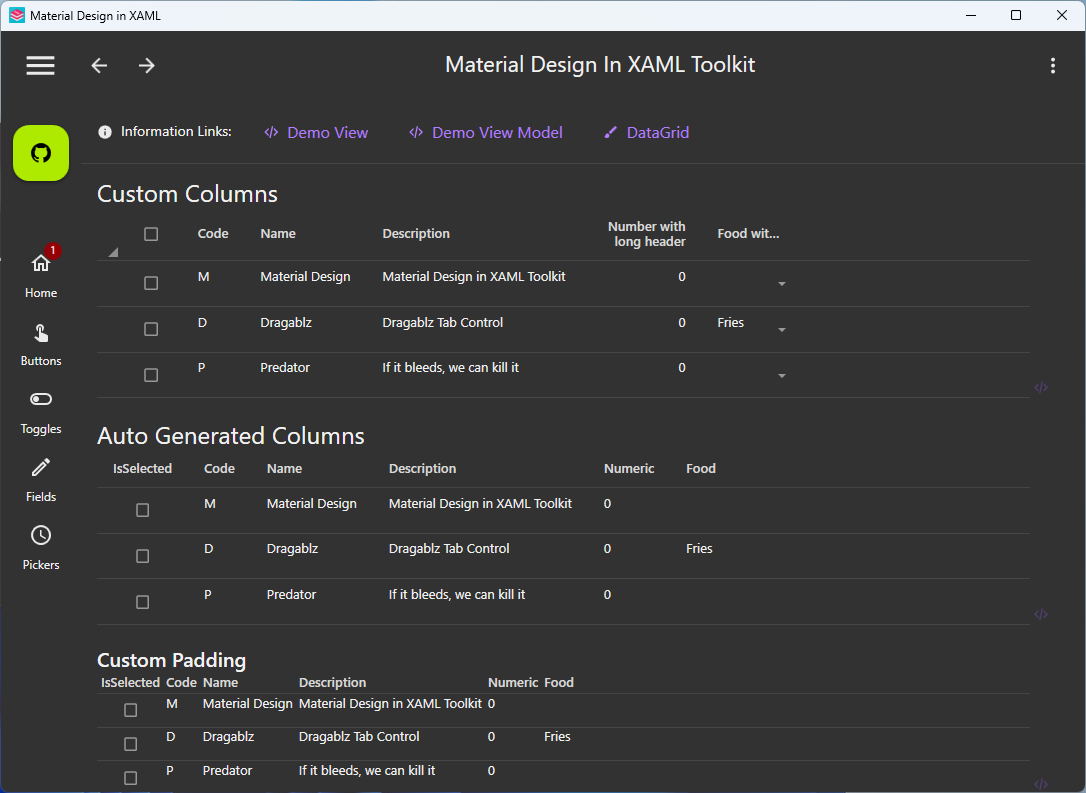
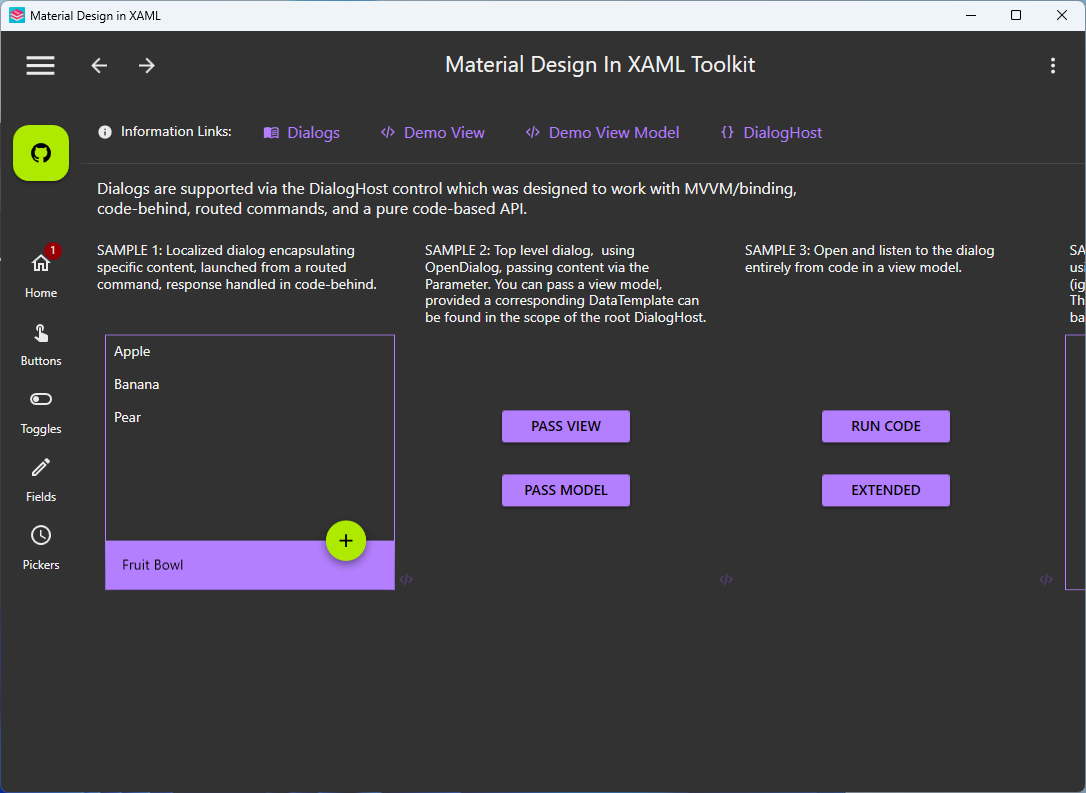
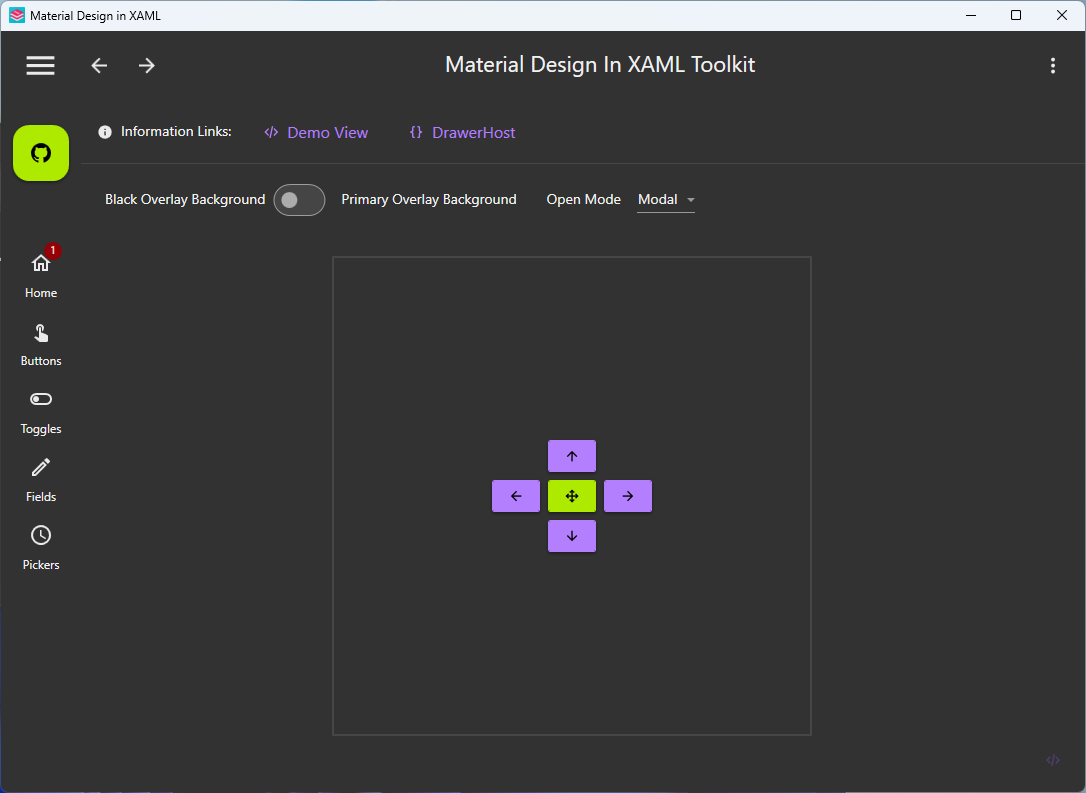
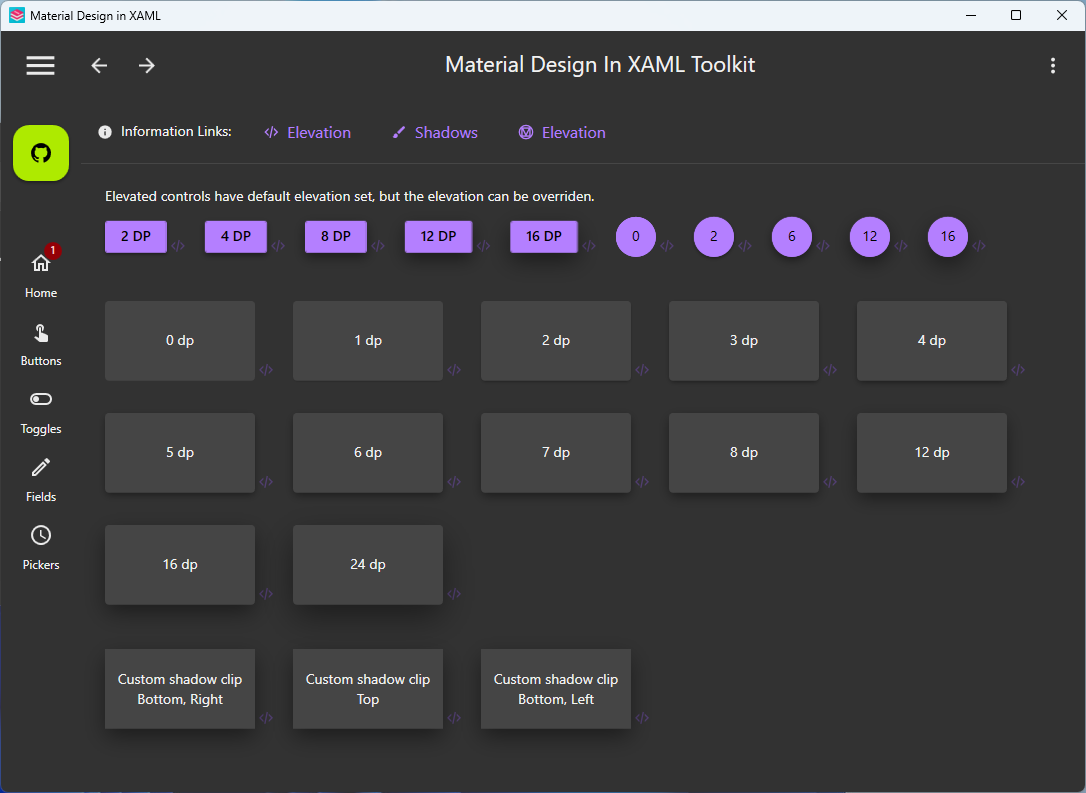
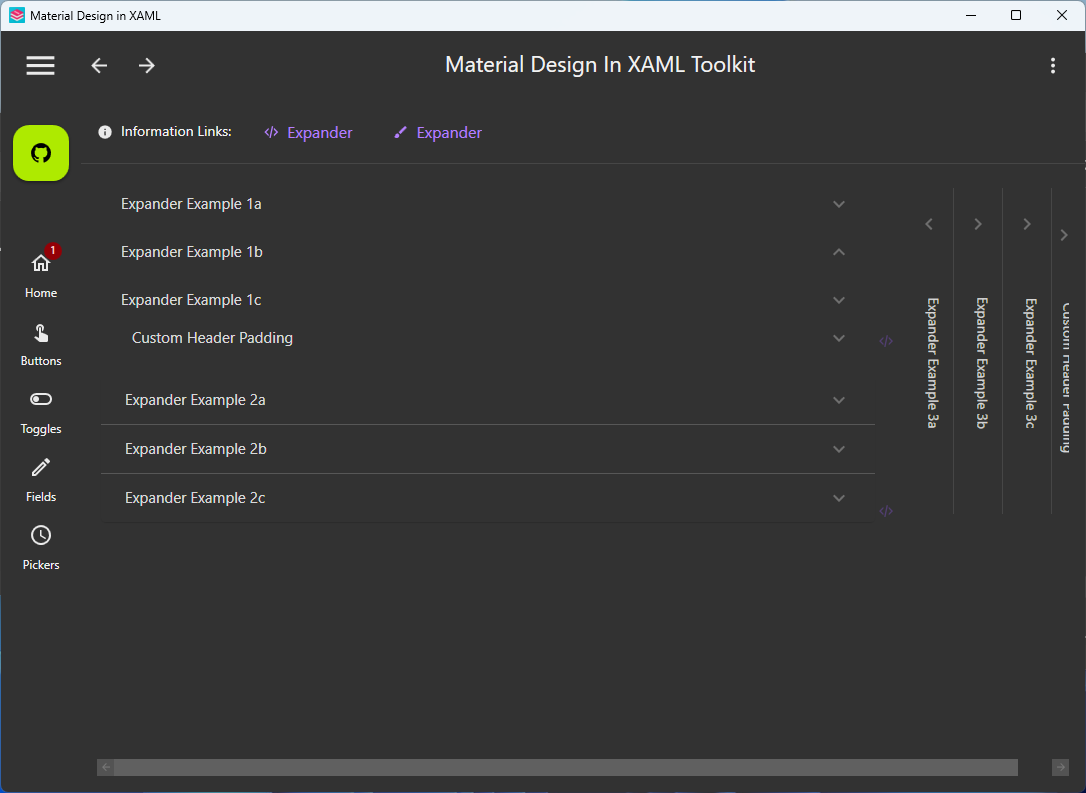
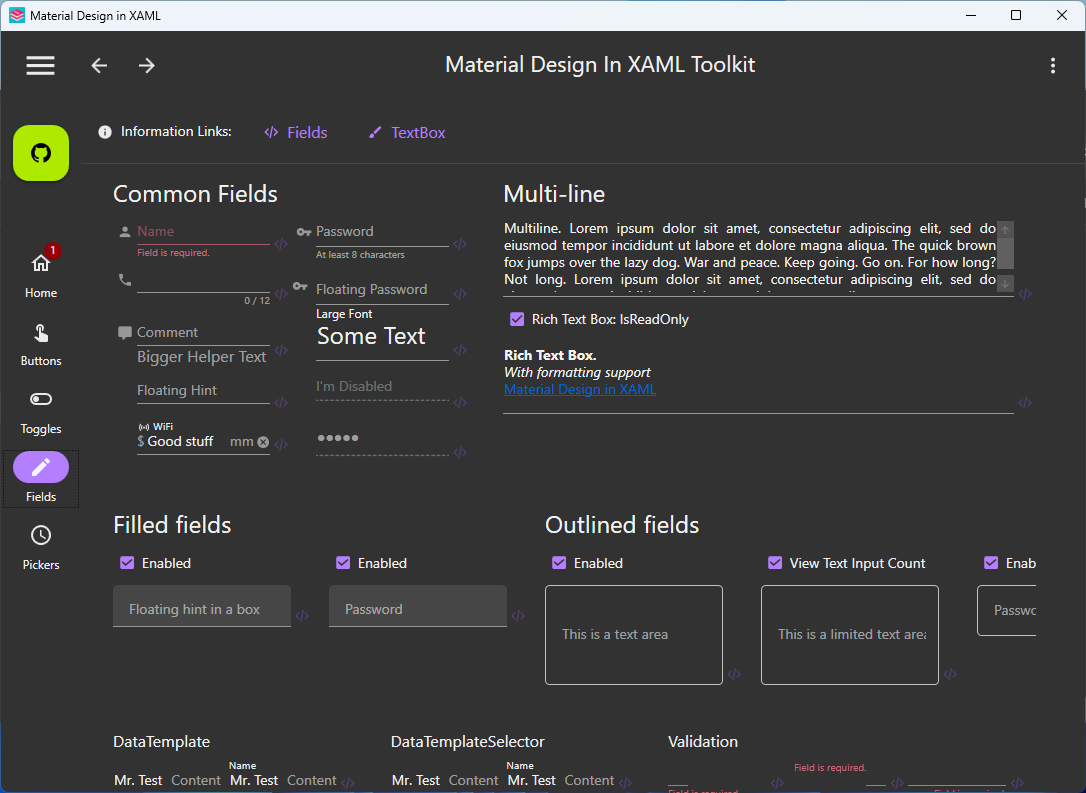
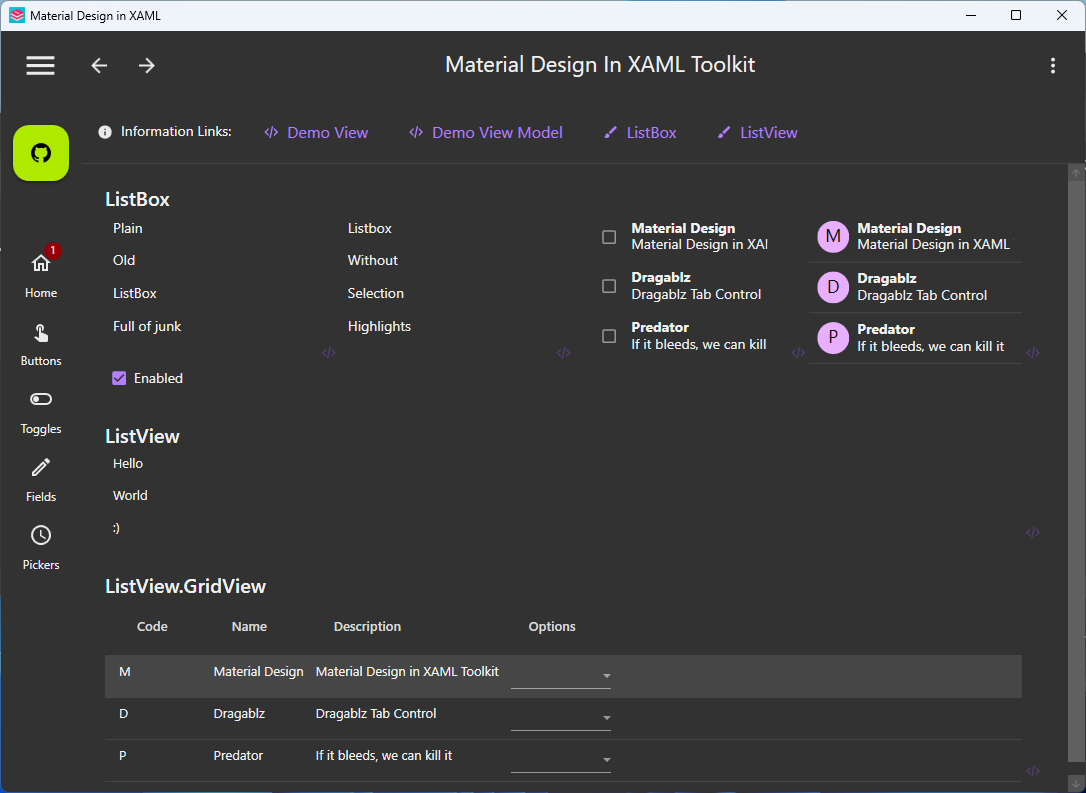
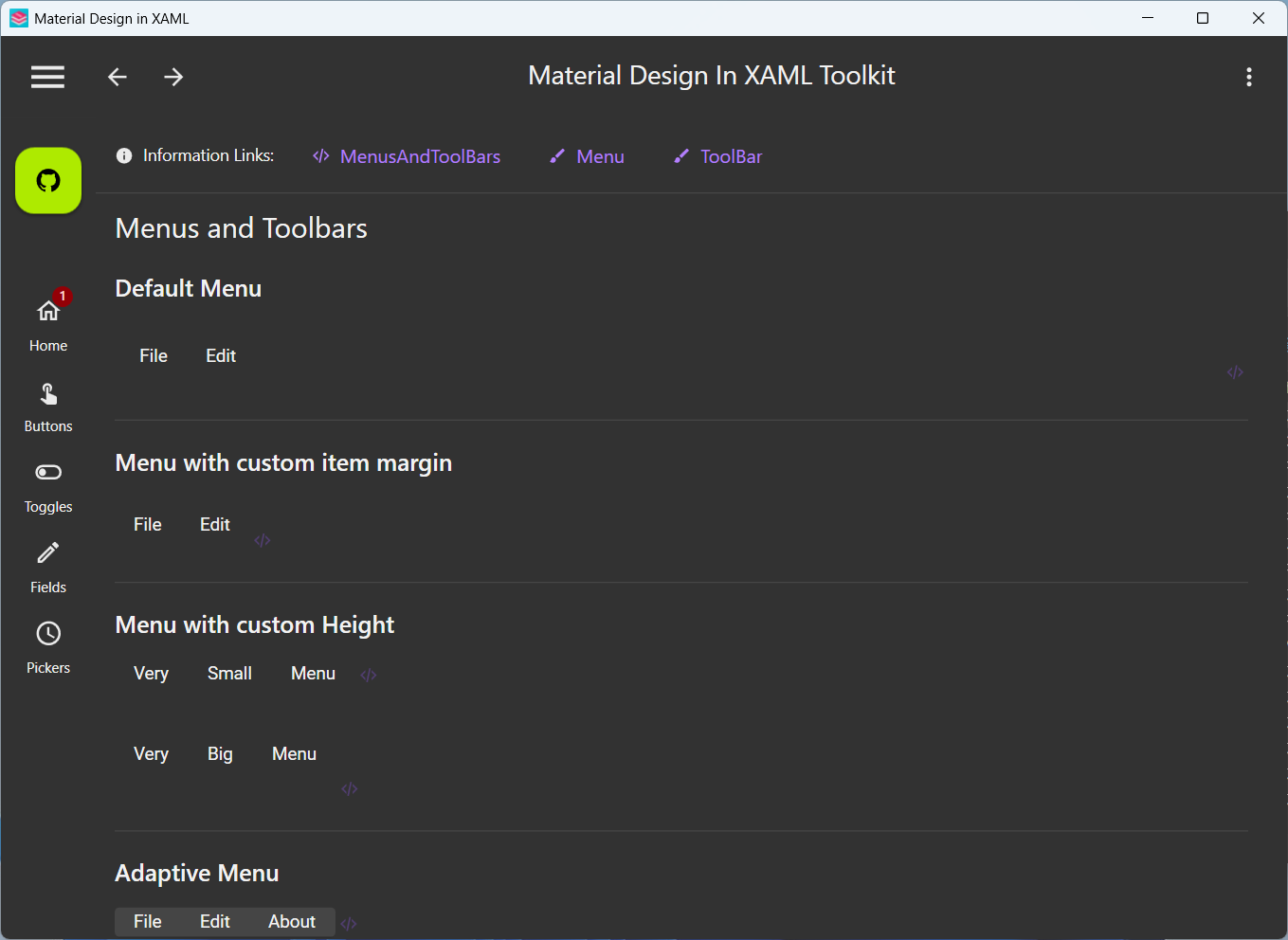
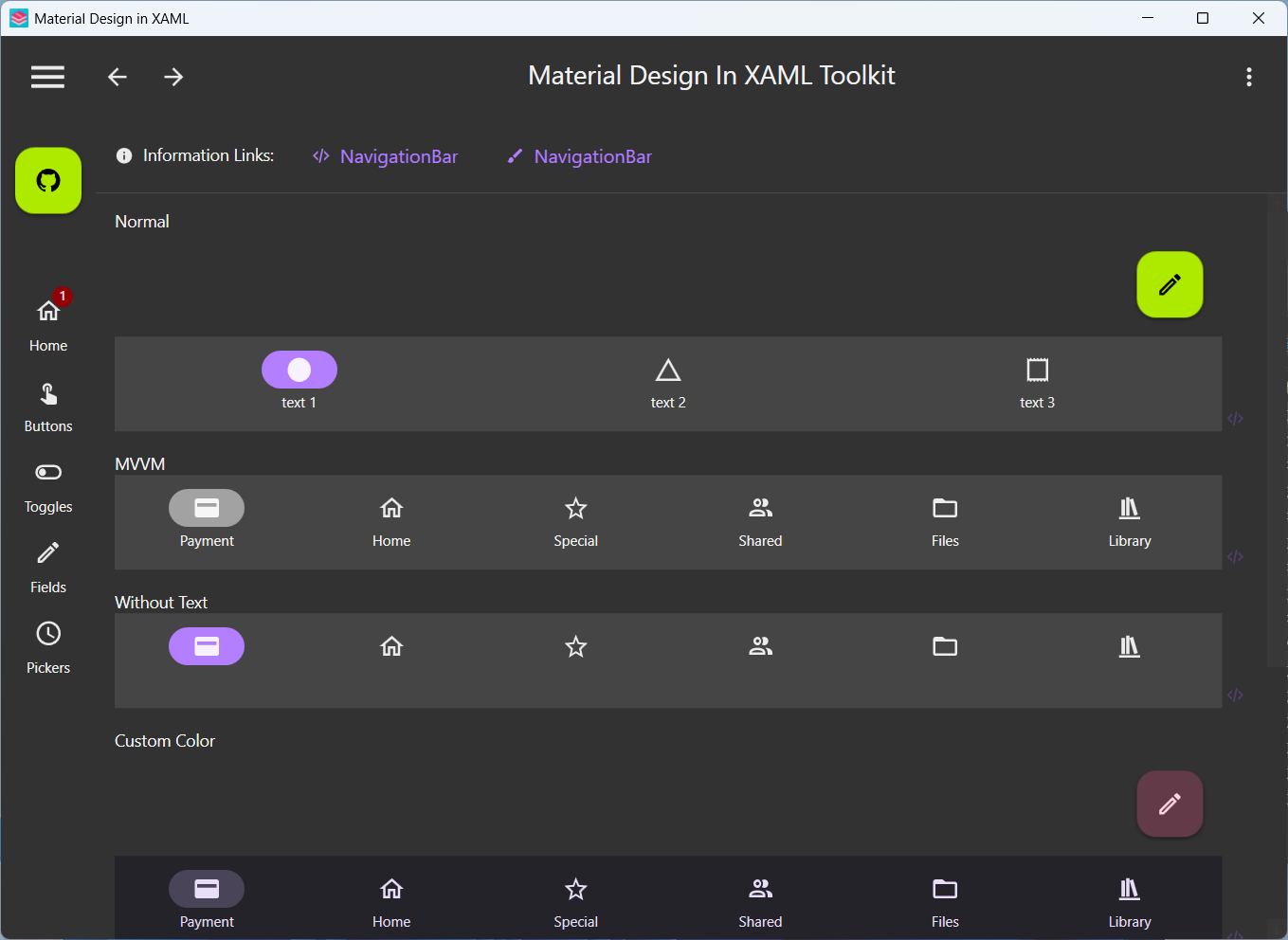
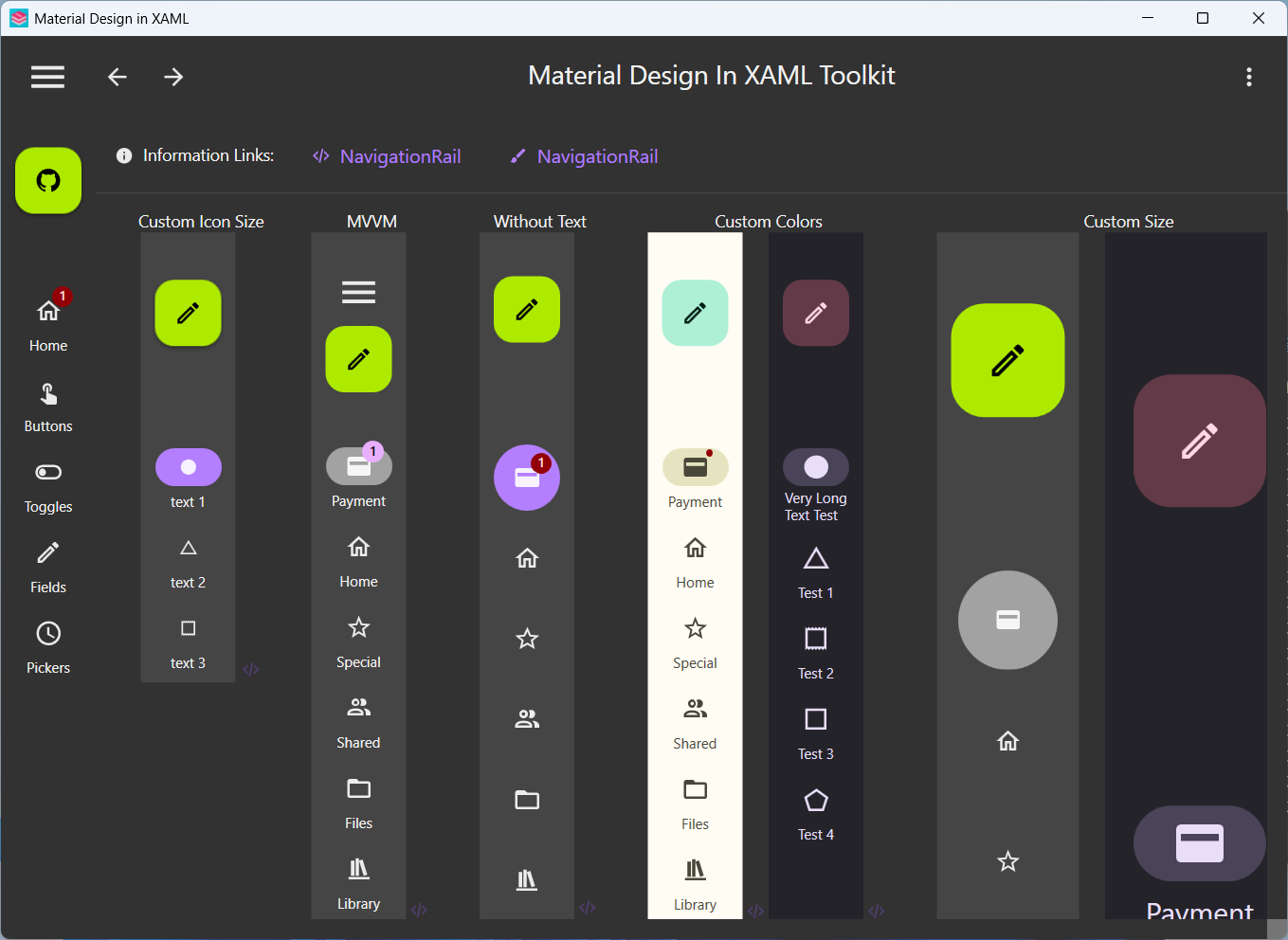
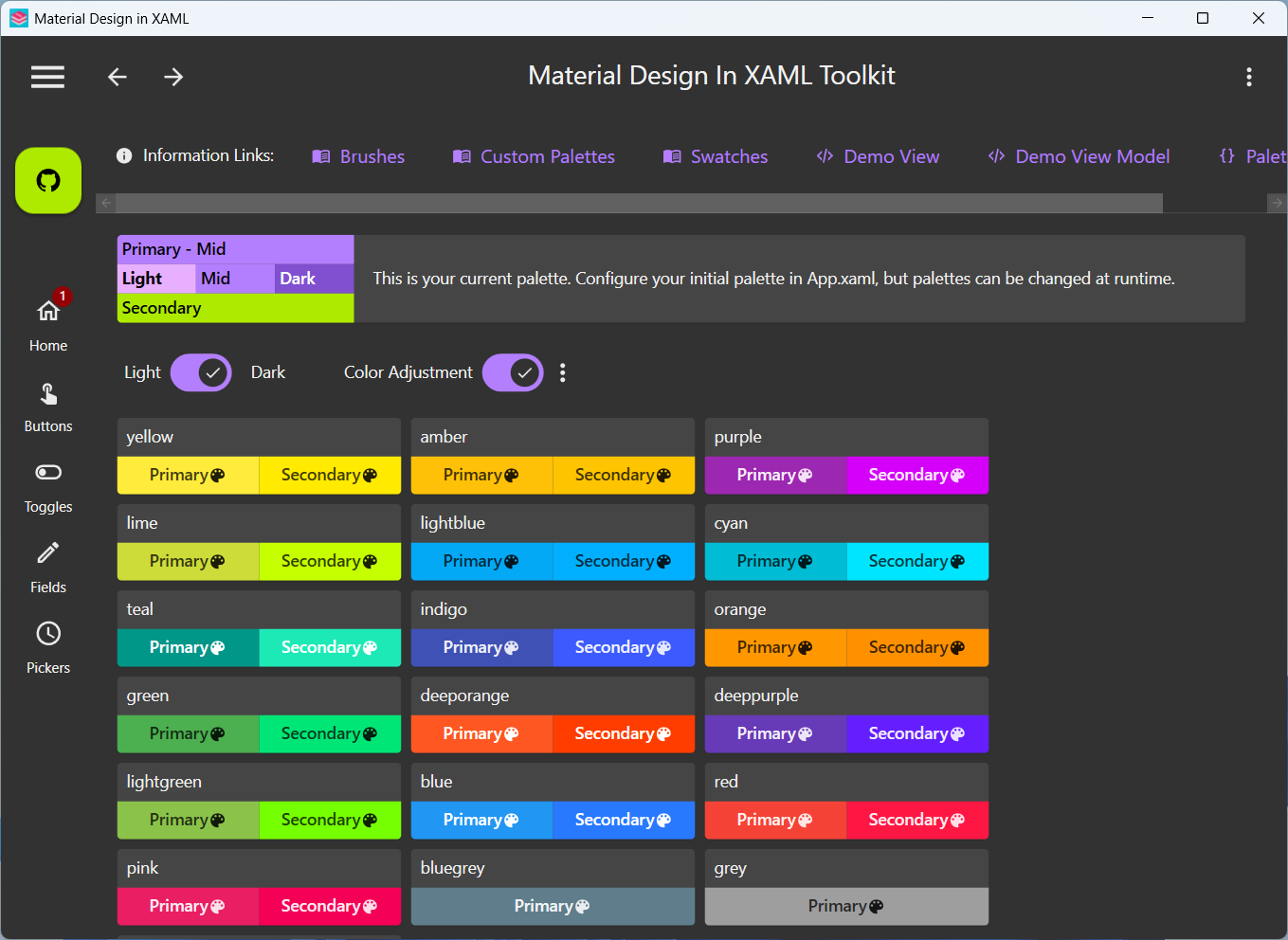
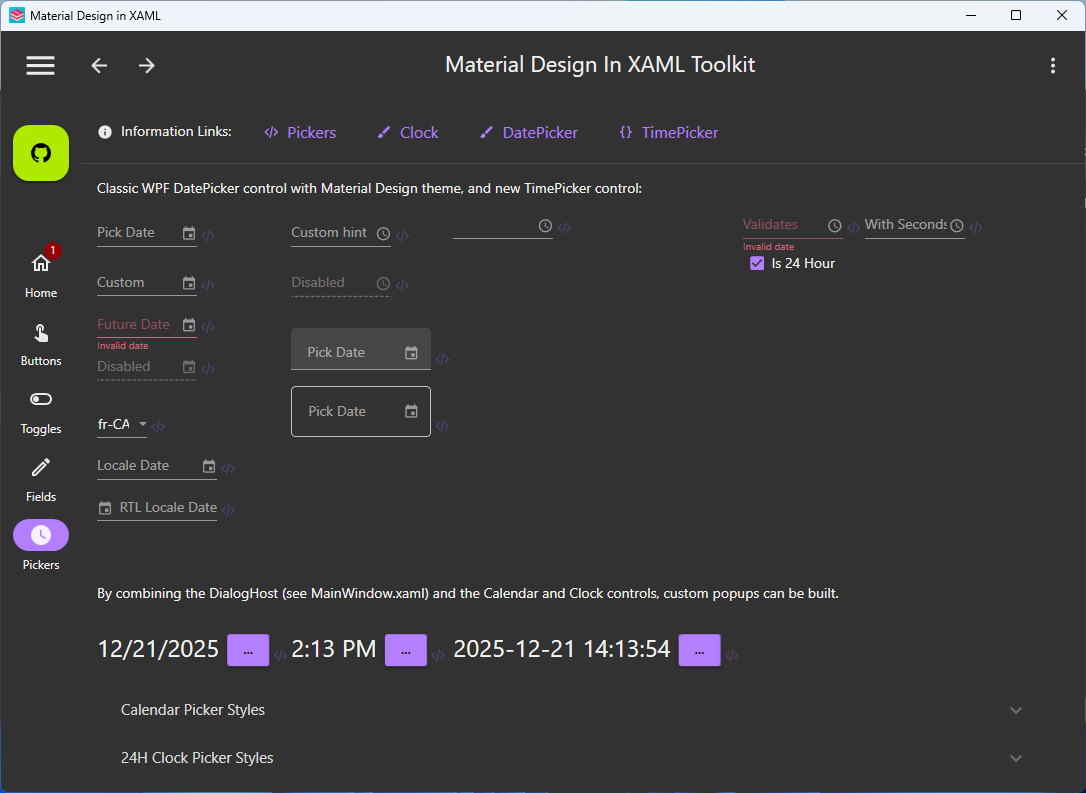
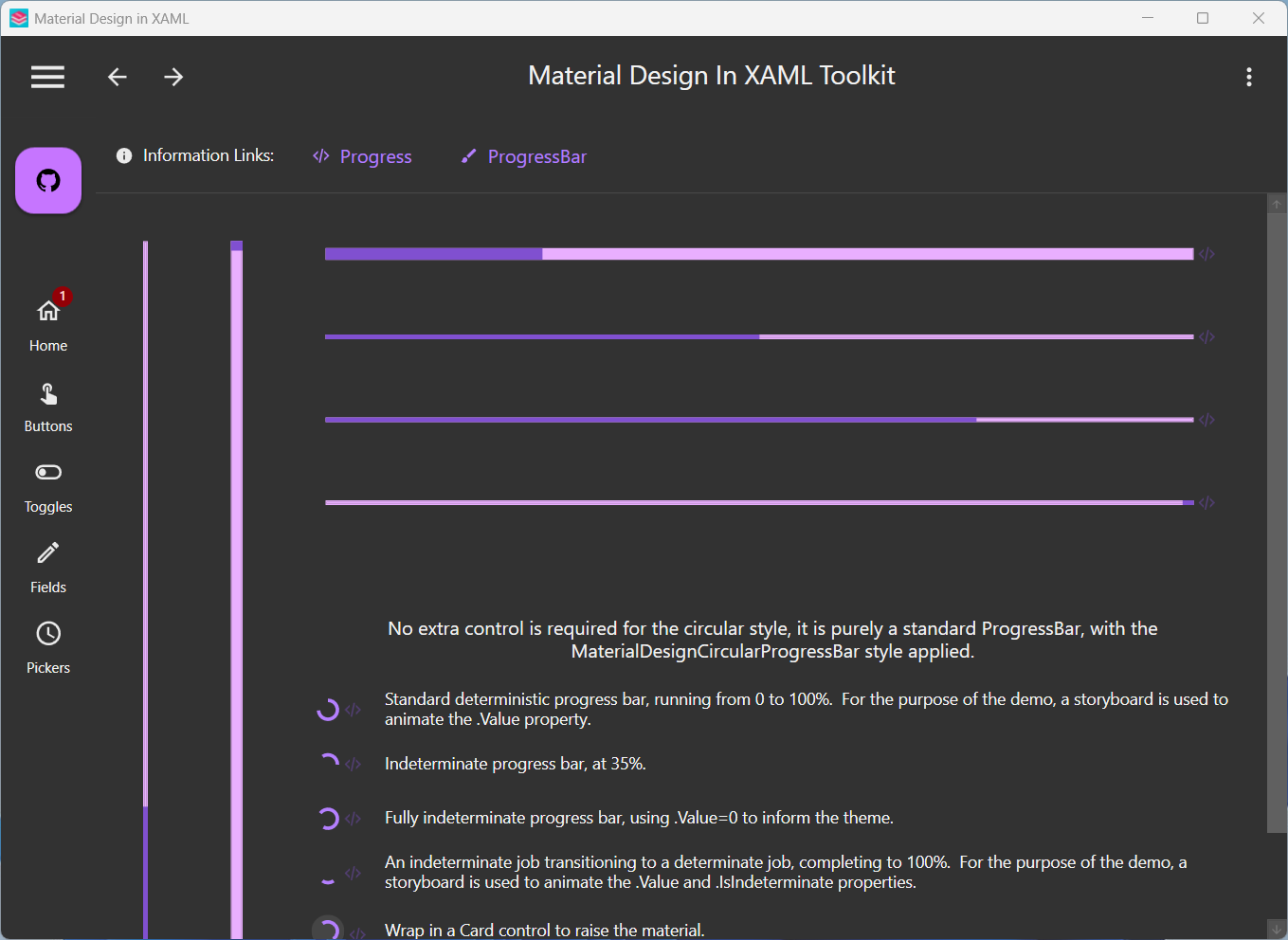
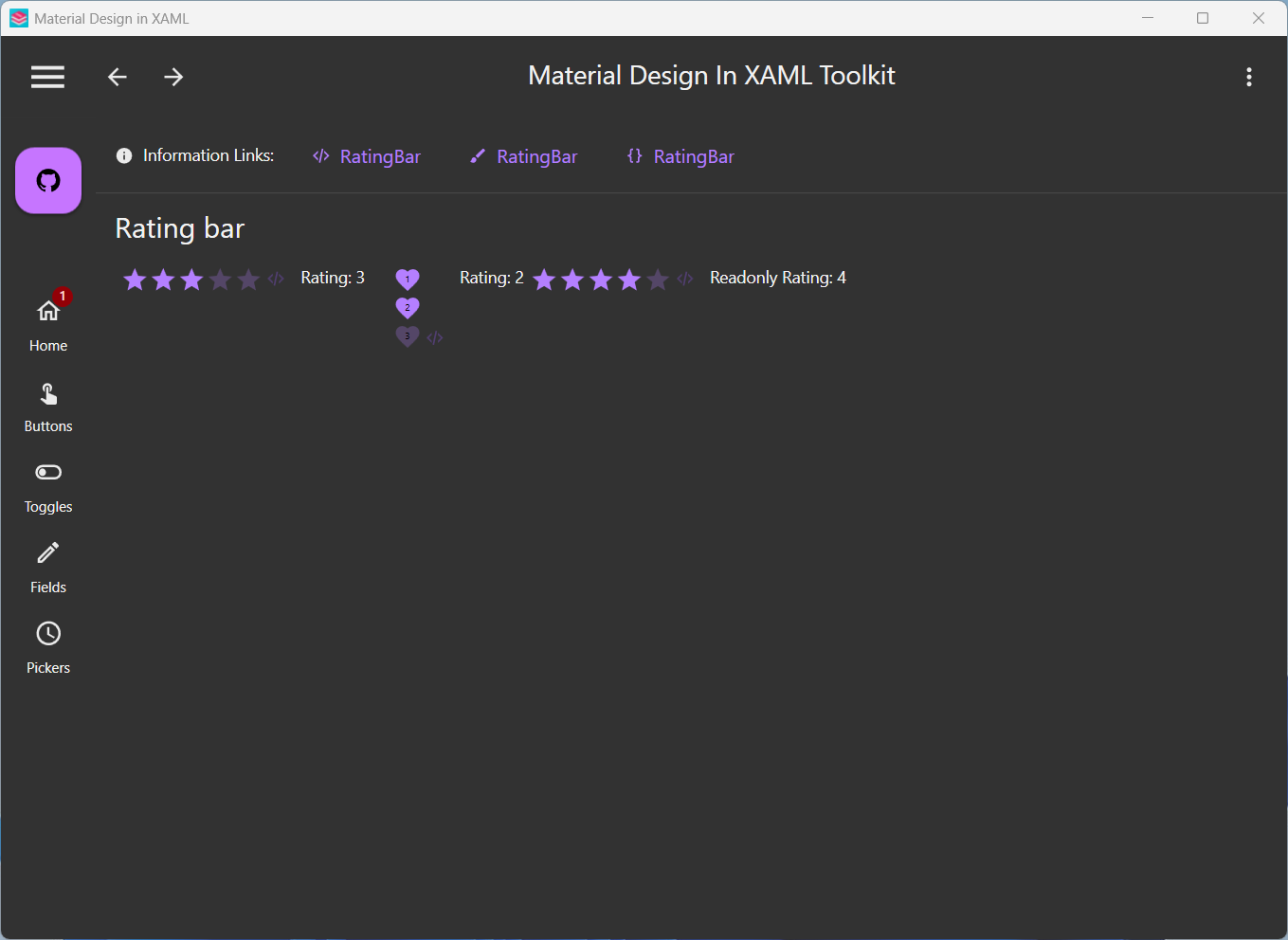
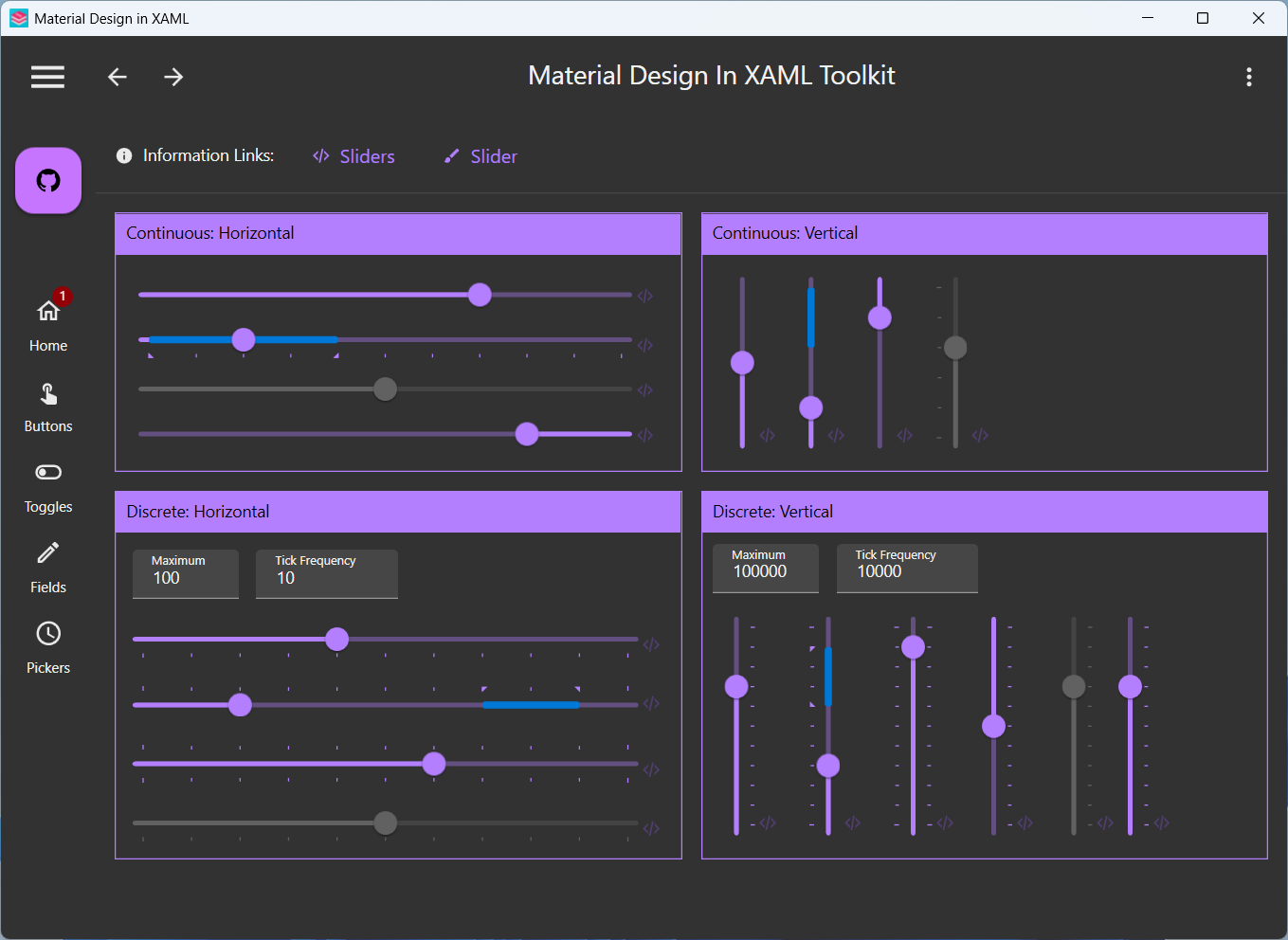
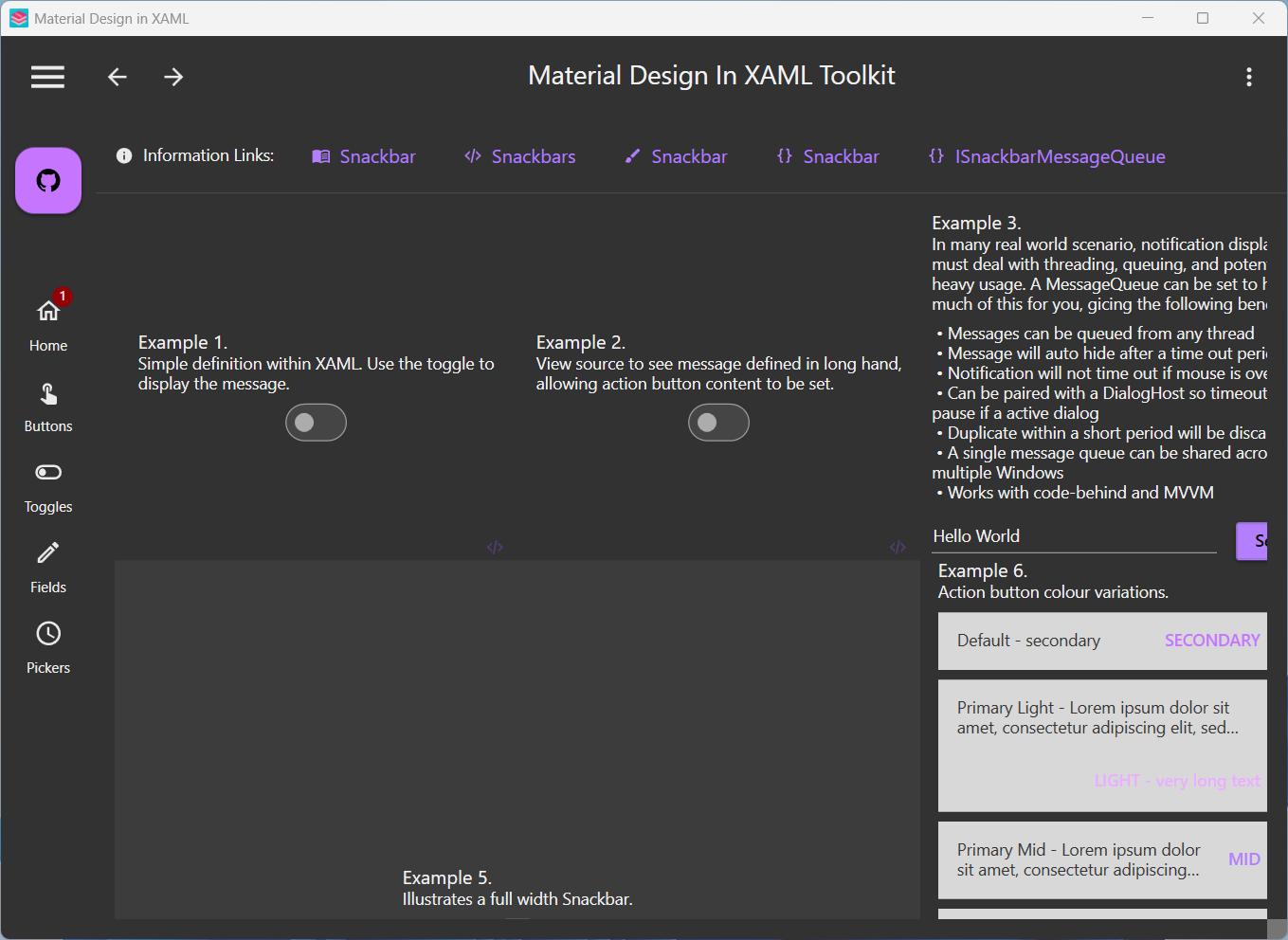
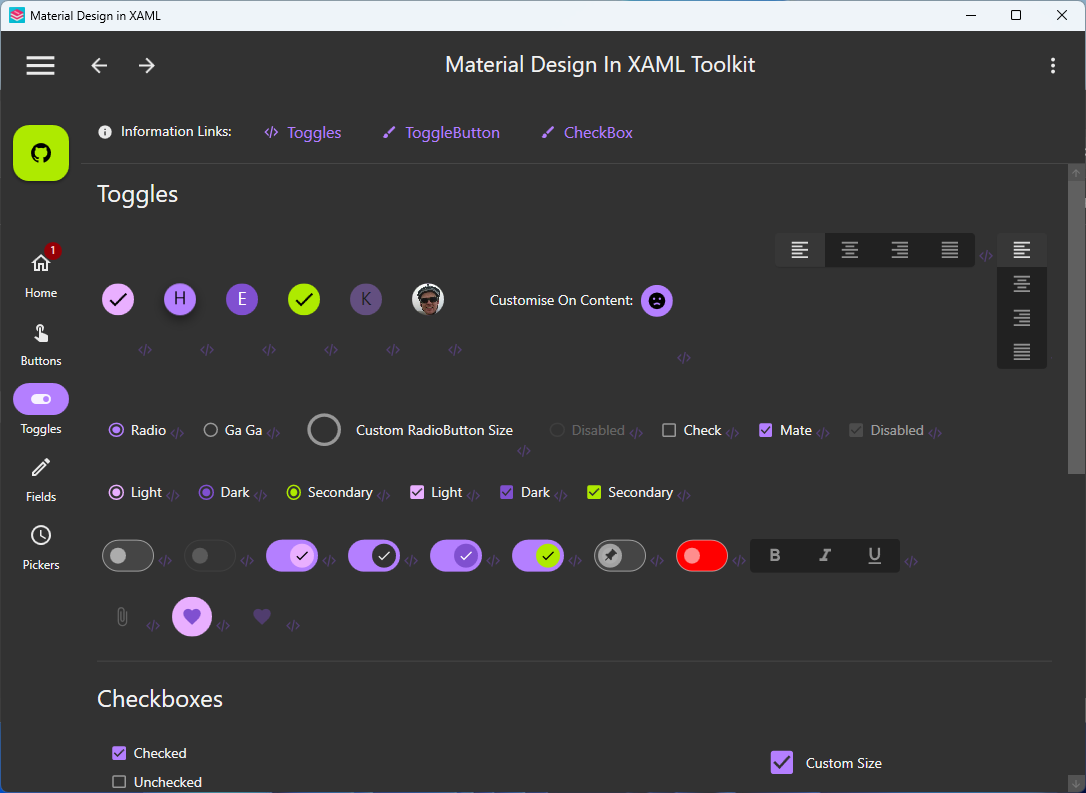
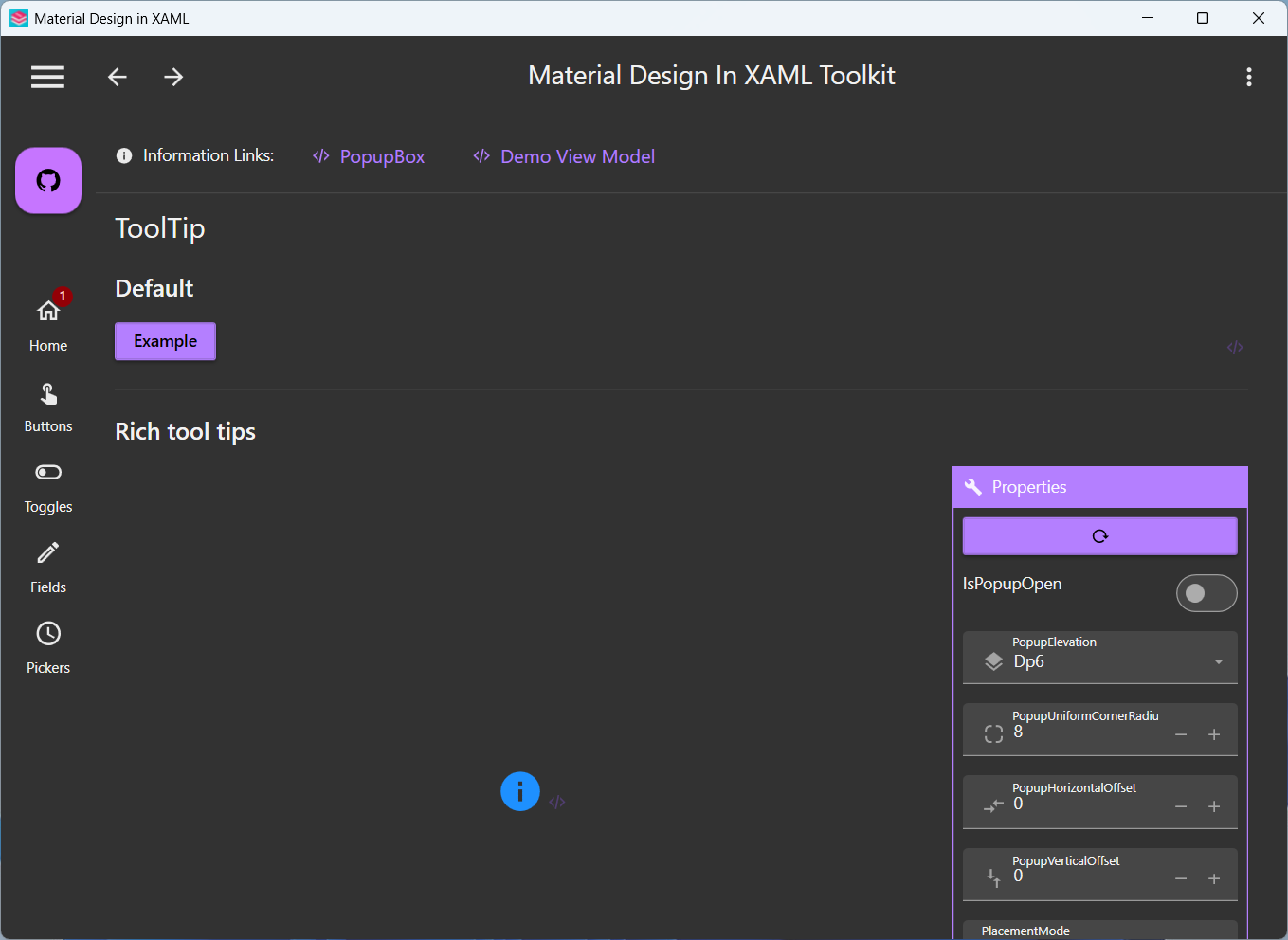
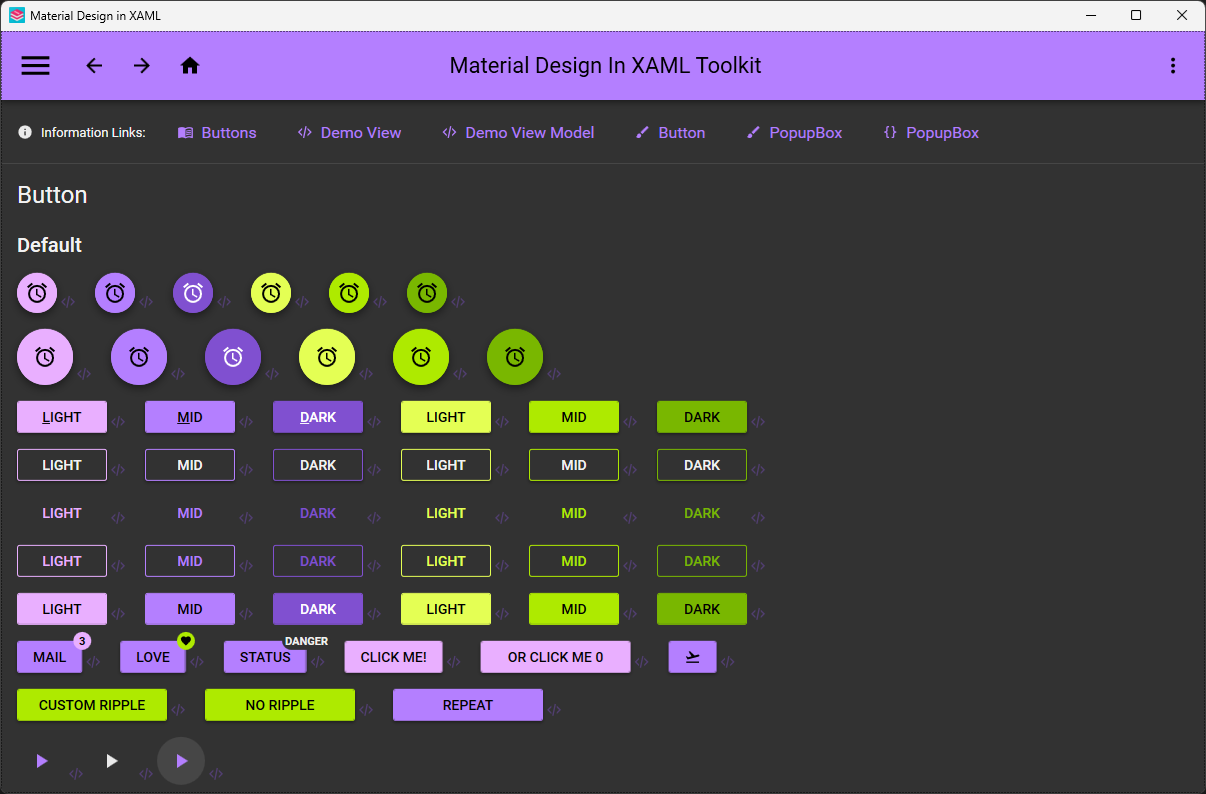
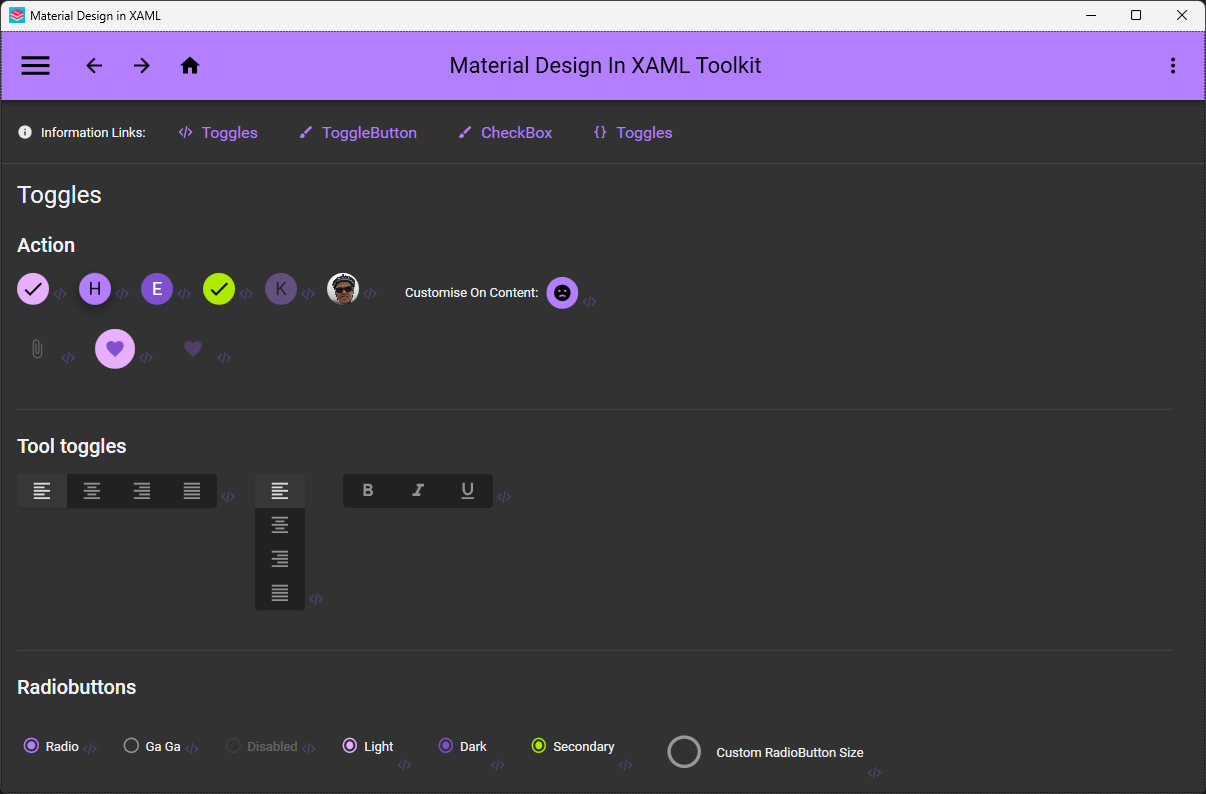
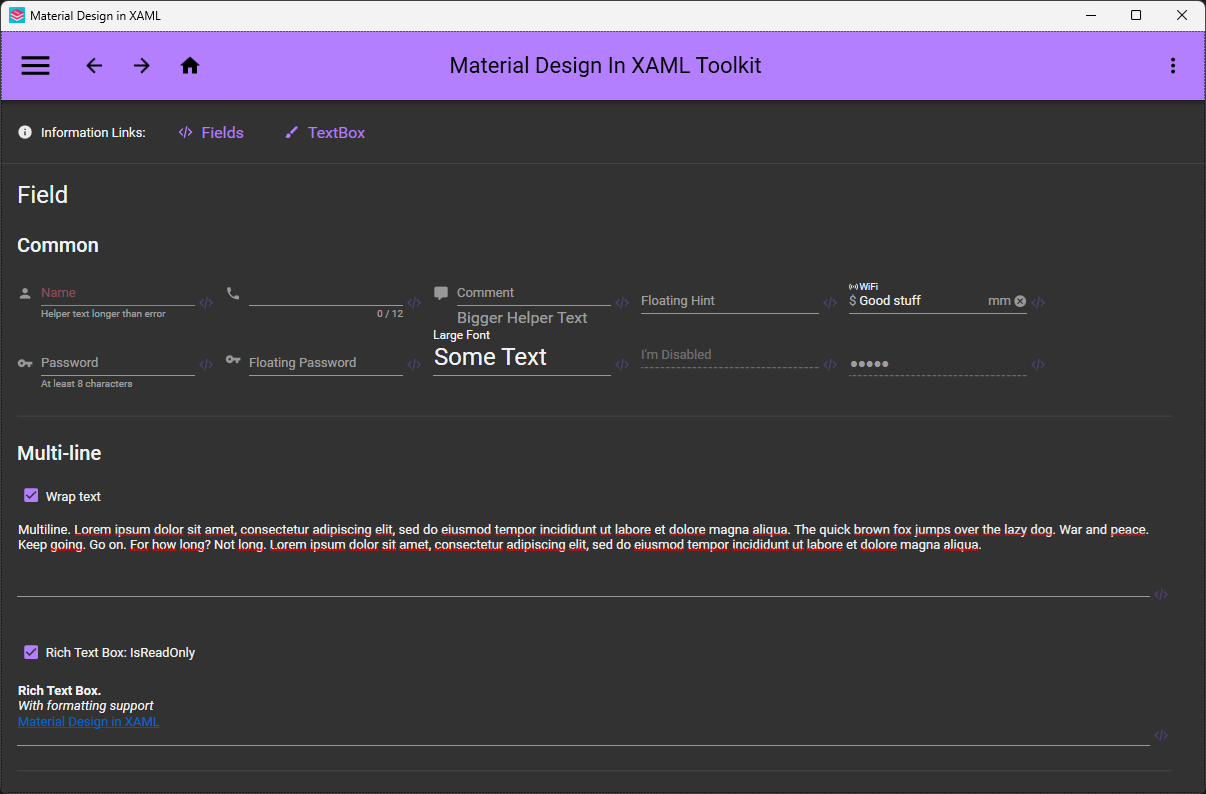
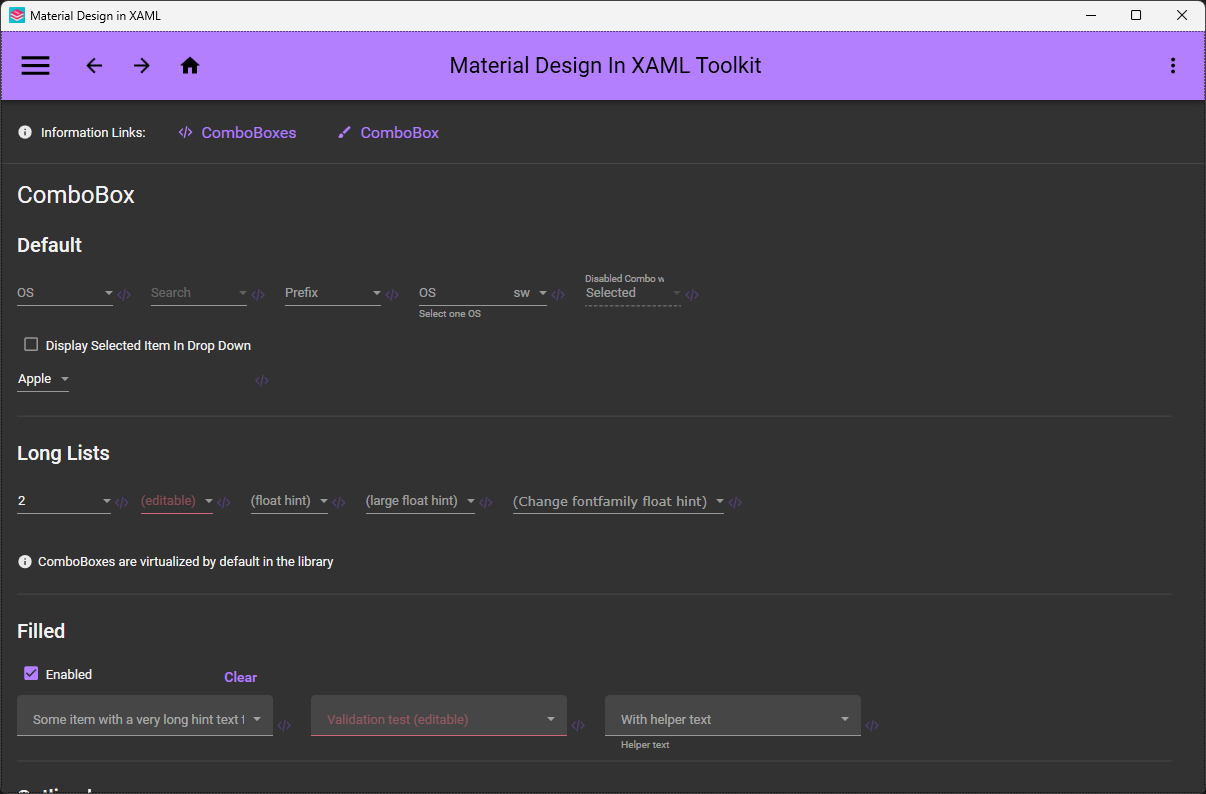
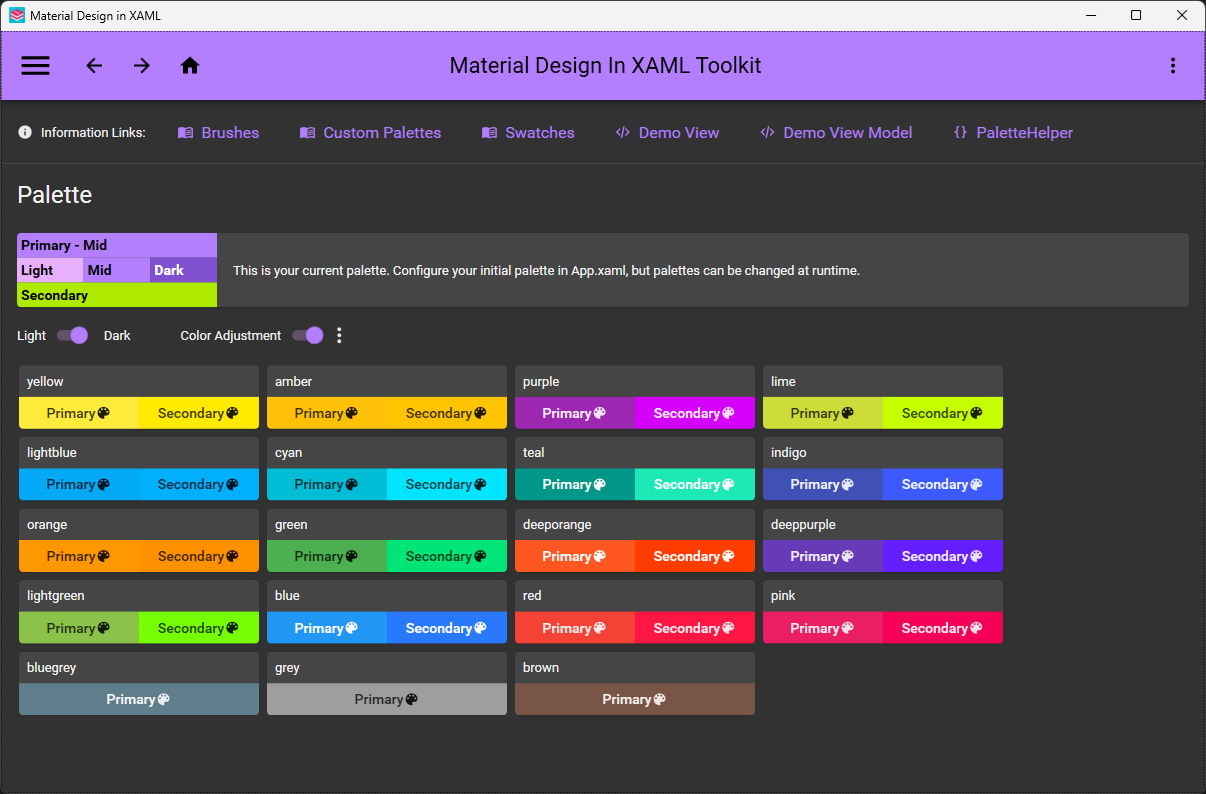
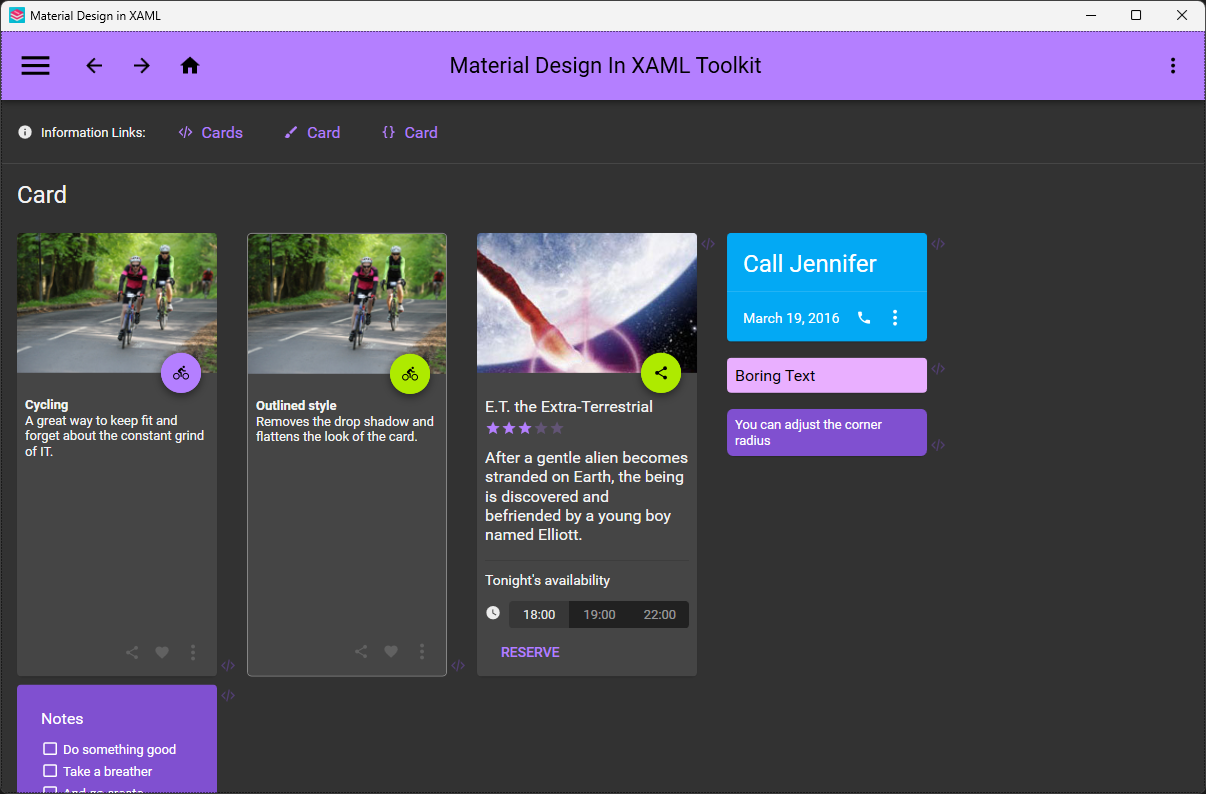
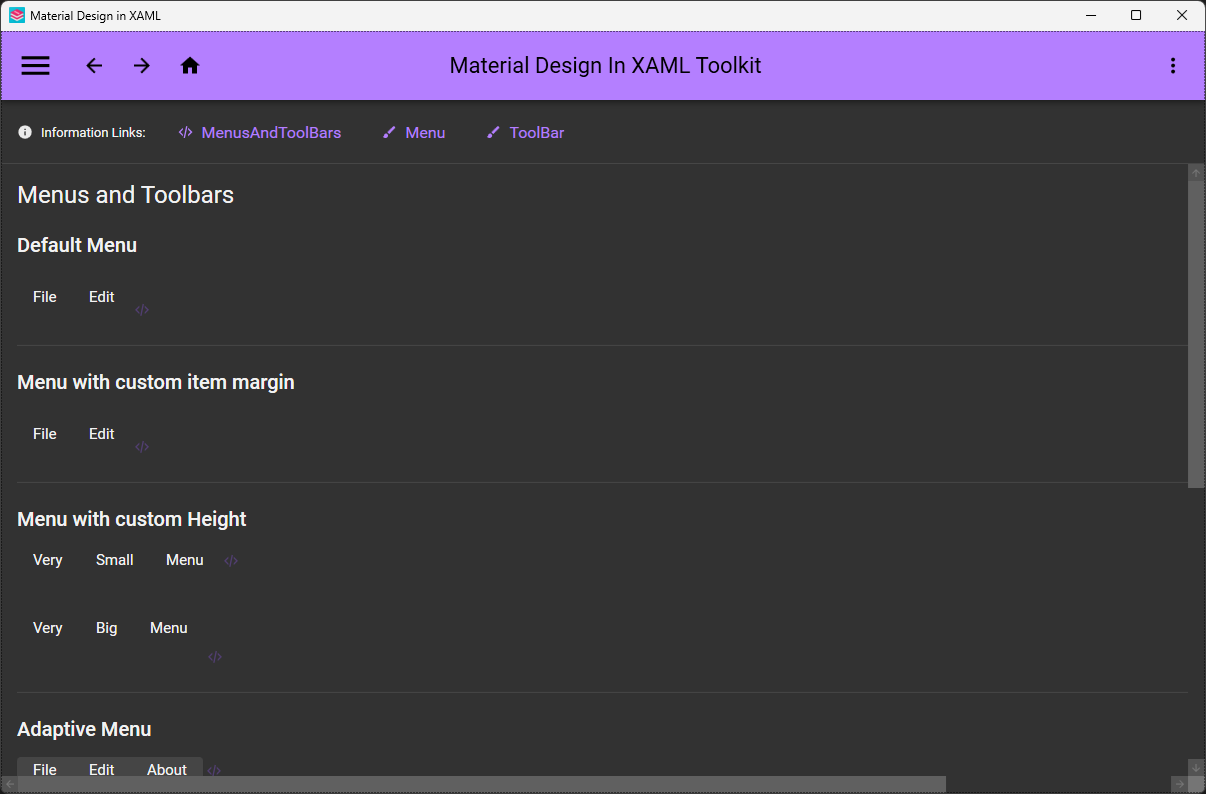
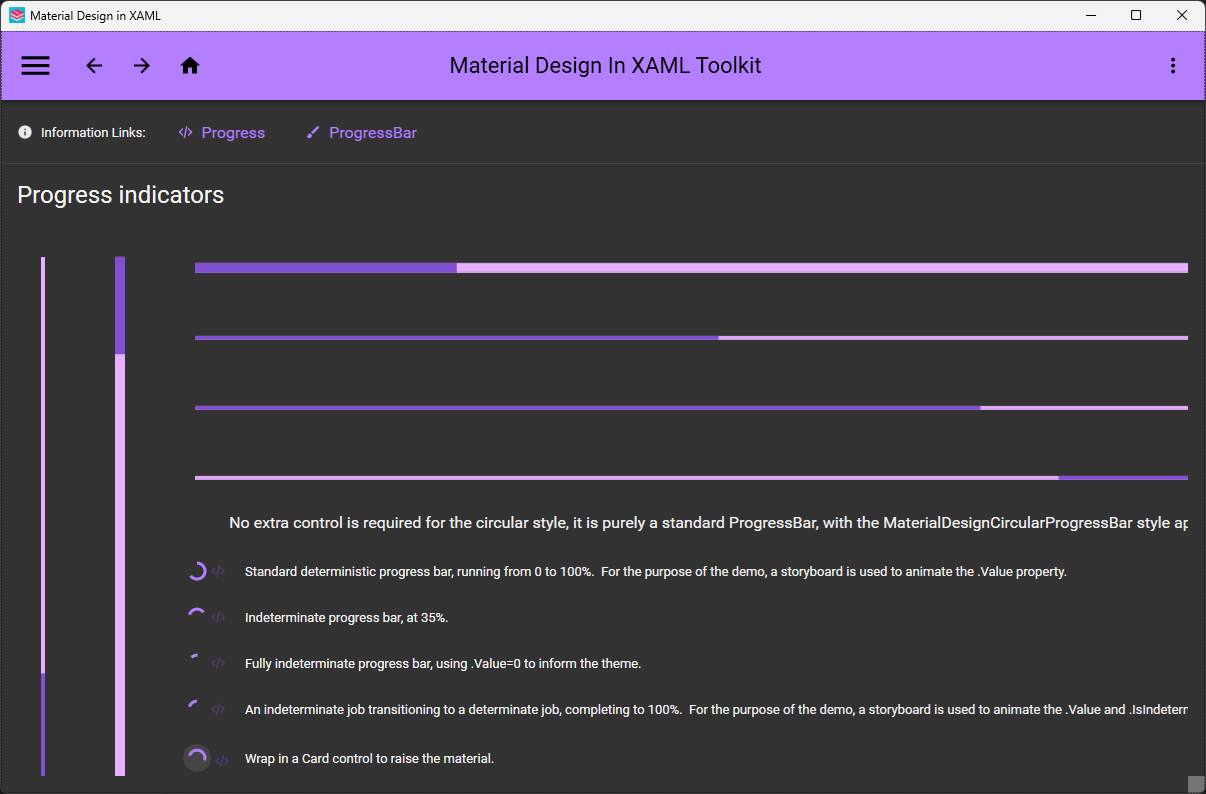
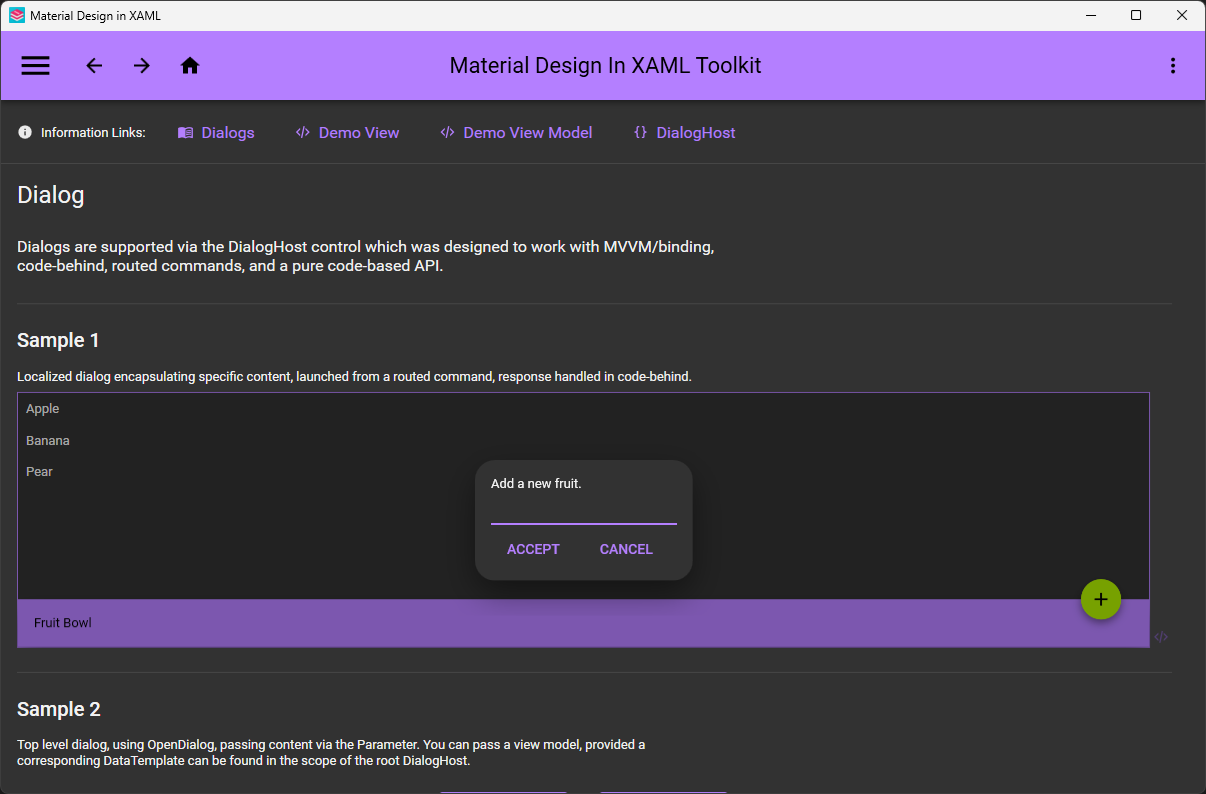

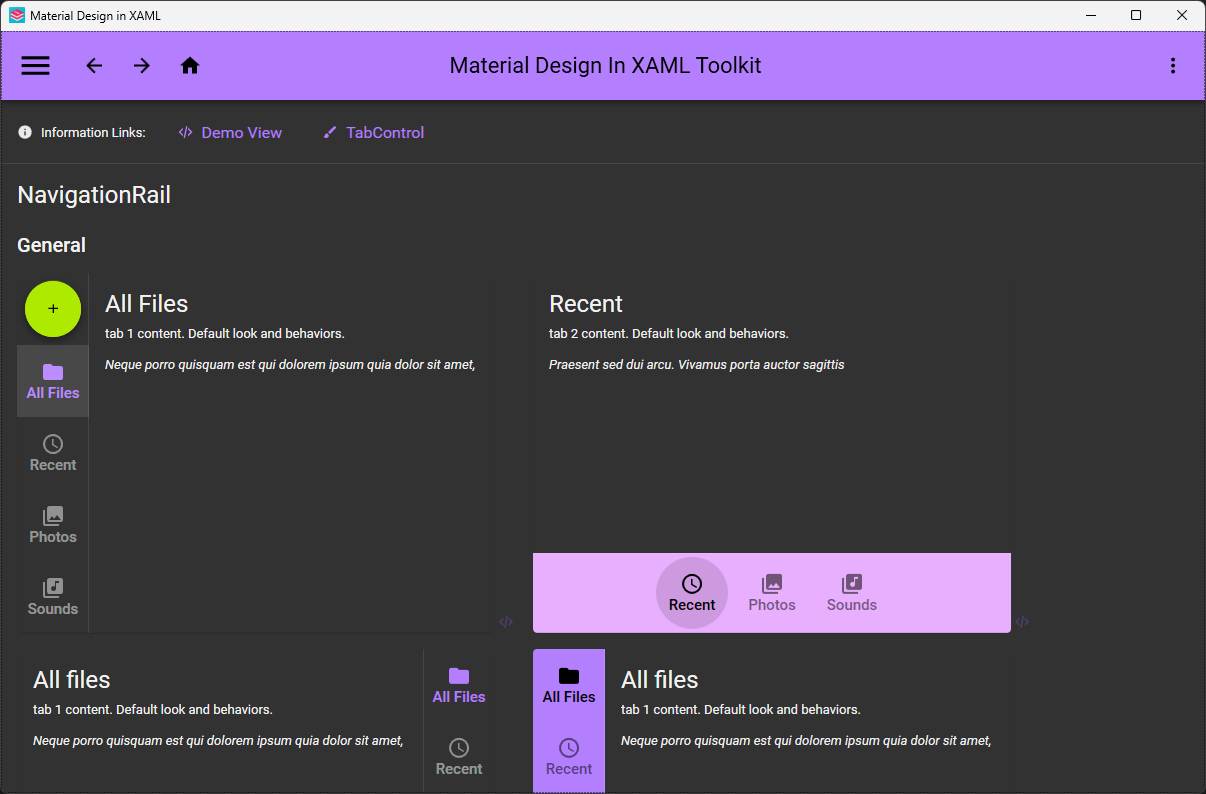
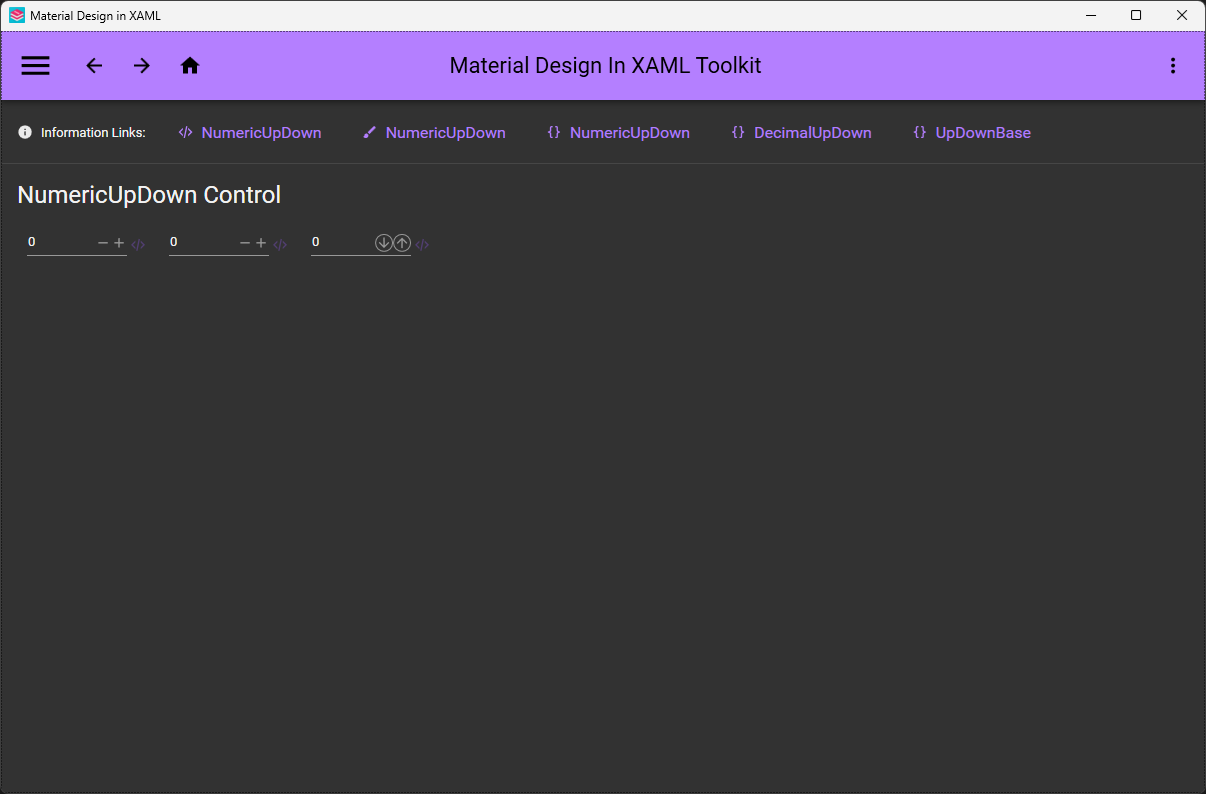
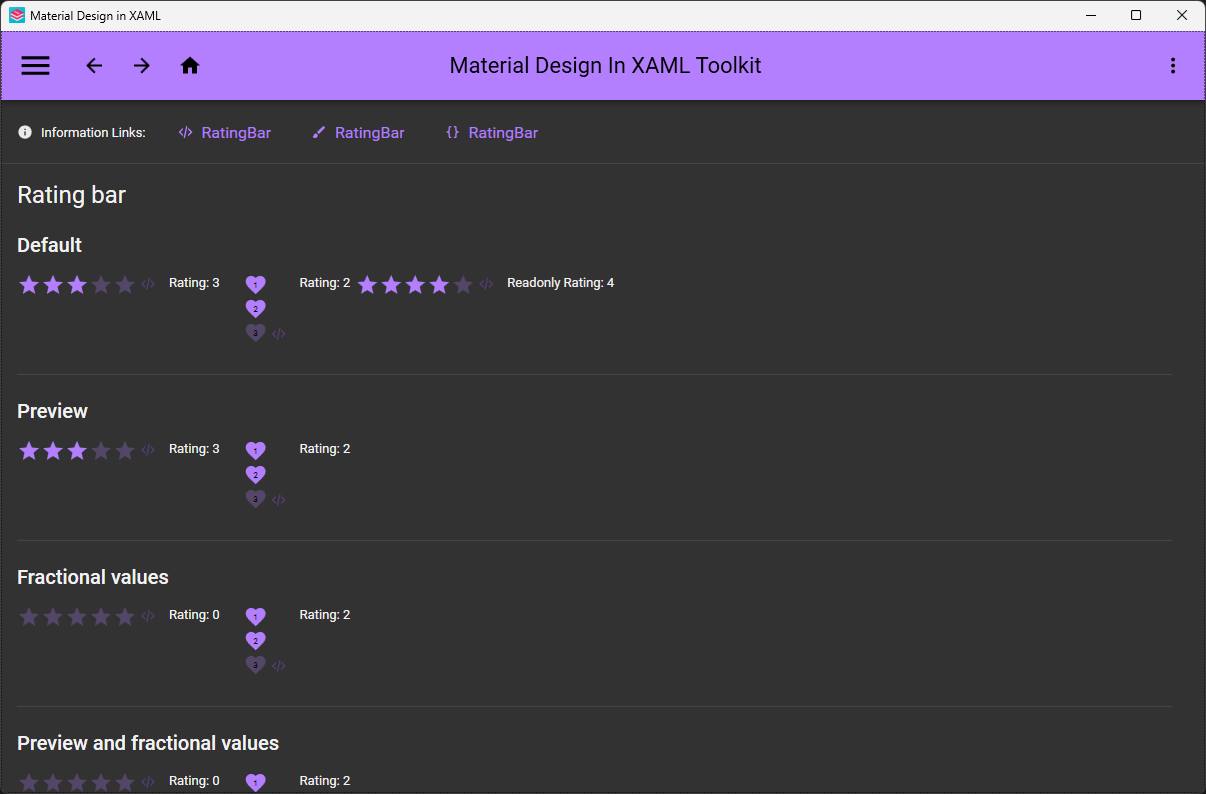
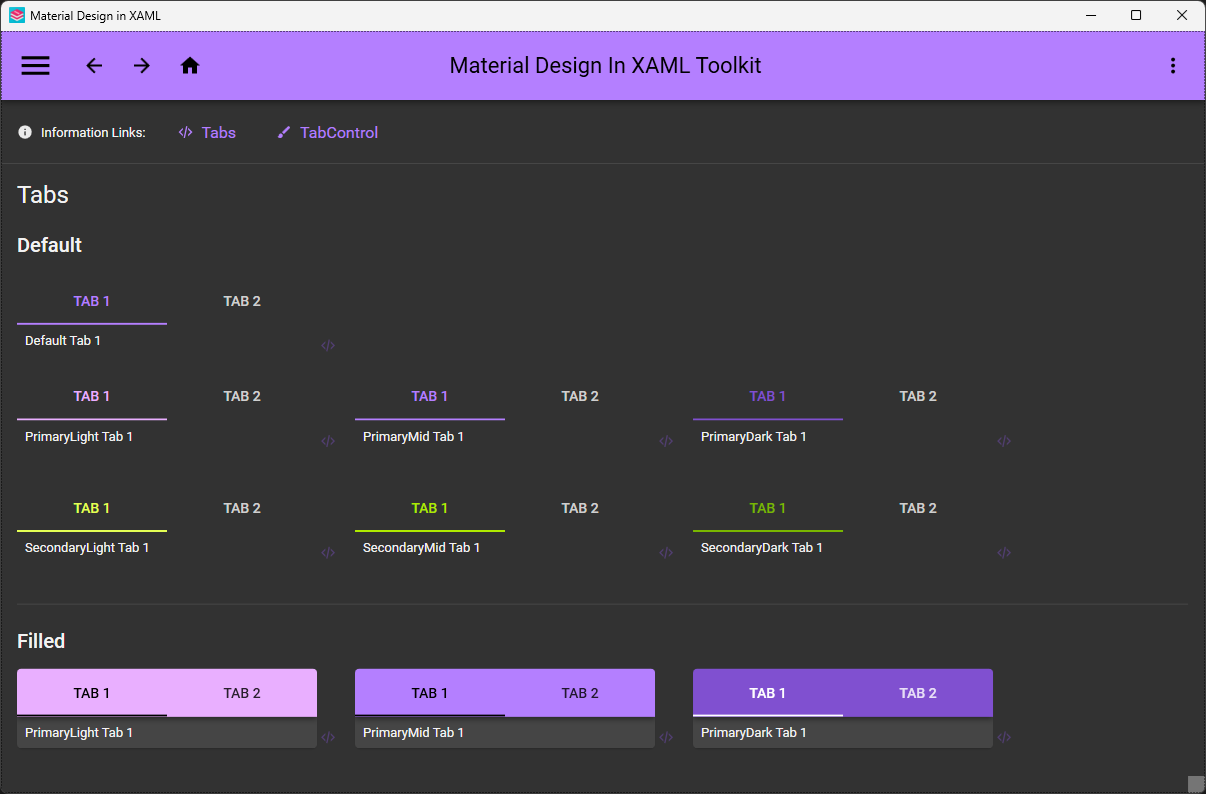









这是什么东西?
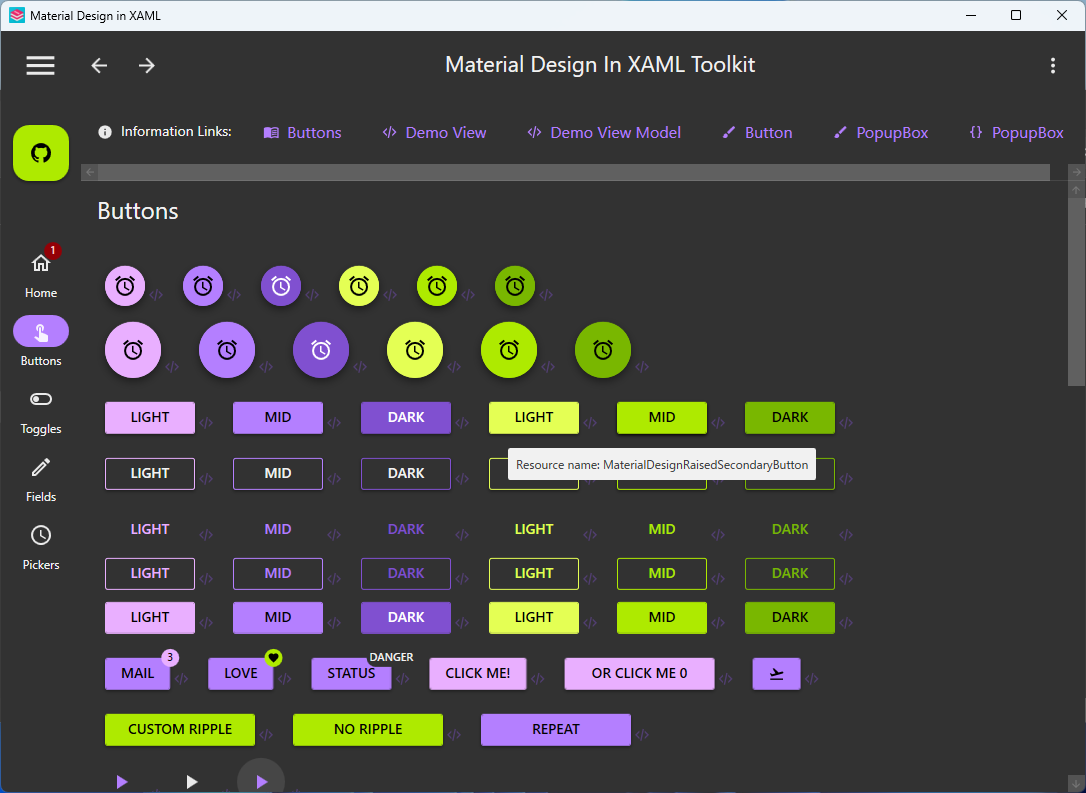
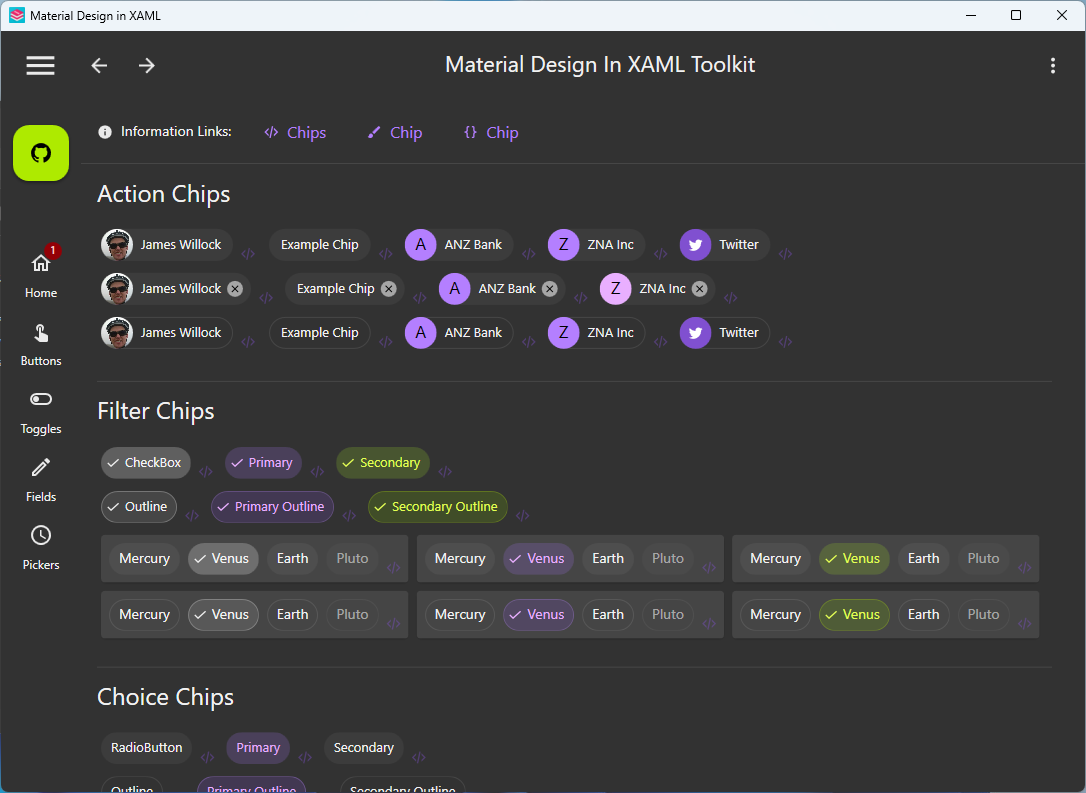
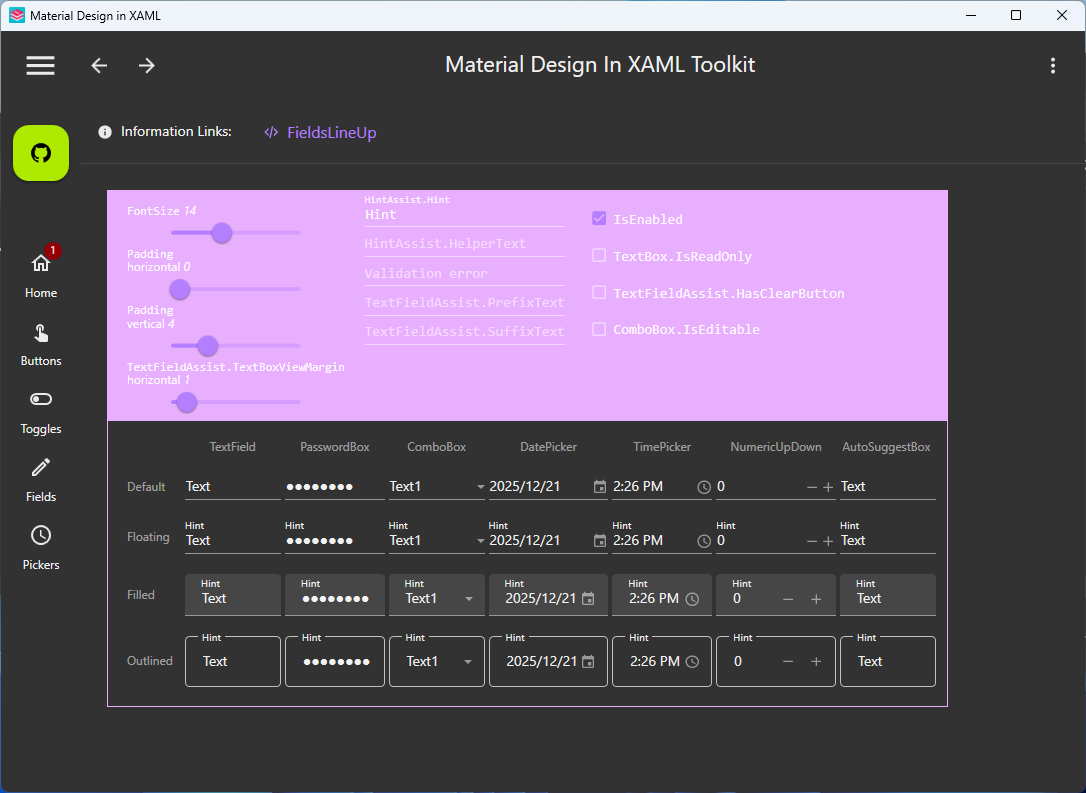
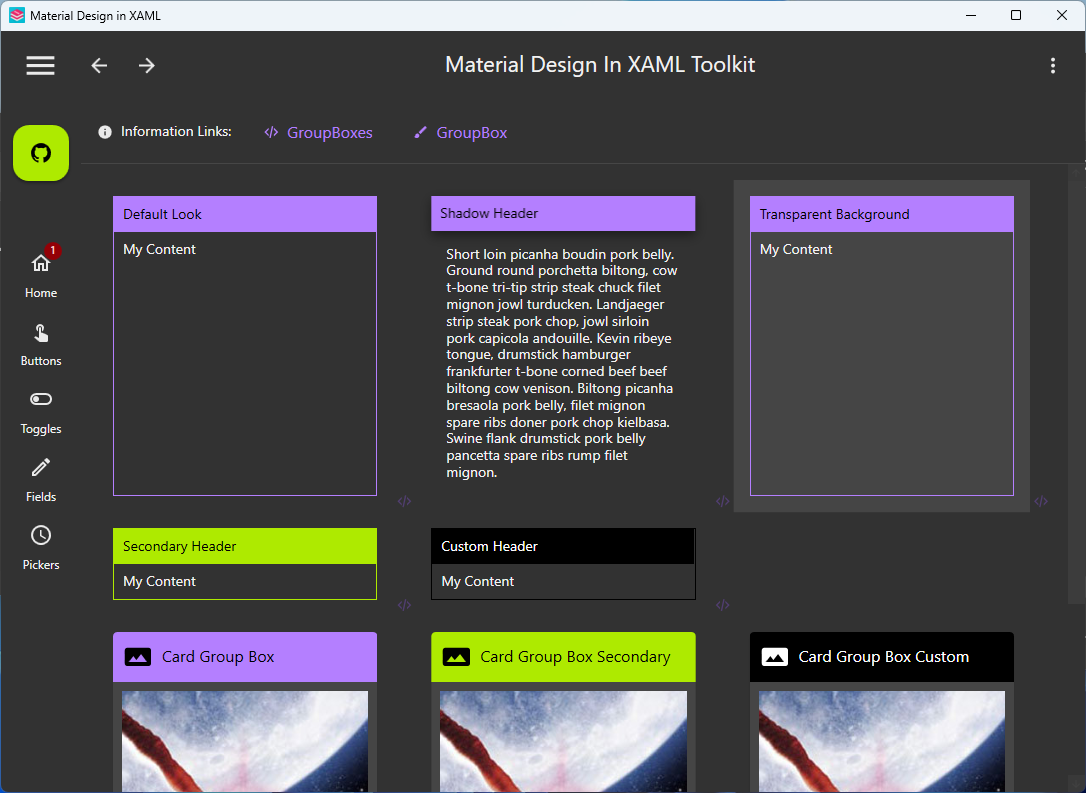
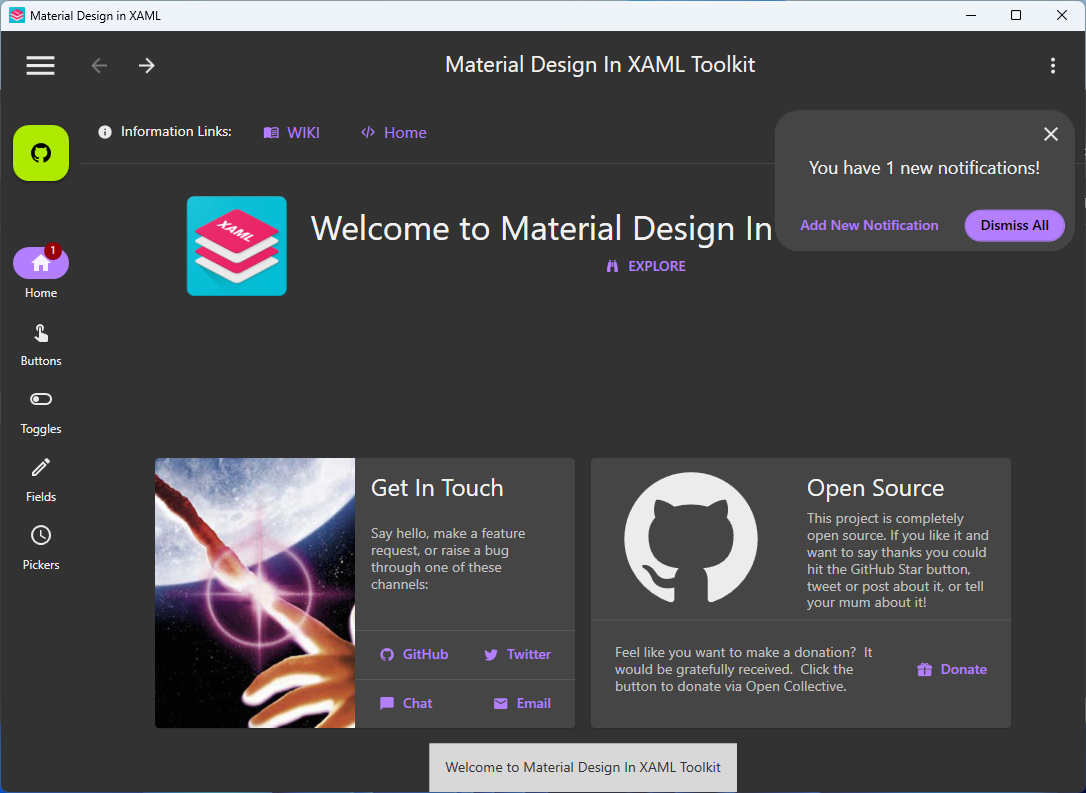
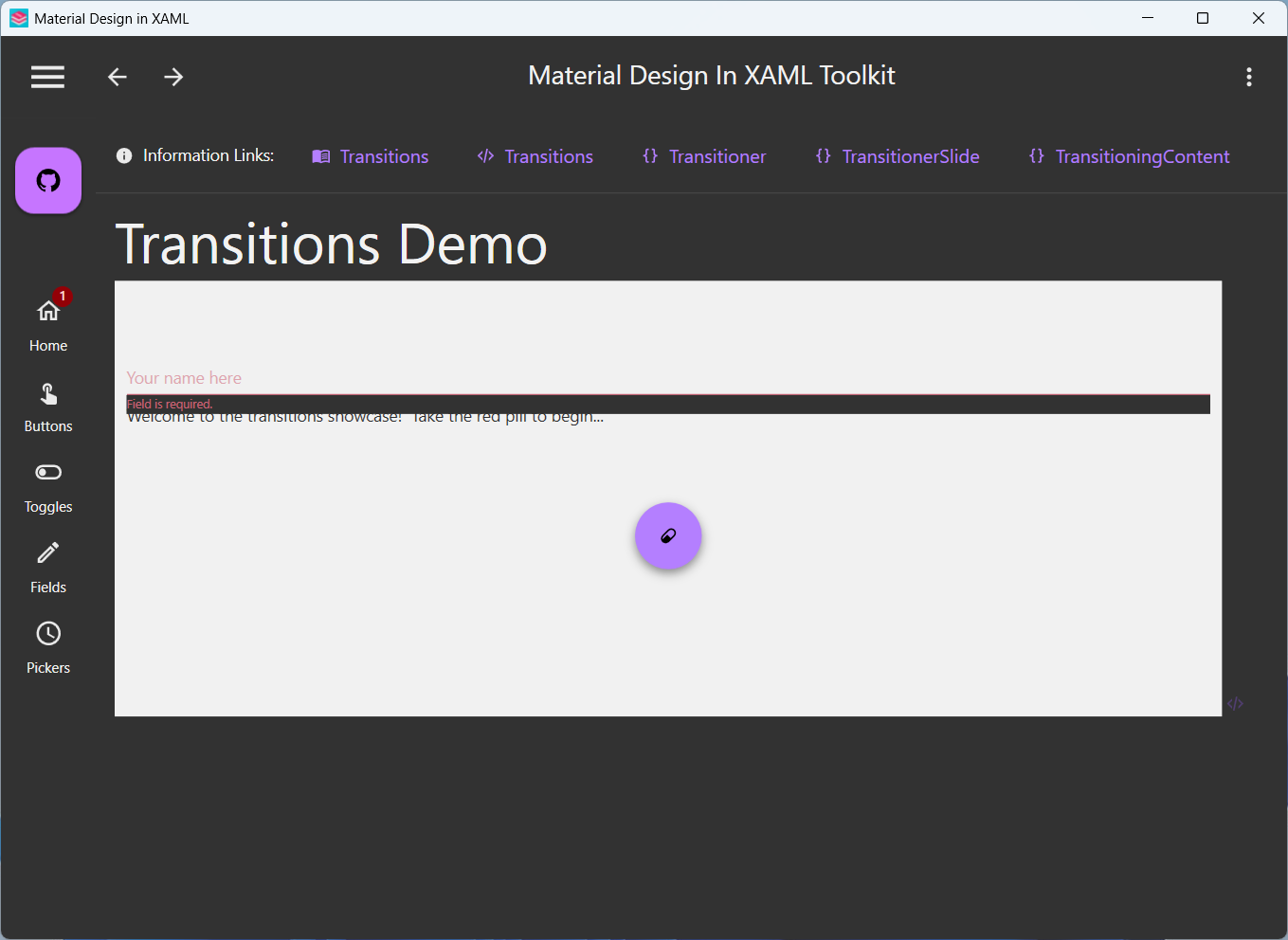
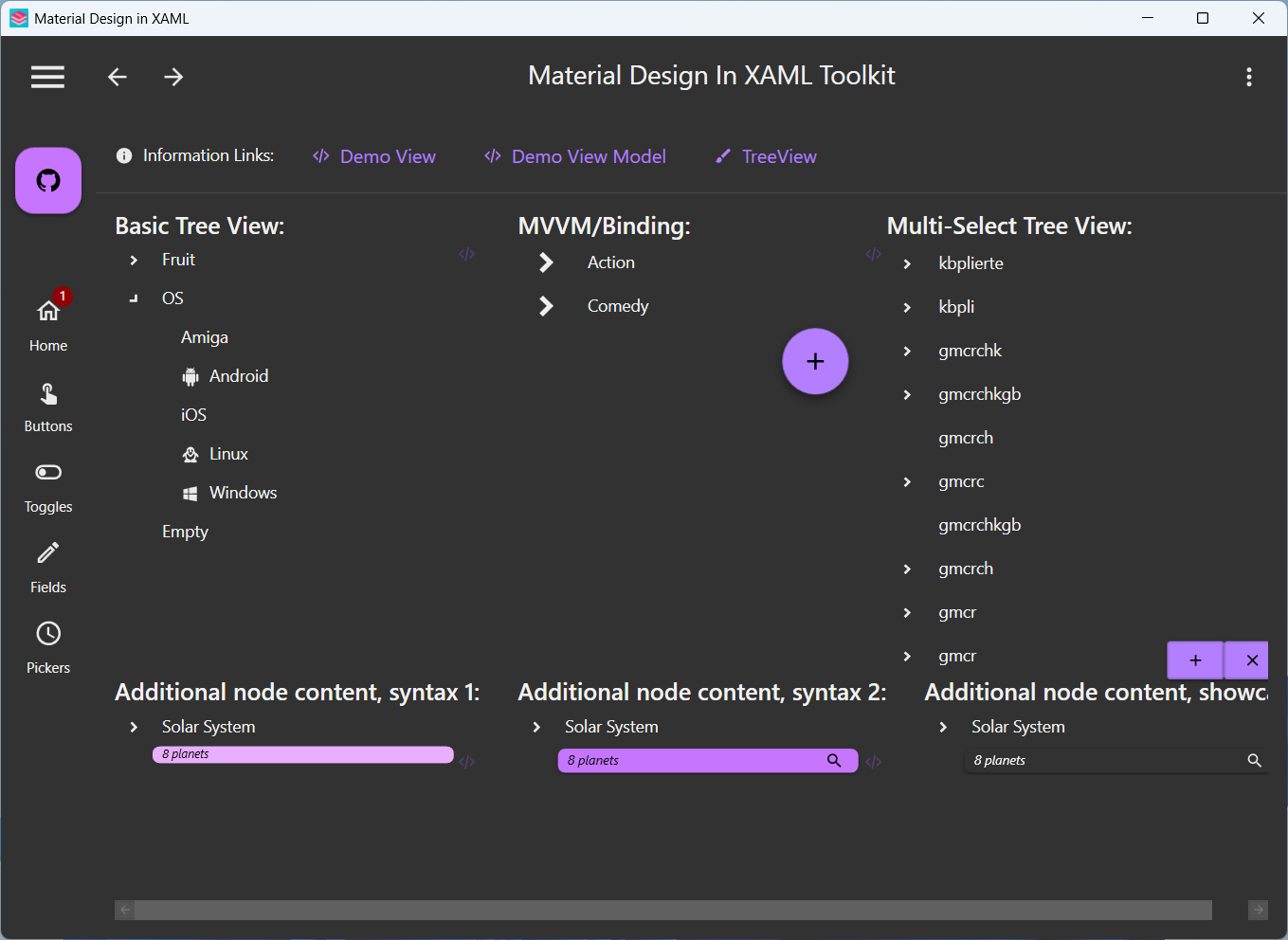
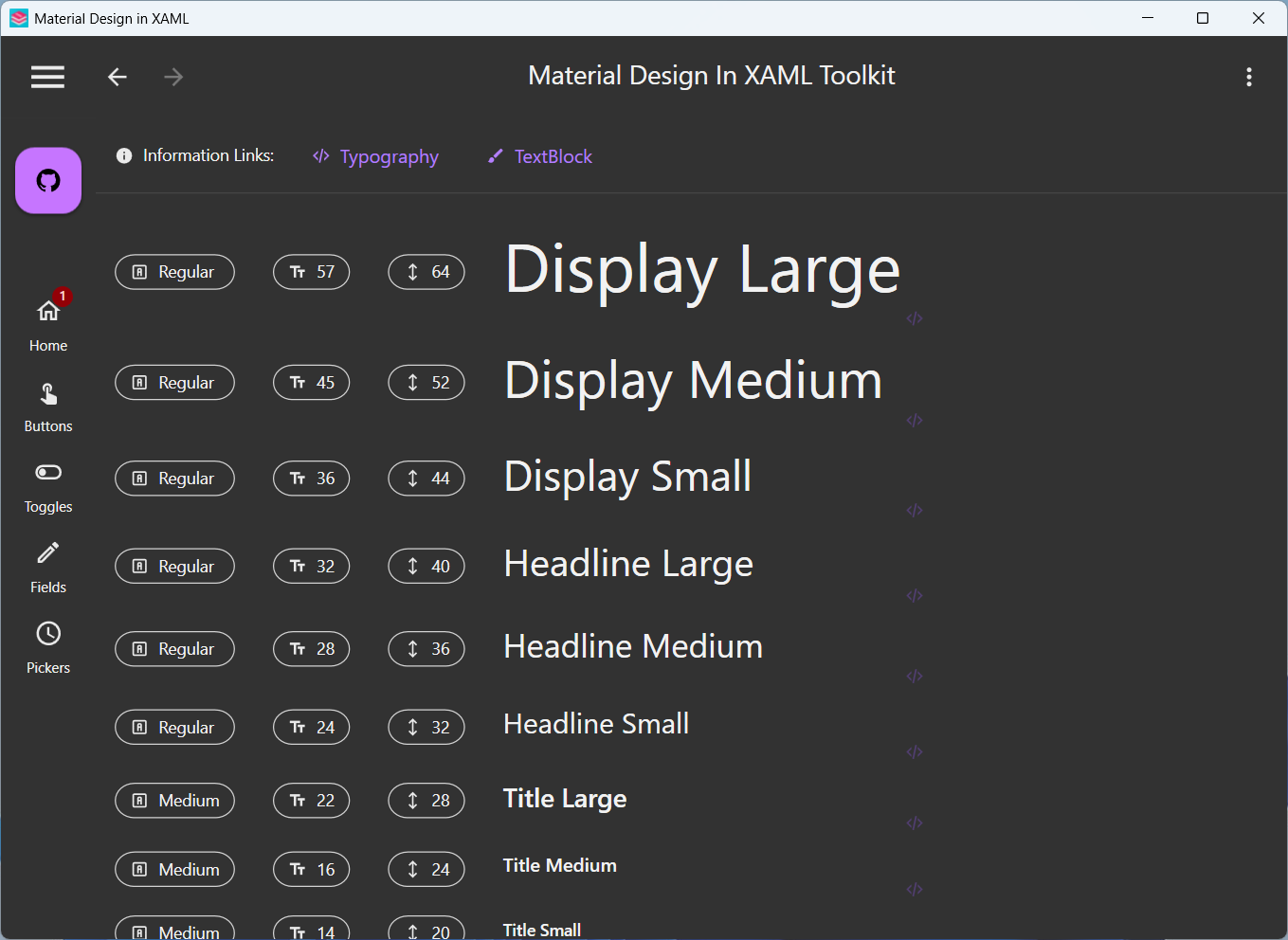
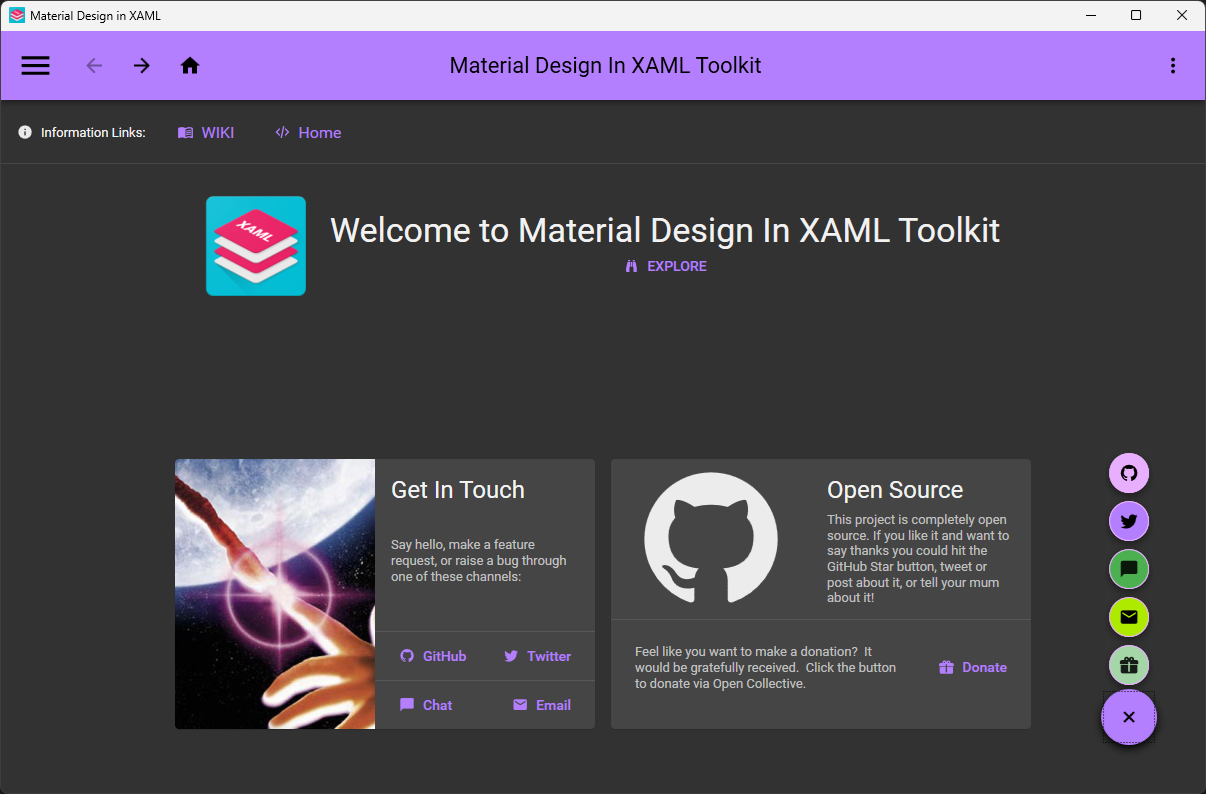
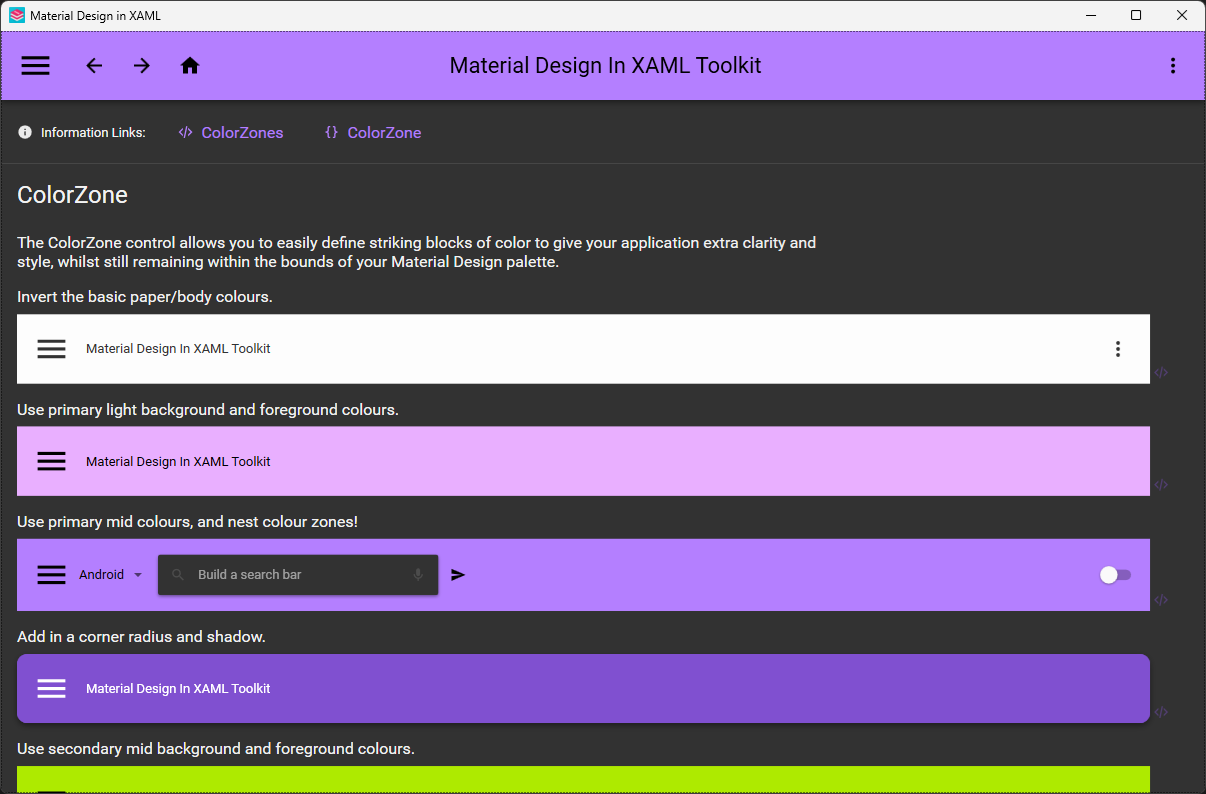
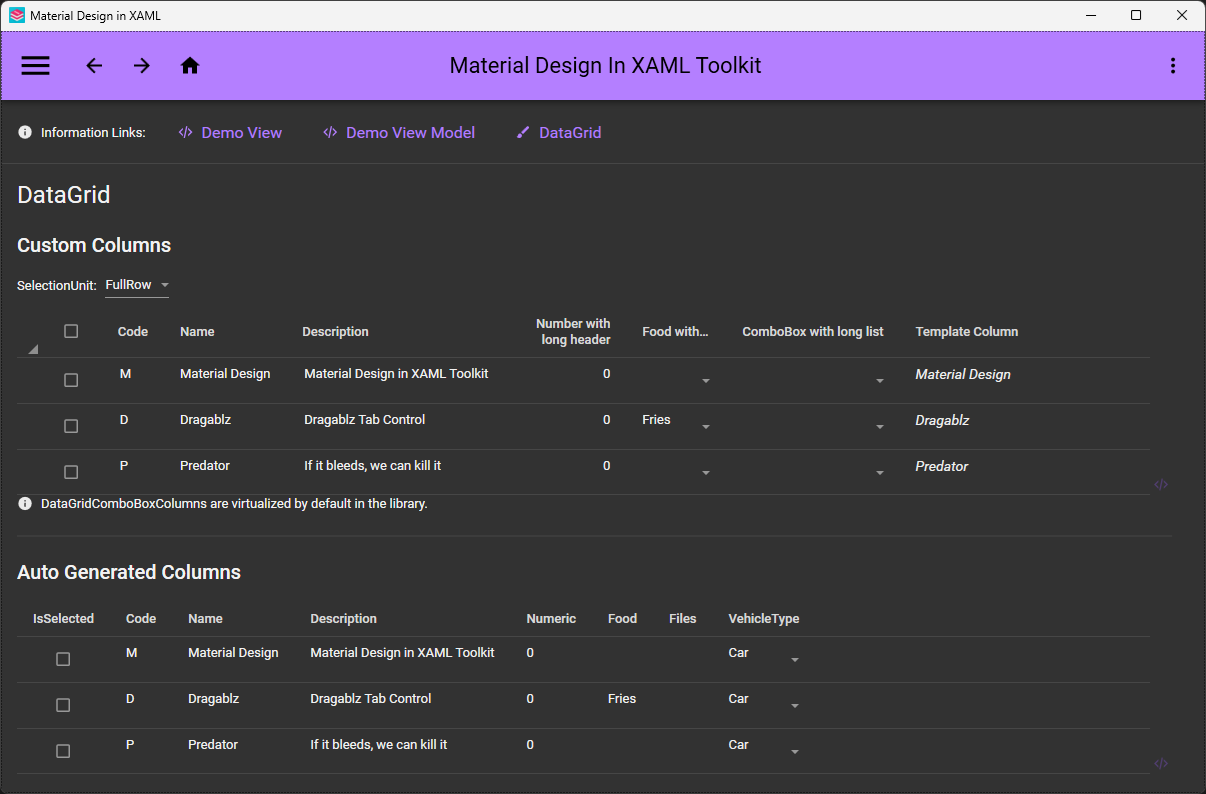
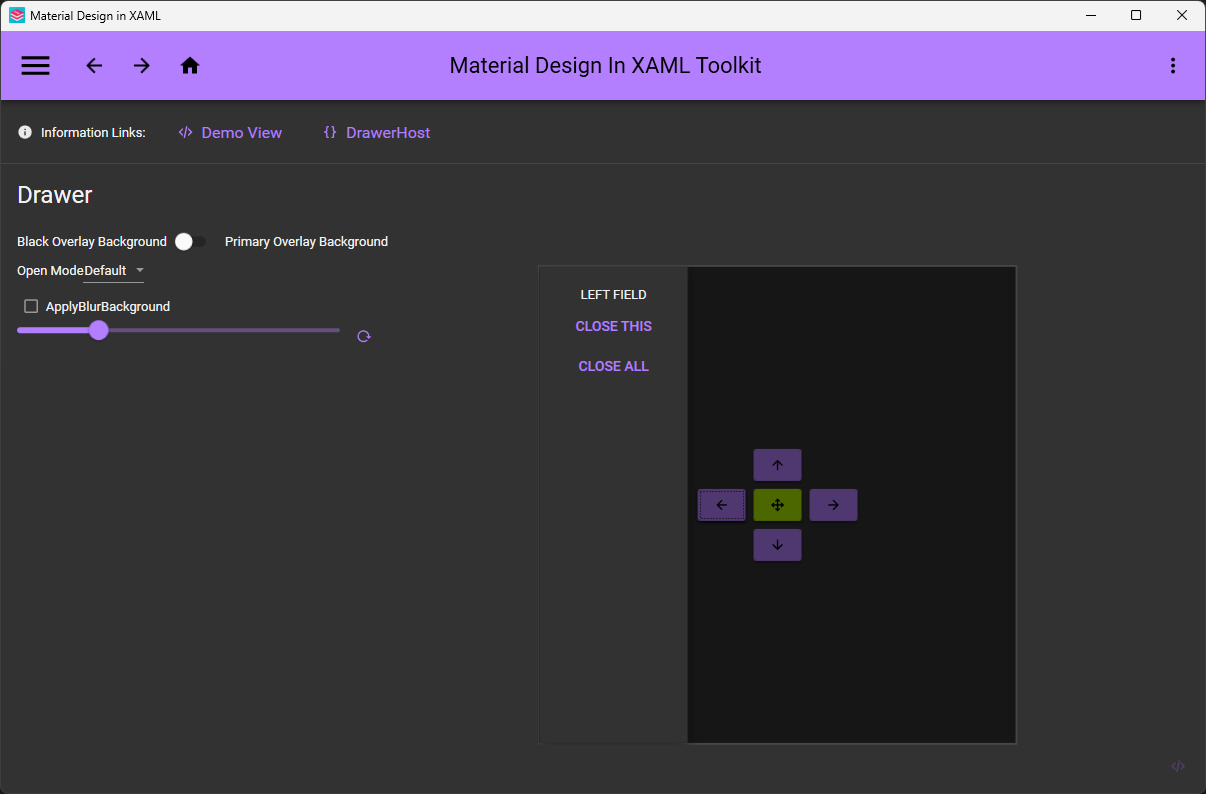
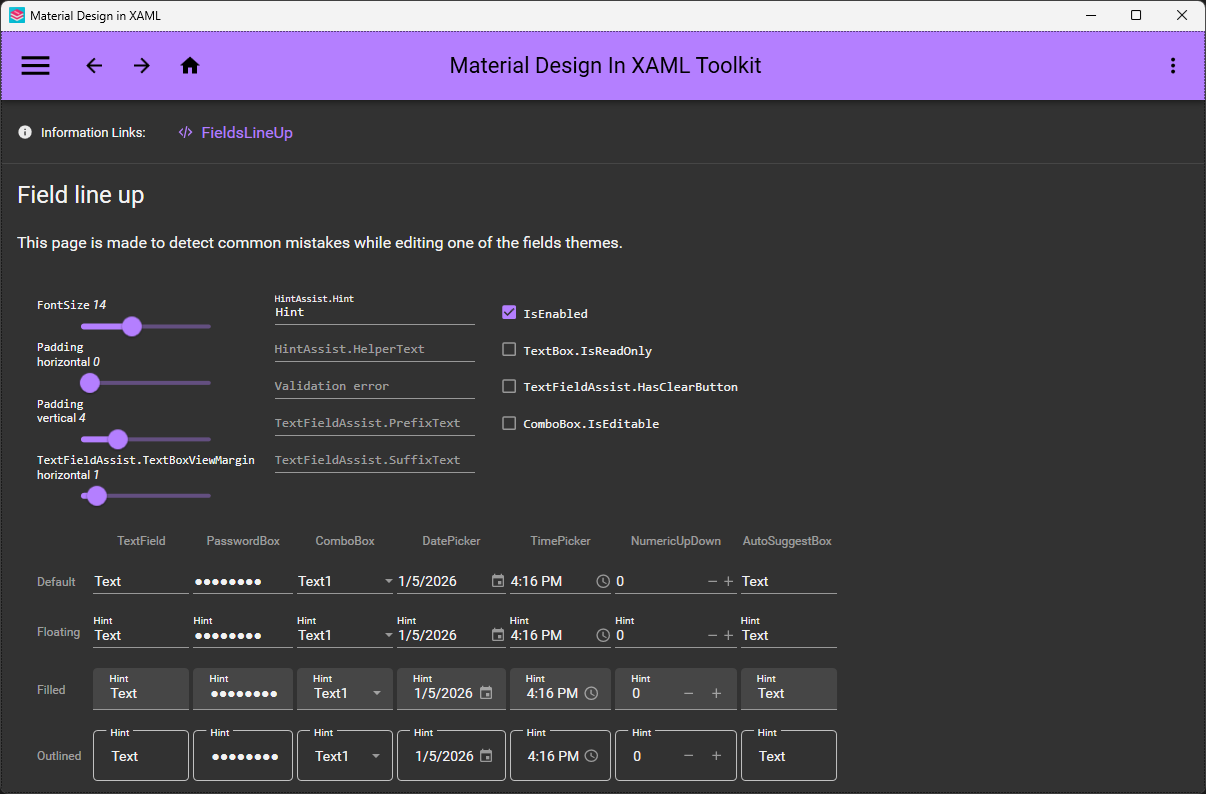
 把谷歌的 Material Design 带到 WPF:一个开源的主题和控件库,面向用 C# 或 VB.Net 编写的 Windows 桌面应用。它会重新美化所有主要的 WPF 控件,并额外提供一些 Material 风格的组件。
把谷歌的 Material Design 带到 WPF:一个开源的主题和控件库,面向用 C# 或 VB.Net 编写的 Windows 桌面应用。它会重新美化所有主要的 WPF 控件,并额外提供一些 Material 风格的组件。那它是一个要安装的应用,还是加到我自己的项目里的东西?它是一个库,不是应用:你在现有的 WPF 项目里引用它,它就会给你已经在用的控件套上 Material Design 的样式,还自带一些额外的控件。
它是一个库,不是应用:你在现有的 WPF 项目里引用它,它就会给你已经在用的控件套上 Material Design 的样式,还自带一些额外的控件。怎么把它加进 WPF 项目?通过 Visual Studio 的 NuGet 包管理器或命令行安装这个工具包,然后按照入门指南修改 App.xaml(和 MainWindow.xaml)。如果想用 Material Design 3,就使用 MaterialDesign3.Defaults.xaml。
通过 Visual Studio 的 NuGet 包管理器或命令行安装这个工具包,然后按照入门指南修改 App.xaml(和 MainWindow.xaml)。如果想用 Material Design 3,就使用 MaterialDesign3.Defaults.xaml。开始之前需要先装好什么?一个 WPF 项目和 Visual Studio 2022。如果你想自己编译这个工具包的源代码,还需要安装“.NET 桌面开发”工作负载。
一个 WPF 项目和 Visual Studio 2022。如果你想自己编译这个工具包的源代码,还需要安装“.NET 桌面开发”工作负载。Material Design 3 支持现在完全成熟了吗?已经可以通过 MaterialDesign3.Defaults.xaml 使用 MD3 了,但它专属的演示应用还在开发中——Material Design 2 的演示仍然是包含全部控件的完整参考。
已经可以通过 MaterialDesign3.Defaults.xaml 使用 MD3 了,但它专属的演示应用还在开发中——Material Design 2 的演示仍然是包含全部控件的完整参考。它只支持 Windows 吗,能不能用来做 Mac 或 Linux 应用?仅限 Windows——它基于 WPF 这个 Windows 桌面框架,所以 macOS 和 Linux 不在支持范围内。
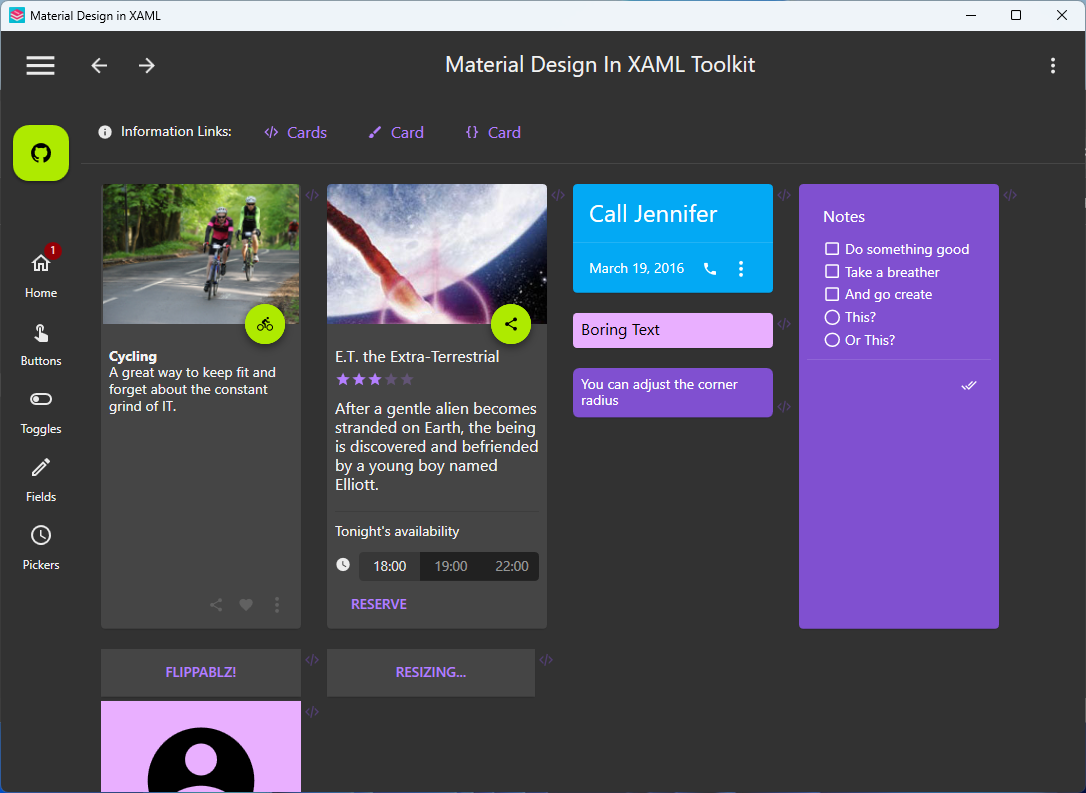
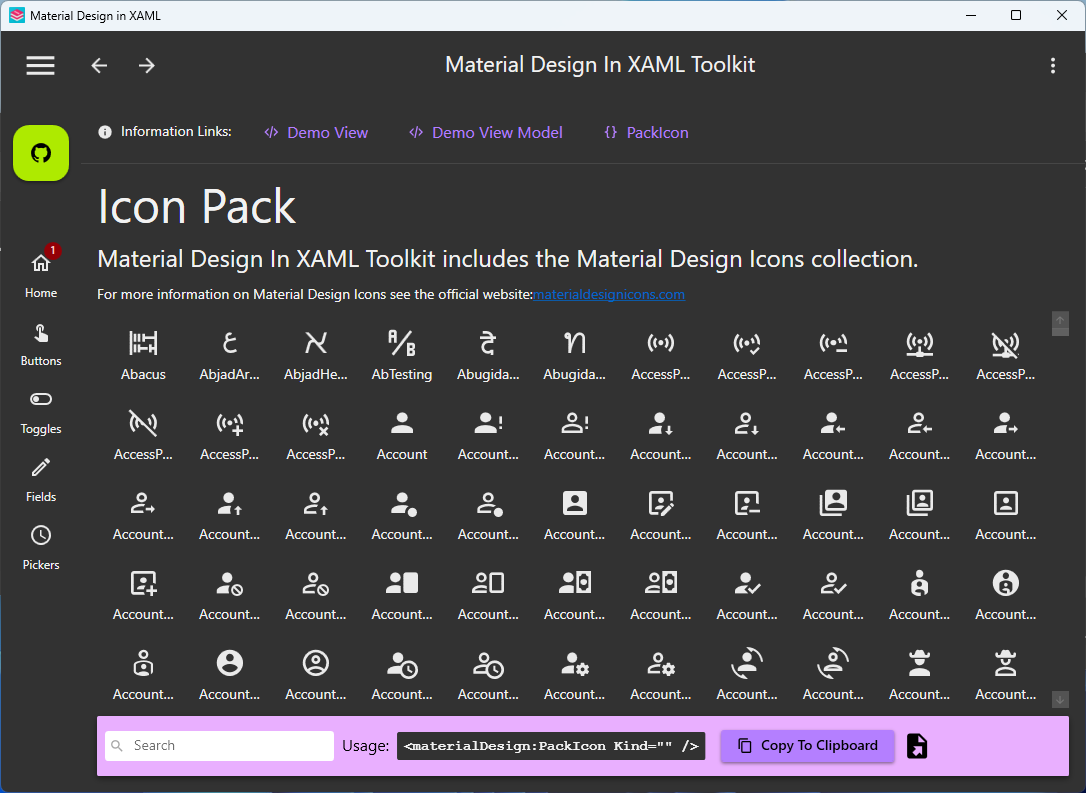
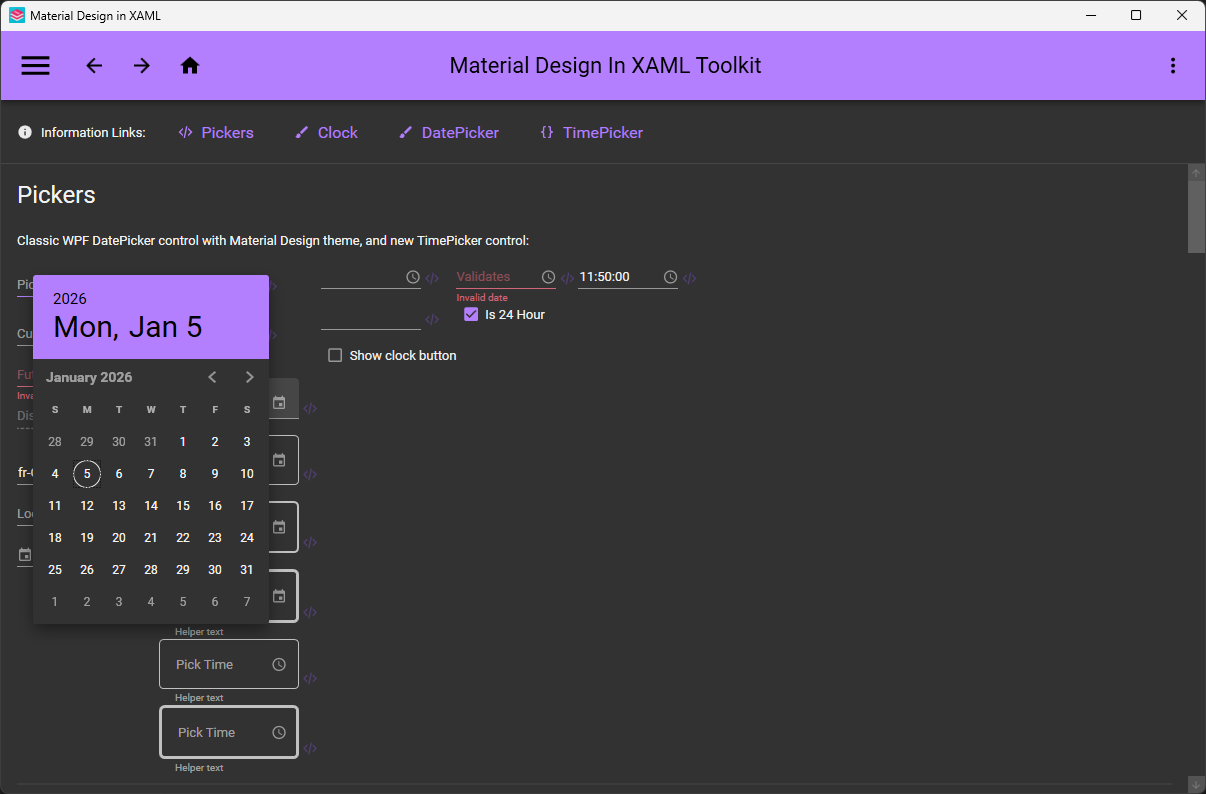
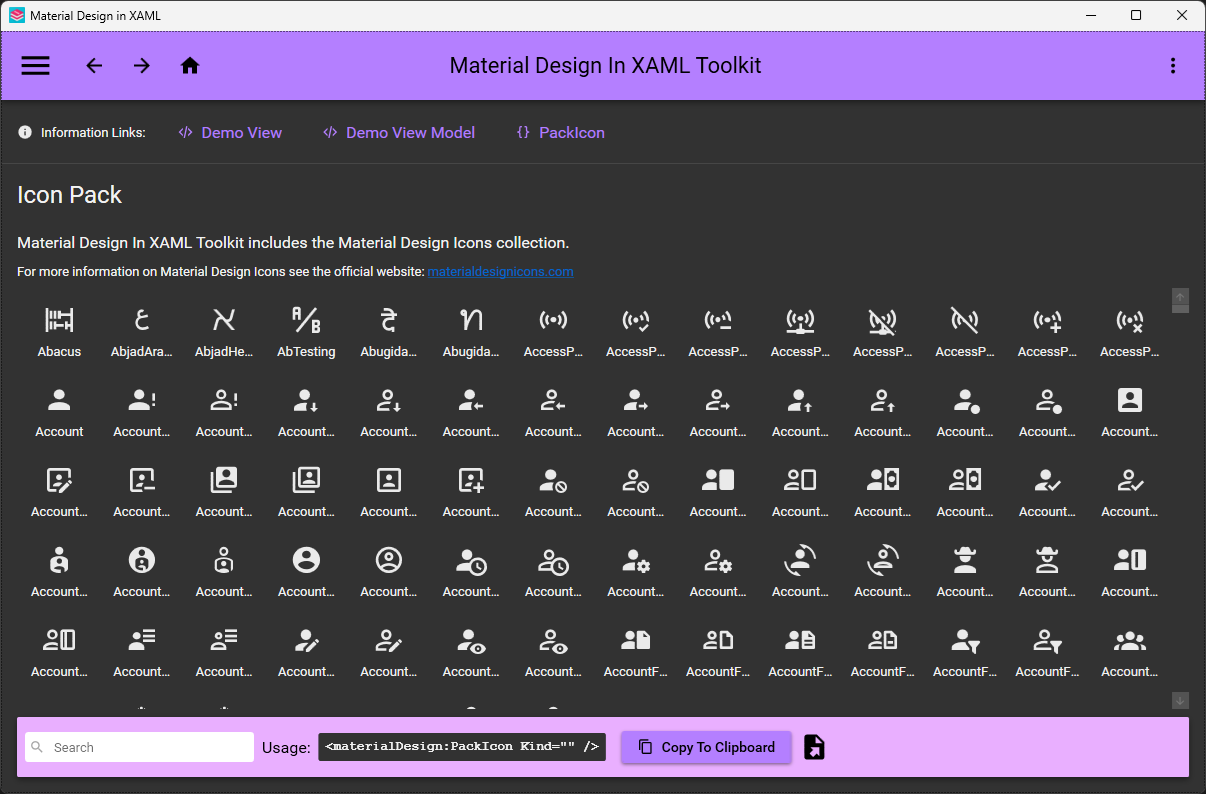
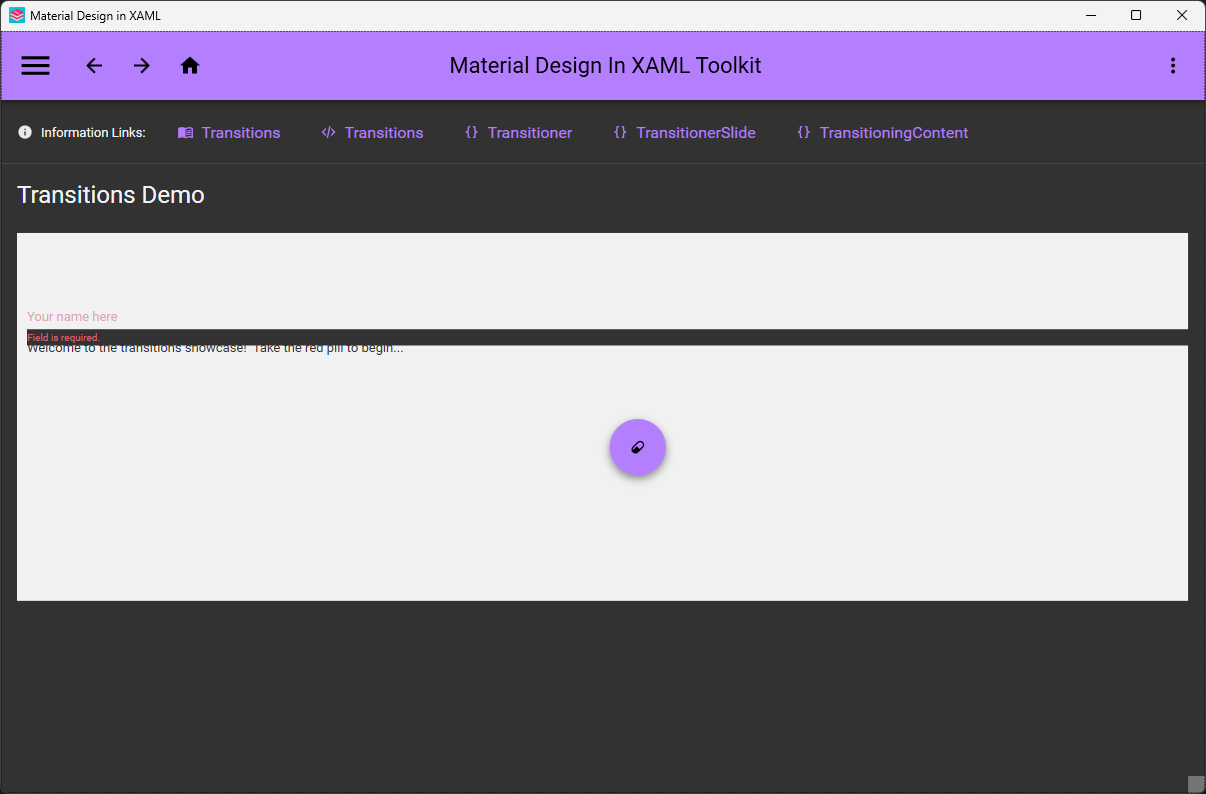
仅限 Windows——它基于 WPF 这个 Windows 桌面框架,所以 macOS 和 Linux 不在支持范围内。除了美化现有的 WPF 控件,它还新增了哪些控件?卡片(Cards)、对话框(Dialogs)、时钟(Clock)和多操作按钮(Multi Action Button),外加完整的 Material Design Icons 图标包和便捷的过渡动画效果。
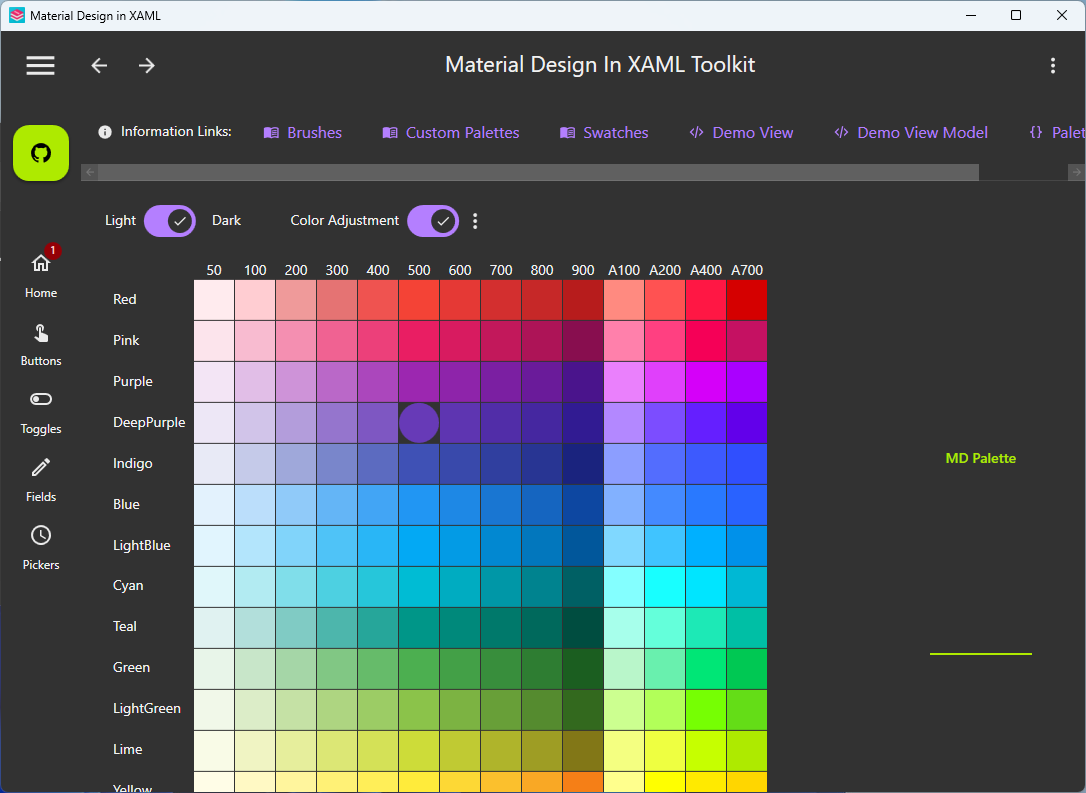
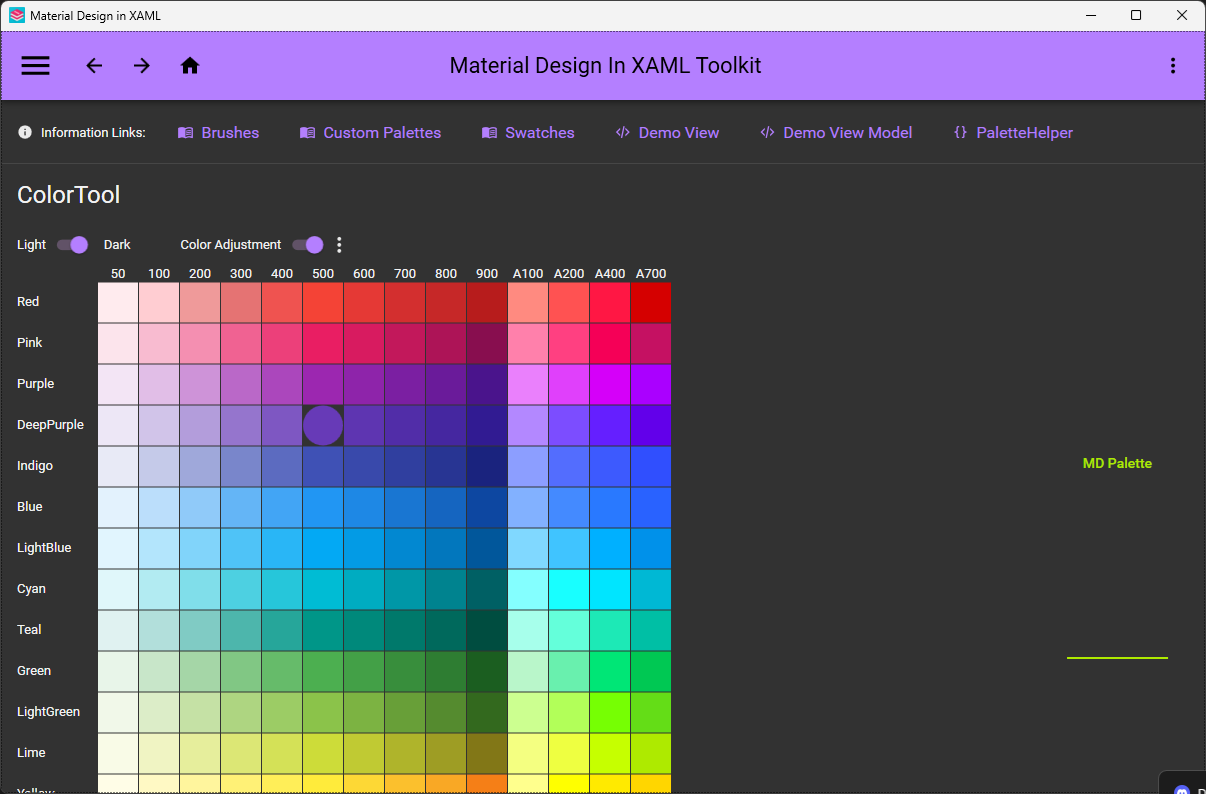
卡片(Cards)、对话框(Dialogs)、时钟(Clock)和多操作按钮(Multi Action Button),外加完整的 Material Design Icons 图标包和便捷的过渡动画效果。应用运行的时候能改配色方案吗?可以——调色板在设计时和运行时都很容易配置,遵循谷歌的 Material Design 规范。
可以——调色板在设计时和运行时都很容易配置,遵循谷歌的 Material Design 规范。它能和其他 WPF 界面库一起用吗?可以——它兼容 Dragablz 和 MahApps,仓库里甚至还提供了把三者结合起来的演示。底层它基于 ControlzEx 库构建。
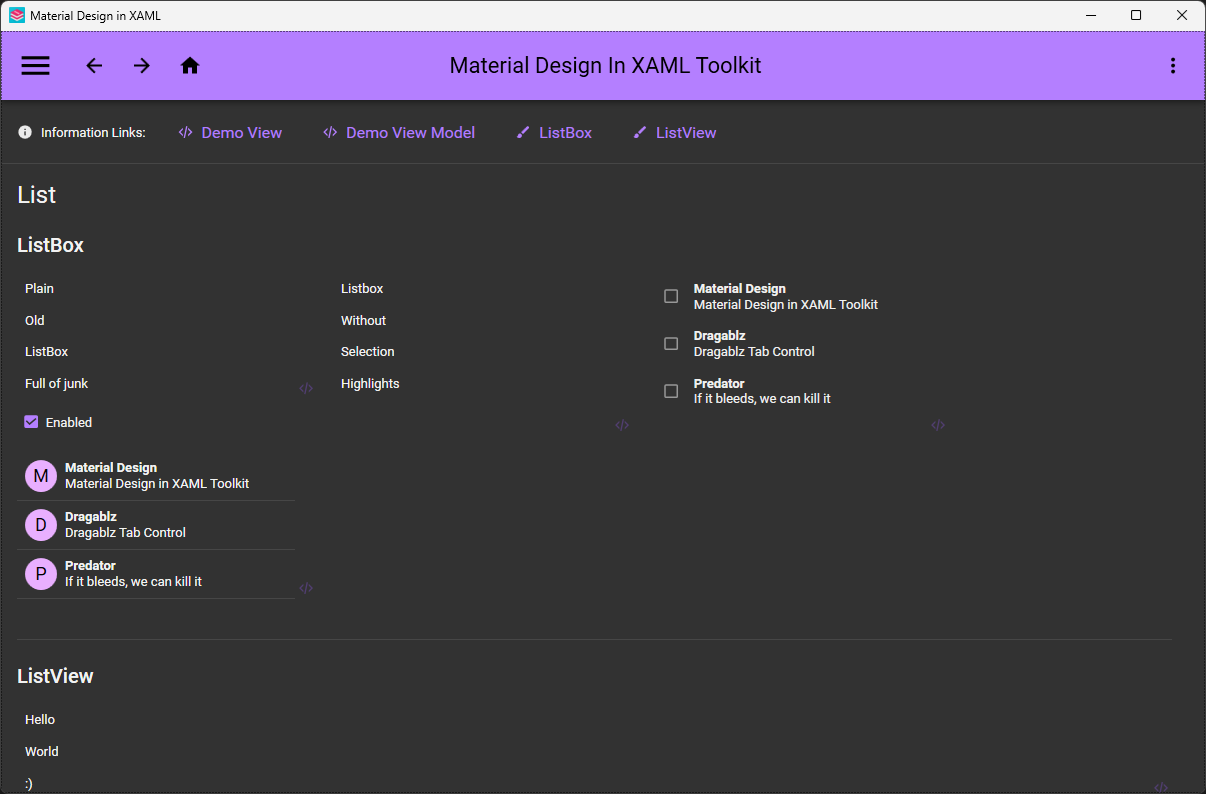
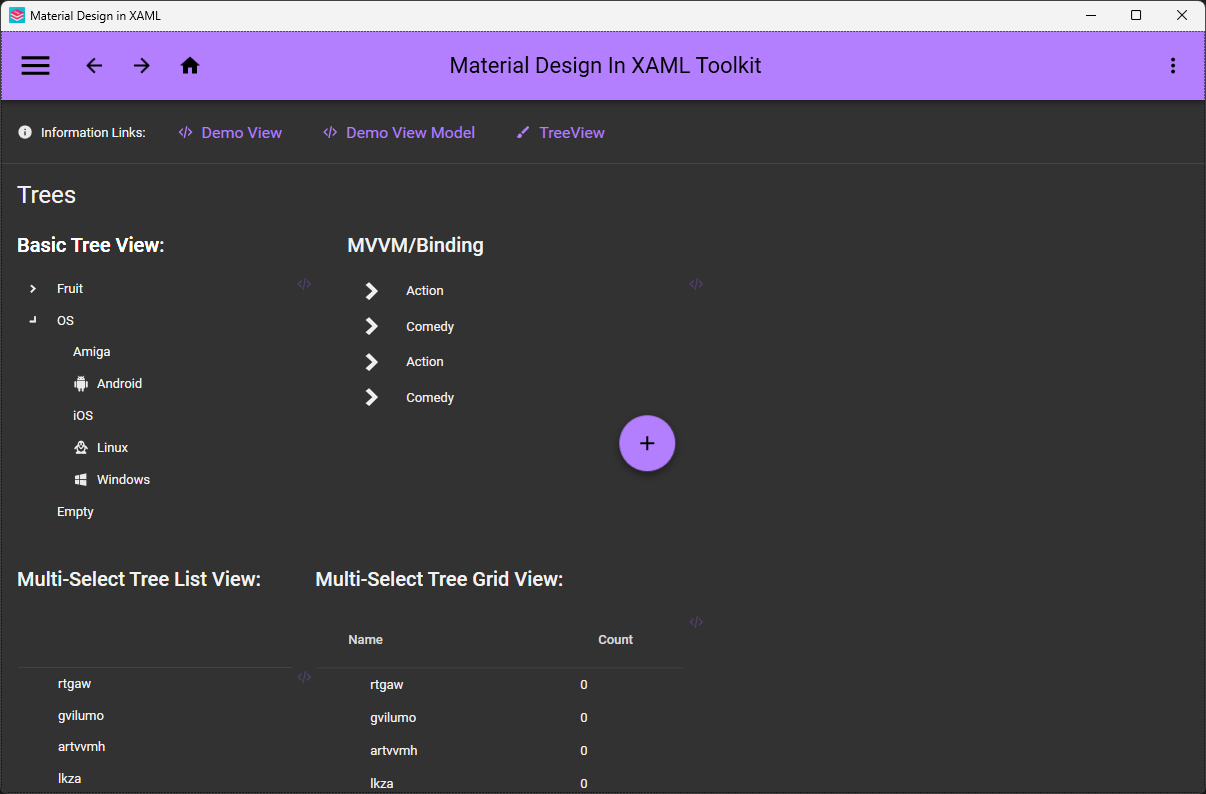
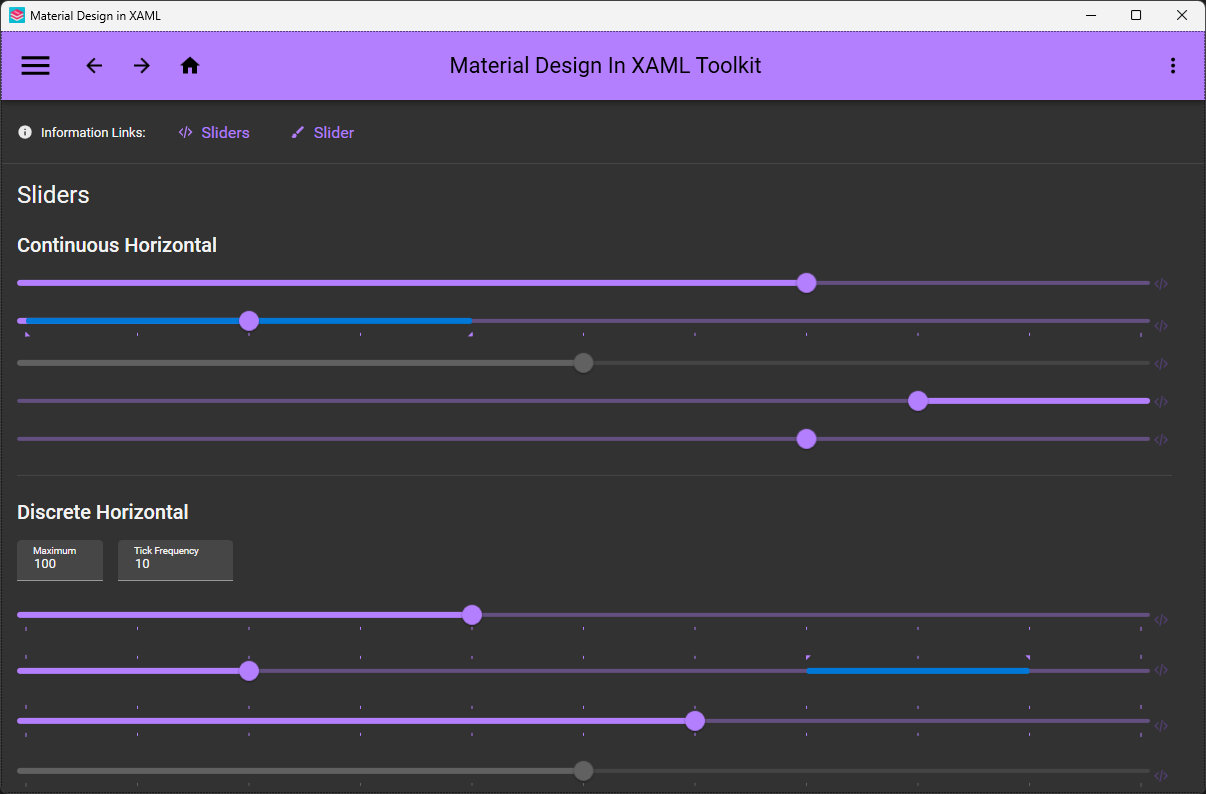
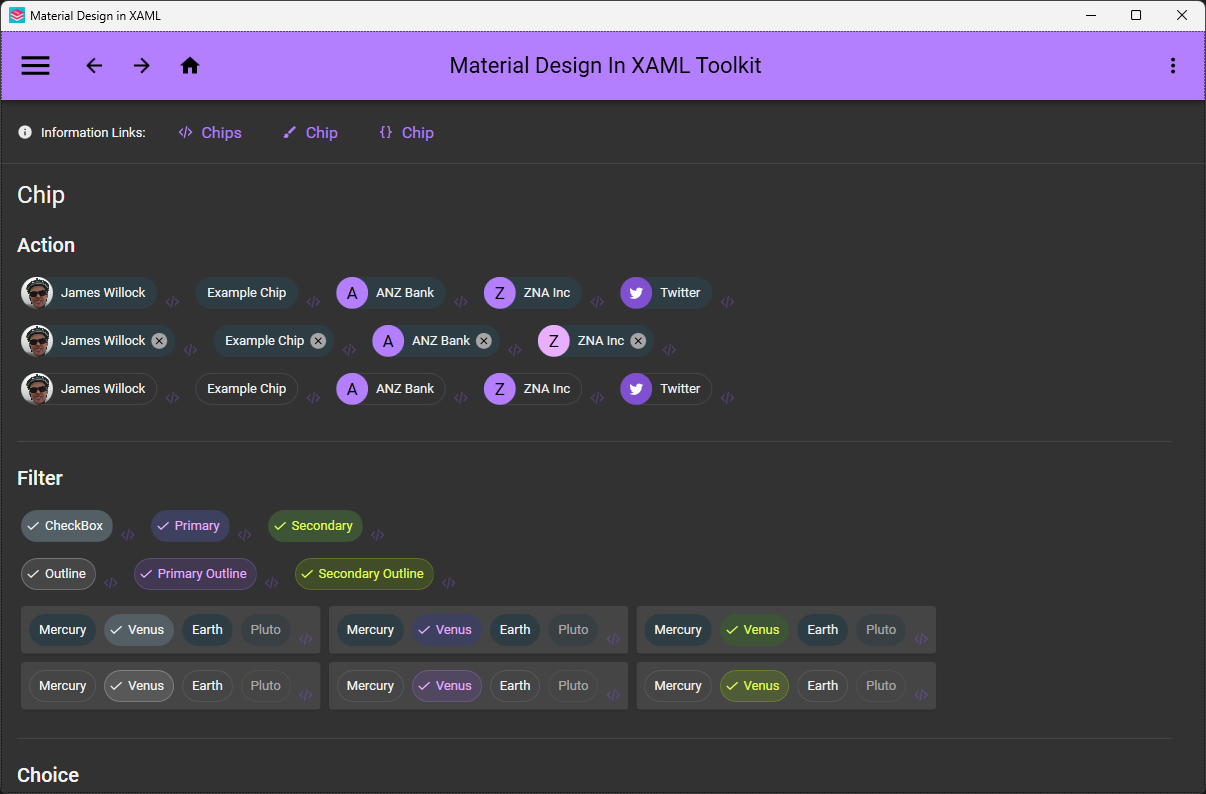
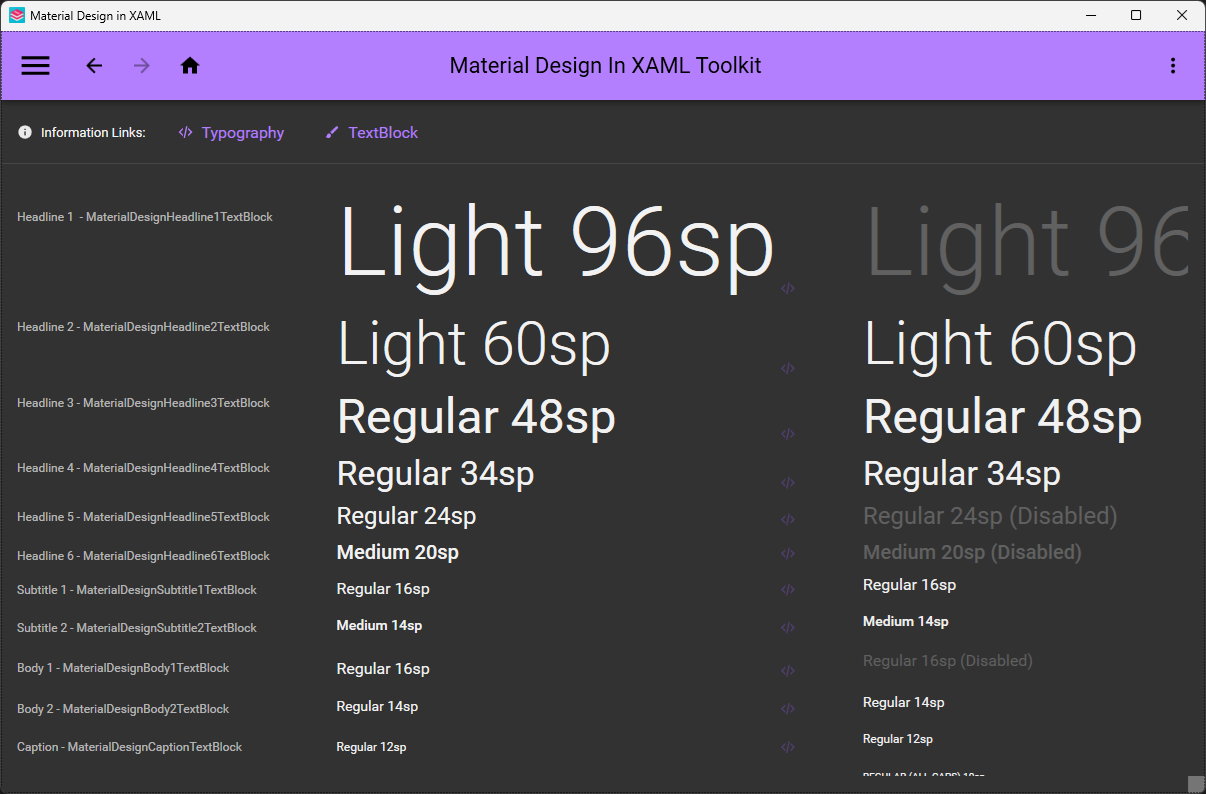
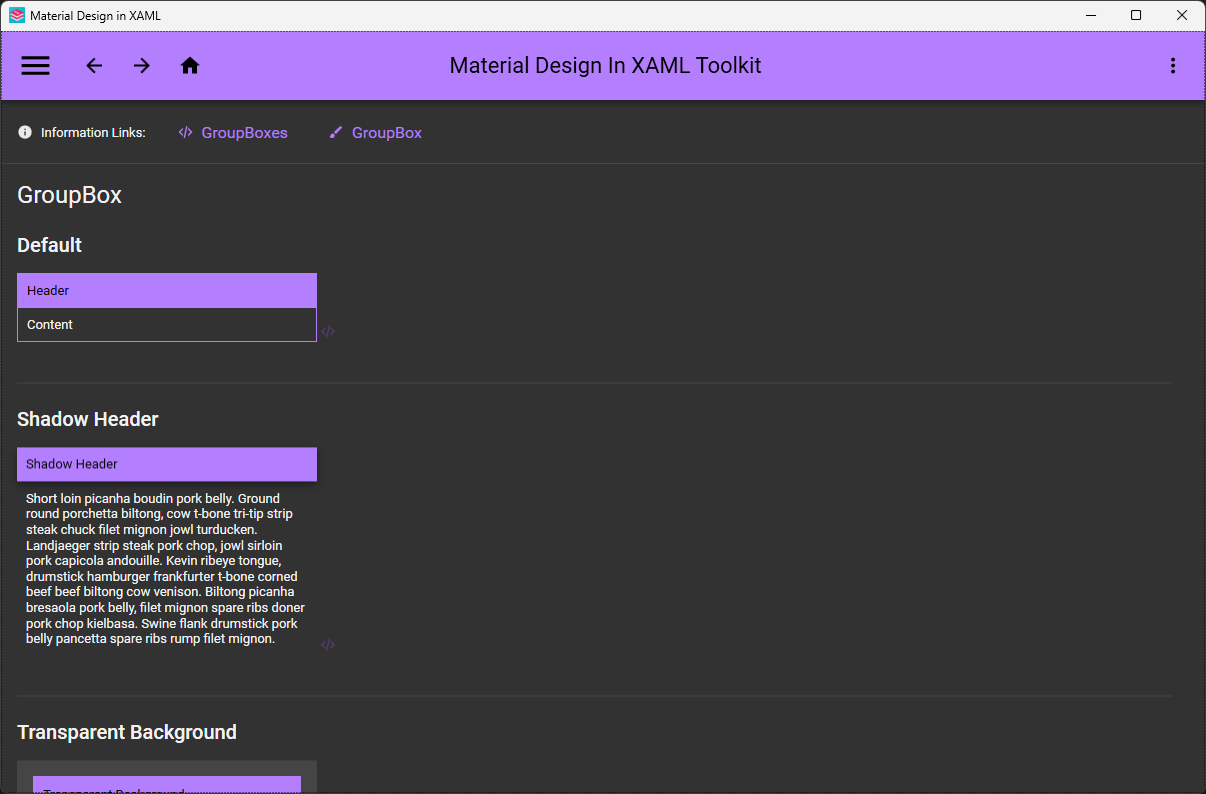
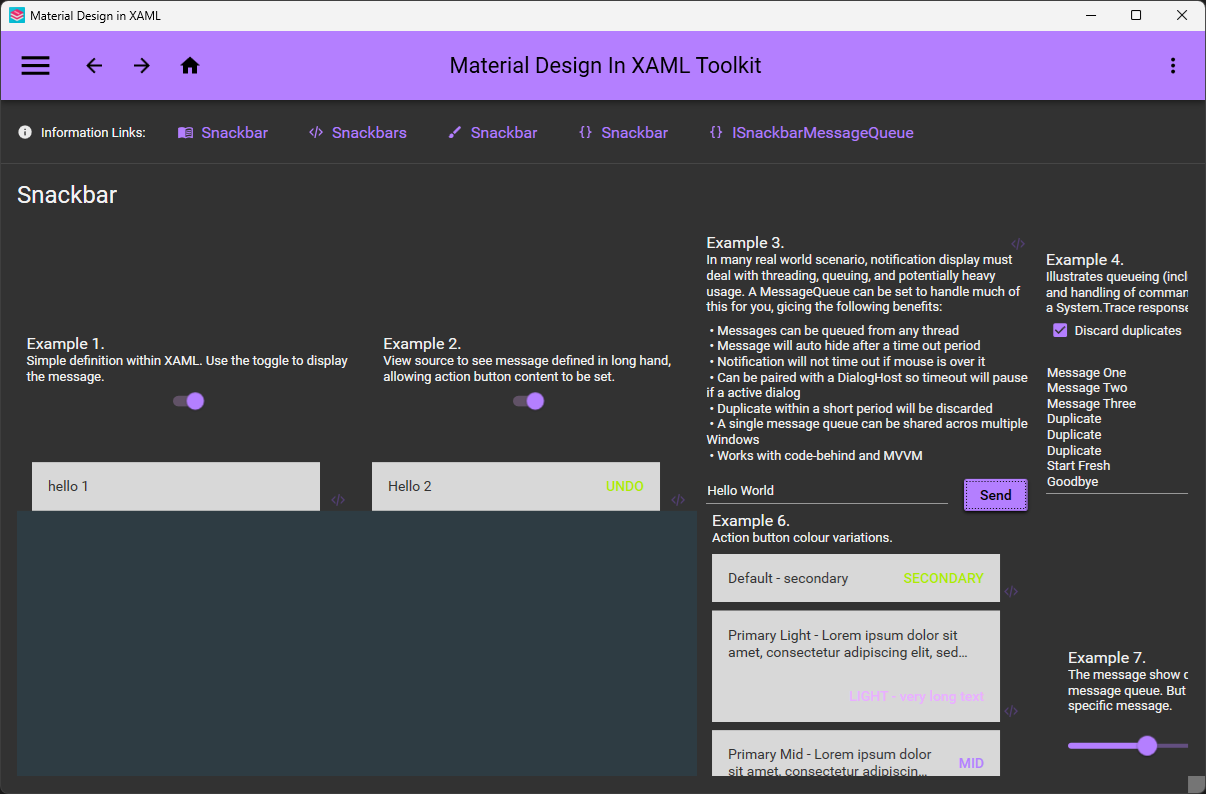
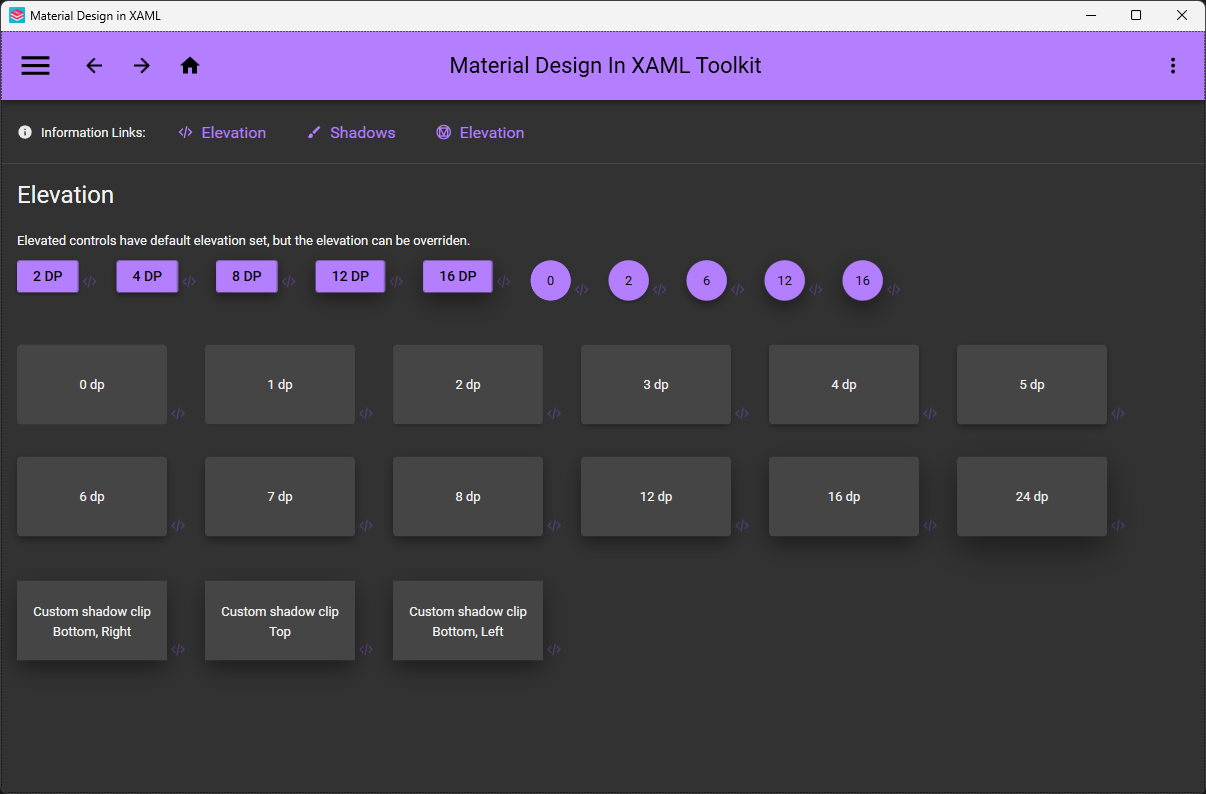
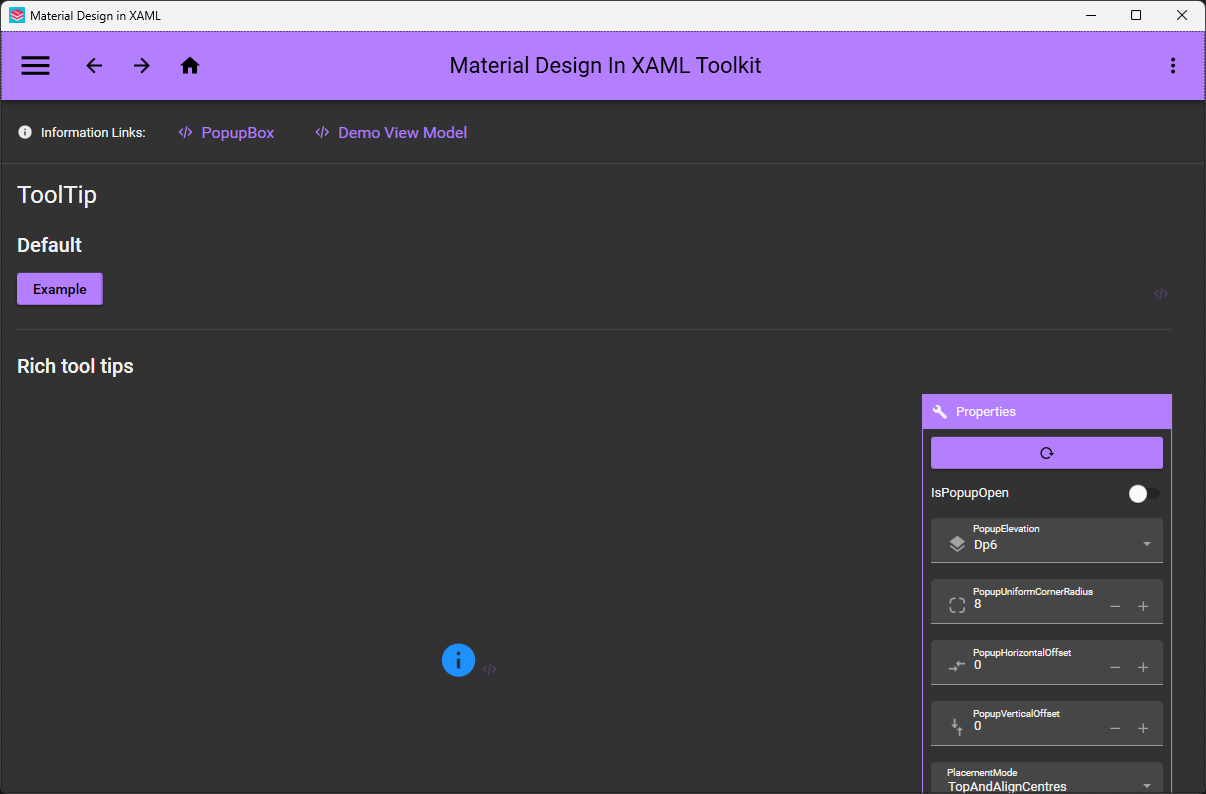
可以——它兼容 Dragablz 和 MahApps,仓库里甚至还提供了把三者结合起来的演示。底层它基于 ControlzEx 库构建。正式采用之前,我能先看看这些控件长什么样吗?可以——源项目里就带演示应用:MaterialDesignDemo(Material Design 2 样式,包含所有控件,开发时推荐使用)和面向新样式的 MaterialDesign3Demo。
可以——源项目里就带演示应用:MaterialDesignDemo(Material Design 2 样式,包含所有控件,开发时推荐使用)和面向新样式的 MaterialDesign3Demo。What are similar projects?materialize, MudBlazor, Avalonia, uno, material-components-android, MaterialDrawer, folding-cell, vuetify
materialize, MudBlazor, Avalonia, uno, material-components-android, MaterialDrawer, folding-cell, vuetifyWhich topics is it in?hacktoberfest2020, xaml, visual-studio, material, wpf, c-sharp, icons, ui-library, material-design, theme, dotnet, c#
hacktoberfest2020, xaml, visual-studio, material, wpf, c-sharp, icons, ui-library, material-design, theme, dotnet, c#