


792 ·GitHub
What is this?

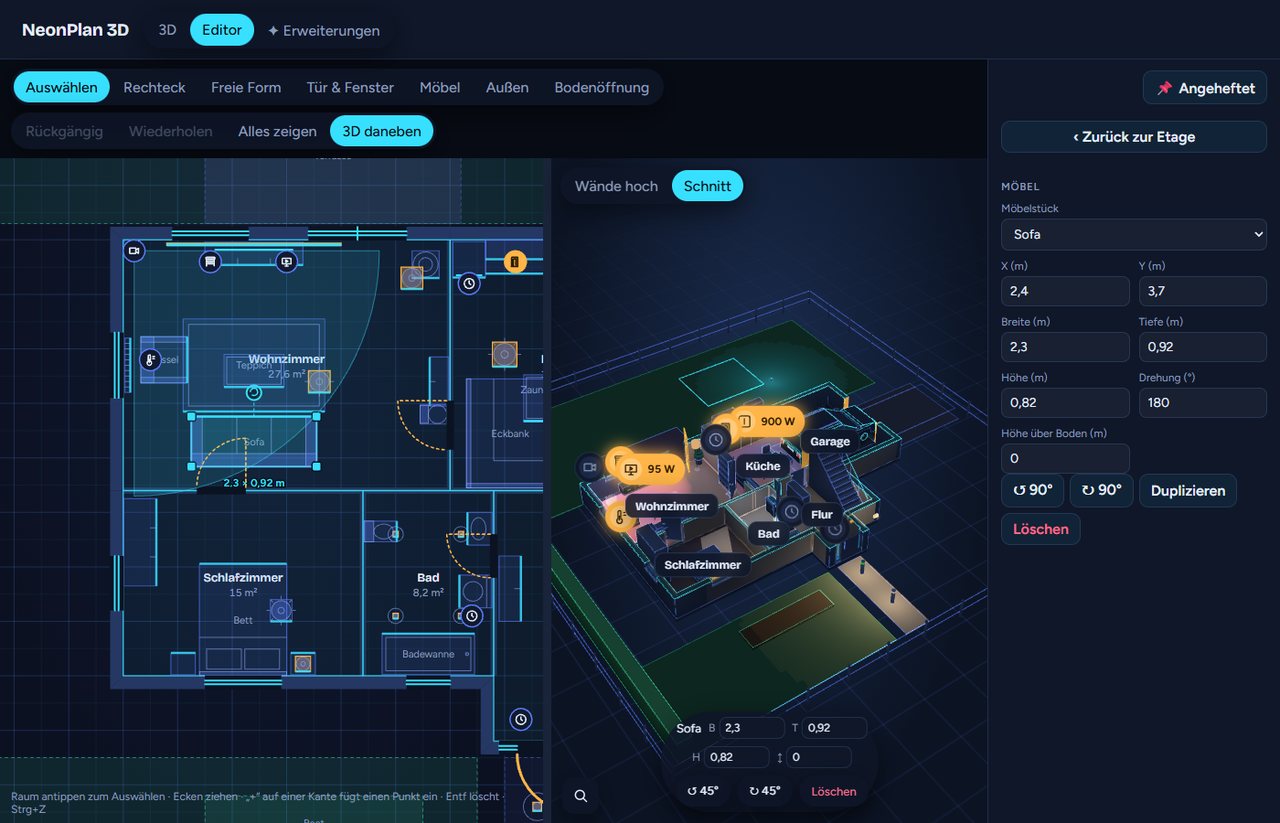
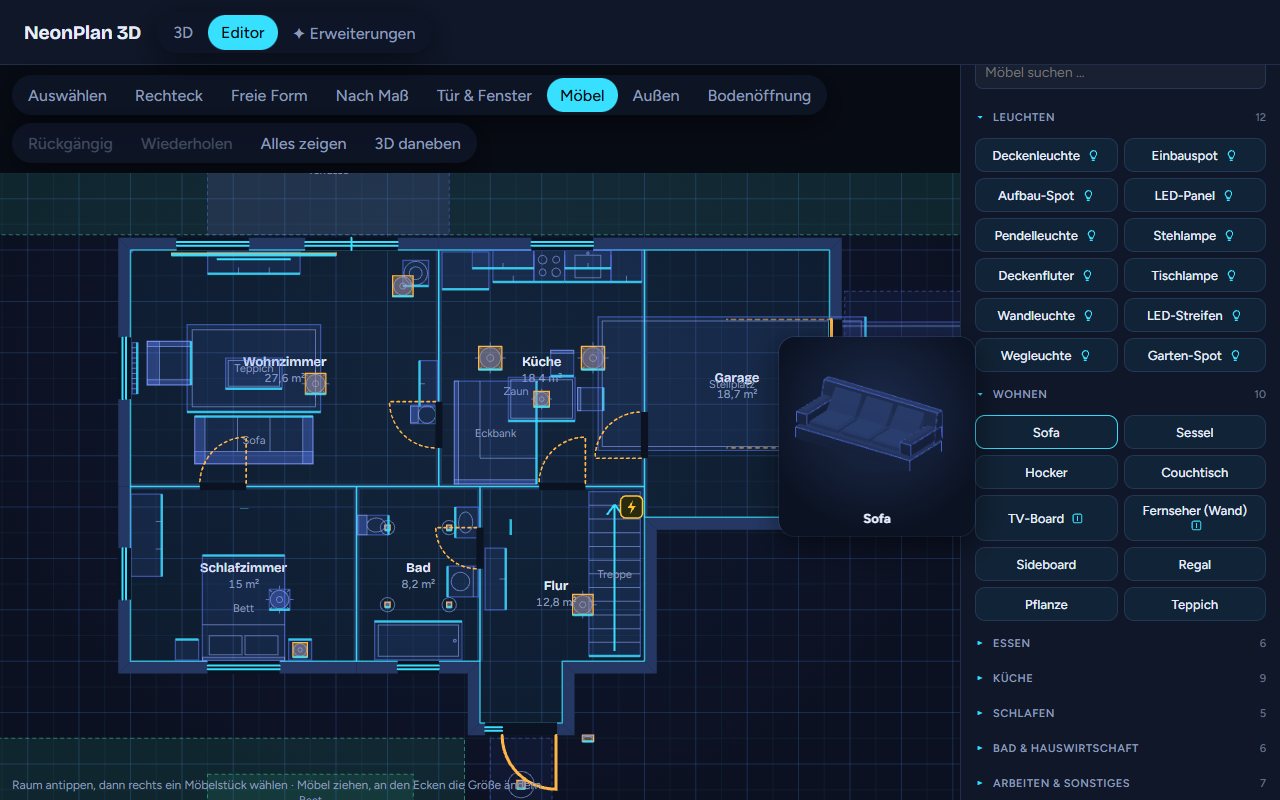
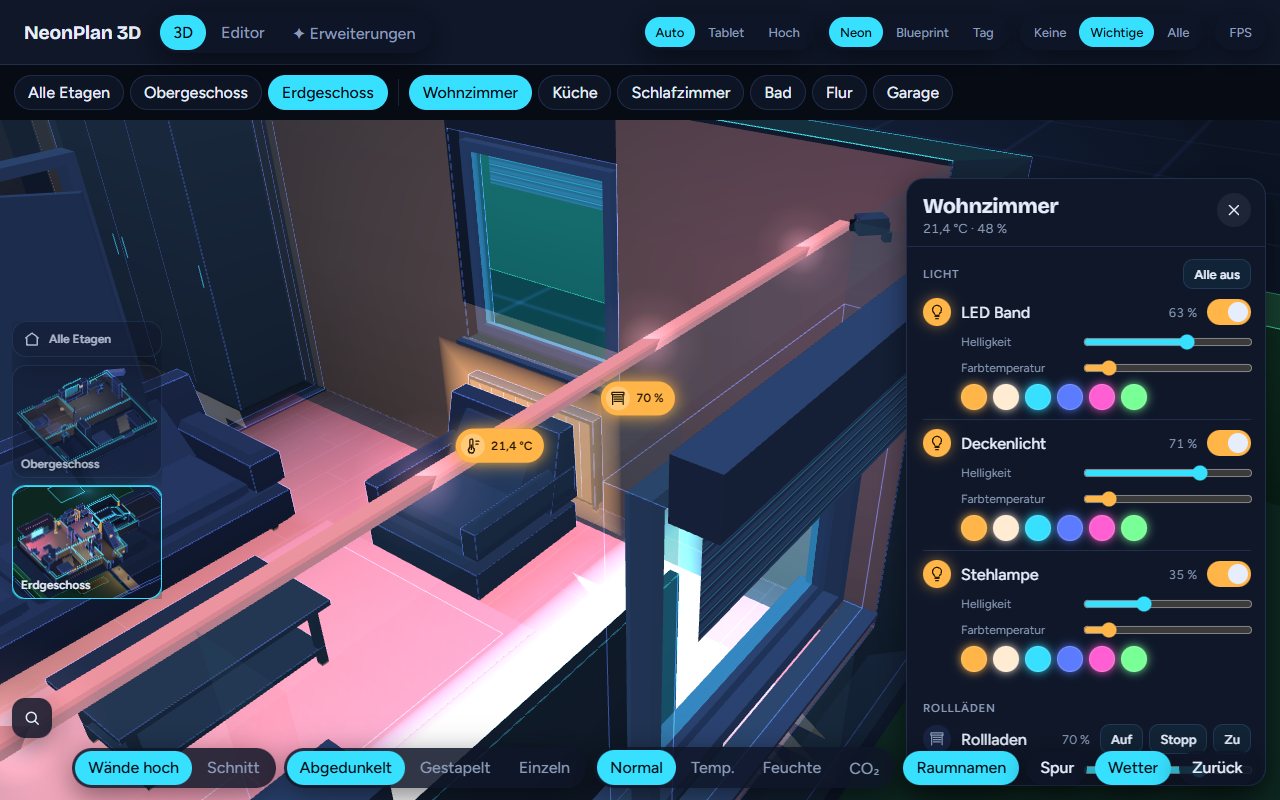
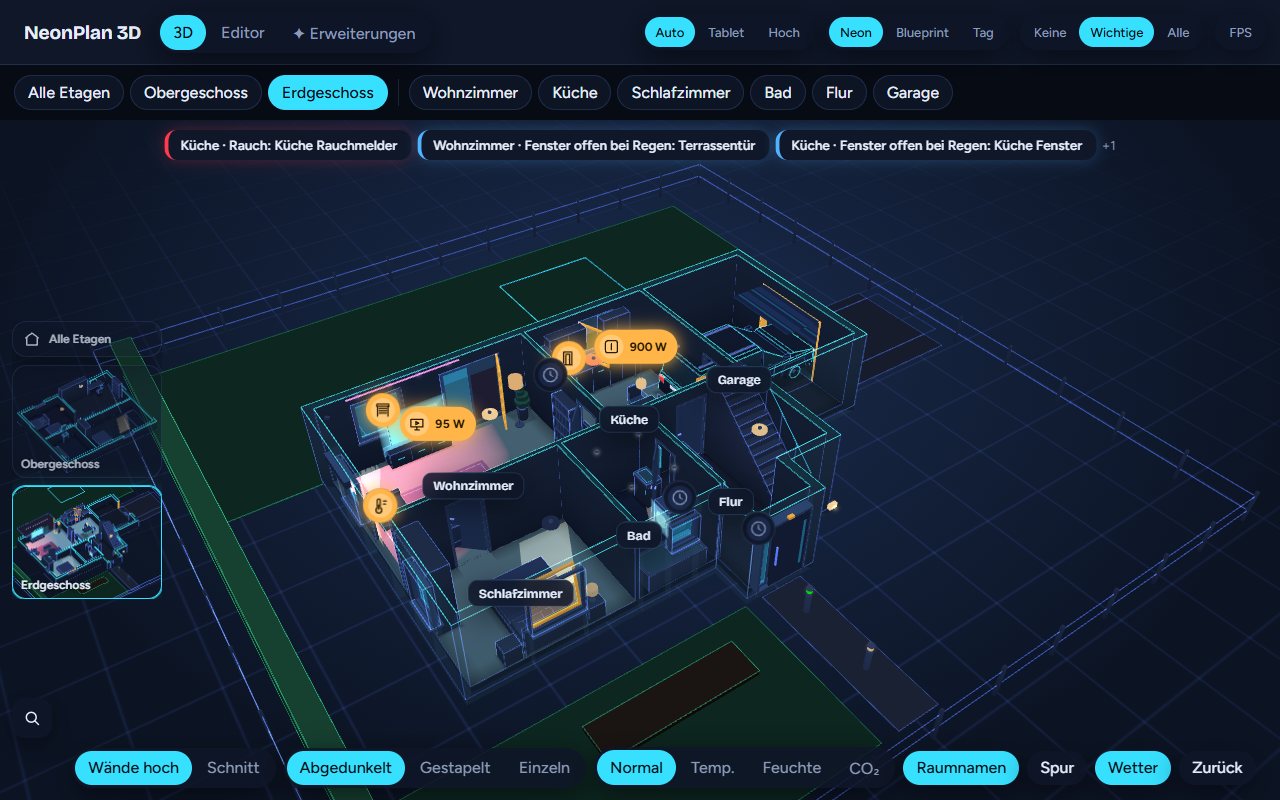
 NeonPlan 3D lets you draw your home as rooms, walls, doors, windows and furniture right inside Home Assistant, then control your lights, covers, climate, media and cameras live in a neon-styled 3D view.
NeonPlan 3D lets you draw your home as rooms, walls, doors, windows and furniture right inside Home Assistant, then control your lights, covers, climate, media and cameras live in a neon-styled 3D view.Is this a standalone app or a Home Assistant add-on?It is a Home Assistant custom integration plus a Lovelace dashboard card (custom:neonplan3d-card), installed through HACS - not a separate standalone app.
It is a Home Assistant custom integration plus a Lovelace dashboard card (custom:neonplan3d-card), installed through HACS - not a separate standalone app.Which Home Assistant version do I need?You need Home Assistant 2025.1 or newer; HACS is the recommended way to install it.
You need Home Assistant 2025.1 or newer; HACS is the recommended way to install it.Is everything free, or do some features cost extra?The core integration and dashboard card are free and MIT-licensed; furniture packs and Pro add-ons like the camera cockpit, weather effects and live screens are optional paid extras sold separately at mastershort.de.
The core integration and dashboard card are free and MIT-licensed; furniture packs and Pro add-ons like the camera cockpit, weather effects and live screens are optional paid extras sold separately at mastershort.de.Does it send my home data to the cloud?No - the plan, pictures and packs stay stored locally in Home Assistant's .storage; it only reaches the internet once a day if you've entered a licence key, to check for pack updates, sending the key and an anonymous installation fingerprint.
No - the plan, pictures and packs stay stored locally in Home Assistant's .storage; it only reaches the internet once a day if you've entered a licence key, to check for pack updates, sending the key and an anonymous installation fingerprint.Can I try it without installing Home Assistant?Yes, there's an online demo in the browser with invented demo data where you can turn the house, switch lights and open the editor - nothing to install.
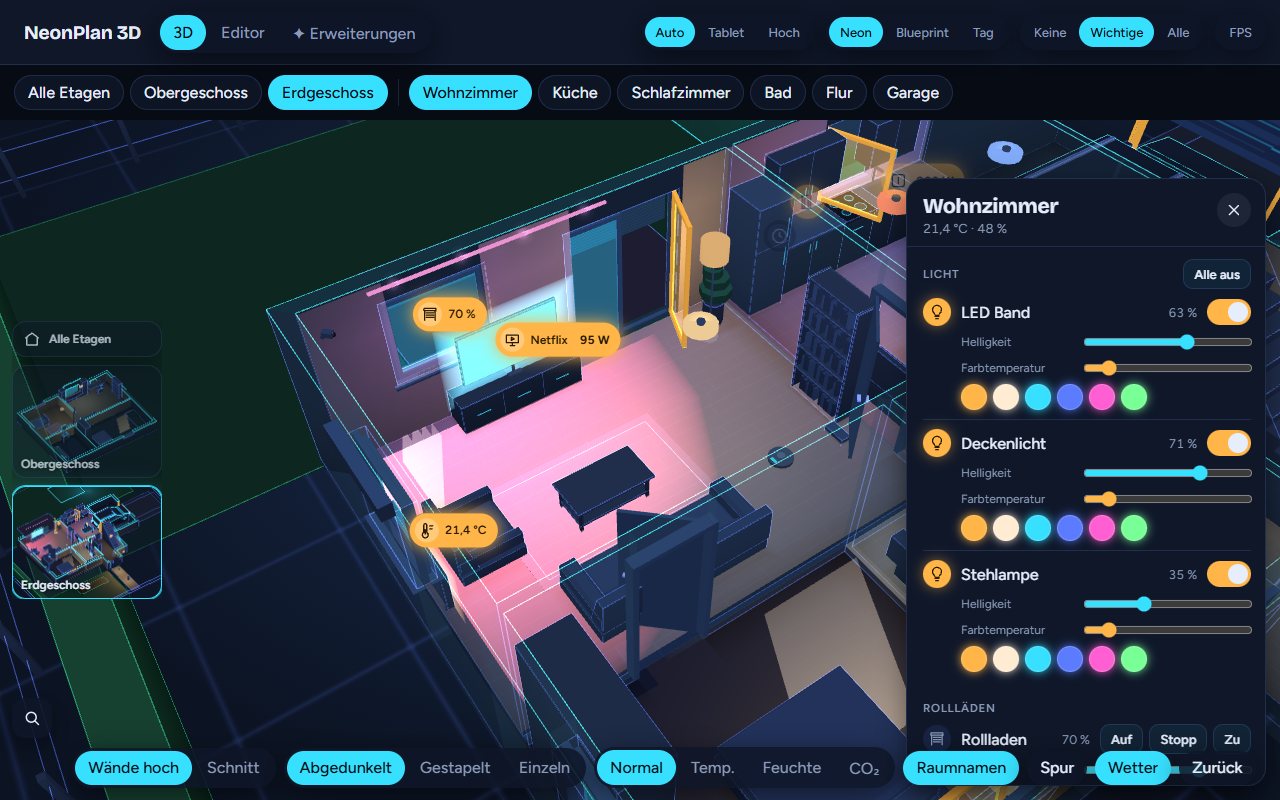
Yes, there's an online demo in the browser with invented demo data where you can turn the house, switch lights and open the editor - nothing to install.What can I actually control in the 3D view?You can tap lights to switch them (swipe to dim, long-press for colour), move blinds, open doors and windows, watch camera fields of view turn red on motion, and see what's playing on TVs - plus climate and media devices.
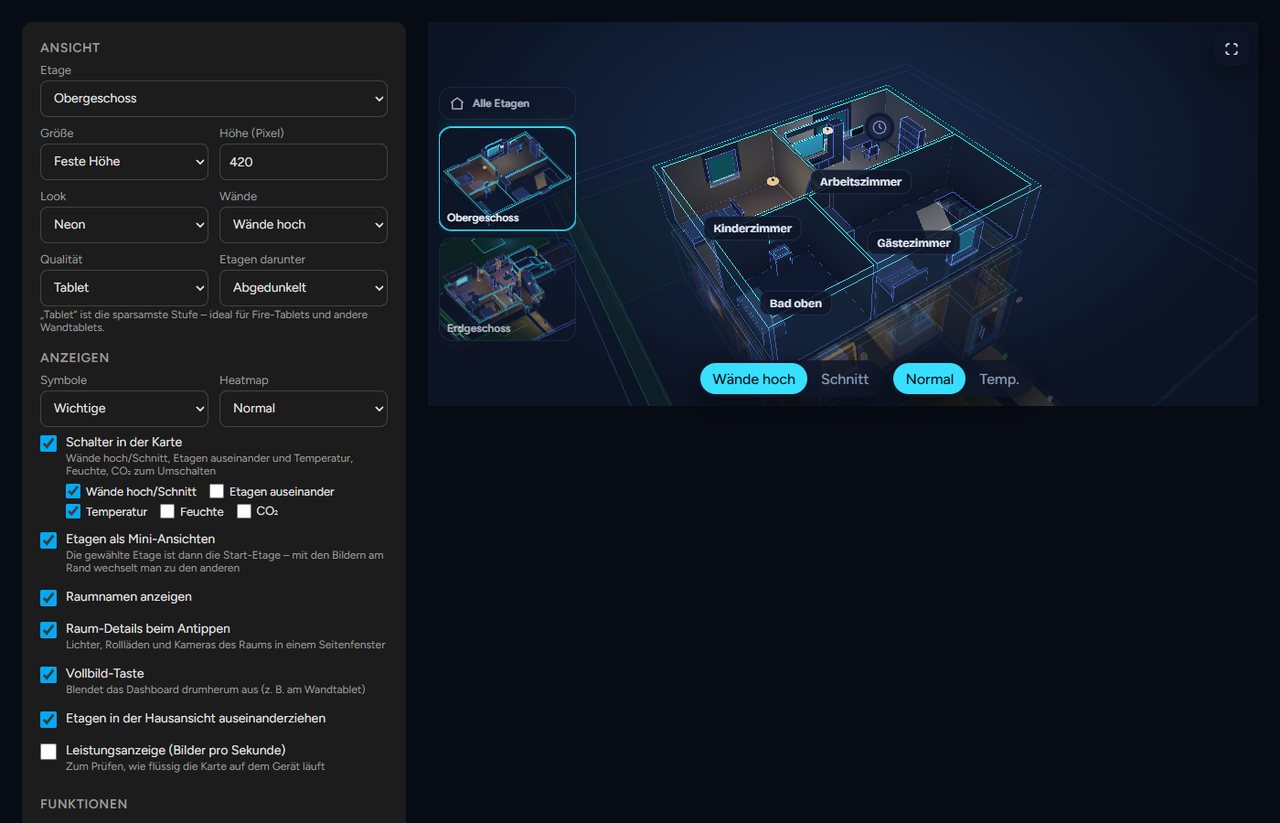
You can tap lights to switch them (swipe to dim, long-press for colour), move blinds, open doors and windows, watch camera fields of view turn red on motion, and see what's playing on TVs - plus climate and media devices.Is it suited for a wall-mounted tablet?Yes - it includes a kiosk mode with idle return and night dimming, scene buttons, warnings for smoke, gas, water, alarm and open windows in the rain, plus a tablet quality setting tuned for Fire tablets.
Yes - it includes a kiosk mode with idle return and night dimming, scene buttons, warnings for smoke, gas, water, alarm and open windows in the rain, plus a tablet quality setting tuned for Fire tablets.How much furniture is included by default?40 built-in furniture and lamp models ship with the integration, with extra themed furniture packs available as paid add-ons.
40 built-in furniture and lamp models ship with the integration, with extra themed furniture packs available as paid add-ons.What are similar projects?espectre, EchoMuse, ha_xiaomi_home, Tasmota, glasshouse, techo5, zigbee2mqtt, core
espectre, EchoMuse, ha_xiaomi_home, Tasmota, glasshouse, techo5, zigbee2mqtt, coreWhich topics is it in?sensors, smart-home, home-assistant, home-automation, threejs, iot, visualization, editor, 3d, customization, dashboard, local-first
sensors, smart-home, home-assistant, home-automation, threejs, iot, visualization, editor, 3d, customization, dashboard, local-first