




Что это такое?
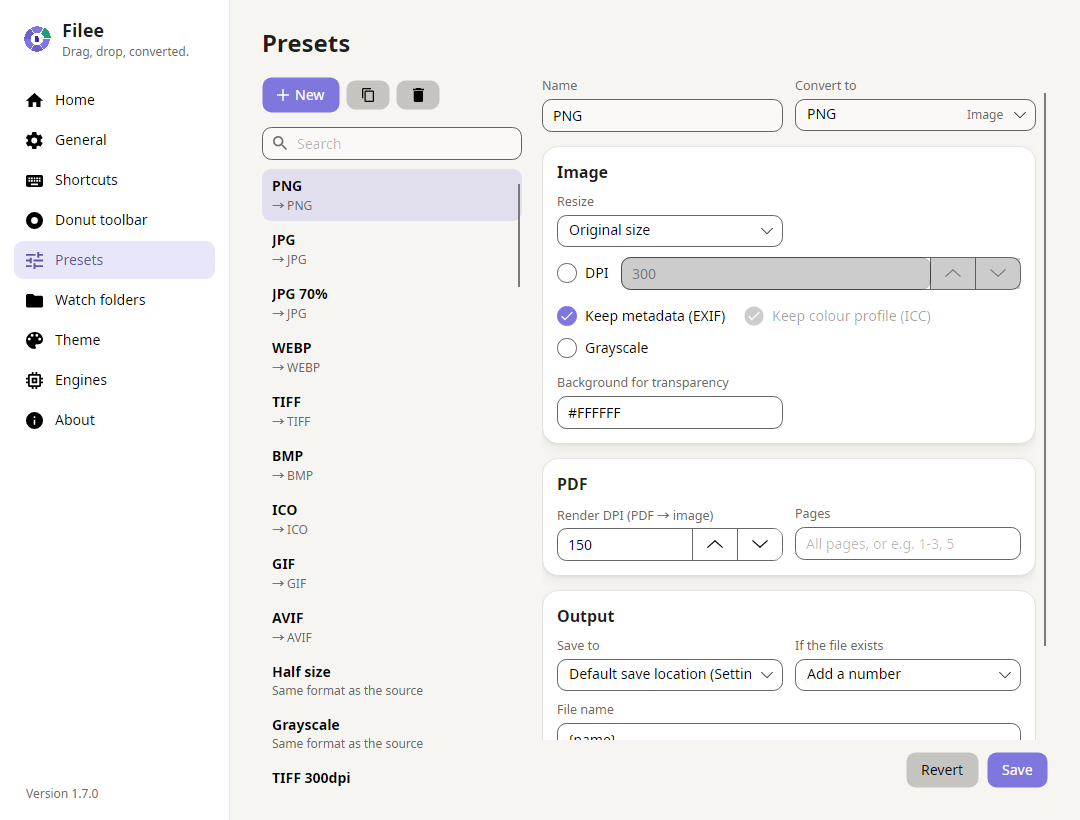
 Filee — это бесплатный конвертер файлов с открытым исходным кодом для Windows, macOS и Linux, который поддерживает более 180 форматов — изображения, PDF, Word, Excel, PowerPoint, HWP/HWPX, видео, аудио, электронные книги, CAD и архивы. Достаточно перетащить файлы на плавающее меню форматов, и всё конвертируется локально, без загрузки в интернет.
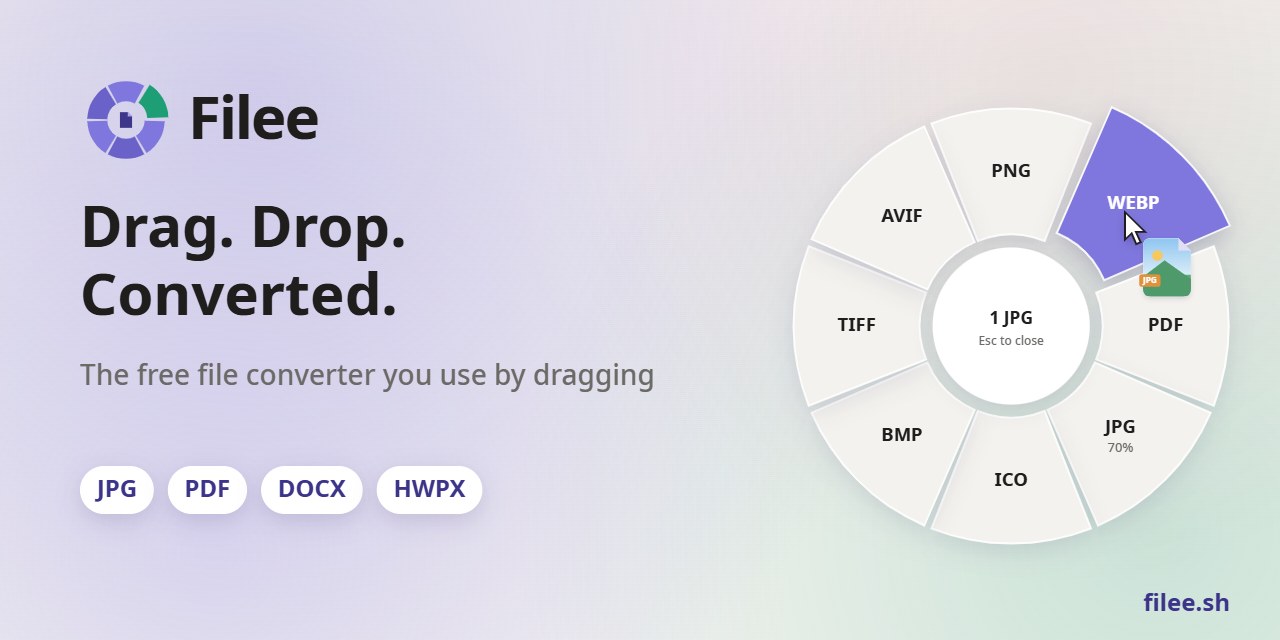
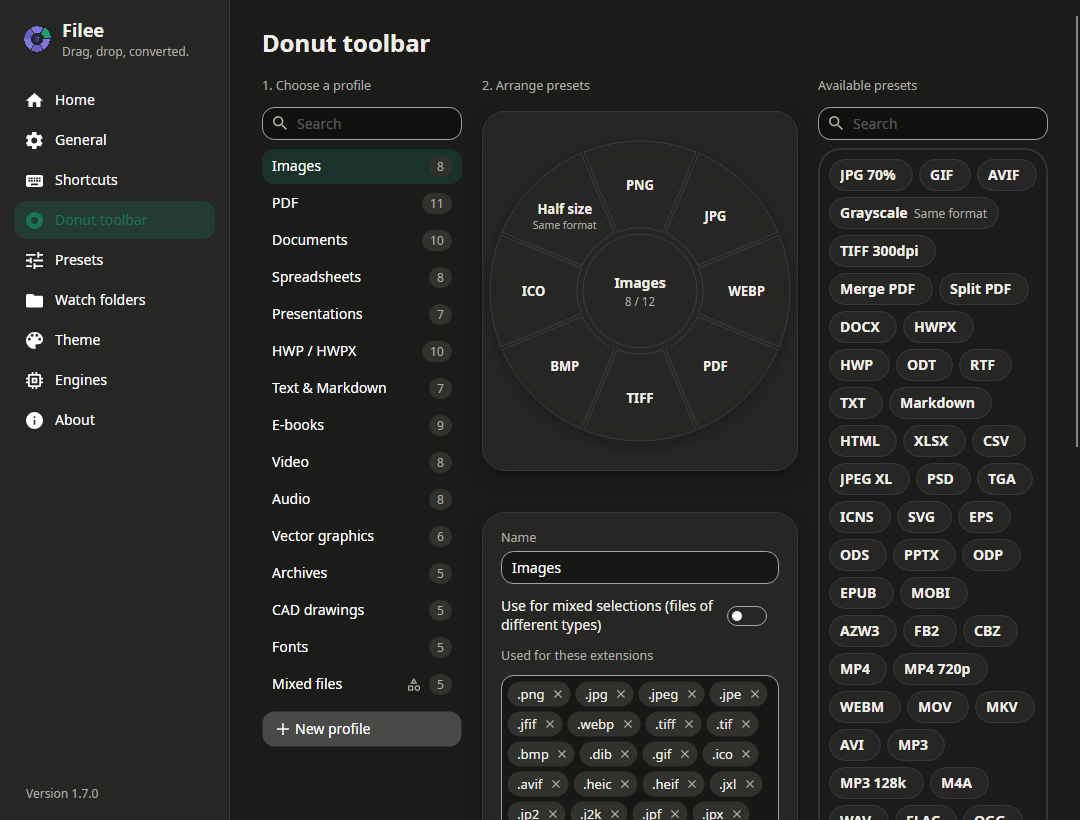
Filee — это бесплатный конвертер файлов с открытым исходным кодом для Windows, macOS и Linux, который поддерживает более 180 форматов — изображения, PDF, Word, Excel, PowerPoint, HWP/HWPX, видео, аудио, электронные книги, CAD и архивы. Достаточно перетащить файлы на плавающее меню форматов, и всё конвертируется локально, без загрузки в интернет.Мне нужно открывать окно программы для конвертации или это работает как-то иначе?В основном нет — зажмите клавишу-модификатор (Ctrl, а на macOS Option), перетащите файлы, и прямо у курсора появится круглая панель ('donut') с подходящими форматами. Окно программы, контекстное меню, горячая клавиша, папки наблюдения и CLI — это альтернативные способы.

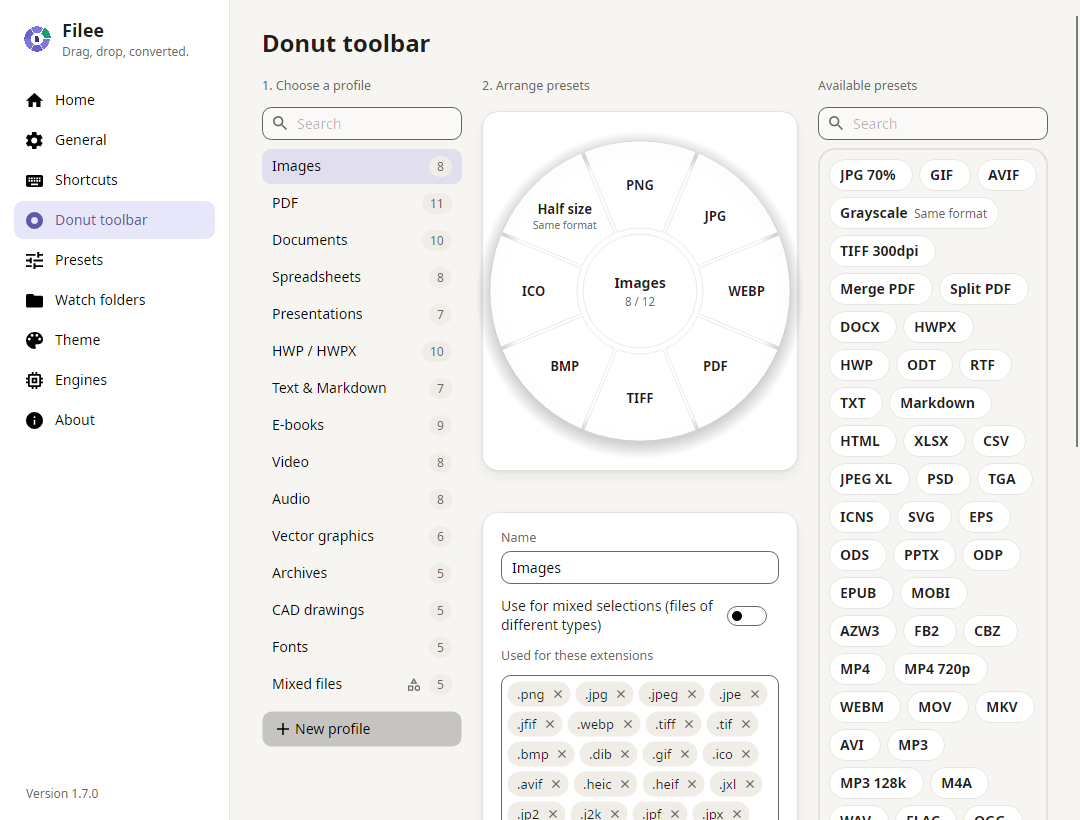
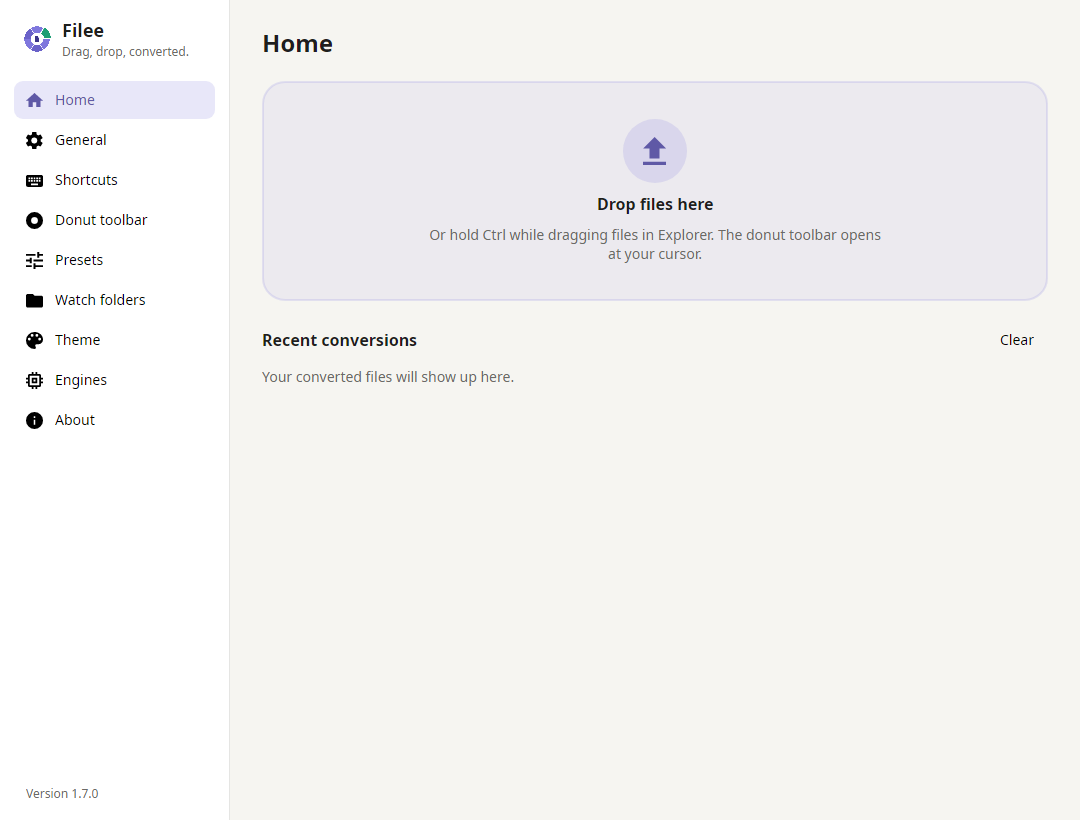
В основном нет — зажмите клавишу-модификатор (Ctrl, а на macOS Option), перетащите файлы, и прямо у курсора появится круглая панель ('donut') с подходящими форматами. Окно программы, контекстное меню, горячая клавиша, папки наблюдения и CLI — это альтернативные способы.Мне нужно устанавливать Microsoft Office, Hancom Office или LibreOffice?Нет — большинство из 180+ форматов конвертируются без них. Некоторые редкие форматы требуют дополнительные бесплатные движки (LibreOffice, Pandoc, calibre, Ghostscript или FFmpeg), которые Filee скачивает автоматически, только если их ещё нет на компьютере.
Нет — большинство из 180+ форматов конвертируются без них. Некоторые редкие форматы требуют дополнительные бесплатные движки (LibreOffice, Pandoc, calibre, Ghostscript или FFmpeg), которые Filee скачивает автоматически, только если их ещё нет на компьютере.Есть ли подводные камни у версий для macOS или Linux?Обе помечены как preview. Сборки для macOS пока не нотаризованы, поэтому macOS блокирует первый запуск — нужно вручную разрешить его в настройках безопасности. На Linux перетаскивание работает только в сессии X11 — под Wayland не работает, там доступны только зона перетаскивания и действия через правую кнопку в файловом менеджере.
Обе помечены как preview. Сборки для macOS пока не нотаризованы, поэтому macOS блокирует первый запуск — нужно вручную разрешить его в настройках безопасности. На Linux перетаскивание работает только в сессии X11 — под Wayland не работает, там доступны только зона перетаскивания и действия через правую кнопку в файловом менеджере.Filee отправляет мои файлы или данные об использовании куда-то?Нет — всё конвертируется на вашем компьютере, файлы никуда не загружаются. Программа не собирает данные об использовании и не отправляет телеметрию; единственные сетевые запросы — проверка новых релизов на GitHub и скачивание дополнительных движков, которые вы сами решили установить.
Нет — всё конвертируется на вашем компьютере, файлы никуда не загружаются. Программа не собирает данные об использовании и не отправляет телеметрию; единственные сетевые запросы — проверка новых релизов на GitHub и скачивание дополнительных движков, которые вы сами решили установить.Что умеет консольная утилита помимо перетаскивания файлов?Команда 'filee' конвертирует файлы, раскрывает шаблоны (wildcards) и следит за папками без запуска приложения, используя те же движки и пресеты. Поддерживается вывод --json для скриптов и коды возврата, различающие полный успех, частичные сбои и неверный ввод.
Команда 'filee' конвертирует файлы, раскрывает шаблоны (wildcards) и следит за папками без запуска приложения, используя те же движки и пресеты. Поддерживается вывод --json для скриптов и коды возврата, различающие полный успех, частичные сбои и неверный ввод.Зачем нужны папки наблюдения?Вы указываете Filee на папку, и любой файл, который туда попадает (например, после скачивания), автоматически конвертируется сразу после завершения копирования. Можно фильтровать по расширению или регулярному выражению — папка работает как входящие.
Вы указываете Filee на папку, и любой файл, который туда попадает (например, после скачивания), автоматически конвертируется сразу после завершения копирования. Можно фильтровать по расширению или регулярному выражению — папка работает как входящие.Может ли программа автоматически выстраивать цепочку из нескольких шагов конвертации?Да — Filee строит многошаговые маршруты, когда ни один движок не может выполнить конвертацию напрямую, например HWP в HWPX и затем в DOCX, или EPUB в HWPX, потом в PDF и PNG, подбирая лучший движок для каждого шага.
Да — Filee строит многошаговые маршруты, когда ни один движок не может выполнить конвертацию напрямую, например HWP в HWPX и затем в DOCX, или EPUB в HWPX, потом в PDF и PNG, подбирая лучший движок для каждого шага.Почему поддержка именно HWP/HWPX?HWP и HWPX — корейские текстовые форматы Hancom Office, которые большинство конвертеров игнорируют. Filee конвертирует их в PDF, DOCX, Markdown и другие форматы без установленного Hancom Office.
HWP и HWPX — корейские текстовые форматы Hancom Office, которые большинство конвертеров игнорируют. Filee конвертирует их в PDF, DOCX, Markdown и другие форматы без установленного Hancom Office.What are similar projects?flyingmouse-format, revpdf-release, KillerPDF, rhwp, imewlconverter, MiniPdf, PDFPatcher, AssetStudio
flyingmouse-format, revpdf-release, KillerPDF, rhwp, imewlconverter, MiniPdf, PDFPatcher, AssetStudioWhich topics is it in?file-converter, avalonia, pdf-converter, batch-processing, korean, archive, converter, drag-and-drop, audio-processing, video-processing, document-processing, dotnet
file-converter, avalonia, pdf-converter, batch-processing, korean, archive, converter, drag-and-drop, audio-processing, video-processing, document-processing, dotnet