What is this?
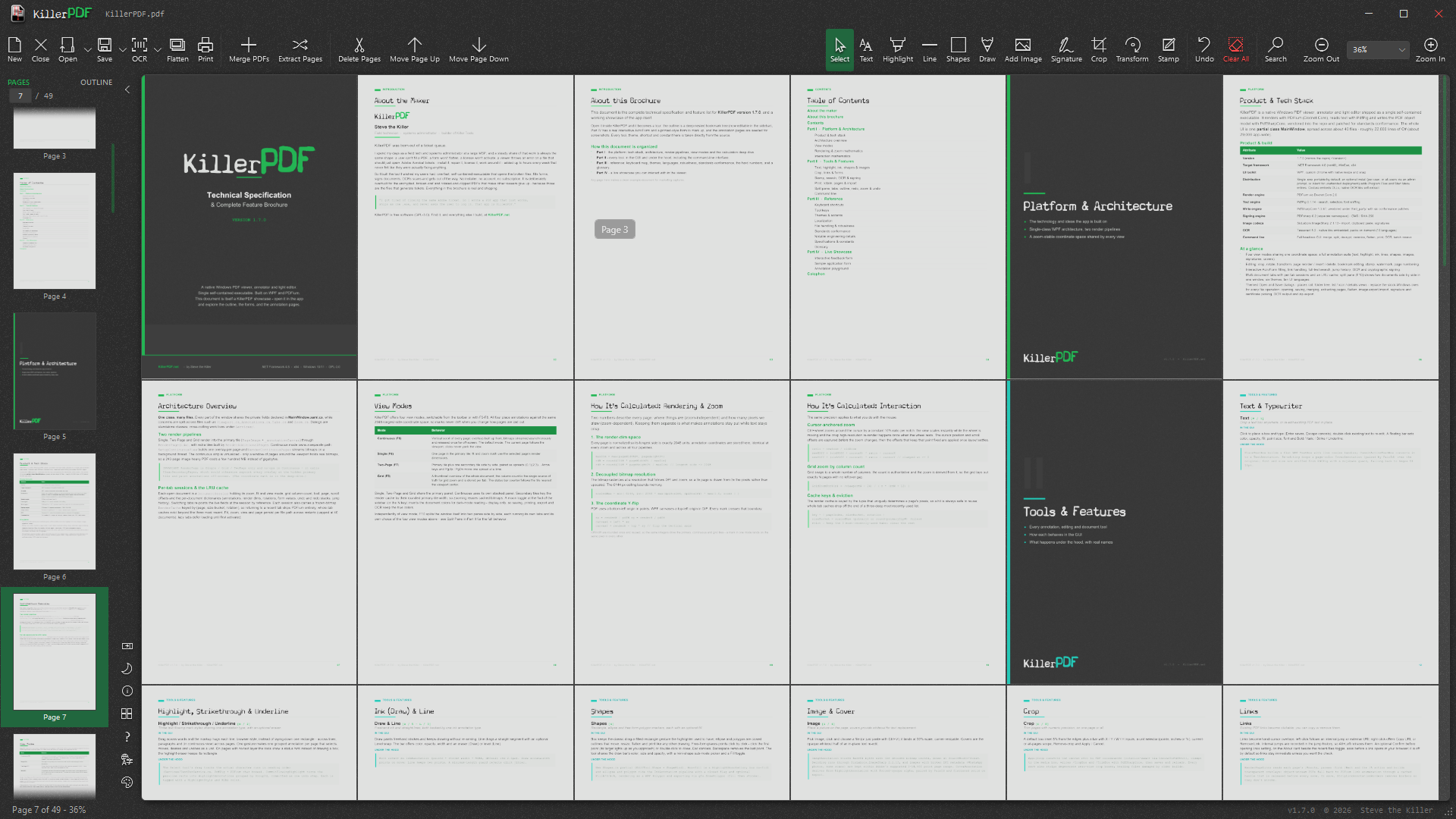
 KillerPDF is a free, open-source PDF editor for Windows built around its own PDF 2.0 engine, letting you view, annotate, OCR, merge, split, edit text, sign, fill forms, print and flatten PDFs without any subscription.
KillerPDF is a free, open-source PDF editor for Windows built around its own PDF 2.0 engine, letting you view, annotate, OCR, merge, split, edit text, sign, fill forms, print and flatten PDFs without any subscription.Is this just the PDF app, or is there a reusable library too?It is primarily a WPF desktop application, but the underlying PDF processing engine (KillerPDF.Engine) is a separate, reusable .NET library with its own public API, tests, corpus tooling and docs inside the same monorepo.
It is primarily a WPF desktop application, but the underlying PDF processing engine (KillerPDF.Engine) is a separate, reusable .NET library with its own public API, tests, corpus tooling and docs inside the same monorepo.Do I need .NET installed first?The standard installer requires the .NET 10 Desktop Runtime and offers to install it automatically; the portable package bundles its own runtime so it runs offline with no prerequisites.
The standard installer requires the .NET 10 Desktop Runtime and offers to install it automatically; the portable package bundles its own runtime so it runs offline with no prerequisites.Is there a Mac or Linux version?No, KillerPDF only targets Windows 10 or 11 on x64 — there is no macOS or Linux build.
No, KillerPDF only targets Windows 10 or 11 on x64 — there is no macOS or Linux build.Does it send my files or usage data anywhere?No, it runs entirely on your machine with no account required and no telemetry at all.
No, it runs entirely on your machine with no account required and no telemetry at all.What does the GPLv3 license mean if I fork it?Any forked, modified or redistributed version must also be released under GPLv3 with source available, including commercial rebrands — there are no exceptions.
Any forked, modified or redistributed version must also be released under GPLv3 with source available, including commercial rebrands — there are no exceptions.Does OCR work without an internet connection?Yes, OCR runs fully offline using the bundled Tesseract engine to make searchable PDFs; extra language packs can be downloaded on demand but no cloud service is used.
Yes, OCR runs fully offline using the bundled Tesseract engine to make searchable PDFs; extra language packs can be downloaded on demand but no cloud service is used.Can I automate PDF tasks without opening the GUI?Yes, every core operation like merging, splitting or OCR can run headless from the command line with meaningful exit codes, even while the app window is open.
Yes, every core operation like merging, splitting or OCR can run headless from the command line with meaningful exit codes, even while the app window is open.How thoroughly is PDF compliance tested?Every release is run against a 2,900-file veraPDF conformance corpus with a zero-regressions requirement, and the results are published in validation/RESULTS.md.
Every release is run against a 2,900-file veraPDF conformance corpus with a zero-regressions requirement, and the results are published in validation/RESULTS.md.Can I open password-protected or damaged PDFs?Yes, it prompts for the password instead of erroring, and it can also repair damaged PDF files.
Yes, it prompts for the password instead of erroring, and it can also repair damaged PDF files.What are similar projects?PDFPatcher, pdfcraft, imewlconverter, Filee, CefSharp, UniGetUI, flyingmouse-format, Winhance
PDFPatcher, pdfcraft, imewlconverter, Filee, CefSharp, UniGetUI, flyingmouse-format, WinhanceWhich topics is it in?chocolatey, pdf-editor, pdf-viewer, fast, winget, wpf, dotnet-core, portable, forms, opensource, c-sharp, ocr
chocolatey, pdf-editor, pdf-viewer, fast, winget, wpf, dotnet-core, portable, forms, opensource, c-sharp, ocr