





这是什么?
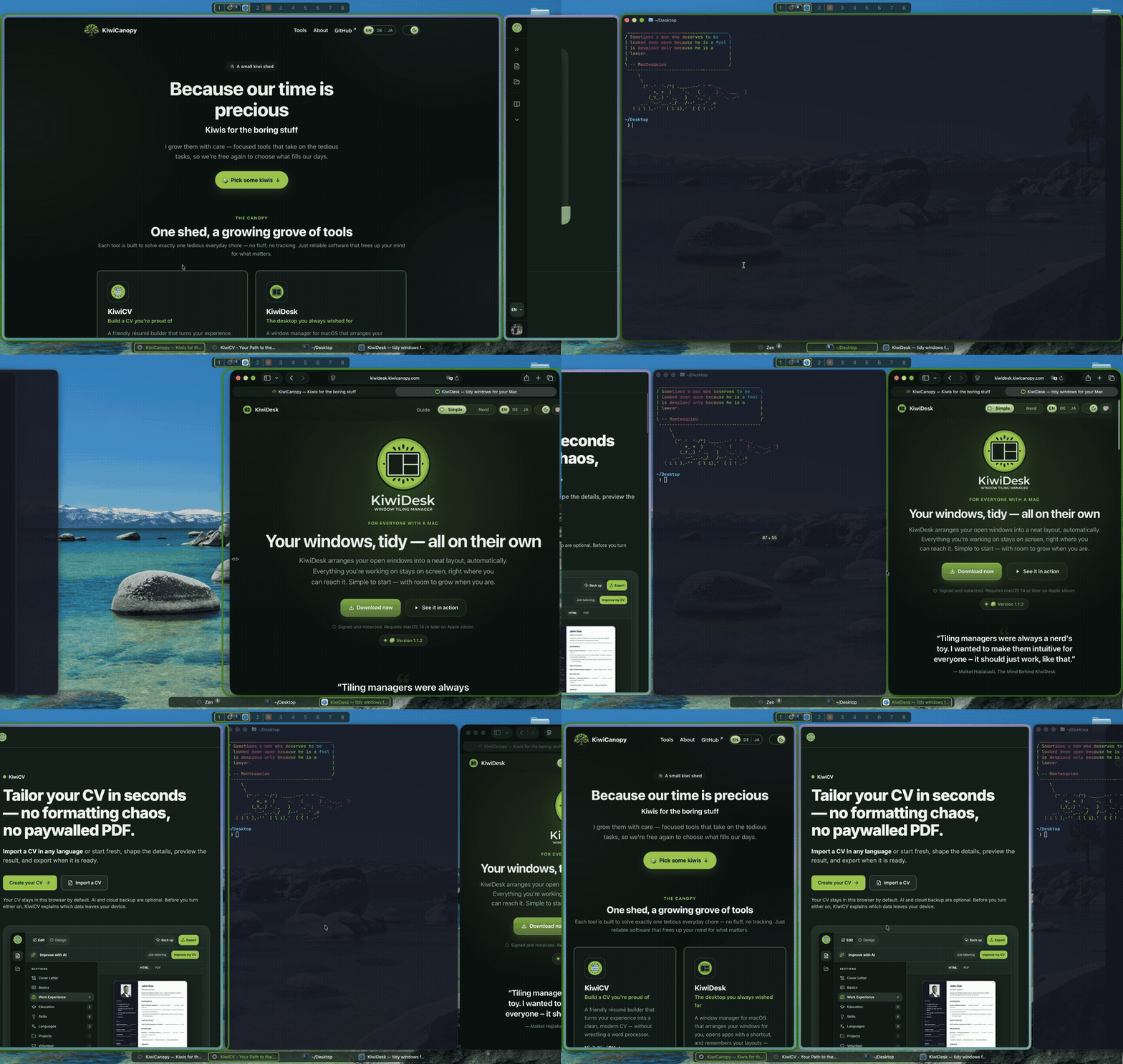
 KiwiDesk 是一个 macOS 平铺窗口管理器,无需配置文件即可自动平铺窗口,通过原生的「设置」应用控制,同时底层仍为高级用户保留了 Lua 配置、CLI 和 socket。
KiwiDesk 是一个 macOS 平铺窗口管理器,无需配置文件即可自动平铺窗口,通过原生的「设置」应用控制,同时底层仍为高级用户保留了 Lua 配置、CLI 和 socket。这是 GUI 应用,还是必须手改配置文件才能用?它是一个带真正设置窗口的原生 macOS 应用——平铺、布局和规则开箱即是滑块和开关,只有想深入定制时才需要碰 Lua 配置、CLI 或 socket。
它是一个带真正设置窗口的原生 macOS 应用——平铺、布局和规则开箱即是滑块和开关,只有想深入定制时才需要碰 Lua 配置、CLI 或 socket。怎么安装并让它跑起来?下载已签名、已公证的 .dmg,或通过 Homebrew cask 安装(还会顺便把 kiwidesk CLI 加进你的 PATH);首次启动时向导会引导你授予辅助功能权限,然后它立刻开始平铺。
下载已签名、已公证的 .dmg,或通过 Homebrew cask 安装(还会顺便把 kiwidesk CLI 加进你的 PATH);首次启动时向导会引导你授予辅助功能权限,然后它立刻开始平铺。我的 Mac 需要什么条件才能运行它?Apple Silicon 上的 macOS 14 或更新版本——没有提到支持 Intel Mac。从源码自行构建还需要 Xcode 16+ 和 Swift 6。
Apple Silicon 上的 macOS 14 或更新版本——没有提到支持 Intel Mac。从源码自行构建还需要 Xcode 16+ 和 Swift 6。它像其他一些平铺管理器那样需要关闭 SIP 吗?不需要——KiwiDesk 只请求辅助功能权限,并且明确设计为永不要求关闭系统完整性保护(SIP)。
不需要——KiwiDesk 只请求辅助功能权限,并且明确设计为永不要求关闭系统完整性保护(SIP)。有哪些我应该了解的许可条款?它以 Business Source License 1.1 发布:个人和工作中可免费使用,但把它(或衍生版本)作为产品或服务来提供、销售、捆绑或托管需要商业许可;每个版本在发布四年后会转为 MIT 许可。
它以 Business Source License 1.1 发布:个人和工作中可免费使用,但把它(或衍生版本)作为产品或服务来提供、销售、捆绑或托管需要商业许可;每个版本在发布四年后会转为 MIT 许可。它提供多少种布局?七种布局,包括一种 PaperWM 风格的滚动布局,以及更传统的几种。
七种布局,包括一种 PaperWM 风格的滚动布局,以及更传统的几种。换用 KiwiDesk 会破坏 macOS 原生的空格/桌面吗?不会,macOS 原生桌面保持完好,不会被自定义虚拟桌面系统取代。
不会,macOS 原生桌面保持完好,不会被自定义虚拟桌面系统取代。macOS 更新会弄坏 KiwiDesk 吗?它的设计能扛住系统更新:它使用的每个 Apple 私有 API 都有公开 API 兜底,少数只有 Apple 私有桥接才能实现的功能在更新后会自动停用,而不是弄坏整个应用。
它的设计能扛住系统更新:它使用的每个 Apple 私有 API 都有公开 API 兜底,少数只有 Apple 私有桥接才能实现的功能在更新后会自动停用,而不是弄坏整个应用。它和 yabai 或 AeroSpace 有什么不同?和 yabai 不同,它从不要求关闭 SIP;和 AeroSpace 这类配置文件优先的工具不同,它通过 GUI 设置应用实现开箱即平铺,同时底层仍为有需要的人提供同样的 Lua 配置和 CLI 能力。
和 yabai 不同,它从不要求关闭 SIP;和 AeroSpace 这类配置文件优先的工具不同,它通过 GUI 设置应用实现开箱即平铺,同时底层仍为有需要的人提供同样的 Lua 配置和 CLI 能力。Which topics is it in?aerospace, socket, tiling-window-manager, window-management, config, window-manager, swiftui, lua, installer, native, accessibility, apple
aerospace, socket, tiling-window-manager, window-management, config, window-manager, swiftui, lua, installer, native, accessibility, apple