





Что это?
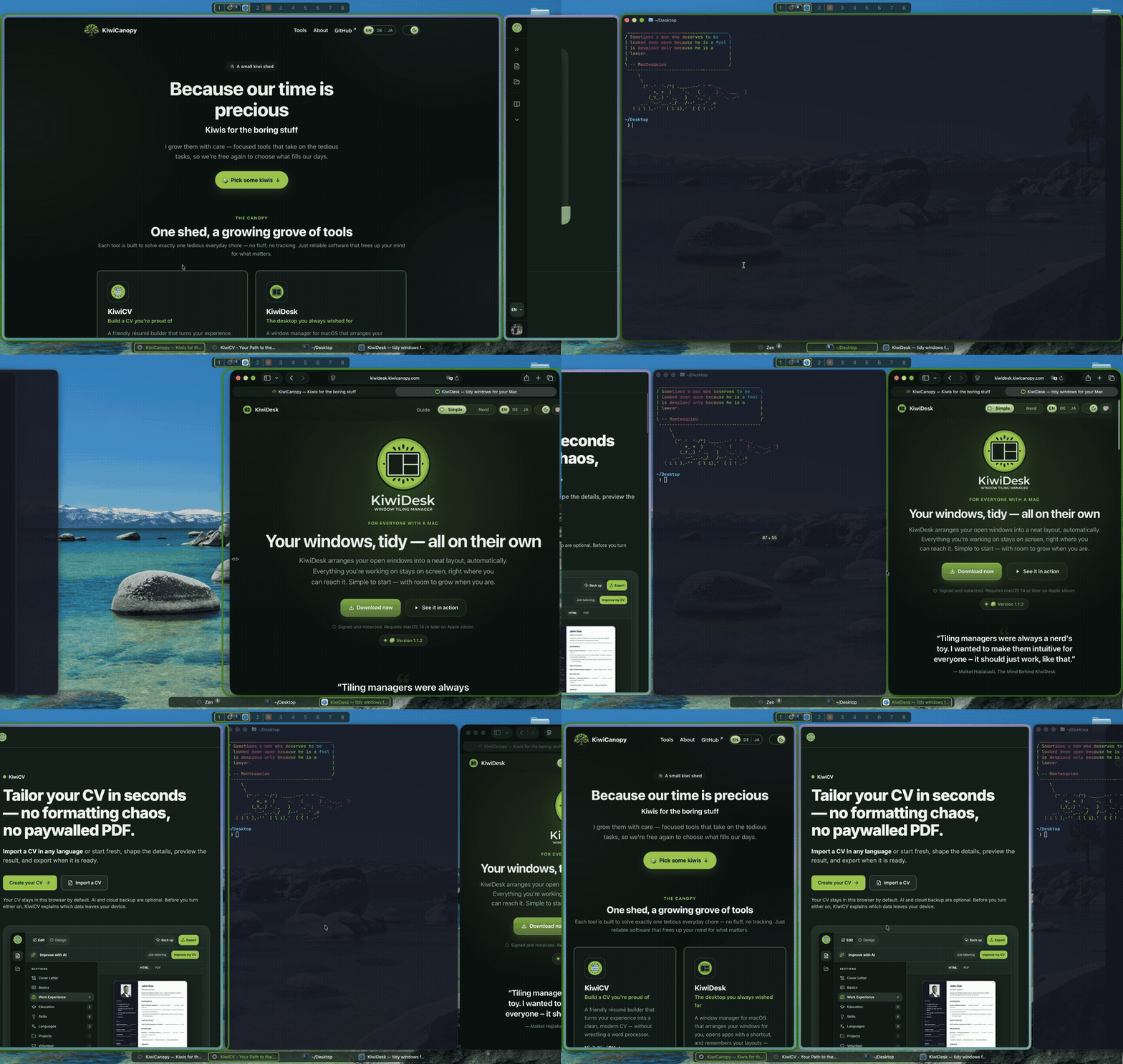
 KiwiDesk — это тайловый оконный менеджер для macOS, который автоматически раскладывает ваши окна без файла конфигурации и управляется через нативное приложение Settings, но при этом для продвинутых пользователей остаются Lua-конфиг, CLI и сокет.
KiwiDesk — это тайловый оконный менеджер для macOS, который автоматически раскладывает ваши окна без файла конфигурации и управляется через нативное приложение Settings, но при этом для продвинутых пользователей остаются Lua-конфиг, CLI и сокет.Это GUI-приложение или для использования нужно править конфиг-файл вручную?Это нативное приложение macOS с настоящим окном Settings — тайлинг, раскладки и правила из коробки настраиваются ползунками и переключателями, и только если хочется пойти глубже, вы трогаете Lua-конфиг, CLI или сокет.
Это нативное приложение macOS с настоящим окном Settings — тайлинг, раскладки и правила из коробки настраиваются ползунками и переключателями, и только если хочется пойти глубже, вы трогаете Lua-конфиг, CLI или сокет.Как установить и запустить?Скачайте подписанный, нотаризованный .dmg или установите через Homebrew cask (он дополнительно добавляет CLI kiwidesk в PATH); при первом запуске мастер проведёт вас через выдачу разрешения Accessibility, после чего тайлинг начнётся сразу.
Скачайте подписанный, нотаризованный .dmg или установите через Homebrew cask (он дополнительно добавляет CLI kiwidesk в PATH); при первом запуске мастер проведёт вас через выдачу разрешения Accessibility, после чего тайлинг начнётся сразу.Что нужно Mac для его работы?macOS 14 или новее на Apple Silicon — Mac на Intel не упоминаются как поддерживаемые. Для самостоятельной сборки из исходников дополнительно нужны Xcode 16+ и Swift 6.
macOS 14 или новее на Apple Silicon — Mac на Intel не упоминаются как поддерживаемые. Для самостоятельной сборки из исходников дополнительно нужны Xcode 16+ и Swift 6.Требует ли он отключения SIP, как некоторые другие тайловые менеджеры?Нет — KiwiDesk запрашивает только разрешение Accessibility и явно спроектирован так, чтобы никогда не требовать отключения System Integrity Protection.
Нет — KiwiDesk запрашивает только разрешение Accessibility и явно спроектирован так, чтобы никогда не требовать отключения System Integrity Protection.Какие условия лицензии стоит знать?Он распространяется под Business Source License 1.1: бесплатно для личного использования и на работе, но предложение, продажа, встраивание в комплекты или хостинг его (или производной работы) как продукта или сервиса требуют коммерческой лицензии; каждая версия переходит на MIT через четыре года после выпуска.
Он распространяется под Business Source License 1.1: бесплатно для личного использования и на работе, но предложение, продажа, встраивание в комплекты или хостинг его (или производной работы) как продукта или сервиса требуют коммерческой лицензии; каждая версия переходит на MIT через четыре года после выпуска.Сколько раскладок он предлагает?Семь раскладок, включая скроллящуюся раскладку в стиле PaperWM наряду с более традиционными.
Семь раскладок, включая скроллящуюся раскладку в стиле PaperWM наряду с более традиционными.Ломает ли переход на KiwiDesk нативные Spaces/рабочие столы macOS?Нет, нативные рабочие столы macOS сохраняются нетронутыми, а не заменяются собственной системой виртуальных столов.
Нет, нативные рабочие столы macOS сохраняются нетронутыми, а не заменяются собственной системой виртуальных столов.Сломает ли обновление macOS KiwiDesk?Он создан, чтобы переживать обновления: у каждого используемого приватного Apple API есть публичный запасной вариант, а немногие вещи, которые умеет только приватный мост Apple, после обновления просто отключают себя, вместо того чтобы ломать приложение.
Он создан, чтобы переживать обновления: у каждого используемого приватного Apple API есть публичный запасной вариант, а немногие вещи, которые умеет только приватный мост Apple, после обновления просто отключают себя, вместо того чтобы ломать приложение.Чем он отличается от yabai или AeroSpace?В отличие от yabai он никогда не требует отключения SIP, а в отличие от инструментов, ставящих во главу конфиг-файл, вроде AeroSpace, он раскладывает окна из коробки через GUI-приложение Settings, сохраняя при этом под капотом ту же мощь Lua-конфига и CLI для желающих.
В отличие от yabai он никогда не требует отключения SIP, а в отличие от инструментов, ставящих во главу конфиг-файл, вроде AeroSpace, он раскладывает окна из коробки через GUI-приложение Settings, сохраняя при этом под капотом ту же мощь Lua-конфига и CLI для желающих.Which topics is it in?aerospace, socket, tiling-window-manager, window-management, config, window-manager, swiftui, lua, installer, native, accessibility, apple
aerospace, socket, tiling-window-manager, window-management, config, window-manager, swiftui, lua, installer, native, accessibility, apple