






3.1K ·GitHub
What is this?
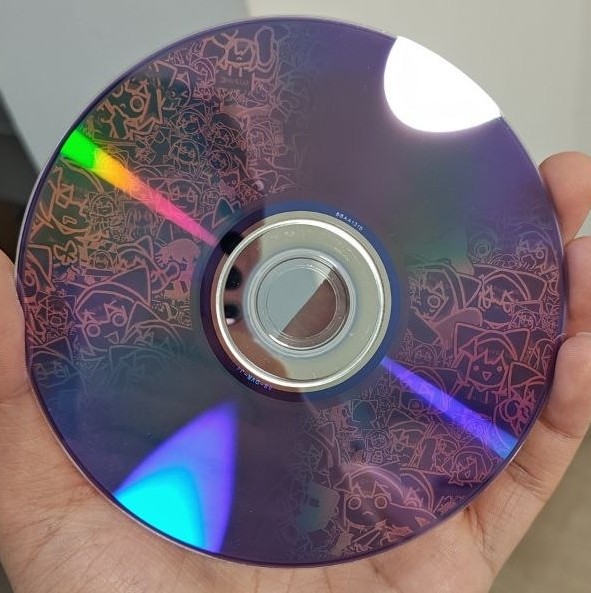
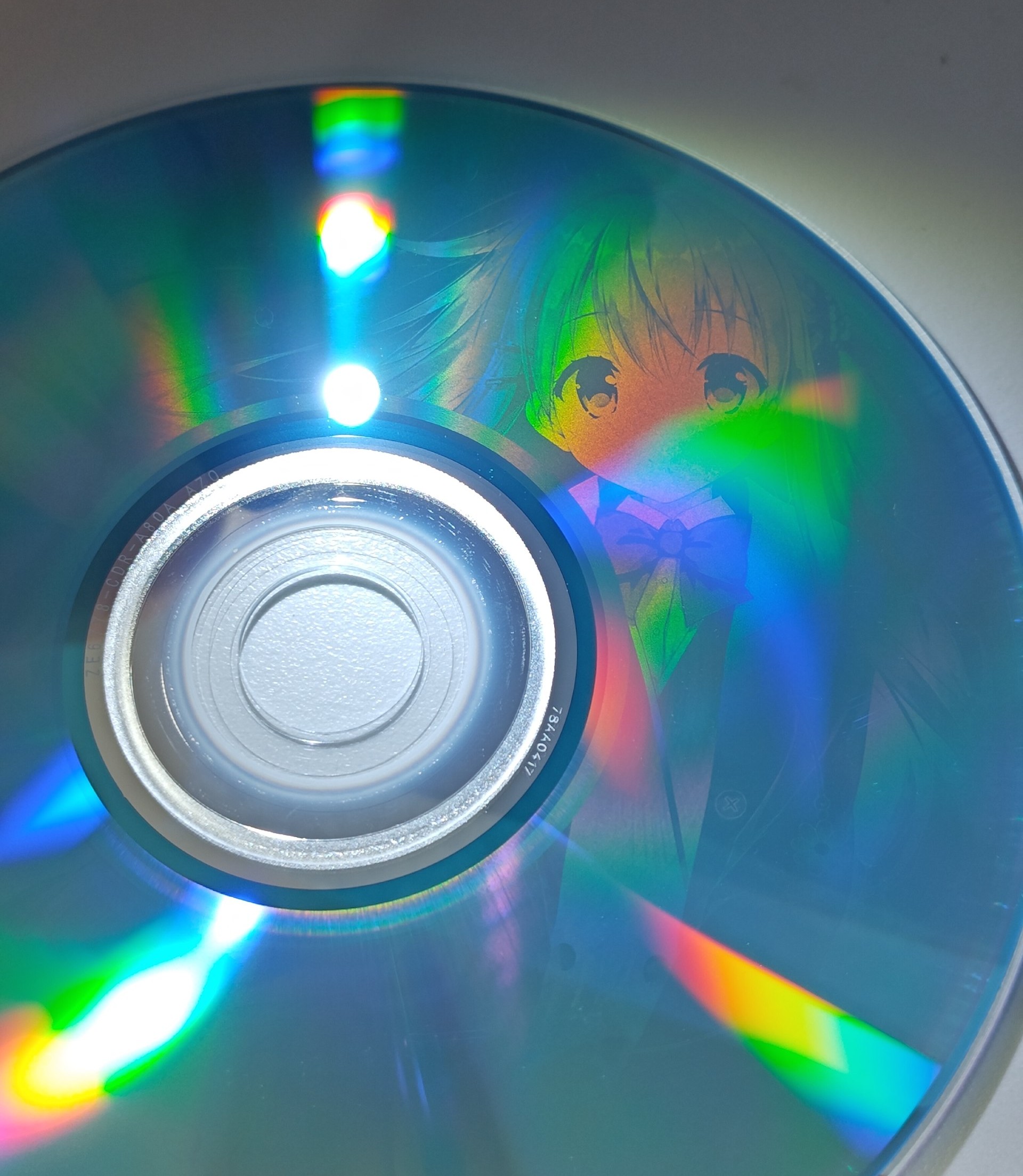
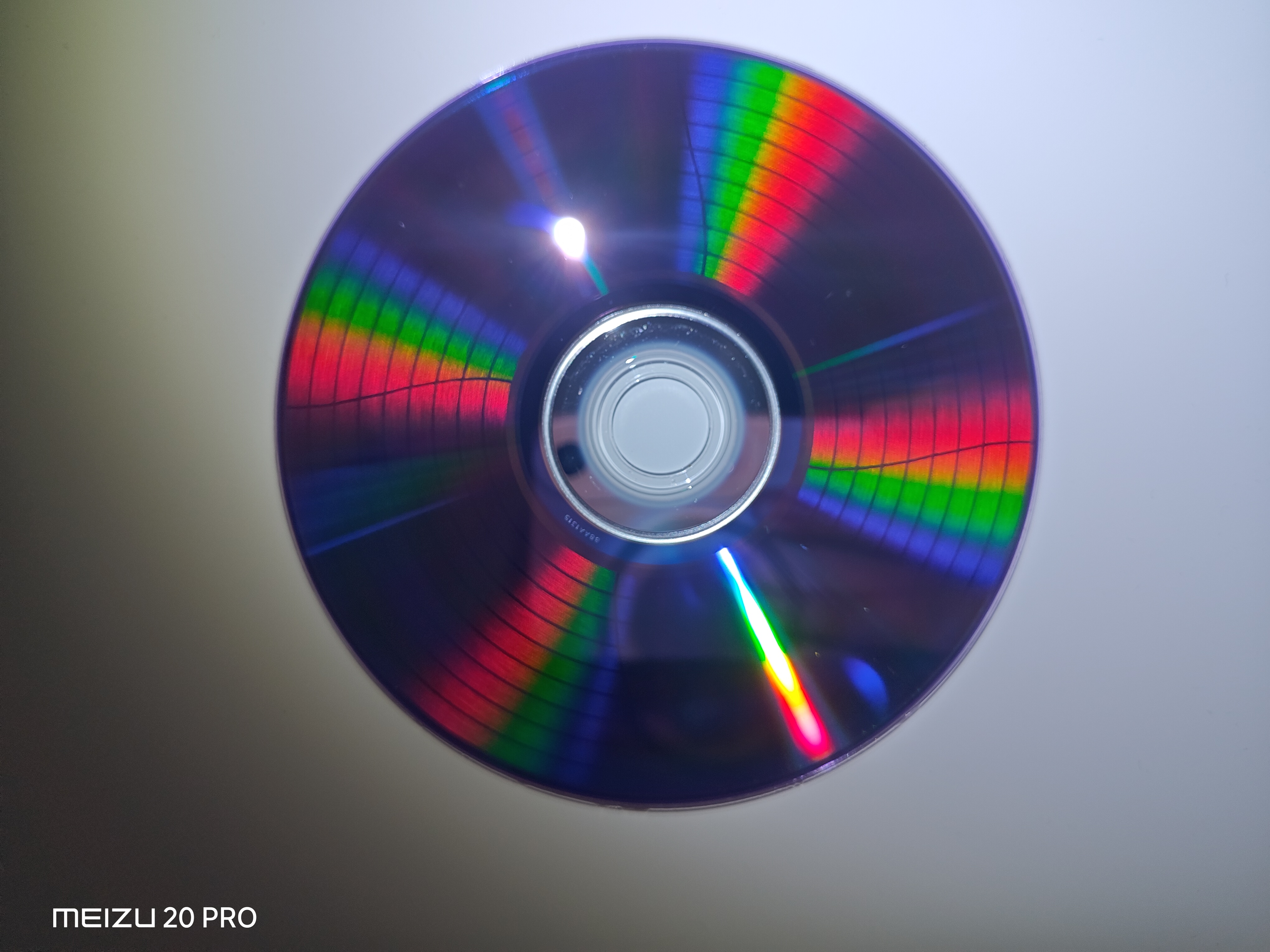
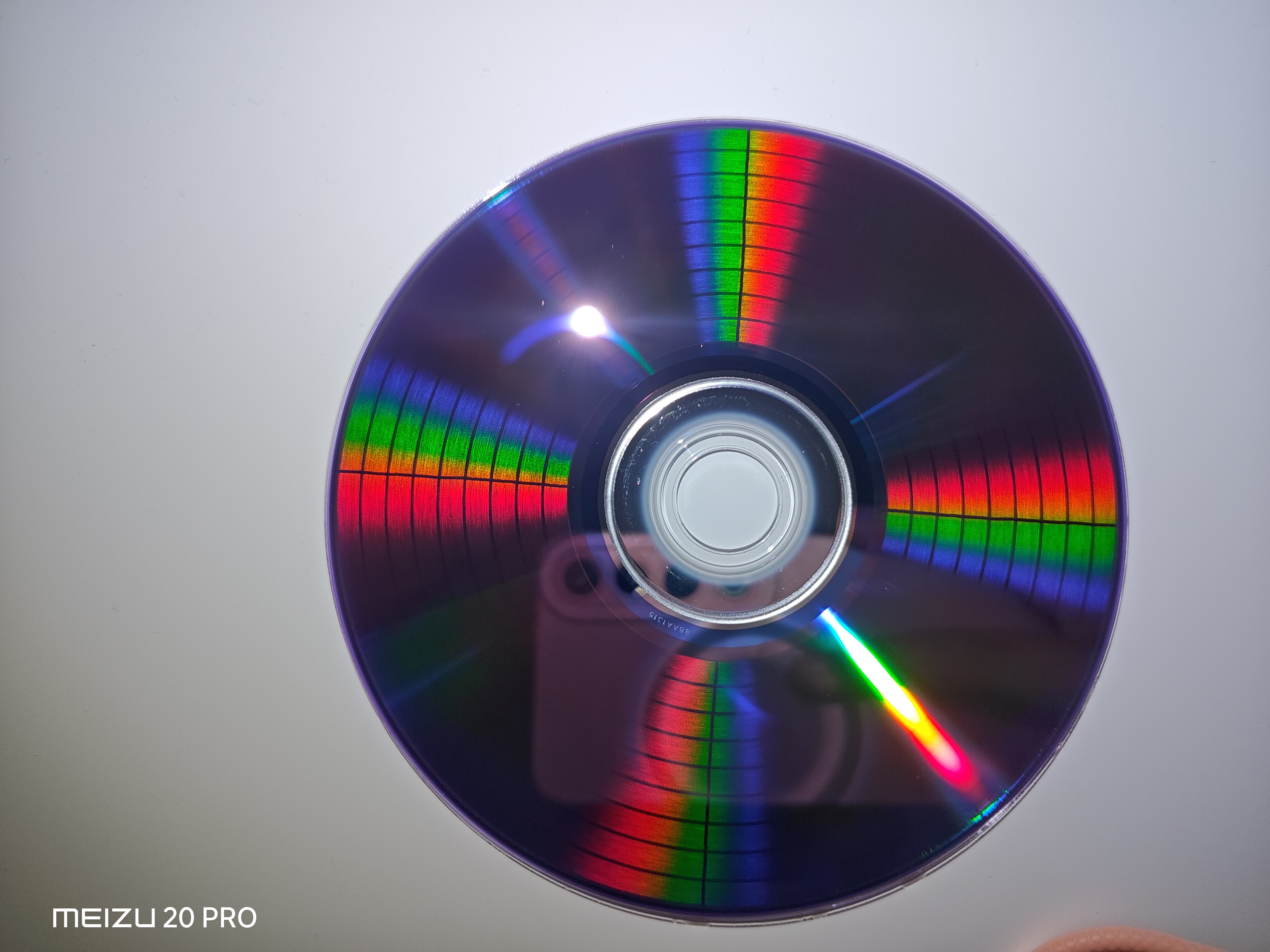
 Disc Image Studio generates a picture-bearing data layout for CD, DVD and single-layer BD-R discs, so after burning, the visible disc surface shows the image. It ships as a Windows desktop app plus an experimental command-line build for Linux and macOS.
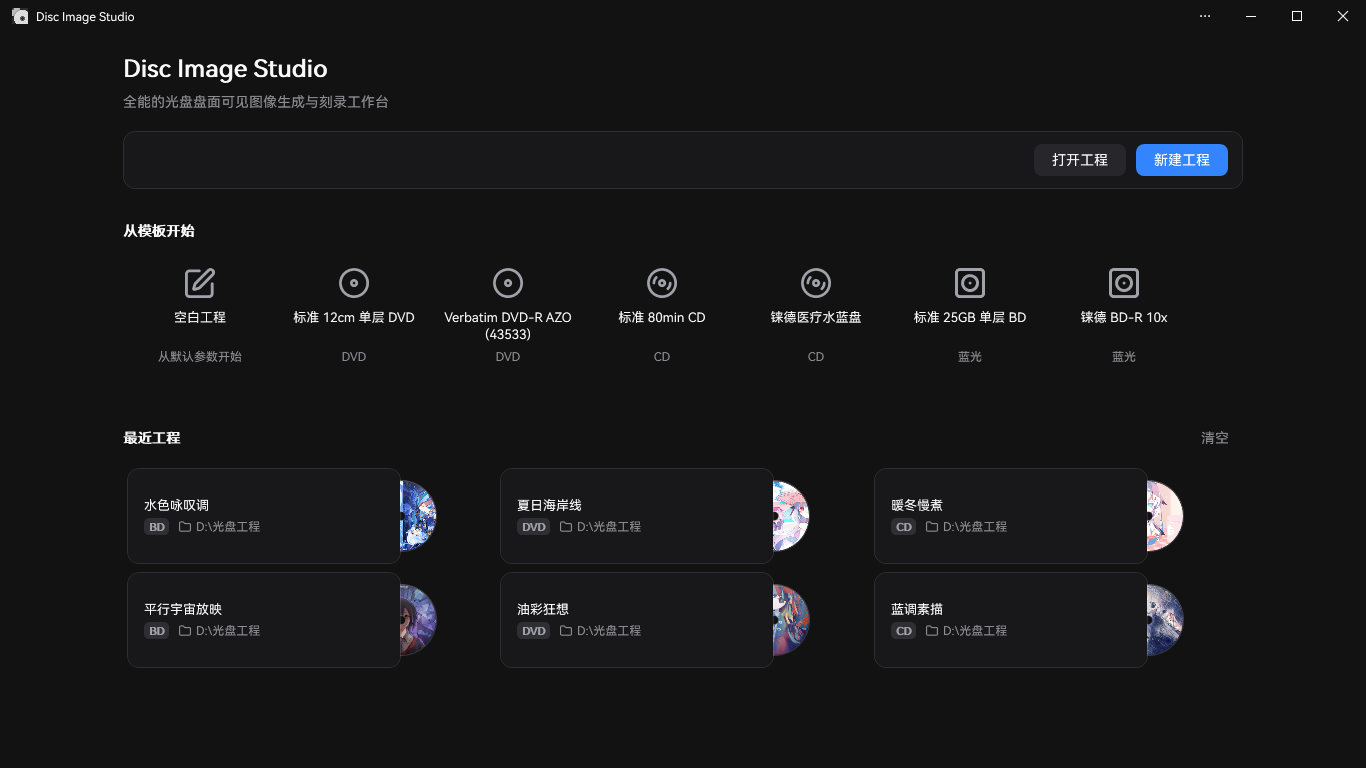
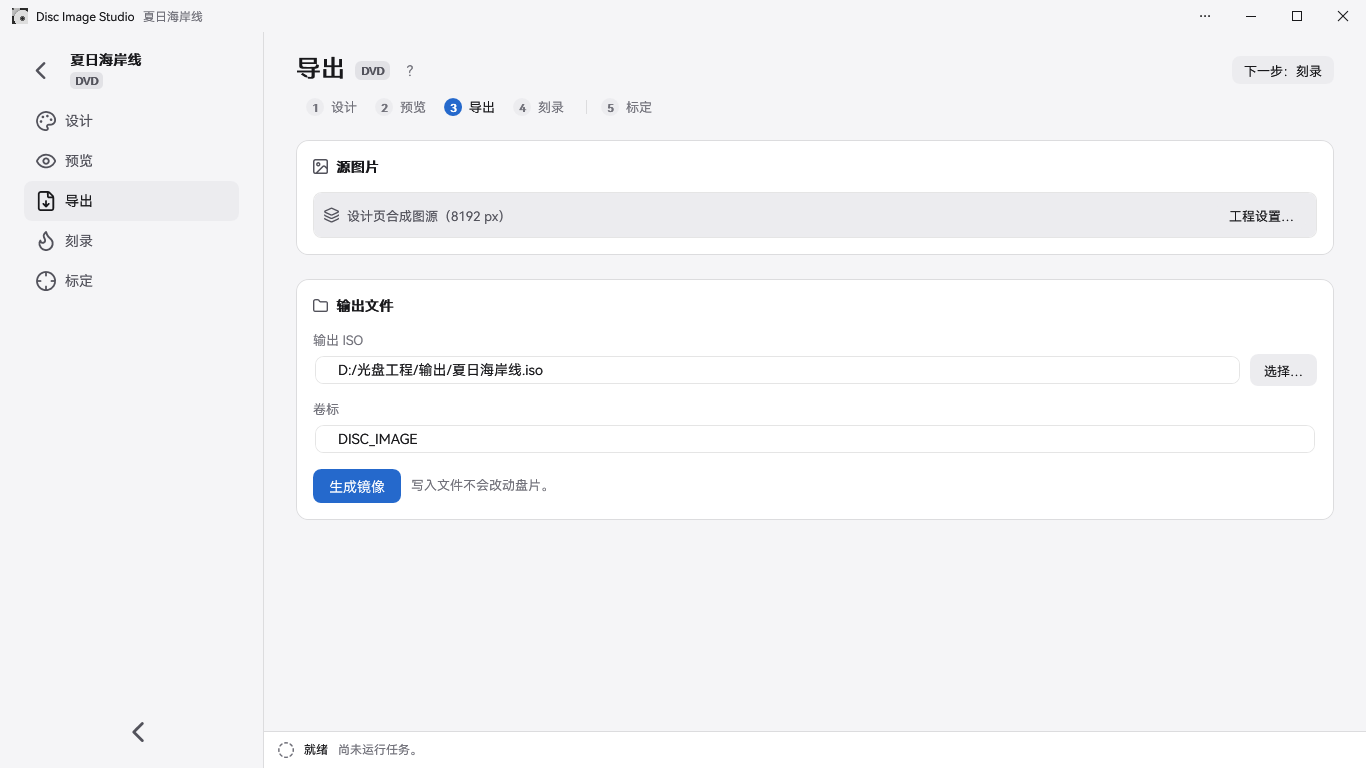
Is it a desktop app or a command-line tool?Both. On Windows it is a full GUI for design, preview and burning. Running the program with no arguments opens the GUI, and passing arguments runs the command-line interface.
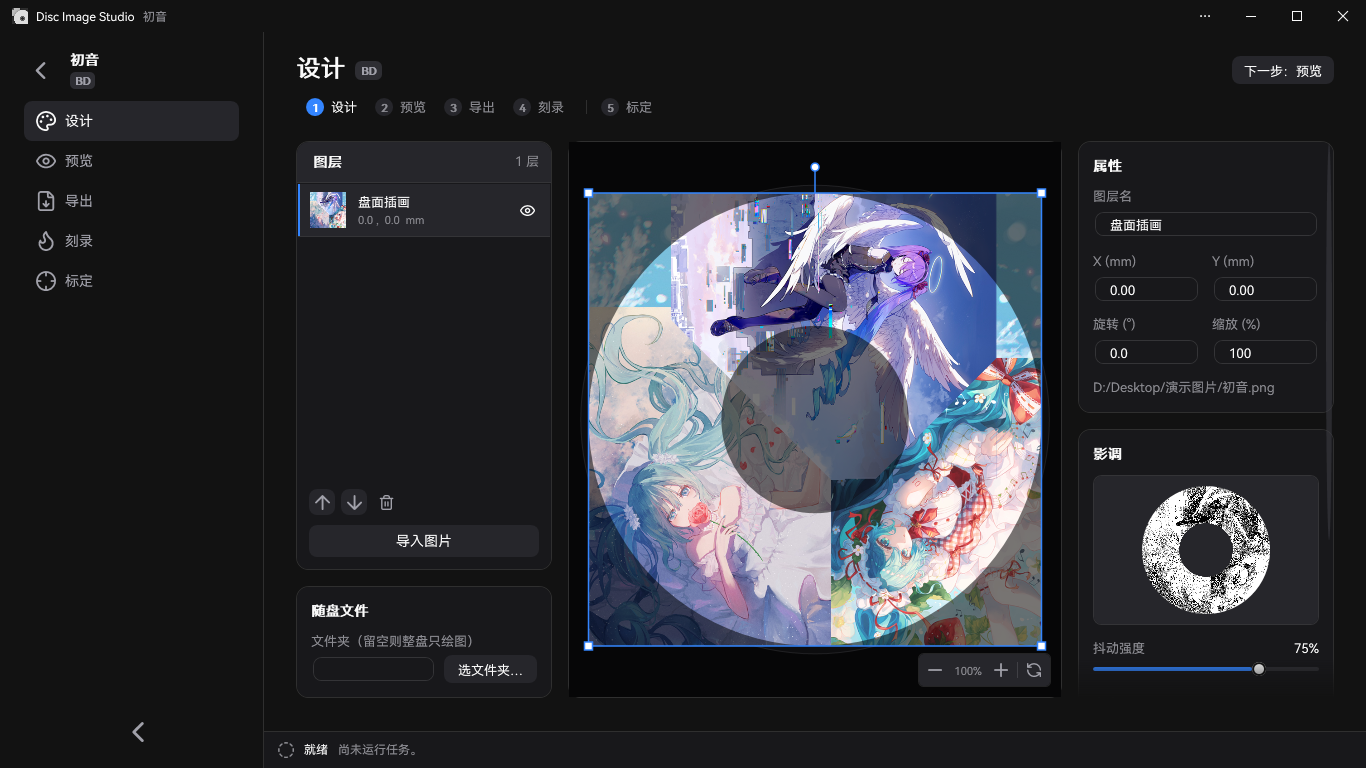
Both. On Windows it is a full GUI for design, preview and burning. Running the program with no arguments opens the GUI, and passing arguments runs the command-line interface.How do I make my first disc image?Choose CD, DVD or Blu-ray on the home page and set an output folder. Then import an image on the design page, arrange it with layers and adjust tone in the right panel. Check the result on the preview page and export ISO, RAW or WAV+CUE from the export page.
Choose CD, DVD or Blu-ray on the home page and set an output folder. Then import an image on the design page, arrange it with layers and adjust tone in the right panel. Check the result on the preview page and export ISO, RAW or WAV+CUE from the export page.What do I need on my machine?For the desktop app, Windows 10 2004 (build 19041) or newer, or Windows 11. The release EXE bundles the .NET runtime. Instant burning needs a burner that Windows recognizes and blank media, and building from source requires the .NET 10 SDK.
For the desktop app, Windows 10 2004 (build 19041) or newer, or Windows 11. The release EXE bundles the .NET runtime. Instant burning needs a burner that Windows recognizes and blank media, and building from source requires the .NET 10 SDK.Will the picture always show up clearly on the disc?Not guaranteed. The visible result depends on the disc, the burner, its firmware and its write strategy, so results can vary between hardware.
Not guaranteed. The visible result depends on the disc, the burner, its firmware and its write strategy, so results can vary between hardware.Does the Linux or macOS build do everything the Windows one does?No. Linux and macOS only get an experimental CLI that generates images locally, and the actual writing is done with separate burning software. Apple Silicon Macs use the osx-arm64 build and Intel Macs use osx-x64.
No. Linux and macOS only get an experimental CLI that generates images locally, and the actual writing is done with separate burning software. Apple Silicon Macs use the osx-arm64 build and Intel Macs use osx-x64.What makes this different from ordinary disc burning tools?It maps your image onto the disc's spiral track layout using CD, DVD or BD physical constraints, so the picture appears on the surface itself. Optional dithering reduces the image to black and white first.
It maps your image onto the disc's spiral track layout using CD, DVD or BD physical constraints, so the picture appears on the surface itself. Optional dithering reduces the image to black and white first.Which image formats can the CLI read?The CLI reads PNG, JPEG, BMP and GIF files. For animated GIFs it uses only the first frame.
The CLI reads PNG, JPEG, BMP and GIF files. For animated GIFs it uses only the first frame.Can I put files on the same disc as the picture?Yes. CD, DVD and Blu-ray discs can carry a folder of files placed in the inner or outer ring, and the preview marks the file-system area in yellow.
Yes. CD, DVD and Blu-ray discs can carry a folder of files placed in the inner or outer ring, and the preview marks the file-system area in yellow.What are similar projects?KillerPDF, Filee, imewlconverter, SteamTools, circuitRF, DeskBox, ImageGlass, better-genshin-impact
KillerPDF, Filee, imewlconverter, SteamTools, circuitRF, DeskBox, ImageGlass, better-genshin-impactWhich topics is it in?calibration, creative-tools, simulation, dotnet, privacy-first, c#, csharp, graphics, image-processing, windows-app, offline, gplv3
calibration, creative-tools, simulation, dotnet, privacy-first, c#, csharp, graphics, image-processing, windows-app, offline, gplv3