
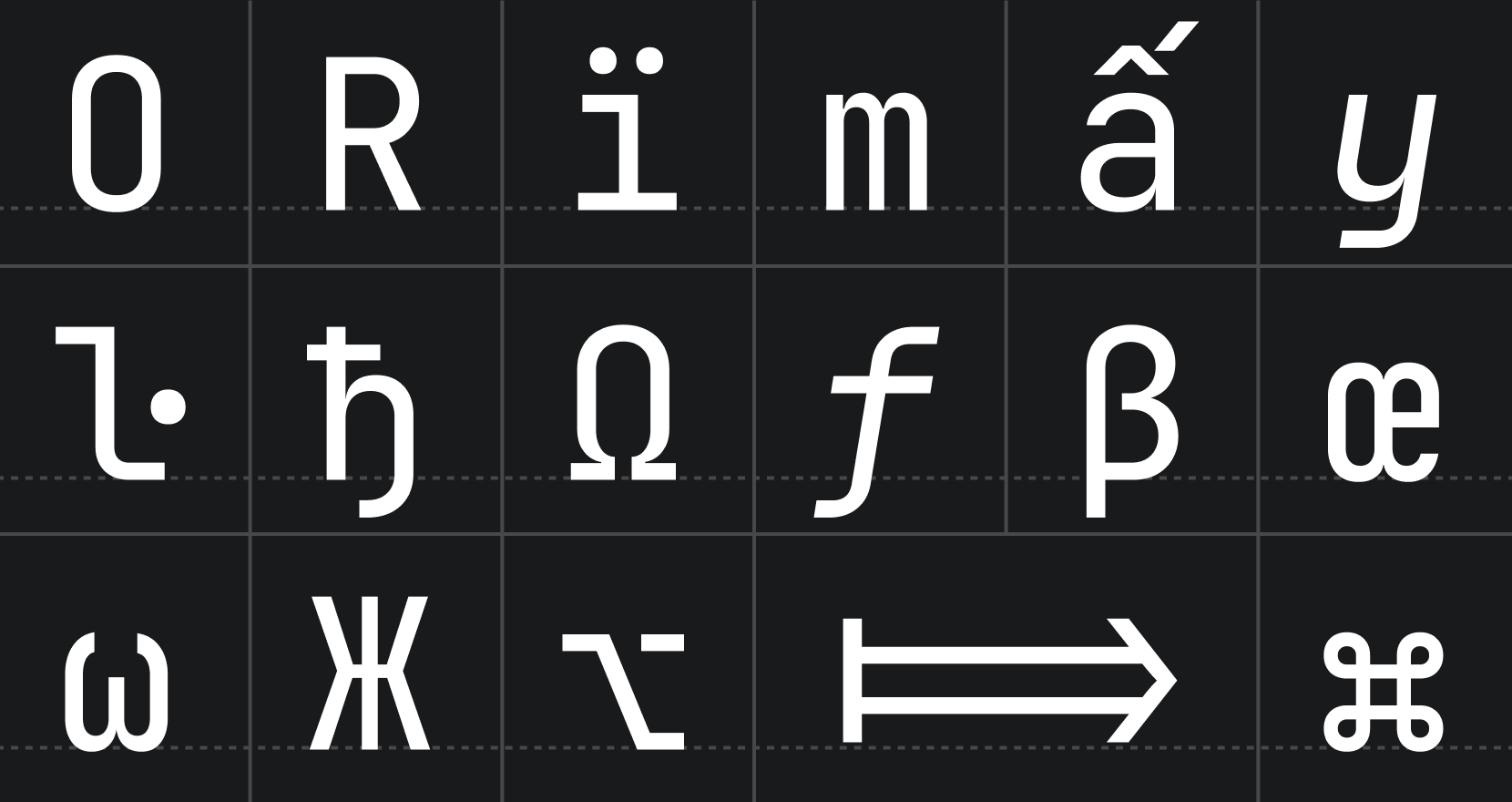
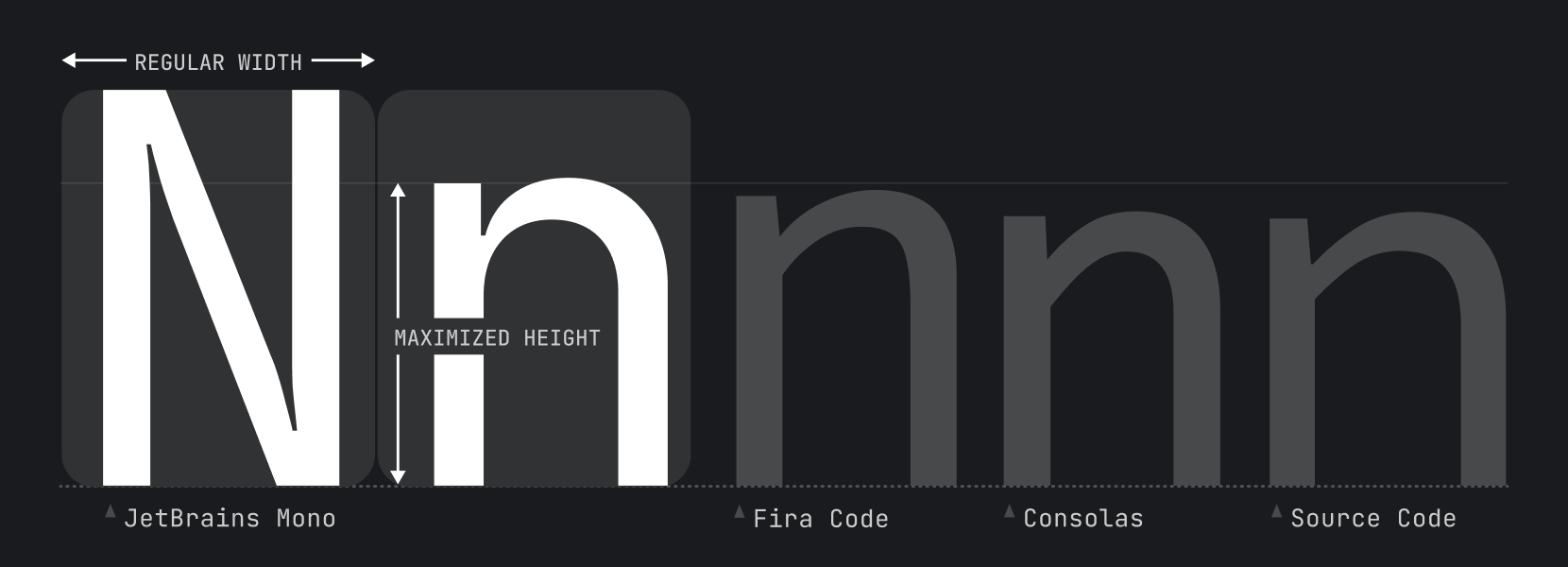
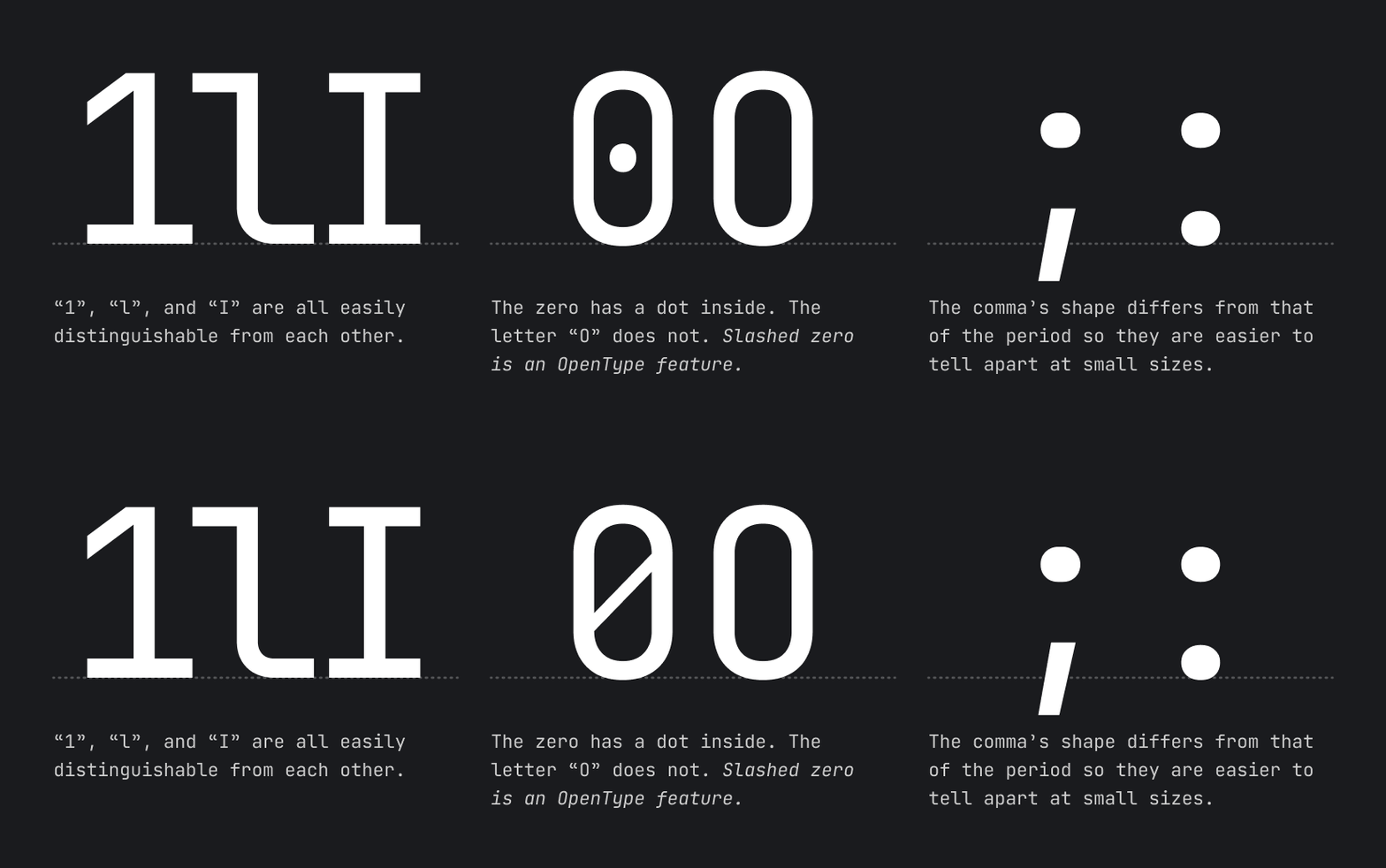
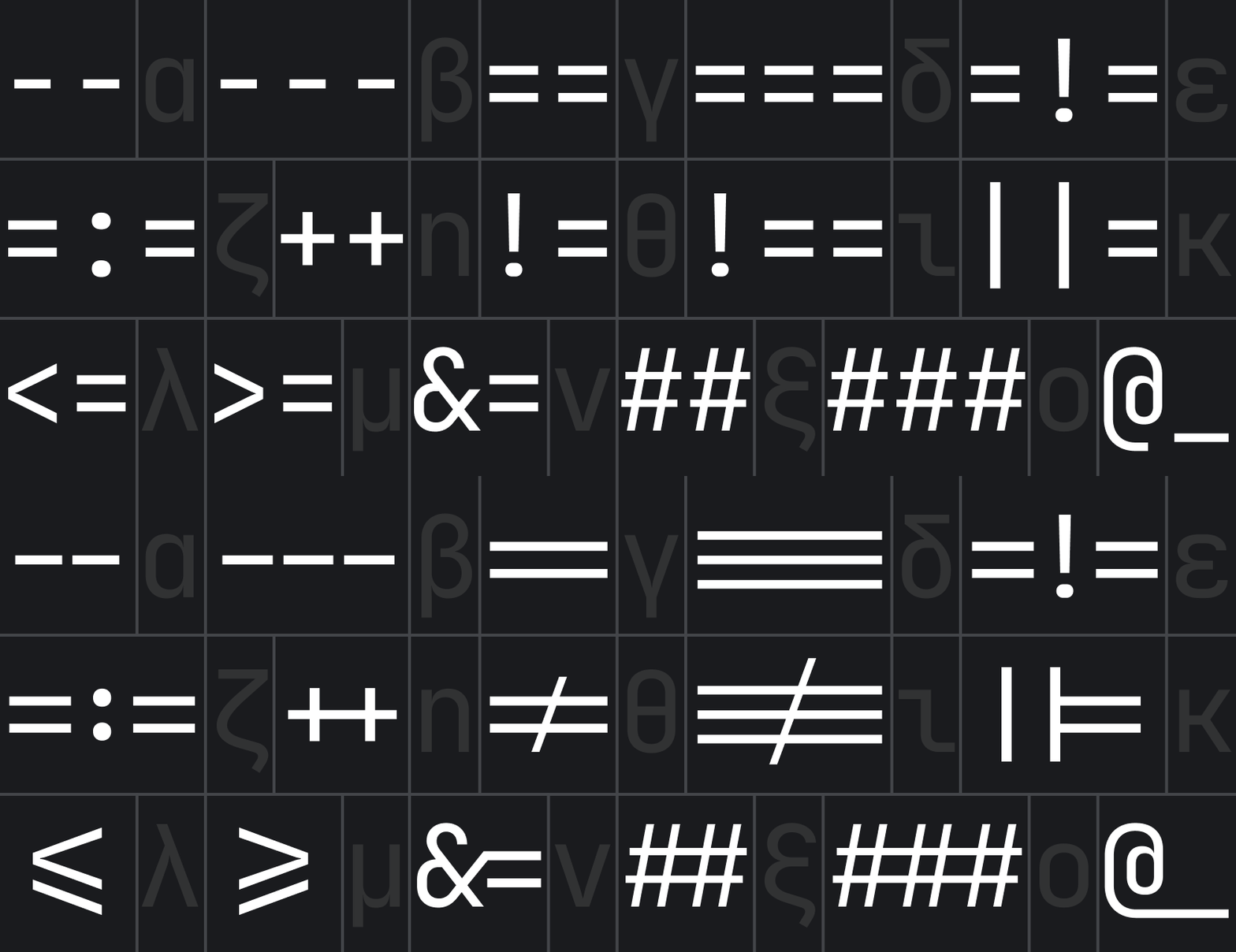
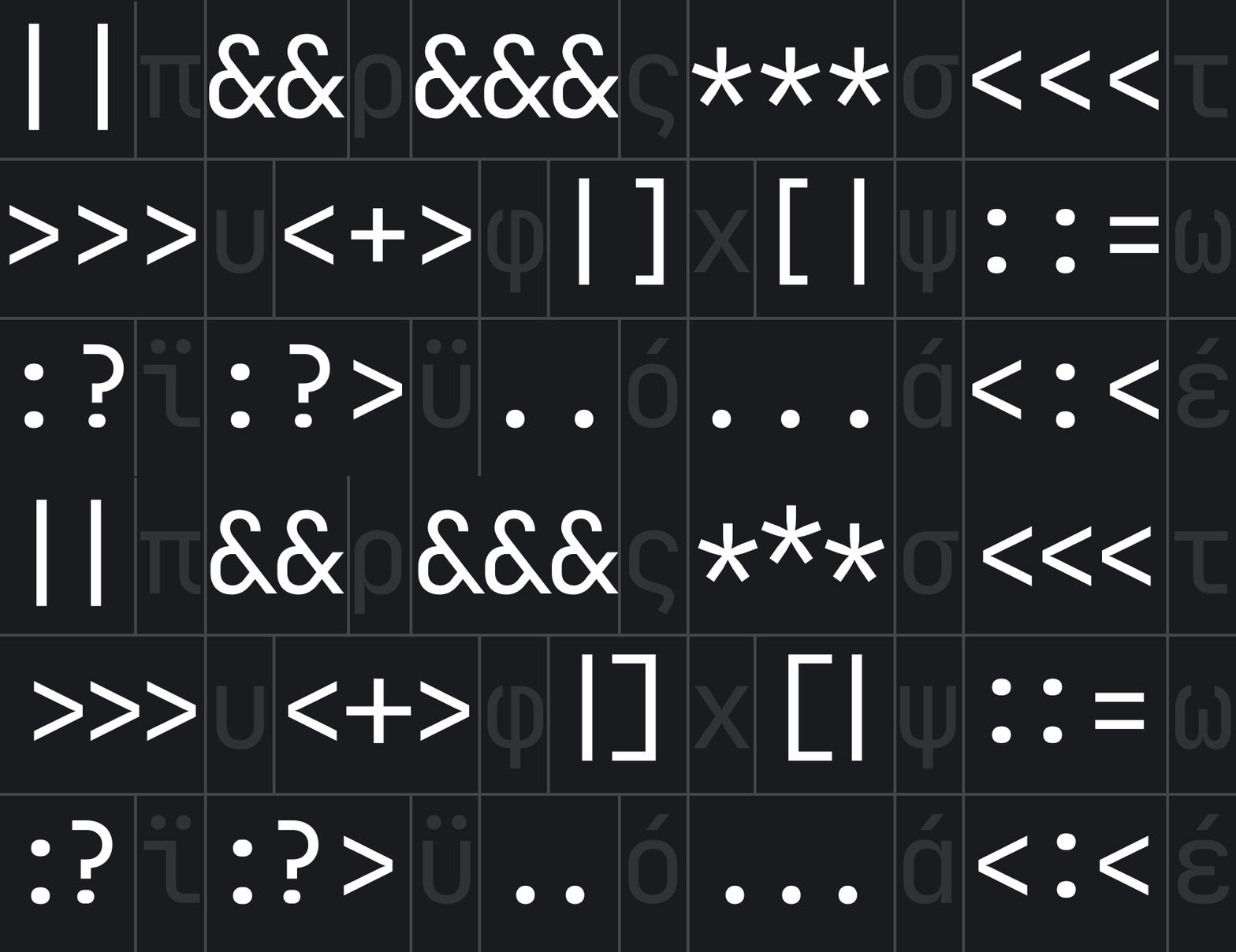
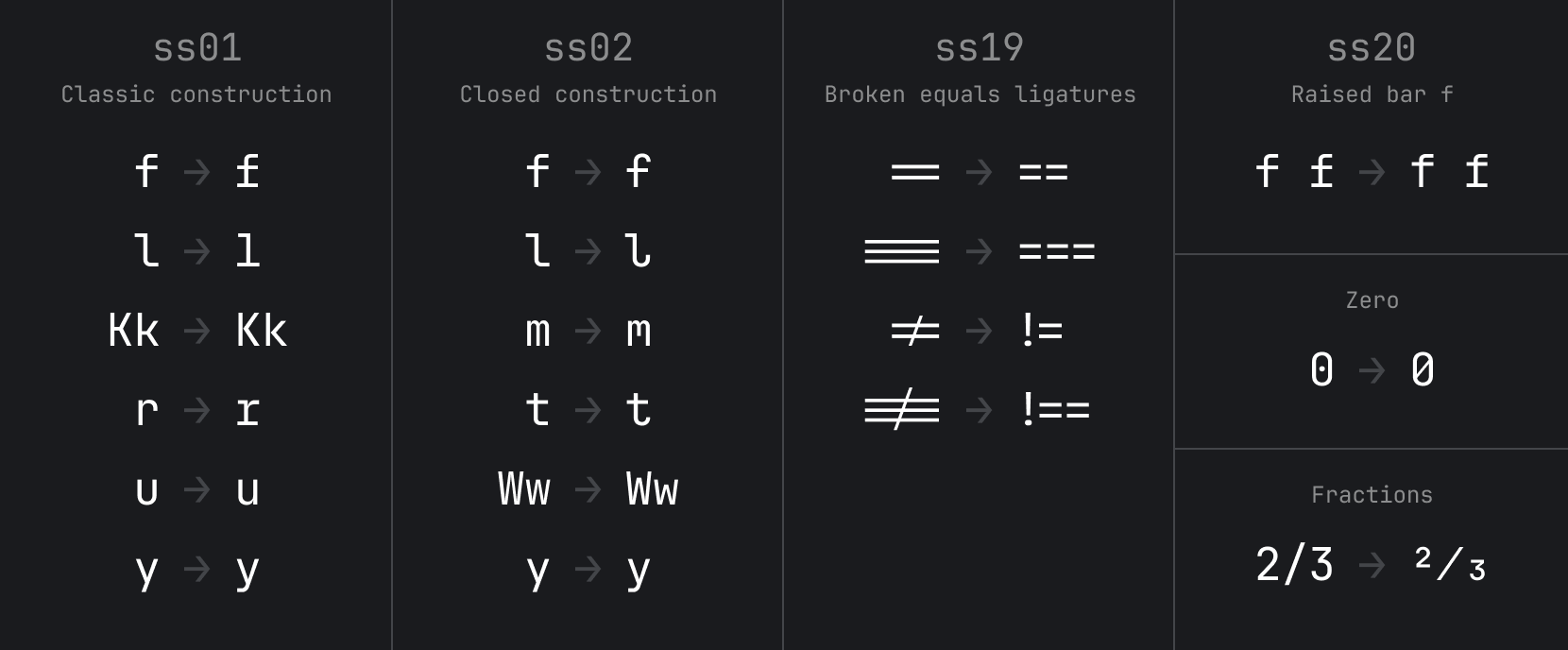
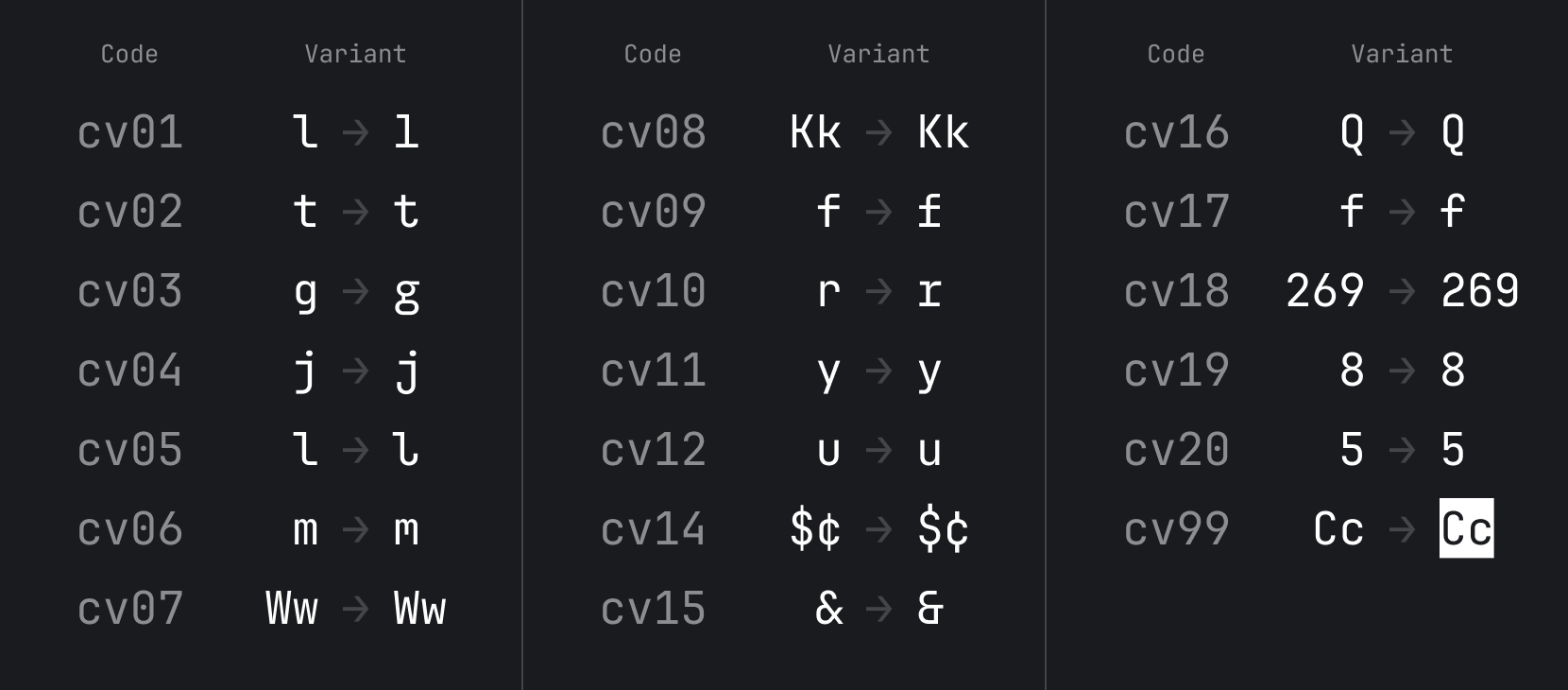
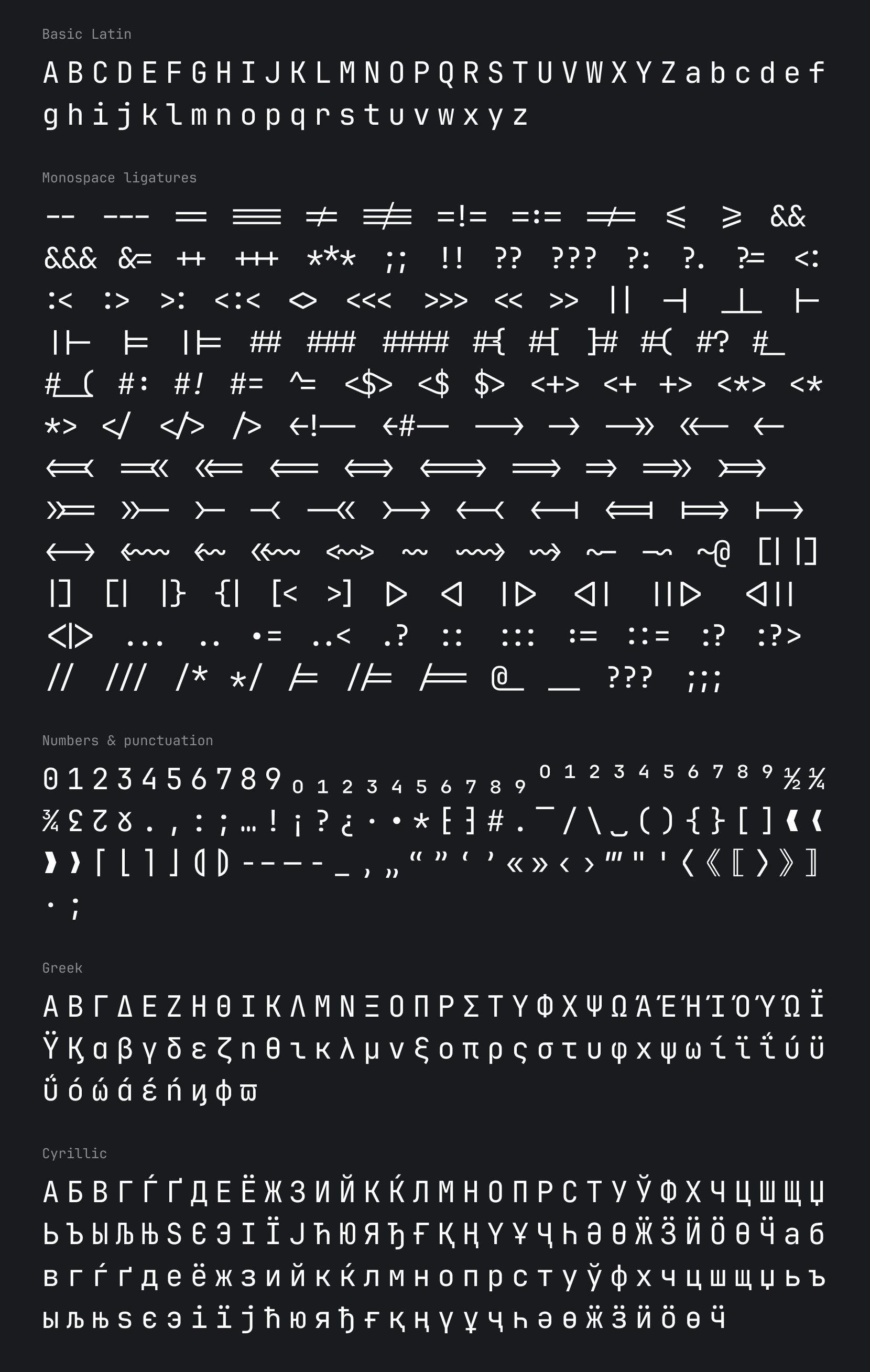
 You can find full JetBrains Mono character set on our
 13.1K ·GitHub
Что это такое?
 JetBrains Mono — это бесплатный моноширинный шрифт с открытым исходным кодом, созданный специально для разработчиков. Его можно скачать отдельным файлом, а также он уже встроен во все JetBrains IDE.
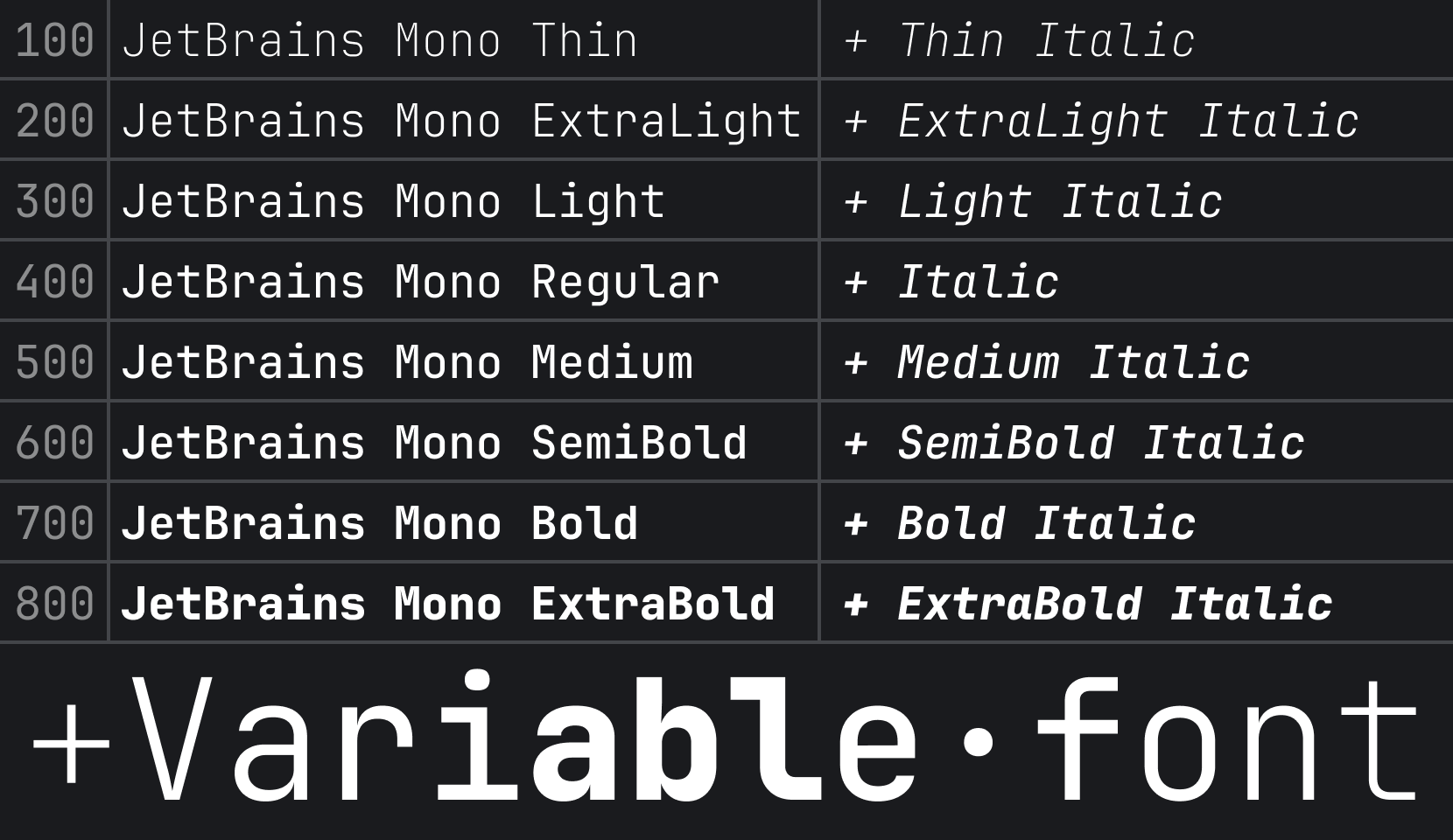
JetBrains Mono — это бесплатный моноширинный шрифт с открытым исходным кодом, созданный специально для разработчиков. Его можно скачать отдельным файлом, а также он уже встроен во все JetBrains IDE.Это один шрифт или целое семейство?Это семейство из 8 начертаний — от Thin до ExtraBold, и у каждого есть своя курсивная версия. Сборки включают форматы .ttf, .otf, woff2 и вариативный .ttf.
Это семейство из 8 начертаний — от Thin до ExtraBold, и у каждого есть своя курсивная версия. Сборки включают форматы .ttf, .otf, woff2 и вариативный .ttf.Как установить его себе на компьютер?В JetBrains IDE версии 2019.3 и новее он уже встроен: выберите JetBrains Mono в Preferences/Settings → Editor → Font. Отдельно его можно установить в свою ОС — двойным щелчком по файлам шрифта на Mac или через правый клик и Install на Windows — либо с помощью Homebrew cask font-jetbrains-mono или Chocolatey.
В JetBrains IDE версии 2019.3 и новее он уже встроен: выберите JetBrains Mono в Preferences/Settings → Editor → Font. Отдельно его можно установить в свою ОС — двойным щелчком по файлам шрифта на Mac или через правый клик и Install на Windows — либо с помощью Homebrew cask font-jetbrains-mono или Chocolatey.Лигатуры будут работать в любом редакторе?Лигатуры зависят от поддержки OpenType в вашей IDE, и их можно включать и выключать в настройках. Если ваш редактор не поддерживает OpenType, используйте специальную сборку JetBrains Mono NL — в ней лигатур нет вообще.
Лигатуры зависят от поддержки OpenType в вашей IDE, и их можно включать и выключать в настройках. Если ваш редактор не поддерживает OpenType, используйте специальную сборку JetBrains Mono NL — в ней лигатур нет вообще.Работает ли он вне JetBrains IDE?Да — после установки в ОС он работает в любом редакторе. В README описана настройка для VS Code: укажите JetBrains Mono в поле Editor: Font Family и включите лигатуры в settings.json. Есть также способы установки через Chocolatey и для терминала ChromeOS.
Да — после установки в ОС он работает в любом редакторе. В README описана настройка для VS Code: укажите JetBrains Mono в поле Editor: Font Family и включите лигатуры в settings.json. Есть также способы установки через Chocolatey и для терминала ChromeOS.Можно ли использовать его в коммерческих целях и обязательно ли указывать авторство JetBrains?Да, коммерческое использование разрешено: шрифт распространяется по лицензии OFL-1.1 и бесплатен как для коммерческих, так и для некоммерческих целей; указание авторства приветствуется, но не обязательно. Исходный код дополнительно доступен под Apache 2.0.
Да, коммерческое использование разрешено: шрифт распространяется по лицензии OFL-1.1 и бесплатен как для коммерческих, так и для некоммерческих целей; указание авторства приветствуется, но не обязательно. Исходный код дополнительно доступен под Apache 2.0.Как включить лигатуры в VS Code?Откройте Preferences → Settings, найдите раздел Editor: Font Ligatures, нажмите Edit in settings.json и добавьте 'editor.fontLigatures': true. Сам шрифт выбирается в поле Editor: Font Family.
Откройте Preferences → Settings, найдите раздел Editor: Font Ligatures, нажмите Edit in settings.json и добавьте 'editor.fontLigatures': true. Сам шрифт выбирается в поле Editor: Font Family.У меня уже была установлена старая версия — на что обратить внимание?Да: сначала удалите все предыдущие версии JetBrains Mono, иначе возможны конфликты и ошибки при отрисовке.
Да: сначала удалите все предыдущие версии JetBrains Mono, иначе возможны конфликты и ошибки при отрисовке.Есть ли версия шрифта для сайтов?Сборка автоматически генерирует вариативные веб-шрифты woff2, так что его можно использовать как веб-шрифт в дополнение к настольной установке.
Сборка автоматически генерирует вариативные веб-шрифты woff2, так что его можно использовать как веб-шрифт в дополнение к настольной установке.What are similar projects?maple-font, Monocraft, monaspace, Iosevka, source-code-pro, Hack, fonts, FiraCode
maple-font, Monocraft, monaspace, Iosevka, source-code-pro, Hack, fonts, FiraCodeWhich topics is it in?programming-ligatures, ligatures, monospace-font, ofl, opentype, programming-font, variable-fonts, monospace, unicode, coding, font, typography
programming-ligatures, ligatures, monospace-font, ofl, opentype, programming-font, variable-fonts, monospace, unicode, coding, font, typography