



Что это такое?
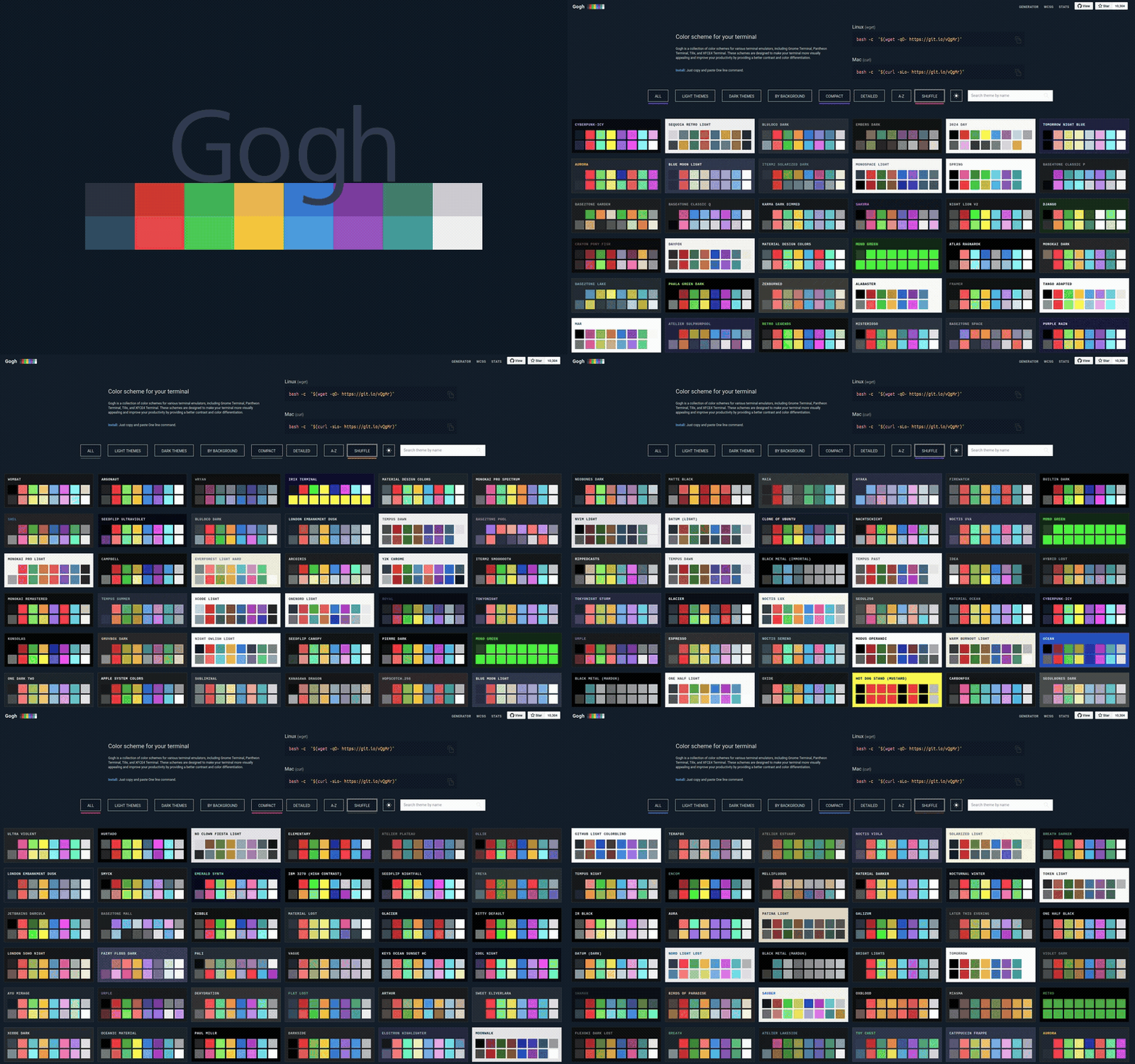
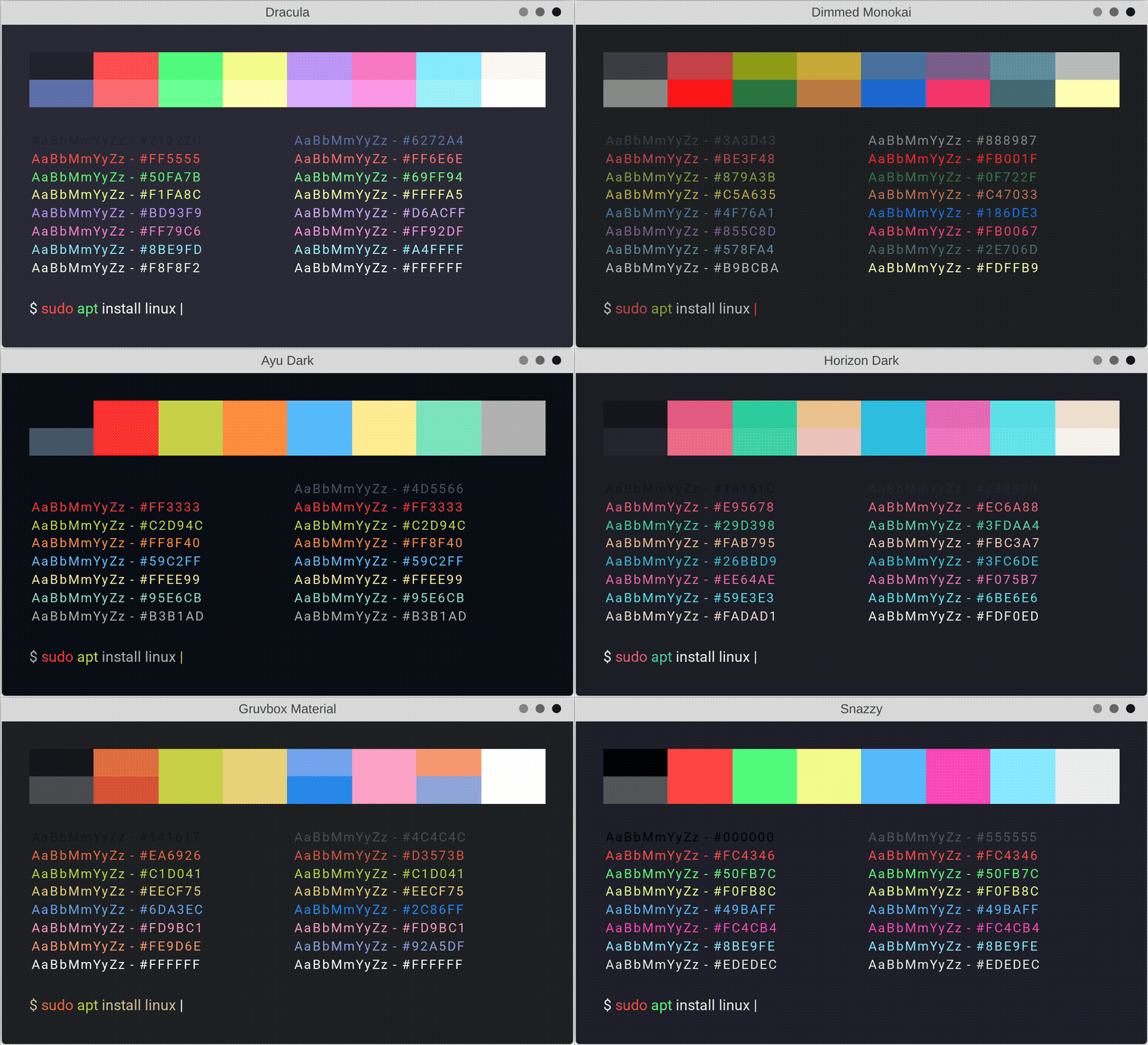
 Gogh — это набор цветовых схем для терминалов в Linux и macOS (а также Cygwin/Mintty на Windows). Он создан, чтобы сделать терминал красивее и удобнее для чтения за счёт лучшего контраста и различия цветов.
Gogh — это набор цветовых схем для терминалов в Linux и macOS (а также Cygwin/Mintty на Windows). Он создан, чтобы сделать терминал красивее и удобнее для чтения за счёт лучшего контраста и различия цветов.Так это просто галерея тем или она реально меняет мой терминал?Она реально меняет терминал: Gogh — это инструмент на основе shell-скриптов: вы запускаете его скрипт, выбираете схему, и цвета записываются прямо в настройки самого терминала.
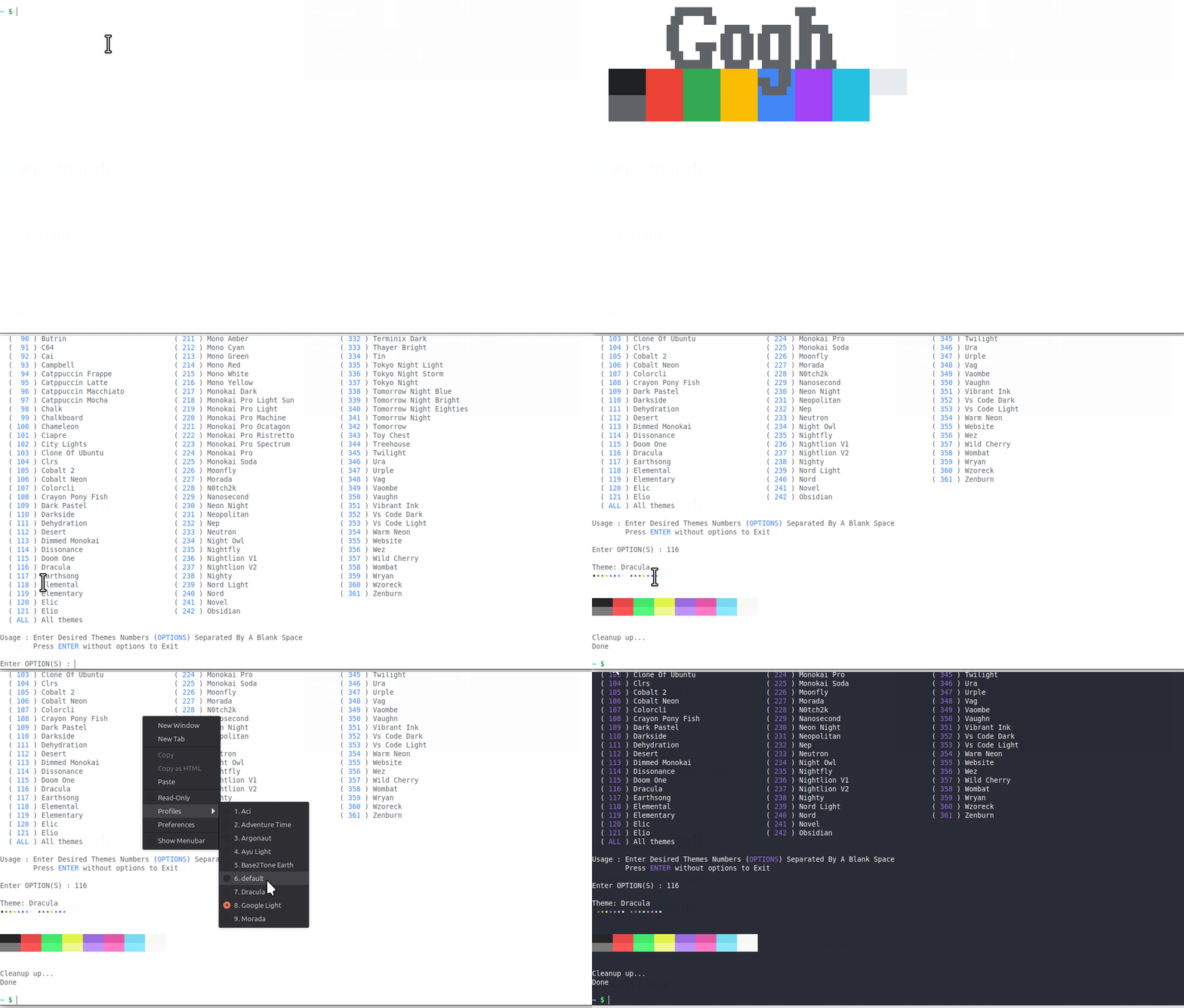
Она реально меняет терминал: Gogh — это инструмент на основе shell-скриптов: вы запускаете его скрипт, выбираете схему, и цвета записываются прямо в настройки самого терминала.Как применить тему?Запустите однострочную команду установки в bash, затем выберите тему из интерактивного списка. Если вы уже знаете название темы, список можно пропустить, передав её имя после --.
Запустите однострочную команду установки в bash, затем выберите тему из интерактивного списка. Если вы уже знаете название темы, список можно пропустить, передав её имя после --.Нужно ли что-то установить перед запуском?Да, есть небольшой подготовительный шаг: в Debian/Ubuntu и Arch Linux сначала нужно добавить нужные зависимости через пакетный менеджер, и только потом запускать установщик Gogh.
Да, есть небольшой подготовительный шаг: в Debian/Ubuntu и Arch Linux сначала нужно добавить нужные зависимости через пакетный менеджер, и только потом запускать установщик Gogh.Работает ли это на Windows?Только через Cygwin/Mintty — нативной поддержки Windows нет, а основными платформами являются Linux и macOS.
Только через Cygwin/Mintty — нативной поддержки Windows нет, а основными платформами являются Linux и macOS.Какие эмуляторы терминала он умеет оформлять?Около двадцати, включая Alacritty, Ghostty, Kitty, GNOME Terminal, Tilix, Konsole, XFCE4, Terminator, Guake, WezTerm и виртуальный терминал Linux, а также iTerm на macOS и Termux на Android.
Около двадцати, включая Alacritty, Ghostty, Kitty, GNOME Terminal, Tilix, Konsole, XFCE4, Terminator, Guake, WezTerm и виртуальный терминал Linux, а также iTerm на macOS и Termux на Android.Могу ли я автоматизировать установку тем в своих dotfiles или CI?Да. Неинтерактивный режим создан как раз для скриптов, dotfiles, инструментов подготовки окружения, CI и образов контейнеров: темы выбираются по имени или slug как аргументы командной строки, а поведение управляется переменными окружения вроде TERMINAL и GOGHNONINTERACTIVE.
Да. Неинтерактивный режим создан как раз для скриптов, dotfiles, инструментов подготовки окружения, CI и образов контейнеров: темы выбираются по имени или slug как аргументы командной строки, а поведение управляется переменными окружения вроде TERMINAL и GOGHNONINTERACTIVE.Могу ли я использовать данные тем Gogh в своих инструментах?Да — данные тем опубликованы в виде обычных файлов JSON и CSV, без какой-либо аутентификации, и на эти файлы нет ограничений по частоте запросов. А вот маршрут через GitHub Contents API ограничен: 60 запросов в час без аутентификации или 5 000 запросов в час с персональным токеном доступа.
Да — данные тем опубликованы в виде обычных файлов JSON и CSV, без какой-либо аутентификации, и на эти файлы нет ограничений по частоте запросов. А вот маршрут через GitHub Contents API ограничен: 60 запросов в час без аутентификации или 5 000 запросов в час с персональным токеном доступа.Могу ли я добавить свою цветовую схему?Да. Гайд для контрибьюторов — единственный достоверный источник: в нём есть шаблон .yml, описание каждого поля по отдельности и правила, которым должен соответствовать PR с темой. Свою тему можно проверить локально командой task validate перед тем, как открывать PR.
Да. Гайд для контрибьюторов — единственный достоверный источник: в нём есть шаблон .yml, описание каждого поля по отдельности и правила, которым должен соответствовать PR с темой. Свою тему можно проверить локально командой task validate перед тем, как открывать PR.Есть ли что-то для доступности?Да. Gogh публикует отчёт о контрастности тем по стандарту WCAG, а сами схемы разработаны так, чтобы улучшать читаемость за счёт более высокого контраста и лучшего различия цветов.
Да. Gogh публикует отчёт о контрастности тем по стандарту WCAG, а сами схемы разработаны так, чтобы улучшать читаемость за счёт более высокого контраста и лучшего различия цветов.What are similar projects?iTerm2-Color-Schemes, oh-my-posh, awesome-zsh-plugins, navi, bashka, ohmyzsh, dracula-theme, powerlevel9k
iTerm2-Color-Schemes, oh-my-posh, awesome-zsh-plugins, navi, bashka, ohmyzsh, dracula-theme, powerlevel9kWhich topics is it in?iterm2, terminal-themes, color-scheme, terminal-emulators, scripting, dotfiles, bash, installer, theme, accessibility, shell, customization
iterm2, terminal-themes, color-scheme, terminal-emulators, scripting, dotfiles, bash, installer, theme, accessibility, shell, customization