



23.6K ·GitHub
What is this?
 Dracula is one of the most popular dark color themes, built around a single consistent palette that has been ported to Visual Studio Code, iTerm, Vim, Sublime Text, JetBrains IDEs, Terminal.app, Windows Terminal, Hyper, Alfred, Slack, Xcode, Emacs, Zsh and over 400 other apps.
Dracula is one of the most popular dark color themes, built around a single consistent palette that has been ported to Visual Studio Code, iTerm, Vim, Sublime Text, JetBrains IDEs, Terminal.app, Windows Terminal, Hyper, Alfred, Slack, Xcode, Emacs, Zsh and over 400 other apps.Is this one theme file or a collection of separate themes?It is one shared color palette (Dracula, plus a light variant called Alucard) reimplemented separately for each supported app; every app has its own repository under the Dracula GitHub organization.
It is one shared color palette (Dracula, plus a light variant called Alucard) reimplemented separately for each supported app; every app has its own repository under the Dracula GitHub organization.How do I install it for my editor or terminal?Go to draculatheme.com, search for your specific application, and follow the installation instructions listed there; each app's theme repo also documents its own package-manager or manual steps.
Go to draculatheme.com, search for your specific application, and follow the installation instructions listed there; each app's theme repo also documents its own package-manager or manual steps.Is every app's theme equally complete?Coverage and quality vary by app because most of the 400+ themes are community contributions maintained by volunteers rather than the core team.
Coverage and quality vary by app because most of the 400+ themes are community contributions maintained by volunteers rather than the core team.What is Alucard?Alucard is the light-mode counterpart to the Dracula palette, using the same color roles (background, foreground, comment, cyan, green, etc.) with light values instead of dark ones.
Alucard is the light-mode counterpart to the Dracula palette, using the same color roles (background, foreground, comment, cyan, green, etc.) with light values instead of dark ones.What is Dracula PRO?Dracula PRO is a separate premium color scheme and UI theme for programming, adding extra variants and features for terminals, editors and syntax highlighters beyond the free open-source theme.
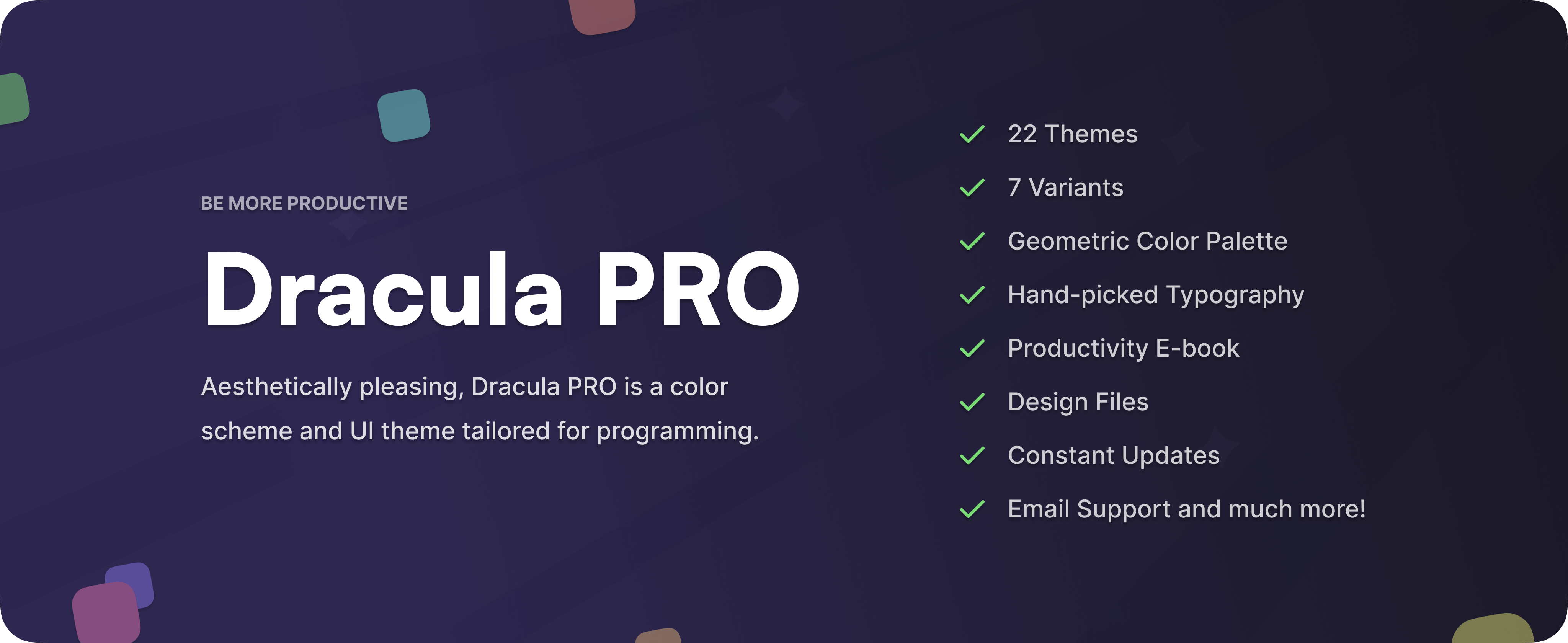
Dracula PRO is a separate premium color scheme and UI theme for programming, adding extra variants and features for terminals, editors and syntax highlighters beyond the free open-source theme.How do I add Dracula support for an app that isn't covered yet?Create a repo from the official template, build the theme using the published color palette, then open an issue linking your repo; once accepted it's moved into the Dracula organization and you become its maintainer.
Create a repo from the official template, build the theme using the published color palette, then open an issue linking your repo; once accepted it's moved into the Dracula organization and you become its maintainer.Is the theme accessible for low-vision users?Yes, the foreground and background colors are designed to keep a 4.5:1 contrast ratio, meeting WCAG 2.1 Level AA guidelines.
Yes, the foreground and background colors are designed to keep a 4.5:1 contrast ratio, meeting WCAG 2.1 Level AA guidelines.What are similar projects?solarized, vscode-dark-islands, Gogh, NvChad, iTerm2-Color-Schemes, skills, darkreader, catppuccin
solarized, vscode-dark-islands, Gogh, NvChad, iTerm2-Color-Schemes, skills, darkreader, catppuccinWhich topics is it in?dark-theme, alfred, emacs, color, terminal-emulators, jetbrains, zsh, vim, xcode, vscode, theme, accessibility
dark-theme, alfred, emacs, color, terminal-emulators, jetbrains, zsh, vim, xcode, vscode, theme, accessibility