



What is this?
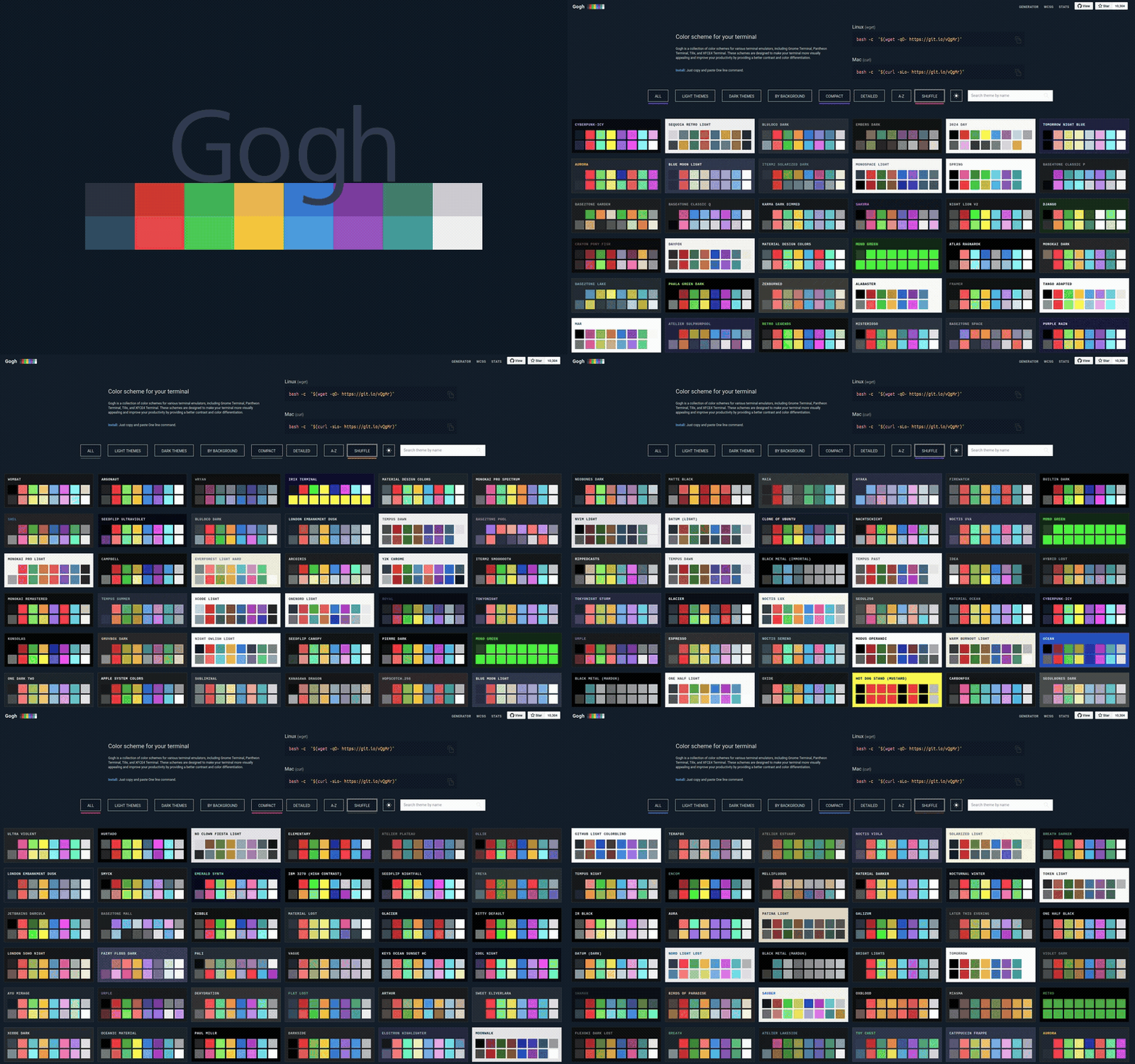
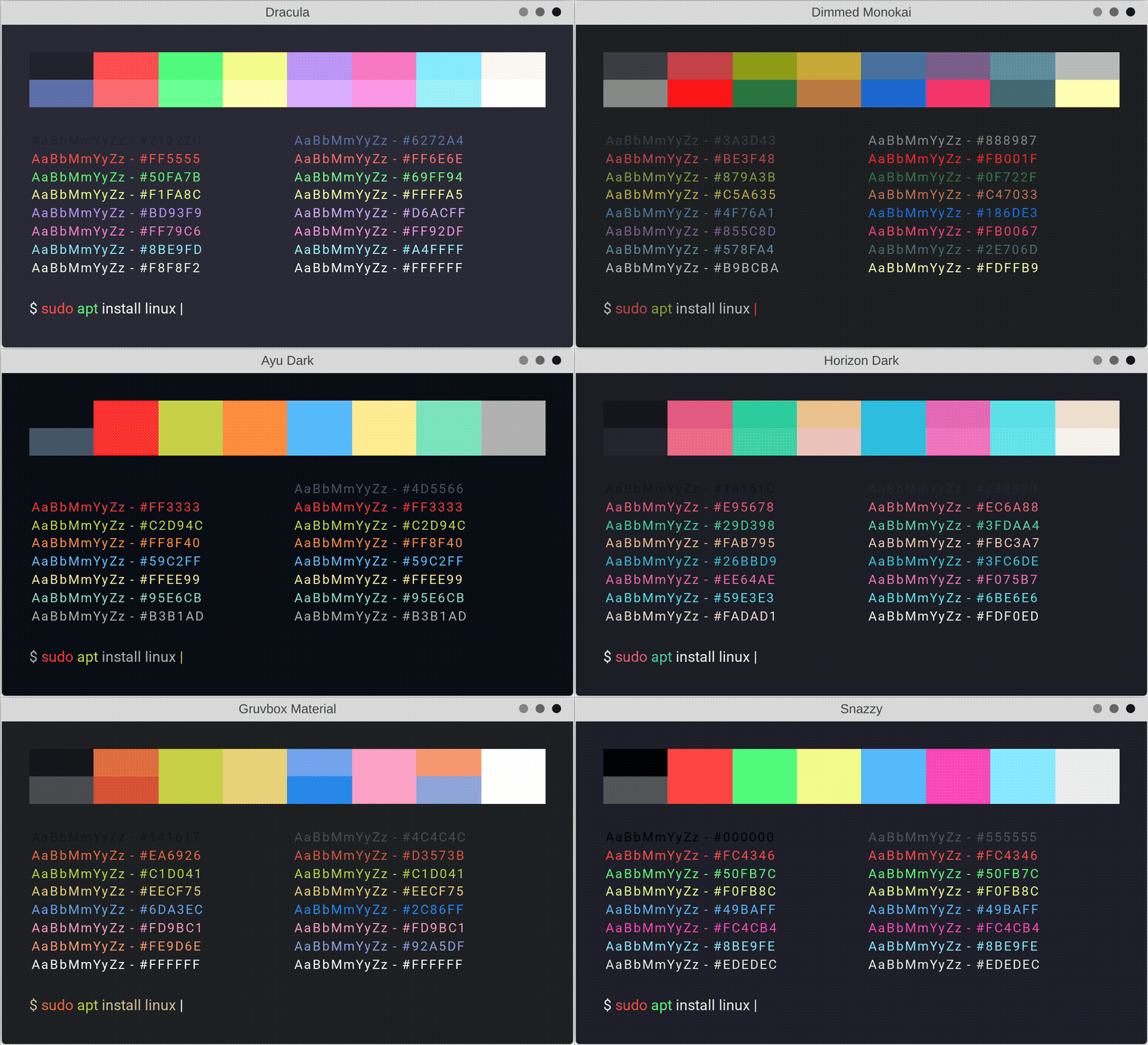
 Gogh is a collection of color schemes for terminal emulators across Linux and macOS (plus Cygwin/Mintty on Windows), built to make your terminal prettier and easier to read through better contrast and color separation.
Gogh is a collection of color schemes for terminal emulators across Linux and macOS (plus Cygwin/Mintty on Windows), built to make your terminal prettier and easier to read through better contrast and color separation.So is it just a gallery of themes, or does it actually change my terminal?It actually changes your terminal: Gogh is a shell-based theme implementer — you run its script, pick a scheme, and it writes the colors into the terminal's own configuration.
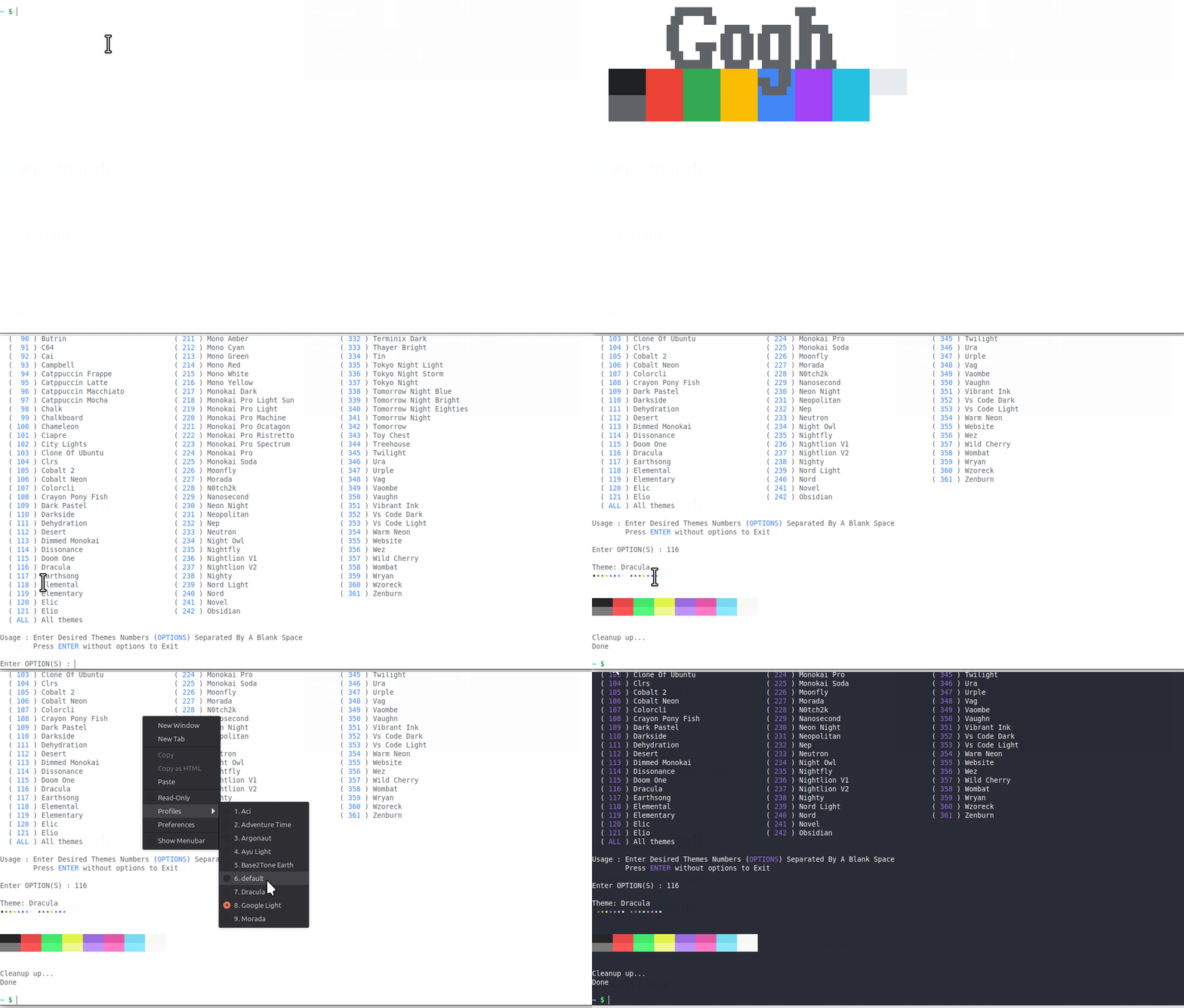
It actually changes your terminal: Gogh is a shell-based theme implementer — you run its script, pick a scheme, and it writes the colors into the terminal's own configuration.How do I apply a theme?Run the one-line install command in bash, then pick a theme from the interactive list. If you already know the theme's name, skip the list by passing it after --.
Run the one-line install command in bash, then pick a theme from the interactive list. If you already know the theme's name, skip the list by passing it after --.Do I need to install anything before running it?Yes, there is a short pre-install step: on Debian/Ubuntu and Arch Linux you first add the required dependencies with your package manager, then run the Gogh installer.
Yes, there is a short pre-install step: on Debian/Ubuntu and Arch Linux you first add the required dependencies with your package manager, then run the Gogh installer.Does it work on Windows?Only through Cygwin/Mintty — there is no native Windows support, while Linux and macOS are the primary platforms.
Only through Cygwin/Mintty — there is no native Windows support, while Linux and macOS are the primary platforms.Which terminal emulators can it theme?Around twenty, including Alacritty, Ghostty, Kitty, GNOME Terminal, Tilix, Konsole, XFCE4, Terminator, Guake, WezTerm and the Linux virtual terminal, plus iTerm on macOS and Termux on Android.
Around twenty, including Alacritty, Ghostty, Kitty, GNOME Terminal, Tilix, Konsole, XFCE4, Terminator, Guake, WezTerm and the Linux virtual terminal, plus iTerm on macOS and Termux on Android.Can I automate theme installs in my dotfiles or CI?Yes. Non-interactive mode is made for scripting, dotfiles, provisioning tools, CI and container images: you select themes by name or slug as CLI arguments and control behavior with environment variables like TERMINAL and GOGHNONINTERACTIVE.
Yes. Non-interactive mode is made for scripting, dotfiles, provisioning tools, CI and container images: you select themes by name or slug as CLI arguments and control behavior with environment variables like TERMINAL and GOGHNONINTERACTIVE.Can I use Gogh's theme data in my own tools?Yes — theme data is published as plain JSON and CSV files with no authentication needed, and those raw files are not rate-limited. The GitHub Contents API route is limited to 60 requests/hour unauthenticated, or 5,000/hour with a personal access token.
Yes — theme data is published as plain JSON and CSV files with no authentication needed, and those raw files are not rate-limited. The GitHub Contents API route is limited to 60 requests/hour unauthenticated, or 5,000/hour with a personal access token.Can I add my own color scheme?Yes. The contributing guide is the single source of truth: it provides a .yml template, a field-by-field reference and the rules a theme PR must follow, and you can check your theme locally with task validate before opening the PR.
Yes. The contributing guide is the single source of truth: it provides a .yml template, a field-by-field reference and the rules a theme PR must follow, and you can check your theme locally with task validate before opening the PR.Is there anything for accessibility?Yes. Gogh publishes a WCAG accessibility contrast report for its themes, and the schemes are designed to improve readability with better contrast and color differentiation.
Yes. Gogh publishes a WCAG accessibility contrast report for its themes, and the schemes are designed to improve readability with better contrast and color differentiation.What are similar projects?iTerm2-Color-Schemes, oh-my-posh, awesome-zsh-plugins, navi, bashka, ohmyzsh, dracula-theme, powerlevel9k
iTerm2-Color-Schemes, oh-my-posh, awesome-zsh-plugins, navi, bashka, ohmyzsh, dracula-theme, powerlevel9kWhich topics is it in?iterm2, terminal-themes, color-scheme, terminal-emulators, scripting, dotfiles, bash, installer, theme, accessibility, shell, customization
iterm2, terminal-themes, color-scheme, terminal-emulators, scripting, dotfiles, bash, installer, theme, accessibility, shell, customization