








FractalAndroid README

The project's README from github.com/Fractal-Compute-Orchestrations/FractalAndroid. As one markdown file: README.md.

FractalAndroid Header

FractalAndroid

Resource-Aware Edge Compute Node and Mobile Execution Engine

Kotlin Version Android API Design Architecture License Build Status

FractalAndroid is the distributed compute client and edge execution runtime for the Fractal decentralized intelligence framework.

Overview | Design Showcase | App UI Tour | WiFi Bank Rewards | Design Case Study | Architecture | Telemetry Gating | Lifecycle | Build & Setup


Overview

FractalAndroid turns Android mobile devices into autonomous, privacy-preserving compute nodes within the Fractal distributed network. Operating in coordination with the central server (FractalCore), the application executes localized machine learning workloads—including on-device federated training (TFLite) and partitioned batch dataset training—without exposing user data or degrading host device performance.

The client is designed with strict resource empathy: the engine continuously monitors physical hardware telemetry (SoC temperature, battery level, charging status, RAM pressure) and dynamically gates computation to guarantee zero impact on user experience or battery longevity.


Mobile UI Design & Hardware Showcase

Active Node Telemetry Model Training Metrics Platform Architecture Dock Iconography
Active Compute Node
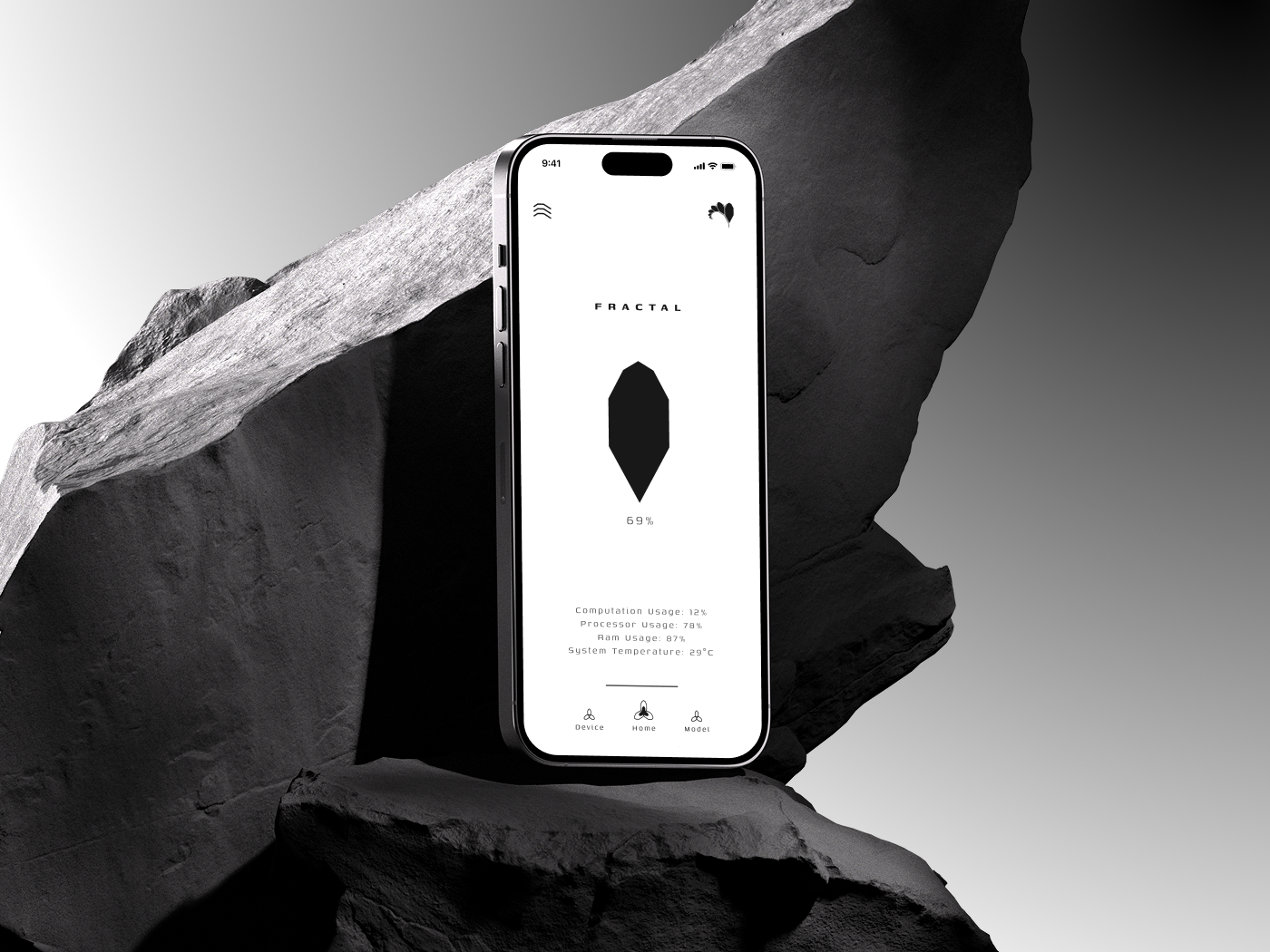
Live training telemetry & diamond meter
Model Training Metrics
Performance curves & parameter transfer
Platform Architecture
Decentralized cloud & studio identity
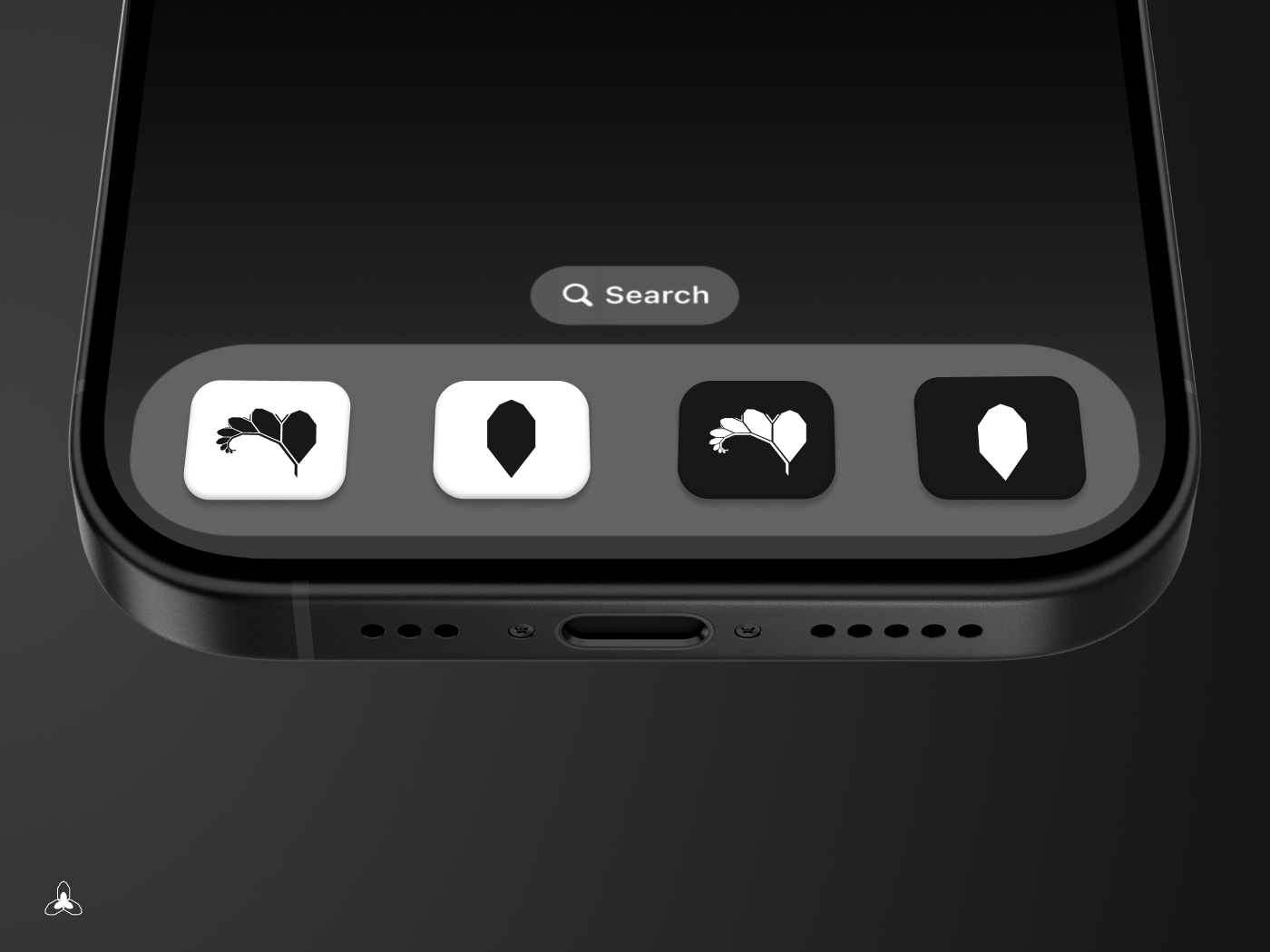
Dock Iconography
Light & dark adaptive icon variants

Mobile Application Interface

1. Onboarding, Device Authorization & Binding

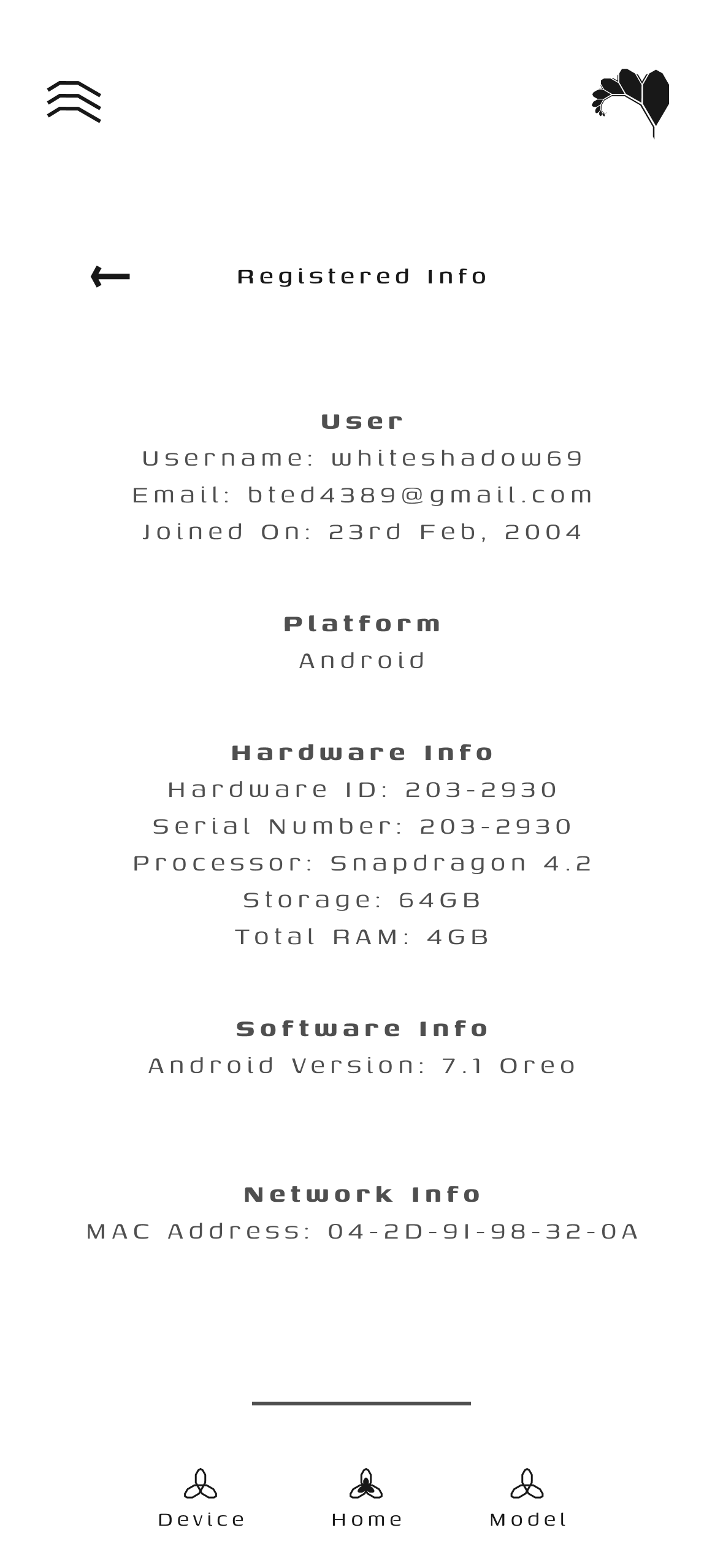
Get Started Device Authorization Registered Info
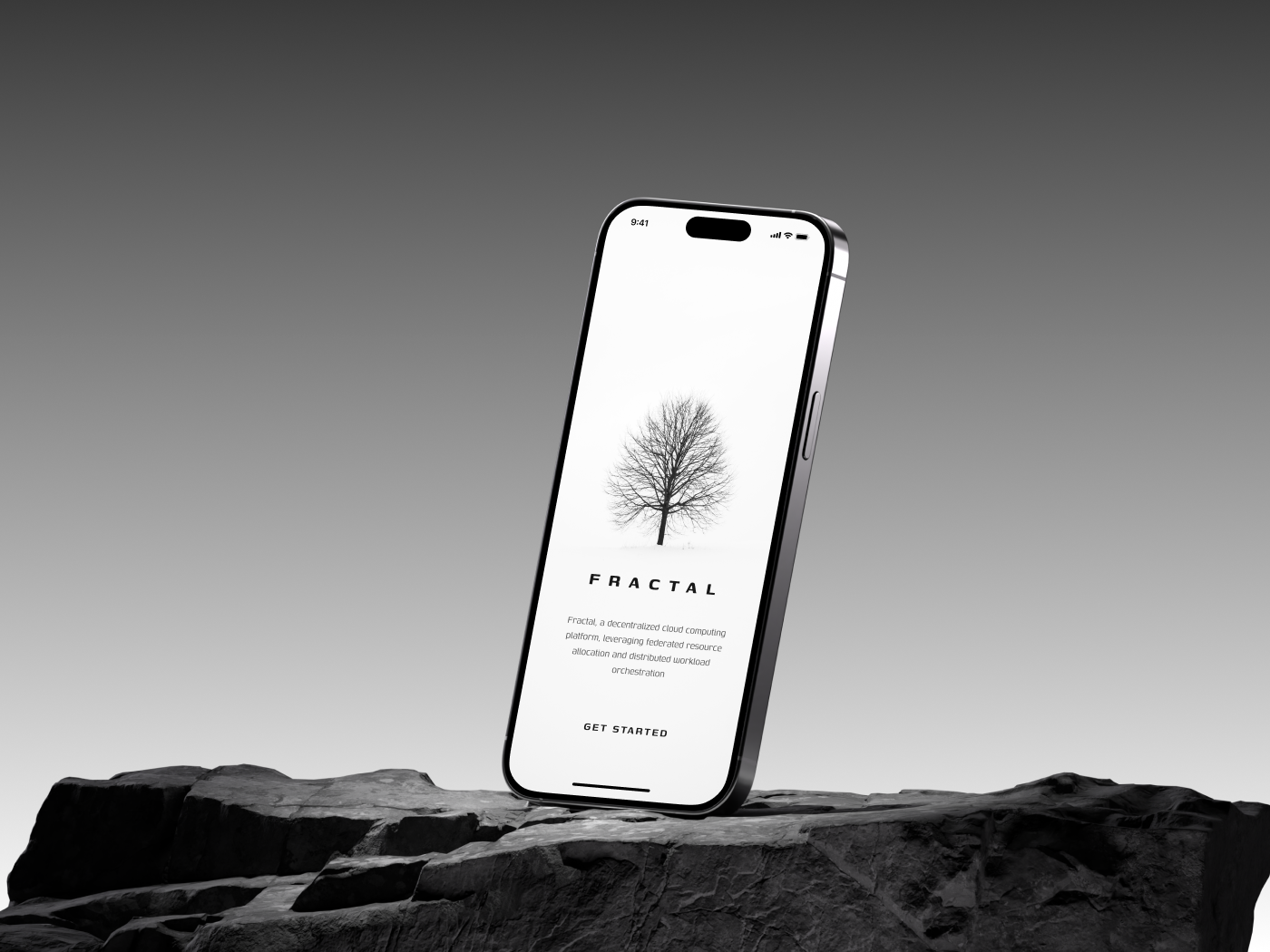
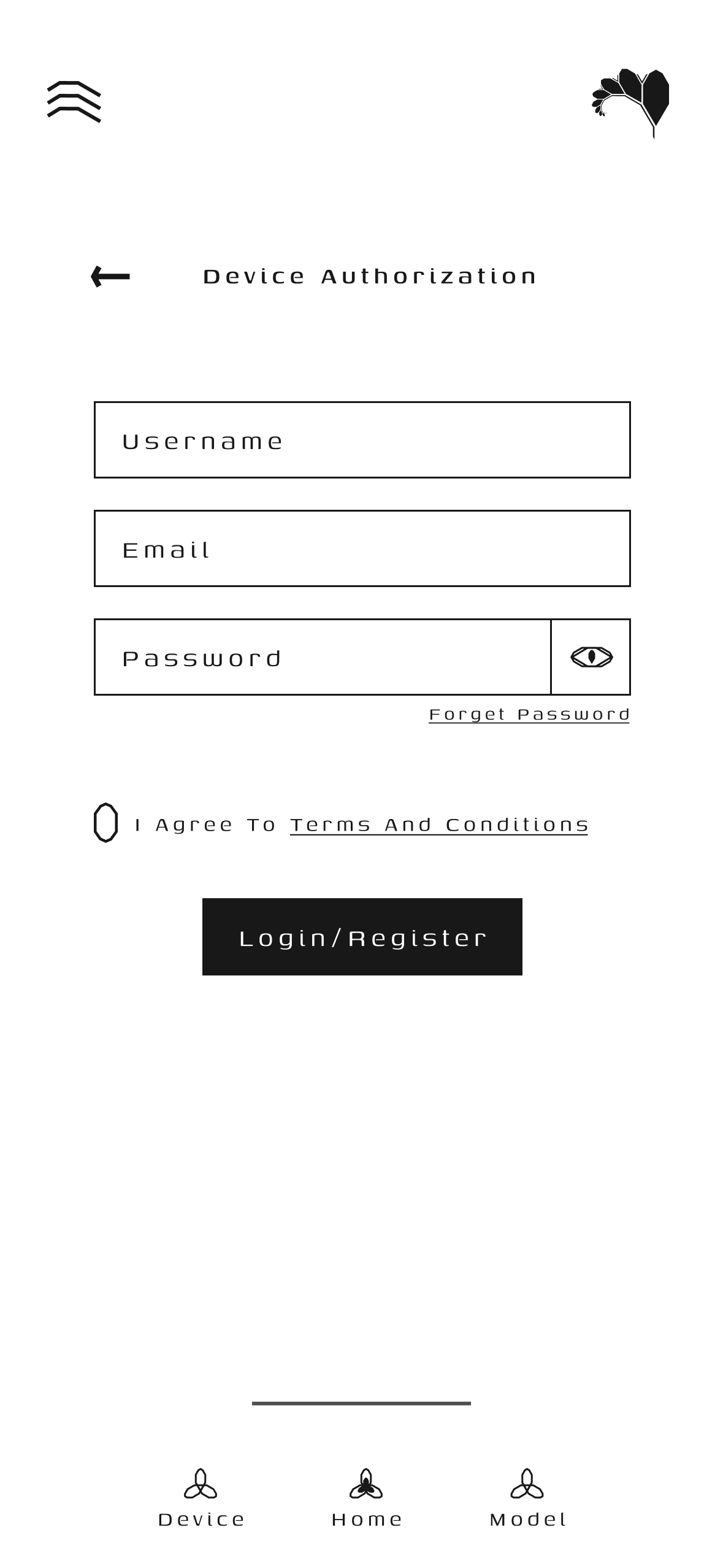
Get Started: Platform onboarding introducing the decentralized compute harvesting paradigm. Device Authorization: Firebase auth & hardware ID binding (`ANDROID_ID`, CPU, RAM). Registered Info: Confirmed registration profile and assigned compute node telemetry.

2. Node Fleet States & Real-Time Compute

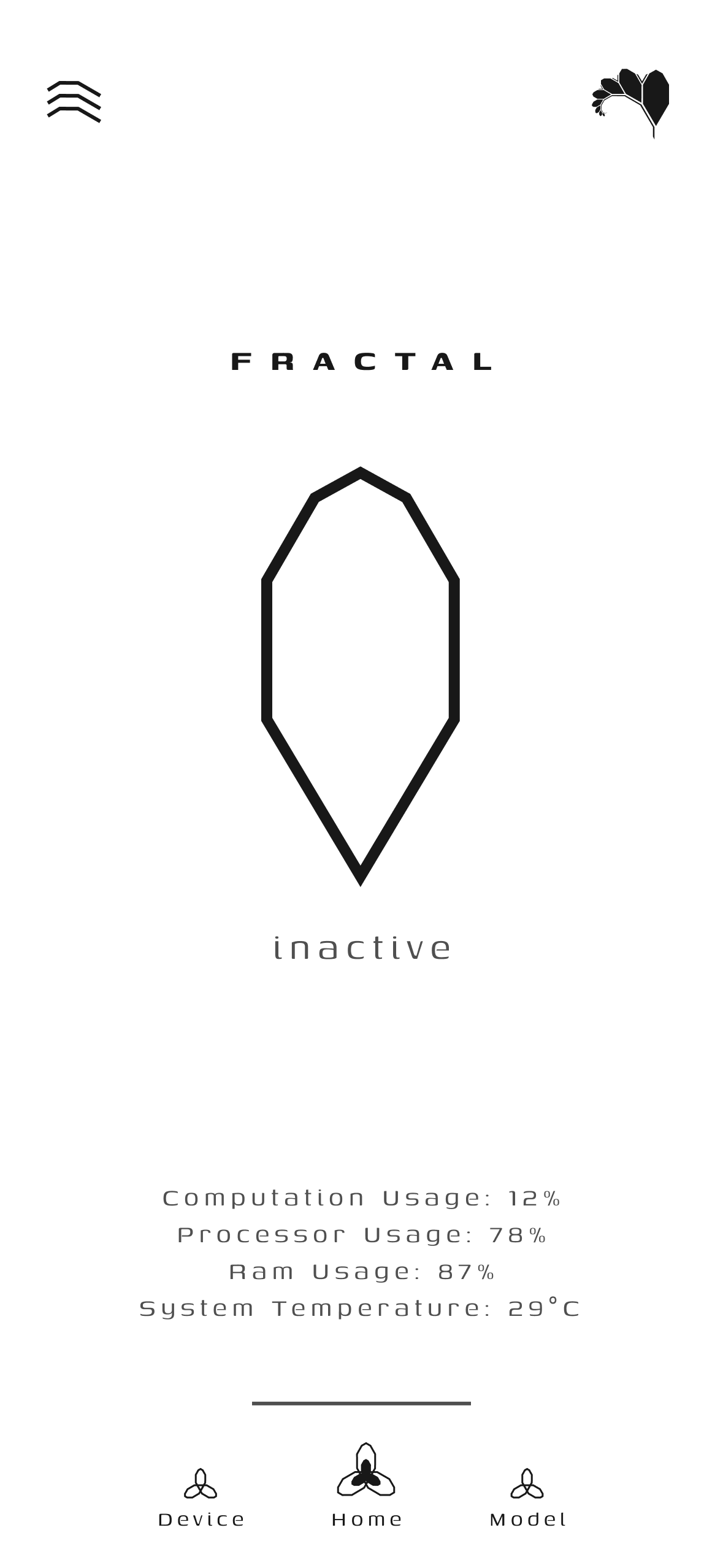
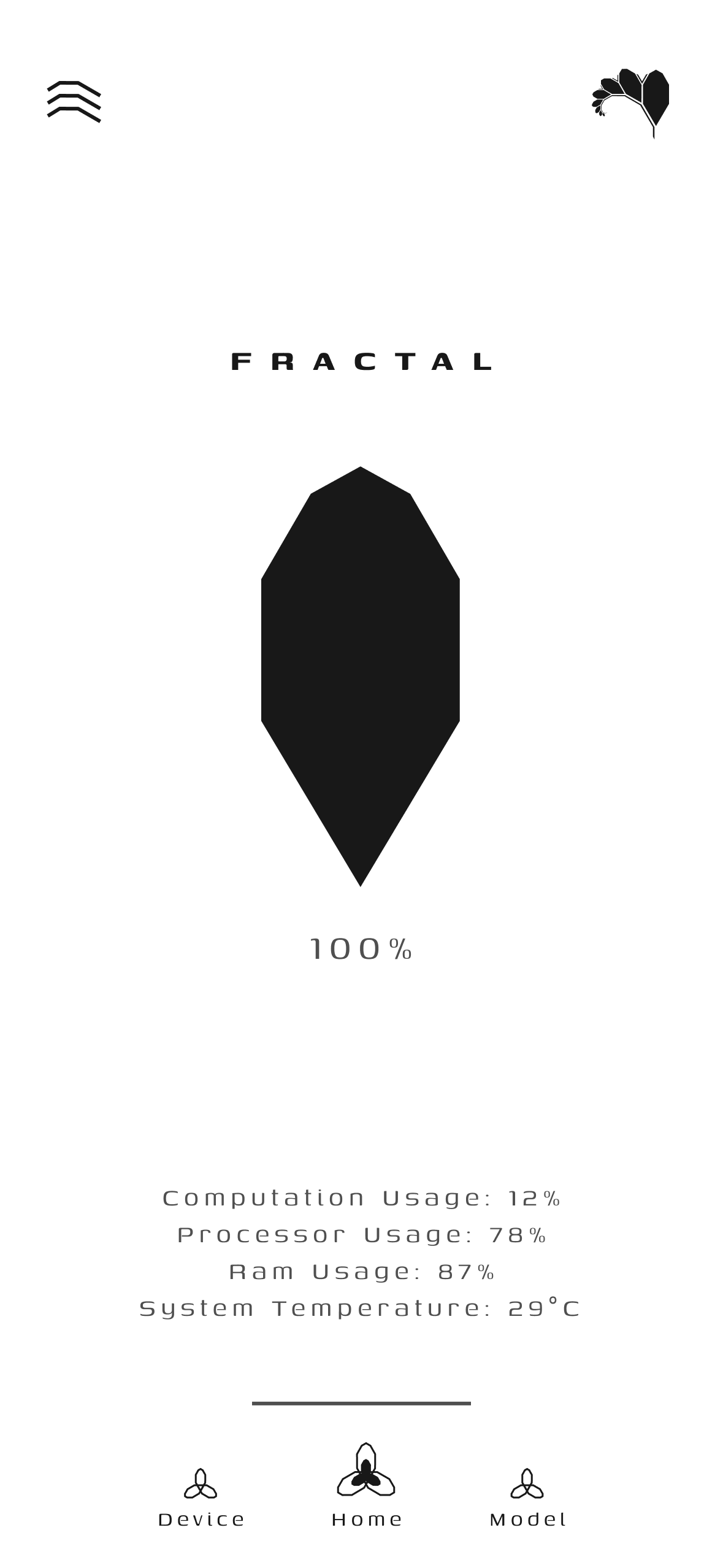
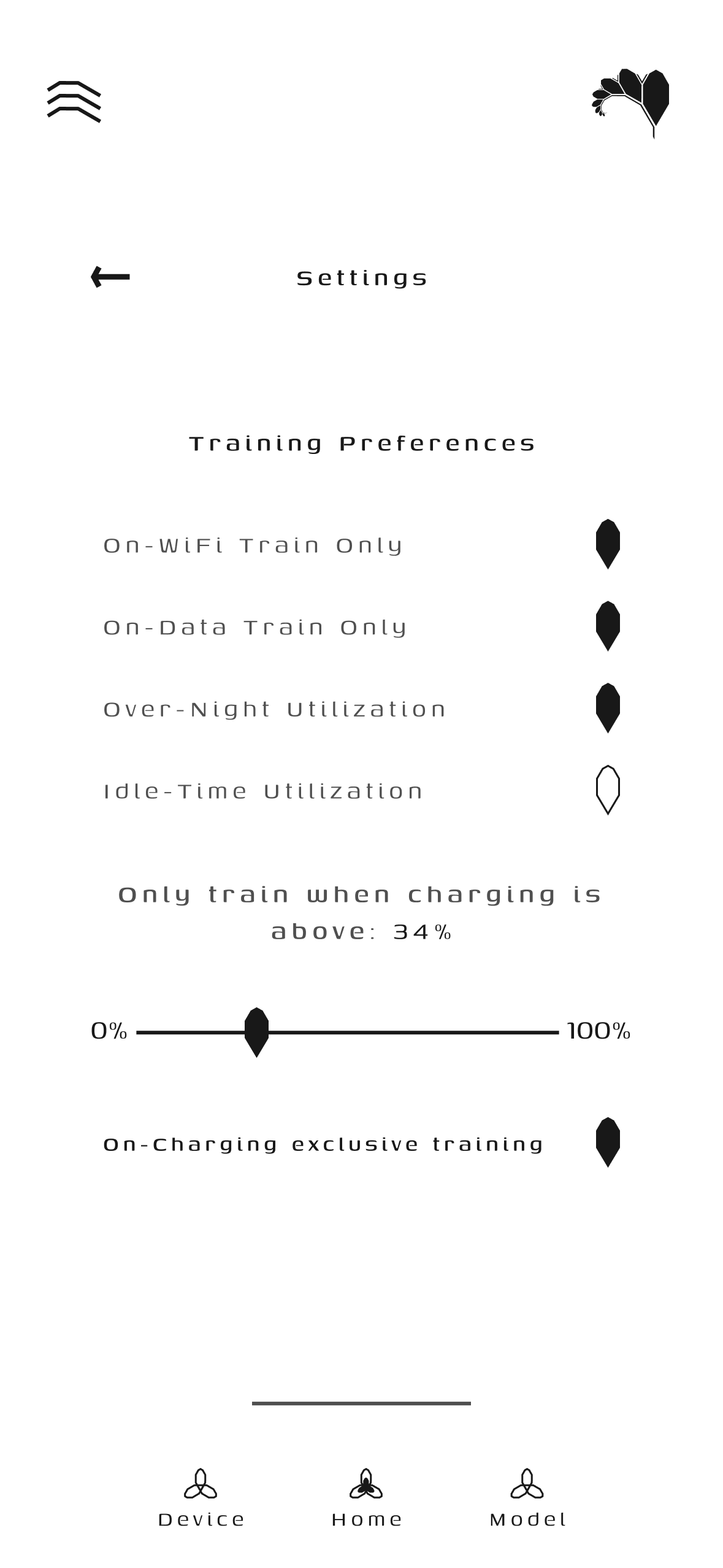
Home Inactive Home Active Node Settings
Home (Standby / Inactive): Idle state awaiting task assignment with live hardware monitors. Home (Active Compute): Active local training with pulsing fractal diamond indicator. Node Settings & Preferences: Autonomous telemetry thresholds and charging policies.

3. Telemetry, Analytics & Training Insights

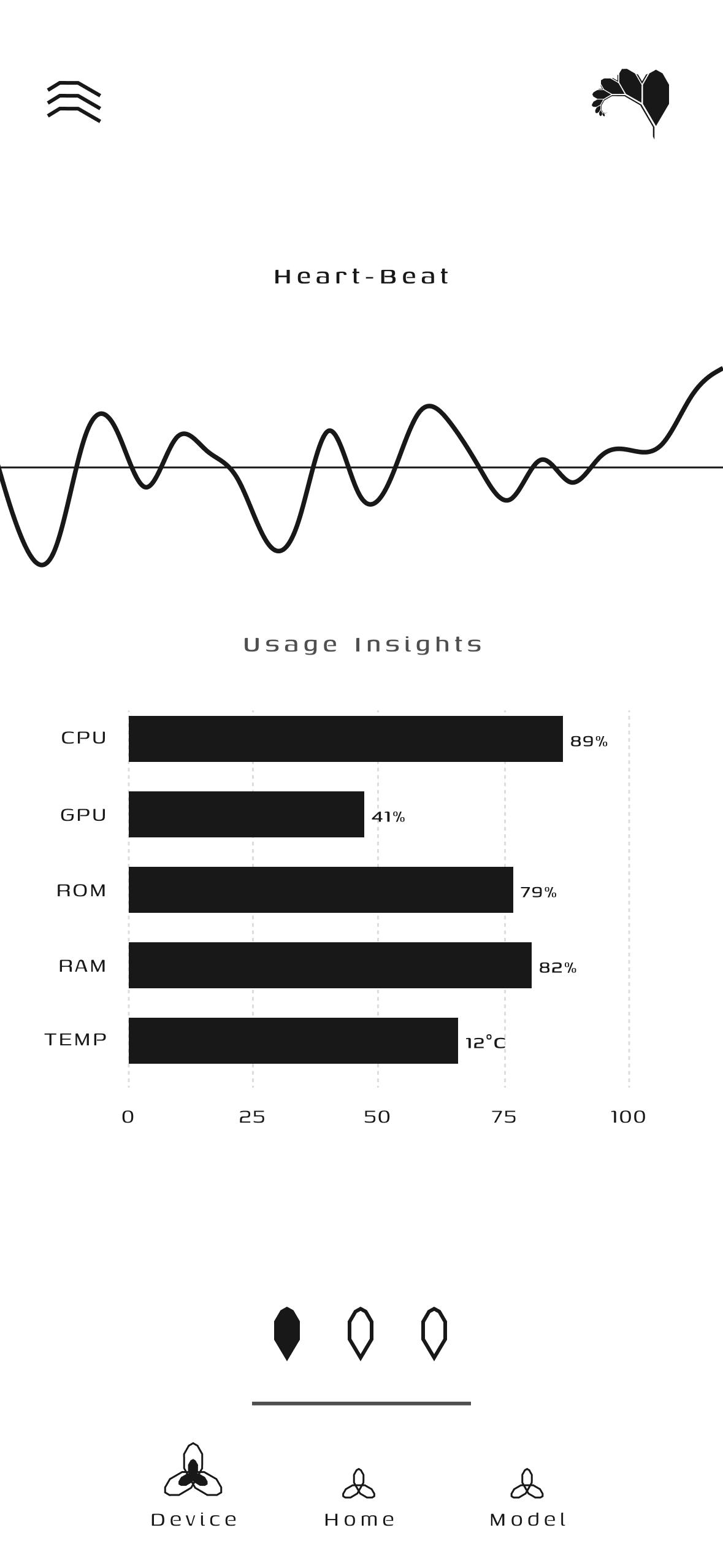
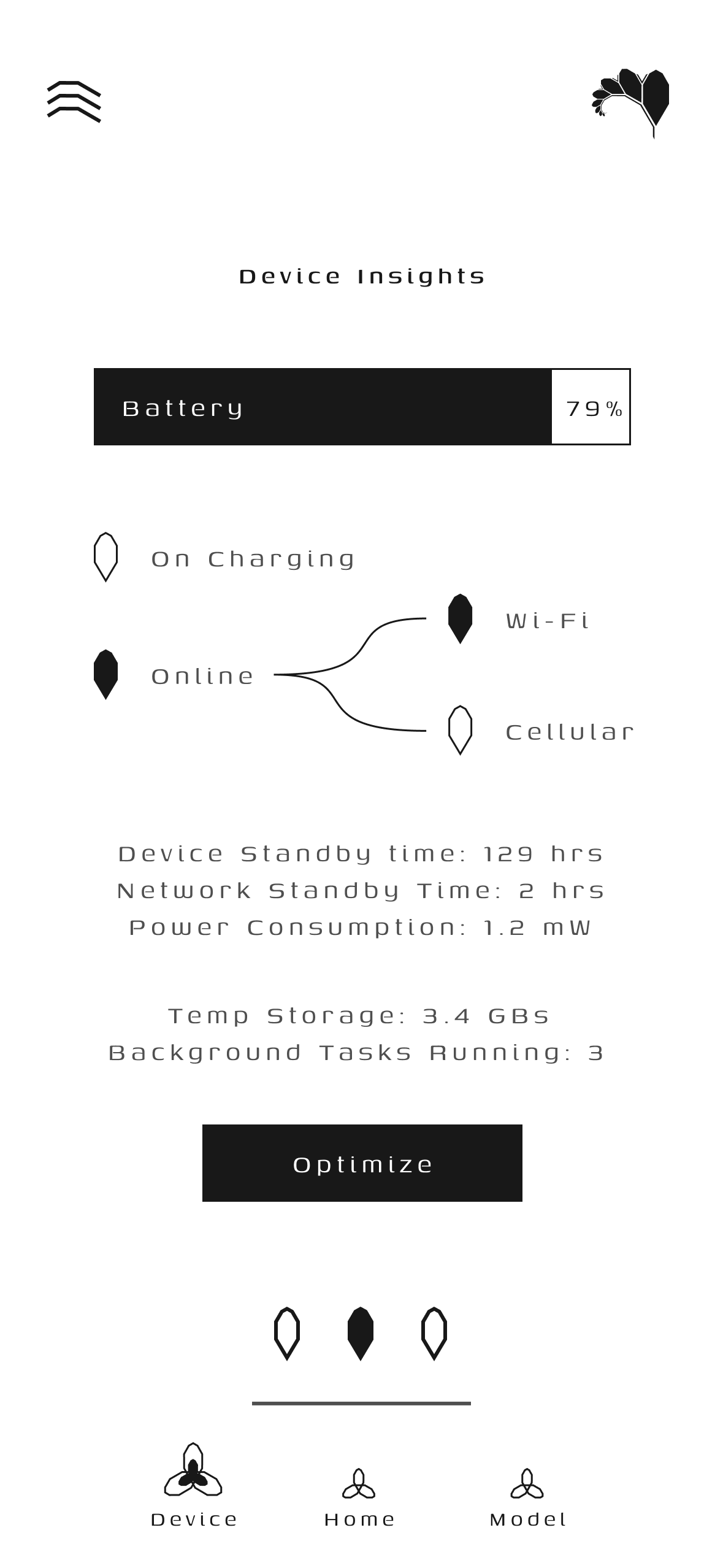
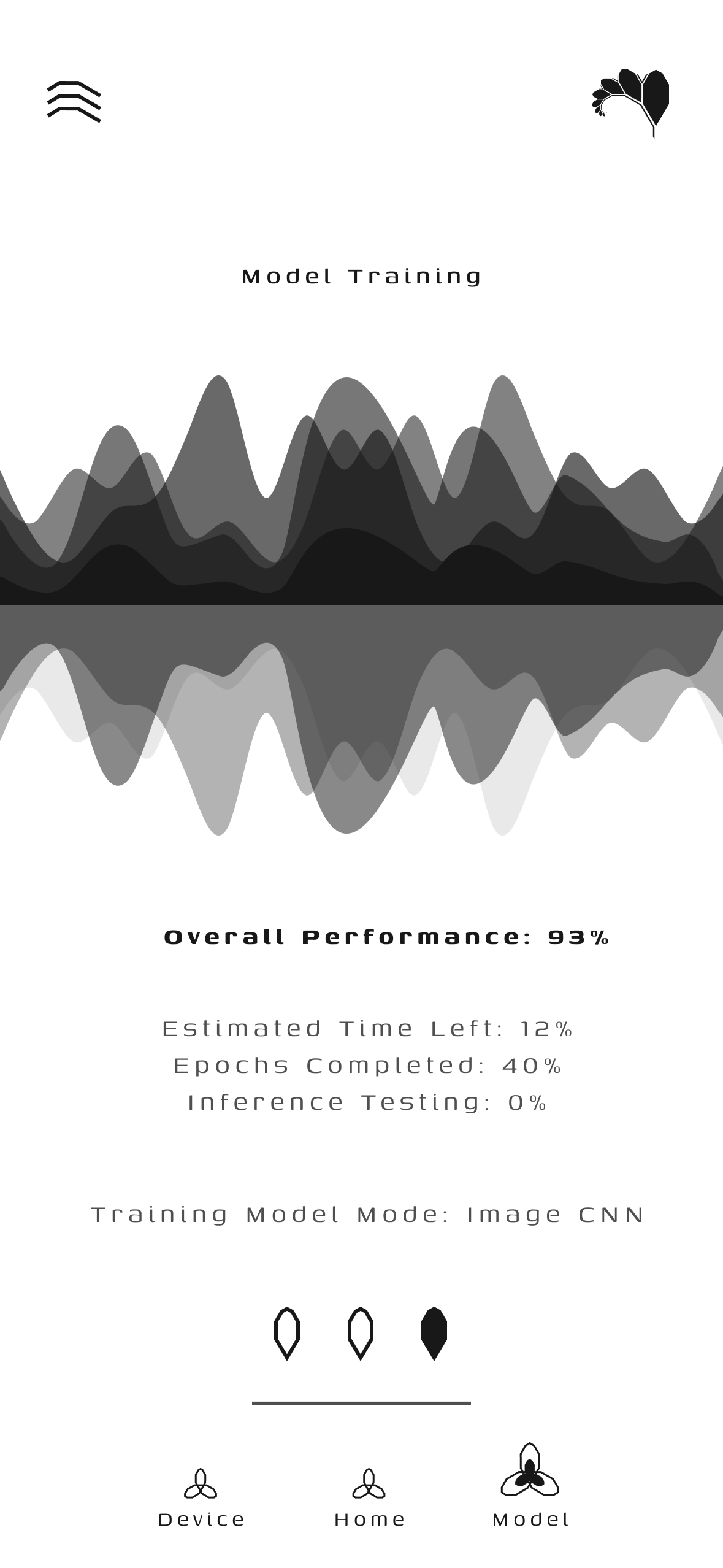
Usage Insights Device Insights Model Training
Usage Insights: Time-series telemetry graphs for CPU, RAM, battery, and thermals. Device Insights: Detailed hardware profiling with one-tap memory optimization. Model Training: Live loss convergence curves, parameter transfer rates, and epoch progress.

WiFi Bank & Bandwidth Rewards

Fractal transforms idle consumer mobile hardware into active decentralized compute infrastructure through a fair, transparent reward exchange:

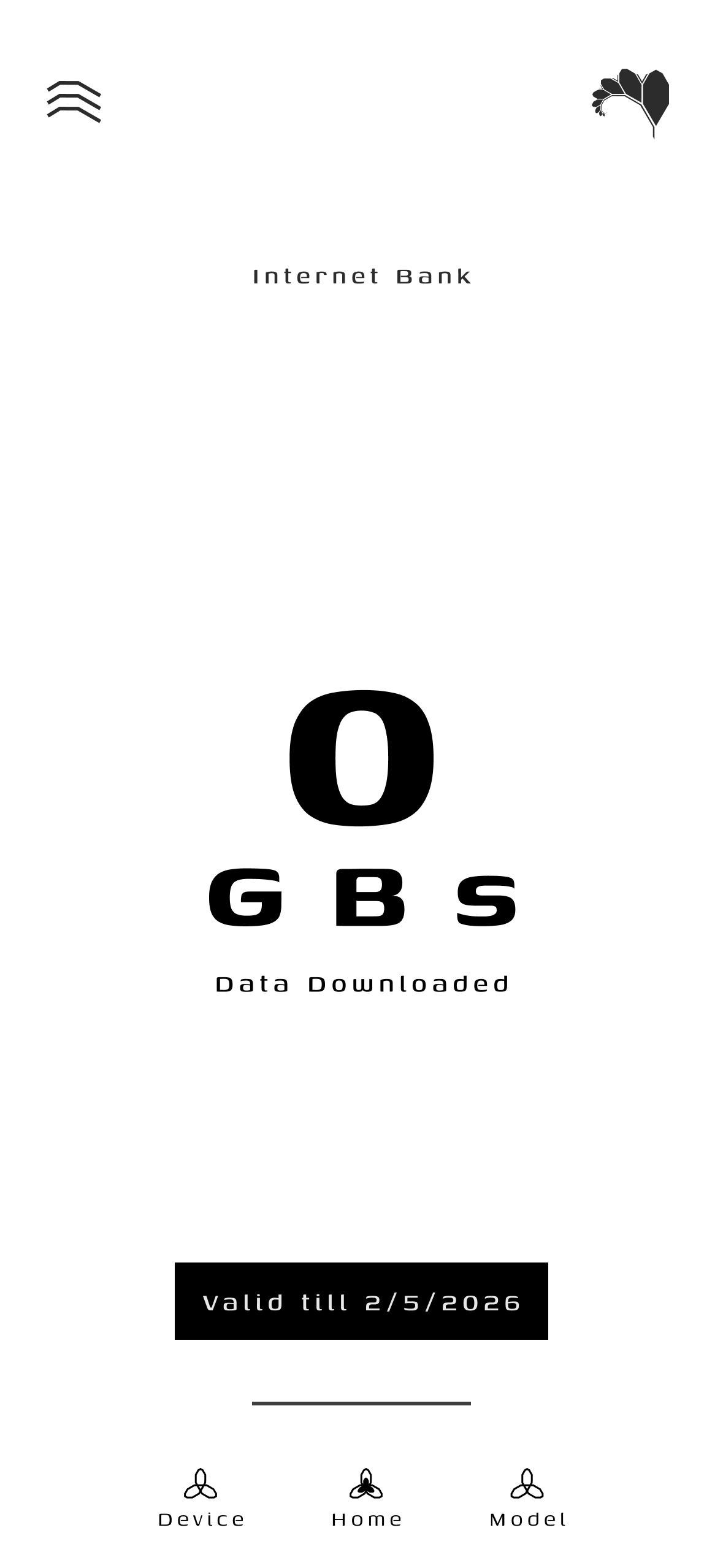
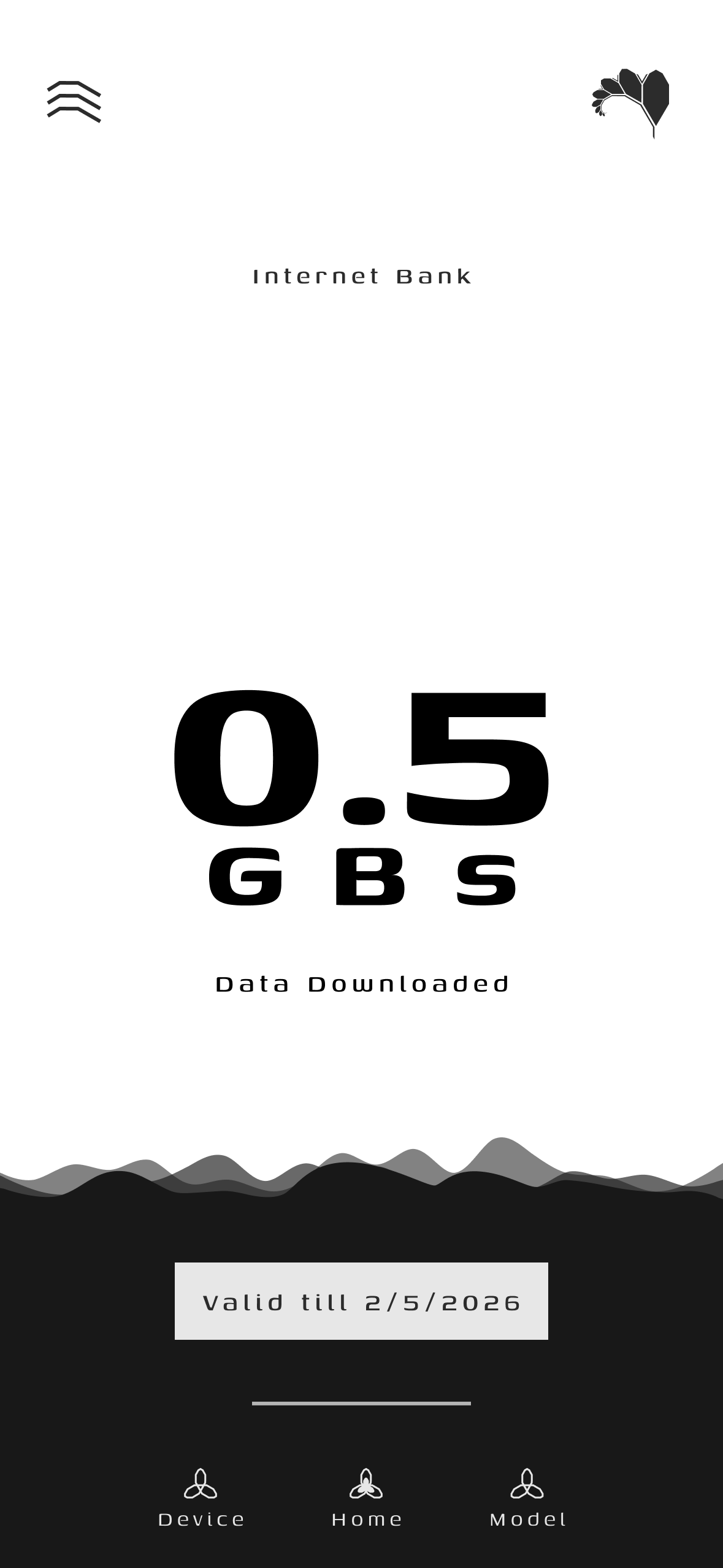
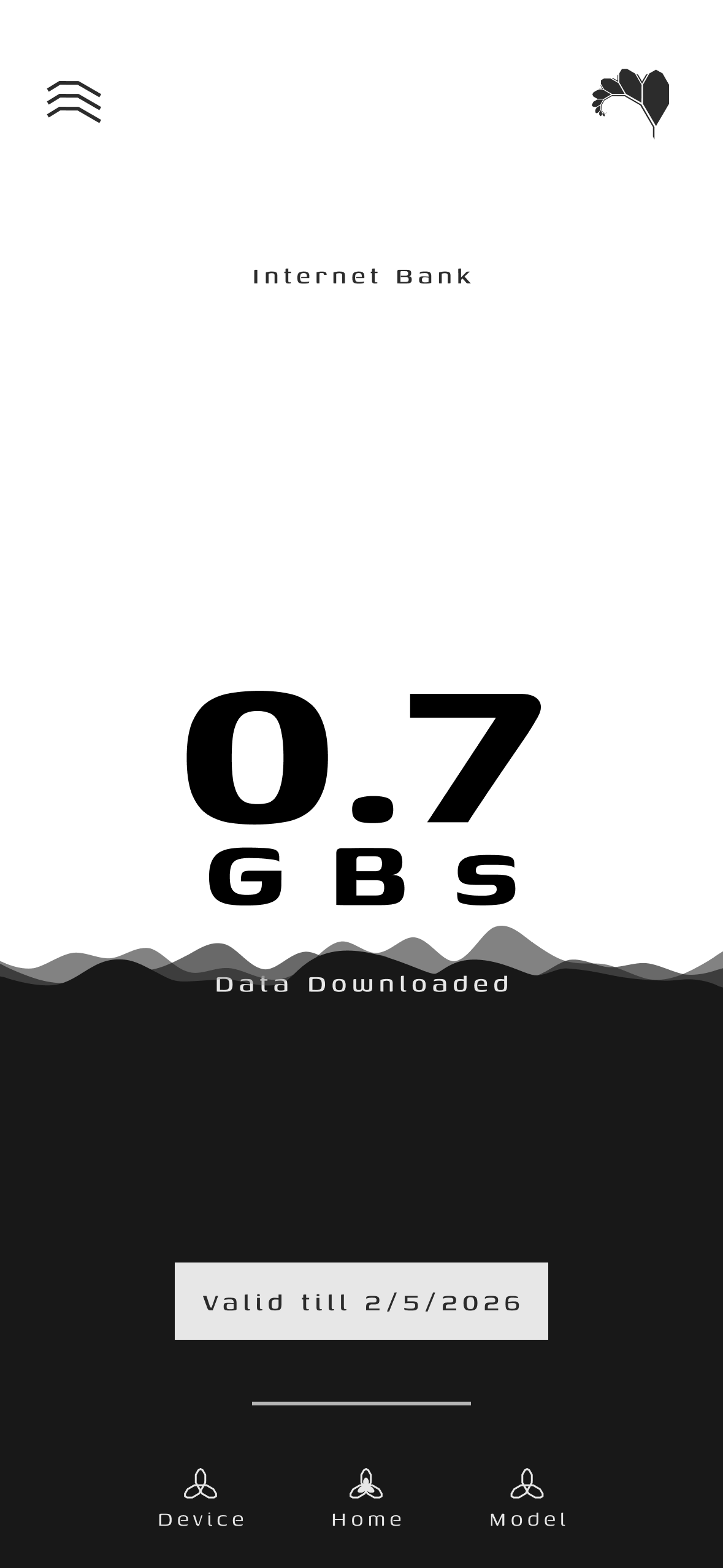
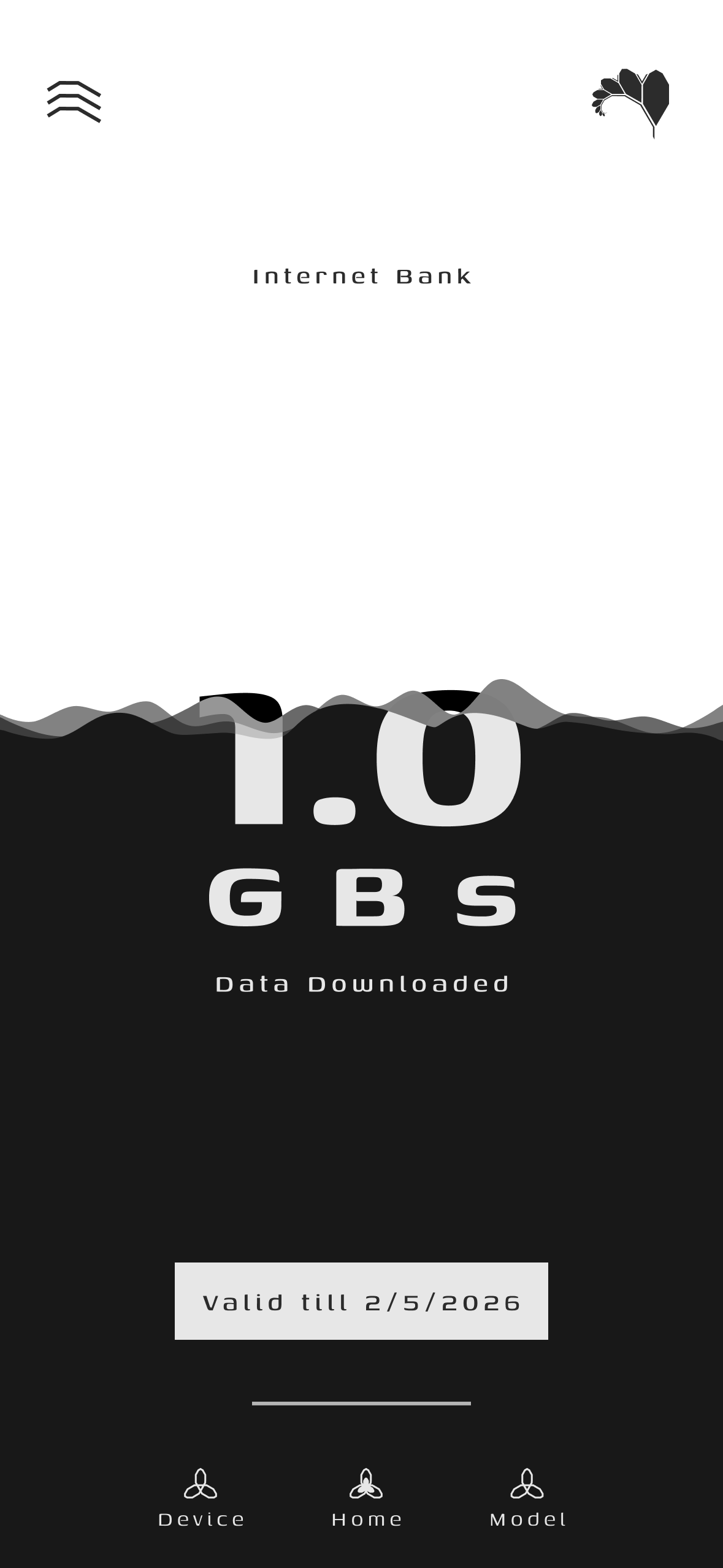
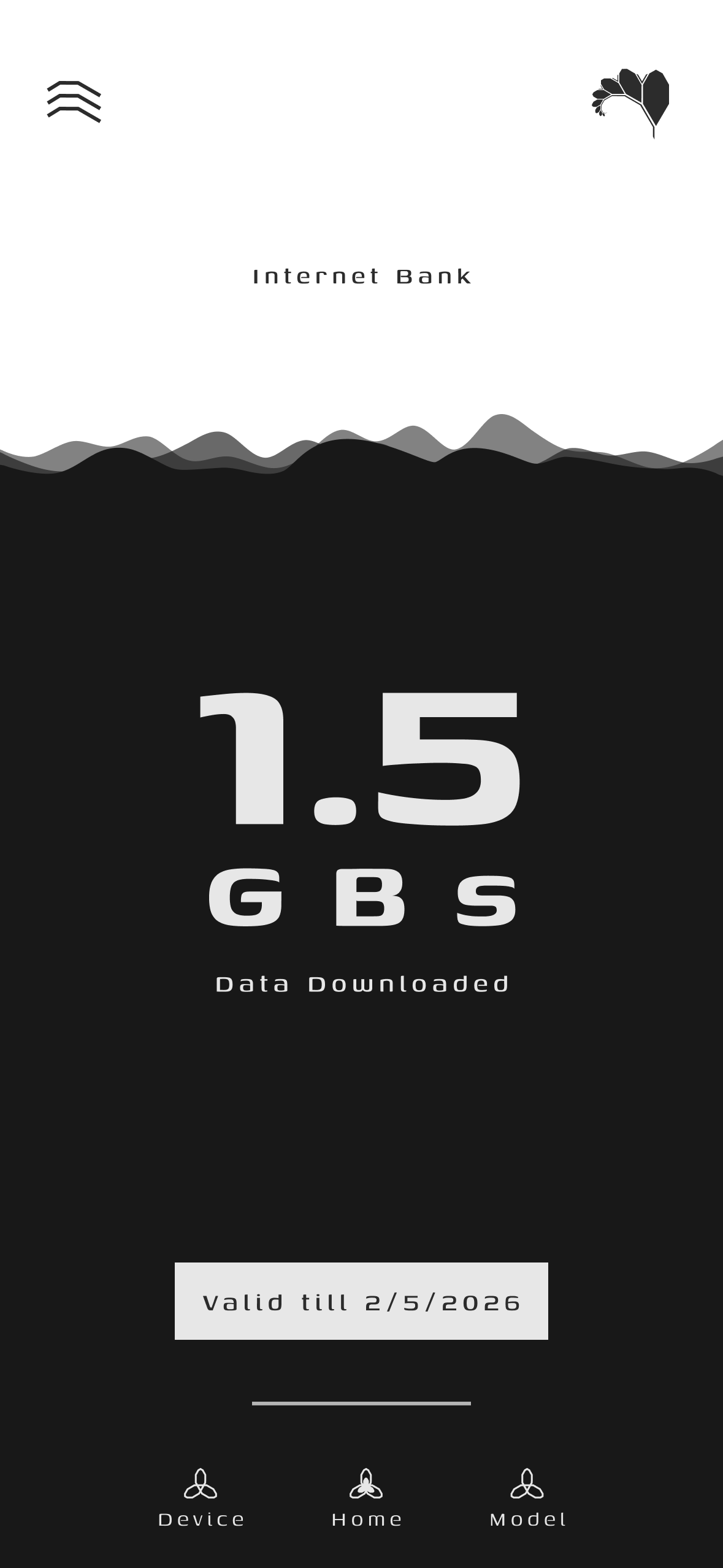
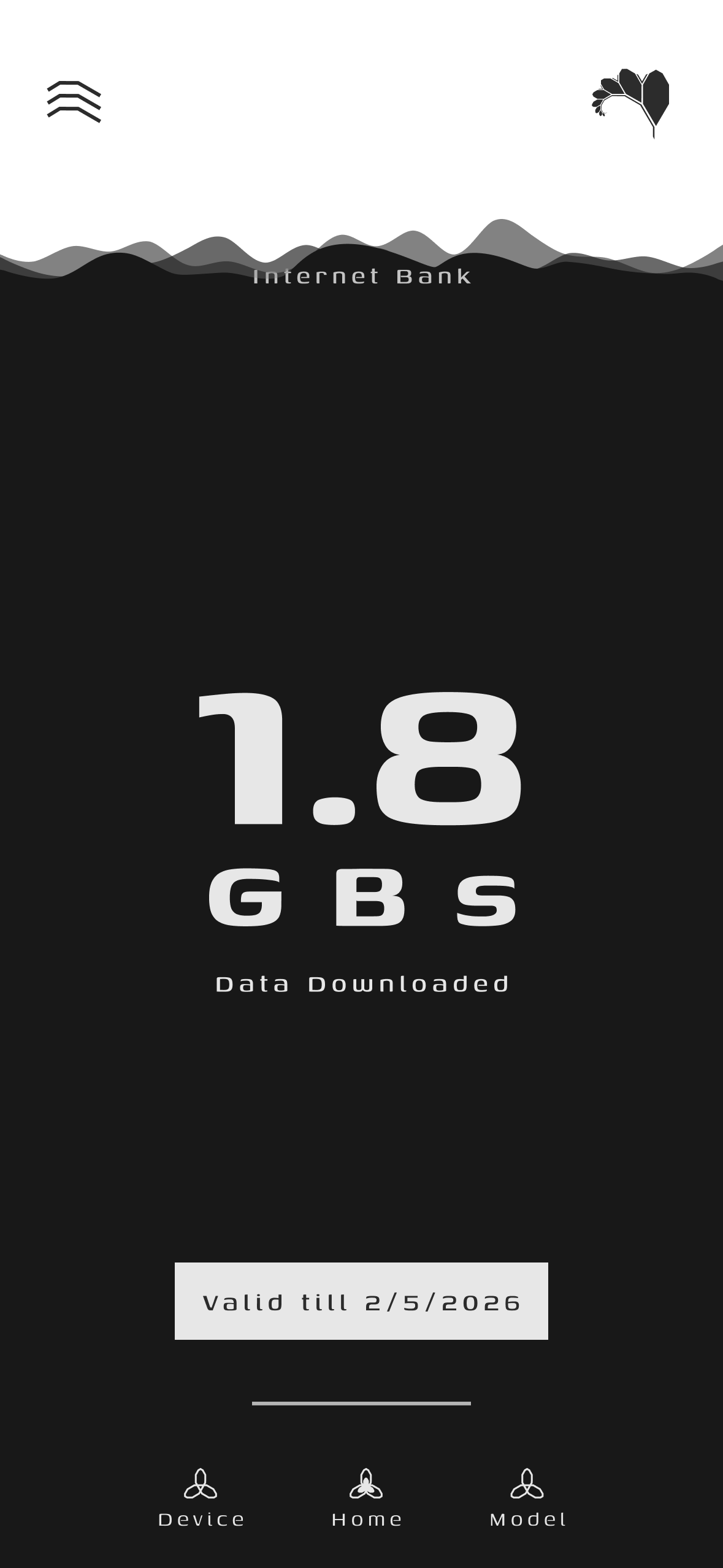
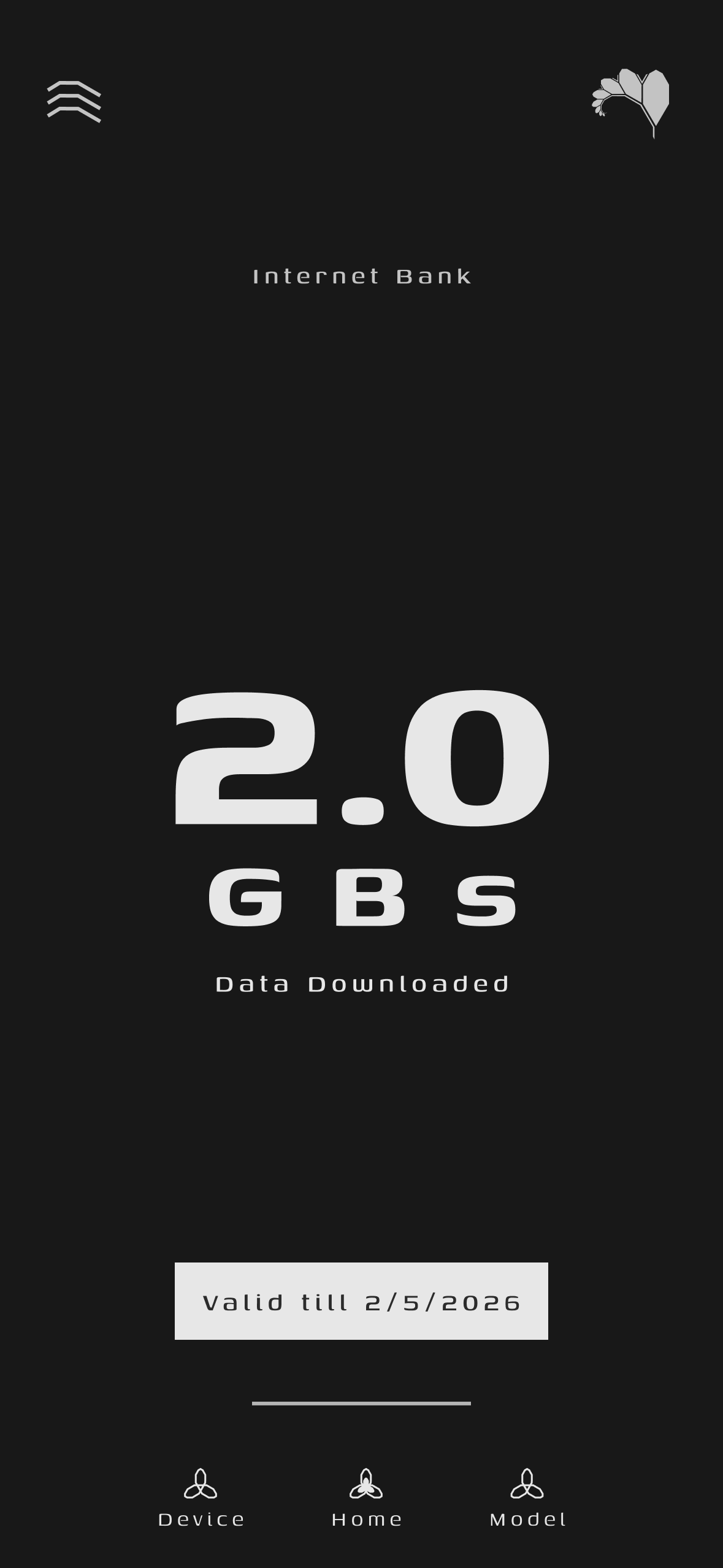
Internet Bank 0 GB Internet Bank 0.5 GB Internet Bank 0.7 GB Internet Bank 1.0 GB Internet Bank 1.5 GB Internet Bank 1.8 GB Internet Bank 2.0 GB
0.0 GB
Initial / Empty
0.5 GB
Wave Rising
0.7 GB
Accumulating
1.0 GB
50% Capacity
1.5 GB
75% Capacity
1.8 GB
90% Capacity
2.0 GB
Full Balance

System Architecture

The client application follows a decoupled Model-View-ViewModel (MVVM) architecture with strict separation between UI telemetry rendering, hardware gating controllers, execution runtimes, and network synchronization layers.

graph TD
    subgraph CentralServer ["FractalCore Control Plane"]
        TaskDistributor["Task & Segment Dispatcher"]
        ModelAggregator["Federated Model Aggregator"]
    end

    subgraph FractalAndroidClient ["FractalAndroid Compute Node"]
        direction TB

        subgraph PresentationLayer ["Presentation Layer (MVVM)"]
            UI["Dashboard, Insights & Telemetry UI"]
            VM["Telemetry & Task ViewModels"]
        end

        subgraph GatingLayer ["Hardware Governance"]
            OperationControl["OperationControl (Thermal & SoC Gating)"]
            TelemetrySensors["Battery, Thermal & Network Monitors"]
        end

        subgraph ExecutionLayer ["Compute Execution Engine"]
            ImageTrainer["Image_Trainer (TFLite Engine)"]
            DataManager["DataManager (ByteBuffer Batch Loader)"]
            CheckpointMgr["CheckpointManager (.ckpt Serialization)"]
        end

        subgraph NetworkLayer ["Data & Transport Tier"]
            ServerDAO["Server_DAO (Task Poller)"]
            Transmitter["ModelTransmitter (TLS Weight Egress)"]
        end
    end

    %% Wiring
    TaskDistributor <-->|"REST HTTPS (/api/task/current)"| ServerDAO
    ServerDAO --> OperationControl
    OperationControl --> TelemetrySensors
    TelemetrySensors --> VM
    VM --> UI

    OperationControl -->|"Permit: GRANTED"| ImageTrainer
    ImageTrainer --> DataManager
    ImageTrainer --> CheckpointMgr
    CheckpointMgr --> Transmitter
    Transmitter -->|"POST /api/model/upload"| ModelAggregator

Hardware Telemetry Gating

The client enforces strict multi-variable gating via OperationControl before and during computation:

Telemetry Parameter Operational Threshold Action on Violation
Battery State-of-Charge Level $\ge$ 50% or Charging == True Workload paused until charging connected
Battery Temperature Temp $\le$ 40.0 C Execution paused until thermal normalization
Network Connectivity Unmetered Wi-Fi Connected Checkpoint upload deferred
Memory Pressure System Memory Low == False Batch buffer size throttled

Execution Lifecycle

The lifecycle of a single federated compute round on the mobile client proceeds through automated telemetry checks, training execution, and encrypted checkpoint transmission.

sequenceDiagram
    participant Server as FractalCore Server
    participant Net as Server_DAO / Transmitter
    participant Gate as OperationControl
    participant Engine as Image_Trainer
    participant Storage as CheckpointManager

    Note over Net,Engine: Standby & Periodic Task Polling
    Net->>Server: GET /api/task/current (device_id)
    Server-->>Net: ActiveTask Payload (URLs + Hyperparams)

    Net->>Gate: Request Execution Permit
    Gate->>Gate: Sample Battery SoC, Thermals & Charging
    alt Thermals > 40C or Battery < 50%
        Gate-->>Net: Permit DENIED (Backoff & Sleep)
    else Hardware Telemetry Healthy
        Gate-->>Net: Permit GRANTED
    end

    Net->>Server: Download Model (.tflite) + Binary Data Bins
    Net->>Engine: Initialize Weights & Segment Inputs

    loop Epoch Loop
        Engine->>Engine: Execute Local Gradient Descent Batch
        Gate->>Gate: Continuous Thermal Check
        alt Thermal Spike Detected
            Gate->>Engine: Signal PAUSE (Preserve State)
            Note over Engine: Wait for Thermal Normalization
            Gate->>Engine: Signal RESUME
        end
    end

    Engine->>Storage: Serialize Local Weight Checkpoint (.ckpt)
    Storage->>Net: Pass Parameter Deltas
    Net->>Server: POST /api/model/upload (task_Id, device_id, .ckpt)
    Server-->>Net: 200 OK (Liquid MB Reward Credited)

Module Breakdown

FractalAndroid/
|-- app/src/main/java/
|   |-- AppBackend/
|   |   |-- DataManager/             # Dataset binary segment parsing and caching
|   |   |-- LocalTrainingModule/     # TFLite Gradient Descent, Image_Trainer
|   |   |-- Network/                 # Server_DAO, ModelTransmitter (TLS HTTP)
|   |   |-- ResourceManagement/      # OperationControl, Battery & Thermal Telemetry
|   |   |-- TaskContainer/           # ActiveTask DTOs and JSON serialization
|   |   `-- Validator/               # Accuracy validation & inference assertions
|   |-- AppFrontend/
|   |   |-- Auth/                    # Node Registration & Binding UI
|   |   |-- Home/                    # Real-Time Compute & Training Dashboard
|   |   |-- Insights/                # Real-Time Telemetry & Hardware Charts
|   |   `-- Settings/                # Target Server URL & Threshold Configuration
|   `-- AppGlobal/                   # Cross-cutting Constants & Utility Helpers
|-- build.gradle.kts                 # Root Kotlin DSL Build Configuration
|-- app/build.gradle.kts             # Application Module Build Configuration
`-- docs/                            # Architecture Diagrams (.drawio) and Assets

Technical Pipeline Specifications

Pipeline Stage Java/Kotlin Implementation Responsibility
Ingress Server_DAO Polling task endpoints with exponential backoff and payload decoding.
Gating OperationControl Real-time multi-variable telemetry gating (Thermal, Battery, RAM).
Execution Image_Trainer On-device gradient calculation using optimized TFLite mobile kernels.
Data Parsing DataManager / FileOperations Loading binary dataset batches into direct ByteBuffer structures.
Persistence CheckpointManager Serialization of intermediate parameter matrices (.ckpt).
Egress ModelTransmitter Encrypted transmission of .ckpt parameter updates to FractalCore.

Development and Build

Prerequisites

Build Workflow

# 1. Clone the repository
git clone https://github.com/Fractal-Compute-Orchestrations/FractalAndroid.git
cd FractalAndroid

# 2. Build Debug APK
./gradlew assembleDebug

# 3. Execute Unit Tests
./gradlew test

# 4. Install and Run on Connected Device
./gradlew installDebug

Security & Privacy Guarantee


Governance & Licensing

FractalAndroid is architected and owned by Ahmad Hassan (B-Ted).

FractalAndroid (Fractal-Compute-Orchestrations/FractalAndroid)

edge-ai
Searching Database…

What is this?FractalAndroid is an Android client that turns a phone into a privacy-preserving edge compute node for the Fractal distributed intelligence network, running on-device federated learning (TFLite) training in coordination with a central server called FractalCore.
Is this a standalone app or does it need a server?It is a mobile app, but it is not self-sufficient: it polls task endpoints and uploads encrypted model checkpoints to a separate backend called FractalCore, which is not part of this repo.
How do I build and run this on my phone?Open the project in Android Studio 2023.3.1 (Jellyfish) or newer with Compile SDK 34 and build/run it on a physical Android device, since thermal and sensor feedback requires real hardware.
What toolchain do I need before building it?You need Android Studio 2023.3.1+, Android SDK with Compile SDK 34 and Min SDK 24, and JDK 17 (recommended for Gradle 8+).
Does it drain my battery or run constantly?No — a telemetry gating system (OperationControl) pauses training unless the battery is charging or above 50%, the battery temperature is at or below 40°C, the device is on unmetered Wi-Fi, and memory pressure is low.
Does my local data (photos, sensors) get uploaded anywhere?No. Raw user data stays on the device; only mathematical model parameter checkpoints are transmitted to the server, over TLS-encrypted HTTPS.
Can I use or modify this commercially?No. It is proprietary and source-available under a restrictive non-commercial license — all rights reserved, with commercial use strictly prohibited without written authorization.
What does the app actually train on my device?It runs on-device gradient calculations using optimized TFLite mobile kernels (via the ImageTrainer module) on partitioned batch datasets loaded into ByteBuffer structures, then serializes the resulting parameters as .ckpt files.
What architecture does the client use internally?It follows an MVVM pattern with distinct layers: ServerDAO for task polling, OperationControl for hardware gating, ImageTrainer for execution, CheckpointManager for persistence, and ModelTransmitter for encrypted egress.
Size
15.5 MB
Stars
1.1K
Updated
CommitAug 22
Age
10mo
Commits · 90 Days
