

















10.4K ·GitHub
What is this?
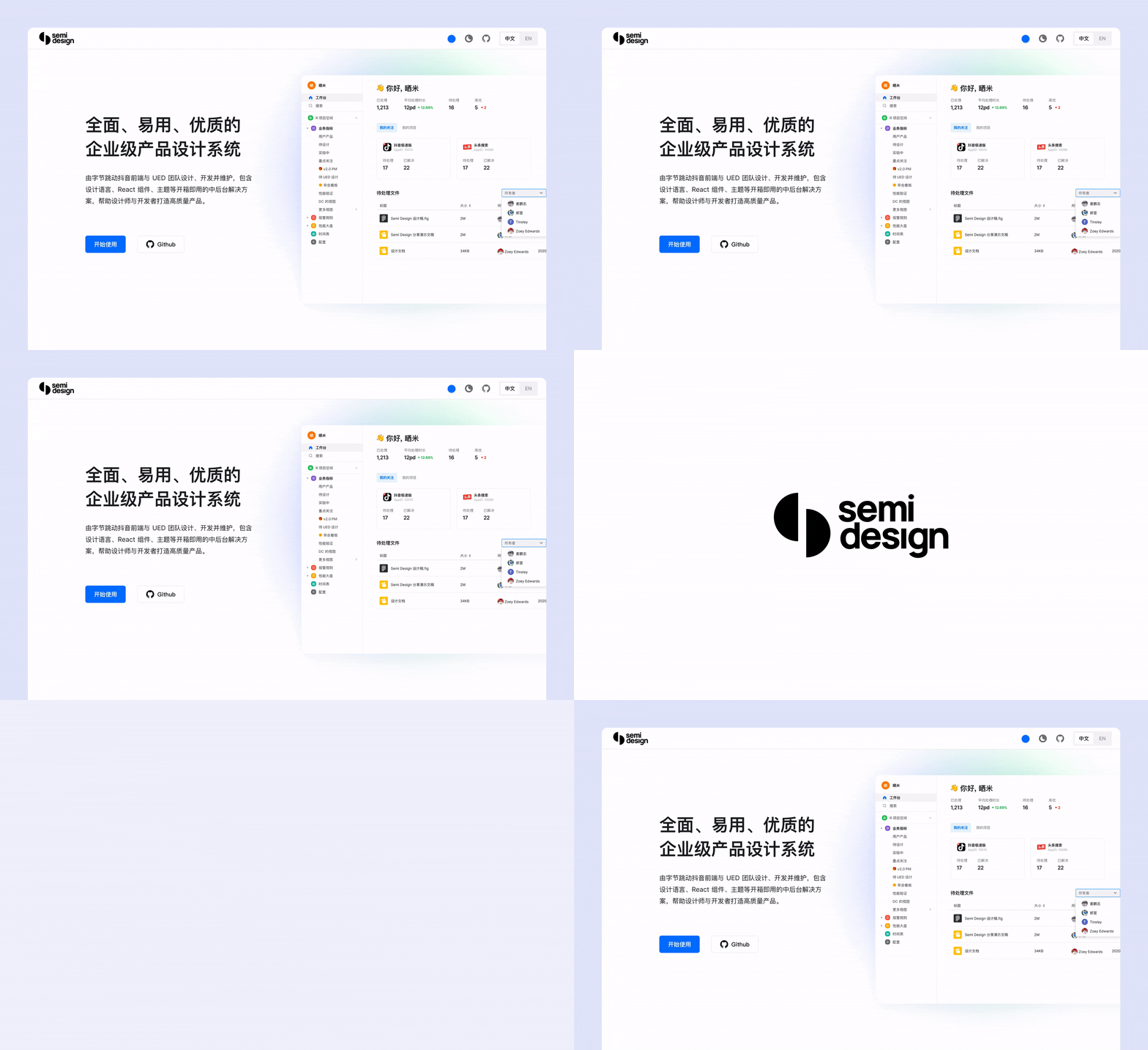
 Semi Design is a comprehensive design system and React UI library: 80+ production-quality components kept stable since 2019, plus tooling that connects design and code — a Figma Design-to-Code plugin and a DSM platform for custom design tokens.
Semi Design is a comprehensive design system and React UI library: 80+ production-quality components kept stable since 2019, plus tooling that connects design and code — a Figma Design-to-Code plugin and a DSM platform for custom design tokens.Is it a framework I build my whole app on, or a component library I pull pieces from?A library, not a framework — you install @douyinfe/semi-ui from npm and import just the components you need into an existing React app. It is written in TypeScript, with visuals and logic split into semi-ui and semi-foundation packages.
A library, not a framework — you install @douyinfe/semi-ui from npm and import just the components you need into an existing React app. It is written in TypeScript, with visuals and logic split into semi-ui and semi-foundation packages.How do I get it into my project?Run npm install @douyinfe/semi-ui, import the stylesheet and start rendering components. The official doc site also offers hundreds of editable examples with live preview to copy from.
Run npm install @douyinfe/semi-ui, import the stylesheet and start rendering components. The official doc site also offers hundreds of editable examples with live preview to copy from.Do I need anything besides React to use it?No — the components are ordinary npm React packages, so any React app works. Node.js 20+ and lerna are only needed if you build the docs site or the monorepo yourself.
No — the components are ordinary npm React packages, so any React app works. Node.js 20+ and lerna are only needed if you build the docs site or the monorepo yourself.Which browsers will it run in?All major modern browsers: the latest two versions of Chrome, Firefox and Safari, plus Edge and Electron per the support table. IE is not on the list — Edge is the floor.
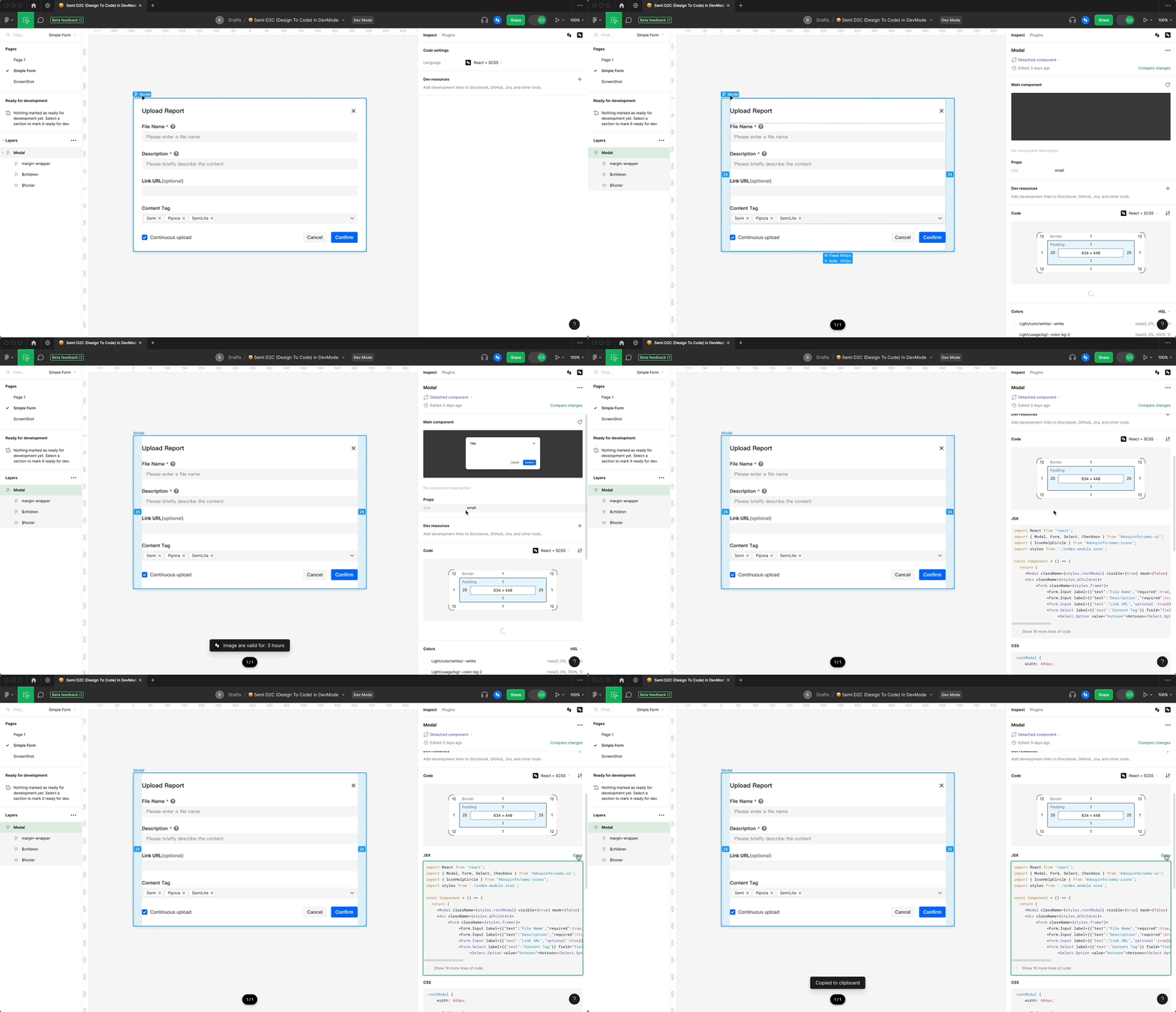
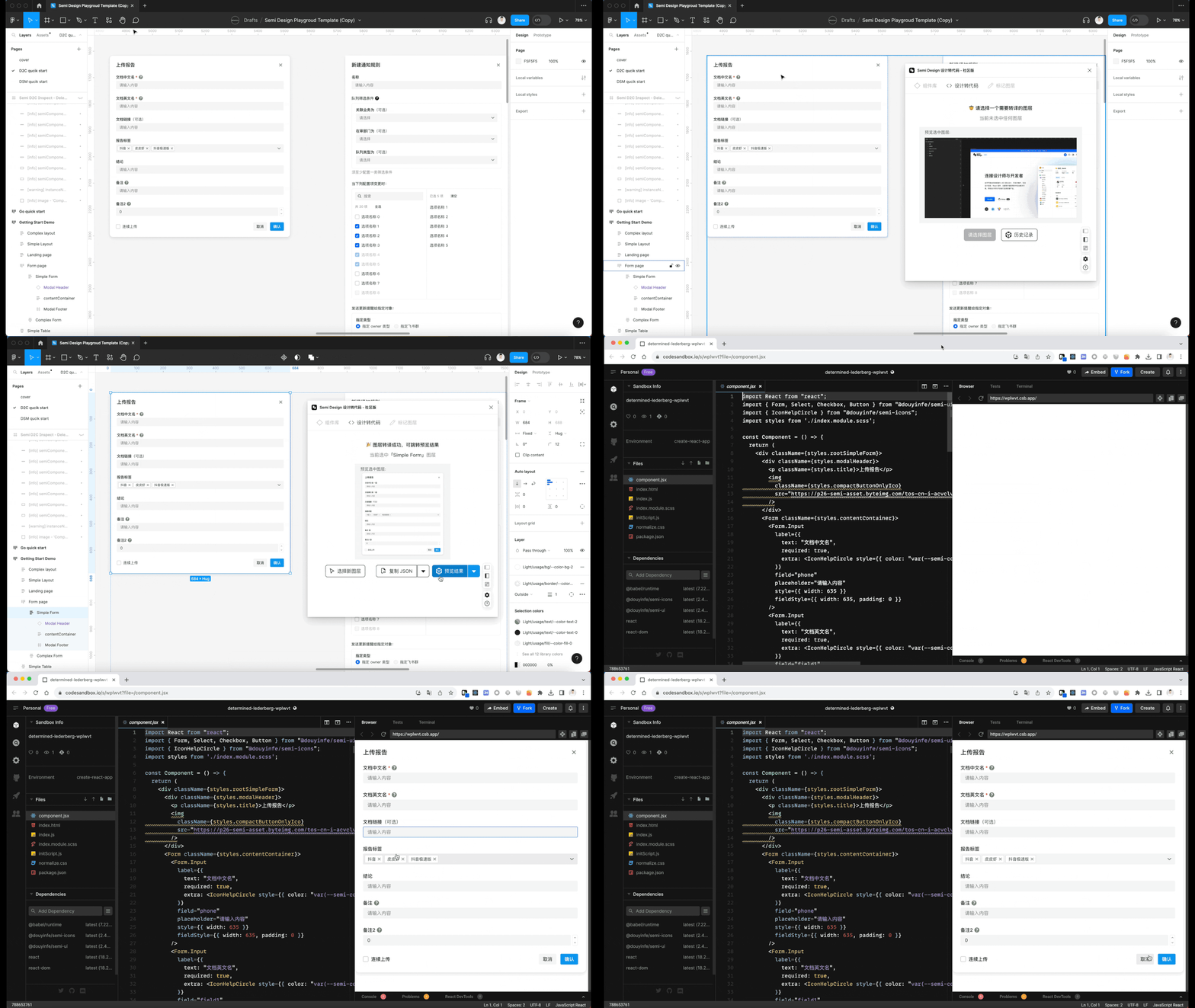
All major modern browsers: the latest two versions of Chrome, Firefox and Safari, plus Edge and Electron per the support table. IE is not on the list — Edge is the floor.Can it turn my Figma designs into working React code?Yes — official Design to Code support. The Semi Figma Plugin translates a Figma draft into real code in seconds: JSX + SCSS, Emotion or Tailwind, or a JSON Schema DSL. With Figma devmode, selecting a layer shows the matching code right in the panel, and you can jump to CodeSandbox to keep editing.
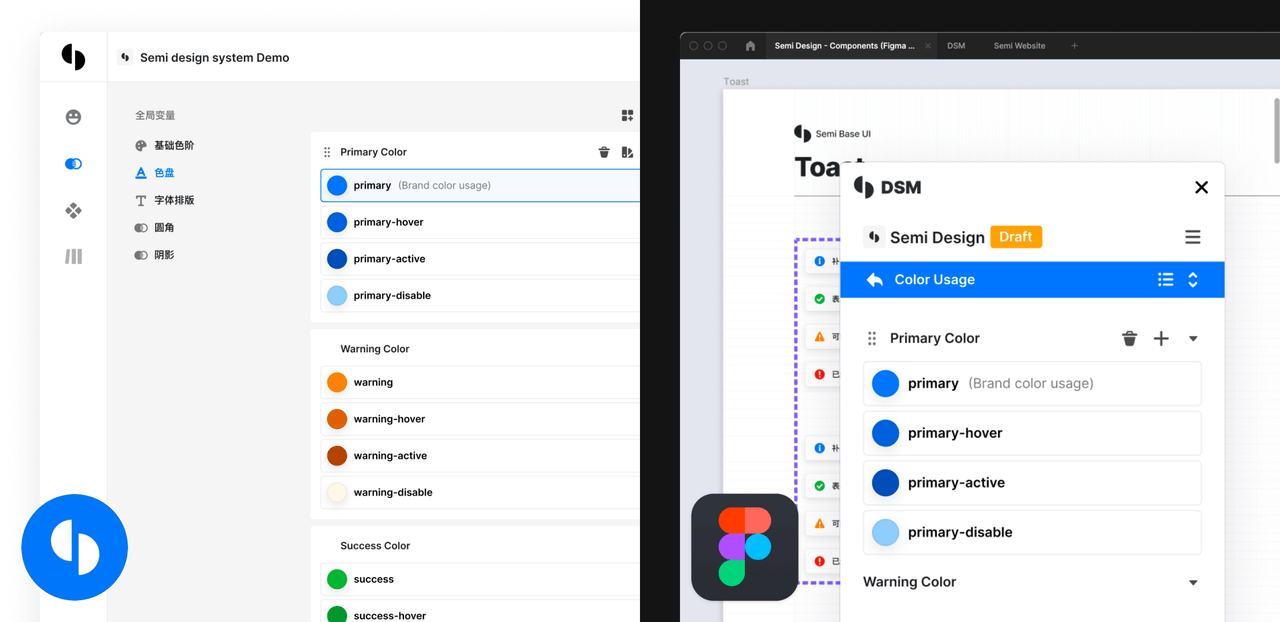
Yes — official Design to Code support. The Semi Figma Plugin translates a Figma draft into real code in seconds: JSX + SCSS, Emotion or Tailwind, or a JSON Schema DSL. With Figma devmode, selecting a layer shows the matching code right in the panel, and you can jump to CodeSandbox to keep editing.What is Semi DSM?A design system management platform built on Semi UI: it gives you 3000+ design tokens to configure every detail, so you can reshape Semi into your own design system in one click, with Figma and code kept in sync.
A design system management platform built on Semi UI: it gives you 3000+ design tokens to configure every detail, so you can reshape Semi into your own design system in one click, with Figma and code kept in sync.Does it work the other way too — from code back into Figma?Yes, that is Code to Design (C2D): it automatically generates a Figma UI Kit according to your theme, keeping the design files and the code consistent.
Yes, that is Code to Design (C2D): it automatically generates a Figma UI Kit according to your theme, keeping the design files and the code consistent.How accessible are the components out of the box?Fully — Semi claims complete A11y support following W3C standards, with keyboard interaction, focus management and ARIA provided for all components.
Fully — Semi claims complete A11y support following W3C standards, with keyboard interaction, focus management and ARIA provided for all components.What are similar projects?arc-library, chakra-ui, ux-ui-agent-skills, boardui, open-claude-ui, fluentui, styled-components, astryx
arc-library, chakra-ui, ux-ui-agent-skills, boardui, open-claude-ui, fluentui, styled-components, astryxWhich topics is it in?design-tokens, web-components, figma, scss, ssr, dark-mode, design-system, theme, accessibility, tailwindcss, component-library, i18n
design-tokens, web-components, figma, scss, ssr, dark-mode, design-system, theme, accessibility, tailwindcss, component-library, i18n