 Devolutions UniGetUI



 View more screenshots





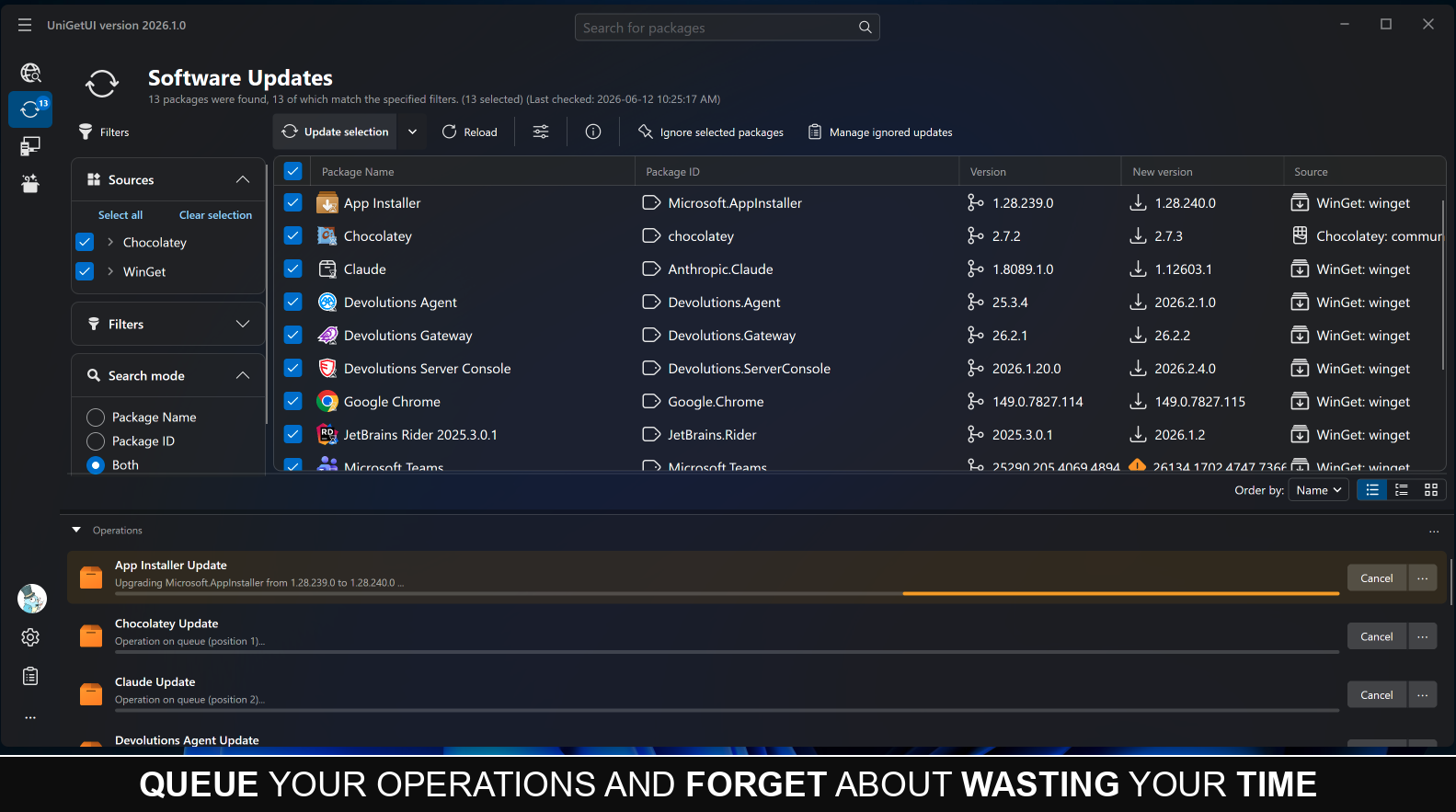
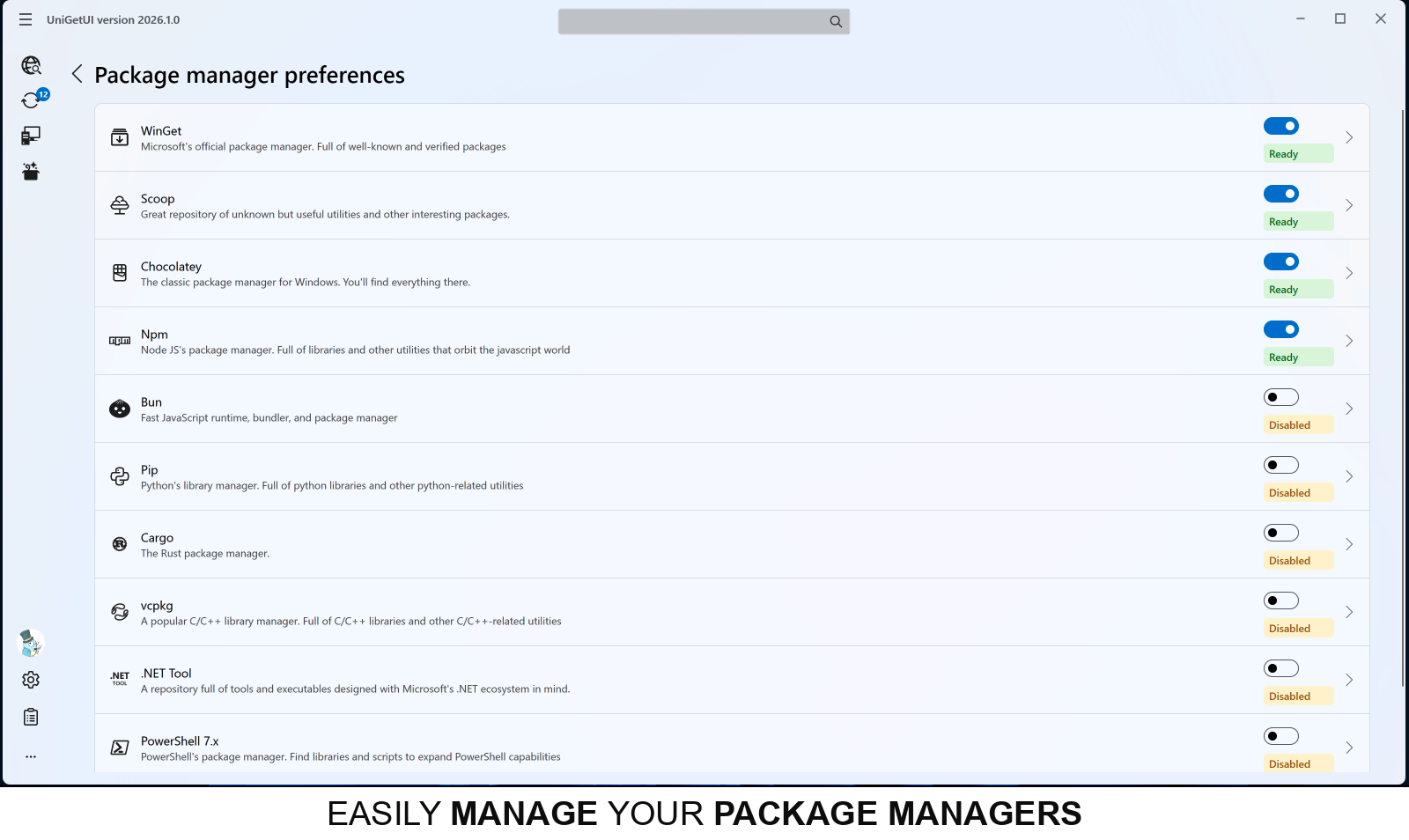
Что это такое?
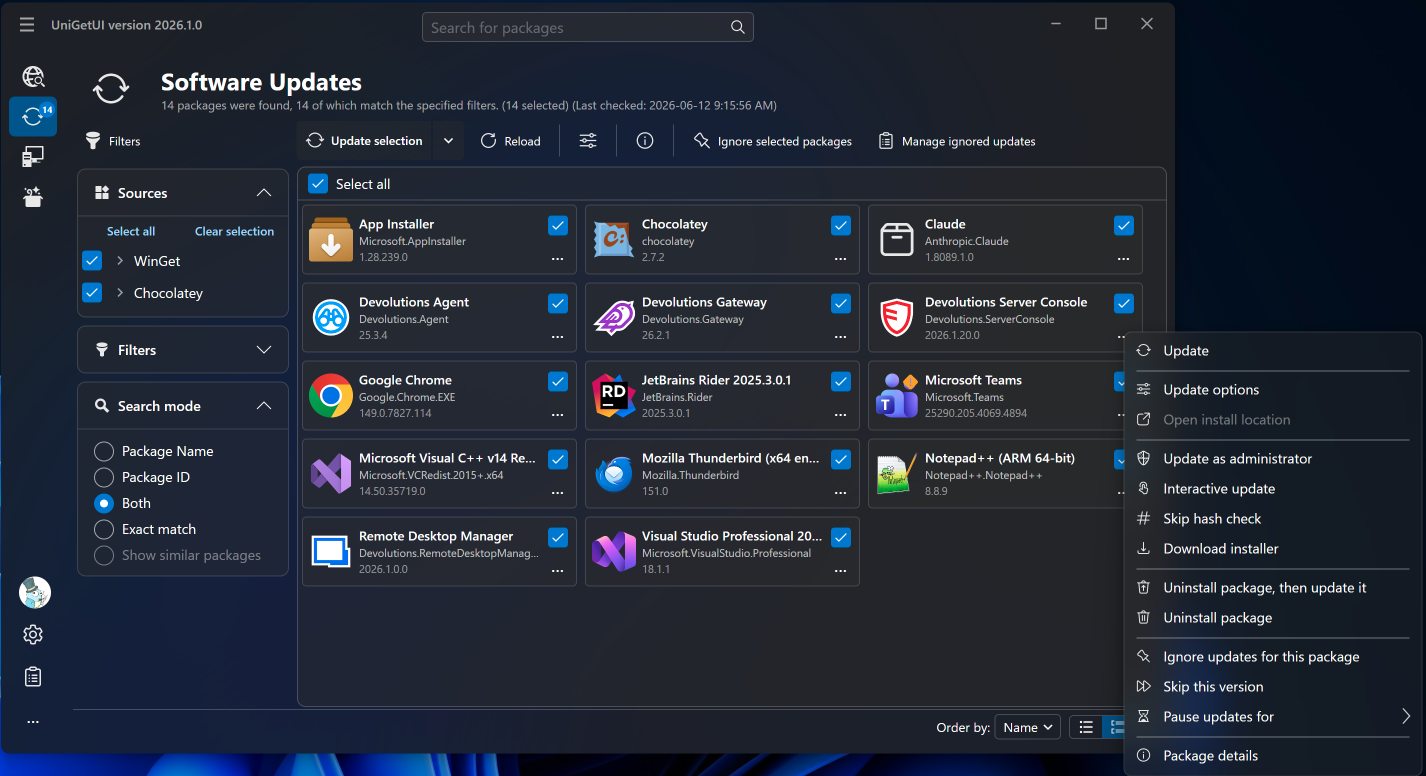
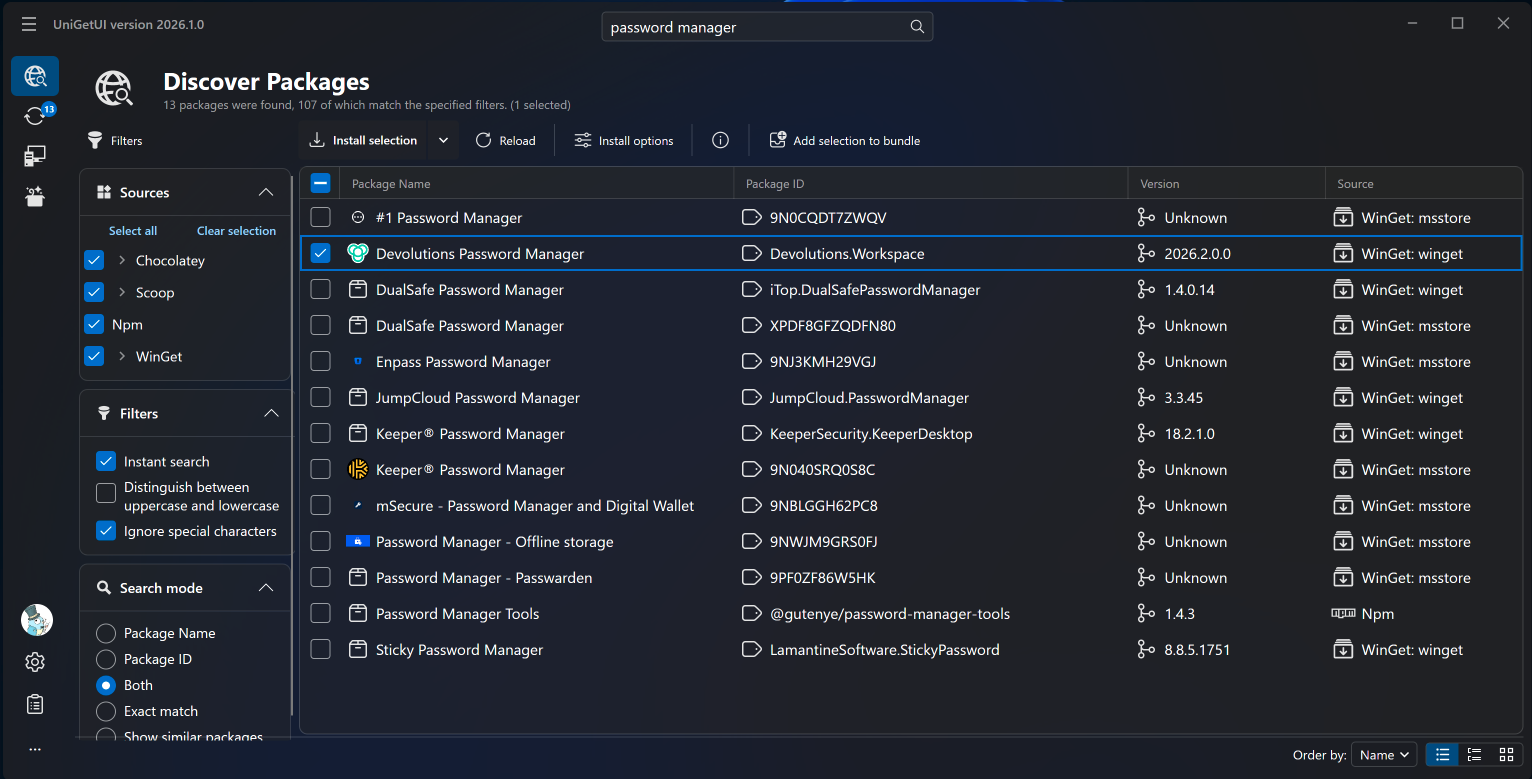
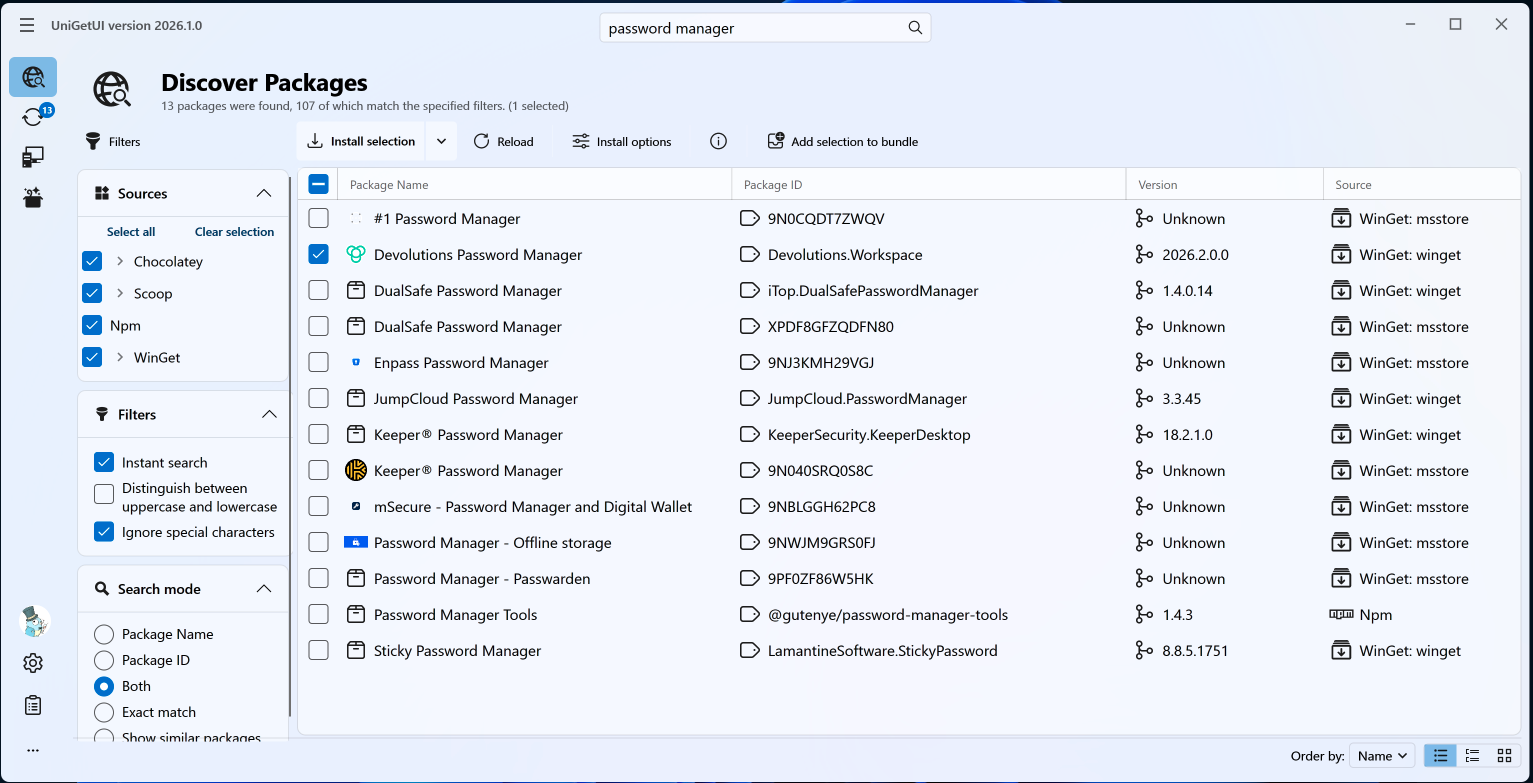
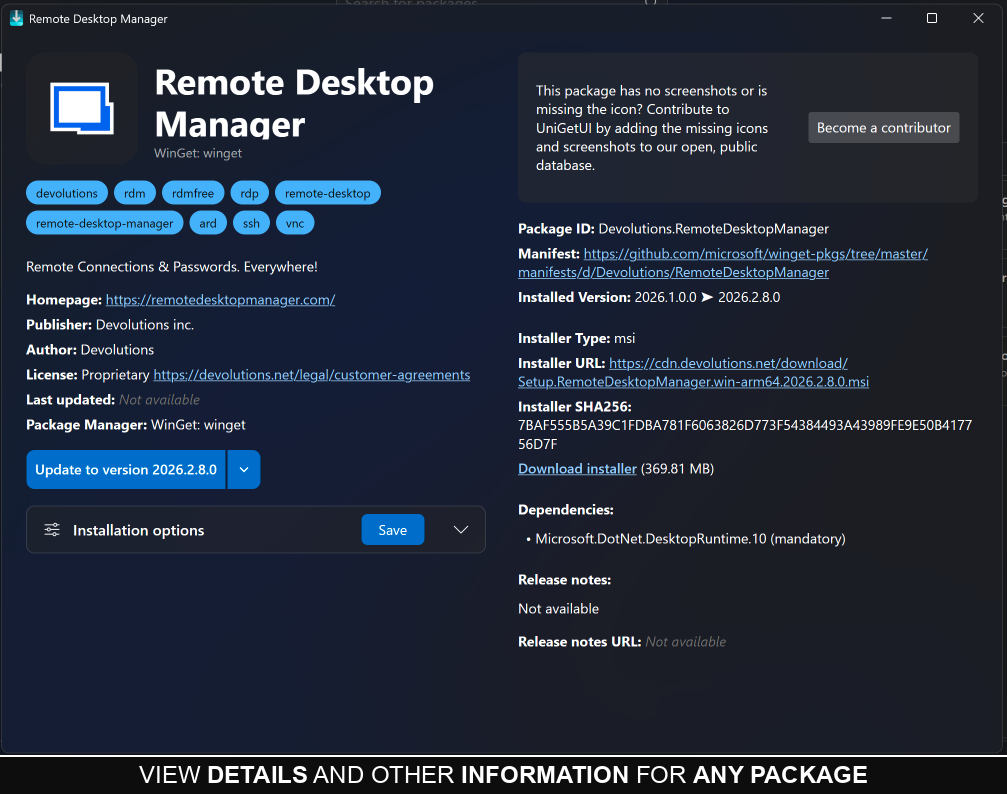
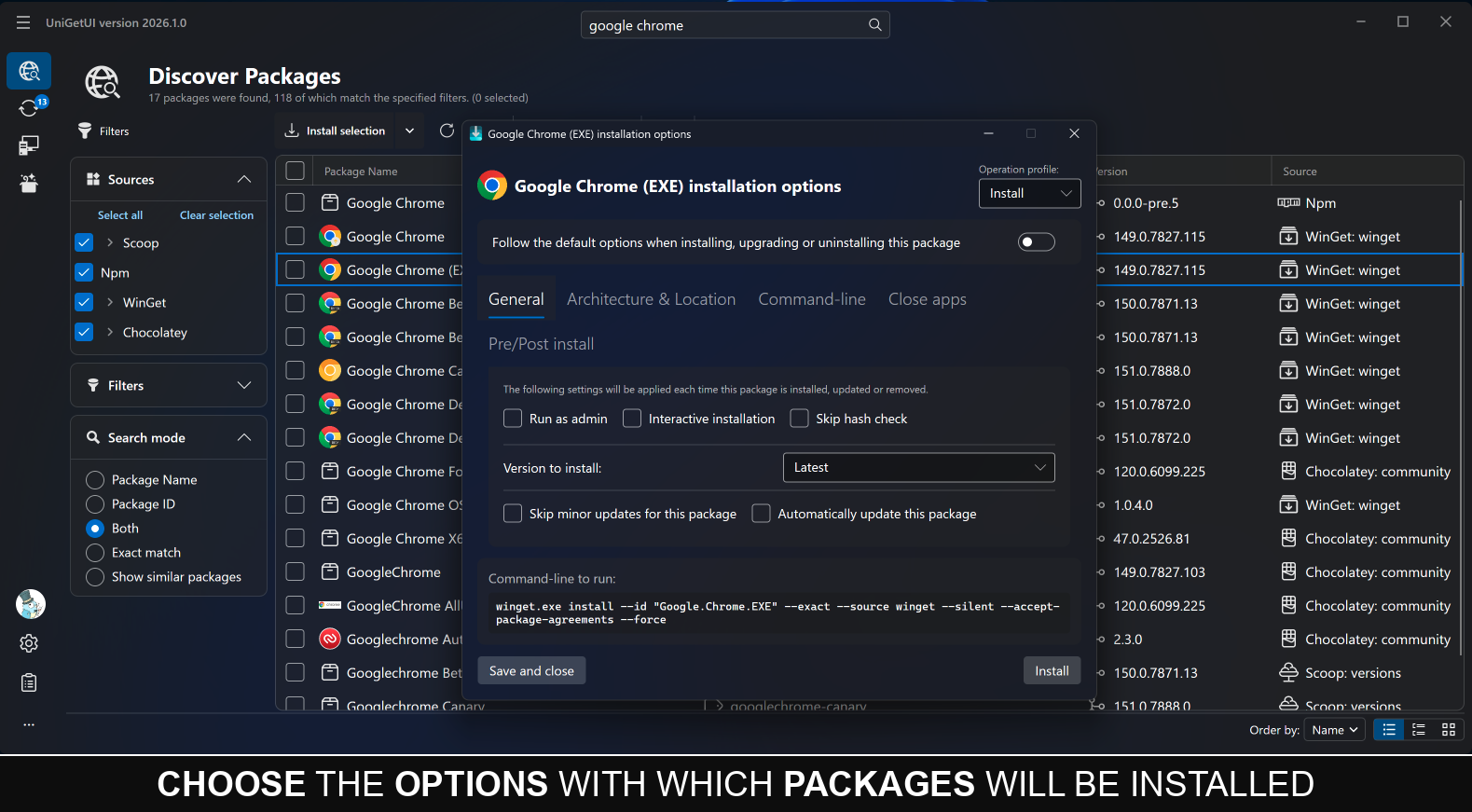
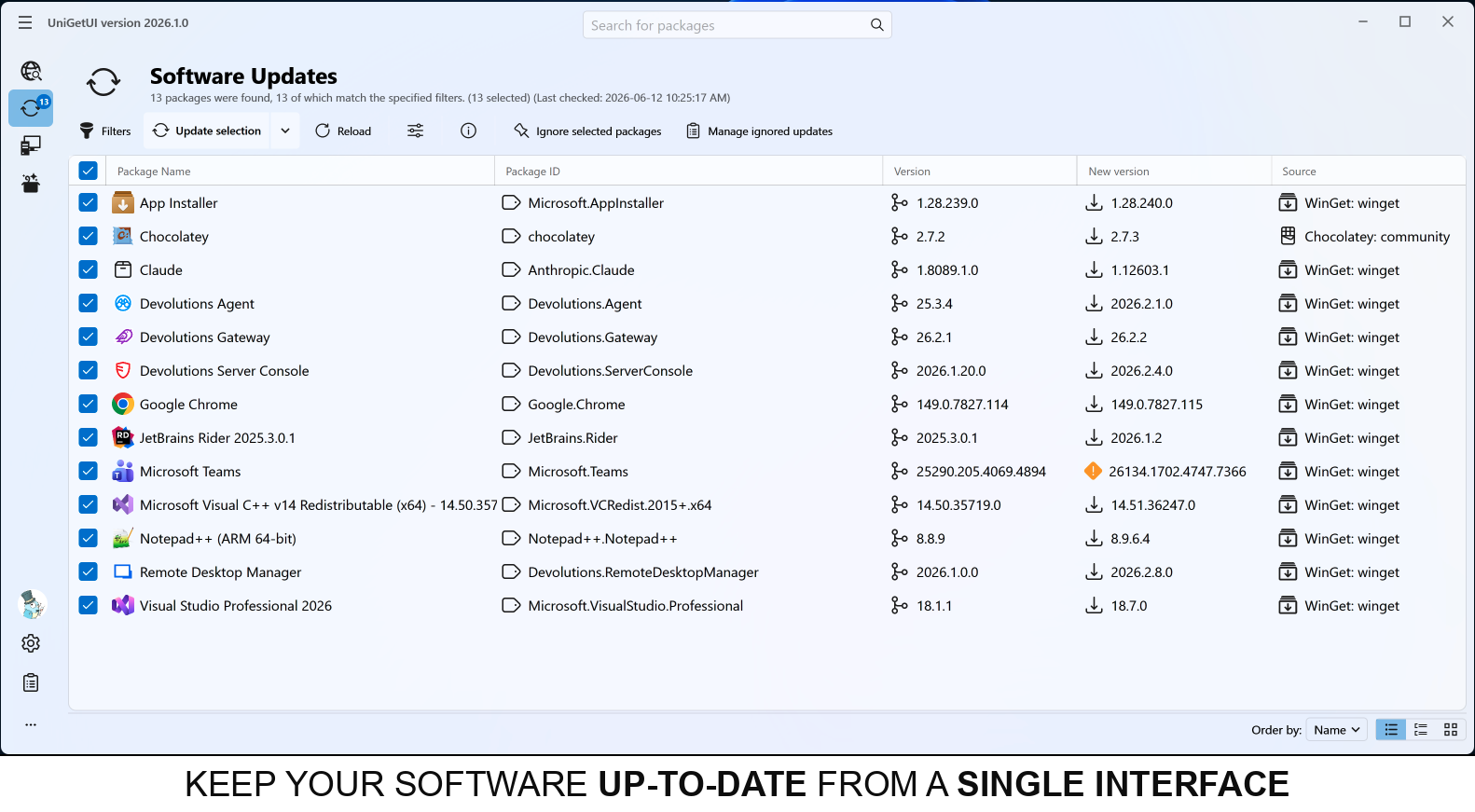
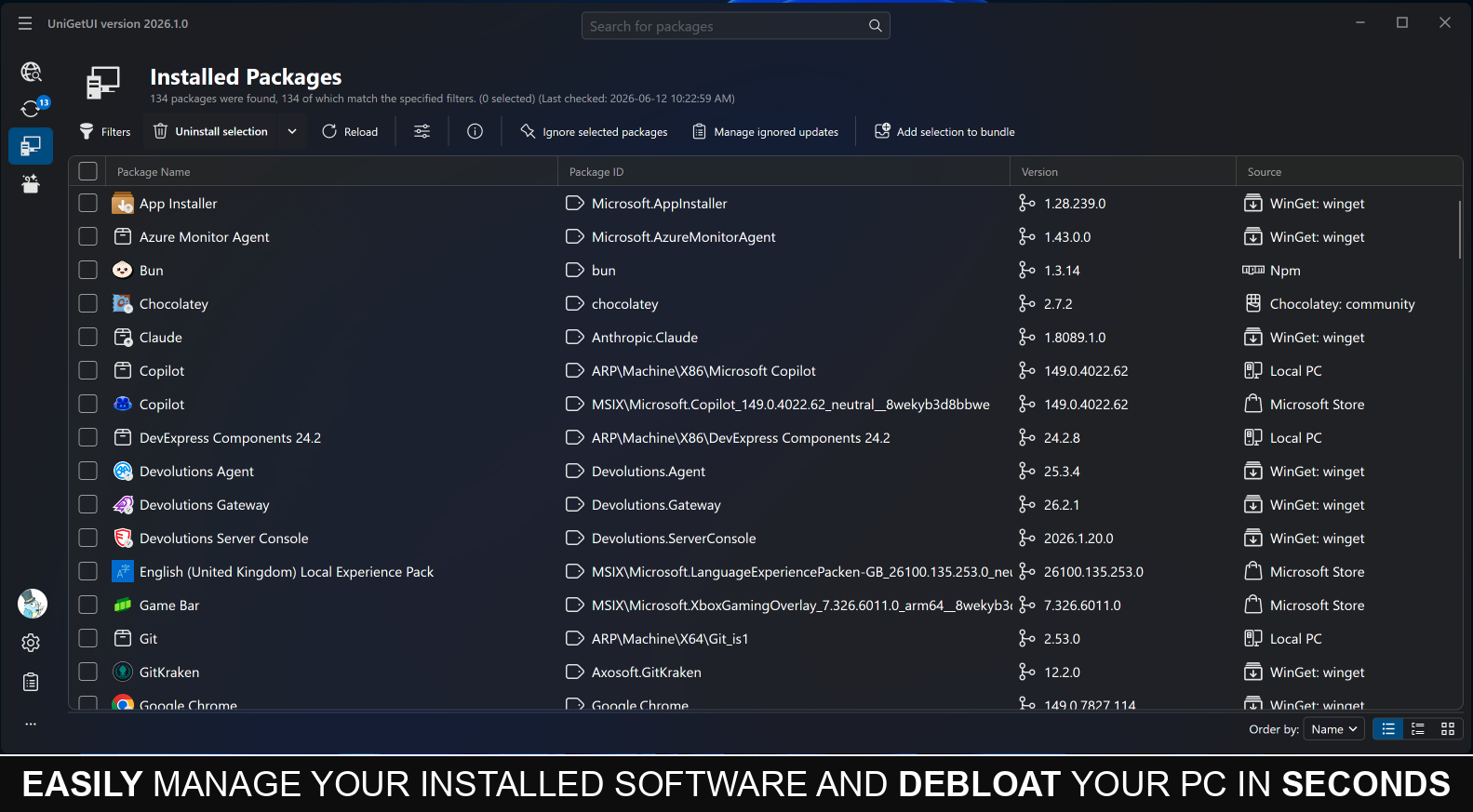
 UniGetUI — это графический интерфейс, который объединяет системные менеджеры пакетов командной строки (WinGet, Scoop, Chocolatey, Homebrew, APT, DNF, Pacman, Flatpak, Snap, pip, npm, Bun, .NET Tool и другие) в одно приложение. Так можно находить, устанавливать, обновлять и удалять программы, не открывая терминал.
UniGetUI — это графический интерфейс, который объединяет системные менеджеры пакетов командной строки (WinGet, Scoop, Chocolatey, Homebrew, APT, DNF, Pacman, Flatpak, Snap, pip, npm, Bun, .NET Tool и другие) в одно приложение. Так можно находить, устанавливать, обновлять и удалять программы, не открывая терминал.Это сам менеджер пакетов или надстройка над уже существующими?Это графическая оболочка: собственных пакетов она не хранит, а объединяет уже установленные в системе менеджеры пакетов и работает с ними.
Это графическая оболочка: собственных пакетов она не хранит, а объединяет уже установленные в системе менеджеры пакетов и работает с ними.Нужно ли заранее устанавливать базовые менеджеры пакетов?UniGetUI находит и подключает те менеджеры пакетов, которые есть на вашей платформе (например, WinGet, Scoop или Chocolatey в Windows, Homebrew в macOS, APT, DNF или Pacman в Linux). Сами менеджеры она не устанавливает, а только управляет уже имеющимися.
UniGetUI находит и подключает те менеджеры пакетов, которые есть на вашей платформе (например, WinGet, Scoop или Chocolatey в Windows, Homebrew в macOS, APT, DNF или Pacman в Linux). Сами менеджеры она не устанавливает, а только управляет уже имеющимися.Есть ли подводные камни при установке или с отдельными менеджерами пакетов?Бинарные файлы для Linux требуют glibc 2.27+ (Ubuntu 18.04+, Debian 10+, RHEL 8+, Fedora 28+), иначе приложение при запуске завершается с ошибкой версии GLIBC. Некоторые проблемы WinGet, например обрезанные названия пакетов, связаны с самим WinGet, а не с UniGetUI.
Бинарные файлы для Linux требуют glibc 2.27+ (Ubuntu 18.04+, Debian 10+, RHEL 8+, Fedora 28+), иначе приложение при запуске завершается с ошибкой версии GLIBC. Некоторые проблемы WinGet, например обрезанные названия пакетов, связаны с самим WinGet, а не с UniGetUI.А на macOS и Linux оно работает так же хорошо, как на Windows?Основная версия создана для Windows, и там возможностей больше всего (например, управление ярлыками в меню «Пуск»). Но официально выпускаются кроссплатформенные сборки NativeAOT для macOS и Linux, которые работают с менеджерами пакетов, встроенными в эти системы.
Основная версия создана для Windows, и там возможностей больше всего (например, управление ярлыками в меню «Пуск»). Но официально выпускаются кроссплатформенные сборки NativeAOT для macOS и Linux, которые работают с менеджерами пакетов, встроенными в эти системы.Проверены ли пакеты из сторонних источников? Безопасны ли они?Нет. UniGetUI и разработчики менеджеров пакетов не отвечают за каждый пакет: пакеты поступают от сторонних авторов и теоретически могут быть скомпрометированы, поэтому рекомендуется устанавливать только от проверенных издателей.
Нет. UniGetUI и разработчики менеджеров пакетов не отвечают за каждый пакет: пакеты поступают от сторонних авторов и теоретически могут быть скомпрометированы, поэтому рекомендуется устанавливать только от проверенных издателей.Это бесплатный проект с открытым исходным кодом?Да, он остаётся бесплатным, с открытым исходным кодом и под лицензией MIT, даже после перехода под опеку Devolutions.
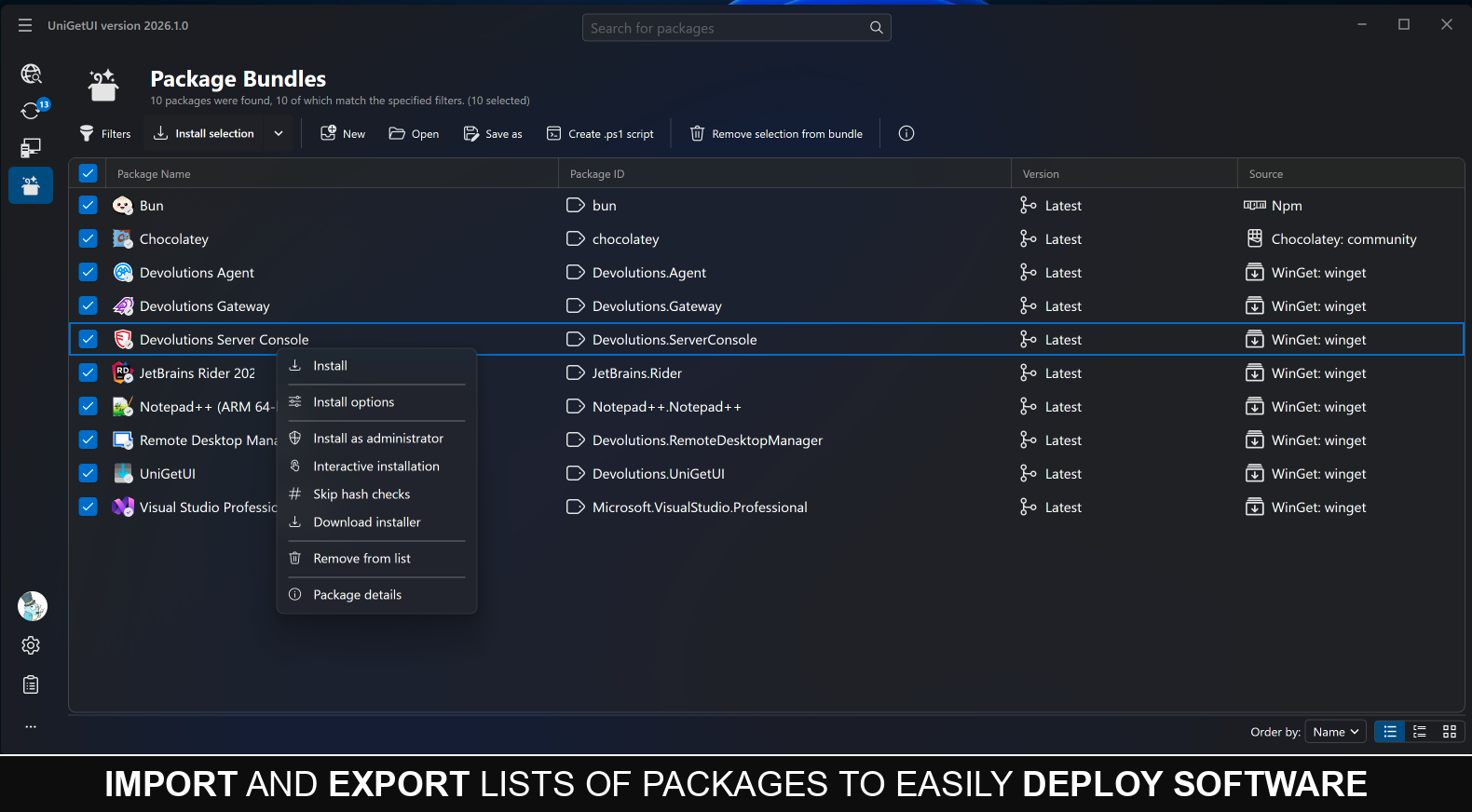
Да, он остаётся бесплатным, с открытым исходным кодом и под лицензией MIT, даже после перехода под опеку Devolutions.Можно ли сохранить список установленных пакетов и восстановить его?Да, можно сохранить пакеты в локальный файл или синхронизировать резервные копии с секретным GitHub Gist. После входа в аккаунт на новом компьютере список пакетов можно восстановить.
Да, можно сохранить пакеты в локальный файл или синхронизировать резервные копии с секретным GitHub Gist. После входа в аккаунт на новом компьютере список пакетов можно восстановить.Можно ли автоматизировать работу через скрипты вместо графического интерфейса?Да, есть справка по командной строке (CLI) и локальный API автоматизации через IPC, так что установкой, обновлением и удалением программ можно управлять из скриптов.
Да, есть справка по командной строке (CLI) и локальный API автоматизации через IPC, так что установкой, обновлением и удалением программ можно управлять из скриптов.Можно ли управлять пакетами массово или настроить расписание обновлений?Да, можно одновременно установить, обновить или удалить сразу несколько пакетов, а также запланировать задачи обслуживания: проверку обновлений, автоматическую установку и резервное копирование с произвольным интервалом.
Да, можно одновременно установить, обновить или удалить сразу несколько пакетов, а также запланировать задачи обслуживания: проверку обновлений, автоматическую установку и резервное копирование с произвольным интервалом.Почему антивирусы иногда считают UniGetUI вредоносным ПО?В README объясняется, что это распространённая ложная тревога для недавно выпущенных и менее известных исполняемых файлов. Рекомендуется добавить приложение в исключения антивируса, так как оно имеет открытый исходный код и безопасно.
В README объясняется, что это распространённая ложная тревога для недавно выпущенных и менее известных исполняемых файлов. Рекомендуется добавить приложение в исключения антивируса, так как оно имеет открытый исходный код и безопасно.What are similar projects?KillerPDF, tubatools, winutil-cn, DeskBox, Scoop, ContextMenuManager, choco, EverythingToolbar
KillerPDF, tubatools, winutil-cn, DeskBox, Scoop, ContextMenuManager, choco, EverythingToolbarWhich topics is it in?scoop, chocolatey, package, winget, pip, c-sharp, windows-10, windows-11, backup, package-manager, c#, windows-app
scoop, chocolatey, package, winget, pip, c-sharp, windows-10, windows-11, backup, package-manager, c#, windows-app