




What is this?
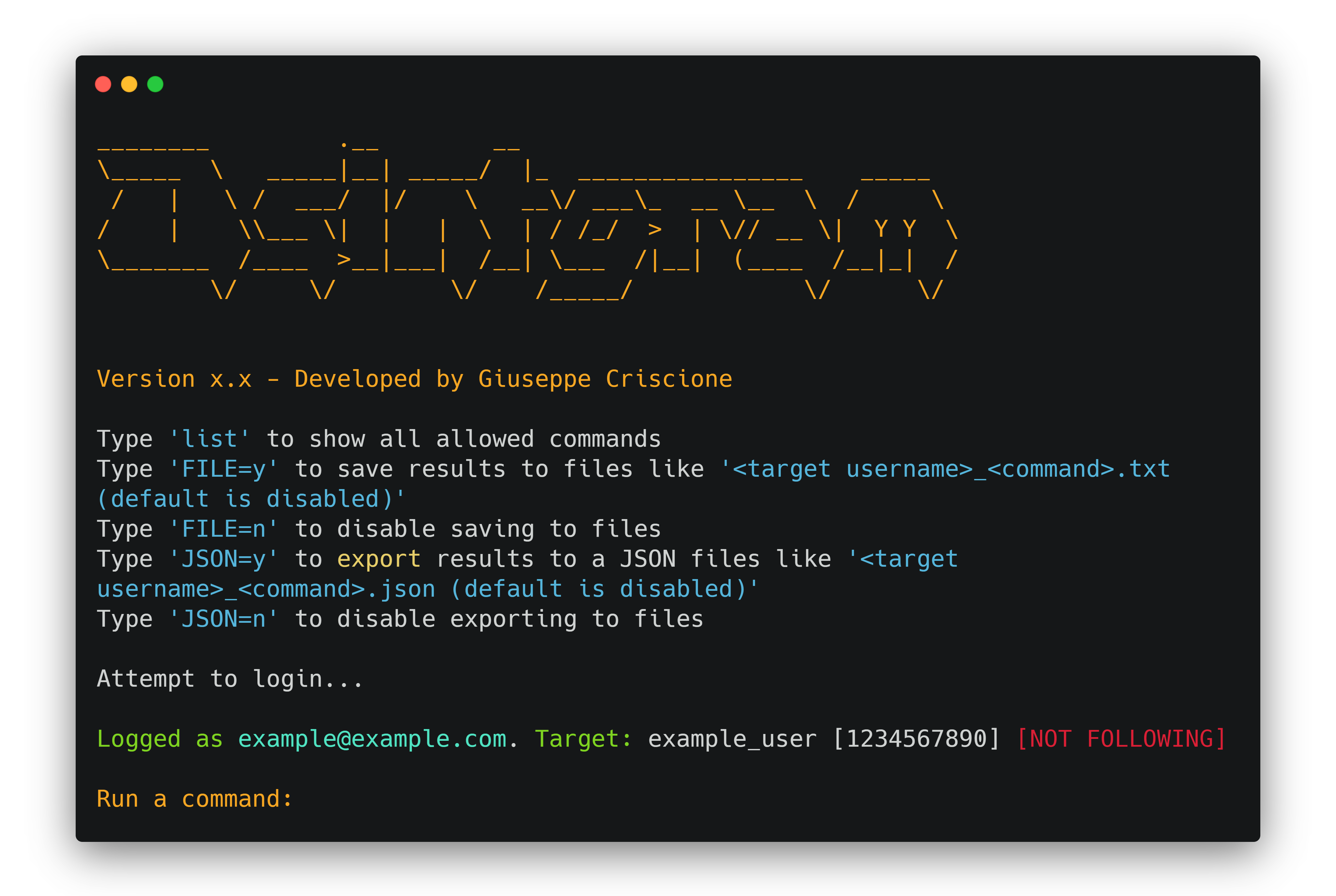
 Osintgram is an OSINT tool for Instagram that lets you collect, analyze, and run reconnaissance on any public Instagram account via an interactive shell, just by giving its nickname.
Osintgram is an OSINT tool for Instagram that lets you collect, analyze, and run reconnaissance on any public Instagram account via an interactive shell, just by giving its nickname.Is this a library or a standalone tool I run?It is a standalone Python CLI tool: you clone the repo and run main.py, which drops you into an interactive shell with recon commands for a target account.
It is a standalone Python CLI tool: you clone the repo and run main.py, which drops you into an interactive shell with recon commands for a target account.How do I get it running?Clone the repo, create a Python virtualenv, run pip install -r requirements.txt, fill in credentials.ini (or run make setup), then launch python3 main.py either as an interactive prompt or with --command for a single command.
Clone the repo, create a Python virtualenv, run pip install -r requirements.txt, fill in credentials.ini (or run make setup), then launch python3 main.py either as an interactive prompt or with --command for a single command.What do I need before running it — an Instagram login?You need either a real Instagram username/password placed in credentials.ini, or a HikerAPI token (first 100 requests are free) passed via config or the HIKERAPITOKEN env var.
You need either a real Instagram username/password placed in credentials.ini, or a HikerAPI token (first 100 requests are free) passed via config or the HIKERAPITOKEN env var.Can it access private profiles, and is there any risk to my account?No — it only works on public profiles or ones you already follow, and any tool claiming otherwise is a scam. The README also warns that using your own/primary Instagram account risks a 'challenge required' error or account flagging.
No — it only works on public profiles or ones you already follow, and any tool claiming otherwise is a scam. The README also warns that using your own/primary Instagram account risks a 'challenge required' error or account flagging.Does it run on Windows and Linux the same way?Yes, it works on Windows (PowerShell), Linux, and Git Bash, with slightly different venv activation commands for each; Docker and Docker-compose setups are also provided as alternatives.
Yes, it works on Windows (PowerShell), Linux, and Git Bash, with slightly different venv activation commands for each; Docker and Docker-compose setups are also provided as alternatives.Is there a Docker option so I don't have to set up Python myself?Yes, there is a Dockerfile and docker-compose.yml, plus a Makefile with make setup and make run targets to configure credentials and spin up the container in two commands.
Yes, there is a Dockerfile and docker-compose.yml, plus a Makefile with make setup and make run targets to configure credentials and spin up the container in two commands.Is there a newer version of the tool?Yes, Osintgram2 (beta) is available on the v2 branch with a faster, improved command execution interface — switch to it with git checkout v2.
Yes, Osintgram2 (beta) is available on the v2 branch with a faster, improved command execution interface — switch to it with git checkout v2.What kind of information can I pull from a target account?The README points to a separate commands reference listing everything the interactive shell can retrieve about a target's followers, posts, and activity, but doesn't enumerate every command in the main README.
The README points to a separate commands reference listing everything the interactive shell can retrieve about a target's followers, posts, and activity, but doesn't enumerate every command in the main README.Is this legal to use?The project is explicitly labeled for educational purposes only, and the contributors disclaim any responsibility for how the tool is used.
The project is explicitly labeled for educational purposes only, and the contributors disclaim any responsibility for how the tool is used.What are similar projects?maigret, social-analyzer, holehe, OneForAll, theHarvester, Photon, GhostTrack, bbot
maigret, social-analyzer, holehe, OneForAll, theHarvester, Photon, GhostTrack, bbotWhich topics is it in?osint-python, instagram, analysis, information-gathering, reconnaissance, osint, python3, penetration-testing, hacking, docker-compose, gplv3, command-line-tool
osint-python, instagram, analysis, information-gathering, reconnaissance, osint, python3, penetration-testing, hacking, docker-compose, gplv3, command-line-tool