这是什么?
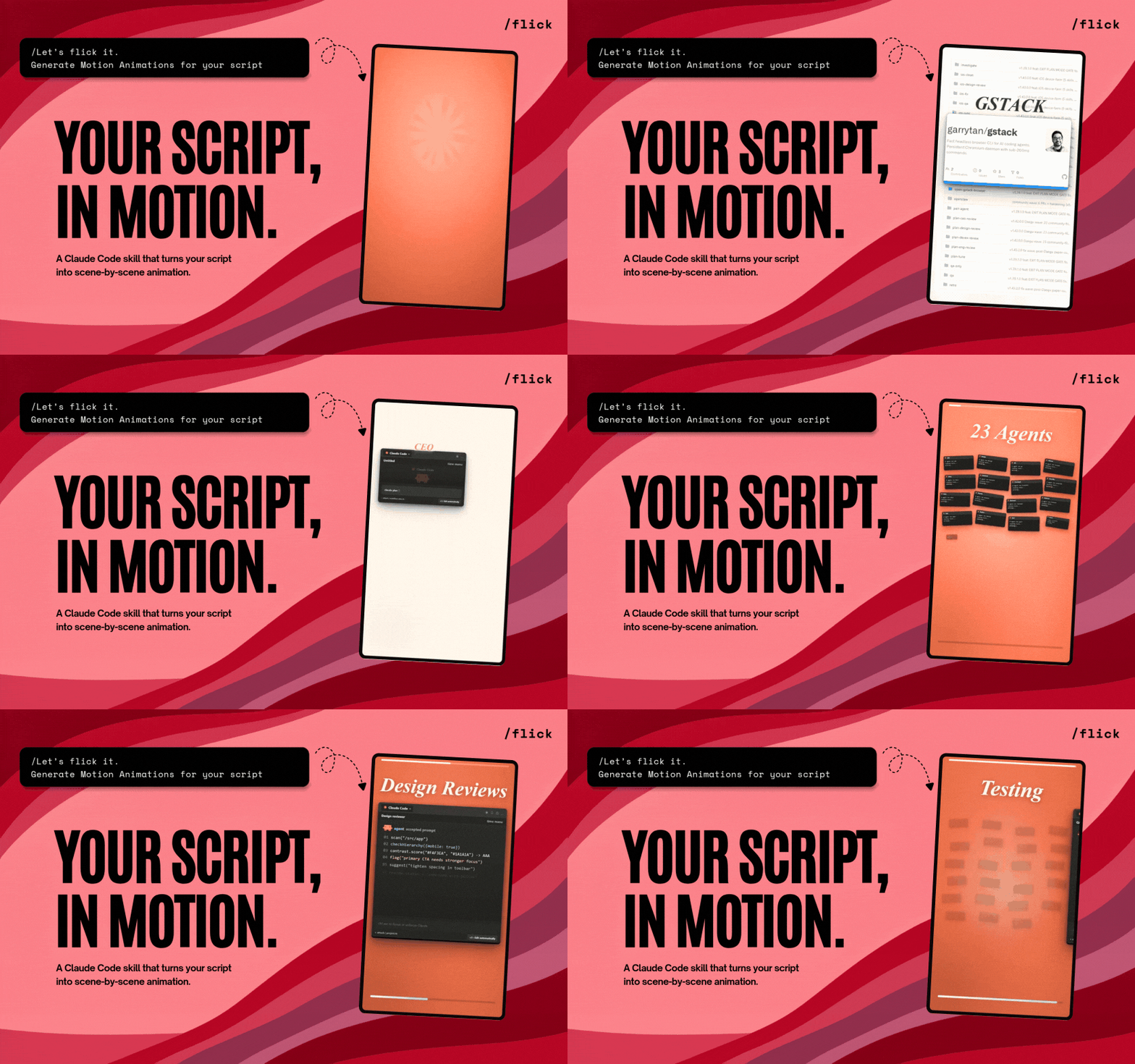
 Flick 是一个开源的 AI 动效导演:给它一段视频、一个公开链接或粘贴的文字稿,它就能逐个场景地将其转化成原创的短视频动画。
Flick 是一个开源的 AI 动效导演:给它一段视频、一个公开链接或粘贴的文字稿,它就能逐个场景地将其转化成原创的短视频动画。这是一个独立应用,还是内嵌在其他工具里?既不是应用也不是库——它是一个面向编程命令行智能体的技能。它运行在 Claude Code 和 Codex 里,也支持 Grok Build、Gemini CLI、OpenCode、Cursor 和 Cline。
既不是应用也不是库——它是一个面向编程命令行智能体的技能。它运行在 Claude Code 和 Codex 里,也支持 Grok Build、Gemini CLI、OpenCode、Cursor 和 Cline。怎么安装,怎么做第一个动画?先在你的智能体里安装这个技能,在 Claude Code 中只需运行 /flick;在 Codex 中输入:Use $flick to animate this。其他兼容的智能体会通过各自的安装提示提供 Flick。
先在你的智能体里安装这个技能,在 Claude Code 中只需运行 /flick;在 Codex 中输入:Use $flick to animate this。其他兼容的智能体会通过各自的安装提示提供 Flick。运行之前我的电脑需要装什么?需要 Node.js 20+、Python 3 和网络连接。首次运行时还会在本地工作区中装好 Remotion、内置的 FFmpeg、Whisper 和 yt-dlp——并且在运行任何系统级安装程序之前都会先征求你的同意。
需要 Node.js 20+、Python 3 和网络连接。首次运行时还会在本地工作区中装好 Remotion、内置的 FFmpeg、Whisper 和 yt-dlp——并且在运行任何系统级安装程序之前都会先征求你的同意。它能帮我配上背景音乐吗?不能。没有背景音乐——Flick 只会在画面中的动作与音效相匹配时,添加它自带的音效。
不能。没有背景音乐——Flick 只会在画面中的动作与音效相匹配时,添加它自带的音效。我的视频和文稿会传到我的电脑之外吗?不会——Flick 的工作区保留在本地,默认不会被上传。唯一的提醒是:请使用你确实拥有版权的视频、字体和音频。
不会——Flick 的工作区保留在本地,默认不会被上传。唯一的提醒是:请使用你确实拥有版权的视频、字体和音频。Remotion 是什么,Flick 为什么要用它?Remotion 是 Flick 在首次运行时安装的代码驱动视频框架。每一个经过确认的场景都会变成一个单独命名的 Remotion 动画,你可以在最终确认前,在 Remotion Studio 里逐一检查和调整。
Remotion 是 Flick 在首次运行时安装的代码驱动视频框架。每一个经过确认的场景都会变成一个单独命名的 Remotion 动画,你可以在最终确认前,在 Remotion Studio 里逐一检查和调整。用 Flick 已经做出过什么作品?README 里链接了一个示例画廊,包含六个动画,其中有 China OCR hook、Claude token waste 和一个 Gstack 工作流。
README 里链接了一个示例画廊,包含六个动画,其中有 China OCR hook、Claude token waste 和一个 Gstack 工作流。我还没有视频或文稿——Flick 还能帮上忙吗?不能直接帮忙。Flick 背后的团队 Creatorberry 另有一项服务,可以帮你寻找爆款内容、撰写脚本并发布——等你有了原始素材后,Flick 负责其中的动画制作环节。
不能直接帮忙。Flick 背后的团队 Creatorberry 另有一项服务,可以帮你寻找爆款内容、撰写脚本并发布——等你有了原始素材后,Flick 负责其中的动画制作环节。What are similar projects?reelmimic, herk-edit-kit, explainroo, eian-riso-broll, onetake, ai-promo-video-maker, brag, guizang-product-video-skill
reelmimic, herk-edit-kit, explainroo, eian-riso-broll, onetake, ai-promo-video-maker, brag, guizang-product-video-skillWhich topics is it in?motion-graphics, yt-dlp, whisper, content-creation, ffmpeg, video-generation, animation, generative-ai, local-first, agent-skills, codex, claude-code
motion-graphics, yt-dlp, whisper, content-creation, ffmpeg, video-generation, animation, generative-ai, local-first, agent-skills, codex, claude-code