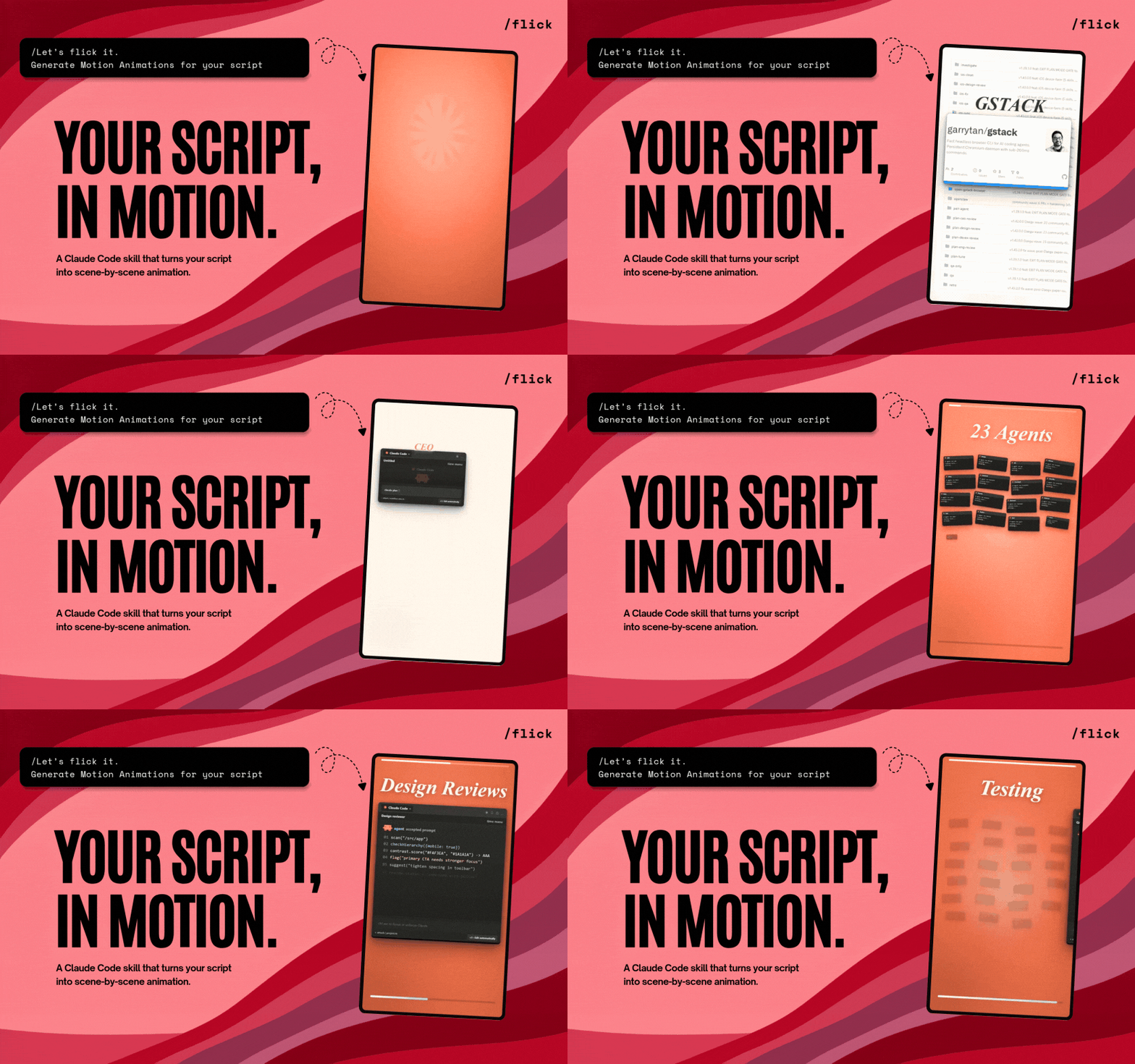
Что это такое?
 Flick — это открытый ИИ-режиссёр движения: дайте ему видео, публичную ссылку или вставленный текст расшифровки, и он превратит его в оригинальные короткие анимации, сцена за сценой.
Flick — это открытый ИИ-режиссёр движения: дайте ему видео, публичную ссылку или вставленный текст расшифровки, и он превратит его в оригинальные короткие анимации, сцена за сценой.Это отдельное приложение или оно живёт внутри другого инструмента?Ни приложение, ни библиотека — это навык для CLI-агентов, пишущих код. Он работает внутри Claude Code и Codex, а также в Grok Build, Gemini CLI, OpenCode, Cursor и Cline.
Ни приложение, ни библиотека — это навык для CLI-агентов, пишущих код. Он работает внутри Claude Code и Codex, а также в Grok Build, Gemini CLI, OpenCode, Cursor и Cline.Как установить его и сделать первую анимацию?Установите навык в свой агент, а в Claude Code просто запустите /flick; в Codex скажите: Use $flick to animate this. В других совместимых агентах Flick предлагается через их собственные подсказки при установке.
Установите навык в свой агент, а в Claude Code просто запустите /flick; в Codex скажите: Use $flick to animate this. В других совместимых агентах Flick предлагается через их собственные подсказки при установке.Что должно быть на моём компьютере, чтобы он заработал?Node.js 20+, Python 3 и доступ к сети. При первом запуске он также наполнит локальную рабочую папку Remotion, встроенным FFmpeg, Whisper и yt-dlp — и спросит перед запуском любого системного установщика.
Node.js 20+, Python 3 и доступ к сети. При первом запуске он также наполнит локальную рабочую папку Remotion, встроенным FFmpeg, Whisper и yt-dlp — и спросит перед запуском любого системного установщика.Добавит ли он за меня фоновую музыку?Нет. Фоновой музыки нет — Flick добавляет только свои встроенные звуковые эффекты, и лишь тогда, когда они подходят к действию на экране.
Нет. Фоновой музыки нет — Flick добавляет только свои встроенные звуковые эффекты, и лишь тогда, когда они подходят к действию на экране.Моё видео и сценарий покидают мой компьютер?Нет — рабочие папки Flick остаются локальными и по умолчанию игнорируются. Единственное напоминание — использовать видео, шрифты и аудио, на которые у вас действительно есть права.
Нет — рабочие папки Flick остаются локальными и по умолчанию игнорируются. Единственное напоминание — использовать видео, шрифты и аудио, на которые у вас действительно есть права.Что такое Remotion и почему Flick его использует?Remotion — это фреймворк для создания видео кодом, который Flick устанавливает при первом запуске. Каждая одобренная сцена становится отдельной именованной анимацией Remotion, так что каждую можно просмотреть и подправить в Remotion Studio до финального одобрения.
Remotion — это фреймворк для создания видео кодом, который Flick устанавливает при первом запуске. Каждая одобренная сцена становится отдельной именованной анимацией Remotion, так что каждую можно просмотреть и подправить в Remotion Studio до финального одобрения.Что уже сделали с помощью Flick?В README есть ссылка на галерею примеров с шестью анимациями, включая крючок про OCR в Китае, расход токенов Claude и рабочий процесс Gstack.
В README есть ссылка на галерею примеров с шестью анимациями, включая крючок про OCR в Китае, расход токенов Claude и рабочий процесс Gstack.У меня пока нет ни видео, ни сценария — Flick всё равно сможет помочь?Напрямую — нет. У Creatorberry, команды за Flick, есть отдельное предложение: найти вирусный контент, написать сценарий и опубликовать его — Flick берёт на себя шаг анимации, когда исходный материал у вас уже есть.
Напрямую — нет. У Creatorberry, команды за Flick, есть отдельное предложение: найти вирусный контент, написать сценарий и опубликовать его — Flick берёт на себя шаг анимации, когда исходный материал у вас уже есть.What are similar projects?reelmimic, herk-edit-kit, explainroo, eian-riso-broll, onetake, ai-promo-video-maker, brag, guizang-product-video-skill
reelmimic, herk-edit-kit, explainroo, eian-riso-broll, onetake, ai-promo-video-maker, brag, guizang-product-video-skillWhich topics is it in?motion-graphics, yt-dlp, whisper, content-creation, ffmpeg, video-generation, animation, generative-ai, local-first, agent-skills, codex, claude-code
motion-graphics, yt-dlp, whisper, content-creation, ffmpeg, video-generation, animation, generative-ai, local-first, agent-skills, codex, claude-code