Gentelella v4 — Free Admin Dashboard Template
English | 简体中文





Gentelella v4 is a free, open-source admin dashboard template built with vanilla JavaScript, SCSS, and Vite 8. No Bootstrap. No jQuery. No SPA framework. A modern alternative to Bootstrap admin templates for SaaS dashboards, CRM systems, internal tools, e-commerce backends, and project management apps.
58 production-ready HTML pages, 20 ECharts chart variants, fully interactive inbox / kanban / calendar / file manager / settings, a live theme generator, a component playground, a ⌘K command palette, dark mode, and PWA support. MIT-licensed. Free for personal and commercial use.
Built for 2026 by Colorlib. Live demo →
Also available for your stack
The same dashboard, in the framework you already use — you're looking at the HTML edition:
The Laravel edition is a Composer package: the same shell as Blade layouts, 25 components, a
CRUD engine with server-side tables, auth screens, and all 58 pages as a bundled demo.

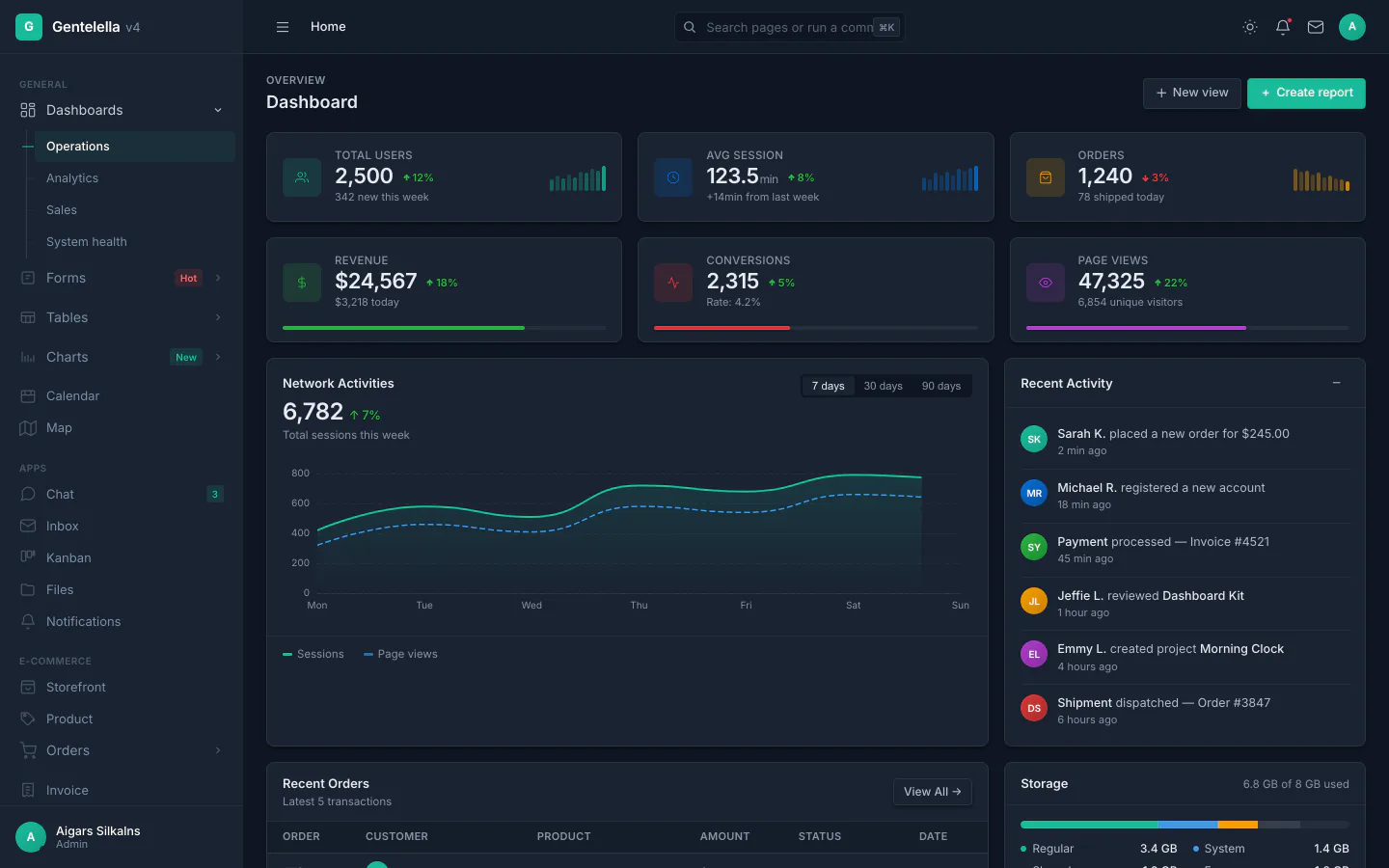
Inbox · Kanban · Theme generator
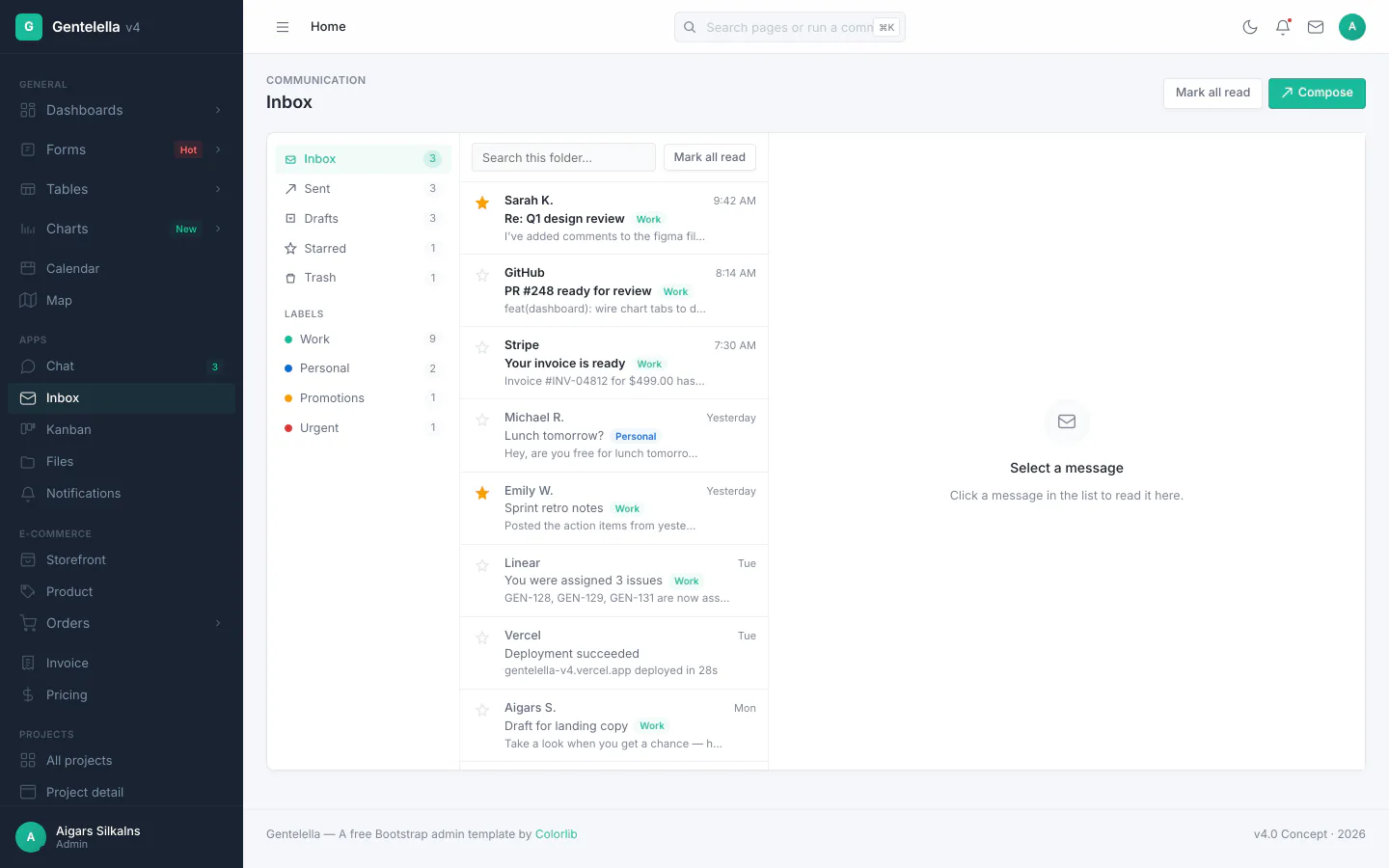
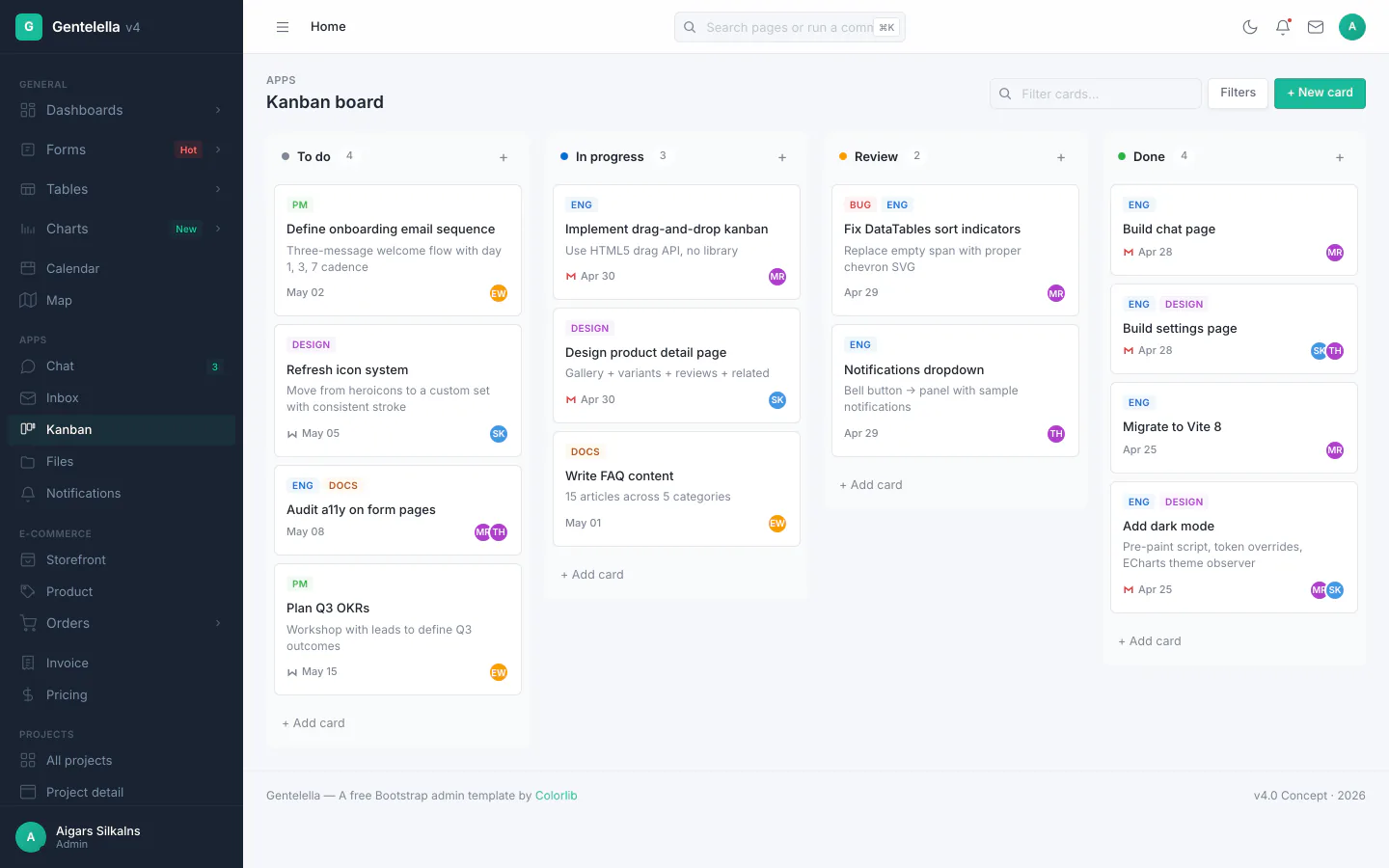
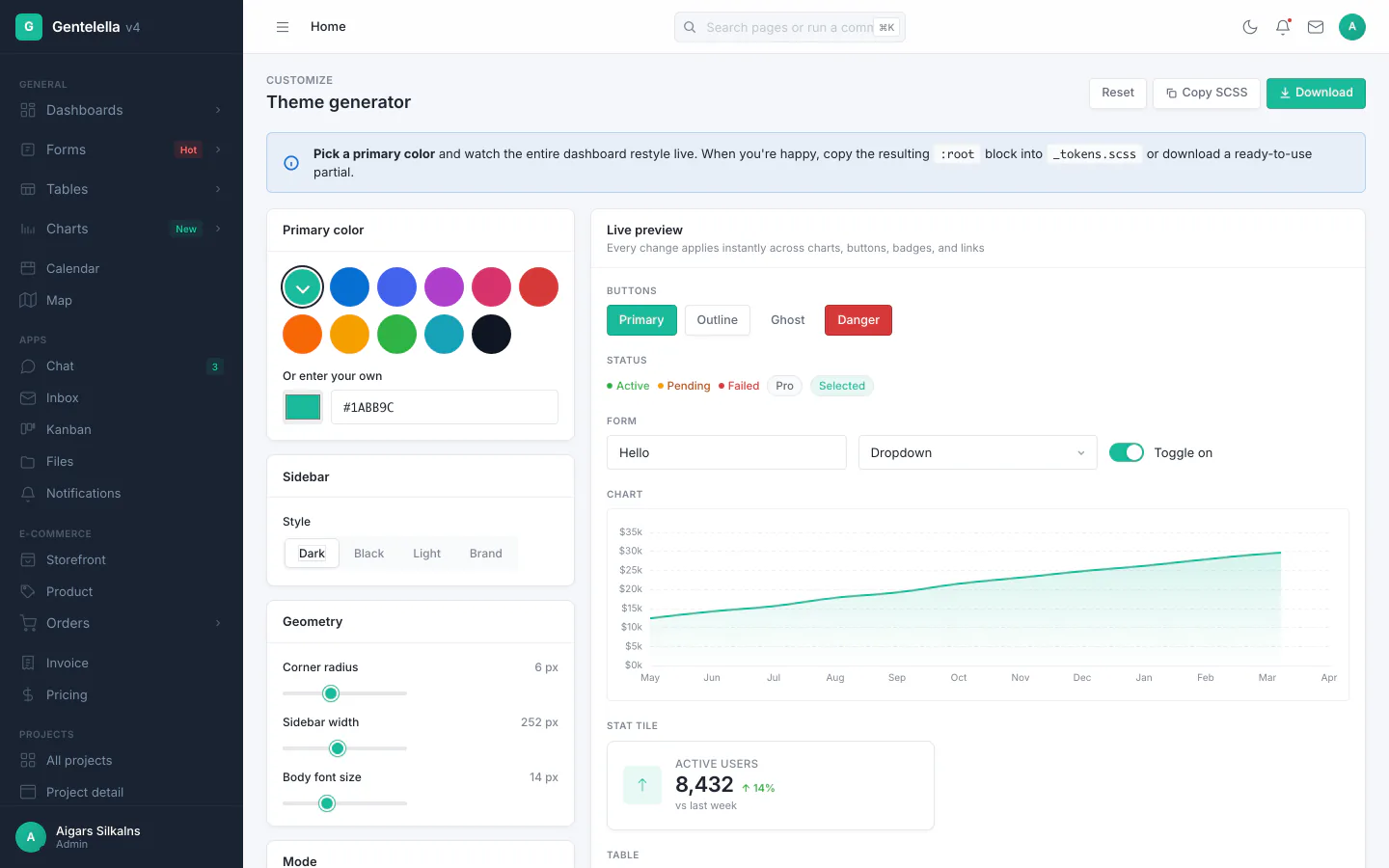
Generate your own screenshots — npm run build && npm run screenshots boots Playwright and captures 22 key pages × light + dark = 44 PNGs to docs/screenshots/, plus downscaled WebP hero shots for this README (needs cwebp — brew install webp).
Why Gentelella v4
The original Gentelella has been a free Bootstrap admin template since 2014 — 3M+ downloads, 21k+ GitHub stars. v4 is a ground-up redesign:
- No Bootstrap, no jQuery — vanilla JavaScript + SCSS. ~165 MB
node_modules (down from ~600 MB on v2).
- Vite 8 build system — instant HMR, multi-page app with auto-discovered entry points, hashed assets.
- Light + dark mode with
prefers-color-scheme detection and pre-paint script (no flash of incorrect theme).
- PWA-ready — installable on desktop and mobile, offline shell, service worker.
- AI-assisted development — ships with helper files for Claude Code, Cursor, GitHub Copilot, and any agents.md-compatible tool.
Perfect for: SaaS dashboards, CRM, ERP, internal admin panels, project management tools, e-commerce backends, analytics dashboards, HR/payroll, booking systems, content management.
Features
- 🎨 Live theme generator — pick a primary color, watch every chart, button, badge, and link restyle in real time. Copy or download the generated SCSS tokens. Demo: theme.html
- 🧪 Component playground — every reusable component on one page, side-by-side with its exact HTML and a Copy button. Demo: playground.html
- ⌘K command palette — fuzzy search across all 58 pages and inline actions
- 📬 Real inbox client — folders, reader pane, compose modal, reply/forward, J/K/R/S/# keyboard shortcuts, search across the active folder
- 📱 PWA — installable on macOS / Windows / iOS / Android, offline shell, service worker
- ↔️ Sidebar rail mode — desktop hamburger collapses sidebar to icon-only with hover tooltips and click-to-flyout submenus
- 🌗 Dark mode —
prefers-color-scheme aware, pre-paint script prevents flash, manual toggle persists in localStorage
- ↔️ RTL support — Arabic / Hebrew / Persian layouts via
<html dir="rtl">, built on CSS logical properties (no mirrored stylesheet to maintain). See docs/rtl.md
- ♿ Accessibility — skip-link, keyboard focus rings, ARIA labels on interactive controls, semantic landmarks, screen-reader-friendly DataTables
What you get
| Surface |
What's in it |
| Dashboards |
4 variants — operations, analytics (heatmap, funnel, cohort matrix), sales (gauge, radar, pipeline), system health (resource bars, deployment list, error log) |
| Auth |
Sign-in · social (Google, GitHub) · register · forgot password · 2FA · lock screen · 403 / 404 / 500 |
| Forms |
General form · advanced controls · 6-step wizard · drag-and-drop upload · validation · date-range picker · multi-select · rich text editor |
| Tables |
DataTables — sort, search, paginate, row selection, CSV export · 23-row + 50-row demos |
| Charts |
20 ECharts variants — line, area, stacked area, bar, horizontal bar, mixed bar/line, donut, pie, radar, gauge, scatter, heatmap, funnel, candlestick, polar bar, treemap, sankey, calendar heatmap, gantt + dashboard mini-line |
| App pages |
Calendar (full CRUD) · inbox (folders, compose, reader) · chat (8 threads) · kanban (drag-drop) · file manager (tree + grid) · notifications · invoice (editable line items) · profile · settings (persisted) · FAQ |
| E-commerce |
Storefront · product detail · order list · order detail · pricing tiers |
| Admin |
Contacts · user management (search, filters, role editor) · maintenance · coming-soon |
| UI library |
Component playground · theme generator · 120+ icons in 14 categories · typography · 18 widget variants · media gallery · general elements (banners, accordion, drawer, popover, timeline) |
| Map |
Leaflet customer map |
| Marketing |
Landing page with hero, stats band, features, showcase, testimonials, FAQ |
| Layouts |
Fixed sidebar / fixed footer / nested page / blank starter |
Plus: 10 SCSS partials · build-time + runtime shell (no FOUC) · data-page attribute auto-highlights nav · mobile drawer + desktop rail mode · light/dark with prefers-color-scheme + pre-paint · cross-document view transitions · skip-to-content · keyboard focus-visible · accordion sidebar with sessionStorage memory · localStorage-persisted settings · per-page <meta description>, Open Graph, and Twitter Card tags auto-injected at build time.
Upgrade to a Premium Dashboard
Need advanced features, dedicated support, and production-ready code? Explore our handpicked collection of professional admin templates on DashboardPack.
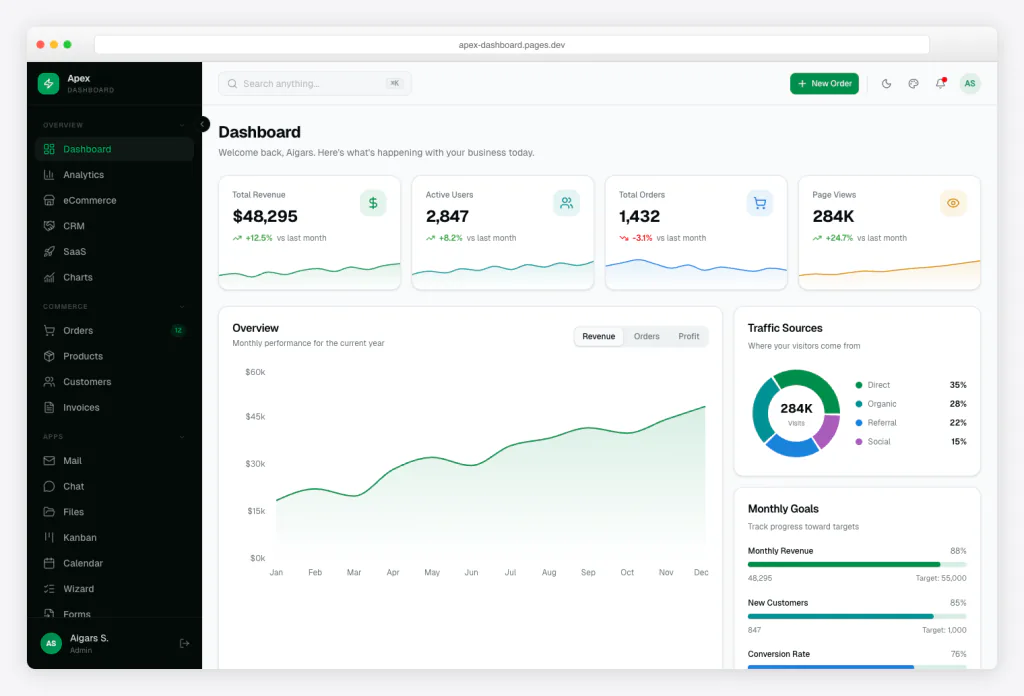
Apex Dashboard
Next.js 16 + React 19 + Tailwind CSS v4 + shadcn/ui. 5 dashboard variants, 20+ app pages, 125+ routes, full CRUD.
|
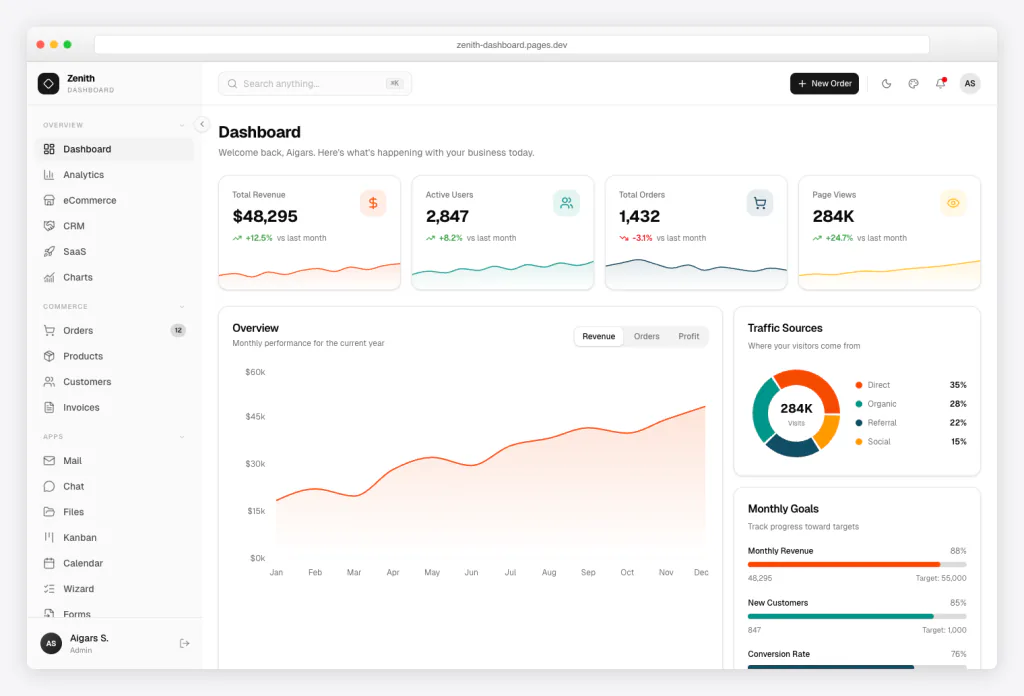
Zenith Dashboard
Next.js 16 + React 19 + Tailwind CSS v4 + shadcn/ui. Achromatic design, 50+ pages, 6 dashboards, live theme customizer.
|
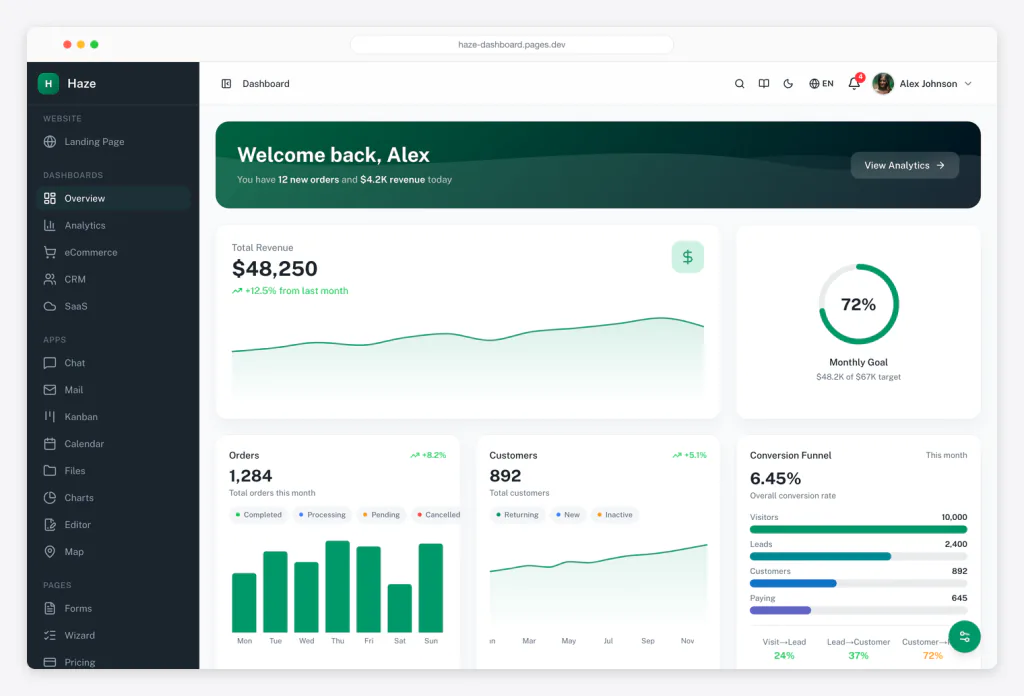
Haze
Nuxt 4 + Nuxt UI v4 + Tailwind CSS v4. 92+ pages, 7 layouts, 5 dashboards, RTL, i18n, mock API layer.
|
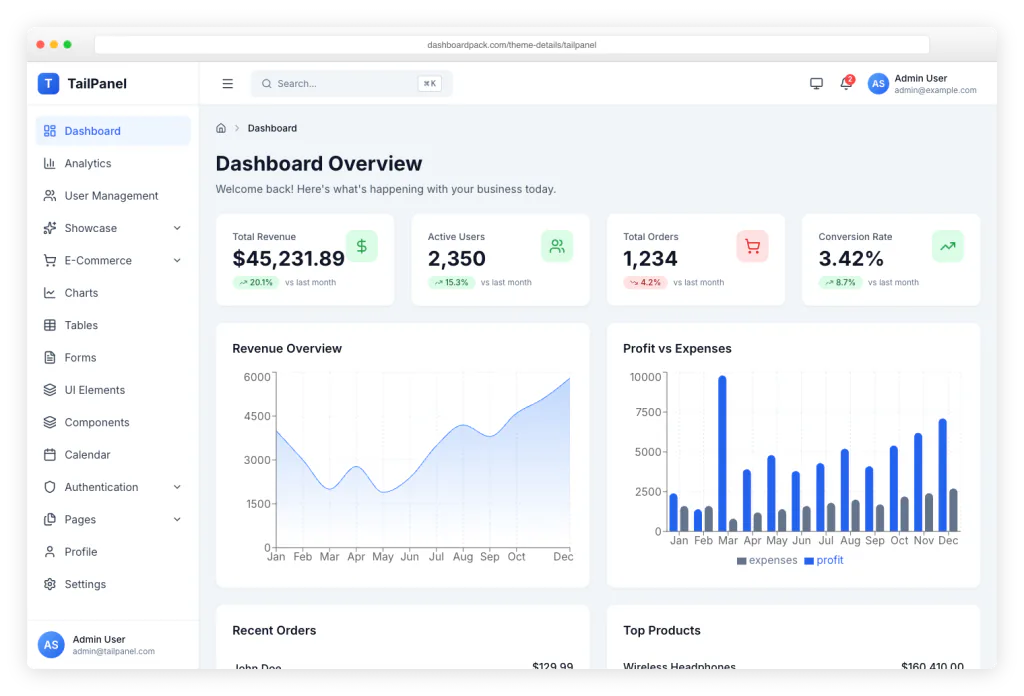
TailPanel
React + TypeScript + Tailwind CSS + Vite. 9 dashboard designs, dark and light themes.
|
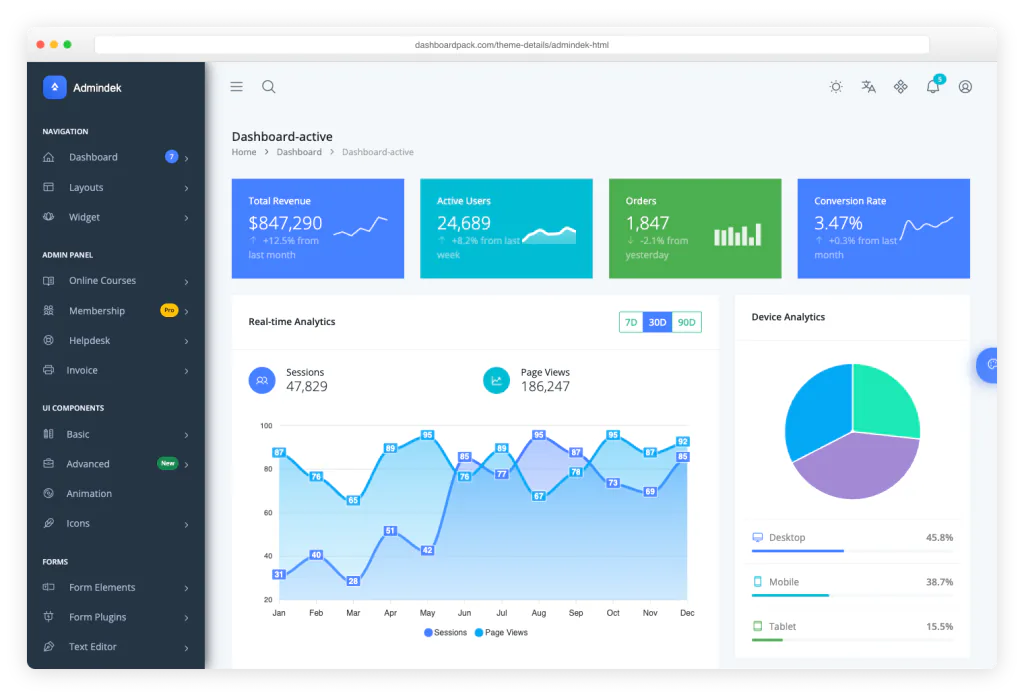
Admindek
Bootstrap 5 + vanilla JS. 100+ components, dark/light modes, RTL support, 10 color presets.
|
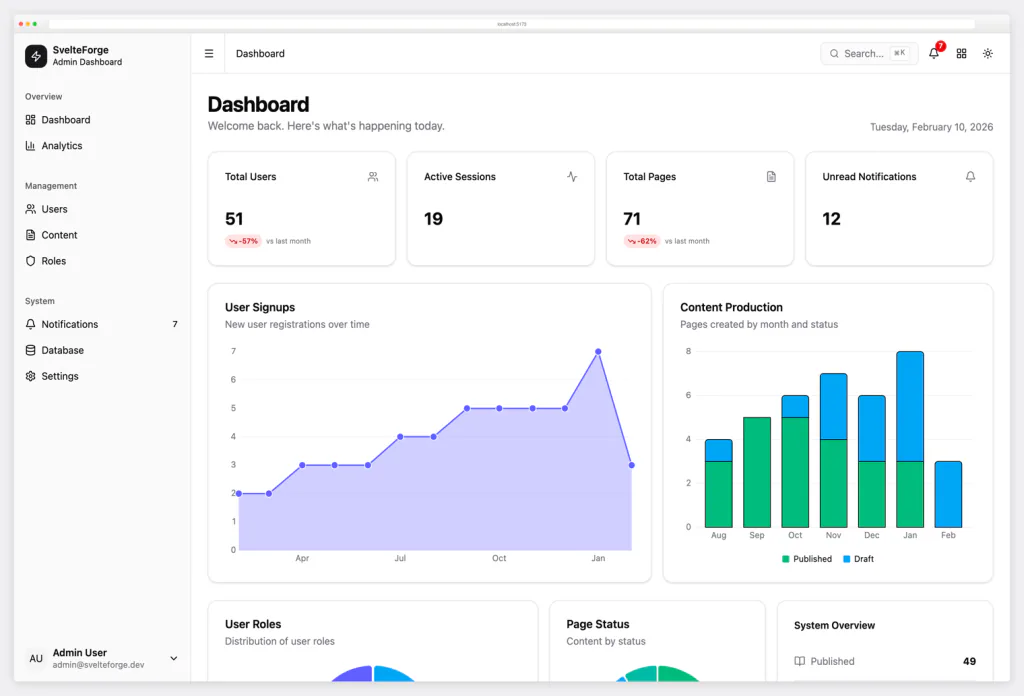
SvelteForge Premium
SvelteKit + Tailwind CSS v4. 30+ wired-up modules, multi-tenant from row zero, dark/light/system mode.
|
View All Premium Templates →
Tech stack
- Vite 8 with Rolldown — multi-page app, 58 auto-discovered entry points
- SCSS with
@use modules — no Bootstrap, no framework
- Vanilla ES2022 — no jQuery, no SPA framework, no build-time JSX
- Apache ECharts 6 — lazy-imported, modular (only chart types actually used)
- DataTables.net 3 core — re-skinned from scratch to match the design system
- Leaflet 1.9 — lazy-imported on the map page only
- Inter font from Google Fonts
- Playwright (devDep) — for the screenshot pipeline and smoke tests
3 production deps, 10 dev deps, ~165 MB node_modules (was ~600 MB on the old Gentelella).
Documentation
Full docs live at https://gentelella.colorlib.com/docs/ — covering every part of v4:
| Topic |
Doc |
| Setup, build, deploy |
getting-started |
| Directory layout |
project-structure |
| Shell injection + lazy modules |
architecture |
| Tokens, dark mode, theme generator |
theming |
| Adding pages + sidebar entries |
adding-pages |
| Component playground |
playground |
| ECharts factories |
echarts |
| DataTables, row selection, CSV |
tables |
| Inputs, validation, custom controls |
forms |
showModal, showToast, openMenu |
overlays |
| ⌘K |
command palette |
| Inbox client |
inbox |
| Kanban board |
kanban |
| Vite multi-page setup |
vite-build |
| Service worker, manifest, offline |
pwa |
| Hosts, subpath, cache headers |
deployment |
IntelliSense via .d.ts |
typescript |
Seed vs HTTP backend (?api=1) |
data-adapter |
| Coming from old Gentelella |
migration-v2 |
| Common questions |
FAQ |
Quick start
git clone https://github.com/ColorlibHQ/gentelella.git
cd gentelella
npm install
npm run dev
Open http://localhost:9173/production/index.html. The dev server hot-reloads SCSS, JS, and HTML. Override the port with PORT=4000 npm run dev.
Production build
npm run build
Outputs static HTML + hashed JS/CSS to dist/. Deploy the dist/ folder to any static host (Netlify, Vercel, Cloudflare Pages, S3, GitHub Pages).
To deploy under a subpath (e.g. https://example.com/admin/):
BASE_PATH=/admin/ npm run build
npm package
The package is consumable as an npm dependency for granular imports:
npm install gentelella
import { mountShell, showModal, showToast } from 'gentelella';
import 'gentelella/scss/v4/main.scss';
Subpath exports: gentelella/v4/* (JS modules), gentelella/scss/* (styles), gentelella/types (TypeScript declarations).
CDN (jsDelivr)
The package ships the pre-built dist/ and the unbundled src/, so every file is reachable via jsDelivr without a bundler. Useful for prototyping, design-system inspection, or pulling individual ES modules:
<!-- Pull individual ES-module helpers — paths under src/v4/ are stable -->
<script type="module">
  import { showModal } from 'https://cdn.jsdelivr.net/npm/gentelella@4/src/v4/modal.js';
  import { showToast } from 'https://cdn.jsdelivr.net/npm/gentelella@4/src/v4/toast.js';
  showToast('Hello from CDN', { variant: 'success' });
</script>
Browse the 58 built demo pages straight from CDN — every reference page renders with all assets resolved:
https://cdn.jsdelivr.net/npm/gentelella@4/dist/production/index.html
https://cdn.jsdelivr.net/npm/gentelella@4/dist/production/inbox.html
https://cdn.jsdelivr.net/npm/gentelella@4/dist/production/kanban.html
…
Heads-up on hashing. Vite emits content-hashed asset filenames in dist/assets/ and dist/js/ (main-v4-DDS6x4g-.css etc.), so direct CDN URLs for those chunks change on every release. The main src/main-v4.js entry also imports SCSS source, so it isn't browser-loadable — use it through your bundler. For an AdminLTE-style single-file <script src> drop-in with a stable URL, use the npm package with your own bundler instead. Gentelella v4's CDN strength is browsing the demo HTML pages and importing individual src/v4/* ES-module helpers.
Scripts
npm run dev              Start Vite dev server (port 9173)
npm run build            Production build to dist/
npm run build:dev        Non-minified build (debugging)
npm run preview          Serve dist/ to preview the production build (port 9174)
npm run analyze          Build + open the bundle treemap
npm run new -- <slug>    Scaffold a new page (see `--help` for flags)
npm run screenshots      Boot Playwright + capture 44 PNGs to docs/screenshots/
npm run smoke            Boot dev server, hit every page, assert HTTP 200
npm run deploy:preview   Build + sync to R2 with per-file cache headers
npm run lint             ESLint across src/
npm run format           Prettier write across src/
AI-assisted development
Gentelella v4 ships with helper files for the major AI coding tools — drop the repo open in any of them and the assistant gets immediate, accurate context about the architecture, conventions, and recipes:
Each file documents the hard rules (vanilla DOM only, single entry point, shell opt-in via body attributes, NAV as one constant, overlay helpers, CSS custom properties for colors, subpath-safe URLs), anti-patterns to avoid, and copy-pasteable recipes for adding pages, charts, modals, and toasts.
Project layout
src/
├── main-v4.js                 Entry — mounts shell, initializes charts/tables
├── v4/
│   ├── shell.js               Runtime: mobile drawer, theme toggle, dropdowns
│   ├── shell-render.js        Pure: nav config + sidebar/topbar/footer HTML
│   ├── charts.js



 Gentelella 是一个免费开源的后台管理仪表盘模板:包含 58 个可直接投入生产的 HTML 页面,适用于 SaaS 仪表盘、CRM 系统、内部工具和电商后台,基于原生 JavaScript、SCSS 和 Vite 8 构建。采用 MIT 许可证。