
Cap
Beautiful, shareable screen recordings. Open source, fast, and built for teams that want to own their data.
Website
|
Download
|
Docs
|
Pricing
|
Discord

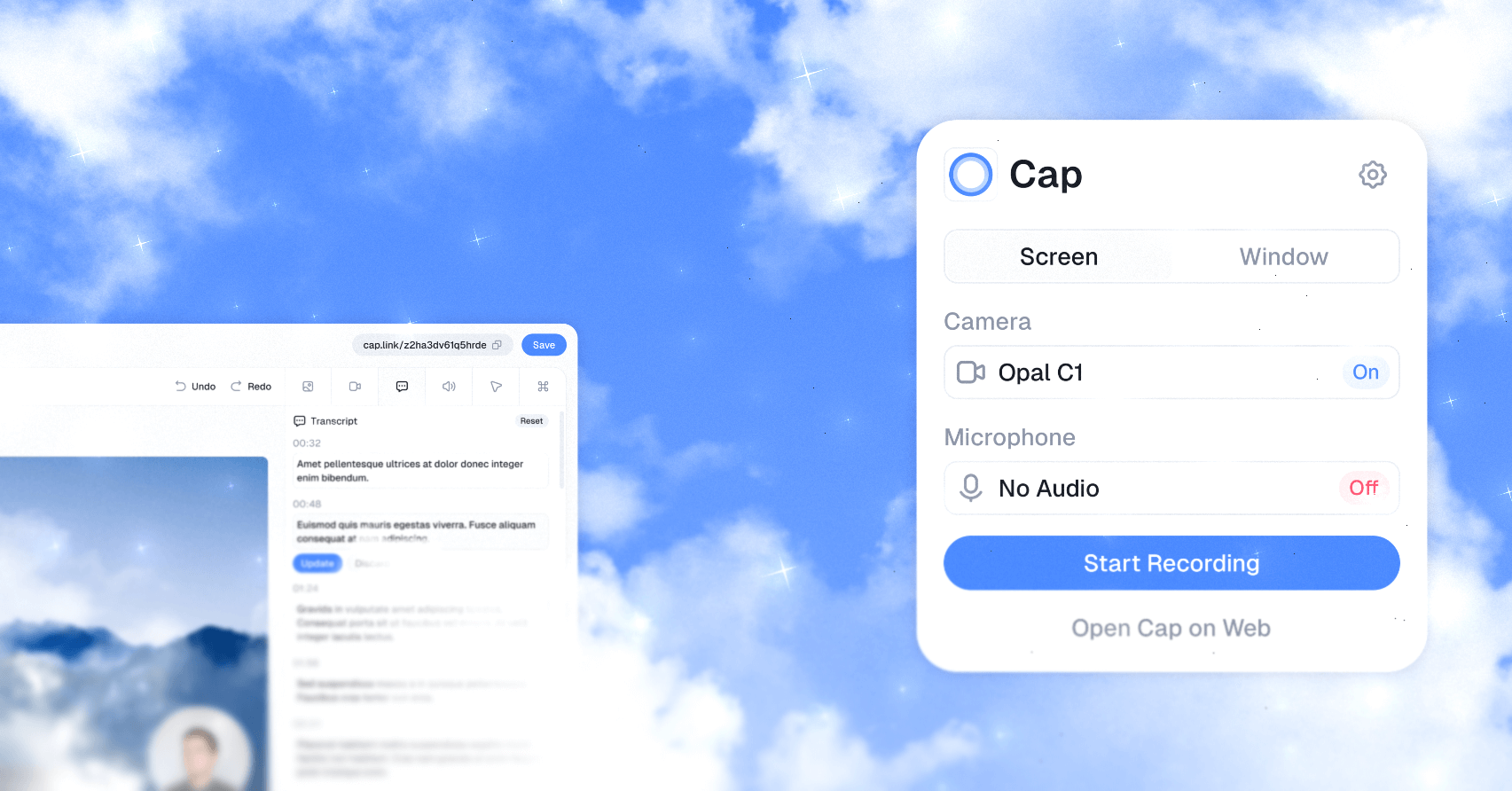
Cap is the open source alternative to Loom. It gives you fast screen recording, polished local editing, instant share links, comments, transcripts, analytics, team workspaces, custom domains, custom S3 storage, and full self-hosting when you need complete control.
Use Cap for product demos, bug reports, onboarding, tutorials, design reviews, engineering walkthroughs, async standups, client updates, and any moment where showing the work is faster than scheduling another call.
Why Cap
- Record, edit, share. Capture your screen, camera, and microphone, then share a link or export a finished video.
- Instant Mode for speed. Upload while recording and get a shareable link the moment you stop.
- Studio Mode for polish. Record locally, edit with backgrounds, zooms, trimming, captions, and export controls.
- Desktop apps for your team. Cap runs on macOS and Windows, with a web dashboard for viewing, sharing, and managing recordings.
- Own your storage. Use Cap Cloud, connect your own S3-compatible bucket, keep recordings local, or self-host the full platform.
- Privacy by default. Share publicly or privately, add passwords, use your own domain, or keep sensitive recordings off hosted infrastructure.
- Async collaboration. Comments, reactions, transcripts, viewer analytics, and team workspaces keep feedback attached to the video.
- Cap AI. Generate titles, summaries, clickable chapters, captions, and transcripts automatically.
- Move from Loom. Import existing Loom videos into Cap and keep your library in one place.
Recording Modes
| Mode |
Best for |
How it works |
| Instant Mode |
Fast feedback, bug reports, async updates |
Cap uploads while you record, then gives you a share link as soon as recording stops. |
| Studio Mode |
Product demos, tutorials, launches, client work |
Cap records locally, opens the editor, and lets you export or share a polished video. |
Data Ownership
Cap is designed for people and teams who do not want their recording workflow locked inside a black box.
- Use Cap Cloud for the fastest hosted experience.
- Connect AWS S3, Cloudflare R2, Backblaze B2, MinIO, Wasabi, or another S3-compatible provider.
- Serve share pages from your own domain.
- Self-host Cap Web, the API, database, media server, and object storage with Docker Compose.
- Point Cap Desktop at your self-hosted instance from
Settings > Cap Server URL.
Get Started
For most users, the fastest path is:
- Download Cap for macOS or Windows from cap.so/download.
- Sign in or create an account.
- Choose Instant Mode or Studio Mode.
- Record your first Cap.
- Share the link, export the file, or keep it local.
The full product docs live at cap.so/docs.
Self-Hosting
The fastest way to self-host Cap Web is Docker Compose:
git clone https://github.com/CapSoftware/Cap.git
cd Cap
docker compose up -d
Cap will be available at http://localhost:3000.
Login links appear in the service logs when email is not configured:
docker compose logs cap-web
Deployment Options
| Method |
Best for |
| Docker Compose |
VPS, home servers, and any Docker-capable host |
| Railway |
One-click managed hosting |
| Coolify |
Self-hosted PaaS deployments with docker-compose.coolify.yml |

For production, configure public URLs and replace the default secrets before exposing the deployment to the internet:
CAP_URL=https://cap.yourdomain.com
S3_PUBLIC_URL=https://s3.yourdomain.com
See the self-hosting guide for email setup, AI providers, SSL, storage, production hardening, and troubleshooting.
Local Development
Cap is a Turborepo monorepo with Rust, TypeScript, Tauri, SolidStart, Next.js, Drizzle, MySQL, Tailwind CSS, and shared media crates.
Requirements:
- Node.js 20 or newer
- Bun 1.4.0
- Rust 1.88 or newer
- Docker for MySQL, MinIO, and local services
Install and set up the repo:
bun install
bun run env-setup
bun run cap-setup
Common commands:
| Command |
Purpose |
bun run dev |
Start the full local development stack |
bun run dev:web |
Start the web app without the desktop app |
bun run dev:desktop |
Start the desktop app |
bun run build |
Build the workspace |
bun run tauri:build |
Build the desktop release |
bun run lint |
Run Biome linting |
bun run format |
Format with Biome |
bun run typecheck |
Run TypeScript project references |
cargo test -p <crate> |
Run Rust tests for a crate |
Database commands:
| Command |
Purpose |
bun run db:generate |
Generate database artifacts |
bun run db:push |
Push schema changes |
bun run db:studio |
Open Drizzle Studio |
Repository Map
| Path |
What lives there |
apps/desktop |
Tauri v2 desktop app with SolidStart UI and Rust backend |
apps/web |
Next.js web app for marketing, docs, dashboard, sharing, API routes, and auth |
apps/cli |
Rust CLI |
apps/media-server |
Media processing service used by the web app |
apps/discord-bot |
Discord integration |
packages/database |
Drizzle schema and database access |
packages/ui |
Shared React UI |
packages/ui-solid |
Shared Solid UI |
packages/web-backend |
Backend service layer |
packages/web-domain |
Web domain models and types |
packages/env |
Environment validation |
packages/sdk-embed |
Embed SDK |
packages/sdk-recorder |
Recorder SDK |
crates/* |
Recording, capture, camera, audio, encoding, rendering, muxing, export, and test crates |
scripts/* |
Setup, analytics, build, and maintenance tooling |
infra/* |
Infrastructure configuration |
The web API uses Effect and @effect/platform HTTP APIs. Desktop capture and export paths are backed by Rust crates for fast recording, rendering, and platform-specific media access.
Analytics
Cap uses Tinybird for viewer telemetry dashboards. Set TINYBIRD_ADMIN_TOKEN or TINYBIRD_TOKEN before running analytics commands.
| Command |
Purpose |
bun run analytics:setup |
Deploy Tinybird datasources and pipes from scripts/analytics/tinybird |
bun run analytics:check |
Validate that the Tinybird workspace matches the app expectations |
analytics:setup can remove Tinybird resources outside the checked-in analytics configuration. Use it only against the workspace you intend to manage from this repo.
Contributing
Cap is built in public. Issues, pull requests, design feedback, bug reports, docs fixes, and bounties are welcome.
License
Portions of this software are licensed as follows:
- Code in the
cap-camera* and scap-* crate families is licensed under the MIT License. See licenses/LICENSE-MIT.
- Third-party components are licensed under the original license provided by their owner.
- All other content not mentioned above is available under the AGPLv3 license as defined in LICENSE.

 一个开源的 Loom 替代品:它能录制屏幕、摄像头和麦克风,并把录制内容变成可分享的链接或导出的视频——适合做演示、提交 bug 报告、写教程和异步站会。