

Что это?
 Moyai — самохостинговый кодинг-агент для фоновой работы: даёте ему задачу из браузера или Slack, а он правит код, гоняет тесты и открывает pull request на ваше рассмотрение.
Moyai — самохостинговый кодинг-агент для фоновой работы: даёте ему задачу из браузера или Slack, а он правит код, гоняет тесты и открывает pull request на ваше рассмотрение.Это облачный сервис или то, что я запускаю сам?Это самохостинговое веб-приложение, которое вы разворачиваете сами — на Modal (по умолчанию) или собственном кластере Substrate, а не управляемый SaaS-продукт.
Это самохостинговое веб-приложение, которое вы разворачиваете сами — на Modal (по умолчанию) или собственном кластере Substrate, а не управляемый SaaS-продукт.Как его запустить?Установите Git, Python 3.12+ и uv, склонируйте и запустите установщик, скопируйте токены Modal и настройки шлюза LiteLLM в .env, затем разверните на Modal и войдите, используя сгенерированный пароль рабочего пространства.
Установите Git, Python 3.12+ и uv, склонируйте и запустите установщик, скопируйте токены Modal и настройки шлюза LiteLLM в .env, затем разверните на Modal и войдите, используя сгенерированный пароль рабочего пространства.Какие аккаунты нужны перед развёртыванием?Нужны аккаунт Modal и шлюз LiteLLM с включённой моделью (в стандартном руководстве используется GPT-6 Astra), плюс Git, Python 3.12+ и uv локально.
Нужны аккаунт Modal и шлюз LiteLLM с включённой моделью (в стандартном руководстве используется GPT-6 Astra), плюс Git, Python 3.12+ и uv локально.Есть подводные камни при развёртывании?Развёртывание сразу запускает оплачиваемые вычисления, а повторное развёртывание поверх существующей установки прерывает все её текущие задачи; пользователям Windows нужен WSL, так как команды рассчитаны на shell macOS/Linux.
Развёртывание сразу запускает оплачиваемые вычисления, а повторное развёртывание поверх существующей установки прерывает все её текущие задачи; пользователям Windows нужен WSL, так как команды рассчитаны на shell macOS/Linux.Куда попадают мои API-ключи провайдеров?Ключи провайдеров остаются на самом сервере Moyai; изолированная песочница, где агент правит код и выполняет команды, их никогда не видит.
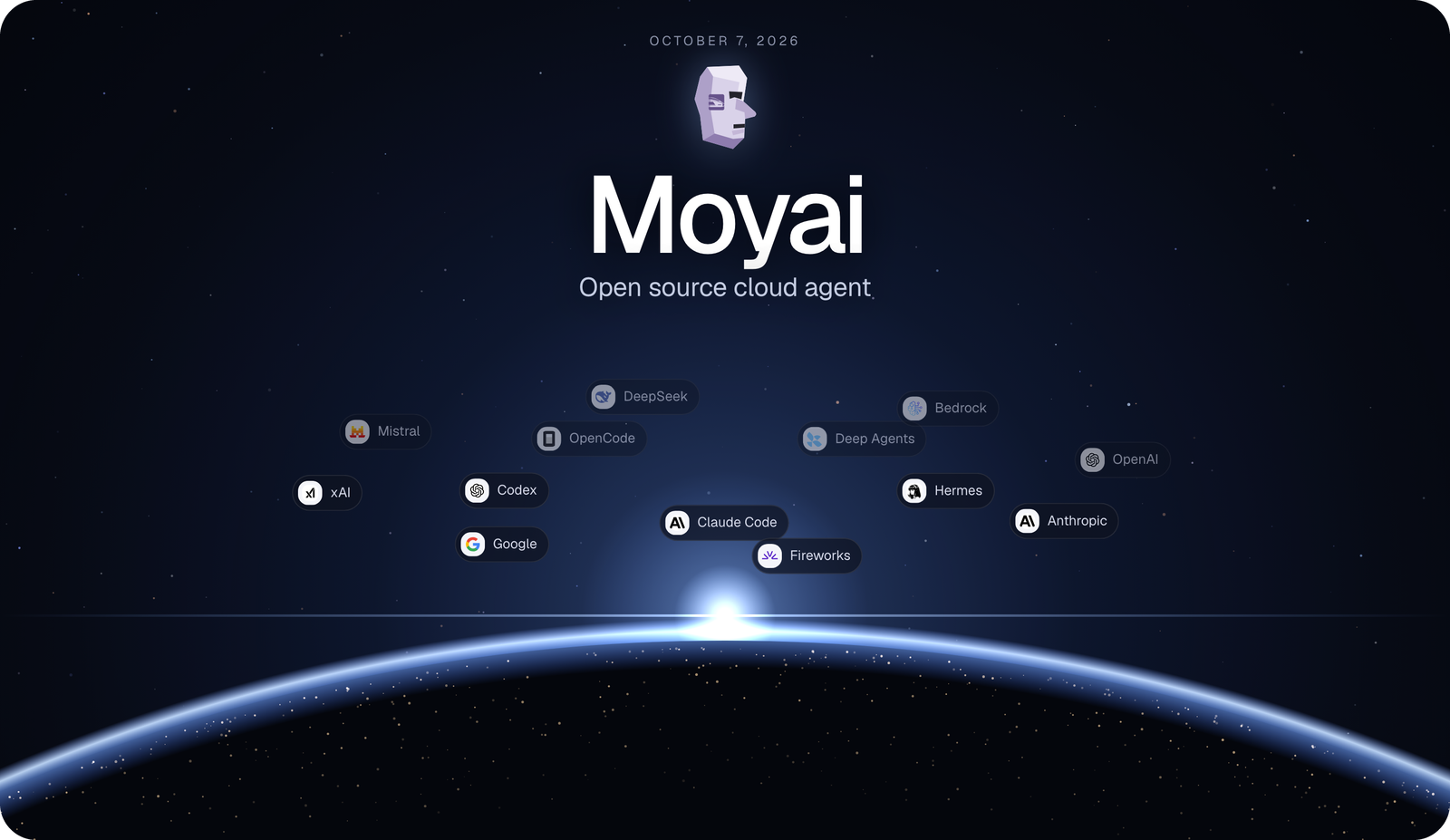
Ключи провайдеров остаются на самом сервере Moyai; изолированная песочница, где агент правит код и выполняет команды, их никогда не видит.Какие оболочки кодинг-агентов можно выбрать для сессии?Каждая сессия может работать на Hermes, Claude Agent SDK, Codex, OpenCode, Deep Agents или Tool Loop — все в одном и том же изолированном рабочем пространстве с теми же инструментами и правами. Новые сессии по умолчанию используют Claude Agent SDK с включённым кэшированием промптов.
Каждая сессия может работать на Hermes, Claude Agent SDK, Codex, OpenCode, Deep Agents или Tool Loop — все в одном и том же изолированном рабочем пространстве с теми же инструментами и правами. Новые сессии по умолчанию используют Claude Agent SDK с включённым кэшированием промптов.Насколько Moyai дешевле Devin?BerriAI перенесла свой внутренний кодинг-агент с Devin на Moyai и снизила стоимость того же месяца работы примерно со $101 872 до около $21 700 — примерно на 79% дешевле.
BerriAI перенесла свой внутренний кодинг-агент с Devin на Moyai и снизила стоимость того же месяца работы примерно со $101 872 до около $21 700 — примерно на 79% дешевле.Можно прервать или возобновить запущенную задачу?Можно отправлять агенту правки, пока он работает, или позже возобновить сессию с её сохранёнными файлами и полной историей переписки.
Можно отправлять агенту правки, пока он работает, или позже возобновить сессию с её сохранёнными файлами и полной историей переписки.Можно искать по прошлым сессиям агента?Да — поиск охватывает названия сессий, исходные запросы и слова внутри сохранённых сообщений, а совпавшие фрагменты показываются в боковой панели как для недавних, так и для старых сессий.
Да — поиск охватывает названия сессий, исходные запросы и слова внутри сохранённых сообщений, а совпавшие фрагменты показываются в боковой панели как для недавних, так и для старых сессий.Which topics is it in?pull-request, agentic-coding, slack, harness, opencode, coding-agents, sandbox, github, agent-orchestration, multi-agent, agents, coding-agent
pull-request, agentic-coding, slack, harness, opencode, coding-agents, sandbox, github, agent-orchestration, multi-agent, agents, coding-agent